


Vertical Scroll Mod (26.2, 1.21.1) – Scroll Through Your Inventory Without

 0
0 

🌐 Read this article in your language! Choose your preferred language below.
Or pick the one you like:
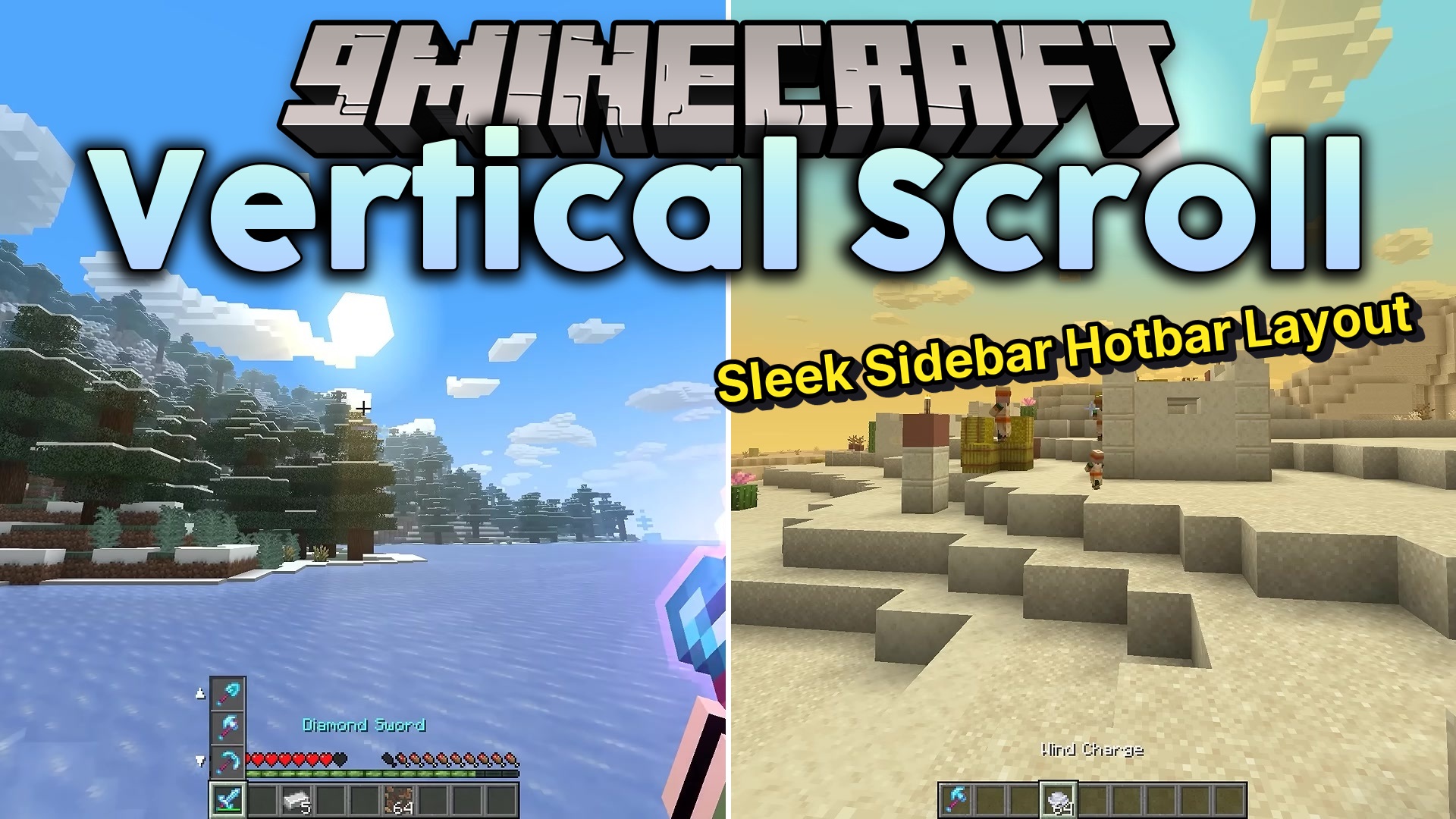
Vertical Scroll Mod lets you swap items from your inventory directly into your hotbar without opening menus. It adds a new way to cycle through the three inventory slots sitting right above your active hotbar space. You just hold a button and spin your mouse wheel to bring blocks or tools down to your hand. This saves you time during building or fighting when you need a specific item fast.
Features:
- Cycles through the three inventory slots stacked directly above your active hotbar slot.
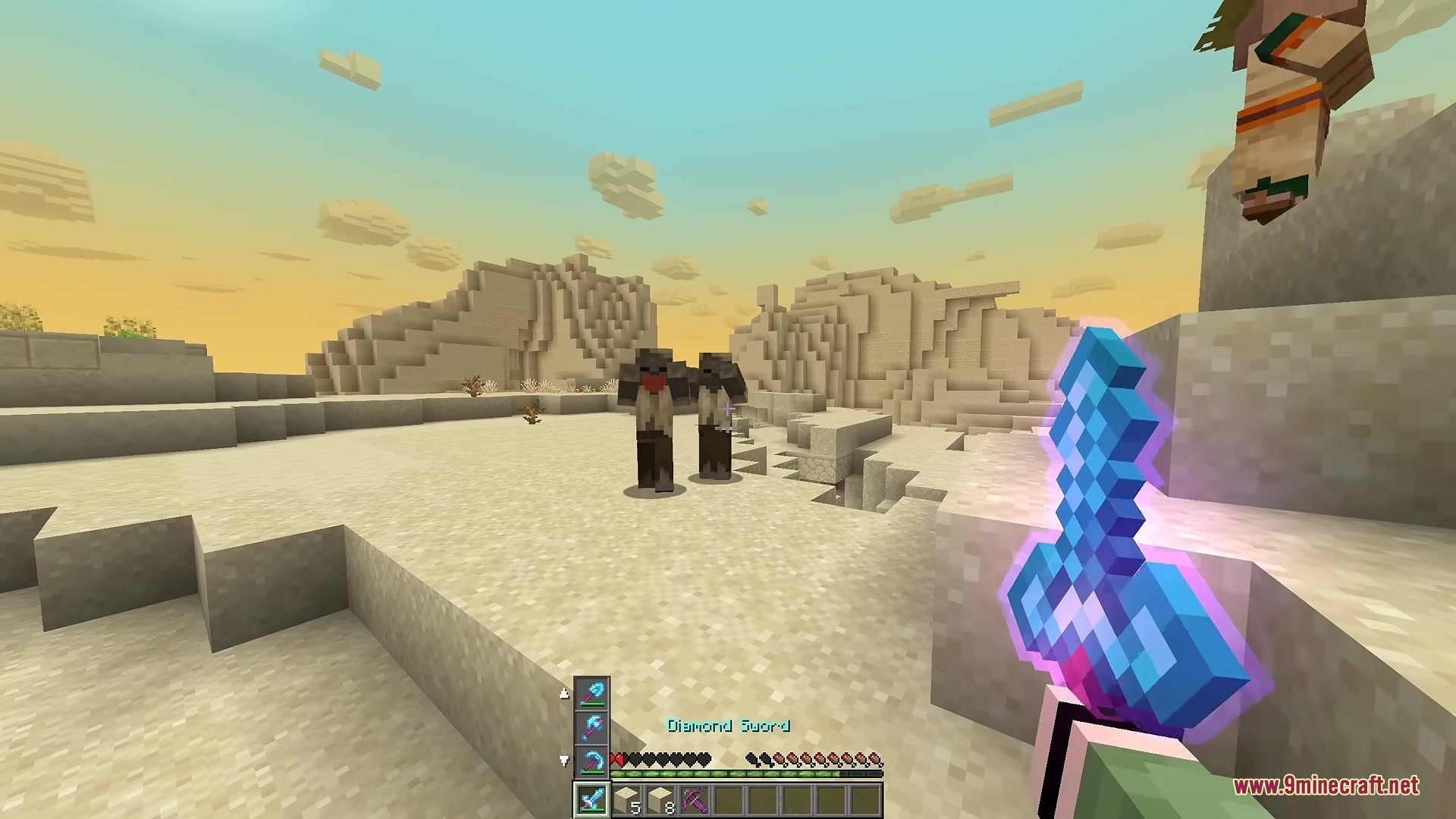
- Shows a small display on your screen when you hold the modifier key, letting you see exactly what items are in that column.
- Includes item pictures, stack numbers, and small arrows on the screen display to show which way the items will move.
- Works on any multiplayer server because the mod only runs on your game client.
- Keeps your hotbar selection in the exact same spot while only the items rotate up and down.
How to Use:
- Select a slot on your hotbar that you want to change.
- Hold down the modifier key (Left Alt is the default key).
- Scroll your mouse wheel up to bring the top item down, or scroll down to bring the bottom item up.
- Change the modifier button in your game settings under Controls if you prefer a different key.
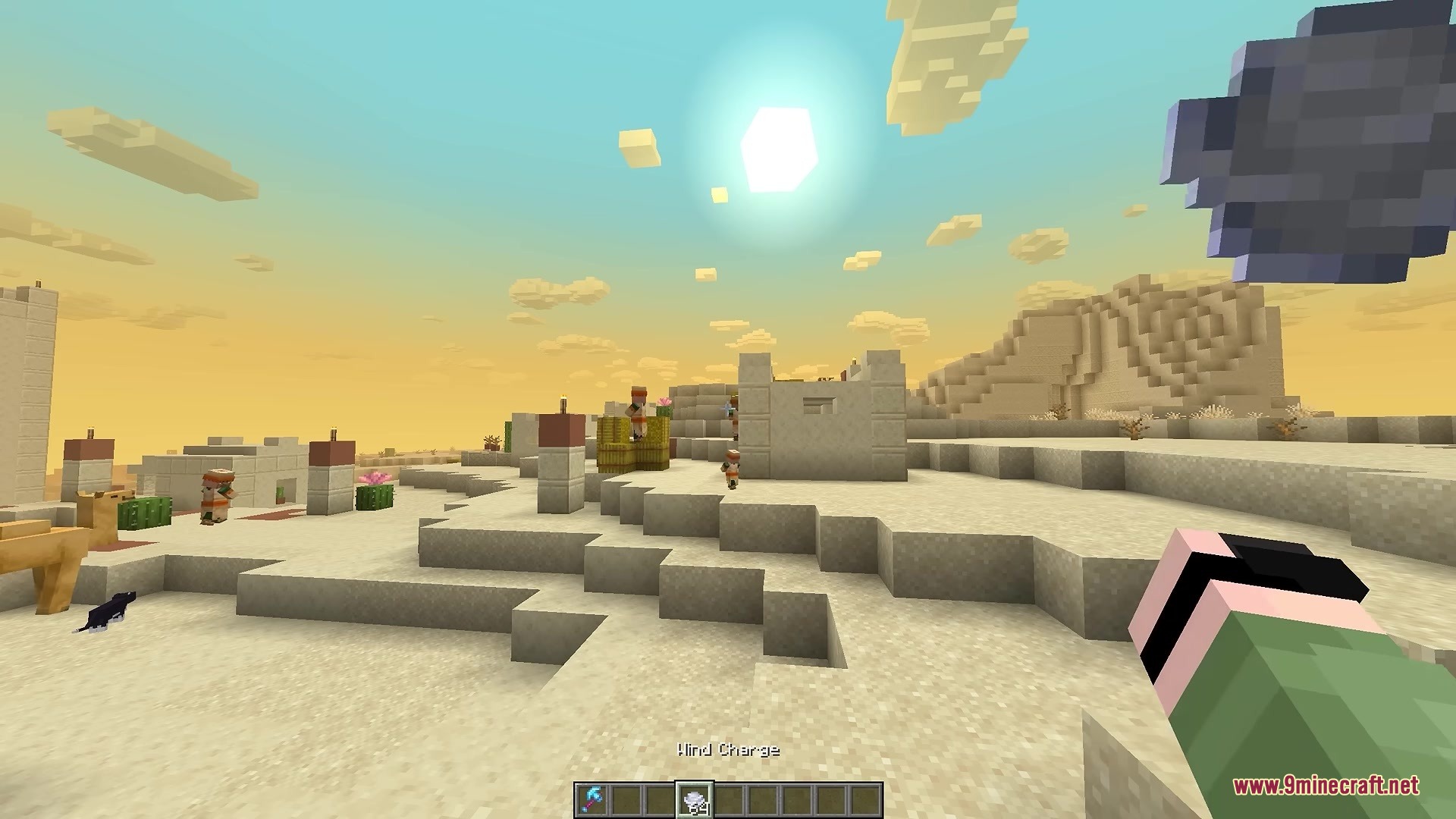
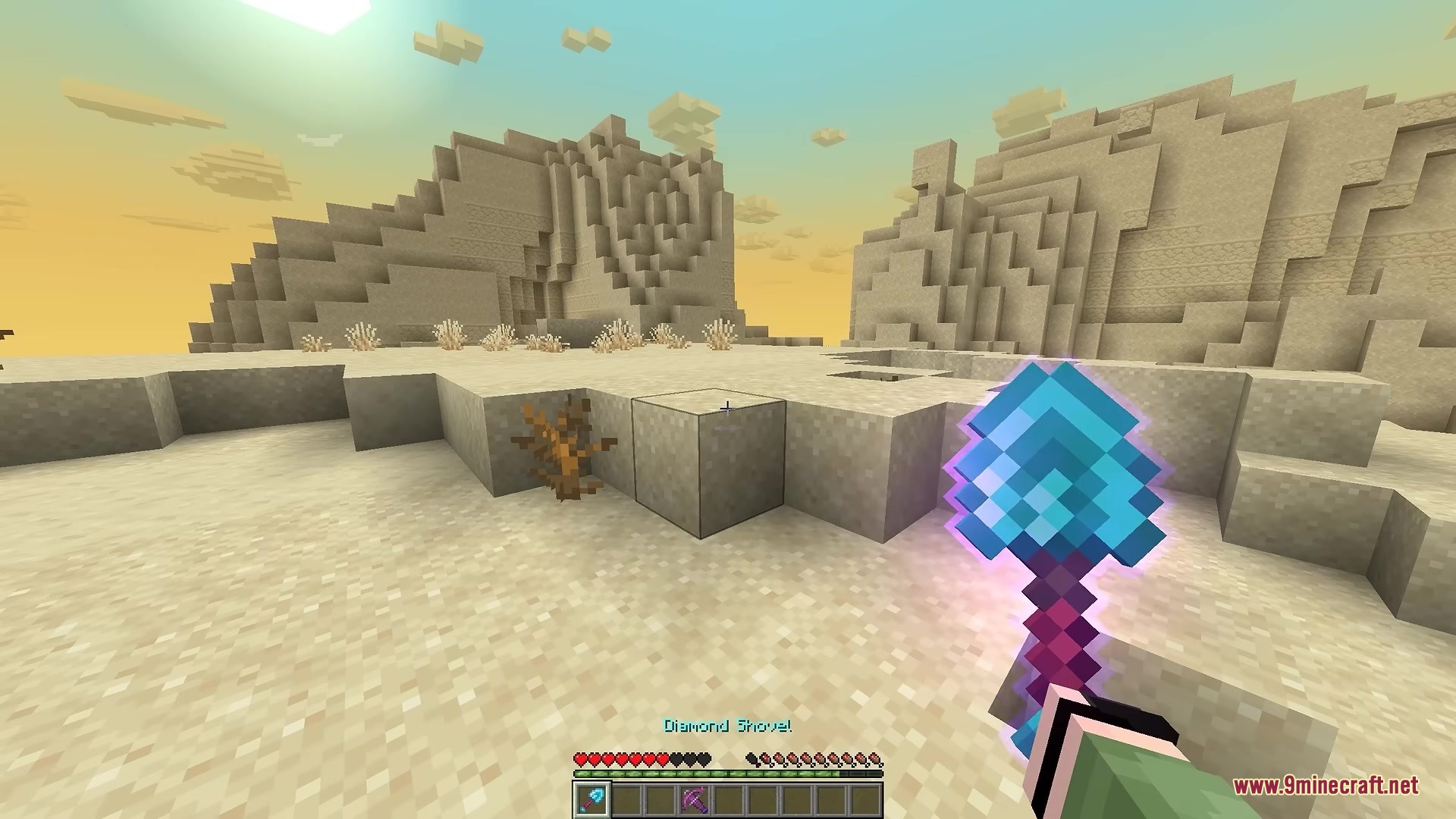
Screenshots:

How to Install:
New to Minecraft? Follow our step-by-step guide to install Mods on your PC.View Guide



Vertical Scroll Mod Download Links
For Minecraft 26.2
For Minecraft 26.1.2, 26.1.1, 26.1
For Minecraft
1.21.11,
1.21.10,
1.21.9
All Versions Covered
1.21.11
1.21.10
1.21.9
1.21.8
1.21.7
1.21.6
1.21.5
1.21.4
1.21.1
1.21
All Versions Covered
1.21.11
1.21.10
1.21.9
1.21.8
1.21.7
1.21.6
1.21.5
1.21.4
1.21.1
1.21
For Minecraft
1.21.5,
1.21.4,
1.21.3
All Versions Covered
1.21.5
1.21.4
1.21.3
1.21.2
All Versions Covered
1.21.5
1.21.4
1.21.3
1.21.2
For Minecraft 1.21.1, 1.21
Click to rate this post!
[Total: 0 Average: 0]
You May Also Like









This post has no comments yet. Be the first — your comment will appear here.