
Bedrock Tools v1.5.6 (26.50, 1.26+) – PvP Utility Client Mod for LeviLauncher
 3
3
 0
0

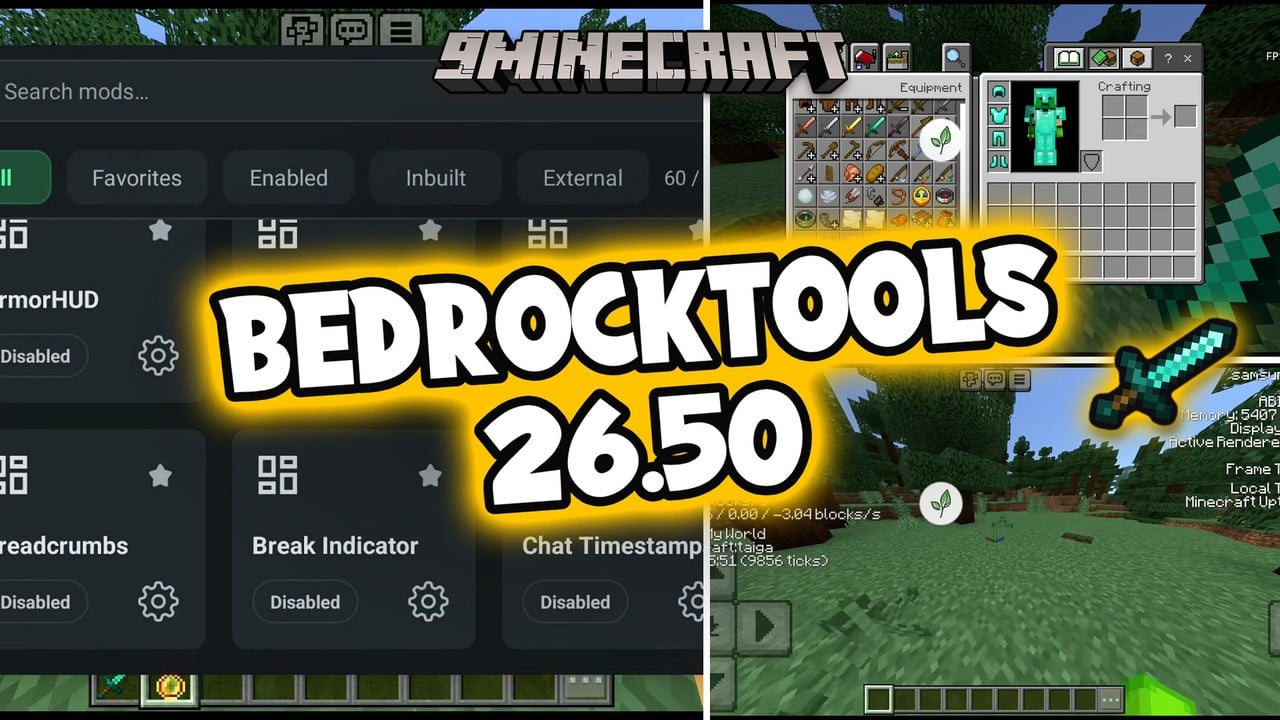
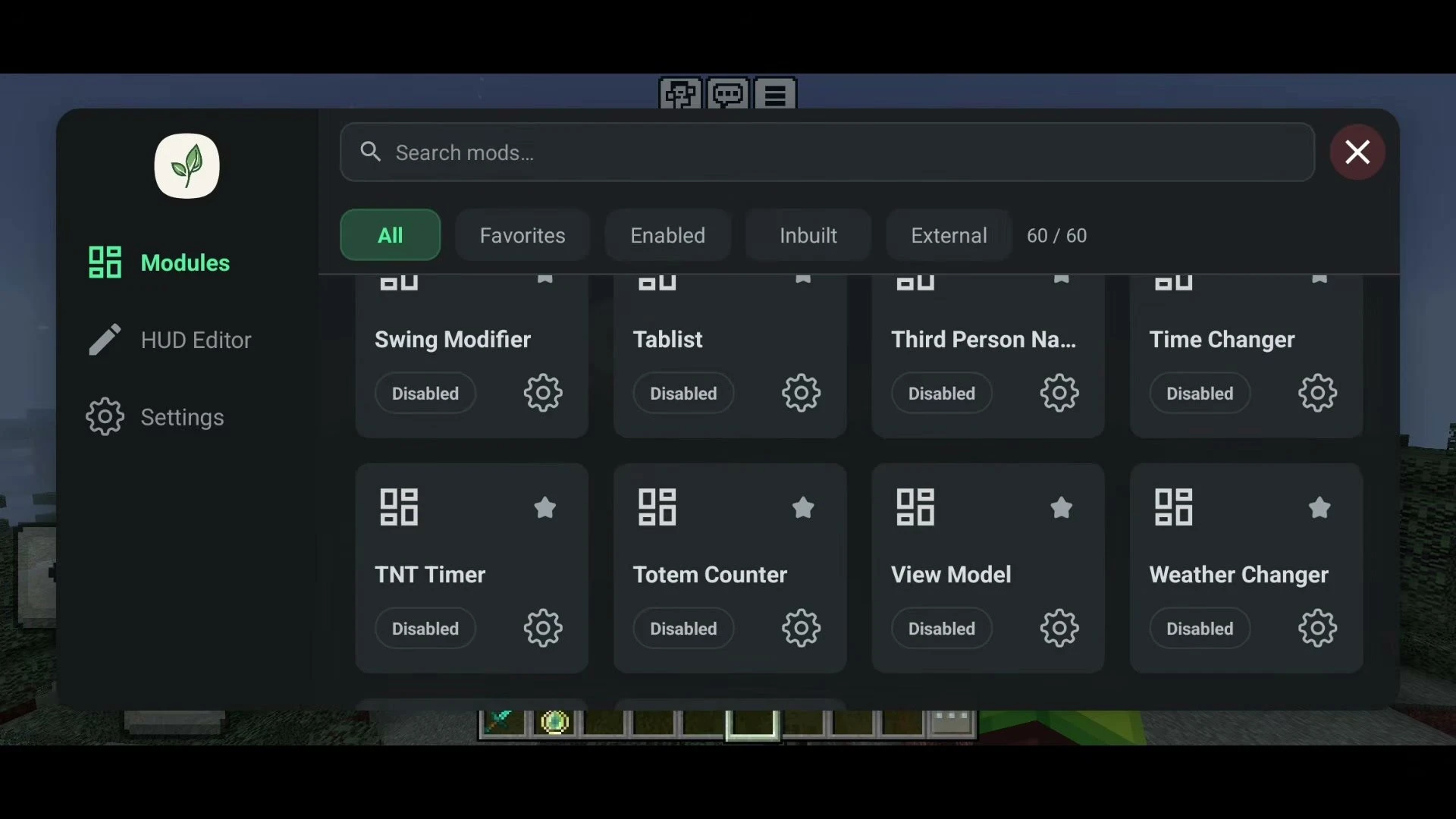
Bedrock Tools is a free utility mod for Minecraft Bedrock Edition on Android that runs through LeviLauncher. Made by MrPokeG, it packs 60 HUD, PvP, player and visual modules into one clean in-game menu, so you get the kind of toolbox a PC client offers – Keystrokes, CPS counter, Fullbright, Zoom, Hitbox and more – on your phone, with no patched APK and no resource pack to juggle.
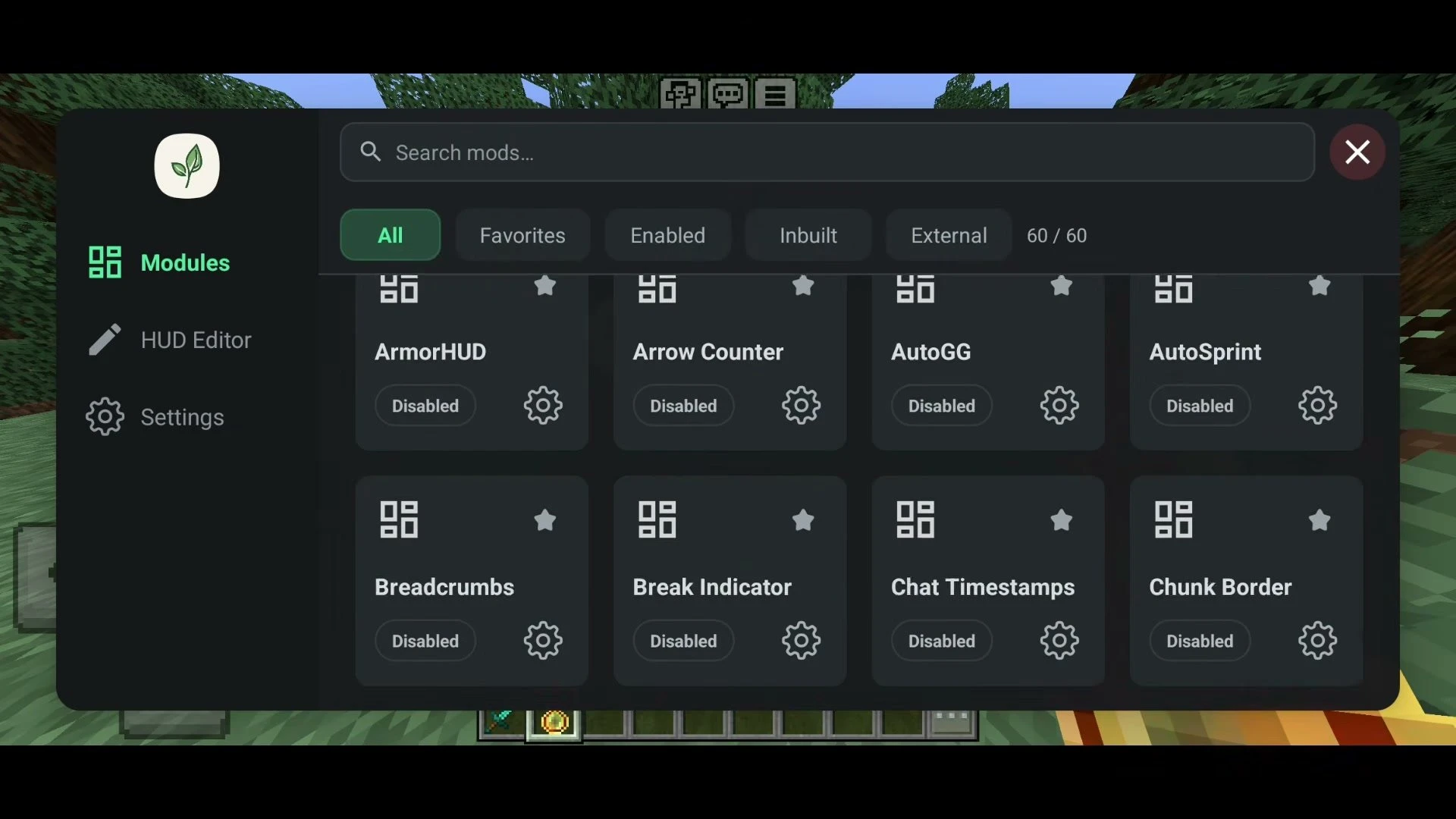
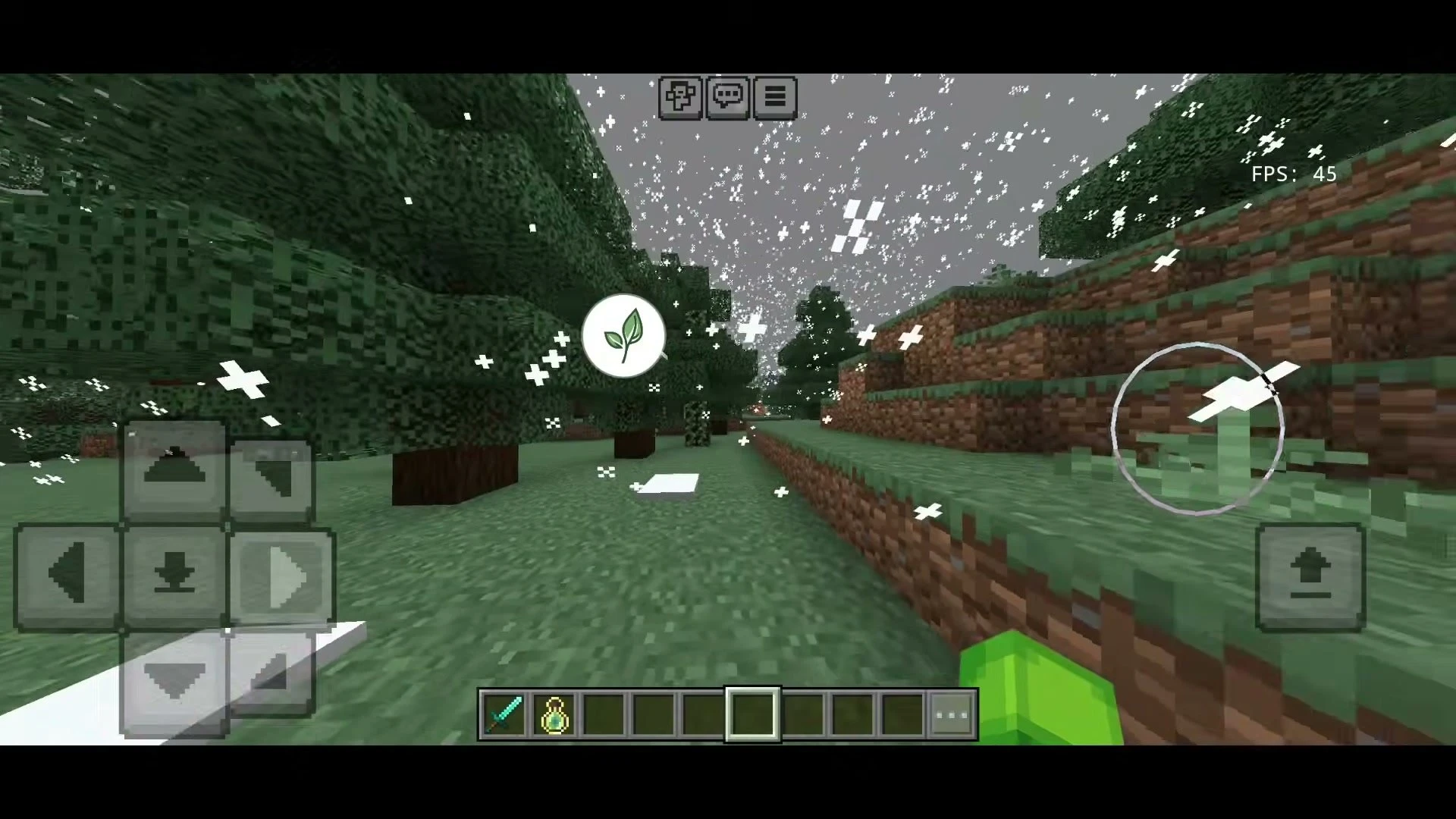
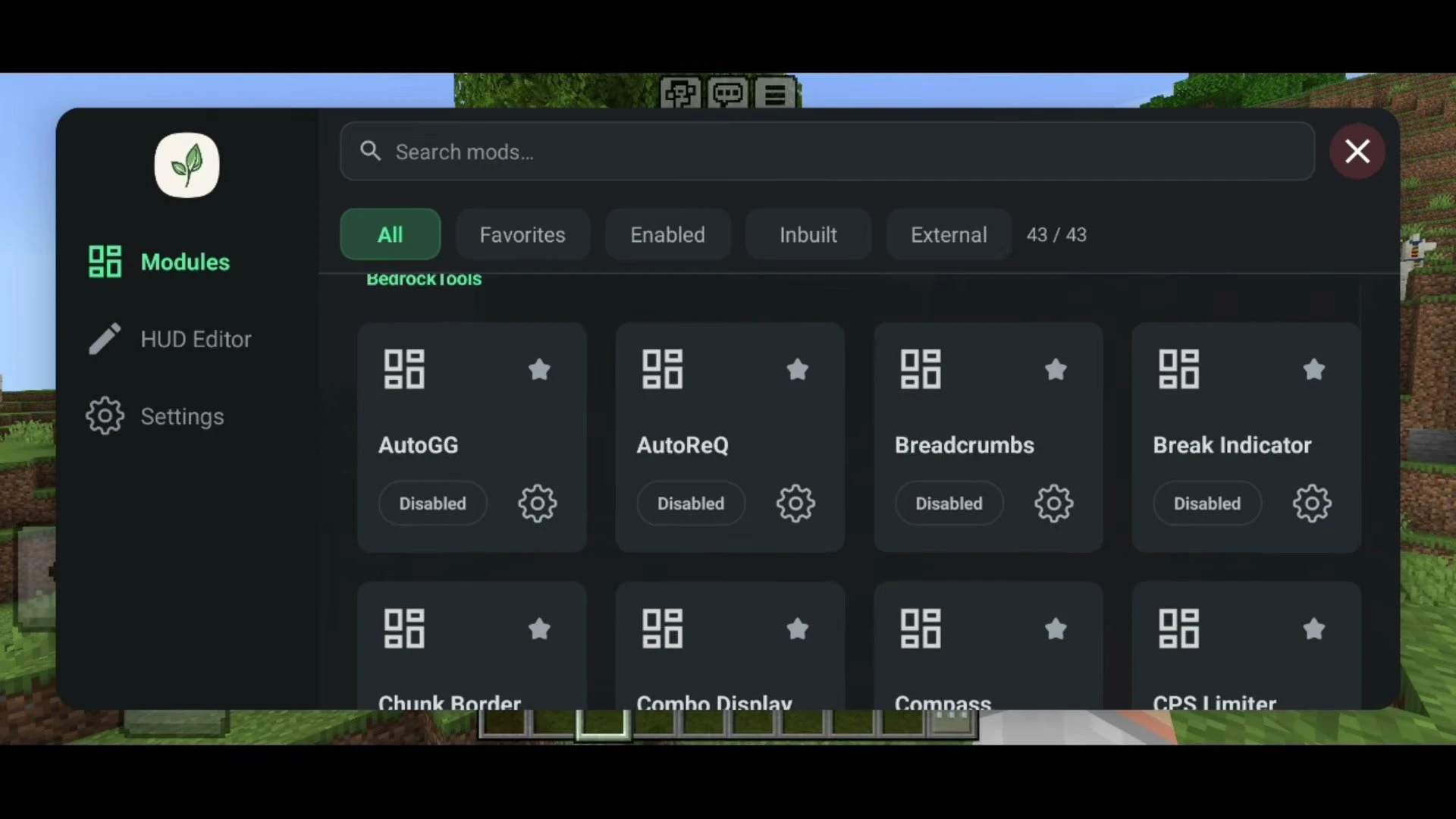
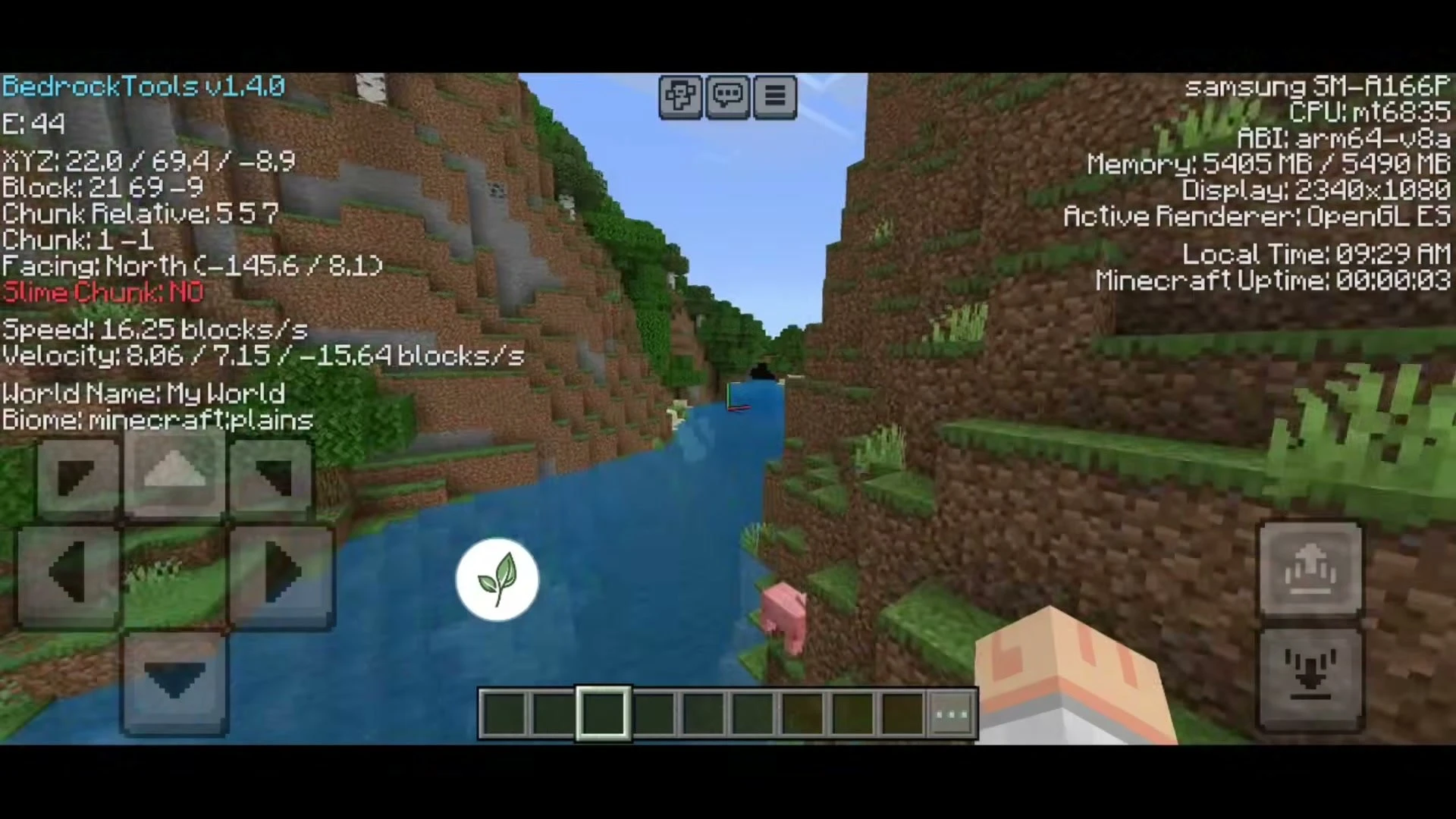
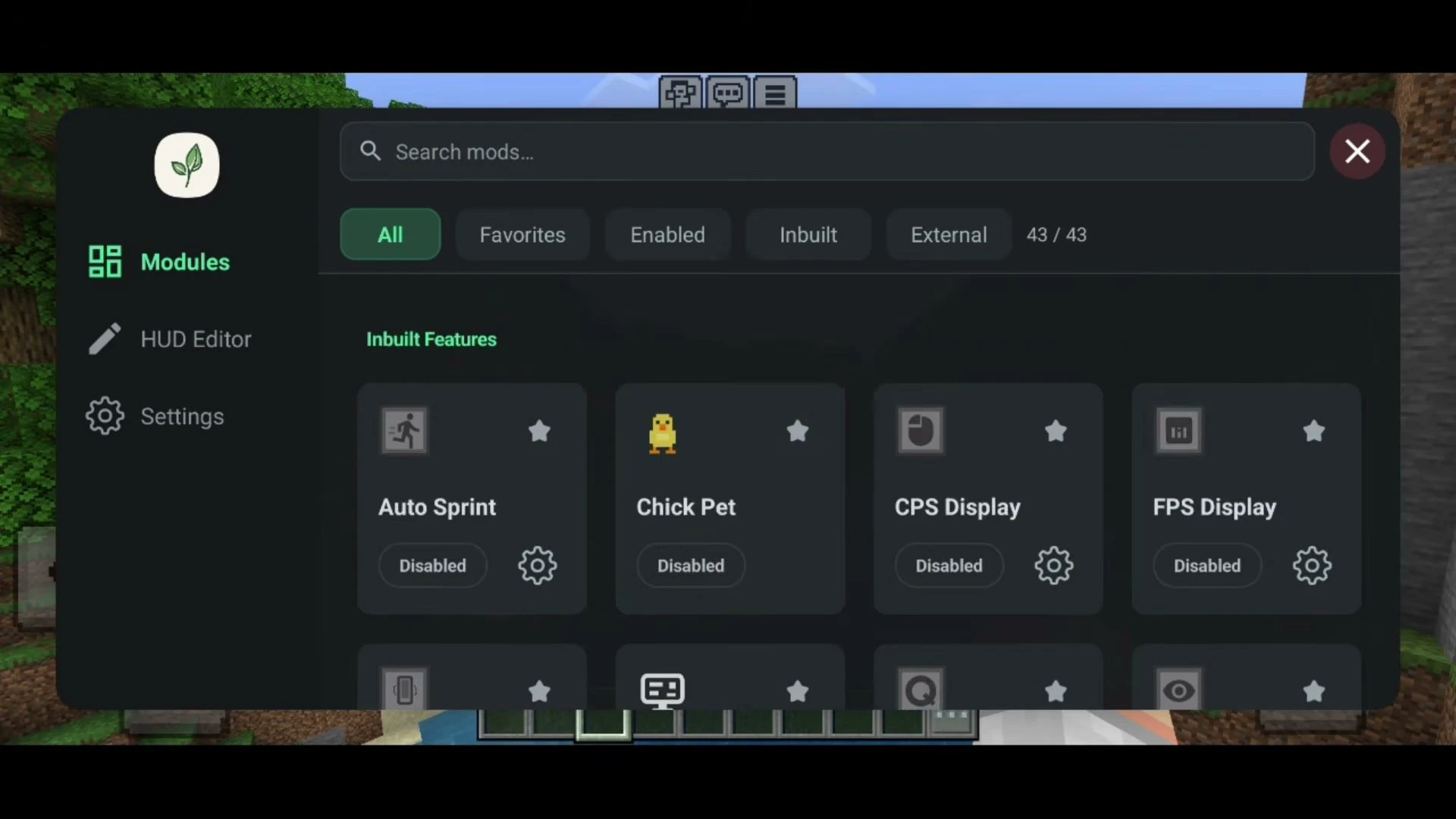
Tap the small leaf button on screen to open the menu, search for any module, star your favorites and toggle them live without leaving your world. Every module has its own settings page, and the built-in HUD Editor lets you drag the on-screen widgets wherever you want them.
Supported Versions:
The latest BedrockTools v1.5.6 is built for Minecraft Bedrock 26.50 on Android (ARM64), and the older v1.4.0 build for 26.40 is still listed below. Both load as a native mod inside LeviLauncher. Native mods are tied to the game build they were made for, so match your Minecraft version to the mod version.
Features:
- 60 modules in a searchable menu with All, Favorites, Enabled, Inbuilt and External tabs.
- HUD Editor to move and resize every on-screen widget.
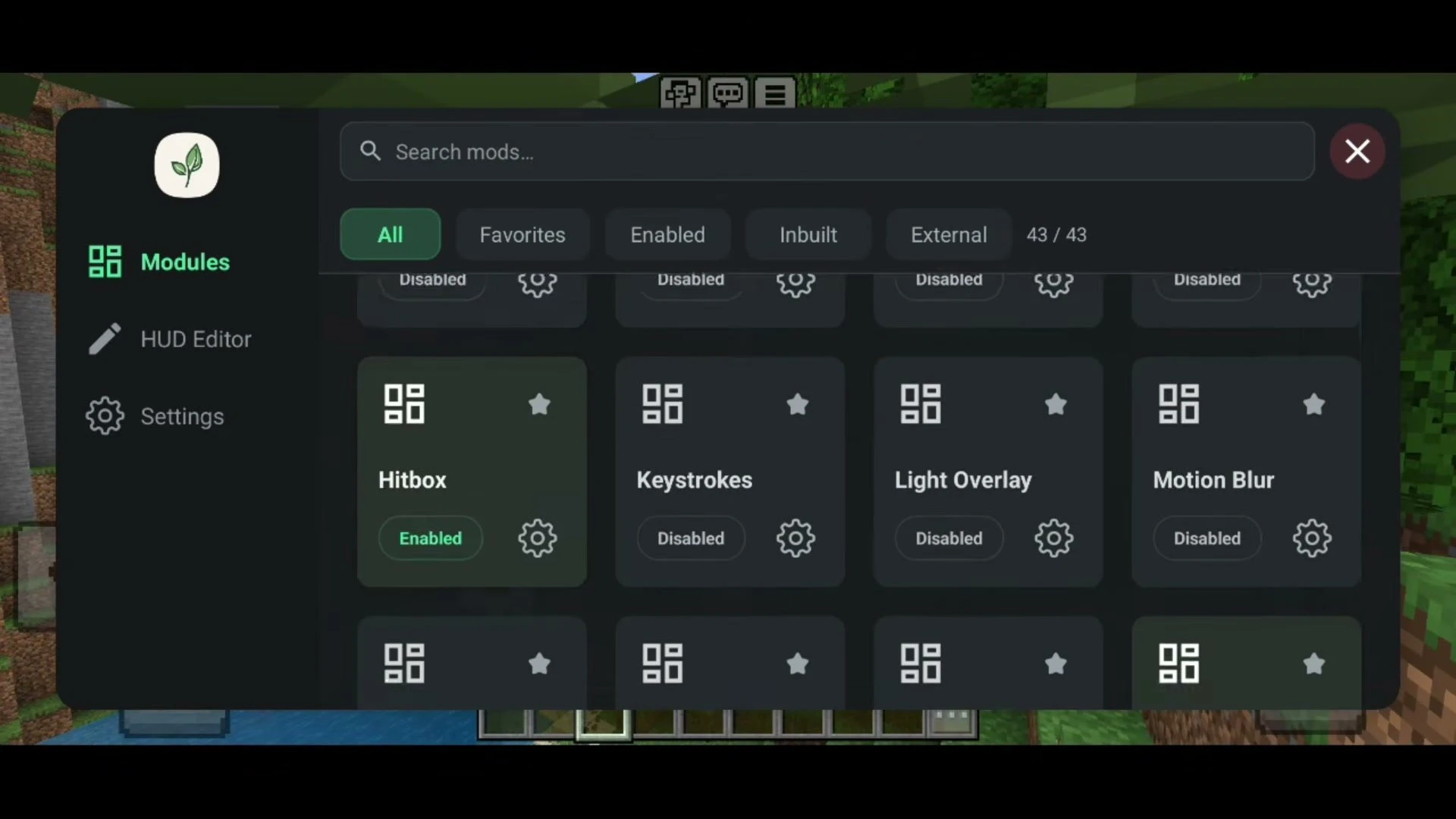
- PvP: Hitbox (with look line and eye line), Reach Counter, Combo Display, CPS Display, Keystrokes, AutoGG, AutoReQ and Auto Sprint.
- Visual: Fullbright, NoFog, Fog Color, Chunk Border, Light Overlay, Motion Blur, Break Indicator, Breadcrumbs, View Model and Zoom.
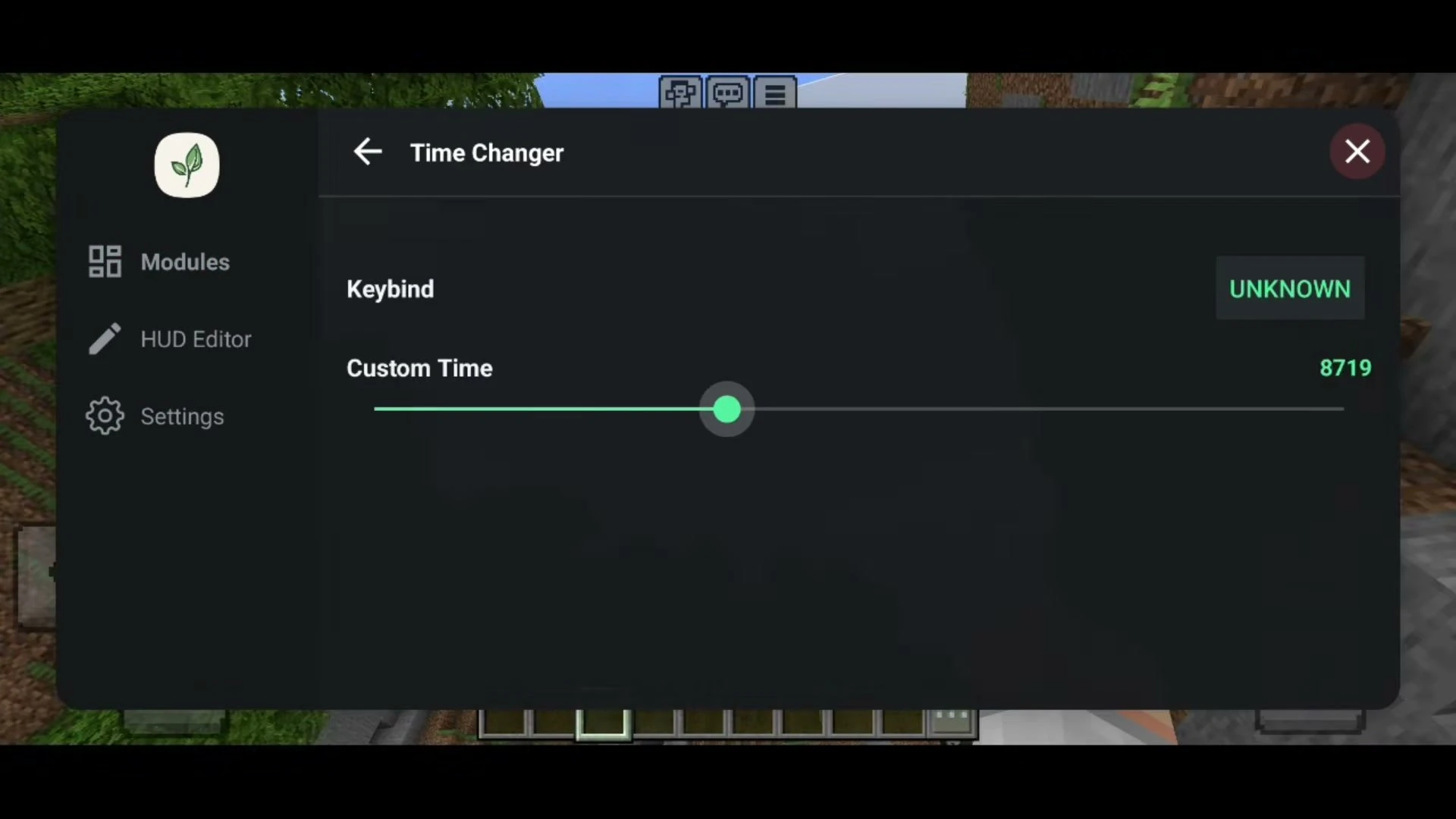
- World: Time Changer and Weather Changer to set your own time and weather client-side.
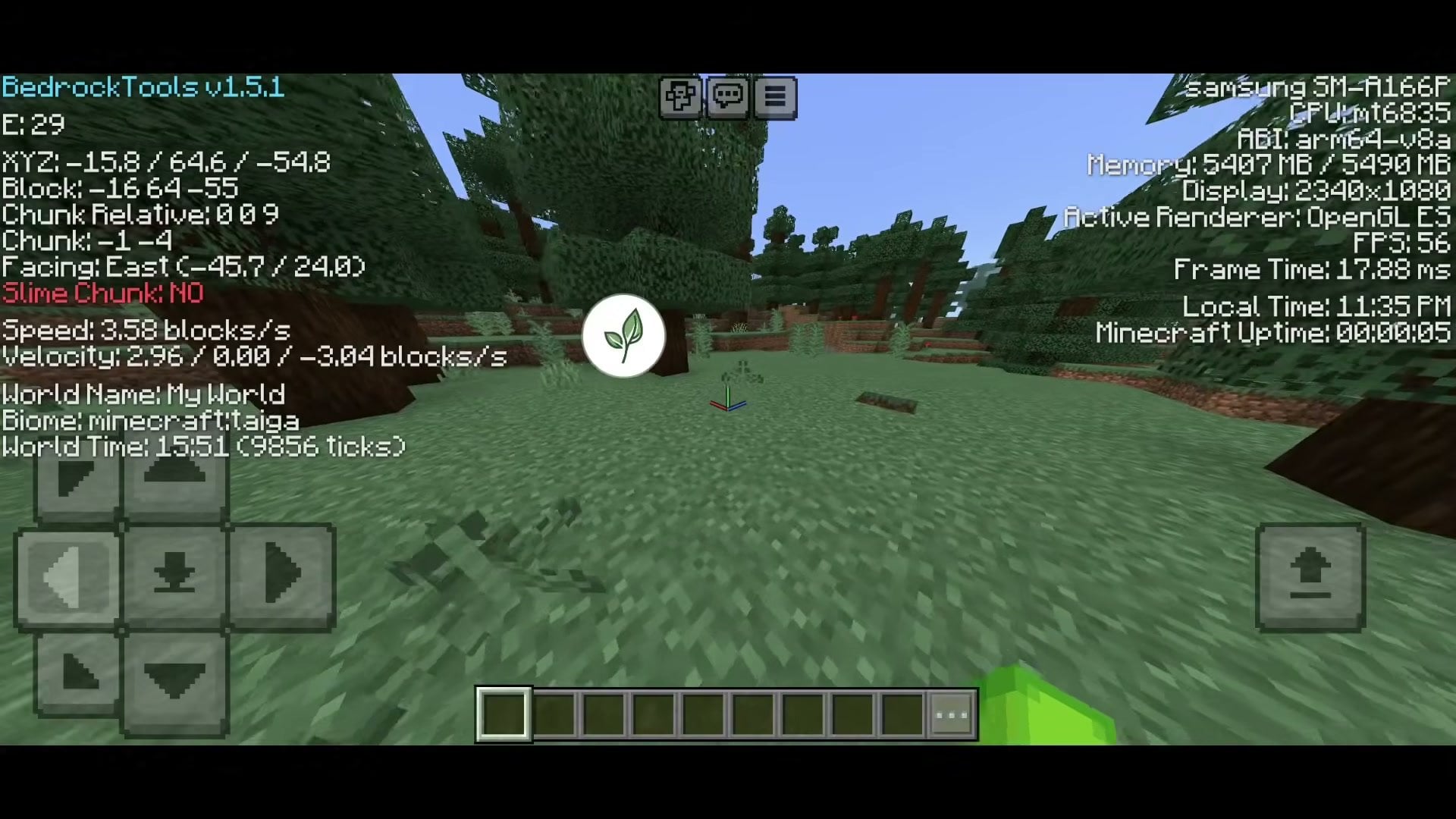
- Info: Debug Menu with coordinates, chunk, speed, facing, biome and device details, plus FPS Display, Speed Display, Compass and Tablist.
- Player: Third Person Nametag, Quick Perspective, Quick Drop, Hide HUD, Nick, Skin Stealer, Gyro and a cute Chick Pet.
- HUD: ArmorHUD (with hotbar background), PotionHUD, Arrow Counter, Totem Counter, Pot Counter, TNT Timer, World Time, Ping Counter and Player Coords.
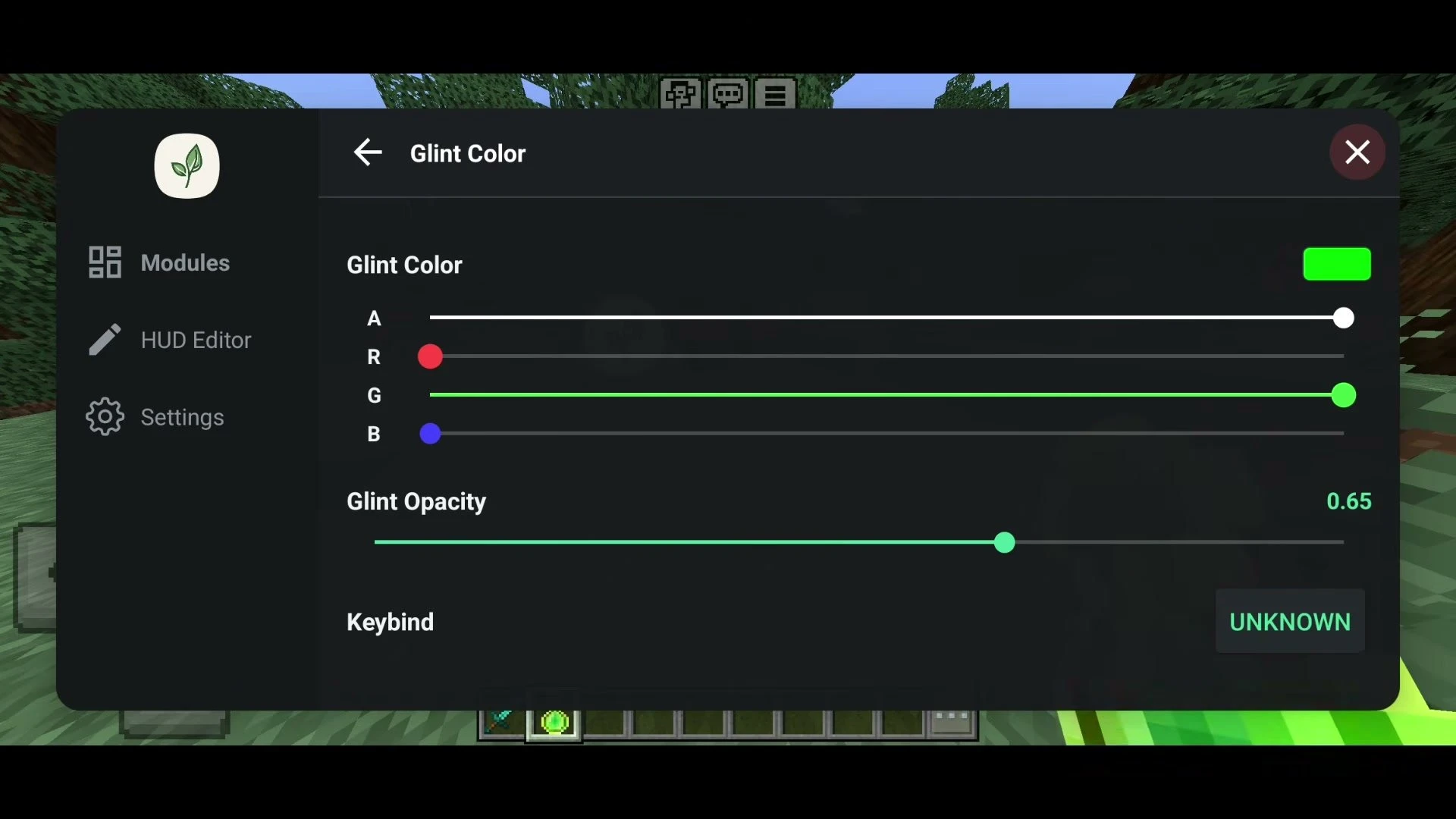
- Extras: Glint Color, Connected Glass, Swing Modifier, Cinematic Camera, Chat Timestamps, Shulker Preview, QuickLoot and HiveUtils.
- Performance: FPS Unlocker, No Disconnect and No Touch Border.
What’s New in v1.5:
- Added support for Minecraft 26.50 (v1.5.3 and later, latest build v1.5.6).
- Added ArmorHUD (with hotbar background), PotionHUD, Arrow and Totem Counter, Pot Counter and a World Time HUD.
- Added QuickLoot (moves items from a container to your inventory), HiveUtils and Cinematic Camera.
- Added frame time, FPS and world time to the Debug Menu.
- Added Connected Glass Pane, Swing Modifier, Better AutoSprint and Better Keystrokes, and fixed the leather armor issue.
What’s New in v1.4.0:
- Added support for Minecraft 26.40.
- Added the CPS Limiter module.
- Added a CPS counter to the Keystrokes module.
- Faster loading – the mod now loads in about 2-3 seconds (update your launcher to get the speed-up).
Screenshots:
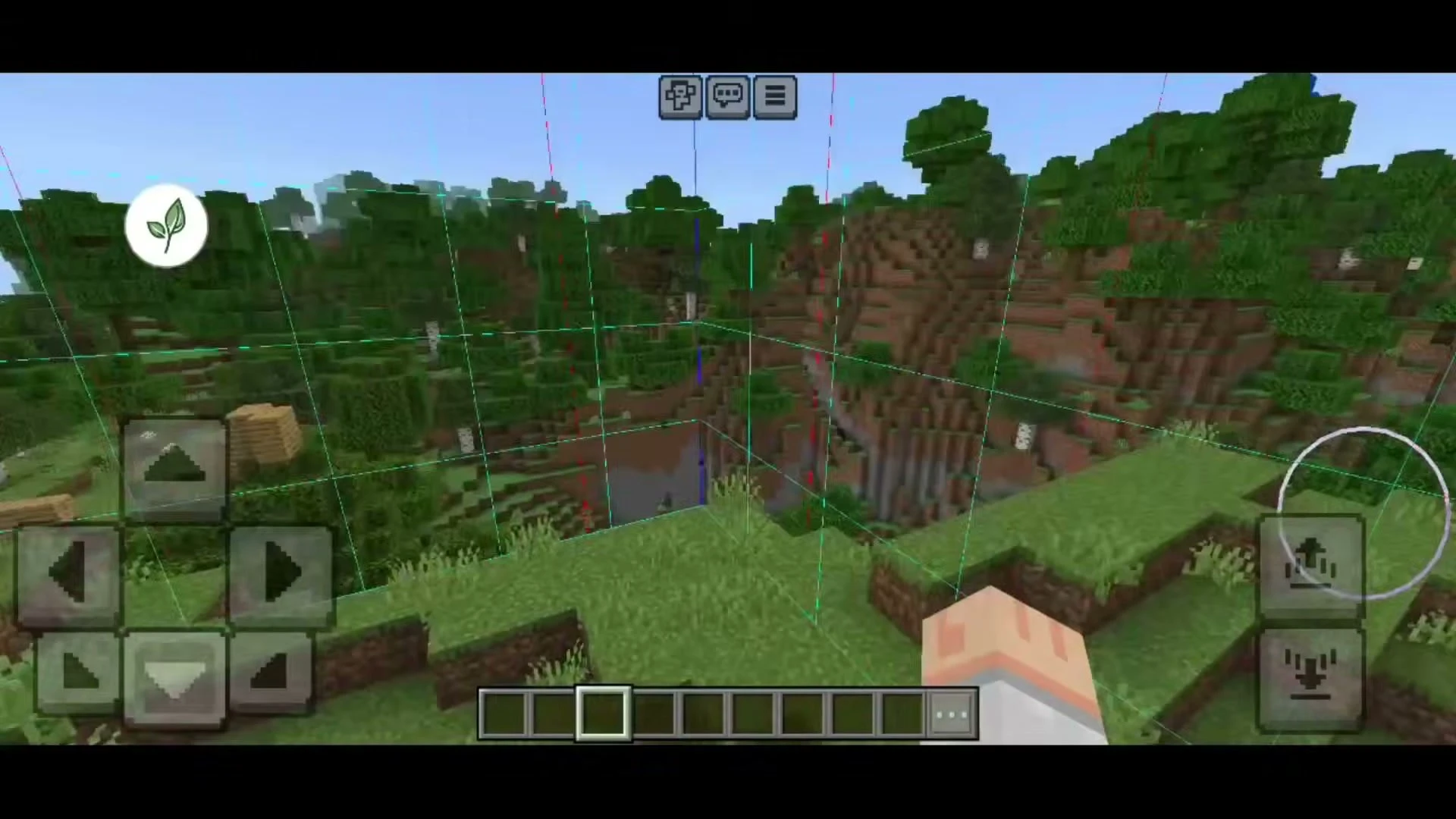
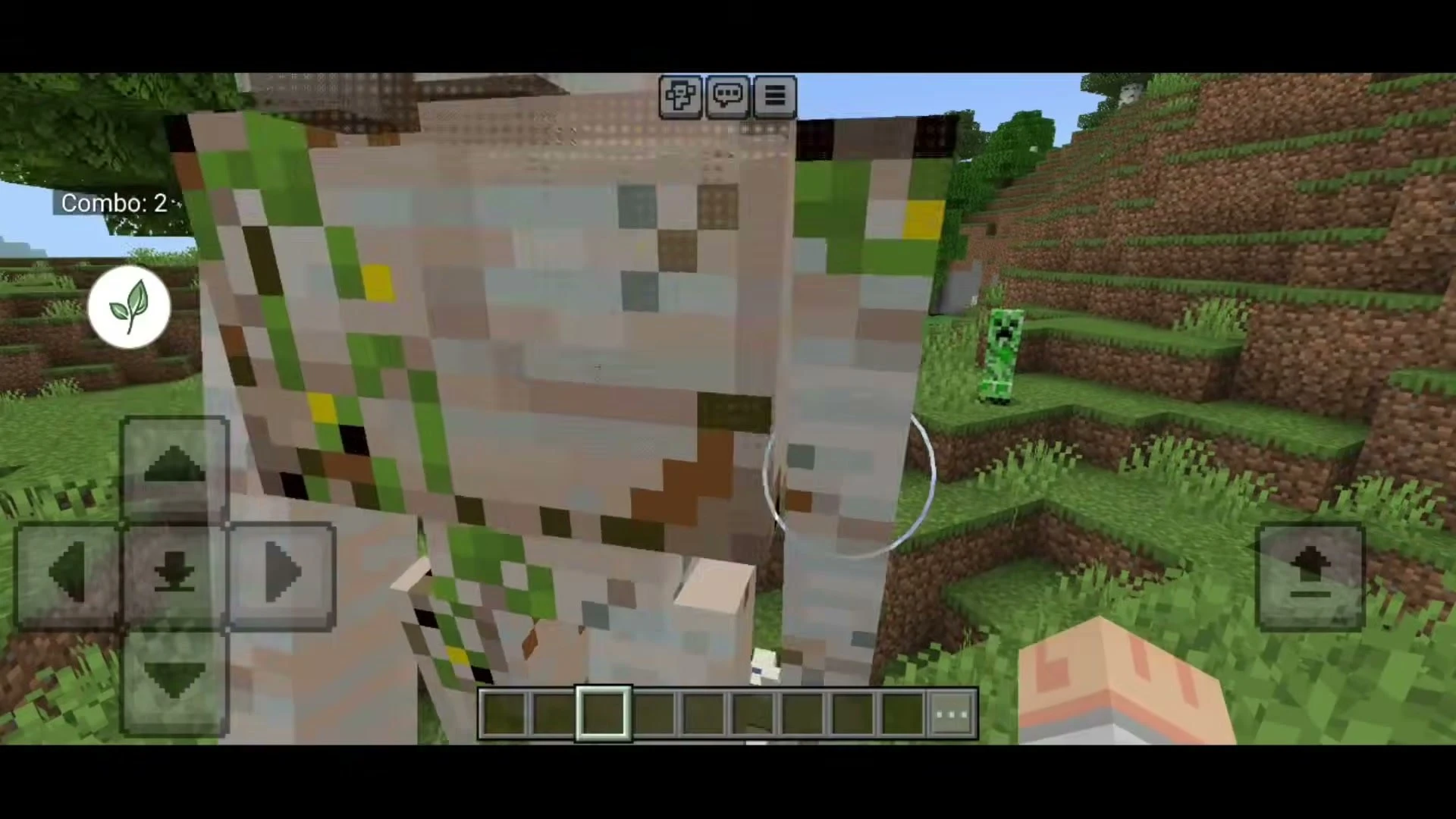
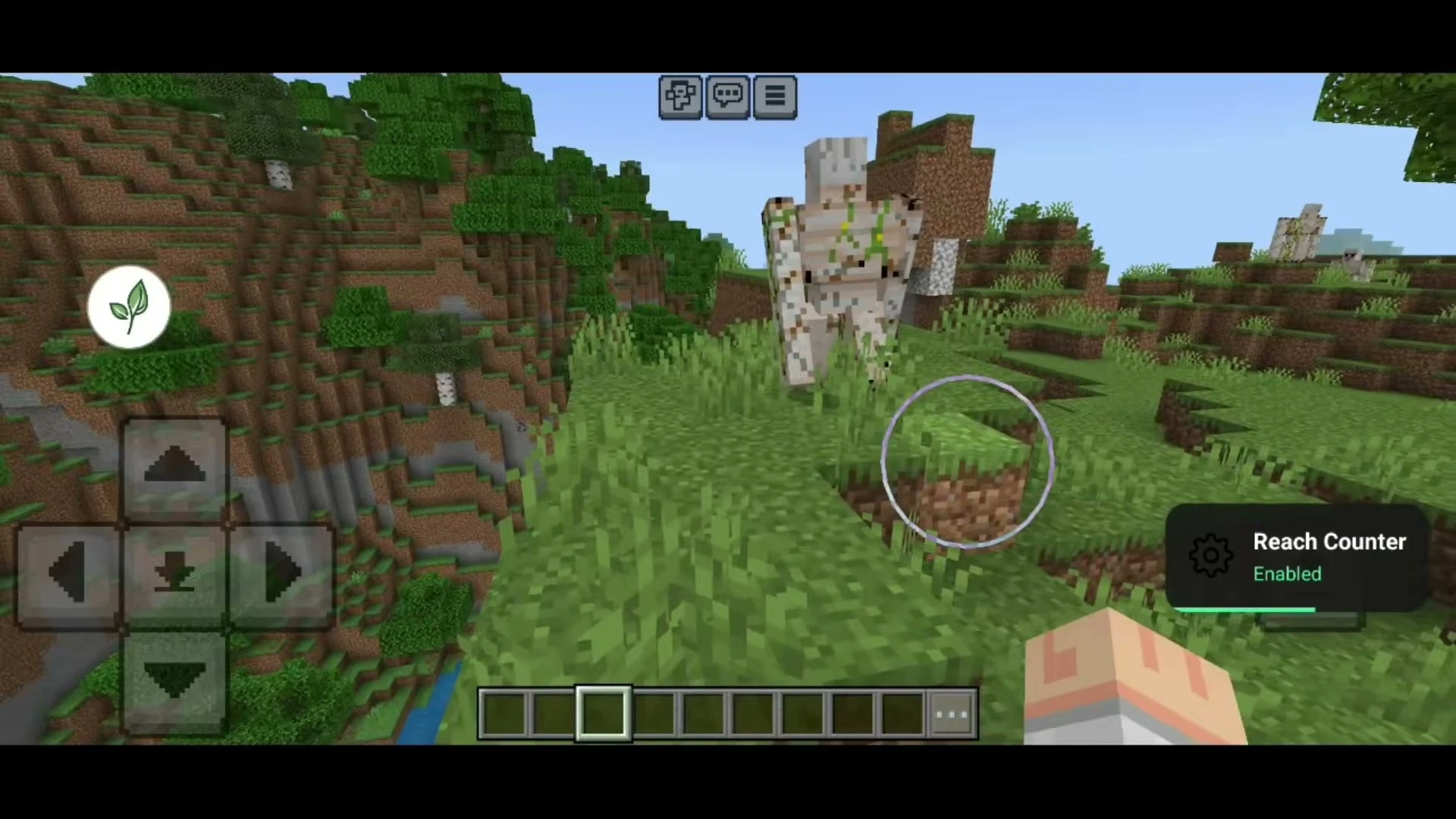
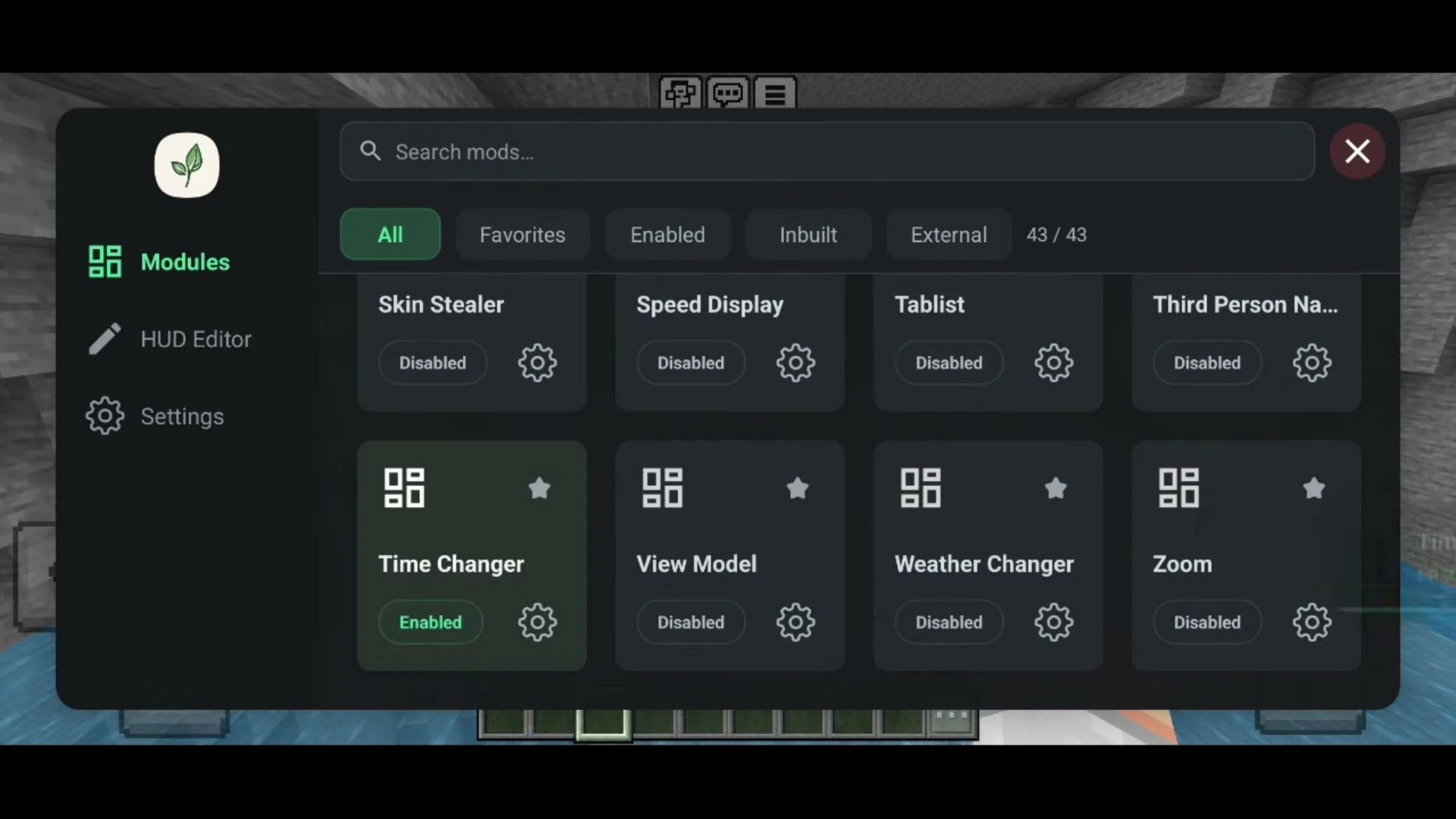
How to Install:
- Install LeviLauncher on your Android device and import your official Minecraft Bedrock 26.50 APK into it (use the v1.4.0 file if you are still on 26.40).
- Download the BedrockTools ZIP file for your Minecraft version from the links below. Do not extract it – LeviLauncher imports the ZIP package directly.
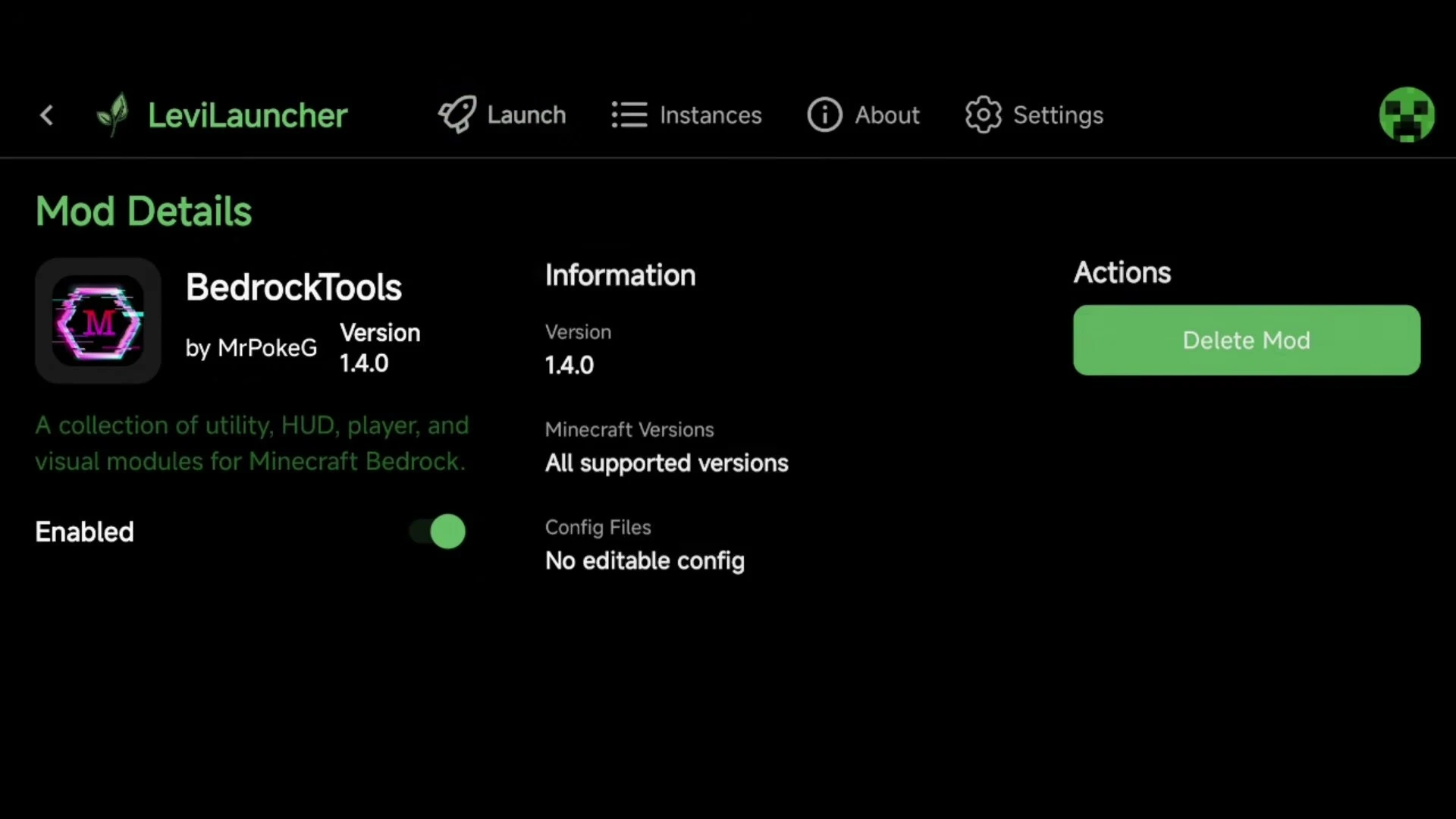
- Open LeviLauncher, go to Mods and add the ZIP file (or move it into your Downloads folder, tap Scan and then Add).
- Make sure BedrockTools is toggled to Enabled on its Mod Details page.
- Launch Minecraft from LeviLauncher and wait a few seconds for the mod to load.
- In game, tap the leaf button to open the BedrockTools menu and turn on the modules you want.
Important Notes:
- This is an Android-only native mod. It does not work on iOS, Windows or consoles.
- Some servers do not allow client modifications. Turn off PvP modules such as Hitbox and Reach Counter before joining servers with strict anti-cheat.
Bedrock Tools Download Links
For Minecraft 26.50
For Minecraft 26.40
You May Also Like
Picked for this page
 Mita UI Pack (26.x, 1.21) – MCPE/Bedrock
 SERP Pokédrock Gen 2 Addon (26.x, 1.21) – MCPE/Bedrock Pixelmon Mod
 Enhanced Fog With Care (26.x, 1.19) – Texture Pack for MCPE
 Dragon Mounts 2 Addon (1.26+) – MCPE/Bedrock Dracomalum Mod
 Jenny Nier Automata Addon (26.x, 1.21) – MCPE/Bedrock Mod
 Pokemon Revival Addon (26.x) – MCPE/Bedrock
 Orphan Client (1.21.100) – MCPE/Bedrock
 Dragon Shild Addon (26.x, 1.21) – New Dragon Ball Mod
 Thermonuclear Expansion Addon (26.x, 1.21) – MCPE/Bedrock
 RR Last Breath Addon (26.x, 1.21) – MCPE/Bedrock Mod
 Night Vision (26+) – MCPE/Bedrock Texture Pack
 The Fog of Extinction (26+) – MCPE/Bedrock Addon
Most viewed in Clients over the last 7 days
 Apollon Client (1.26+, 26.52) – MCPE/Bedrock
 Flarial Client (1.26+, 26.52) – MCPE/Bedrock
 Atlas Client v2.0.6 (26.52, 1.26+) – Best MCPE Utility Client
 Lumina Client v4.1.16 (26.52, 1.26+) – Perfect ToolBox for MCPE/Bedrock
 Nyx Client (1.26+, 26.52) – MCPE/Bedrock
 W Client v37 (26.52, 1.26+) – MCPE/Bedrock FPS Boost Client
 MB Loader APK Download (26.x, 1.21) – Loading RenderDragon Shader
 Onix Client (1.26, 26.30+) – Best MCPE/Bedrock PvP Client
 Minecraft Dungeons APK Free – Playing on Android Mobile
 FP Client (26.52, 26+) – MCPE/Bedrock
 ProtoHax Client v2.2.0 (26.52, 1.26+) – MCPE/Bedrock Hack Client for Android
 OrderSo Client (1.26, 26.30+) – Better than Onix?
More from Clients
 Feather Client BE (1.21, 1.20) – MCPE/Bedrock Edition
 FPS Enhancer Lite (1.20) – MCPE/Bedrock
 DLB Client (1.20) – Clean UI, FPS Boost
 LabyMod Client (1.20, 1.19) – MCPE/Bedrock Edition
 Block Tweaks Client (1.20) – Far Better than Vanilla Launcher
 LeGend’s UI Pack (1.20, 1.19) – FPS Boost, Mod Menu Client
 Project Legend’s UI Client (1.19, 1.18) – Real FPS Booster
 Ultron Client (1.19) – Lag Fix, Better UI, Clear Glass
 MICA Client (1.19) – Is This Best FPS Boost Client?
 Axolotl Client (1.18) – Animated Cosmetics, Time Changer, Mod Toggles
 Star Client (1.19, 1.18) – Clean UI, Better Inventory, FPS Improvement
 Fortress Client (1.19, 1.18) – Best Optifine Client for MCPE

This post has no comments yet. Be the first — your comment will appear here.