


Better Party Mod (26.2, 1.20.1) – Form Multiplayer Parties to Share XP
 3
3
 0
0


🌐 Good news — we've translated this article into other languages!
Or pick the one you like:
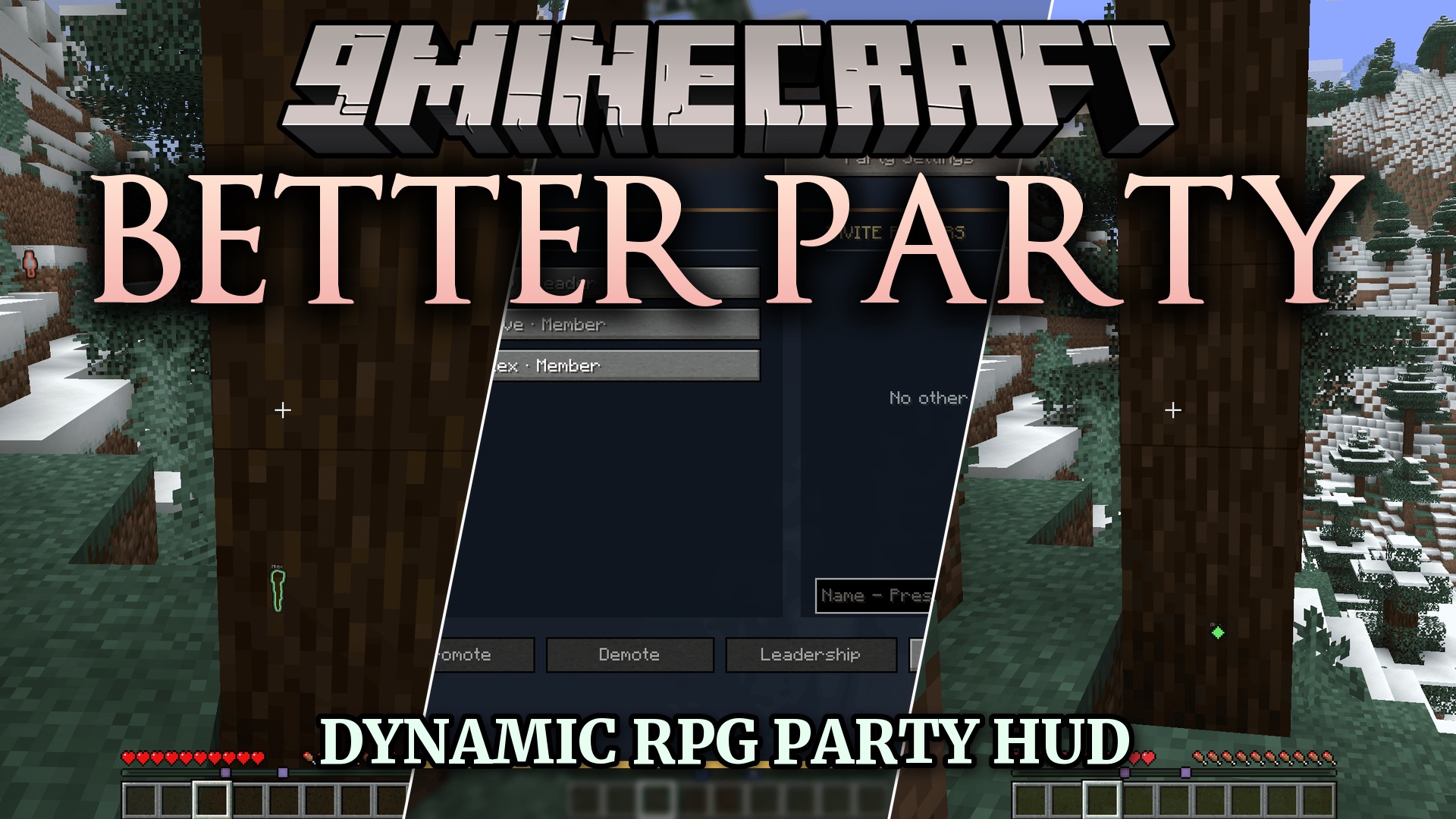
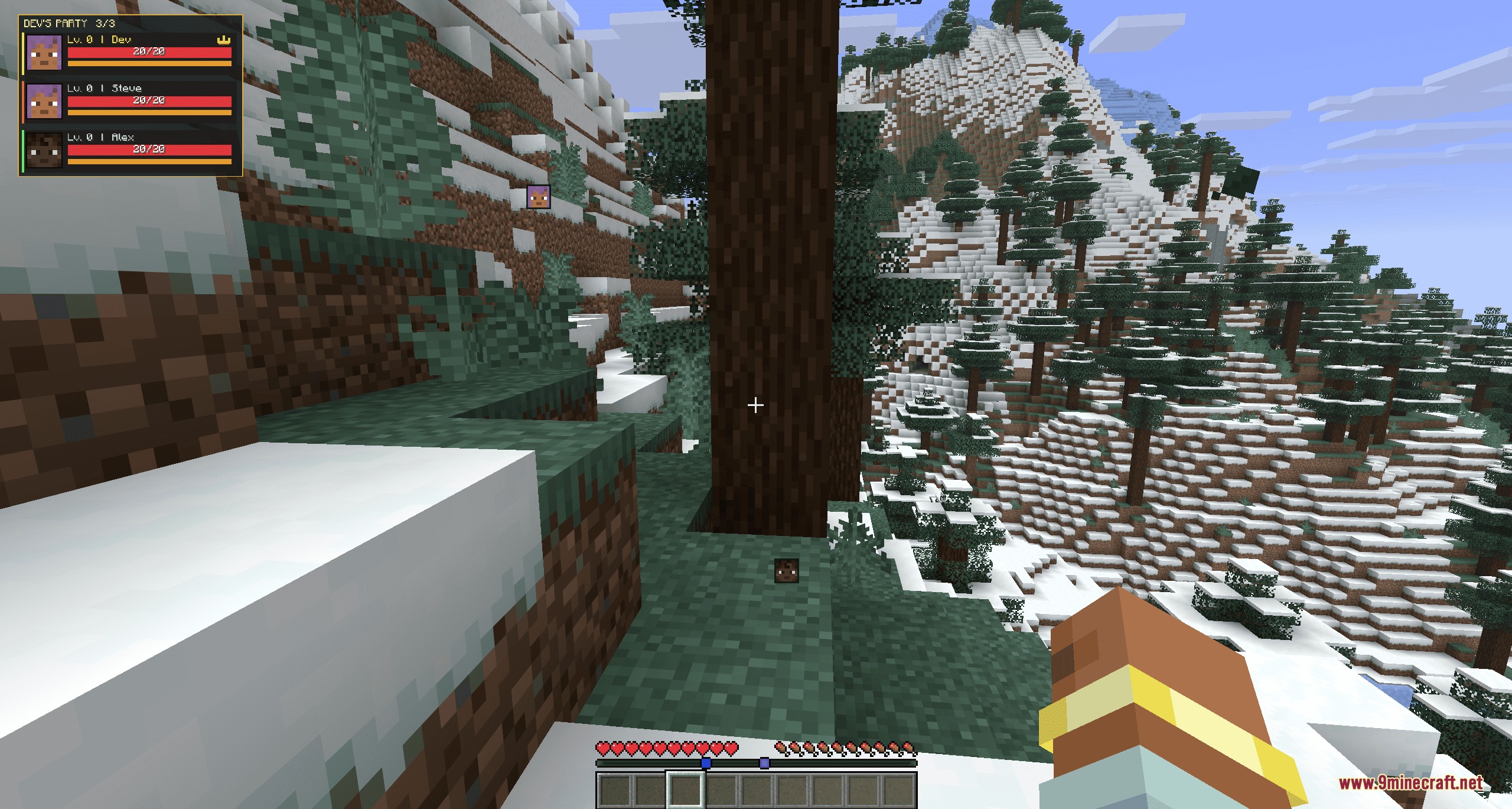
Better Party Mod brings a complete group system to your multiplayer world. It lets you create teams, share XP, and keep track of your friends while playing. You can set up public groups for anyone to join or make private ones just for your friends. The mod gives you a special screen to see everyone’s health and status at a glance. It also adds a locator so you never lose your teammates while exploring deep caves or thick forests.
Features:
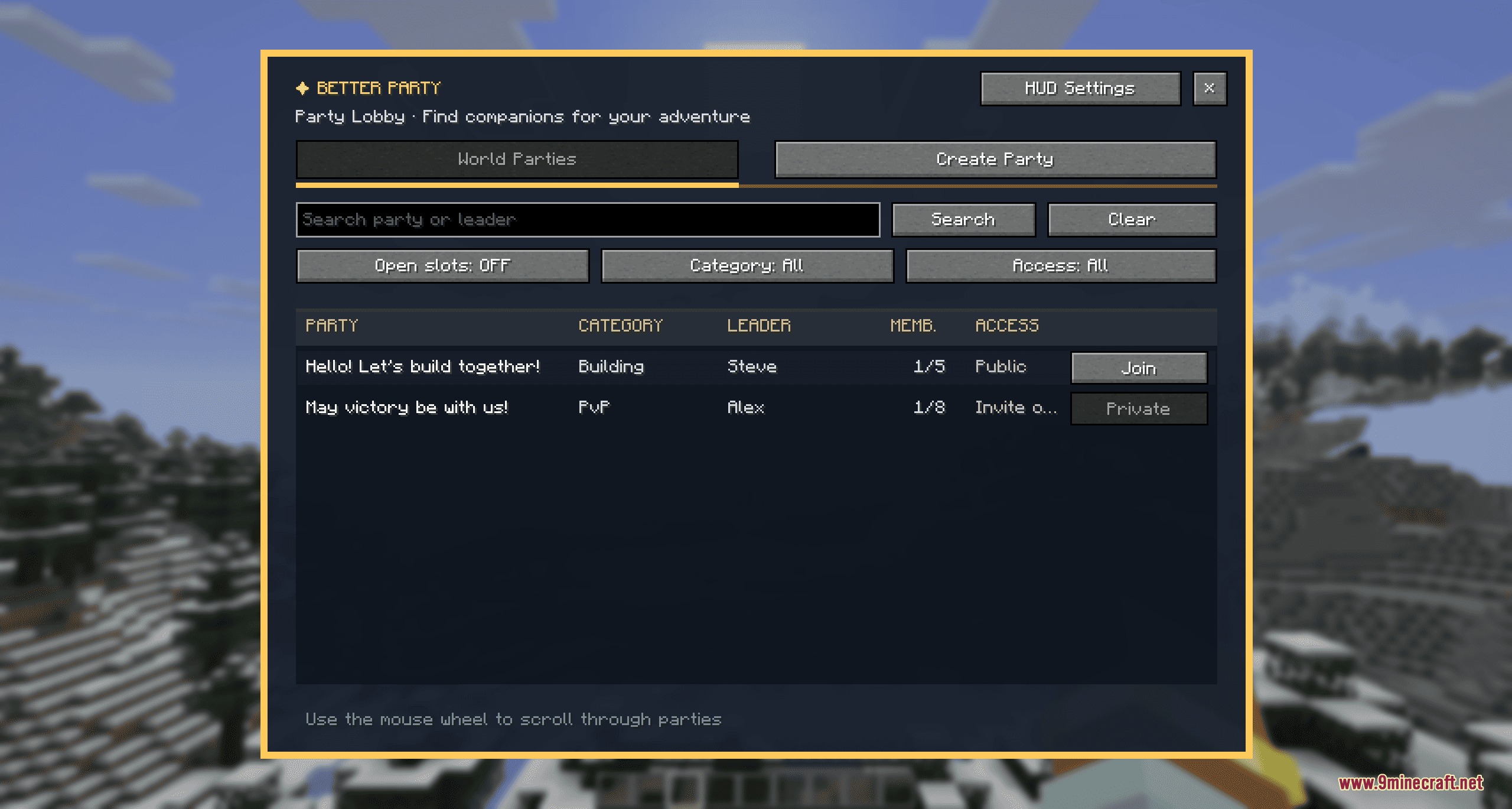
- Party Finder: Browse a list to find open groups or create your own with a custom name.
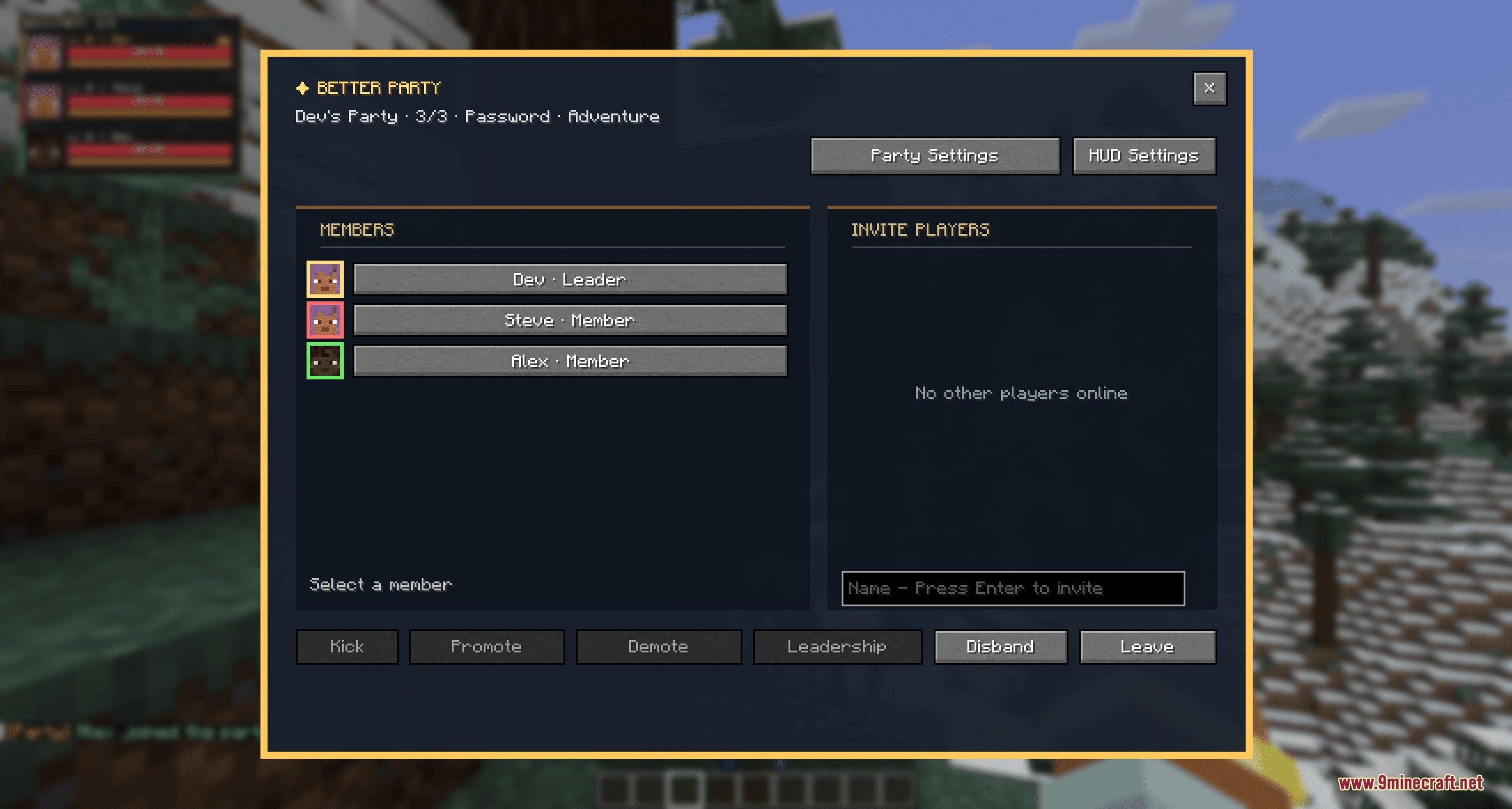
- Member Roles: Assign players as leaders, officers, or normal members with different permissions.
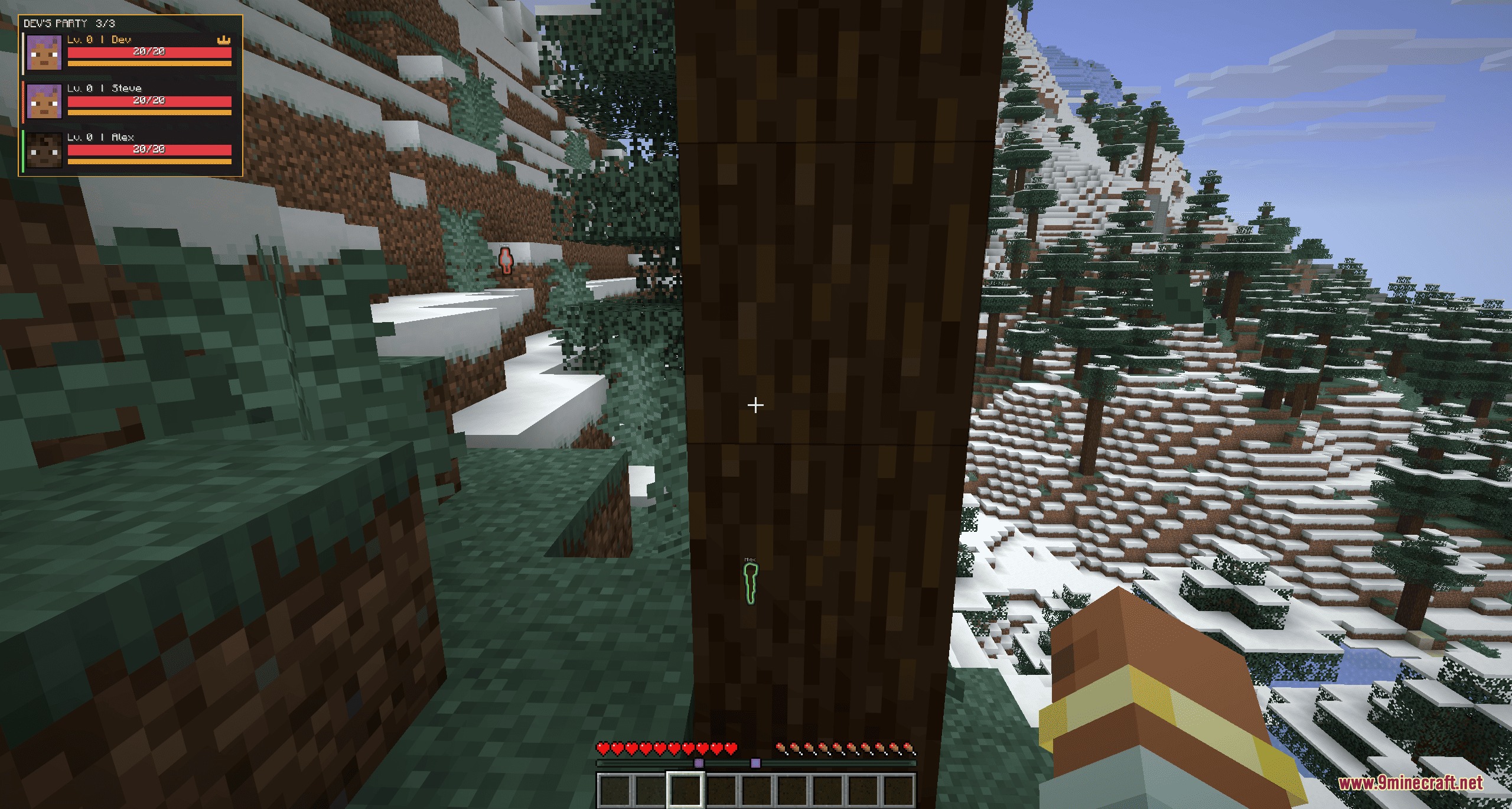
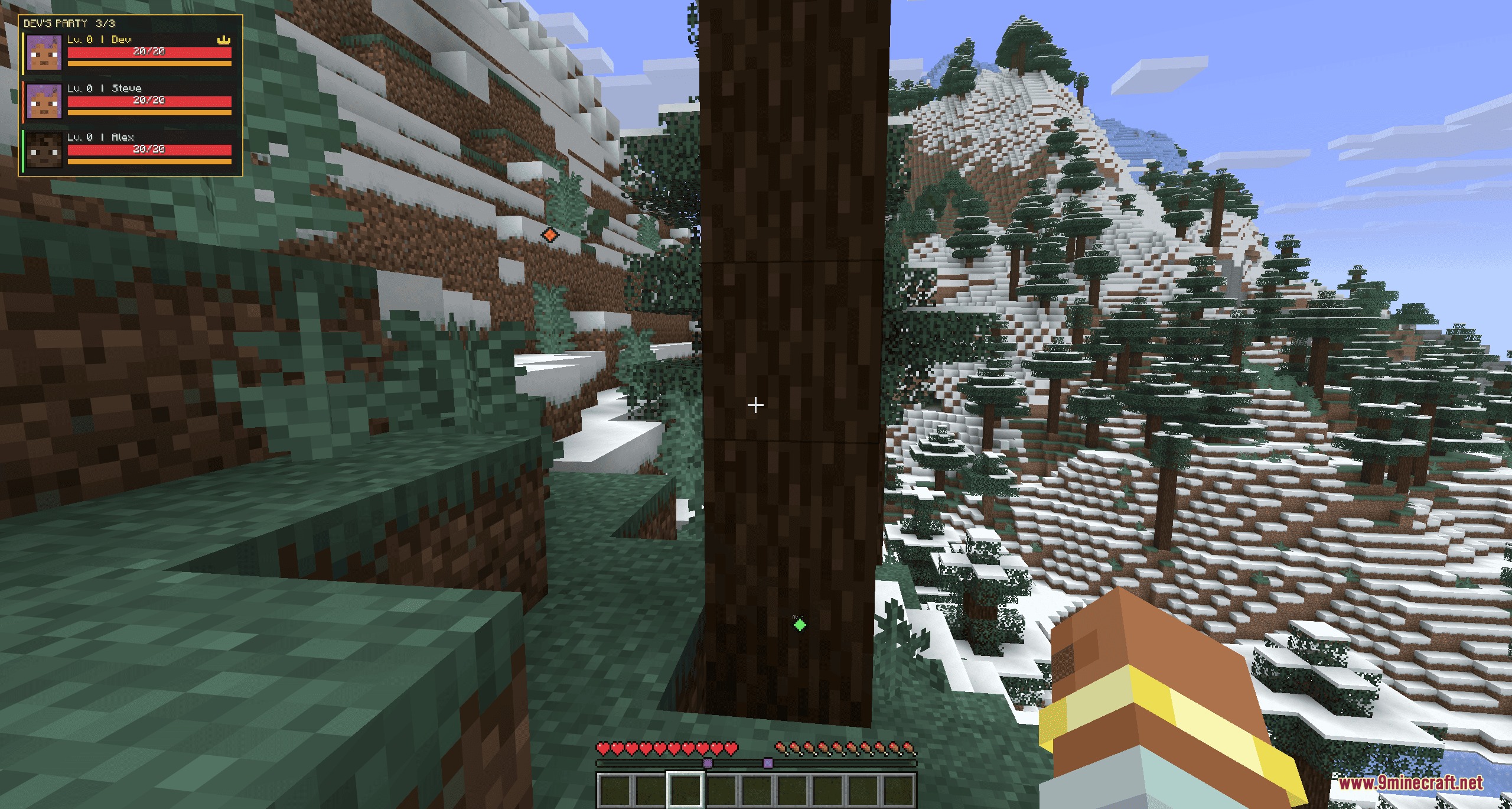
- Visual Locator: See your friends through walls using colored dots, outlines, or player heads.
- Shares collected XP fairly among players who stay close to each other.
- Assigns a unique color to each of the ten possible players in your group.
- Connects automatically to the standard Minecraft team system so other mods recognize your group.
- Prevents friendly fire so you do not accidentally hit your teammates during fights.
- Updates invitations instantly and shows a green checkmark when someone gets an invite.
- Shortens long player names automatically so the screen always looks clean.
- Transfers leadership to another player if the current leader goes offline.
Locator Display Options
- Dots and player heads show up from up to 128 blocks away.
- Colored outlines work up to 64 blocks away.
- Players can change the brightness of the locator from 10% to 100%.
Party Types
- Public groups let anyone join right away.
- Invite-only groups require an officer to send a request.
- Password-protected groups ask for a secret word before joining.
Commands:
/team leave: removes you from your current group.
How to Use:
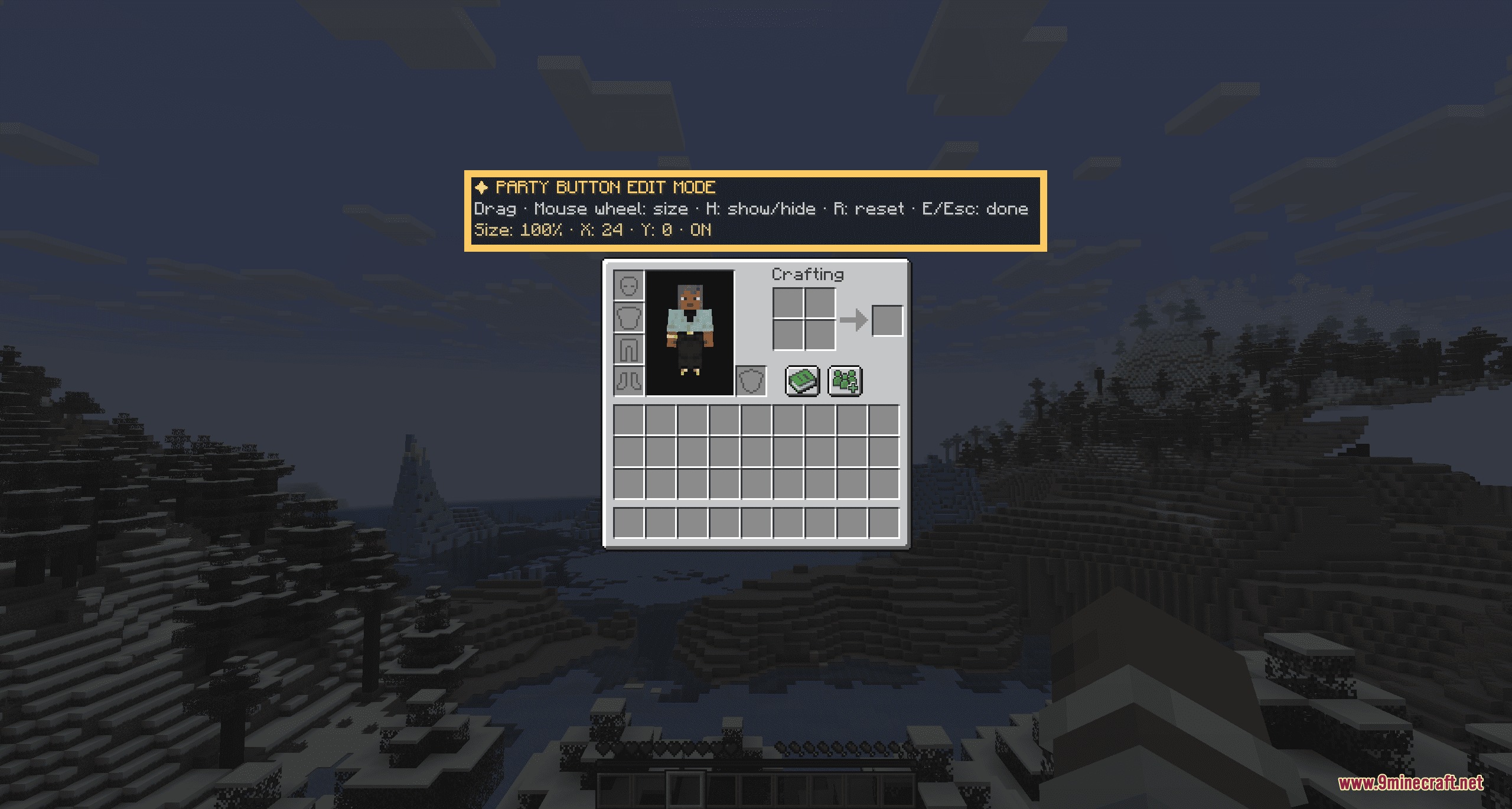
- Open the party menu to look at the list of active groups.
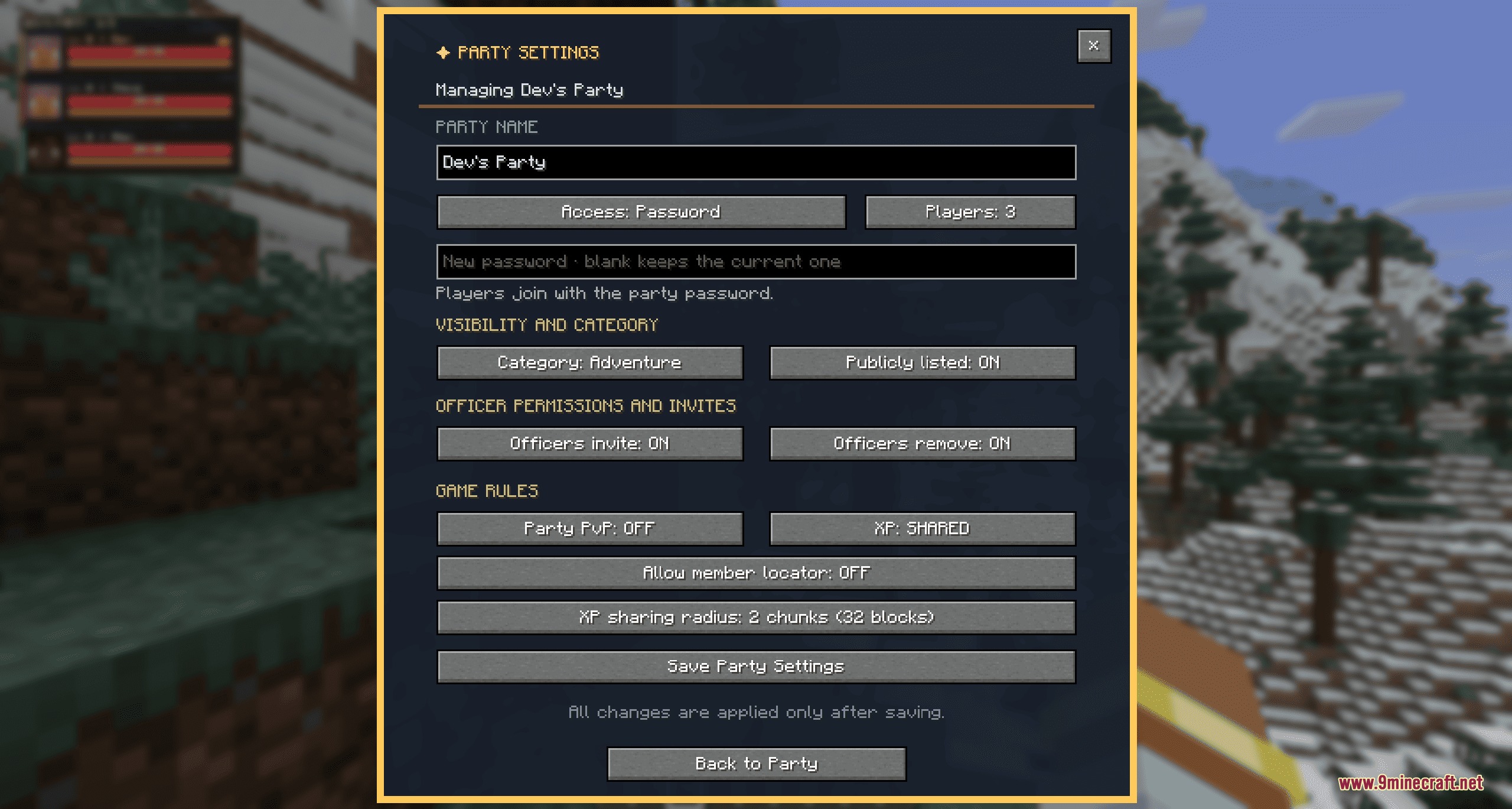
- Choose to make a new group and pick a category like Adventure, Building, or PvP.
- Set your group size anywhere from 2 to 10 players.
- Type a player’s name and press Enter to send them a direct invitation.
- Turn on XP sharing from the settings so everyone gets fair rewards.
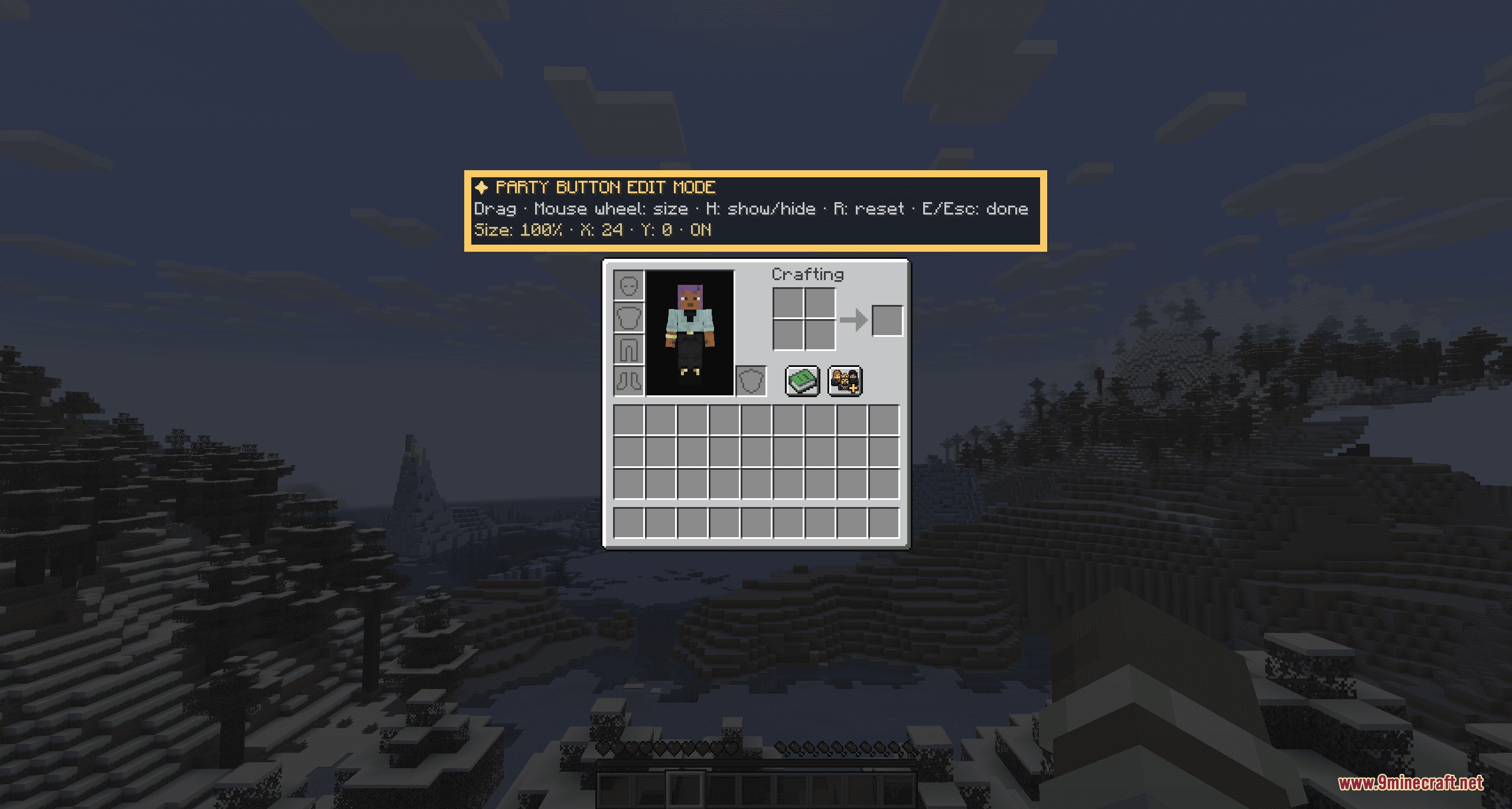
Screenshots:
How to Install:
New to Minecraft? Follow our step-by-step guide to install Mods on your PC.View Guide




Better Party Mod Download Links
For Minecraft 26.2
For Minecraft 26.1.2, 26.1.1, 26.1
For Minecraft 1.21.1, 1.21
For Minecraft 1.20.1, 1.20
Click to rate this post!
[Total: 0 Average: 0]
You May Also Like

This post has no comments yet. Be the first — your comment will appear here.