
Big Globe Mod (1.21.11, 1.20.1) – Trek Across Giant Worlds
 39,071
 0


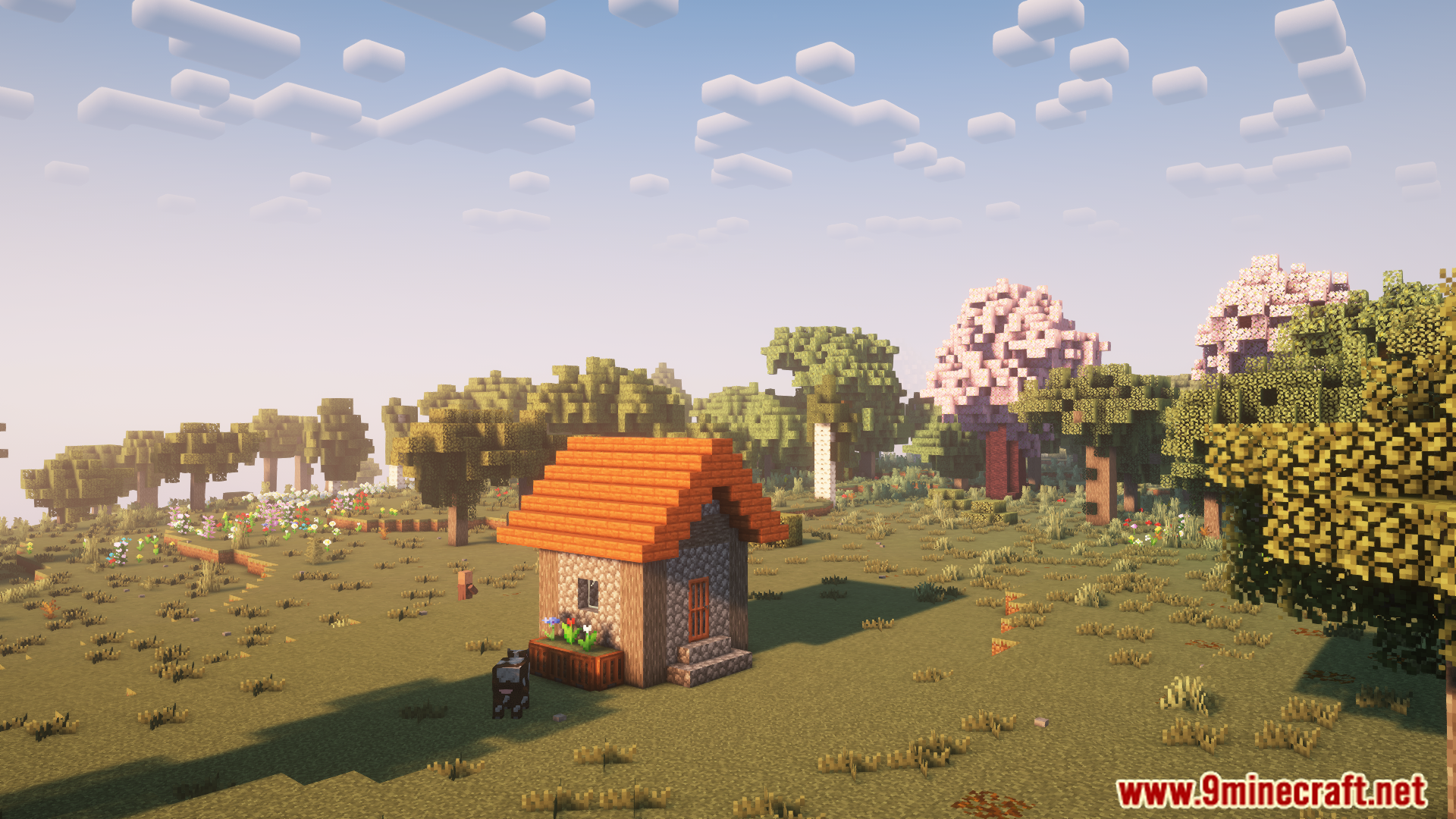
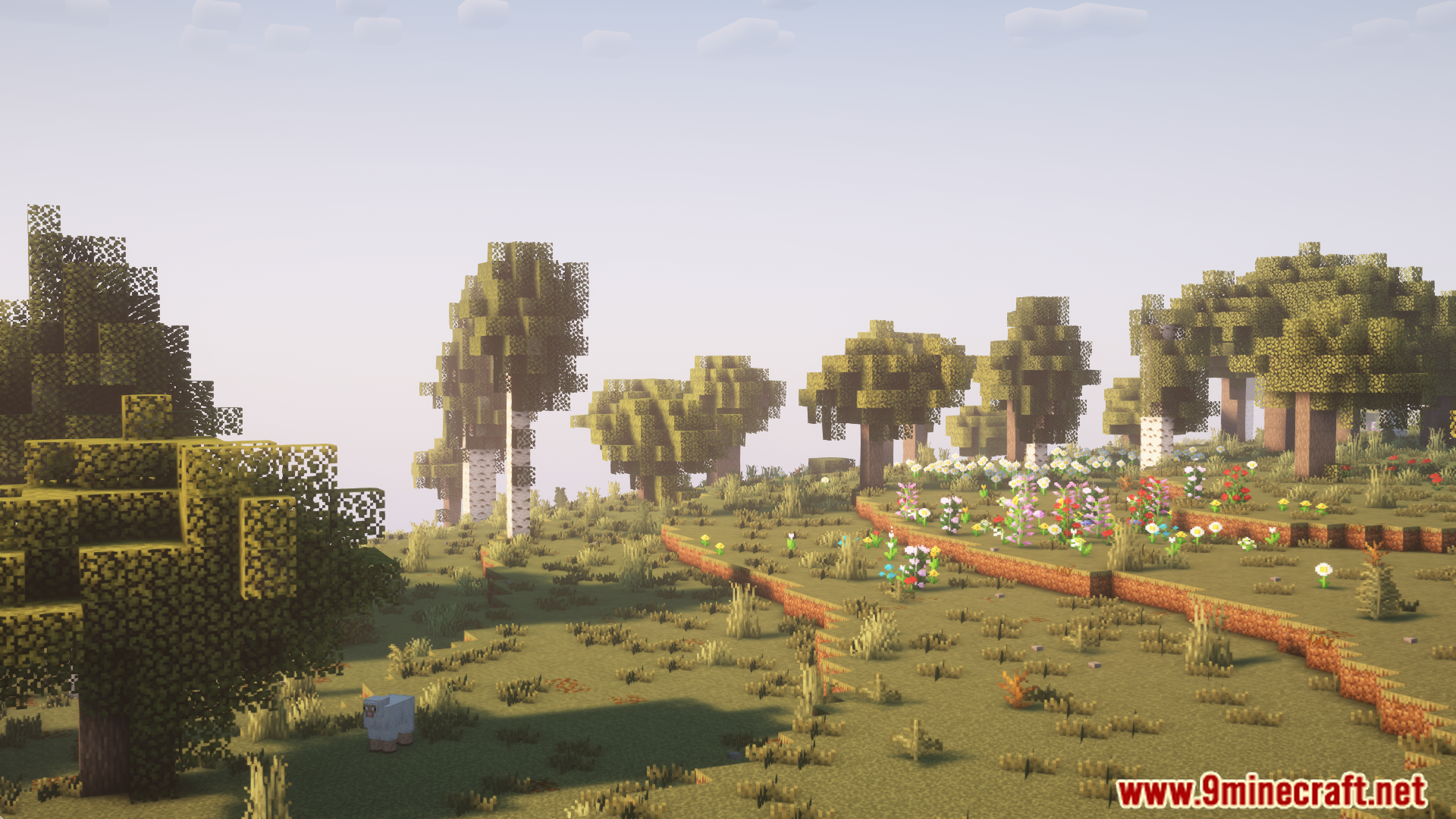
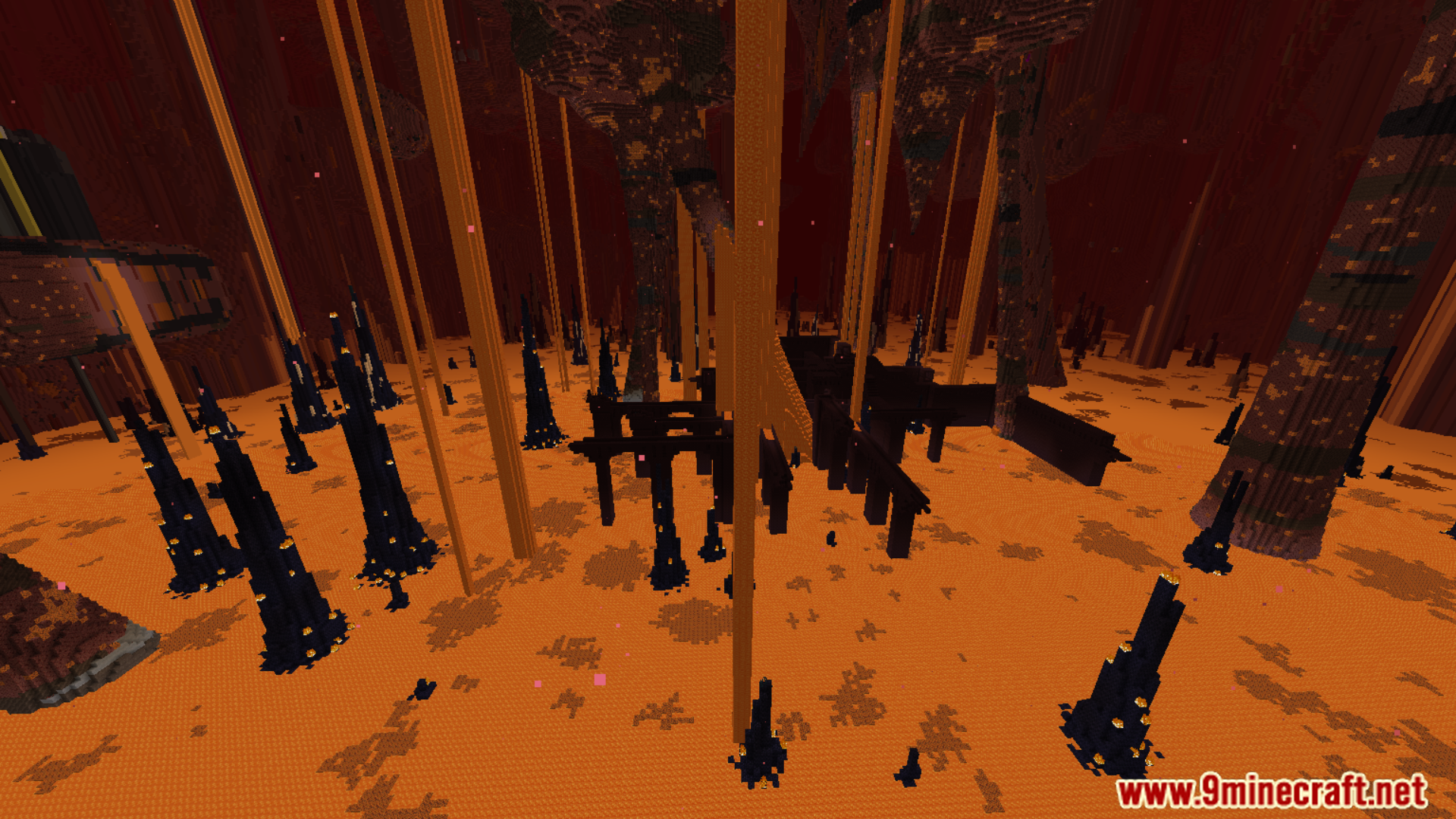
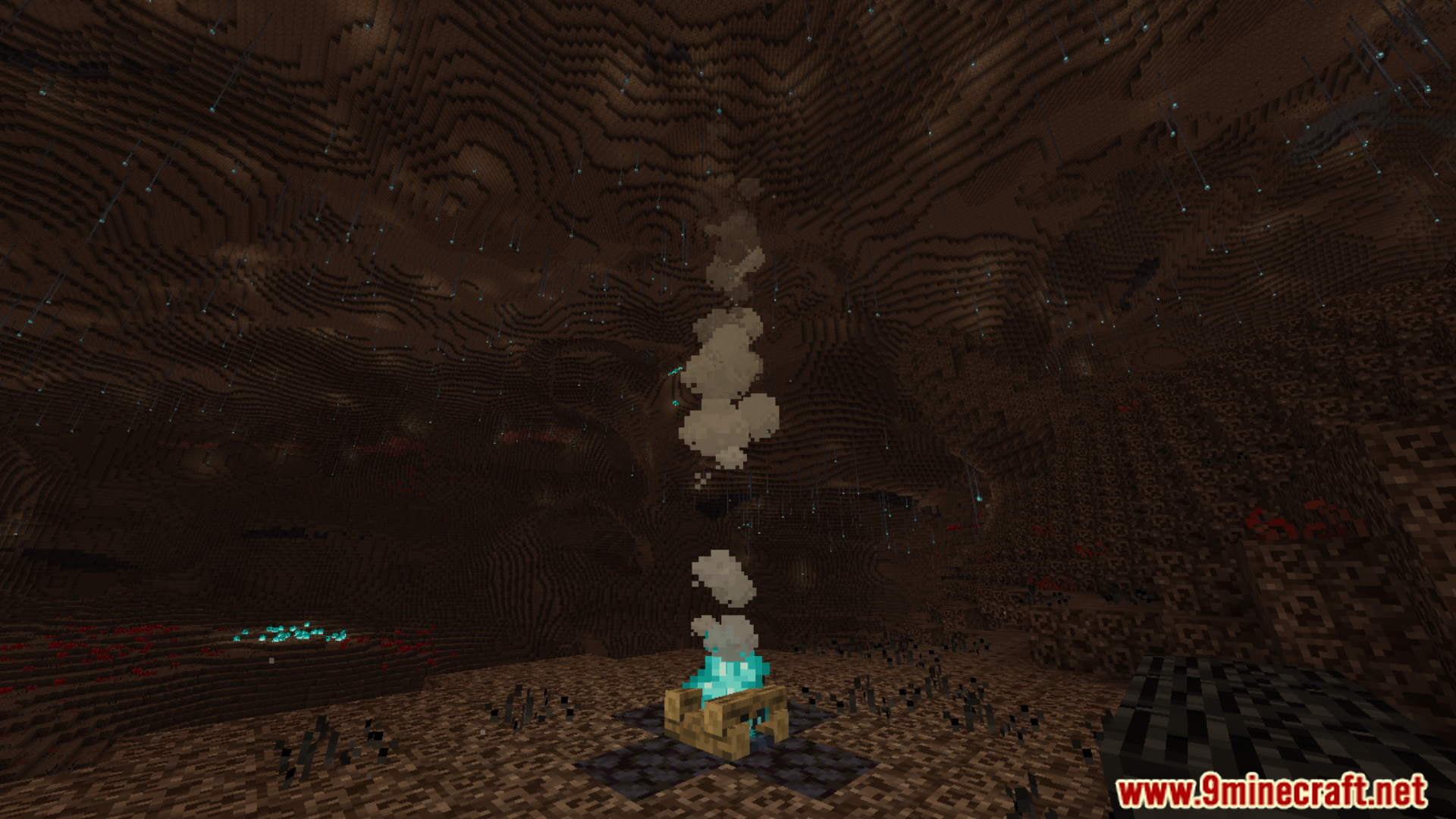
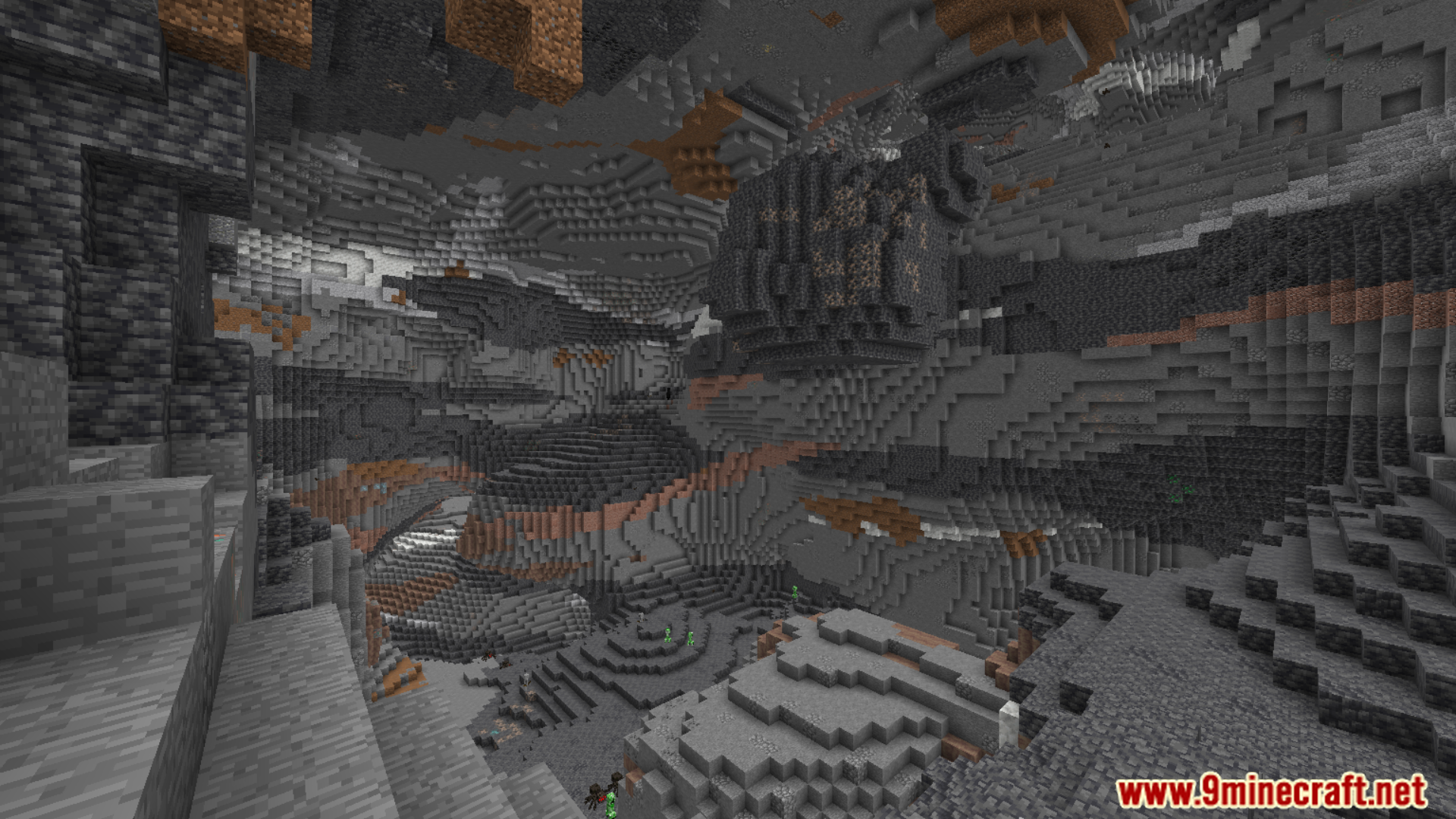
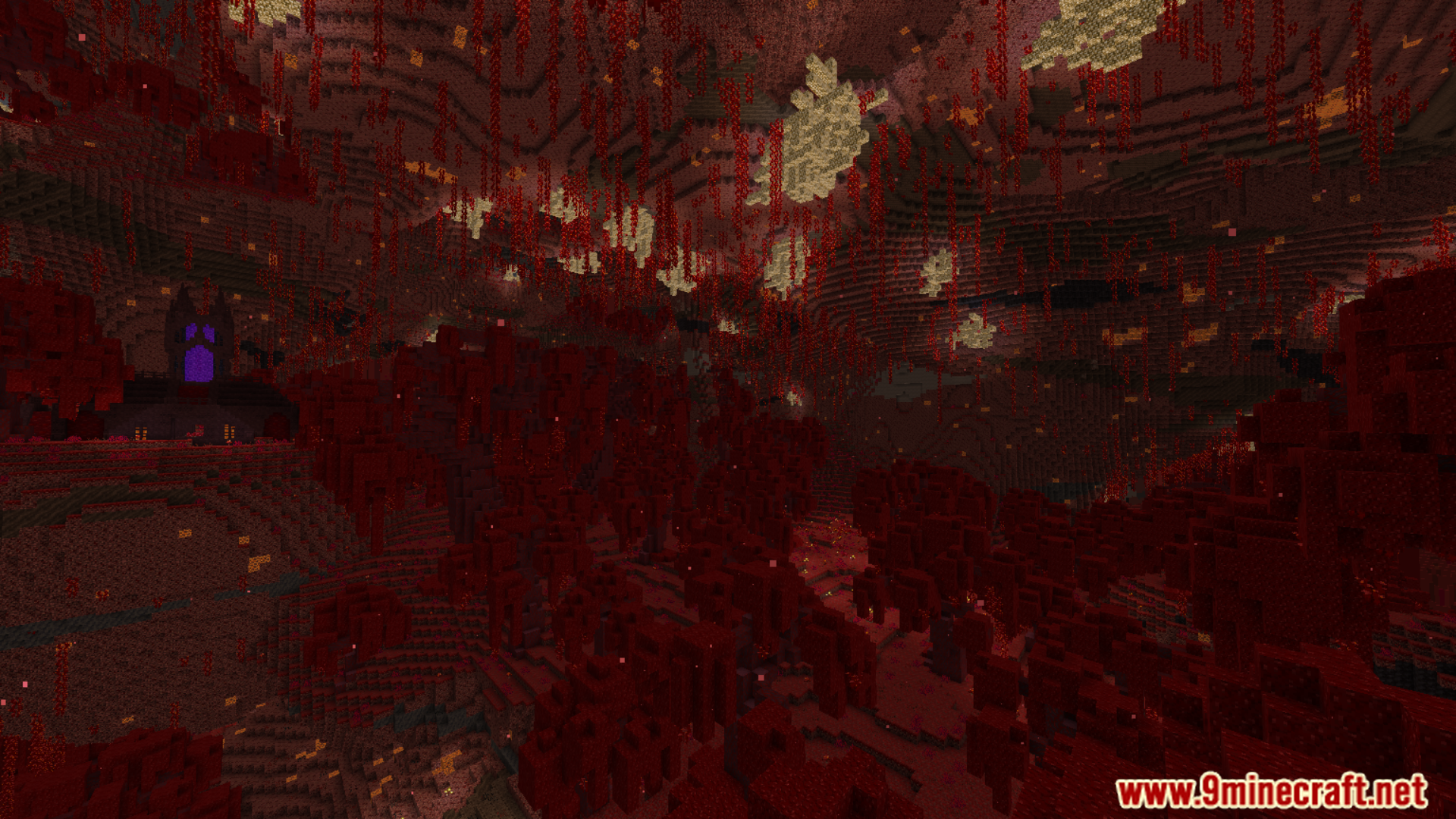
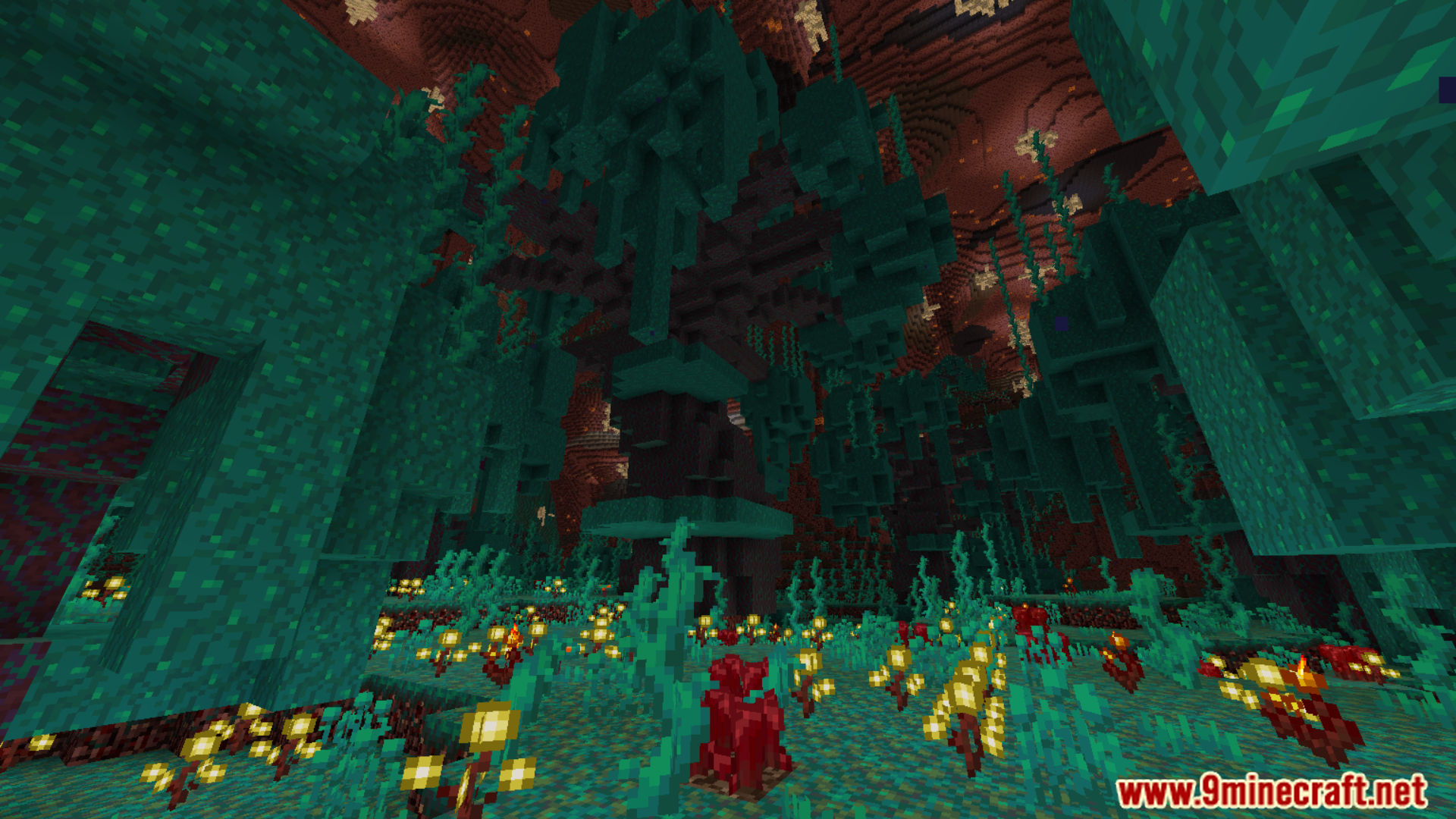
Big Globe Mod overhauls the Overworld, the Nether, and the End into giant worlds both wide and tall. It makes the Overworld 2,048 blocks tall and raises both the Nether and the End to 1,024 blocks tall. Along with custom terrain across all three dimensions, this mod adds over 100 new blocks that match vanilla style and bring useful mechanics. Exploring and finding resources take more work because the world is huge and materials spawn in new places, while a built-in LOD renderer and teleportation help you get around. This mod uses more RAM than vanilla worlds, cannot run as a data pack or server-side only mod, and includes a scripting language so data packs can add custom terrain or support for other mods.
Big Globe Mod – Video Showcase
Features:
- Giant World Height: Makes the Overworld 2,048 blocks tall and raises both the Nether and the End to 1,024 blocks tall.
- Custom Terrain Generation: Builds huge worlds both wide and tall with custom terrain across all three vanilla dimensions.
- Over 100 New Blocks: Adds more than 100 blocks that fit vanilla Minecraft for building and decoration, plus special blocks with helpful gameplay mechanics.
- Built-in Scripting Language: Includes a scripting system that builds most of the terrain and lets data packs add custom world generation rules.
- Built-in LOD Renderer: Lets you see faraway terrain and structures so you can spot interesting places and find resources that only spawn in certain areas.
- Includes built-in teleportation with waypoints and hyperspace so you can travel between places you already visited.
- Changes where some resources generate compared to vanilla worlds, making exploration and resource gathering harder.
- Tries to spawn you in an area with trees so starting a new survival world is easier.
- Uses built-in multi-threading in its chunk generator to handle large-scale terrain creation.
- Needs more RAM than vanilla Minecraft because of the taller world height.
- Needs compatibility data packs so biomes, ores, flowers, features, and structures from other mods can generate in the world.
- Adds custom blocks, items, mobs, and terrain math, so it cannot run as a data pack or a server-side only mod.
Recommended Companion Mods:
- Sodium, Lithium, Ferrite Core, and Starlight or ScalableLux: lower heavy hardware and memory use while you play.
- C2ME: improves world generation speed, though its multi-threading helps less because chunk generation already runs on multiple threads.
- Structure Layout Optimizer: speeds up generating and rebuilding structures across the wider world radius.
- Vertigo: cuts down heavy bandwidth use in multiplayer and may lower memory use in both singleplayer and multiplayer.
- Satin: makes waypoints and hyperspace look better when installed.
How to Use:
- Give Minecraft extra RAM before starting the game so it can handle the taller 2,048-block worlds.
- For singleplayer, open the world creation menu and set the world type to “Big Globe” to generate a new custom world.
- For a multiplayer server, open
server.propertiesand setlevel-type=bigglobe:bigglobeso the server creates the custom world. - Start exploring from your spawn point, which tries to place you near trees so early survival is easier.
- Add compatibility data packs to your world if you want biomes, ores, flowers, features, or structures from other mods to generate.
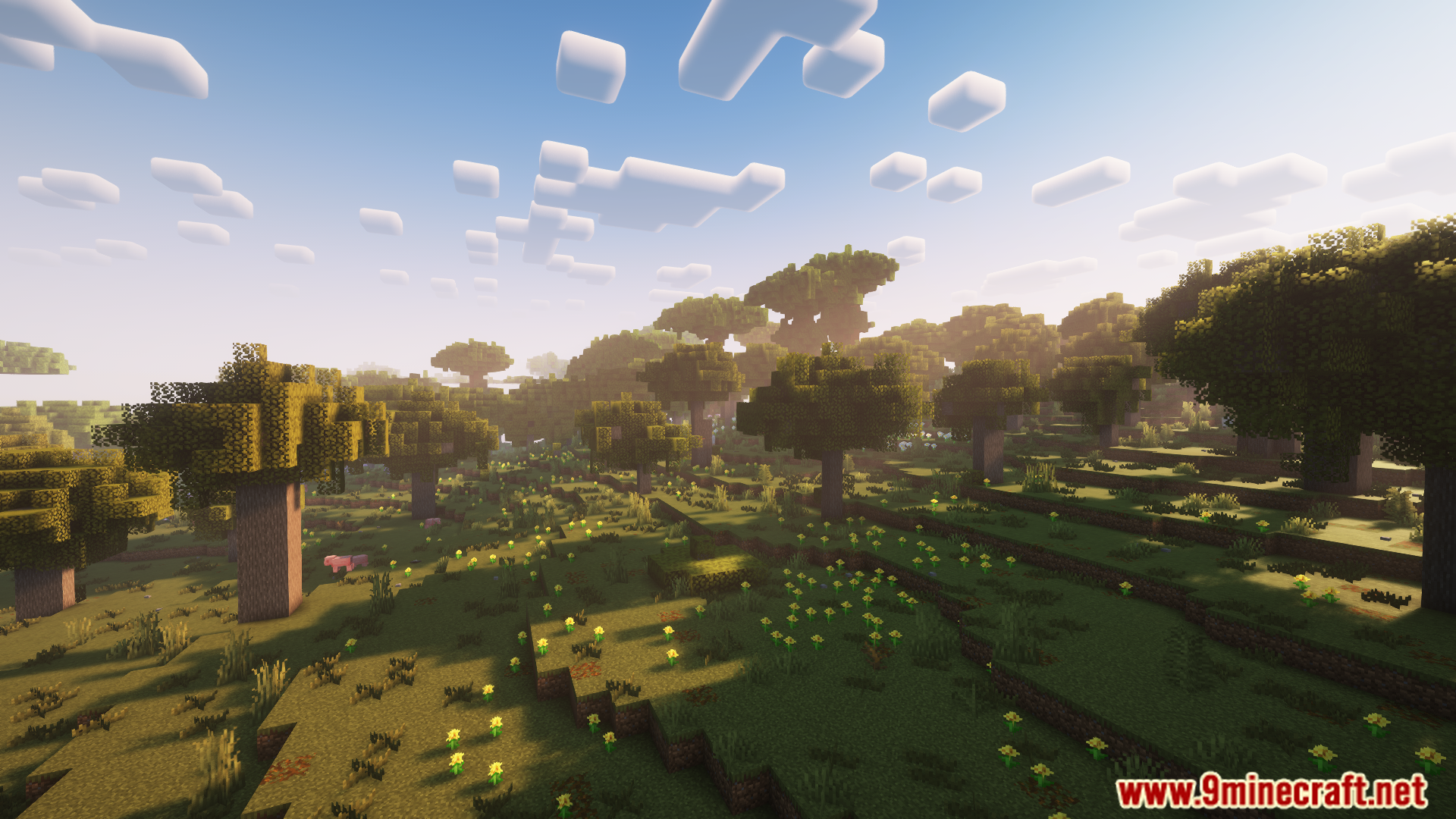
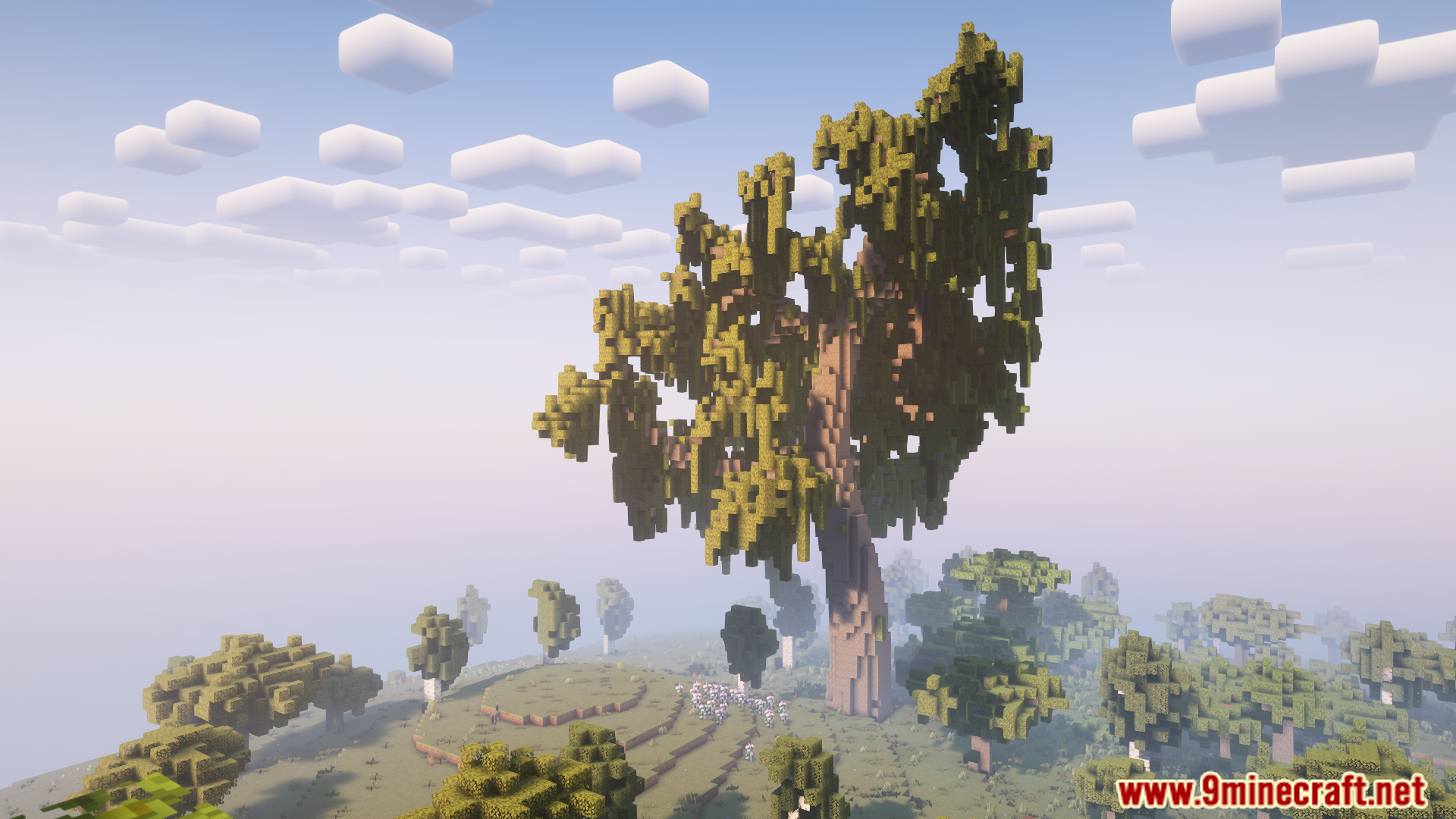
Screenshots:
How to Install:
New to Minecraft? Follow our step-by-step guide to install Mods on your PC.View Guide


Big Globe Mod Download Links
For Minecraft 1.19.2
Fabric Version: Download from Server 1 – Download from Server 2
For Minecraft 1.19.4
Fabric Version: Download from Server 1 – Download from Server 2
For Minecraft 1.20.1
Fabric Version: Download from Server 1 – Download from Server 2
For Minecraft 1.20.2
Fabric Version: Download from Server 1 – Download from Server 2
For Minecraft 1.20.4
Fabric Version: Download from Server 1 – Download from Server 2
For Minecraft 1.20.6
Fabric Version: Download from Server 1 – Download from Server 2
For Minecraft 1.21.1, 1.21
Fabric Version: Download from Server 1 – Download from Server 2
For Minecraft 1.21.3, 1.21.2
Fabric Version: Download from Server 1 – Download from Server 2
For Minecraft 1.21.4
Fabric Version: Download from Server 1 – Download from Server 2
For Minecraft 1.21.5
Fabric Version: Download from Server 1 – Download from Server 2
For Minecraft 1.21.8, 1.21.7, 1.21.6
Fabric Version: Download from Server 1 – Download from Server 2
For Minecraft 1.21.10, 1.21.9
Fabric Version: Download from Server 1 – Download from Server 2
For Minecraft 1.21.11
Fabric Version: Download from Server 1 – Download from Server 2
What do you prefer for world generation in a modded playthrough?
11 responses · See the full results →
You May Also Like
Picked for this page
 Just Enough Items Mod (26.3, 1.20.1) – JEI, Crafting Recipes Viewing
 No Hostiles Around Campfire Mod (26.3, 1.20.1) for Minecraft
 Immediately Fast Mod (26.3, 1.20.1) – Speed Up Immediate Mode Rendering
 TierTagger Mod (26.3, 1.20.1) – View Other Tiers
 Old Walking Animation Mod (1.21.11, 1.20.1) – Derpy Walk Cycle from a Very Old Version
 Antique Trading Ship Mod (26.3, 1.20.1) – Ships And Trade On The High Seas
 TipTheScales Mod (26.3, 1.20.1) – Graphical User Interface Scaling Options
 Autodrop Mod (26.3, 1.20.1) – Automatically Drops Blacklisted Items
 Always Sprint Mod (26.3, 1.20.1) – Sprinting Is Always On
 Wood Plus Mod (26.3, 1.20.1) – Wood Variations For Wooden Items
 Craftable Notch Apple Mod (26.3, 1.20.1) – Makes Enchanted Golden Apple Craftable
 Sounds Be Gone Mod (26.3, 1.20.1) – Disable Annoying Sounds
Most viewed in Mods over the last 7 days
 Ala Industrial Mod (26.3) – Run Electric Power Grids and Automated Factories
 PleasureCraft Mod (26.3, 1.21.1) – Jenny Mod Remake for Fabric
 Jennycraft Mod (26.3, 1.20.1) – Virtual Girlfriend in Minecraft
 Fapcraft Mod (26.3, 1.12.2) – Comprehensive and Detailed Content
 Jenny Mod (Fapcraft) Official Complete Guide – How to use, Tutorial
 BangCraft Mod (1.20.1) – Jenny, Ellie and Elliot
 Fabric Loader (26.3, 1.20.1) – Fabric Installer for All Minecraft Versions
 The Shooting Star Demo Mod (26.3, 1.20.1) – Vaporize Terrain From Orbit
 Meteor Client Mod (26.3, 1.20.1) – Xray, HUD, Fly
 OptiFine HD (26.3, 1.20.1) – Run Faster, FPS Boost, Shaders Support
 Aristois Client Mod (1.21.4, 1.20.1) – World Class Minecraft Utility
 Prestige Client Mod (1.21.11, 1.21.4) – Powerful Ghost Features for Crystal & Sword PvP
More from Mods
 Primal Plushies Paleo Pals Mod (1.21.1, 1.20.1) – Decorate Your Base
 Ipla Mod (26.3, 1.20.1) – Showcase Your Favorite Items
 MesdagPortLib Mod (1.20.1) – Run Modern Minecraft Mechanics on Older Versions
 Hellion’s API Mod (1.21.11, 1.21.1) – Play Hellion Series Addons Without Crashes
 Terrestria Mod (26.3, 1.20.1) – Highly Detailed Biomes
 Tre’s Tack Library Mod (1.20.1) – Outfit Your Horses with Fully Detailed Tack
 YDM’s coreX Library Mod (1.20.1) – Loot RPG Gear with Random Names
 Gunpowder Recipe Mod (26.3, 1.20.1) – Gunpowder is Craftable
 Villager Timetable Mod (26.3, 1.20.1) – Master Villager Schedules
 Artemis Laboratory Blocks Mod (26.3, 1.20.1) – Lab Blocks And Dynamic Decorations
 Fabric ORM Jimmer Mod (26.3, 1.20.1) – Prevent Sudden Server Crashes
 Cafe Core Mod (26.2, 1.21.1) – Bypass Anvil Limits and Tame Pets in Seconds

This post has no comments yet. Be the first — your comment will appear here.