
Block Duplicator Tree Mod (26.3, 1.20.1) – Farm Rare Blocks Directly Next
 1
 0

Block Duplicator Tree Mod adds special trees that copy any block you place next to their trunks. Inspired by the classic Orespawn tree, this mod gives you a fast way to gather rare resources without spending hours mining underground. You can upgrade your setup through three different tiers to expand the duplication area and speed up production.
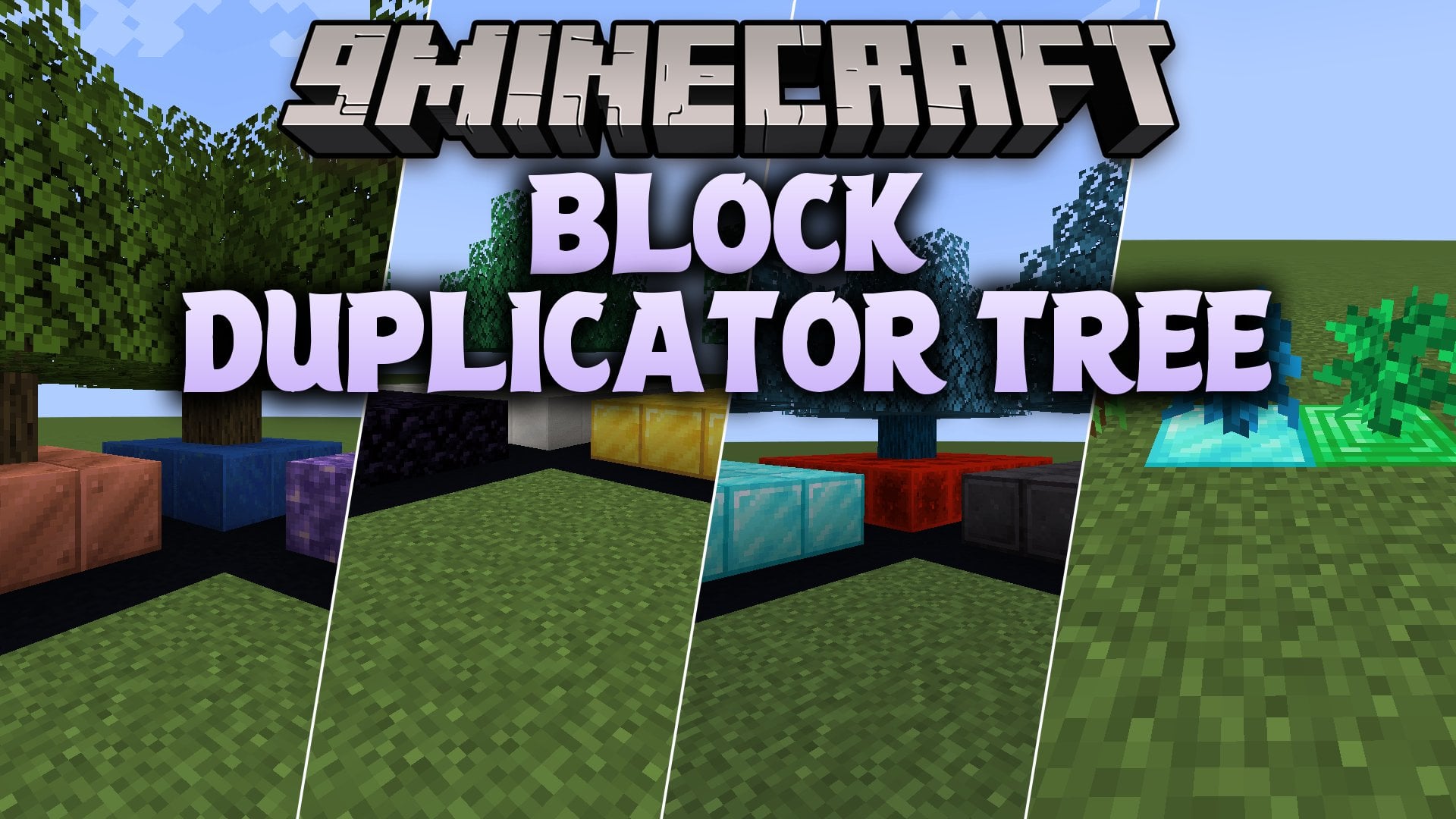
Features:
- Three Tree Tiers: Includes Classic Duplicator, Diamond, and Emerald trees with larger grids and faster copying speeds at each tier.
- Self-Regrowing Logs: Placing a harvested tree log on its matching soil block makes the tree grow back on its own.
- Modded Block Compatibility: Copies almost any standard block from vanilla Minecraft or other mods, except for blocks that hold special data like chests or furnaces.
- Each tree grows one log every 5 minutes until the trunk is four blocks tall, and then the leaves appear on top.
Tree Tiers Comparison:
| Feature | Classic Duplicator | Diamond | Emerald |
|---|---|---|---|
| Required Soil | Grass Block | Diamond Block | Emerald Block |
| Duplication Grid | 3×3 | 5×5 | 7×7 |
| Duplication Speed | 1 block every 15 minutes | 1 block every 5 minutes | 1 block every 50 seconds |
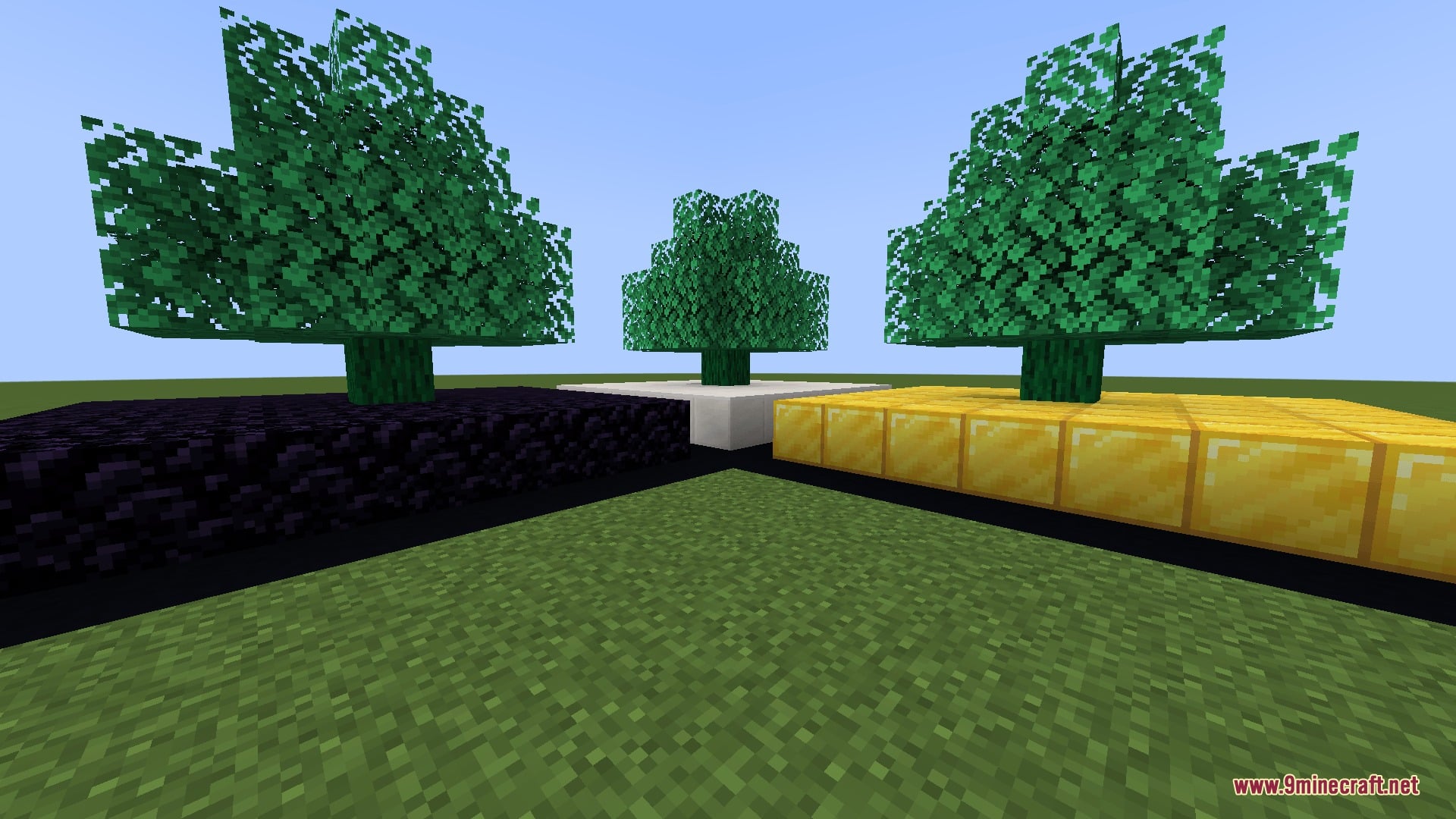
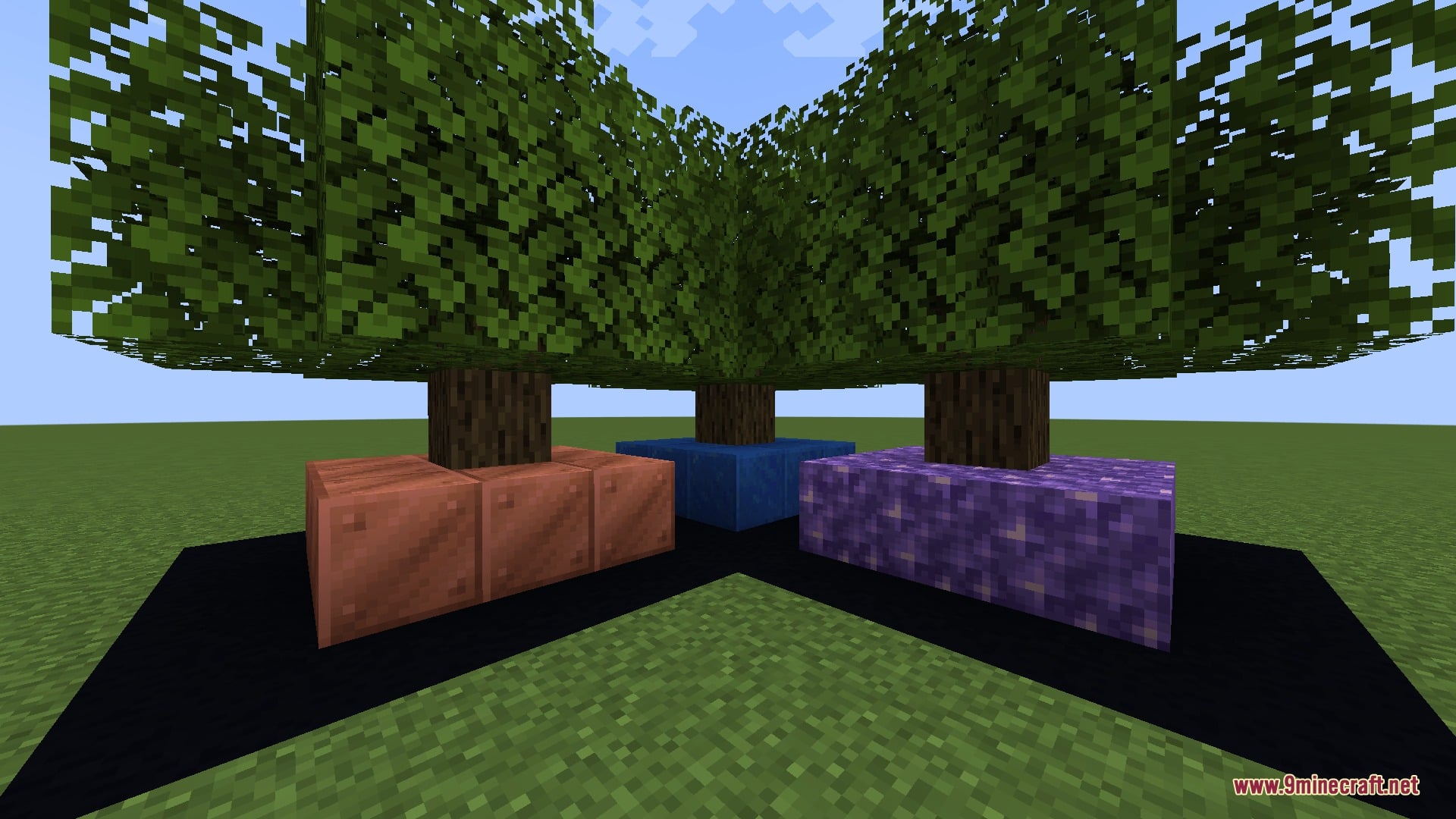
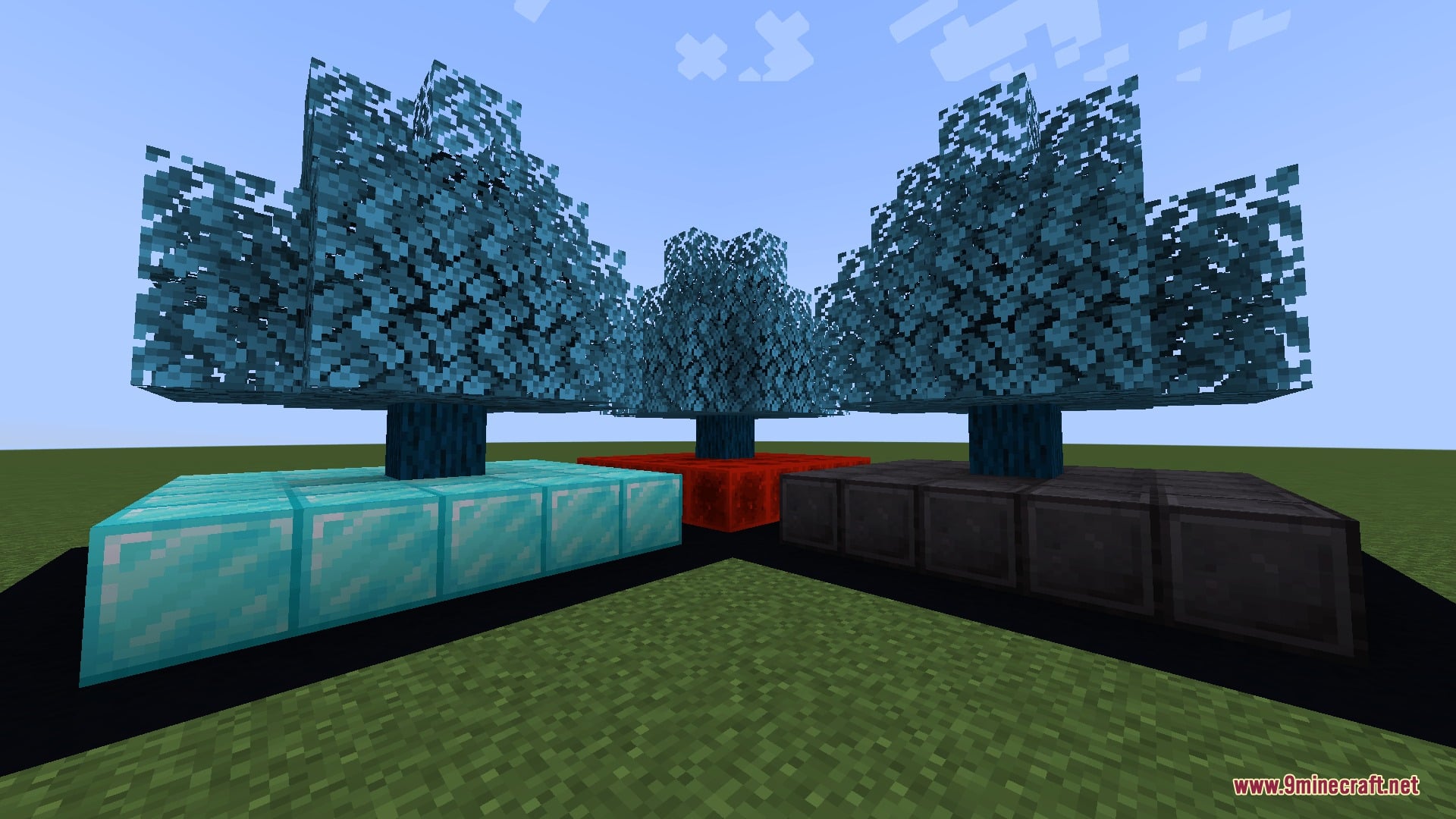
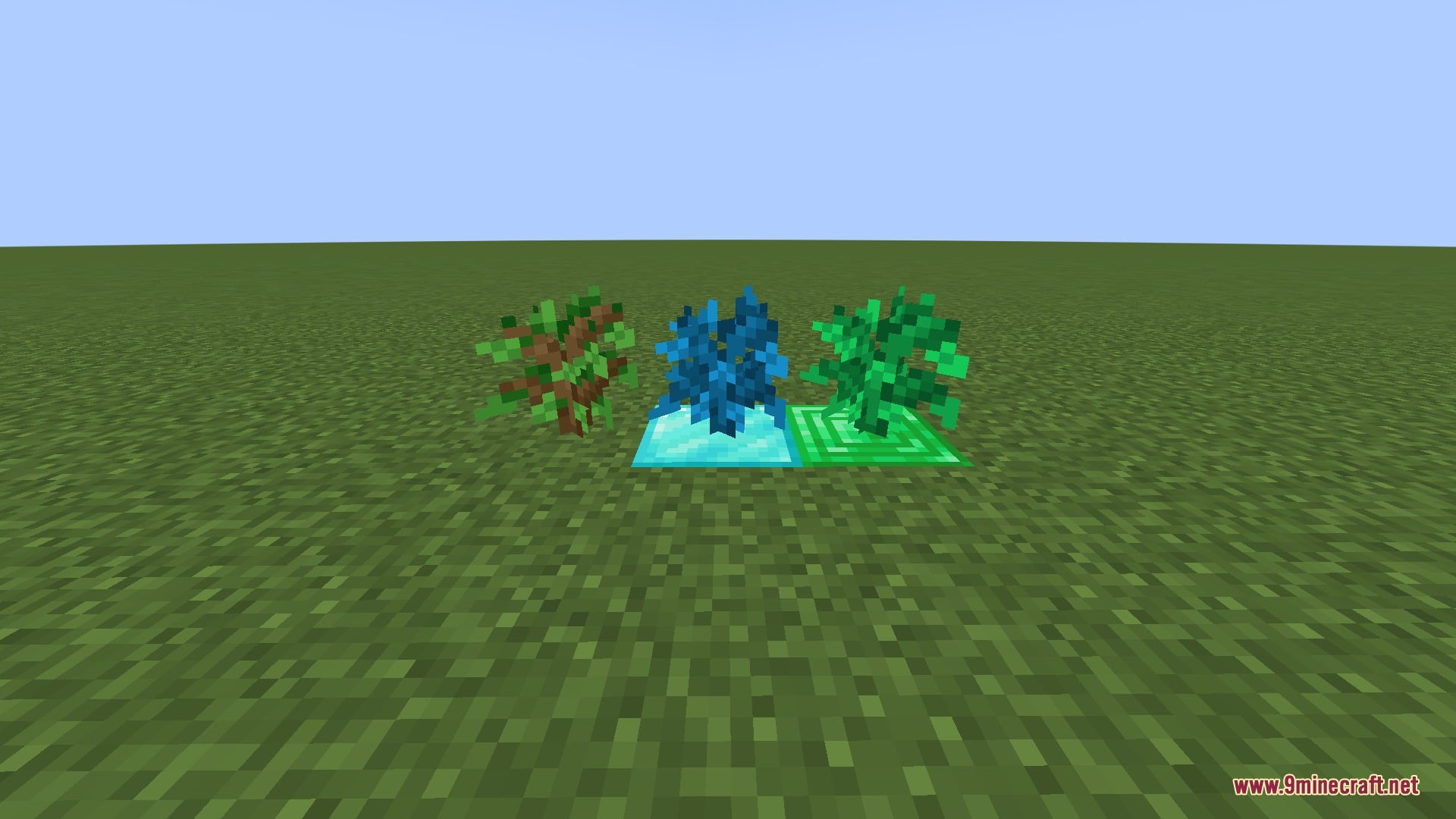
| Appearance | Oak log and leaves | Blue trunk and leaves | Green trunk and leaves |
How to Use:
- Place the correct soil block on the ground for your chosen tree tier (Grass Block, Diamond Block, or Emerald Block).
- Plant the matching sapling or place a harvested duplicator log directly on top of that soil block.
- Wait for the trunk to grow four blocks tall and sprout leaves (if regrowing from a single log, it adds one log every 5 minutes).
- Place the block you want to copy next to the tree trunk, and the tree will multiply it inside its grid area.
Screenshots:
How to Install:
New to Minecraft? Follow our step-by-step guide to install Mods on your PC.View Guide

Block Duplicator Tree Mod Download Links
For Minecraft 26.3
For Minecraft 26.2
For Minecraft 1.21.11
For Minecraft 1.21.1, 1.21
For Minecraft 1.20.1, 1.20
For Minecraft 1.19.2
For Minecraft 1.18.2
For Minecraft 1.12.2
For Minecraft 1.7.10
Click to rate this post!
[Total: 0 Average: 0]
You May Also Like
Picked for this page
 Cucumber Mod (26.1.2, 1.20.1) – Library for BlakeBr0’s Mods
 Bridging Mod (26.3, 1.20.1) – Build Bridges Over the Void
 Dynamic View Mod (26.3, 1.20.1) – See Farther Without Lag
 Snowballs Freeze Mobs Mod (26.3, 1.20.1) – Freeze Enemies Instantly
 Extended AE Mod (26.1.2, 1.20.1) – Build Massive Storage Networks
 Villager Config Mod (26.3, 1.20.1) – Shape Perfect Trading Empires
 Remove Reloading Screen Mod (26.3, 1.20.1) – Browse Menus While Textures Load
 Chunky McChunkFace Mod (26.2, 1.20.1) – Keep Farms Running While Away
 Noxesium Mod (26.3, 1.20.1) – Play Custom Mini Games on Servers
 Productive Bees Mod (26.1.2, 1.20.1) – Build a Bee-Powered Farm
 Ledger Databases Mod (26.3, 1.20.1) – Store Server Logs Safely
 LPCTools Mod (26.3, 1.20.1) – Auto Filler, Liquid Cleaner
Most viewed in Mods over the last 7 days
 Ala Industrial Mod (26.3) – Run Electric Power Grids and Automated Factories
 PleasureCraft Mod (26.3, 1.21.1) – Jenny Mod Remake for Fabric
 Jennycraft Mod (26.3, 1.20.1) – Virtual Girlfriend in Minecraft
 Fapcraft Mod (26.3, 1.12.2) – Comprehensive and Detailed Content
 Jenny Mod (Fapcraft) Official Complete Guide – How to use, Tutorial
 Meteor Client Mod (26.3, 1.20.1) – Xray, HUD, Fly
 Let it Walk Mod (1.21.1) – Pilot Spider Tanks and Mechs Built From Your Blocks
 BangCraft Mod (1.20.1) – Jenny, Ellie and Elliot
 OptiFine HD (26.3, 1.20.1) – Run Faster, FPS Boost, Shaders Support
 CatLean Client Mod (26.2, 1.21.11) – ThunderHack Recode Alternatives
 Fabric Loader (26.3, 1.20.1) – Fabric Installer for All Minecraft Versions
 SeedCrackerX Mod (26.3, 1.20.1) – Find Any World Seed
More from Mods
 Weapons of War Mod (26.1.2) – Master 26 Weapons That Each Fight Their Own Way
 Lemon’s Dappled Update Mod (1.21.8) – Wander Colorful Forests and Tap Maple
 Wildlife Explorers Mod (1.20.1) – Track Real Wild Animals Across Every Biome
 Potions Return Mod (1.20.1) – Brew Luck Potions From Flower Forest Clovers
 Terra Firma Furniture Mod (1.21.1) – Furnish Every TFC Cabin, Kitchen, and Home
 Raid Wormhole Mod (1.21.1) – Walk Into Glowing Portals to Start Cobblemon Raids
 Chat Vote Mod (1.21.11, 1.21.1) – Let Your Server Settle Every Debate
 Shareware Vision Mod (26.3) – Explore Worlds in the Chunky 3D April Fools Look
 Pick’n’Pack Mod (26.3, 1.21.1) – Mix Your Favorite Resource Packs
 City Works Mod (1.21.1) – Build Realistic Cities with Street Lights
 Delta Tweaks Mod (1.21.1) – Spot Shinies and Mass Release Cobblemon From Your PC
 Thriving Blocks Mod (1.21.1, 1.20.1) – Shape Natural Landscapes

This post has no comments yet. Be the first — your comment will appear here.