


Block History Mod (26.2, 1.20.1) – Track Block Place/Break History

 0
0 

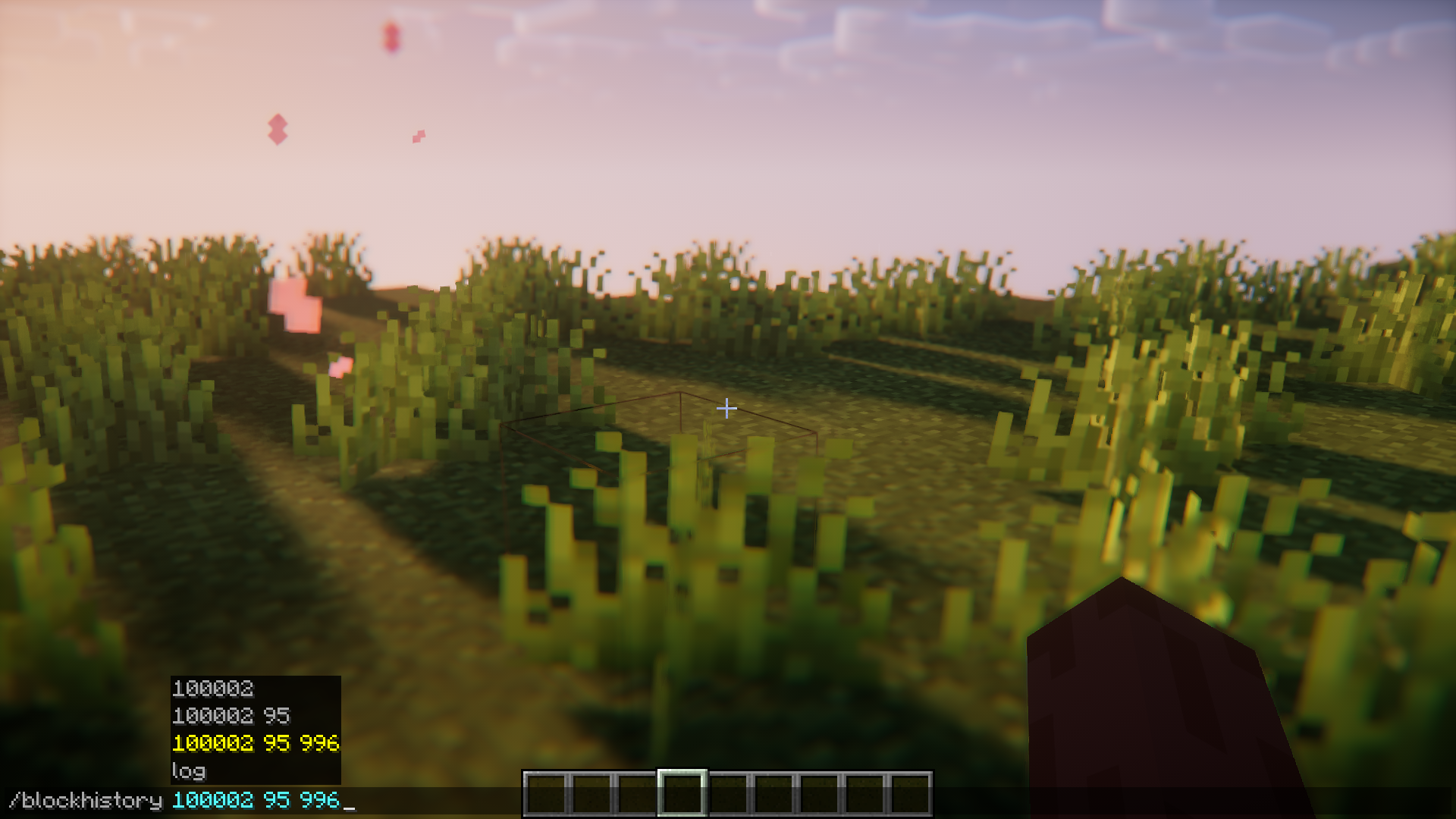
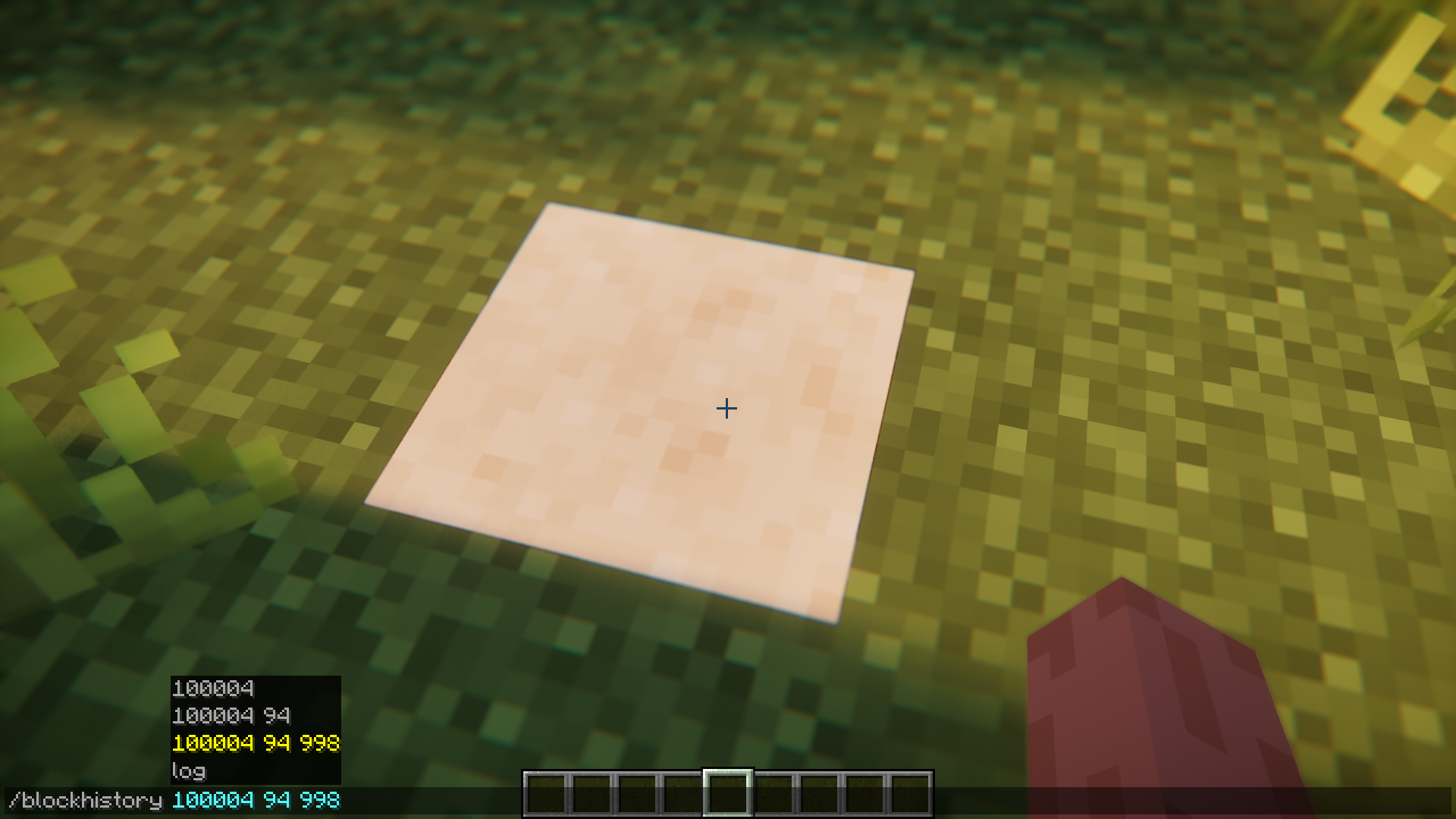
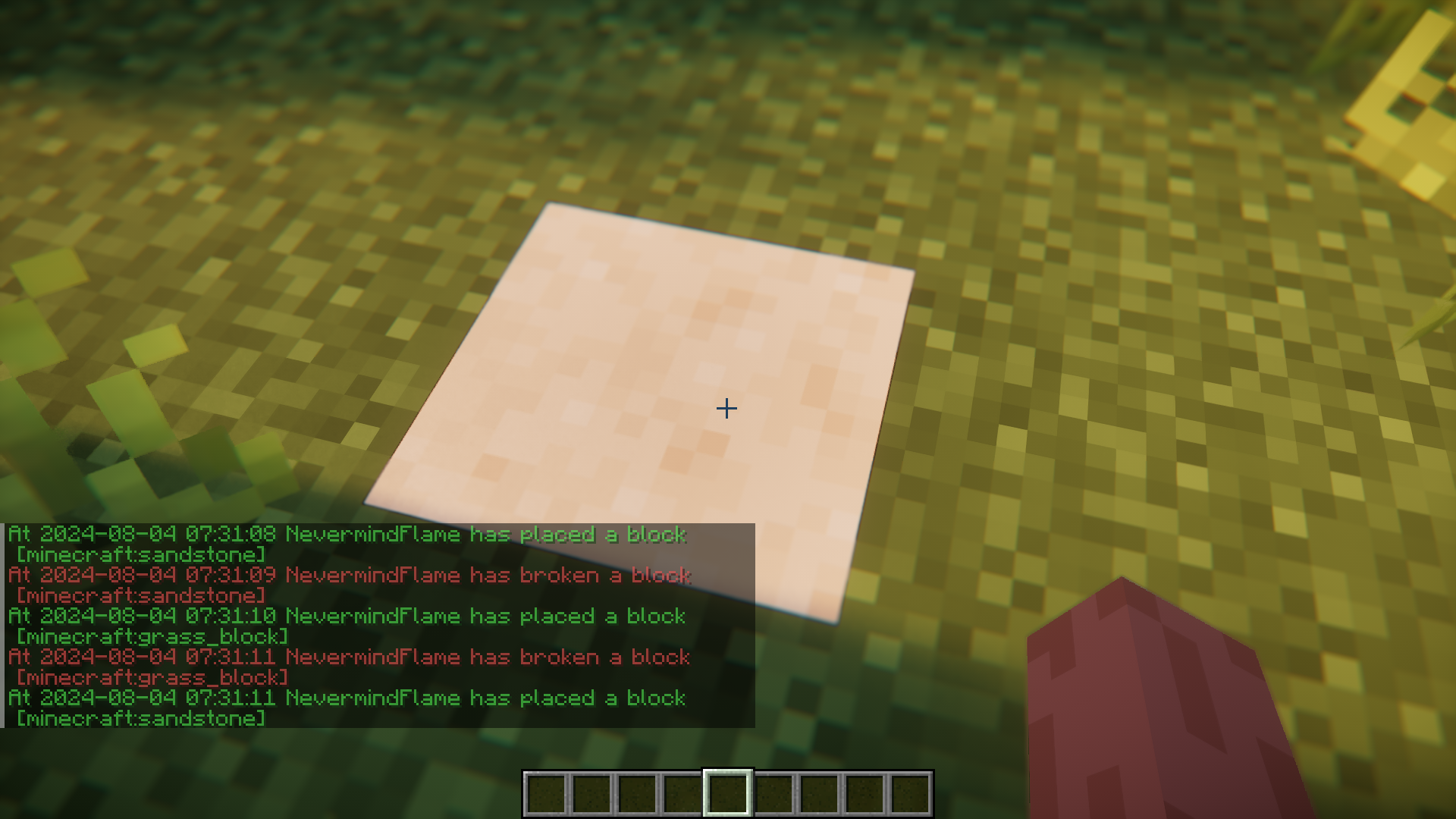
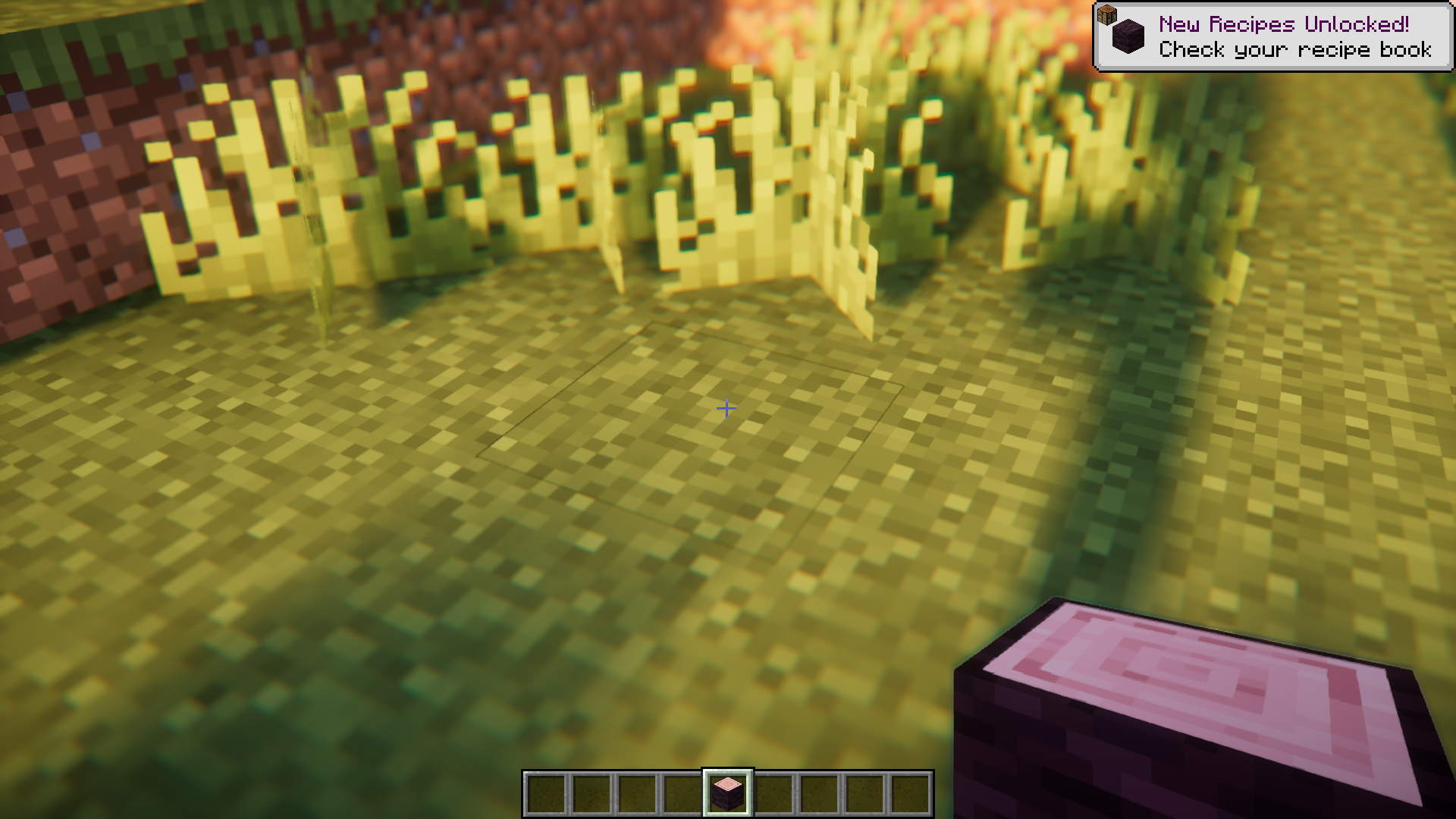
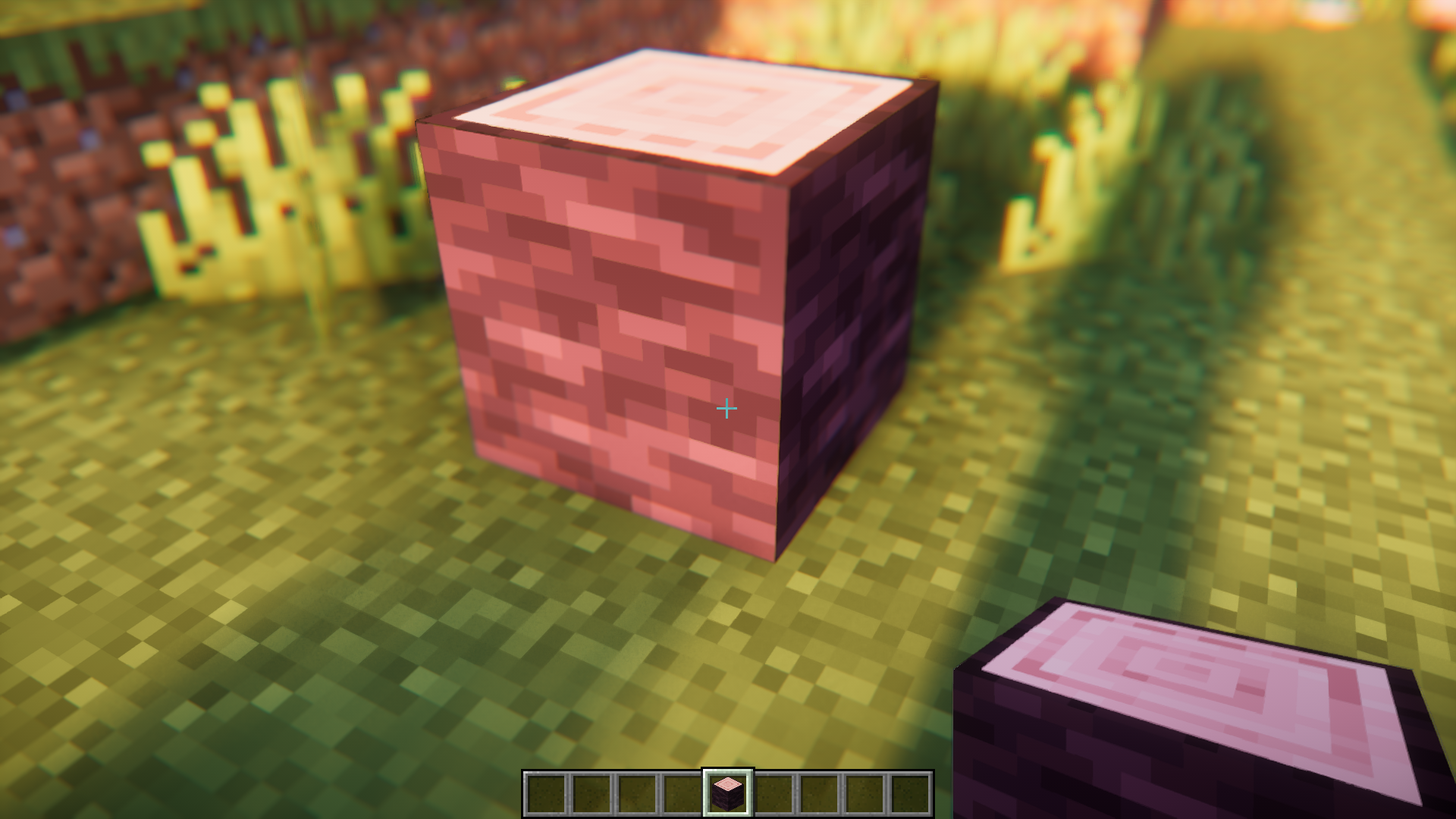
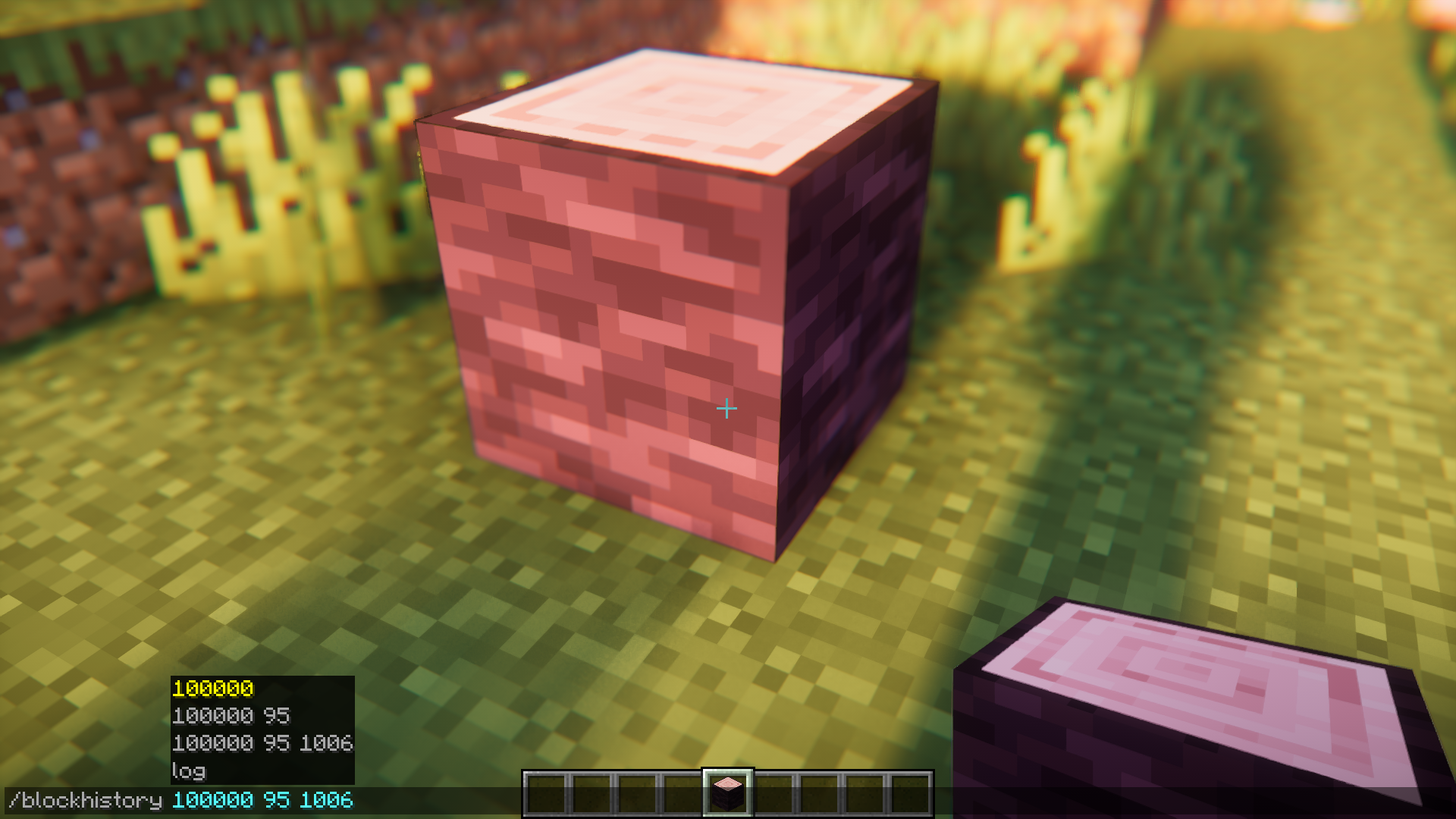
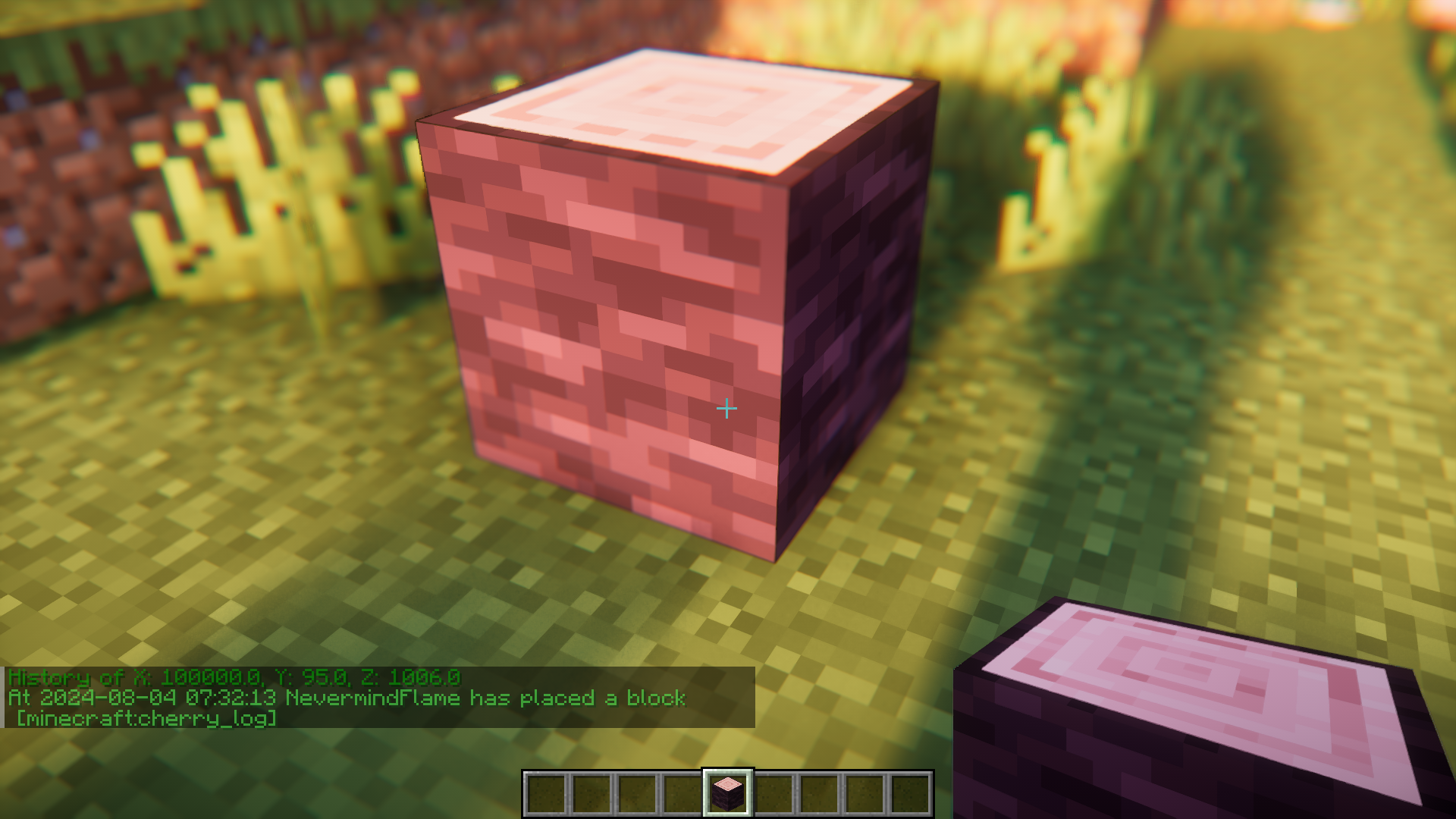
Block History Mod helps you keep track of the history of blocks that were placed and broken in a specific blockspace. By pointing your crosshair at a blockspace and executing the /blockhistory <x> <y> <z> command, you will be able to print out a list that contains the history of that blockspace. The data will be printed out in the chat box and will contain the name of the player who placed the block, the block that was placed, the time of placement, etc.
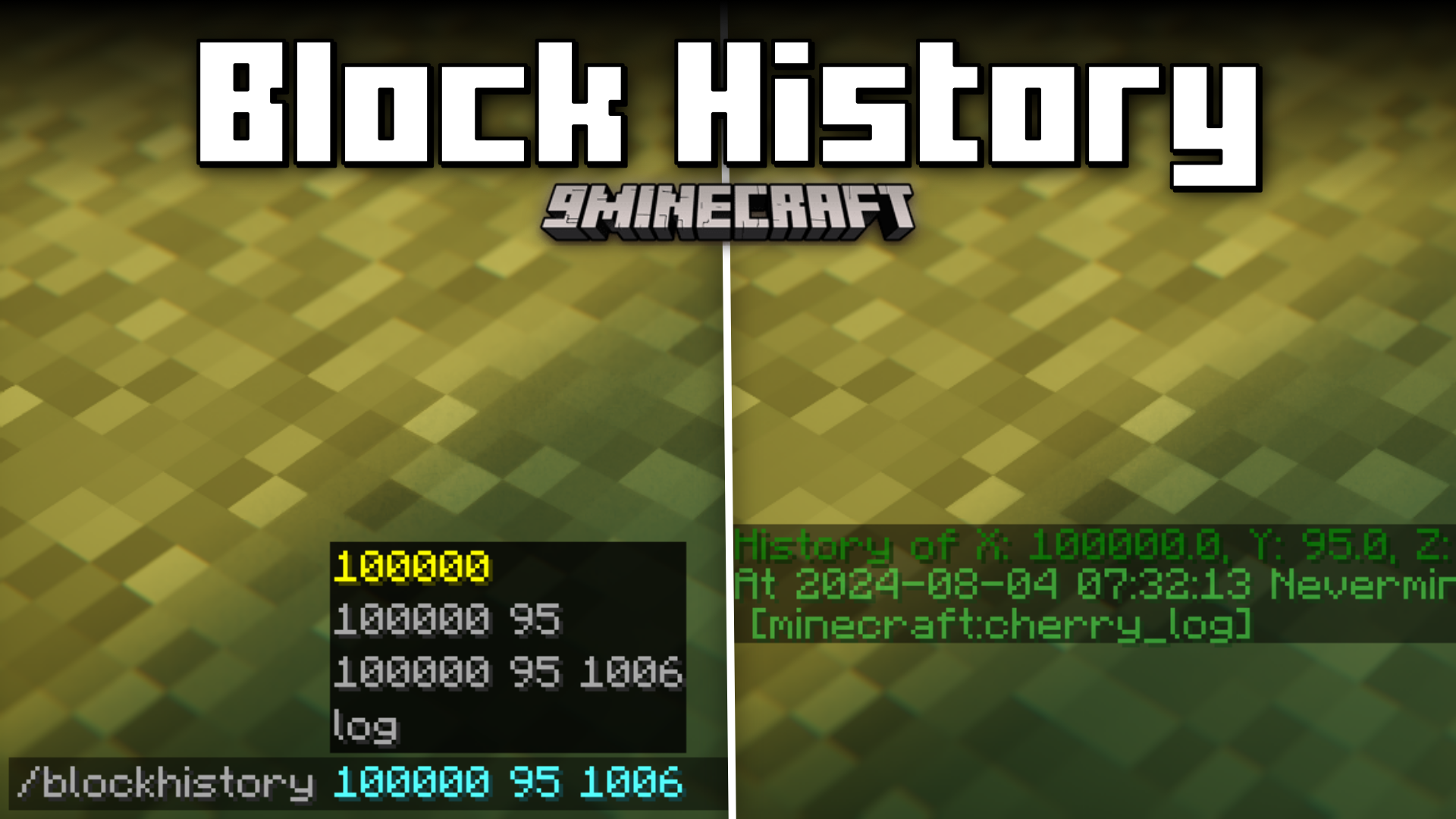
Features:
- Logs the history of a specific blockspace.
- Use the /blockhistory command.
- Details of the player, time, placed block, etc.
Screenshots:
How to Install:
New to Minecraft? Follow our step-by-step guide to install Mods on your PC.View Guide
Requirements:


Block History Mod Download Links
For Minecraft 26.2
For Minecraft 26.1.2, 26.1.1, 26.1
For Minecraft 1.21.11
For Minecraft 1.21.8, 1.21.7, 1.21.6
For Minecraft 1.21.5
For Minecraft 1.21.4
For Minecraft 1.21.1, 1.21
For Minecraft 1.20.6
For Minecraft 1.20.4
For Minecraft 1.20.1, 1.20
For Minecraft 1.19.4
For Minecraft 1.19.2
For Minecraft 1.18.2
For Minecraft 1.17.1
For Minecraft 1.16.5, 1.16.4
Click to rate this post!
[Total: 0 Average: 0]
You May Also Like












This post has no comments yet. Be the first — your comment will appear here.