
Blocky GUI Resource Pack (26.3, 1.20.1) – Crisp Flat Menus with Highlighted
 2
 0

Blocky GUI Resource Pack refreshes the classic Minecraft interface with a flat, sharp, and vanilla-friendly design. It includes 57 custom textures that replace almost all existing containers, mount inventories, and main menu buttons with clean edge highlights. The pack updates your daily survival screens like the hotbar, hearts, hunger bar, and experience bar while keeping the classic look of the game intact. Some special container textures for chests and shulker boxes require the OptiGUI mod to show up in-game.

Features:
- Flat and Sharp Style: Replaces the default menus with a clean flat look and highlighted edges that fit right into the vanilla game.
- Complete HUD Makeover: Updates your hotbar, hearts, hunger bar, and experience bar for a fresh on-screen look.
- Redesigns the survival inventory, creative inventory, and menu tabs.
- Reworks the main menu buttons and the F3 + F4 gamemode changer menu.
- Adds custom textures for almost all existing storage containers and mount screens.
- Tweaks the villager trading menu and gives trapped chests a distinct visual tweak.
- Includes special chest and shulker box menus that work when you have the OptiGUI mod installed.
Screenshots:


How to Install:
New to Minecraft? Follow our step-by-step guide to install Resource Packs on your PC.View Guide
Requirements:
Blocky GUI Resource Pack Download Links
For Minecraft
26.3.x
All Versions Covered
26.3
26.2
26.1.2
26.1.1
26.1
1.21.11
1.21.10
1.21.9
1.21.8
1.21.7
1.21.6
1.21.5
1.21.4
1.21.3
1.21.2
1.21.1
1.21
1.20.6
1.20.5
1.20.4
1.20.3
1.20.2
1.20.1
1.20
How do you prefer to deal with darkness in caves and at night?
2 responses · See the full results →
You May Also Like
Picked for this page
 Canoe Boats Resource Pack (26.3, 1.20.1) – Sleek Wooden River Canoes
 Animated Totem Of Undying Resource Pack (26.3, 1.20.1) – Texture Pack
 Fresh Animations: Creepers Resource Pack (26.3, 1.20.1) – Texture Pack
 Highlighted Netherite Resource Pack (26.3, 1.20.1) – Never Miss Netherite
 Chat Reporting Helper Resource Pack (26.3, 1.20.1) – Clear Tooltips
 Default HD 256x Resource Pack (26.3, 1.20.1) – Classic Vanilla World
 Reforged Armors Java Resource Pack (26.3, 1.20.1) – Heroic Battle Gear
 3D Items Vanillaism by Snow_Wolf_324 Resource Pack (26.3, 1.20.1)
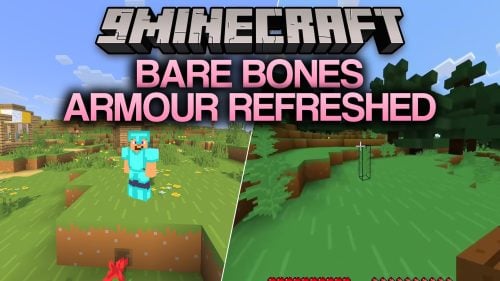 Bare Bones Armour Refreshed Resource Pack (26.3, 1.20.1)
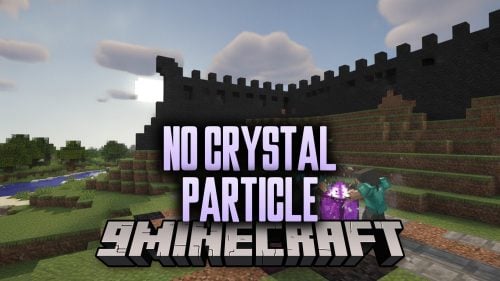 No Crystal Particle Resource Pack (26.2, 1.20.1) – Clear Vision for PvP
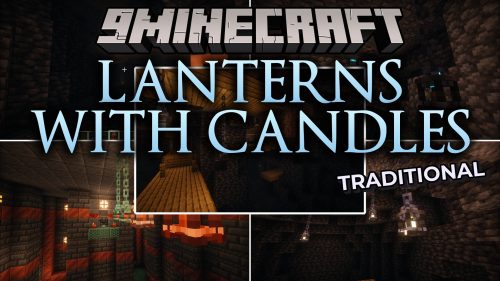 Lanterns with Candles Resource Pack (26.3, 1.20.1) – Cozy 3D Candles for Warmer
 MVS Moog’s Voyager Structures Config Pack Resource Pack (26.3, 1.20.1)
Most viewed in Resource Packs over the last 7 days
 Jenny Mod Skins Resource Pack (1.12.2) – Uzaki, Klee, Mita, and More
 Jenny Mod Skin Pack Mega Collection – 310+ Characters
 750 Models Addon for Yes Steve Model Mod
 Animation Collection for Jenny Mod – 60+ Animations, Updated Regularly
 Patrix Resource Pack (26.3, 1.20.1) – The Peak of Photorealism
 Jennycraft Resource Pack (1.20.1) – Skins for Jennycraft Mod
 Dewier’s 20k Resource Pack (1.8.9) – Texture Pack
 Vanilla+ 3D Crystal Resource Pack (1.21.1, 1.20.1) – Texture Pack
 Mizuno’s 16 Craft Resource Pack (1.21.1, 1.20.1) – Texture Pack
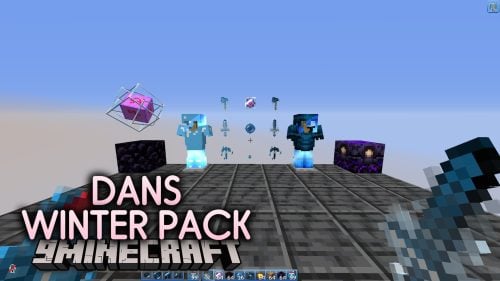 Dans Winter Pack Resource Pack (1.21.11) – Cool Icy Blue Winter Look
 Shrimp’s Immersive Interfaces Resource Pack (26.1.2, 1.20.1)
 TXN Pink Remake Resource Pack (1.21.11) – Pastel Pink Style for Fierce Arena
More from Resource Packs
 Ambiance Music Epic Resource Pack (1.20.1) – Cinematic Overworld RPG Soundtrack
 Masky Food Animations Resource Pack (26.3, 1.21.11) – Lively Vanilla Eating Feel
 Fresh Animations Emissive LabPBR Resource Pack (26.3, 1.20.1)
 Small Changes Resource Pack (26.3, 1.20.1) – Subtle Tweaks for Crisp Survival
 CHIPPY’s SMP PACK Resource Pack (26.3, 1.21.1) – Vibrant Skies, Clean PvP Gear
 Better Pale Garden Resource Pack (26.3, 26.1.2) – Eerie Glowing Haunted Forest
 BIG SHOT Sounds and Textures Resource Pack (26.3, 1.21.1)
 Waguri Pack Resource Pack (26.3, 1.20.1) – Anime Vibes Meets Phonk PvP Battles
 Helmets to Crowns Resource Pack (26.3, 1.21.1) – Regal Headwear with Gem Trims
 Nino Nakano Crystal PvP Anime Sky Resource Pack (26.3, 1.20.1)
 Elytra Red Dragon Resource Pack (26.3, 1.20.1) – Mythical Crimson Flight Gear
 Aurora PvP FPS Friendly Resource Pack (1.8.9) – Clean Arena Vibes for Duels

This post has no comments yet. Be the first — your comment will appear here.