BotSentry Plugin (1.21.11, 1.20.1) – Blocking All Booting Sites And Programs
 1,492
1,492
 0
0
 December 23, 2025
 NewEraStudios
BotSentry Plugin designed to safeguard servers from mass bot floods, fake accounts, and malicious traffic. It’s allowing server owners to integrate custom detection systems. This plugin also includes AntiVPN and AntiProxy features, giving admins the ability to block traffic from specific countries, continents, or providers.
Features:
- Resists over 30,000 bots per second.
- Blocks proxies, VPNs, and malicious traffic.
- Provides an extensive API for custom detection systems.
- Includes AntiVPN and AntiProxy with country/provider blocking.
- Actively updated with frequent bug fixes and improvement.
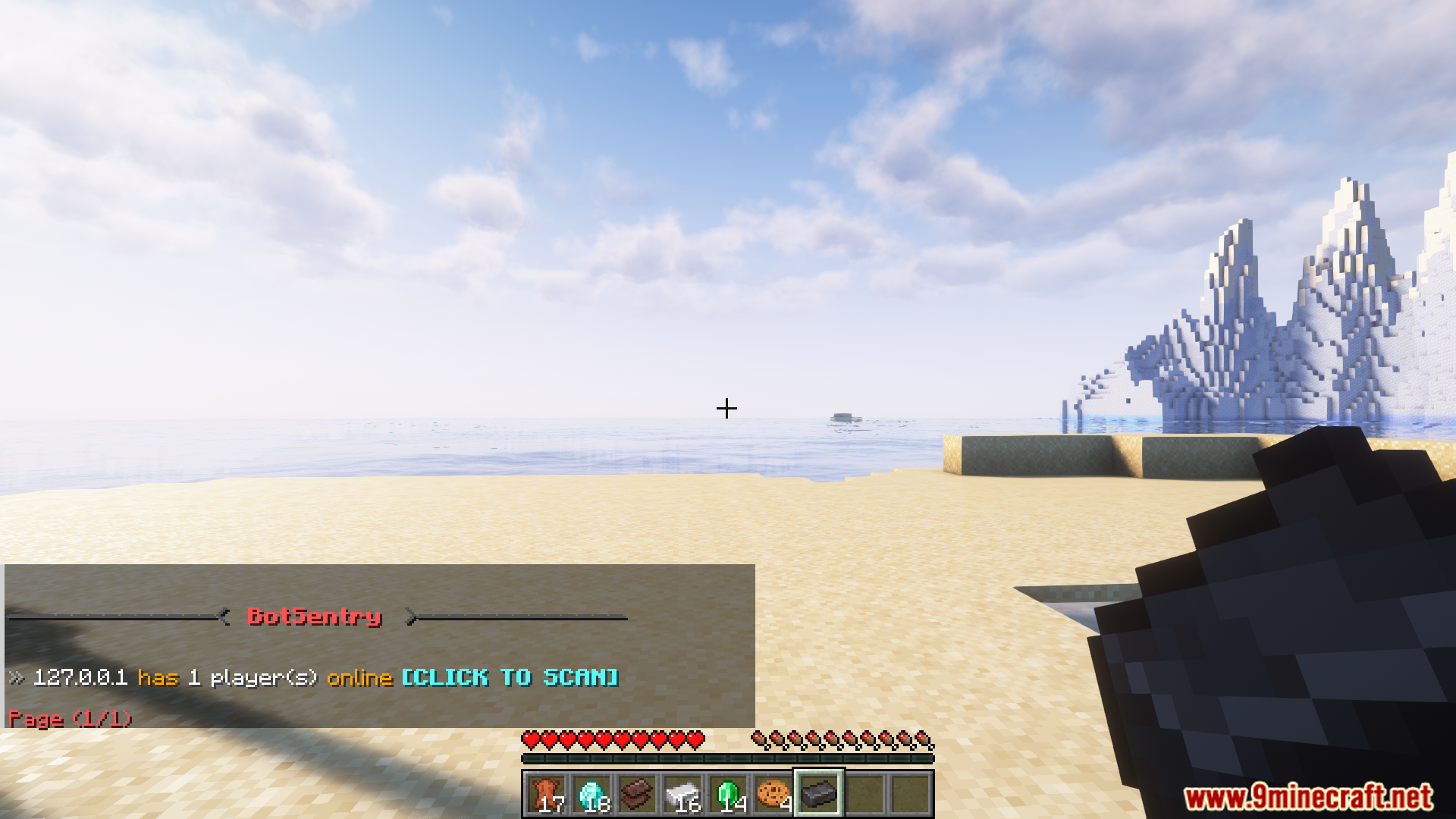
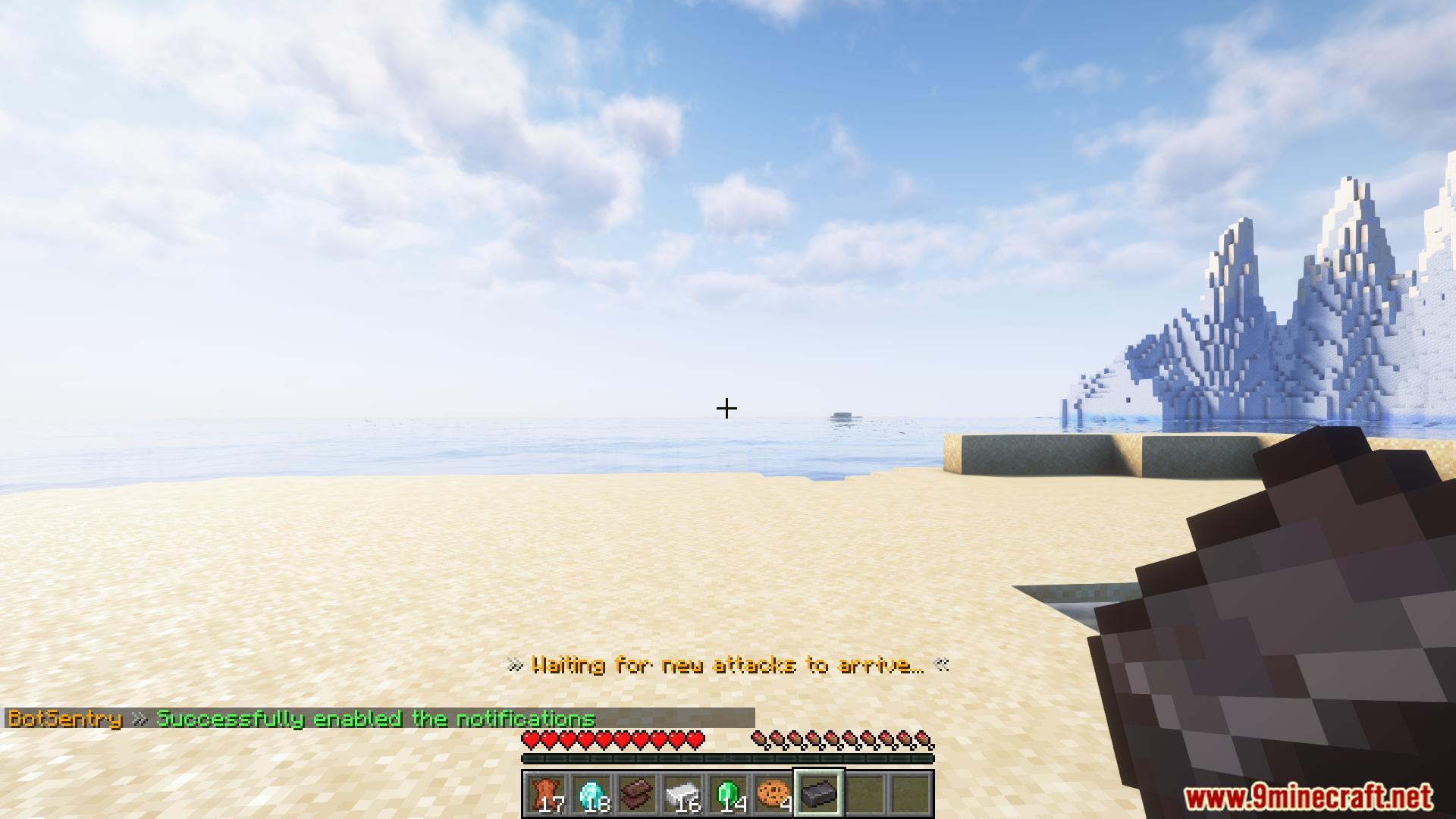
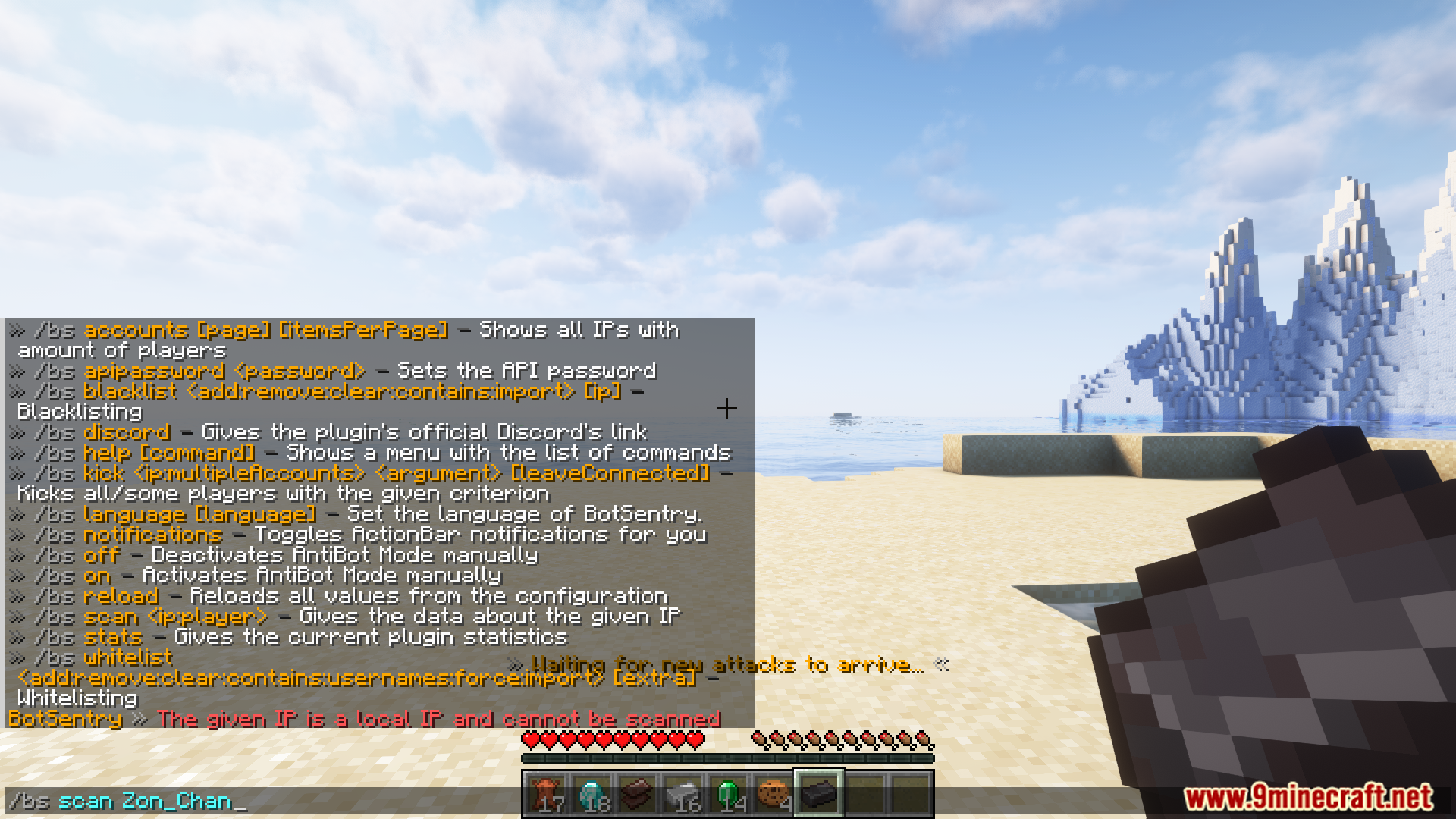
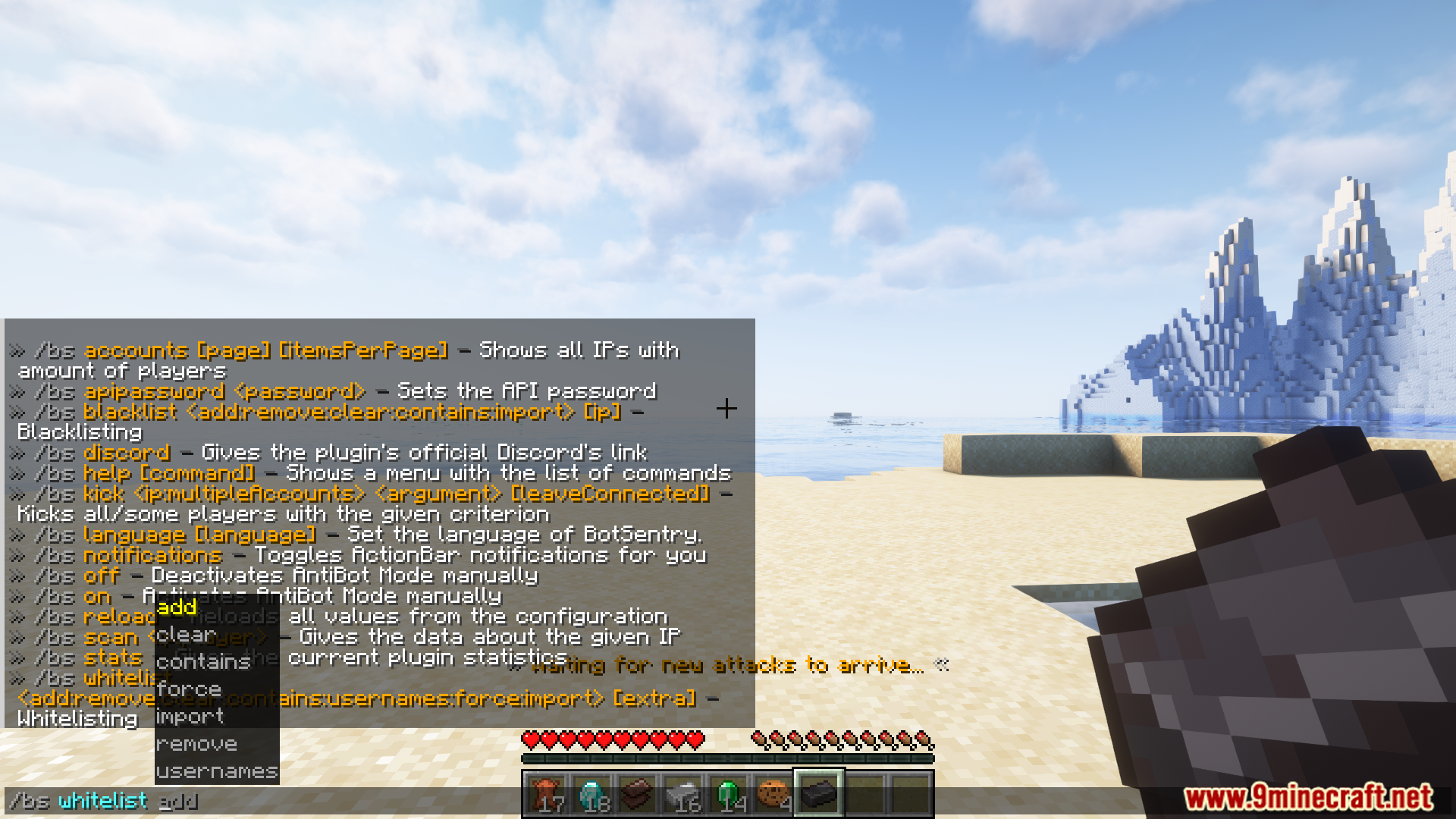
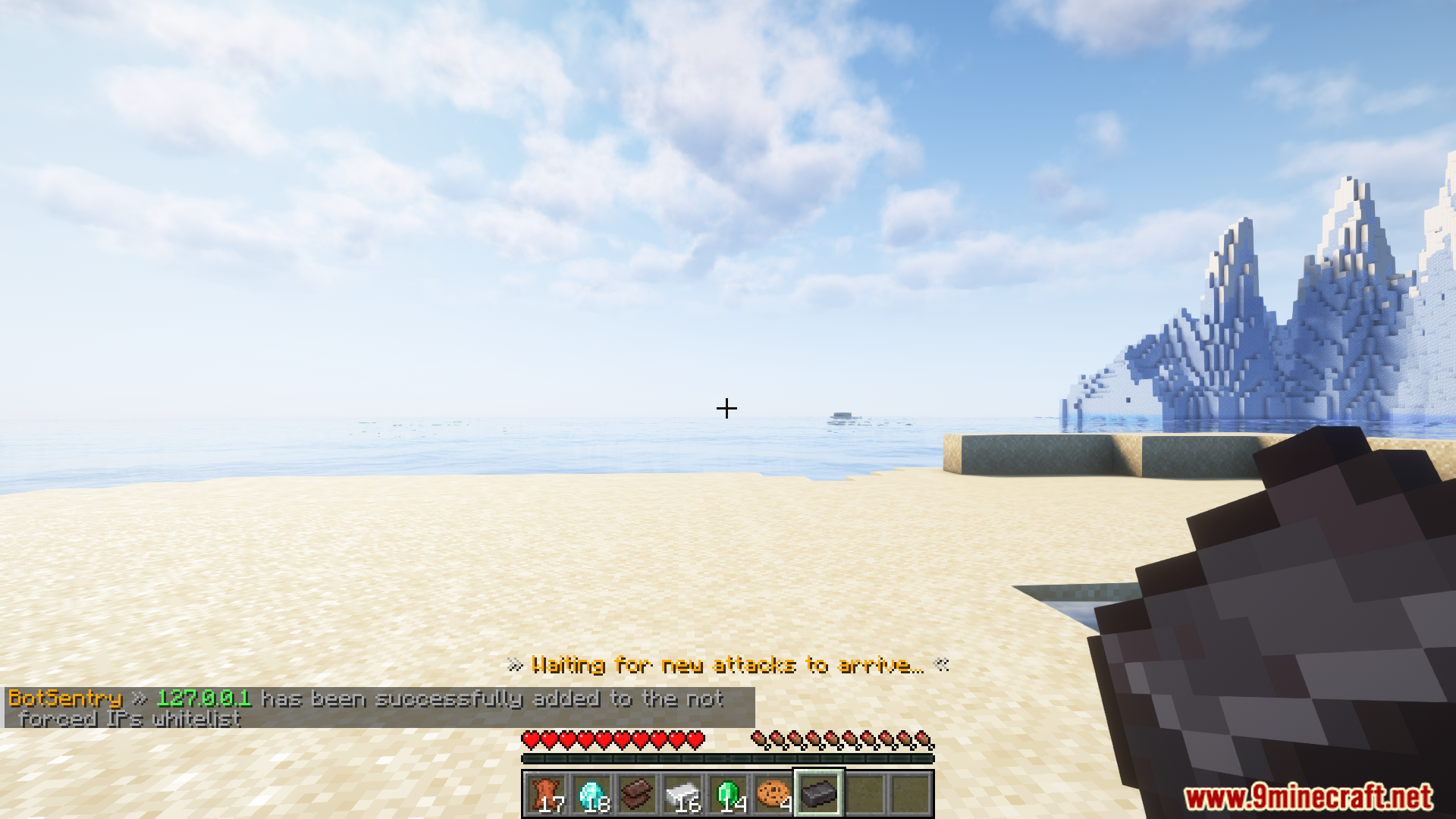
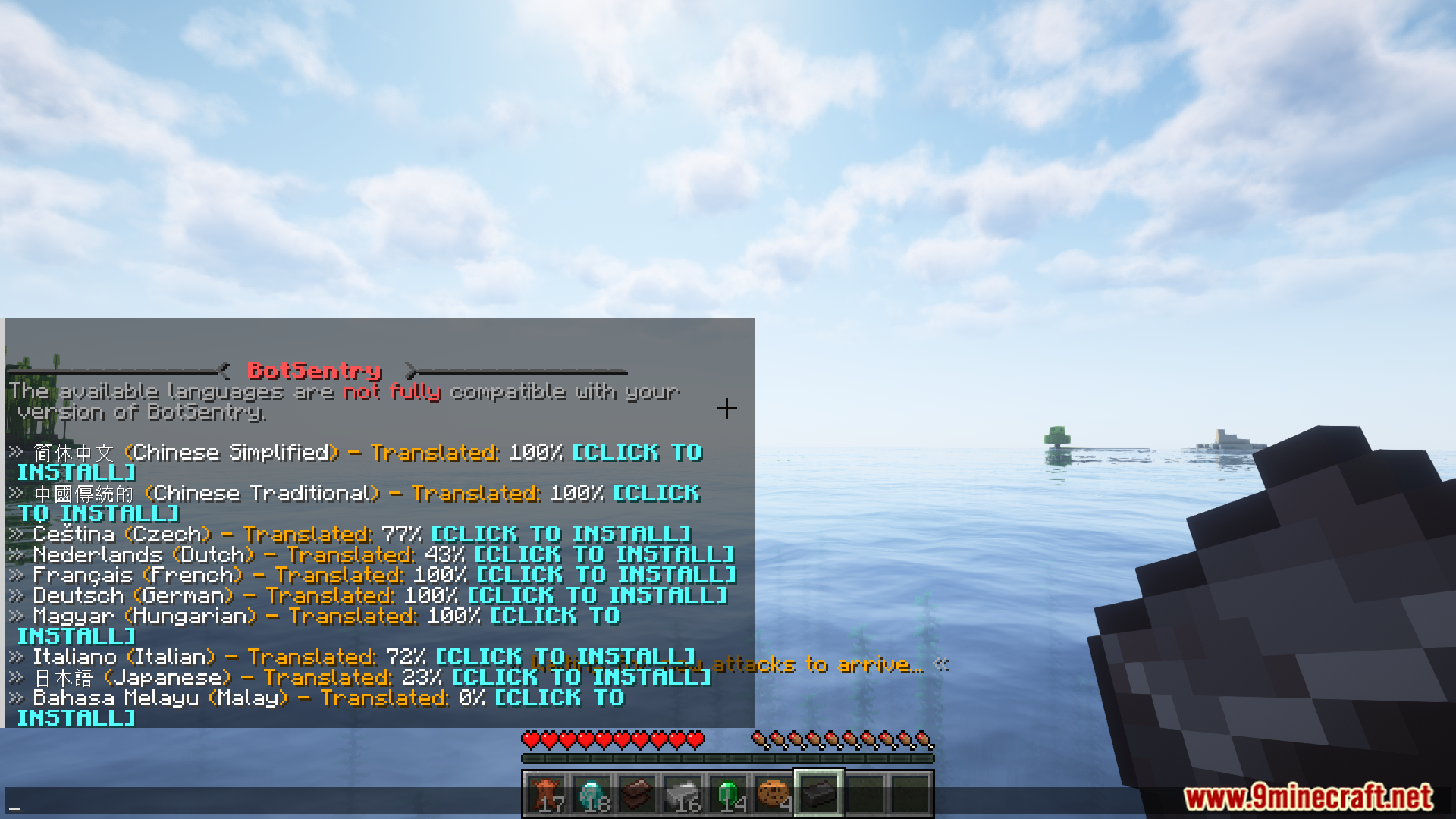
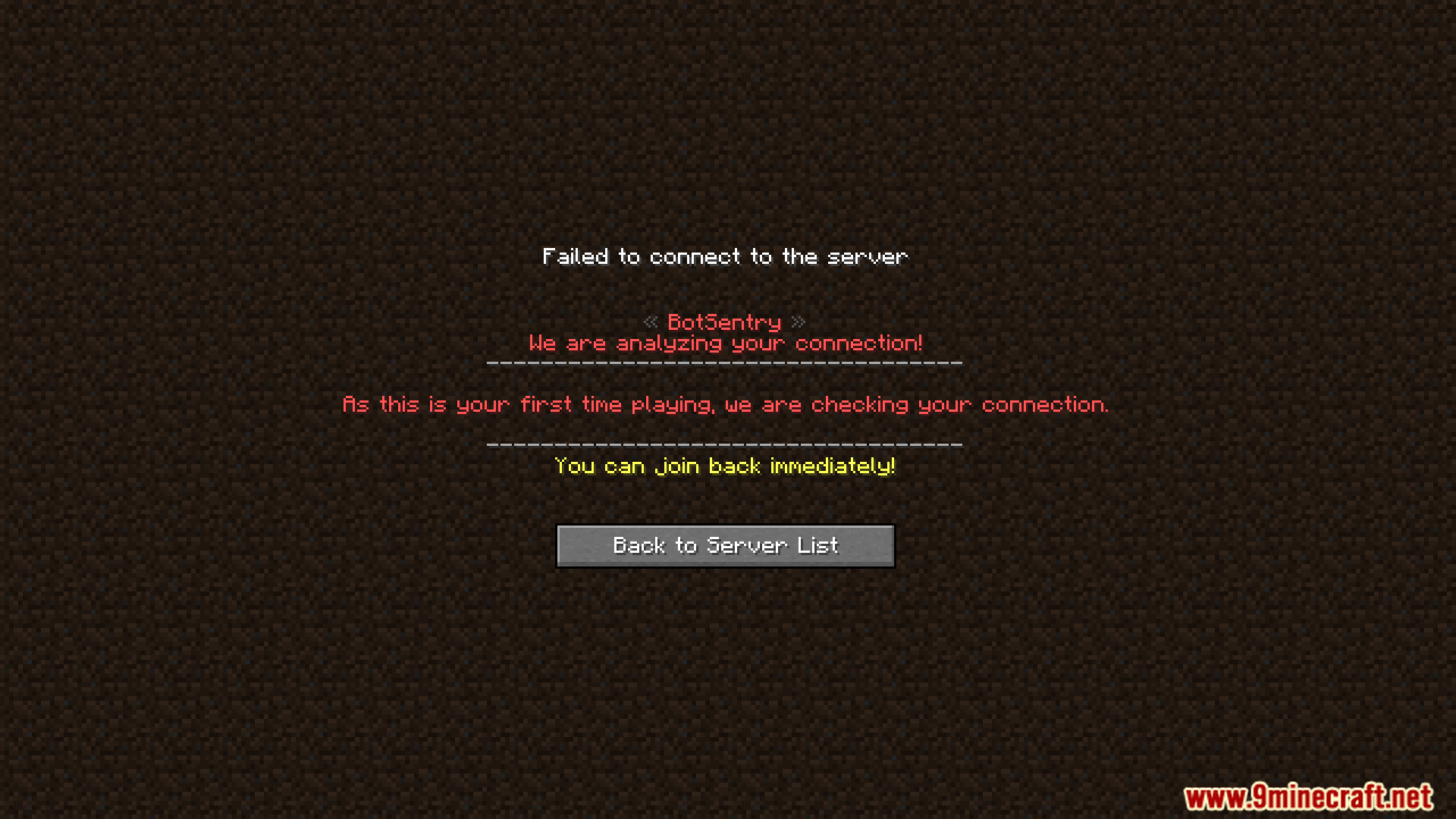
Screenshost:
Commands:
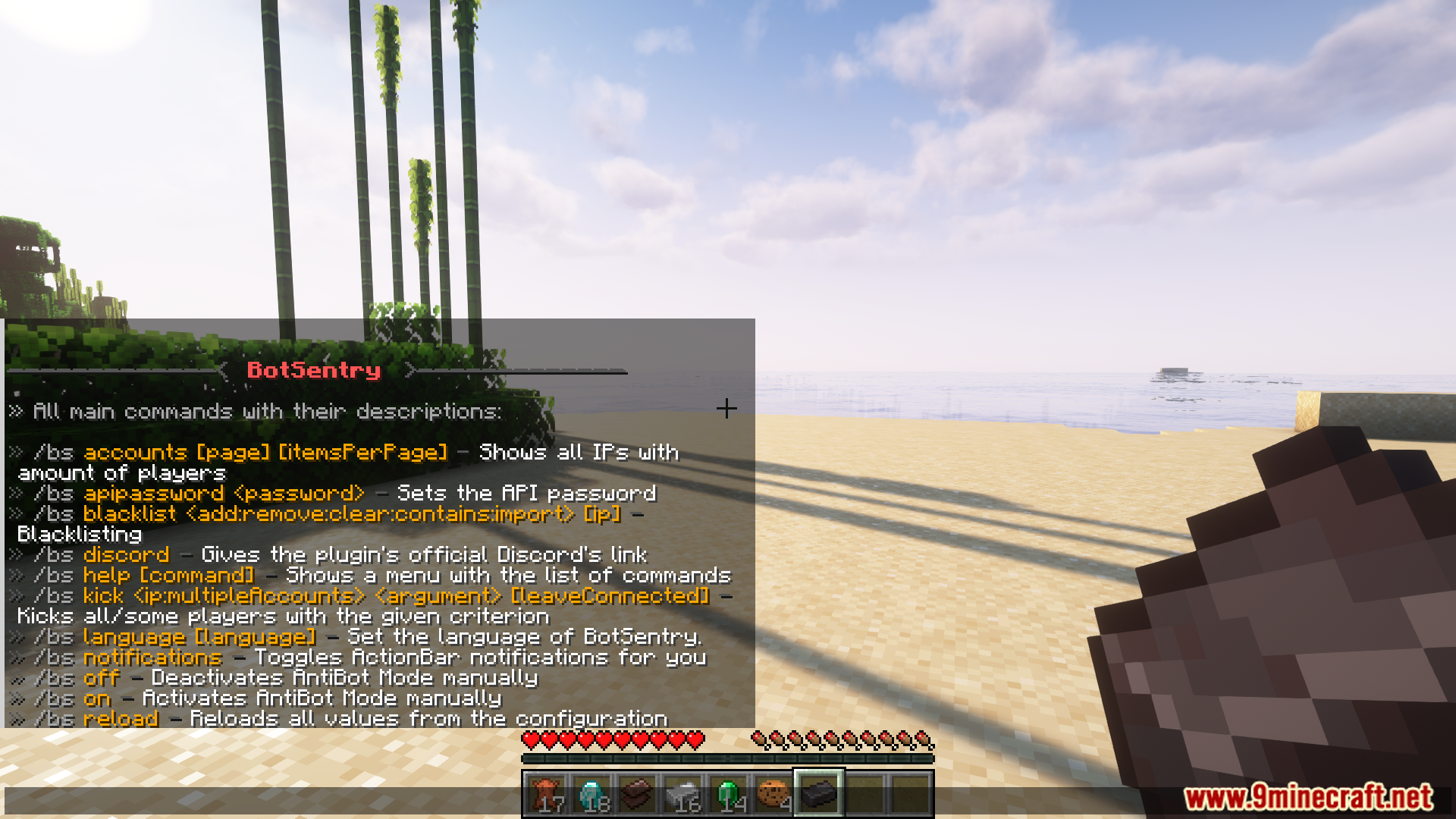
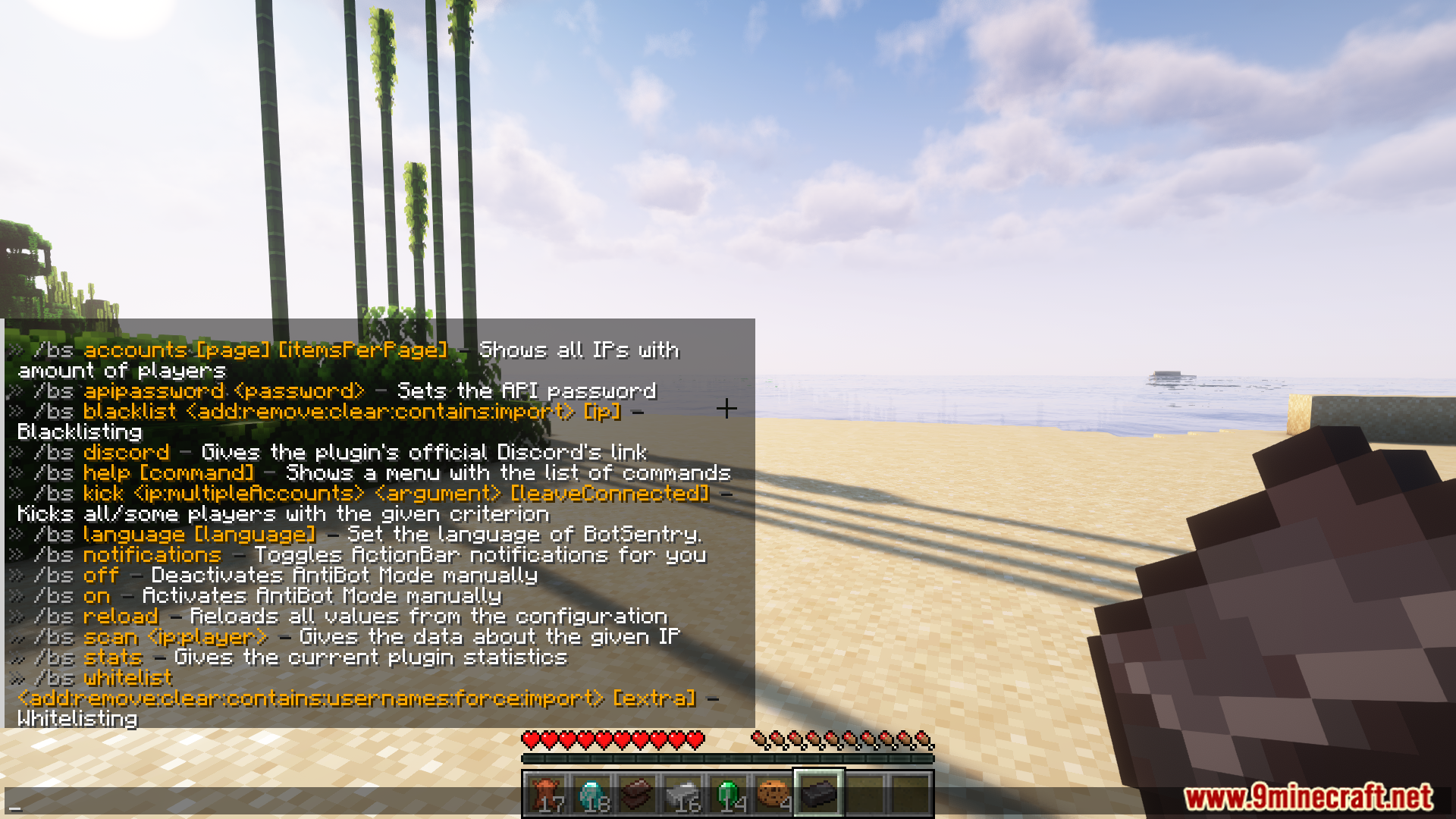
- /botsentry accounts – Shows all IPs with players.
- /botsentry apipassword – Sets the API password.
- /botsentry blacklist – Manages the blacklist.
- /botsentry discord – Gives the plugin’s Discord’s link.
- /botsentry help – Shows a menu with the list of commands.
- /botsentry kick – Kicks all/some players with the given criterion.
- /botsentry language – List and download a different language for BotSentry
- /botsentry notifications – Toggles ActionBar notifications.
- /botsentry off – Deactivates AntiBot Mode manually.
- /botsentry on- Activates AntiBot Mode manually.
- /botsentry reload – Reloads all values from the config.
- /botsentry scan – Gives data about the given IP.
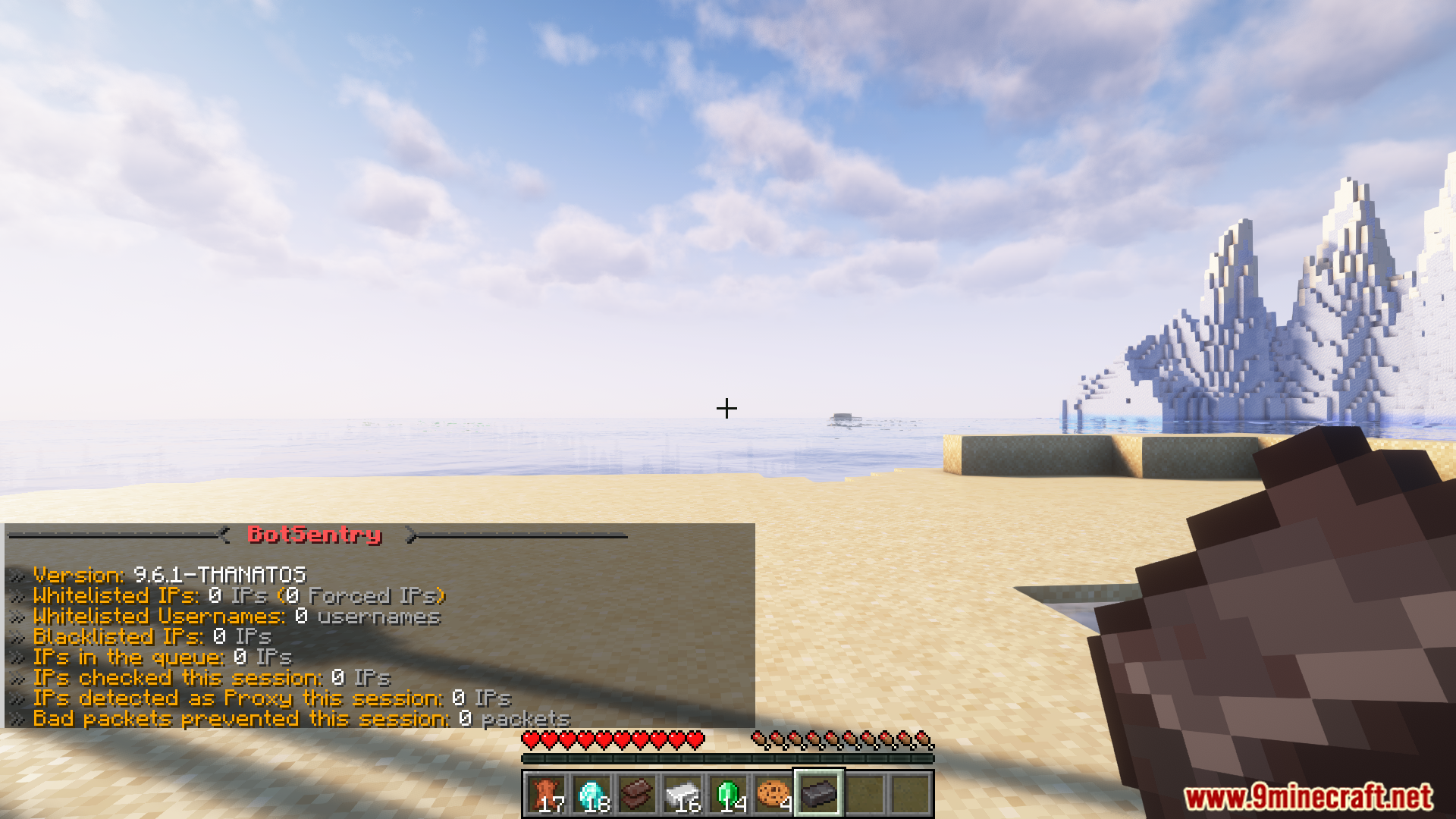
- /botsentry stats – Sends the current plugin statistics.
- /botsentry whitelist – Manages the whitelists.
- /botsentrywiki – Command to use ingame Wiki
Commands:
- botsentry.monitor
- botsentry.admin
- botsentry.wiki
- botsentry.automaticnotification
How to install:
- Please visit the following link for full instructions: How To Download & Install Spigot Plugins
- Don’t miss out today’s latest Minecraft Plugins
BotSentry Plugin Download Links
For All Versions from Minecraft 1.8 to Minecraft 1.21.11, 1.21.10
Spigot/Paper/Bungee/Velocity/Sponge Version:Download from Server 1 – Download from Server 2
Click to rate this post!
[Total: 2 Average: 5]
You May Also Like