
Bring Back Bedrock Mod (1.20.2, 1.20.1) – Keep Dimensions Safe From the Void
 600
 0


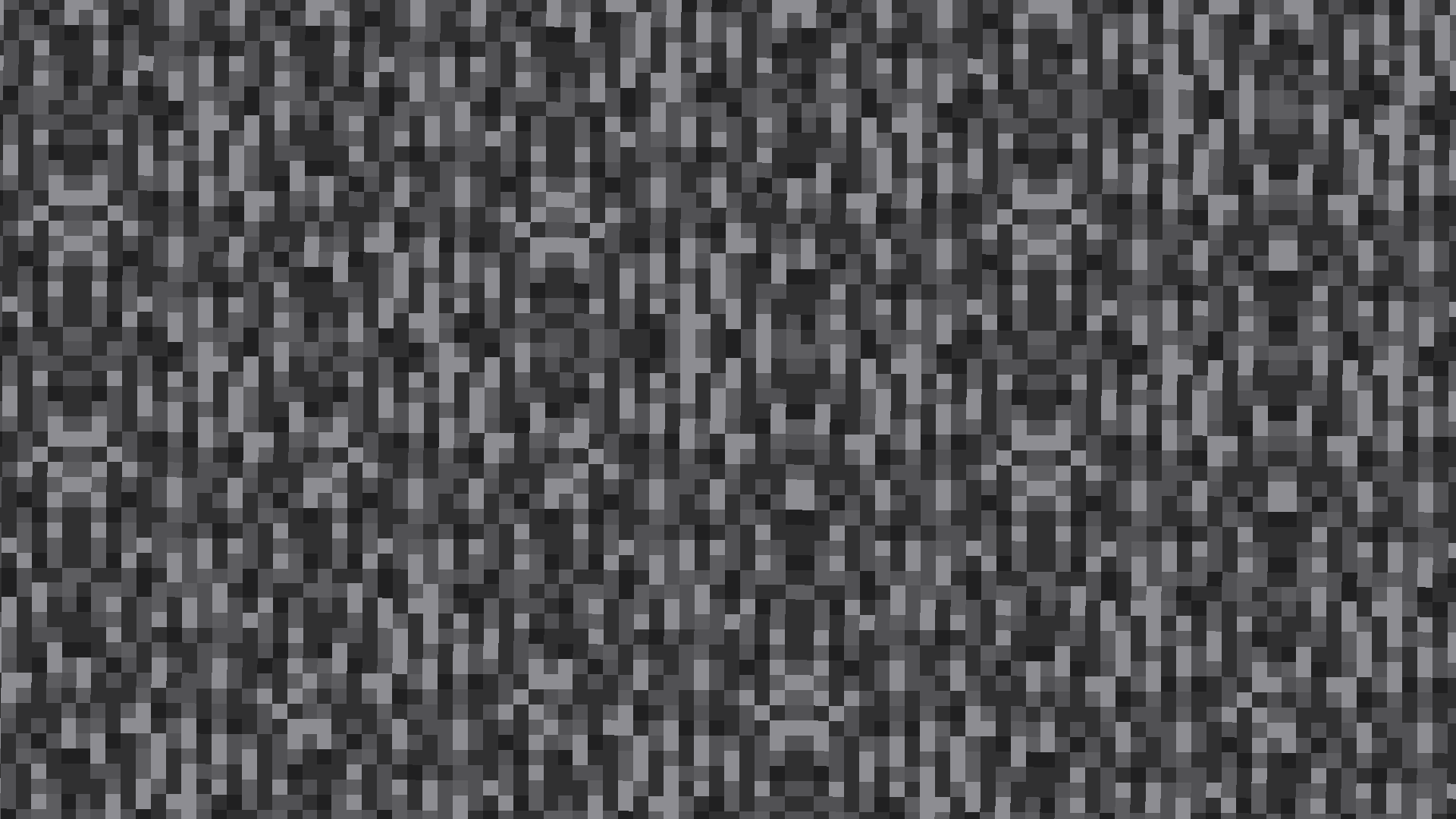
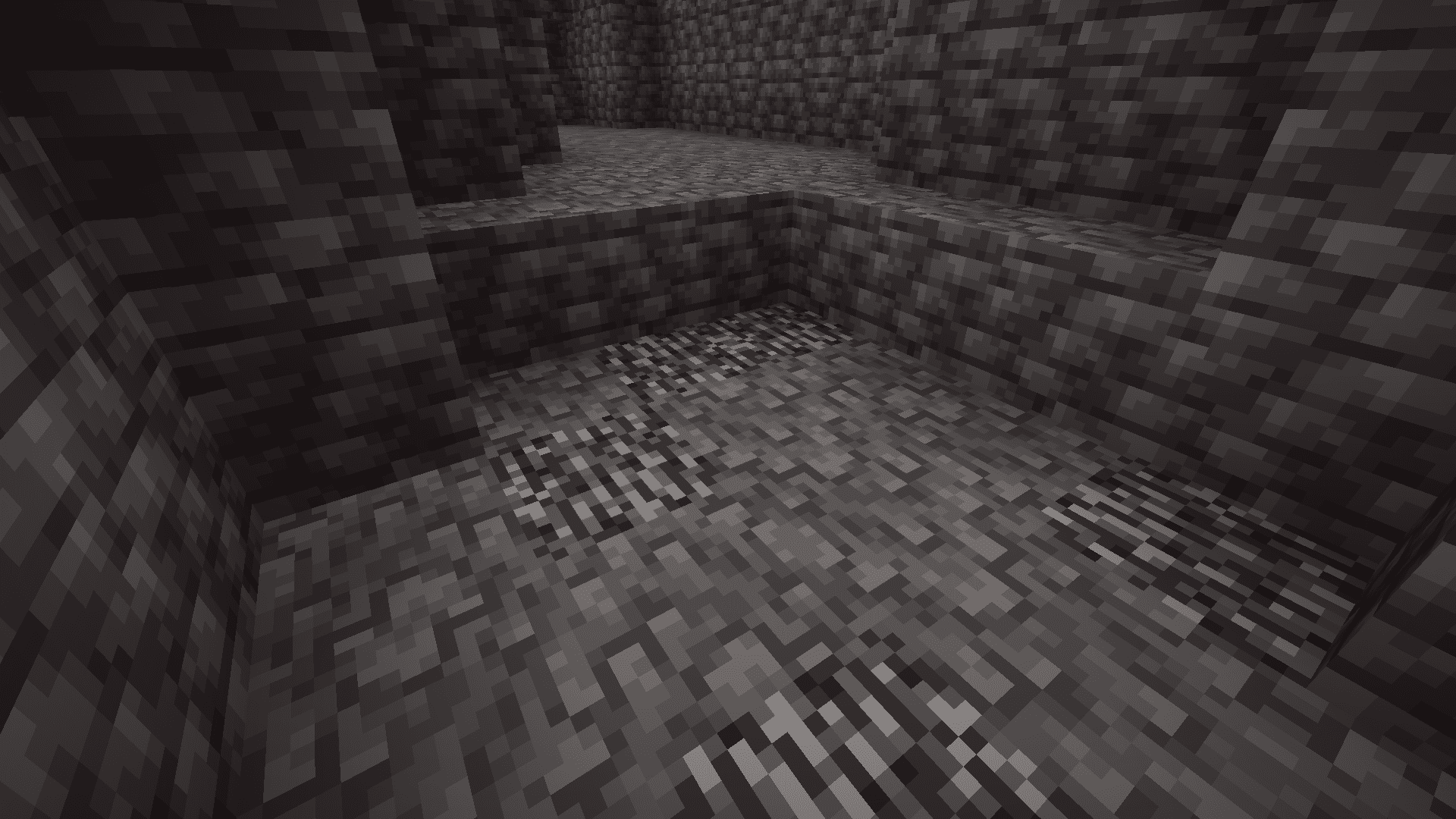
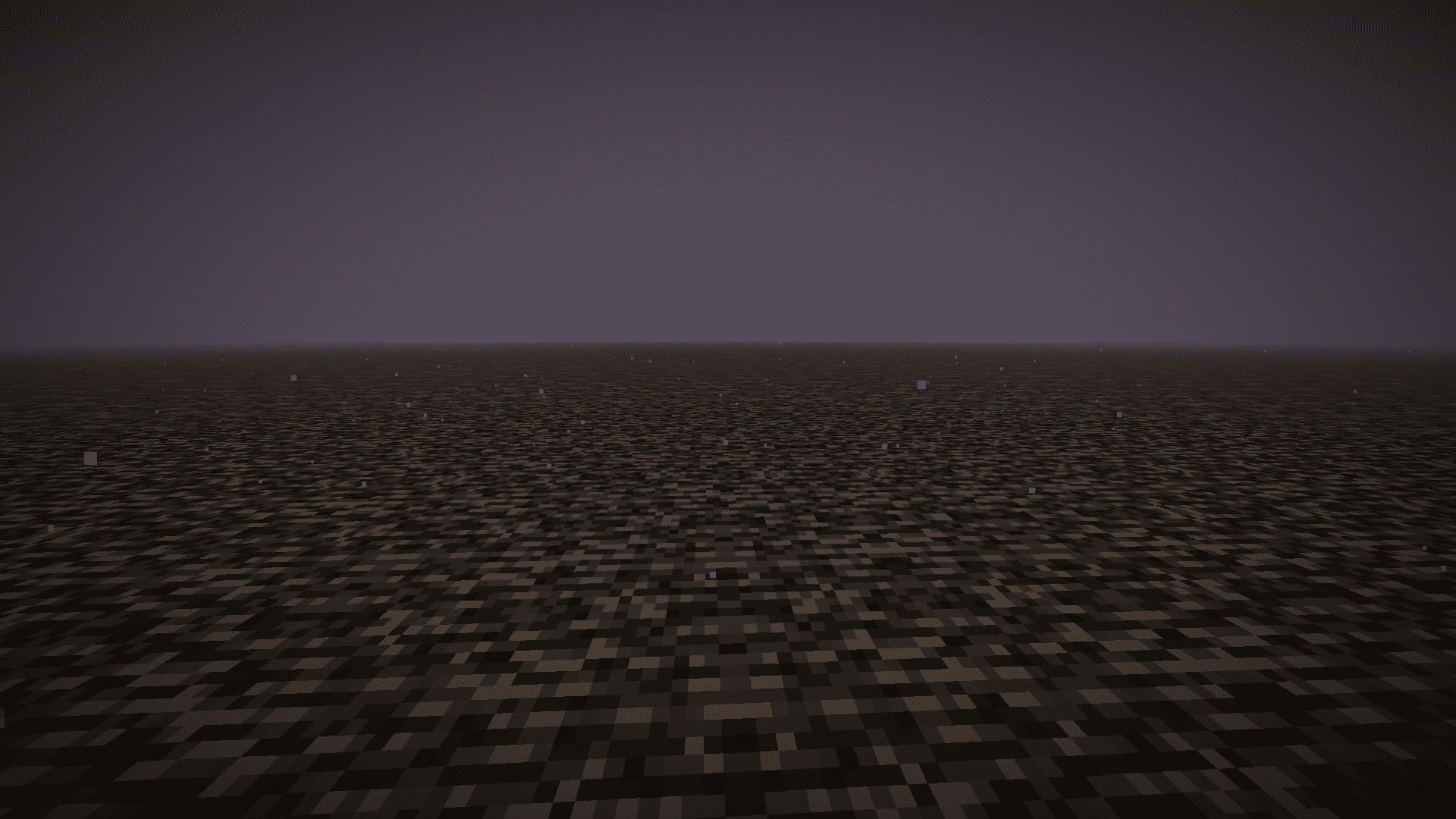
Bring Back Bedrock Mod restores missing bedrock layers in your Minecraft worlds. It puts back bedrock floors and roofs after you upgrade from older versions of Bedrock-B-Gone or use a custom world generation datapack. You pick which dimensions get their bedrock back right inside the config file.
Features:
- Restores missing bedrock layers after you upgrade Bedrock-B-Gone from a version before 5.1.10 or use a custom world generation datapack.
- Lets you pick which dimensions get a bedrock floor and which ones get a bedrock roof through the config file.
- Includes the Overworld and the Nether in the default bedrock floor list, and the Nether in the default bedrock roof list.
- Uses the floor and roof heights set by your datapack, while the older 1.12.x config also lets you toggle bedrock regeneration and set custom floor or roof Y-levels.
- Includes an optional logging setting (off by default) that writes bedrock generation details to the console.
Configuration:
Add the dimension IDs you want to restore inside the config file. Floor and roof height settings are removed in newer configs because your datapack controls those levels.
flooredDimensions: List of dimension IDs that need a bedrock floor. Default:["minecraft:overworld", "minecraft:the_nether"].roofedDimensions: List of dimension IDs that need a bedrock roof. Default:["minecraft:the_nether"].enableLogging: Turns logging for bedrock generation on or off. Default:false.
[General]
   #A list of dimensions where there needs to be a bedrock floor
   flooredDimensions = ["minecraft:overworld", "minecraft:the_nether"]
   #A list of dimensions where there needs to be a bedrock roof
   roofedDimensions = ["minecraft:the_nether"]
   #Enable logging of the bedrock generation
   enableLogging = false
Configuration (1.12.x):
B:enableLogOutput: Turns console log output on or off. Default:false.B:enableRegeneration: Turns bedrock generation on or off. Default:true.I:regenerateFlooredDimensions: List of dimension IDs where the bedrock floor needs to regenerate.I:regenerateRoofedDimensions: List of dimension IDs where the bedrock roof needs to regenerate.I:flooredBedrockLevel: Y-level for the bedrock floor (set to-1to disable). Default:0.I:roofedBedrockLevel: Y-level for the bedrock roof (set to-1to disable). Default:127.
# Enable log output in console
B:enableLogOutput=false
# Enable bedrock generation
B:enableRegeneration=true
# List of dimensions the floor needs to be regenerated
I:regenerateFlooredDimensions
# List of dimensions the roof needs to be regenerated
I:regenerateRoofedDimensions
# Y-level floored bedrock. -1 to disable
I:flooredBedrockLevel=0
# Y-level roofed bedrock. -1 to disable
I:roofedBedrockLevel=127
Screenshots:

How to Install:
New to Minecraft? Follow our step-by-step guide to install Mods on your PC.View Guide
Bring Back Bedrock Mod Download Links
For Minecraft 1.12.2
Forge version: Download from Server 1 – Download from Server 2
For Minecraft 1.20.2, 1.20.1, 1.20
Forge/NeoForge version: Download from Server 1 – Download from Server 2
For Minecraft 1.19
Forge version: Download from Server 1 – Download from Server 2
What is the longest real-time wait you will tolerate for a heavily modded game to load to the main menu?
52 responses · See the full results →
You May Also Like
Picked for this page
 MiniHUD Mod (26.3, 1.20.1) – Mini F3 HUD
 Justwilly’s Day Counter Mod (26.3, 1.20.1) – Real-Time Day Tracking
 Aim Assistance Mod (1.21.11, 1.20.1) – Make Minecraft Easier To Control
 Extended Block Shapes Mod (26.3, 1.20.1) – Architectural Advancements
 Hidden Recipe Book Mod (26.3, 1.20.1) – Remove The Minecraft Recipe Book
 FlickerFix Mod (26.1.2, 1.20.1) – Disable Nightvision Flickering
 Axes Are Weapons Mod (26.3, 1.20.1) – Reduced Durability Loss
 Skin Grabber Mod (26.2, 1.20.1) – Grab Skins From The Nearest Player
 Cape Better Capes Mod (26.2, 1.20.1) – High-Res Cape Selector
 Fire Hud Mod (26.2, 1.21.1) – Track Fire Resistance Easily
 Loot Integrations Underground Villages Stoneholm Mod (1.21.11, 1.20.1) – More Loots For New Structures
 Trials Chambers Backport Mod (1.20.1, 1.20) – Custom Dungeon Expansion
Most viewed in Mods over the last 7 days
 Ala Industrial Mod (26.3) – Run Electric Power Grids and Automated Factories
 PleasureCraft Mod (26.3, 1.21.1) – Jenny Mod Remake for Fabric
 Jennycraft Mod (26.3, 1.20.1) – Virtual Girlfriend in Minecraft
 Fapcraft Mod (26.3, 1.12.2) – Comprehensive and Detailed Content
 Jenny Mod (Fapcraft) Official Complete Guide – How to use, Tutorial
 BangCraft Mod (1.20.1) – Jenny, Ellie and Elliot
 Fabric Loader (26.3, 1.20.1) – Fabric Installer for All Minecraft Versions
 Meteor Client Mod (26.3, 1.20.1) – Xray, HUD, Fly
 The Shooting Star Demo Mod (26.3, 1.20.1) – Vaporize Terrain From Orbit
 OptiFine HD (26.3, 1.20.1) – Run Faster, FPS Boost, Shaders Support
 Aristois Client Mod (1.21.4, 1.20.1) – World Class Minecraft Utility
 SchnurriTV Mod (1.12.2) – Characters and Features
More from Mods
 Legacy Wavey Capes Mod (1.8.9) – Watch Your Cape Flow Naturally While Sprinting
 Warrior Cats Events Mod (1.21.1, 1.20.1) – Live As a Wild Clan Cat
 Apex Enchantment Freedom Mod (26.3) – Stack Conflicting Enchantments
 Tensura GUI Mod (1.21.1) – Track Your Fantasy Skills and Race Evolutions
 Remnants Roguelite Dungeons Mod (26.3, 1.20.1) – Risk It All in Procedural
 Lib Lib Lib Mod (26.3, 1.20.1) – Keep Your Favorite Modpacks Running Smooth
 Cinematic Interactions Mod (26.3, 1.20.1) – Watch Your Hands Work
 Macro Keybinds Mod (26.3, 1.20.1) – Macro Creation, Keybind Execution
 Better Enchantment Bookshelf Placement Mod (26.3, 1.20.1)
 RFTools Builder Mod (26.3, 1.20.1) – The Builder, Powerful Machine
 Block & Board Mod (26.3, 1.20.1) – Play Classic Tabletop Games with Friends
 Hammers 3×3 Mod (1.21.8, 1.20.1) – Carve Caves with One Swing

This post has no comments yet. Be the first — your comment will appear here.