
Medieval Village House Schematic (1.21.x) – A Cozy Medieval Home With Prismarine Roof
 0
0
 0
0


Medieval Village House Schematic provides a small and cozy home for your Minecraft world. It features a unique prismarine roof and a colorful flower garden. This build works great as a starter house or a decoration for a larger town. The design uses vanilla blocks so you do not need any mods to use it. It fits perfectly into any medieval-themed village.
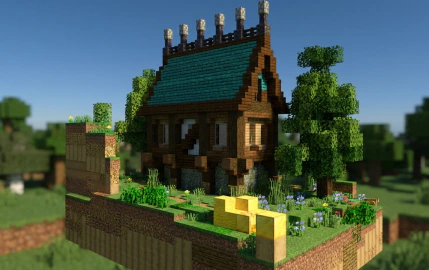
3D Preview & Editor:
How to place this schematic
.schem This is a WorldEdit schematic. It pastes instantly on a server or single-player world that has WorldEdit (or FastAsyncWorldEdit).
| 1 | Install WorldEdit — as a plugin on the server, or as a mod for single player. |
| 2 | Drop the .schem file into plugins/WorldEdit/schematics (server) or config/worldedit/schematics (client). |
| 3 | Run //schem load <file name>. |
| 4 | Stand where you want it and run //paste. Add -a to skip air blocks. |
About this build
| 1 | Load the SCHEM file using a schematic mod like WorldEdit or Litematica. |
| 2 | Select the area where you want the house to appear. |
| 3 | Paste the schematic into your Minecraft world. |
| 4 | Enjoy your new medieval starter home. |
Features:
- Features a bright prismarine roof that stands out in any village.
- Includes a pretty flower garden right outside the front door.
- Works as a compact starter home for new survival worlds.
- Uses exactly 5,575 blocks to create a detailed look.
- Fits into a small space of 30x28x20 blocks.
- Built with vanilla blocks so it is easy to place in any world.
Schematic Specs:
 Minecraft1.21.x
 Dimensions30×28×20
 Total Blocks5,575
 Top Blocks Used
Stripped Oak Wood 1,072Oak Planks 1,056Stripped Jungle Wood 656Grass Block 650Stone 240
Medieval Village House Schematic Download Links
For Minecraft 1.21.x
Click to rate this post!
[Total: 0 Average: 0]
You May Also Like
Picked for this page
 Pokémon Temple Arena Japanese Litematica Schematic (1.21.x) – Large Asian Fortress With Fighting Rin
 Compact Automatic Potion Brewer System Schematic (1.21.x) – Efficient Single Unit Potion Brewing Sys
 Four Masted Barque Schematic (1.21.x) – Large Sailing Ship Build With Four Masts
 Japanese House Schematic (1.21.x) – Medium Traditional Asian Home Build
 Oozing Slime Farm Snow Farm Schematic (1.21.x) – Compact Combined Slime And Snow Farm Build
 Mini Freddy Pizzeria Schematic (1.21.x) – A Small FNAF Restaurant Build For Your World
 3×3 Full Frame Noteblock Bud Door Schematic (1.21.x) – 3×3 Redstone Door Controlled By Noteblocks
 2×2 Flush Seamless Piston Door Schematic (1.21.x) – Hidden Redstone Entrance For Your Base
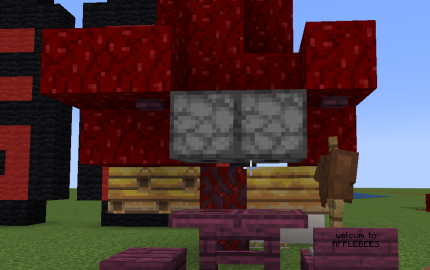 Applebees Schematic (1.19.x) – Small Modern Kitchen Building Structure
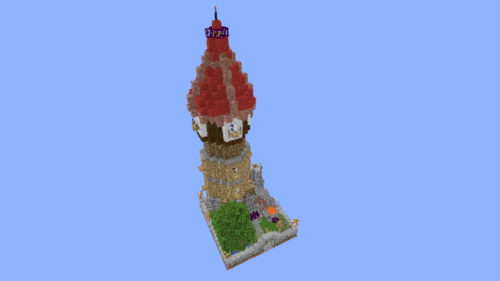 Blacksmith Tower Schematic (1.20.x) – Tall Vanilla Building Blueprint For Villages
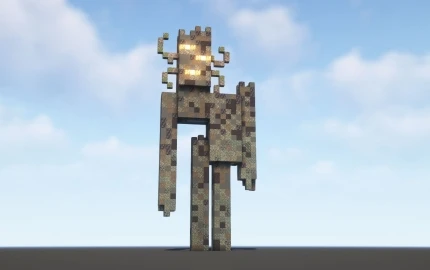 Creaking Statue Minecraft Build Schematic (1.21.x) – Spooky Statue for Horror and Fantasy Worlds
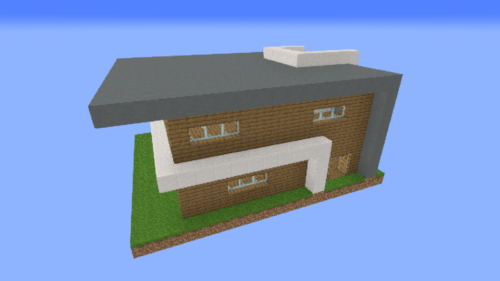 Small House 11 Schematic (1.20.x) – Tall And Compact Vanilla Home Build
Most viewed in Schematics over the last 7 days
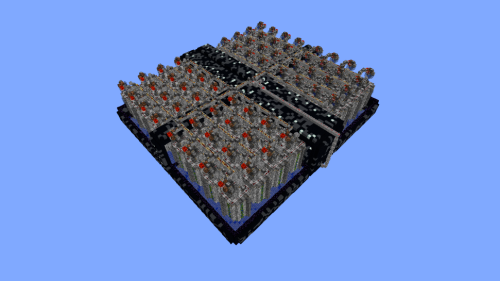 64 Module Cobblestone Farm Schematic (1.21.x) – Massive Automated Stone Gathering Build
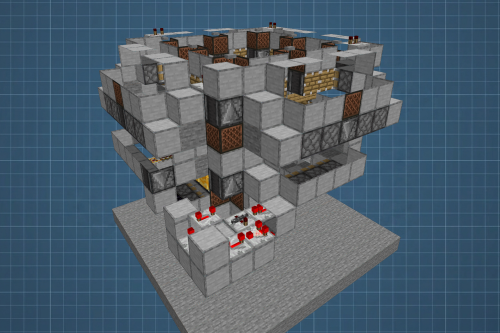 Fastest Bonemeal Farm Donut Smp Schematic (1.21.x) – Fast Redstone Bonemeal Farm Build
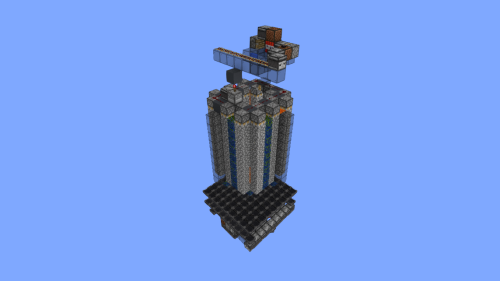 A Single Module of Cobble Farm Schematic (1.21.x) – Compact Vanilla Cobblestone Generator
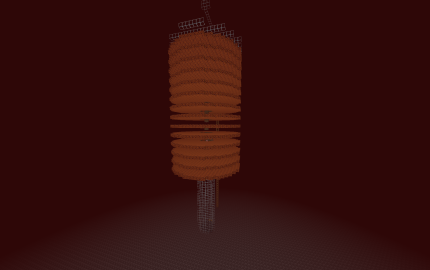 Gold Farm Schematic (1.21.x) – Automatic Nether Roof Gold Farm
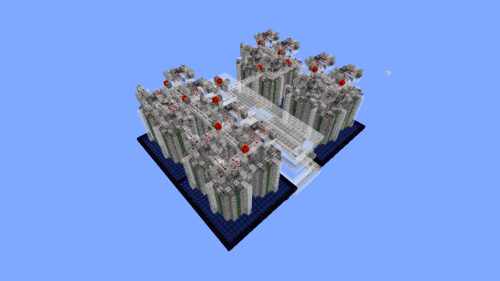 Cobble Farm 50m per Hour Donut SMP Schematic – High Yield Cobblestone Generator Build
 McDonald’s Simple with Interior Schematic (1.21.x) – Compact Fast Food Restaurant For Cities
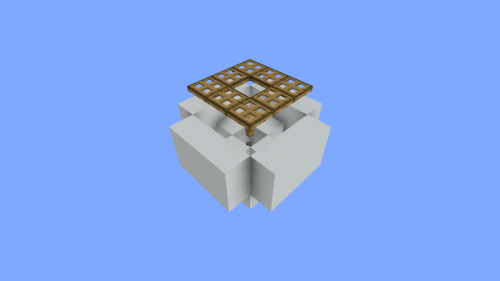 Simple Villager Breeder Schematic (1.21.x) – Compact Vanilla Villager Farm Build
- Compact Automatic Potion Brewer System Schematic (1.21.x) – Efficient Single Unit Potion Brewing Sys
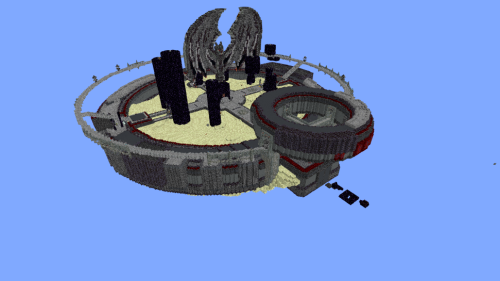 Minutes End Base Before Spoke Null End Video Schematic (1.21.x) – Giant Unstable SMP End Base Schema
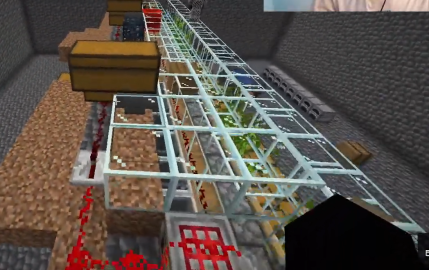 Bamboo Farm Schematic (1.21.x) – Small Automated Redstone Bamboo Farm
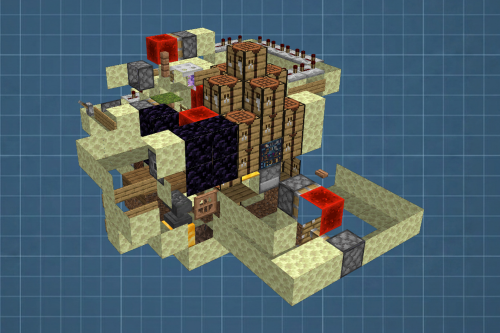 Best Railgun Tp Trap on Donutsmp Schematic (1.21.x) – Unescapable Multiplayer Redstone Trap Build
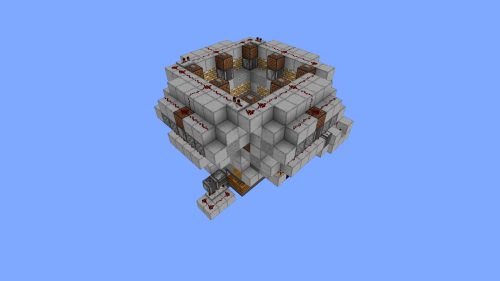 4k Bonemeal Farm Made by Basicredstone Schematic (1.21.x) – Compact Redstone Bonemeal Farm Build
More from Schematics
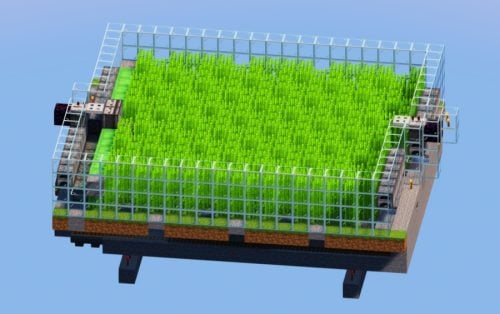 1500 Sugarcane per Hour Automatic Farm Uses Slimeblocks and Flying Machine Schematic (1.21.x) – High
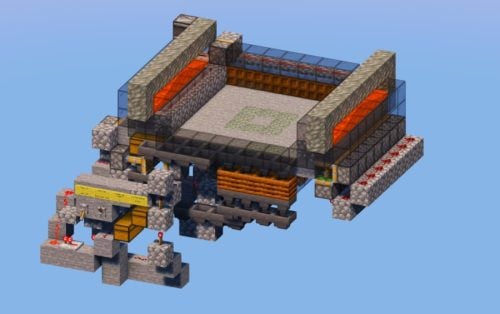 Infinite Moss and Bonemeal Automatic Farm 1500 Bonemeal per Hour or 5000 Moss Azalea Seeds per Hour
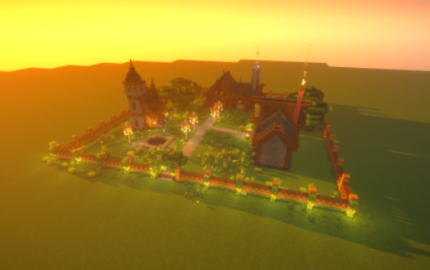 Cozy Medieval Village Schematic (1.20.x) – Build a Beautiful Medieval Town Easily
 Oak Bonsai Tree Schematic (1.21.x) – Beautiful Large Oak Tree For Garden Projects
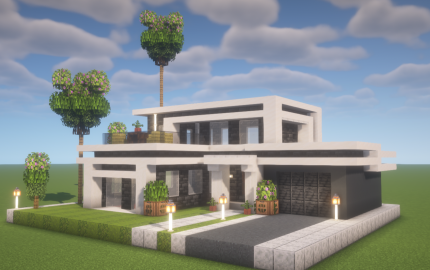 Modern Luxury Villa Schematic (1.20.x) – Elegant Contemporary Home for Your World
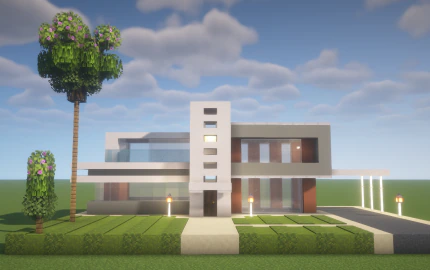 Contemporary Executive Villa Schematic (1.20.x) – Modern Minimalist Home for Luxury Cities
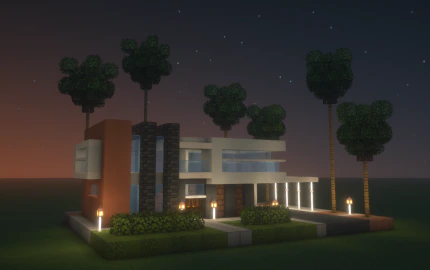 Modern Designer Villa Schematic (1.20.x) – Luxury Contemporary House for Modern Cities
 DonutSMP Drainer Machine Big Works Sideways for Max Drain Schematic (1.21.x) – Large Sideways Flying
 Nautilus with Netherite Armor Schematic (1.21.x) – Giant Sea Creature Statue For Build Decoration
 Bee Hot Air Balloon Schematic (1.21.x) – Cute Bee Themed Hot Air Balloon Build
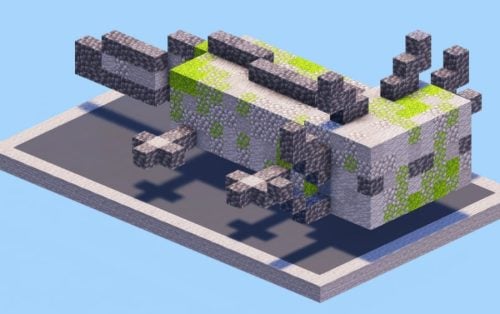 Axolotl Stone Sculpture Schematic (1.21.x) – Cute Stone Axolotl Statue for Your Town
 Nautilus with Iron Armor Schematic (1.21.x) – Build A Giant Nautilus Statue Easily

This post has no comments yet. Be the first — your comment will appear here.