
Chop Down Updated Mod (1.12.2, 1.11.2) – Watch Giant Trunks Topple

 0


Chop Down Updated Mod brings realistic tree felling to Minecraft. When you chop all the way through a trunk, the whole tree falls over in the opposite direction from where you stand. This mod handles trees of any size, from small forest trees to giant Natura redwoods, so you do not need to climb tall trunks to collect wood. It works in both Survival and Creative modes and includes built-in configs for mods like Biomes O’ Plenty, Forestry, and The Twilight Forest, along with custom block support. Multi-threaded calculations keep multiplayer servers running smoothly, and the mod requires no extra dependency mods.
Features:
- Realistic Directional Felling: Trees fall in the opposite direction from where you stand along a straight axis, with diagonal falling removed so every fall looks natural.
- Multi-Threaded Performance: Calculations run on separate threads, so even giant trees do not cause lag on multiplayer servers during the short delay.
- Smart Forest Detection: Different tree types stay separate, so chopping a birch next to an oak drops only the birch and its leaves. In forests with the same tree type, this mod figures out which branches and leaves belong to your tree and uses a minimum radius to keep large trunks from splitting in two.
- Handles trees of any size, including massive Natura redwoods.
- Requires you to chop all the way through the trunk instead of breaking just one block to drop a tree.
- Lets you cut down a tree from any height along its trunk.
- Limits each player on a server to chopping down one tree at a time to stop spam and abuse.
- Works in Creative mode as well, letting you fell trees to make creative worlds look more natural.
- Hurts mobs and players when falling tree blocks land on them.
- Falling logs break passable blocks instead of popping off, land properly on fences, and cut through other trees’ leaves on the way down.
- Giant trees that use manual block placement smash through leaves, drop through water, and keep drops from crushed items and broken leaves in place.
- Moves special modded tree blocks (tile entities) properly from mods such as Forestry.
- Runs on its own without any extra library or dependency mods.
- Allows you to define custom trees from almost any block, treat blocks like beehives as leaves for every tree, and use regex matching in configs.
- Supports ignoring specific tools like Tinkers’ lumberjack or vein-mining tools, and lets you list allowed player classes to avoid fake-player issues with mods like Industrial Foregoing.
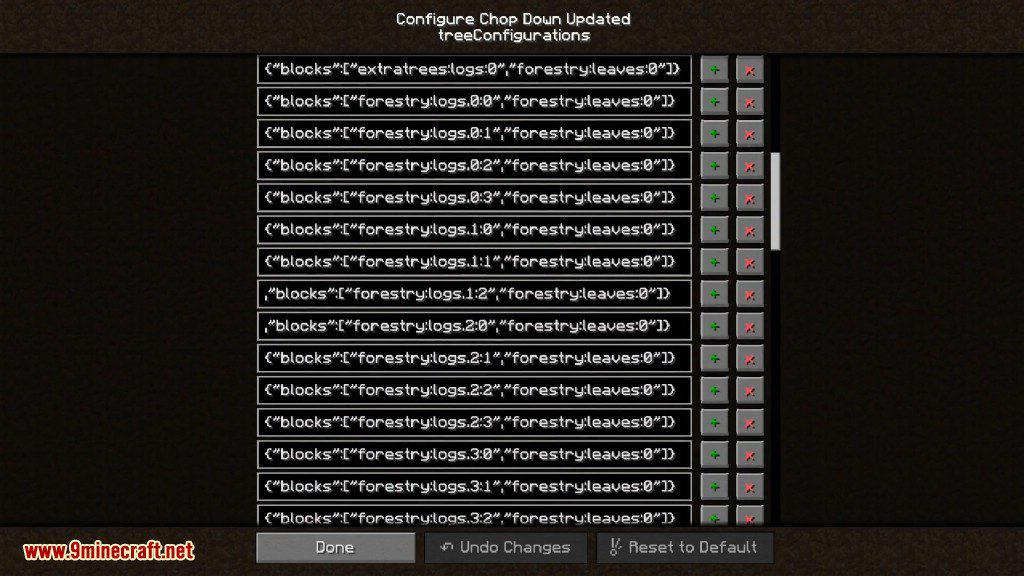
- Includes per-mod config toggles you can turn on or off to save server resources, with built-in support for Natura, Biomes O’ Plenty, Forestry, The Twilight Forest, Thaumcraft, Galacticraft, AetherLegacy, The Erebus, The Midnight, AbyssalCraft, Tropicraft, Traverse, Terra, Terraqueous, Plants, Better With Addons, Cuisine, JurassiCraft, Natural Pledge, Primal Core, Vibrant Journeys, Leather Works, and Defiled Lands.
Commands:
/cdu showBlockName: Turns on or off the display of block names for logs and leaves, plus the name of your held tool, to help you set up custom configs (OP only).
Configuration:
maxFallingBlockBeforeManualMove: Sets the max block count before a tree places itself manually instead of falling as blocks to stop server overload (default:1500).Max blocks to move per tick: Sets how many blocks move each tick to spread out the drop of giant trees and lower server load (default:150).Drop Leaves: Breaks leaves off instead of letting them fall with the tree when enabled (default:FALSE).Custom Trees: Lets you define almost any block as a log or leaf and adjust non-standard trees using radius, trunk radius, leaf limit, and possible trunk settings.Ignored Tools: Lists tools, such as Tinkers’ lumberjack or vein-mining tools, that will not trigger tree felling.Allowed Player Classes: Lists which player classes can fell trees to stop fake-player harvesting from dropping trees.
How to Use:
- Walk up to any tree in Survival or Creative mode and stand on the opposite side of where you want it to fall.
- Chop completely through the trunk at any height; breaking only one block on a thick trunk will not make the tree fall.
- Move out of the way as the whole tree tips over away from you, breaks passable blocks in its path, and lands on the ground without hitting you.
- If you are a server operator adding custom modded trees or ignored tools, type
/cdu showBlockNamein chat to see the block names for logs, leaves, and your held tool. - Use those names in the config file to add custom trees or ignored tools, and tune options like
maxFallingBlockBeforeManualMove(default1500), max blocks to move per tick (default150), andDrop Leaves(defaultFALSE) to fit your world. - Turn on only the built-in mod configs you need in the config file to save resources on your game or server.
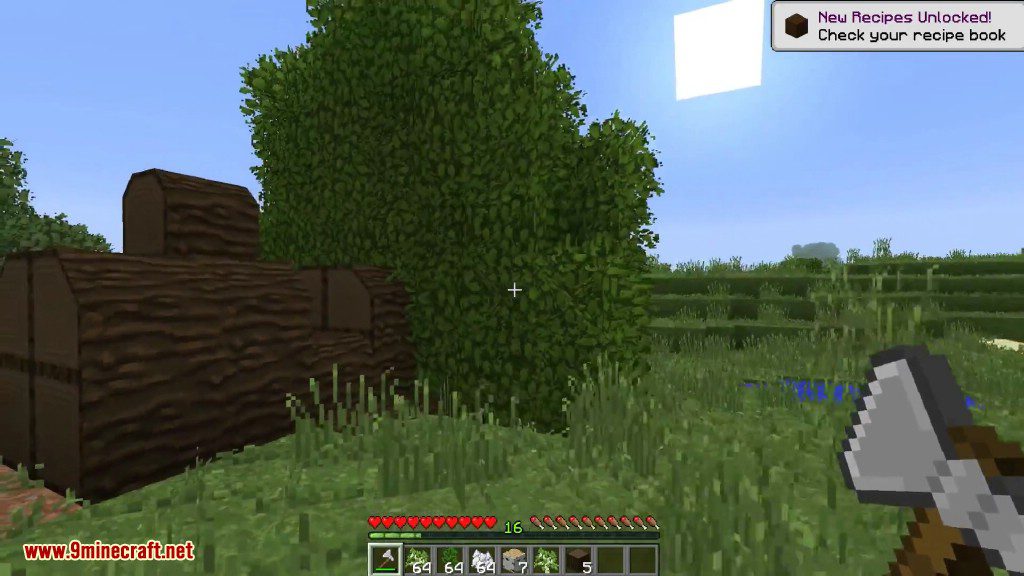
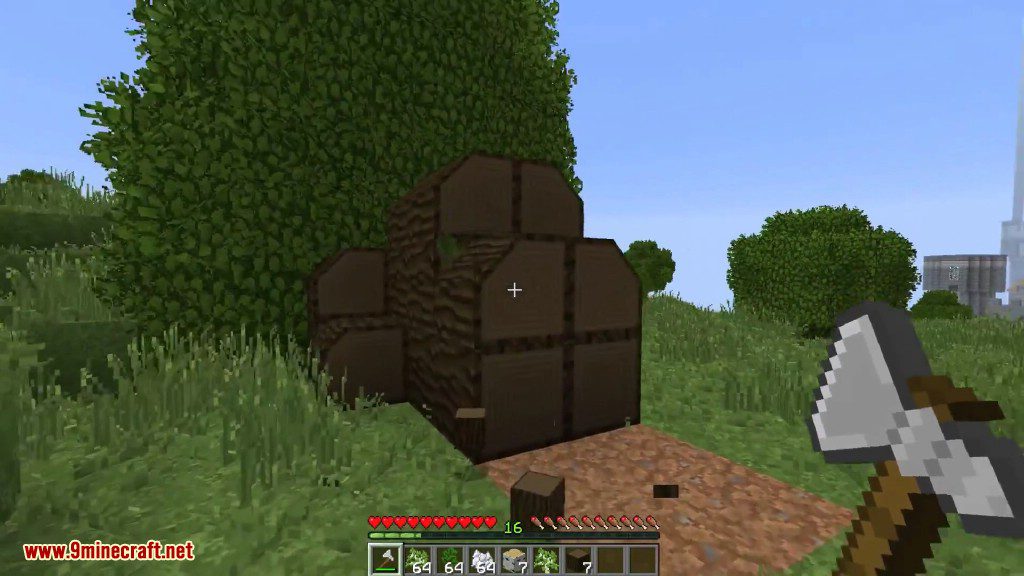
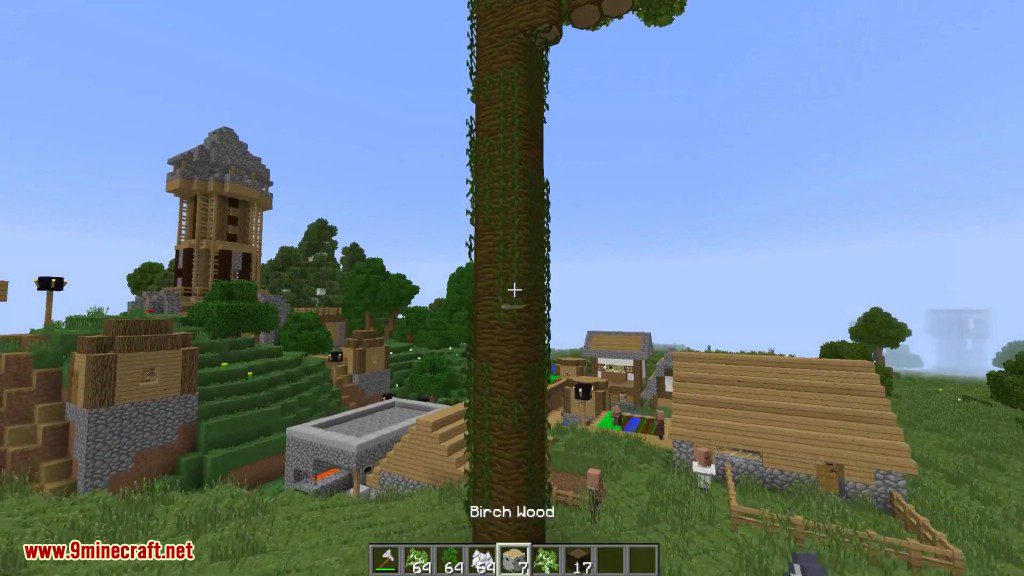
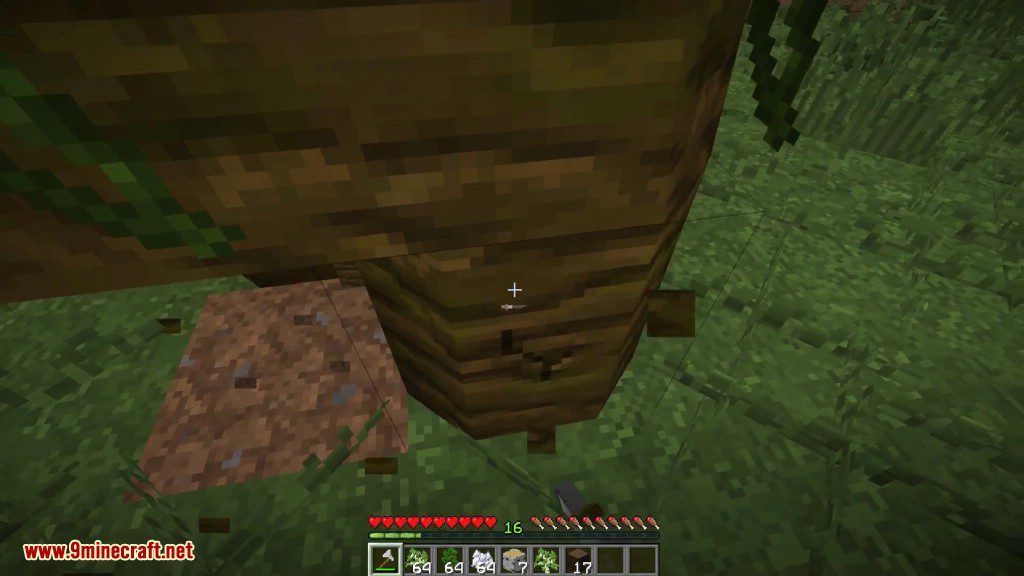
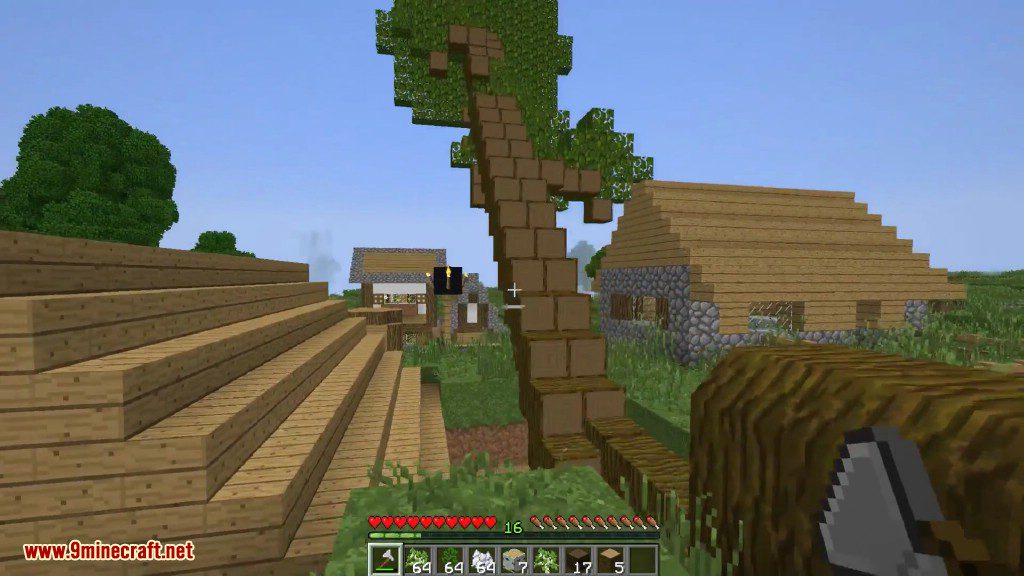
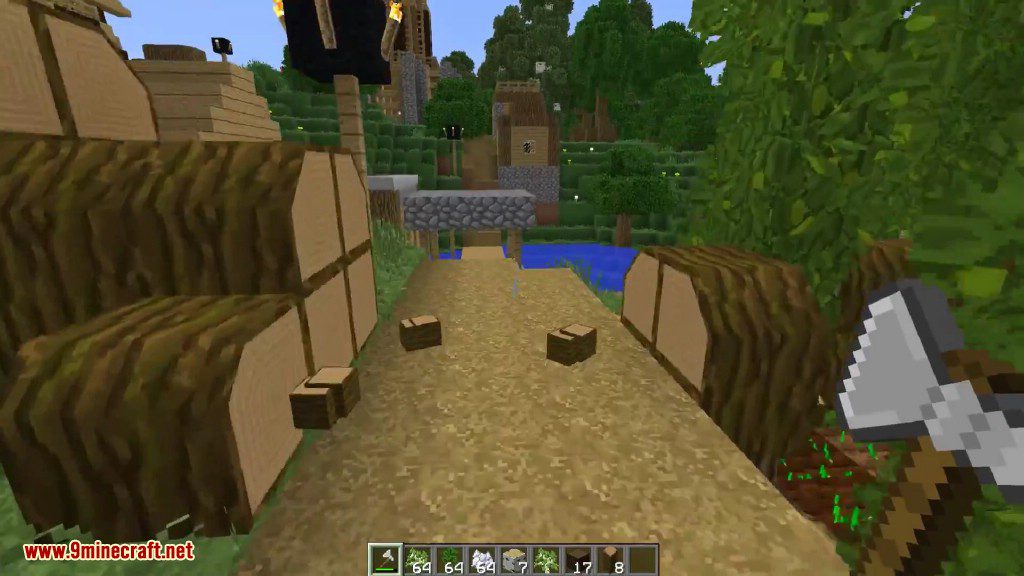
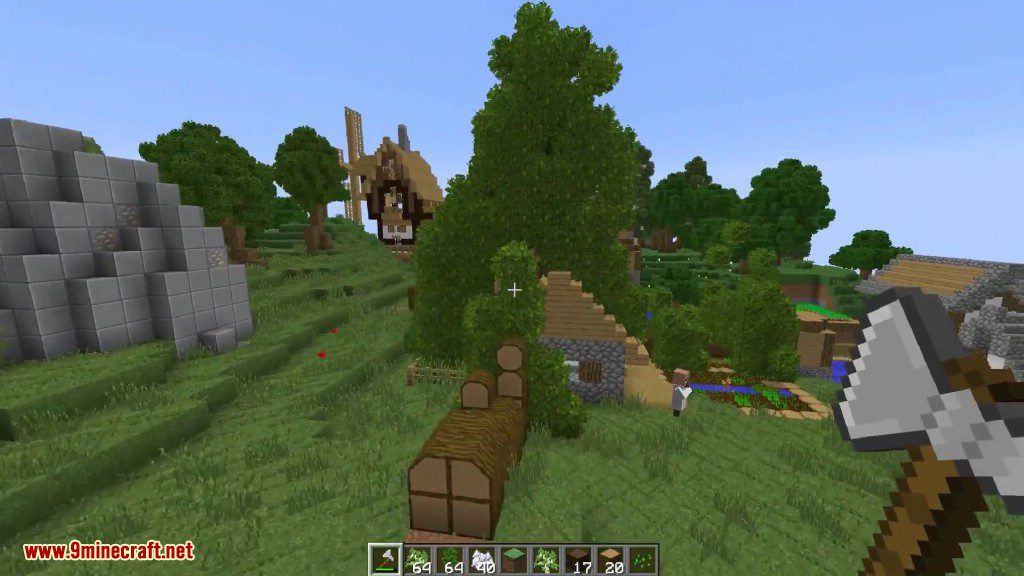
Screenshots:
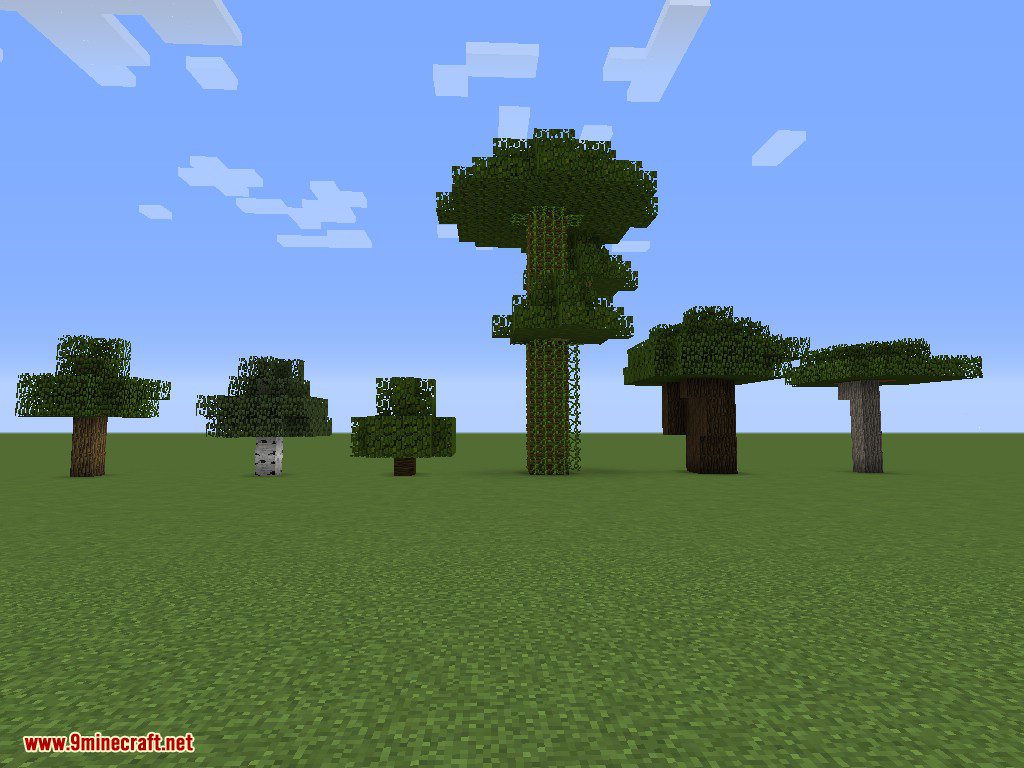
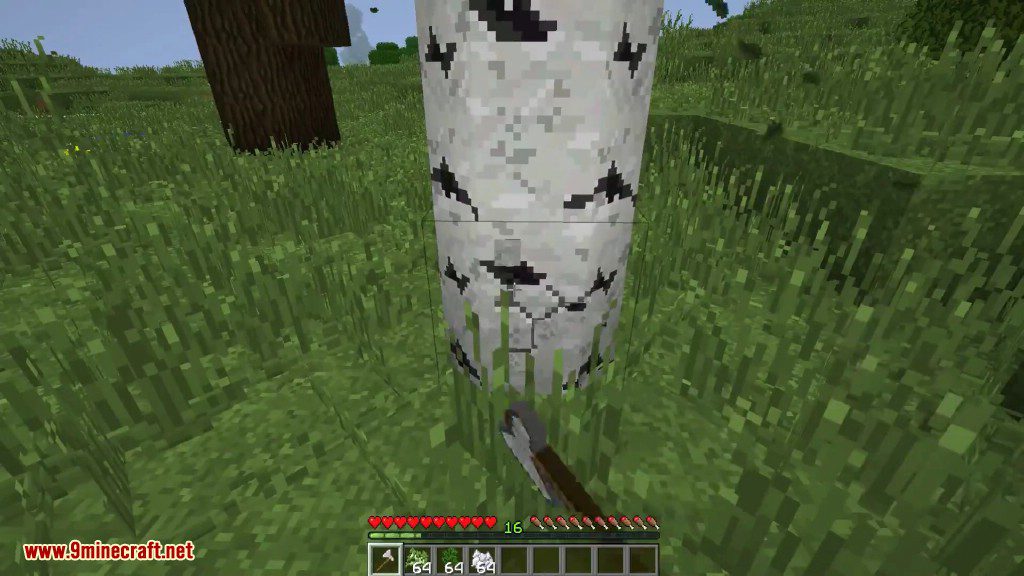
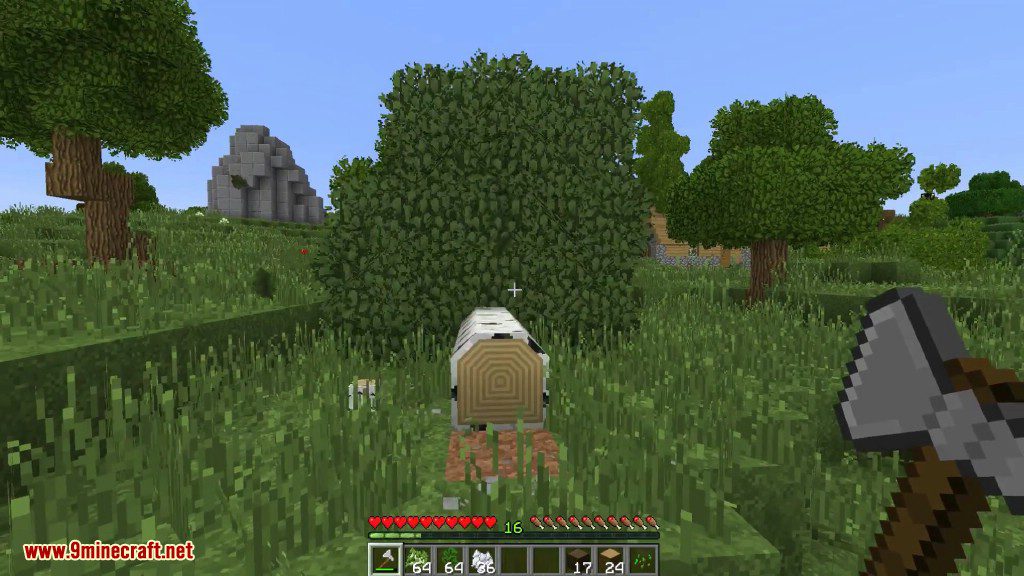
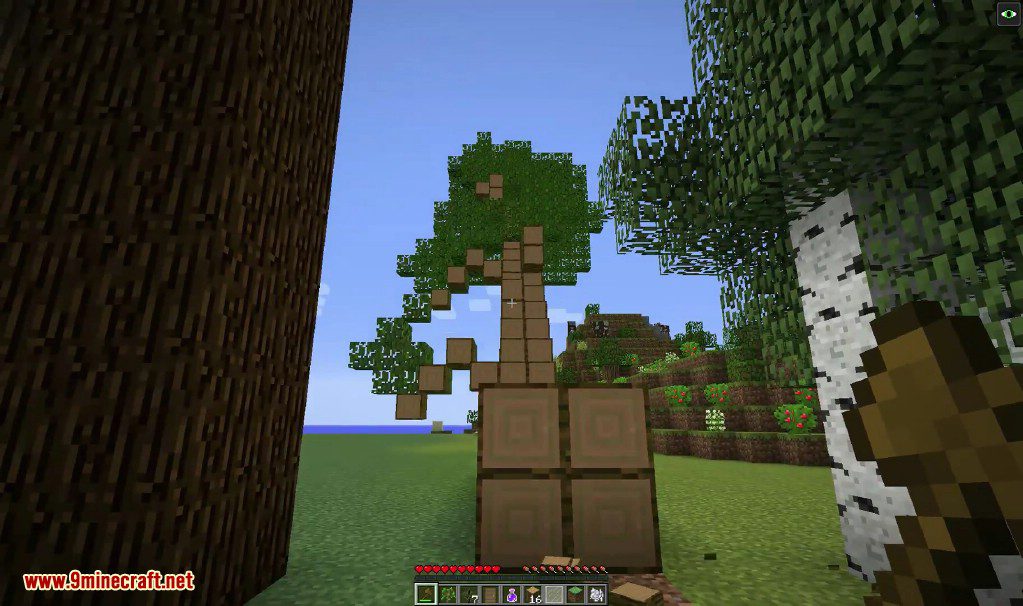
Before chopping
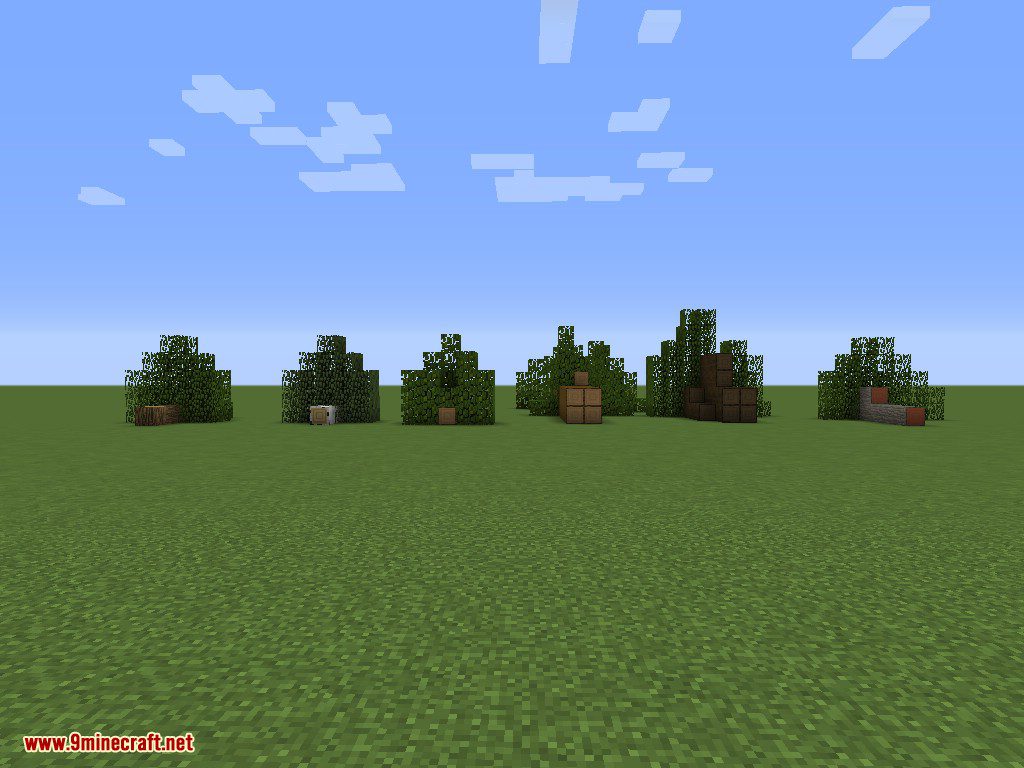
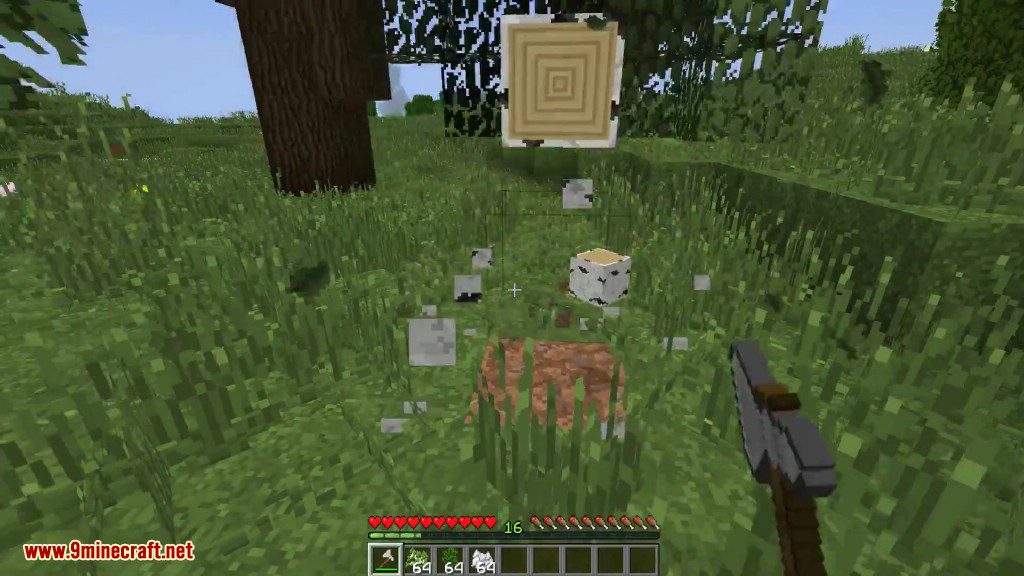
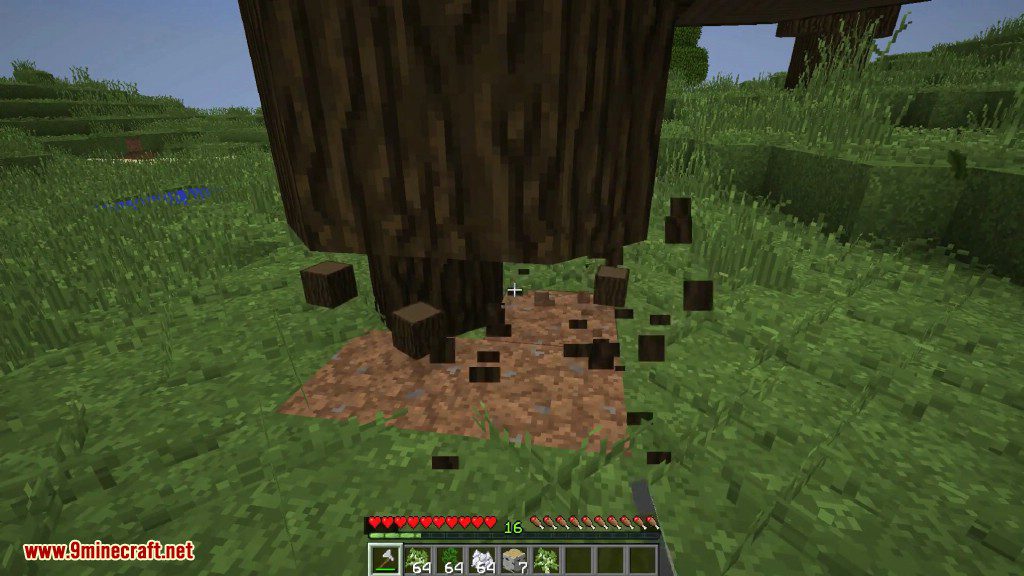
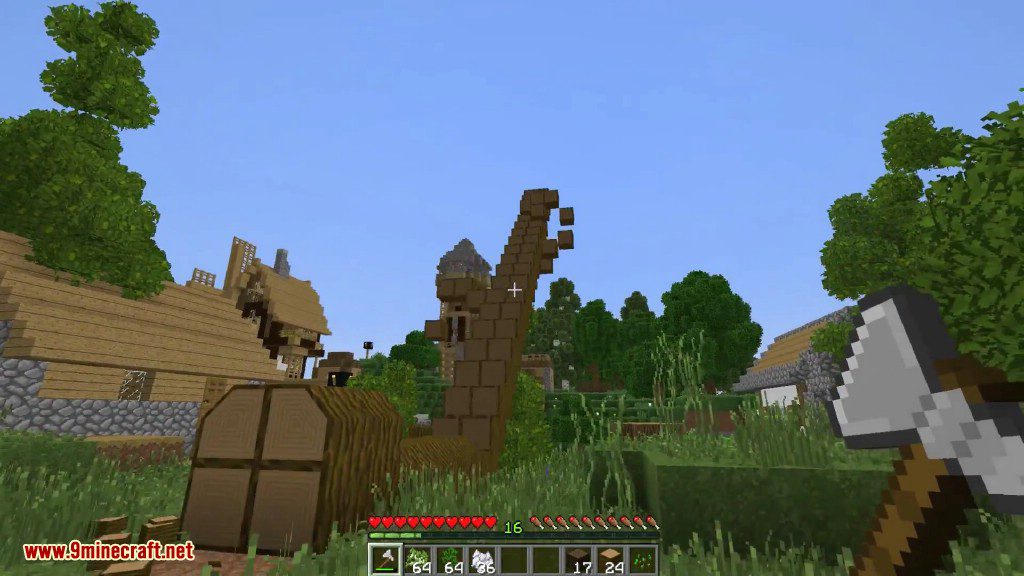
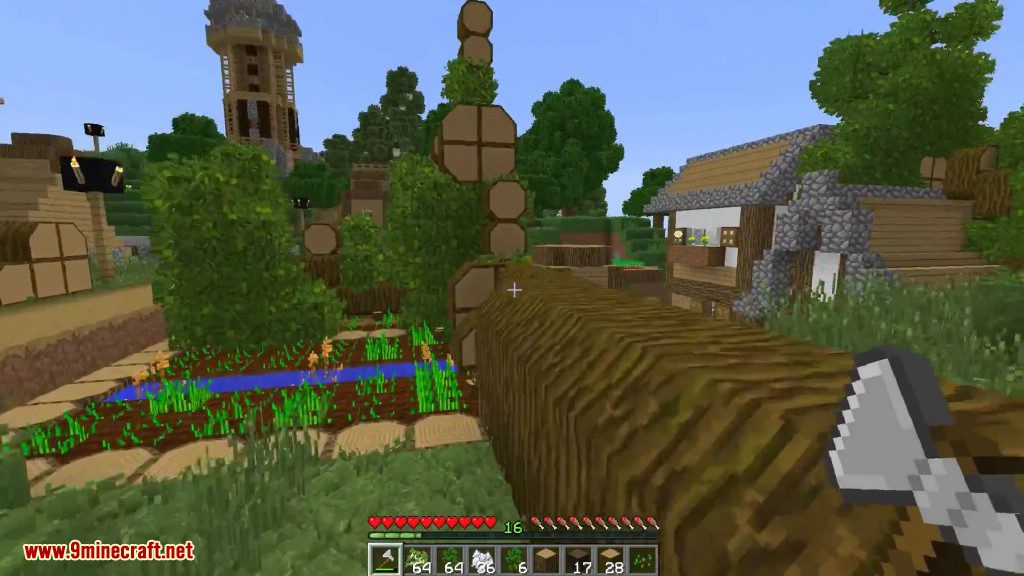
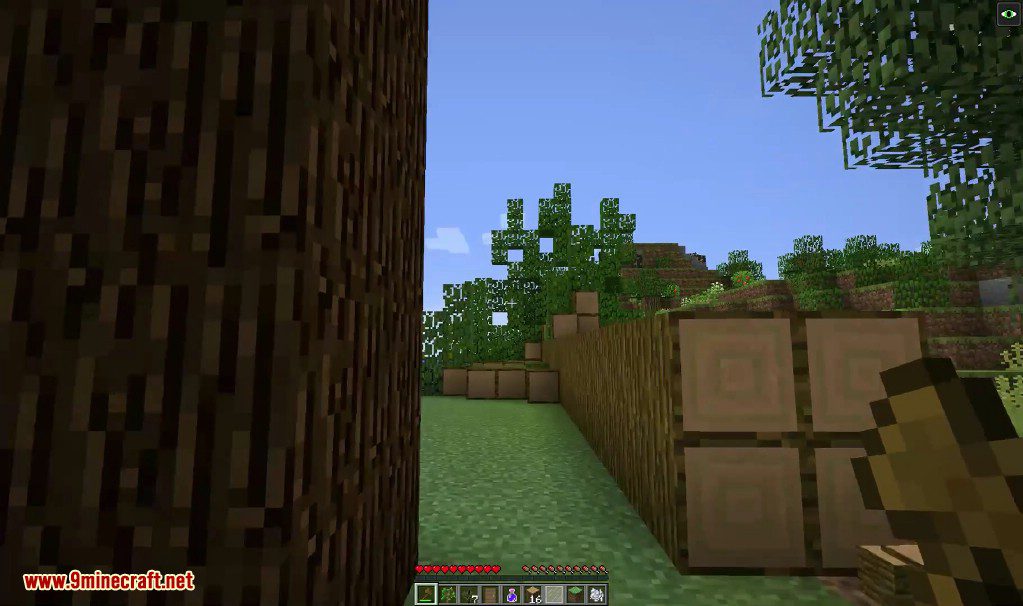
After chopping
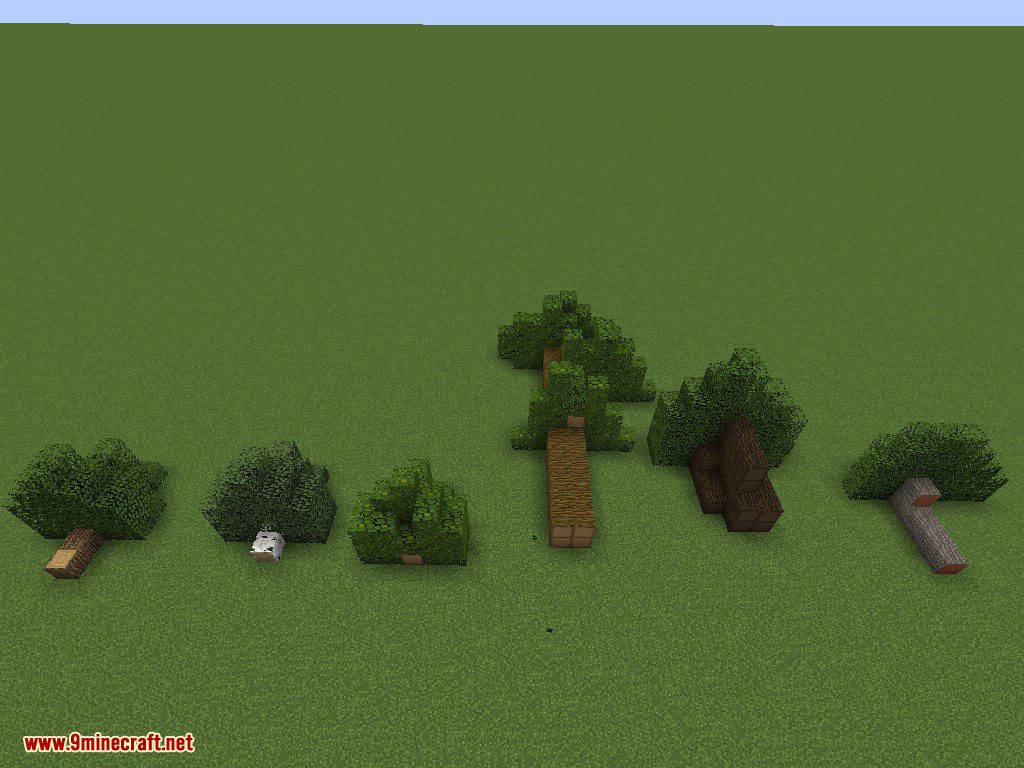
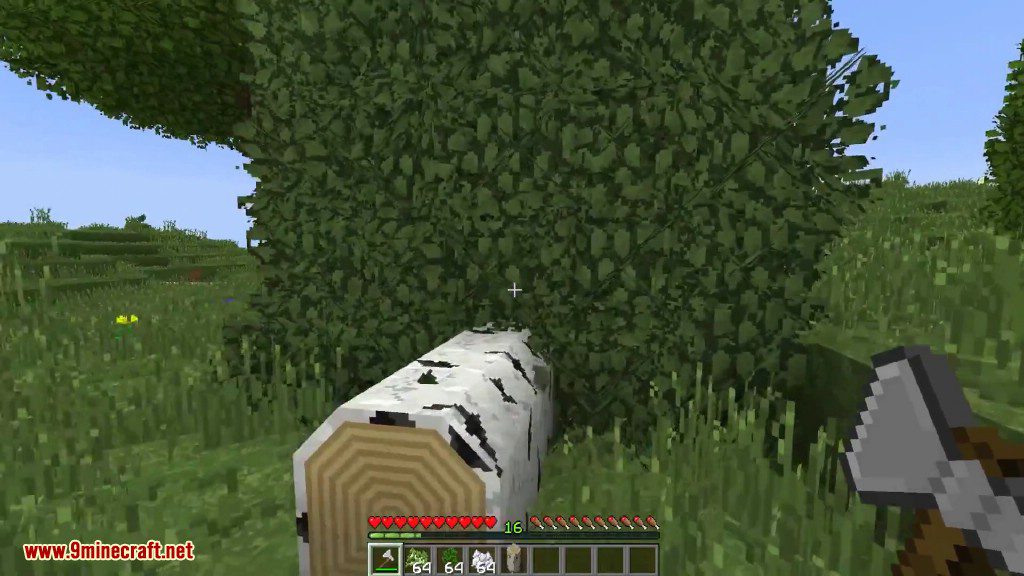
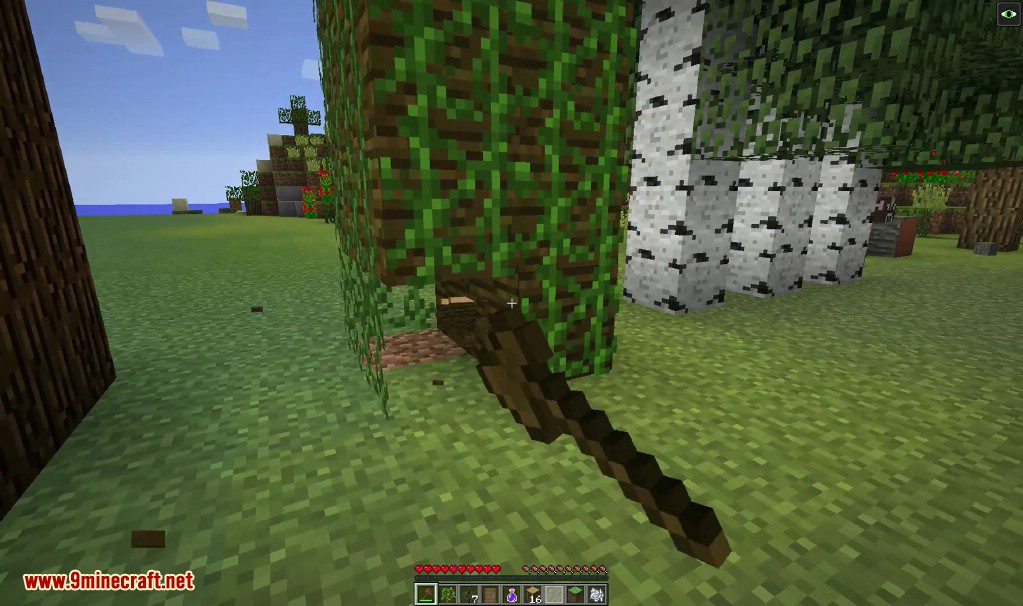
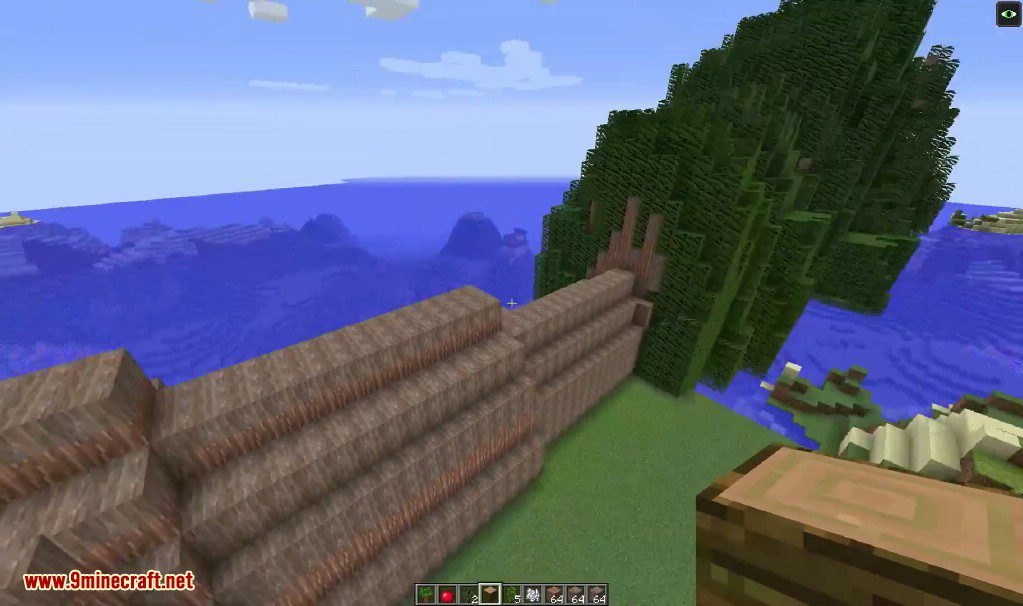
After from above
How to Install:
New to Minecraft? Follow our step-by-step guide to install Mods on your PC.View Guide
Chop Down Updated Mod Download Links
For Minecraft 1.11.2, 1.11.0, 1.10.2, 1.9.4, 1.9.0
Forge version: Download from Server 1
For Minecraft 1.12.2, 1.12.1, 1.12
Forge version: Download from Server 1
Where do you primarily download your mods and modpacks from?
80 responses · See the full results →
You May Also Like
Picked for this page
 Tinkers’ Construct Mod (1.20.1, 1.19.2) – Design Your Perfect Toolkit
 Wakes Mod (1.21.11, 1.20.1) – Messing About on the Water
 Premium Wood Mod (1.21.11, 1.21.4) – Better Looking Woods
 Extra Trades Mod (1.21.1, 1.20.1) – Useful Trades for Vanilla Items
 Connectivity Mod (26.3, 1.20.1) – Solving Network Connection Issues
 Bacterium Mod (26.3, 1.20.1) – Environment Corrupting, World Shaping
 I18n Update Mod (1.21.11, 1.20.1) – Localization for Chinese Players
 Cobblemon: Legends Untold Mod (1.21.1, 1.20.1) – Legendary and Mythical Pokémon
 Litematica Update Port Mod (1.21.11, 1.21.1) – The Modern Schematica Replacement
 Movement In GUI Mod (26.3, 1.20.1) – Move Freely
 Macaw’s Oh The Biomes You’ll Go/ We’ve Gone Mod (1.21.11, 1.20.1) – Macaw’s Mods Compatible
 Preventer Mod (26.3, 1.20.1) – Prevents You From Doing Unwanted Actions
Most viewed in Mods over the last 7 days
 Ala Industrial Mod (26.3) – Run Electric Power Grids and Automated Factories
 PleasureCraft Mod (26.3, 1.21.1) – Jenny Mod Remake for Fabric
 Jennycraft Mod (26.3, 1.20.1) – Virtual Girlfriend in Minecraft
 Fapcraft Mod (26.3, 1.12.2) – Comprehensive and Detailed Content
 Jenny Mod (Fapcraft) Official Complete Guide – How to use, Tutorial
 BangCraft Mod (1.20.1) – Jenny, Ellie and Elliot
 Fabric Loader (26.3, 1.20.1) – Fabric Installer for All Minecraft Versions
 The Shooting Star Demo Mod (26.3, 1.20.1) – Vaporize Terrain From Orbit
 Meteor Client Mod (26.3, 1.20.1) – Xray, HUD, Fly
 OptiFine HD (26.3, 1.20.1) – Run Faster, FPS Boost, Shaders Support
 Aristois Client Mod (1.21.4, 1.20.1) – World Class Minecraft Utility
 Prestige Client Mod (1.21.11, 1.21.4) – Powerful Ghost Features for Crystal & Sword PvP
More from Mods
 Moonlight 9minecraft Lib (26.3, 26.2) – Run Complex Mods Without Errors
 Load My Tags 9minecraft Mod (26.3) – Mix Mods Without Breaking Recipes
 Kambrik 9minecraft Mod (26.3) – Run Kotlin Mods Without Game Lag
 Fast Paintings 9minecraft Mod (26.3, 26.2) – Place Wall Art Exactly Where You Want It
 Bonsai Trees 9minecraft Mod (26.3, 26.2) – Automate Wood Farming in Tiny Pots
 Enhanced Block Entities 9minecraft Mod (26.3) – Build Lag-Free Storage Rooms
 Better Nether 9minecraft Mod (26.3, 26.2) – Survive Forever in the Nether
 BCLib 9minecraft Mod (26.3, 26.2) – Power Custom Nether and End Overhauls
 ForgedLoaderAPI Mod (1.19.2, 1.18.2) – Bring Ported Fabric Creations
 Shield System Mod (1.21.1) – Tank Heavy Monster Hits Without Losing Hearts
 Shin’s Tensura Race Models Mod (1.19.2) – Play As Unique 3D Anime Race
 Offgrid Mod (26.3, 1.20.1) – Furnish Compact Interiors Without Strict Grid

This post has no comments yet. Be the first — your comment will appear here.