Claim Chunk Mod (1.21.8, 1.20.1) – Create Safe Area

 0
0  December 27, 2025
With Claim Chunk Mod, players can claim chunks to create a safe area where other players can’t break blocks, place blocks, blow up blocks, open chests, doors, etc.
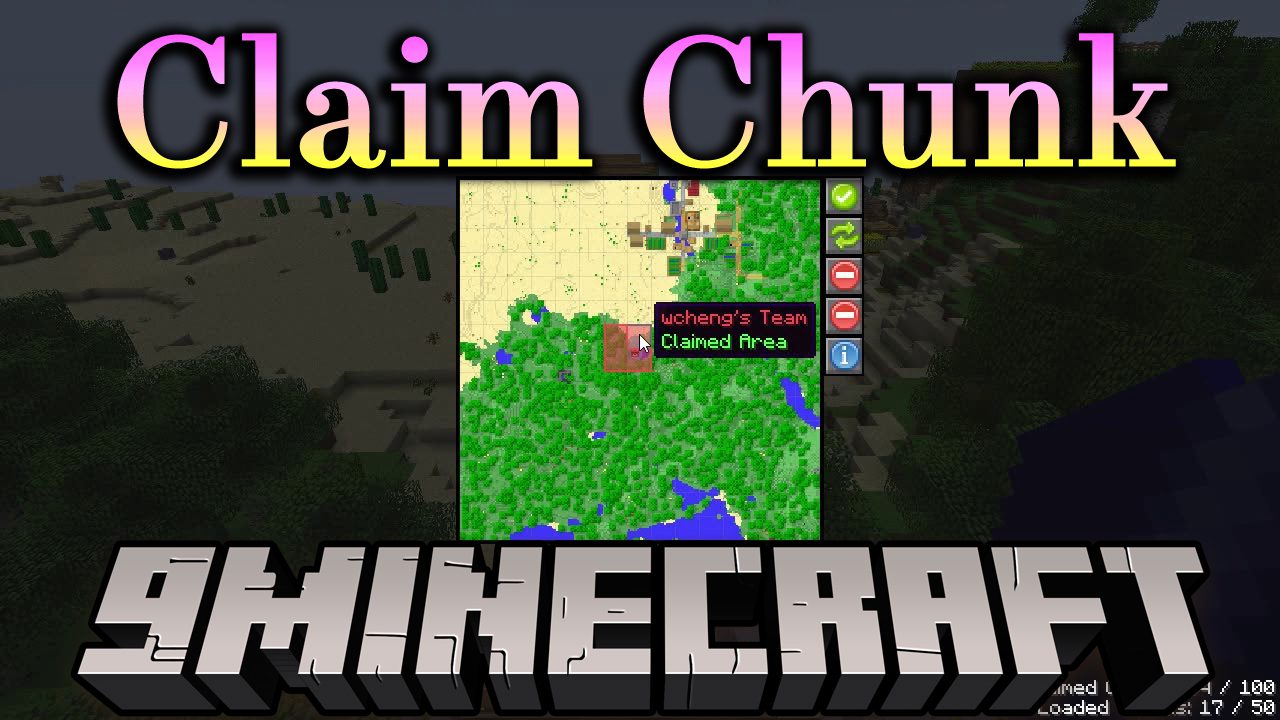
Features:
- Claim chunks to create a protected area.
- Block breaking, placing, explosions, and interactions are denied by default.
- Permissions can be customized per chunk.
- Server operators (OP level 3 or 4) in creative mode can bypass all claims.
Permissions System
- Access
- Allows using doors, chests, buttons, and interacting with entities.
- Enter player names separated by commas.
- Use
*to allow all players.
- Modify
- Allows breaking and placing blocks.
- Allows attacking non-hostile mobs.
- Includes all permissions from Access.
- Fake Players
- Used by automation mods to modify blocks.
- Examples:
- Create:
Deployer,Plough,Converter - Industrial Foregoing:
[IF] - Modular Routers:
[Modular Routers]
- Create:
Claim Block
- Used to claim the chunk where it is placed.
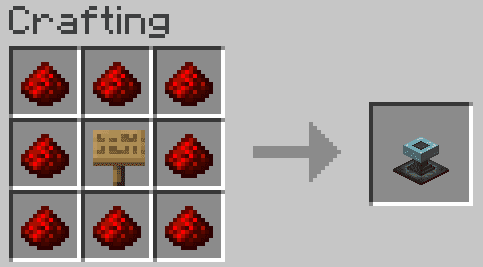
- Recipe
- 1 Sign in the center
- 8 Redstone Dust surrounding it
- You can copy settings using paper:
- Right-click a claim block with paper to copy settings.
- Shift + right-click while looking up to clear the paper.
- Use the paper on another claim block to apply settings.
Claim Limits
- Players can claim between
0and250chunks. - Default limit:
4chunks per player. - Claims can only be made a certain distance from world spawn.
- Default distance:
10chunks (160 blocks).
Finding Chunk Borders
- If
reducedDebugInfo = false, pressF3 + Gto show chunk borders. - If debug info is reduced:
- Press
F3 - Check
Chunk-relative: x y z - If
xandzchange smoothly, you are in the same chunk.
- Press
Commands
/claims– show your own claims/claims <player>– view another player’s claims (OP only)/claims <player> remove– remove claims (OP only)/claims <player> check– inspect claims (OP only)
Configuration
- File name:
cc-common.toml - Location:
configfolder - You can open it in-game with:
/config showfile cc COMMON
Important Config Options
ChunksFromSpawn– minimum distance from spawnClaimLimit– maximum claims per playerBypassBlocks– blocks usable even inside claimsBypassEntities– entities usable inside claimsPvpMode– allow explosions caused by players
Compatibility With Other Mods
- Quark: disable piston movement of tile entities or blacklist the claim block.
- Waystones: add warp plates to bypass blocks.
- Lootr: add trophy blocks to bypass list.
- Corpse mods: add corpse entities to bypass entities.
- Gravestone and Tombstone mods may require extra config changes.
LAN and Dedicated Servers
- LAN:
- If cheats are enabled, all players become OP level 4.
- Not recommended for controlled permissions.
- Dedicated Server:
spawn-protectioncan block interactions.- Set
spawn-protection = 0and use claims instead. - Operators can create public claims using
*access.
Screenshots:
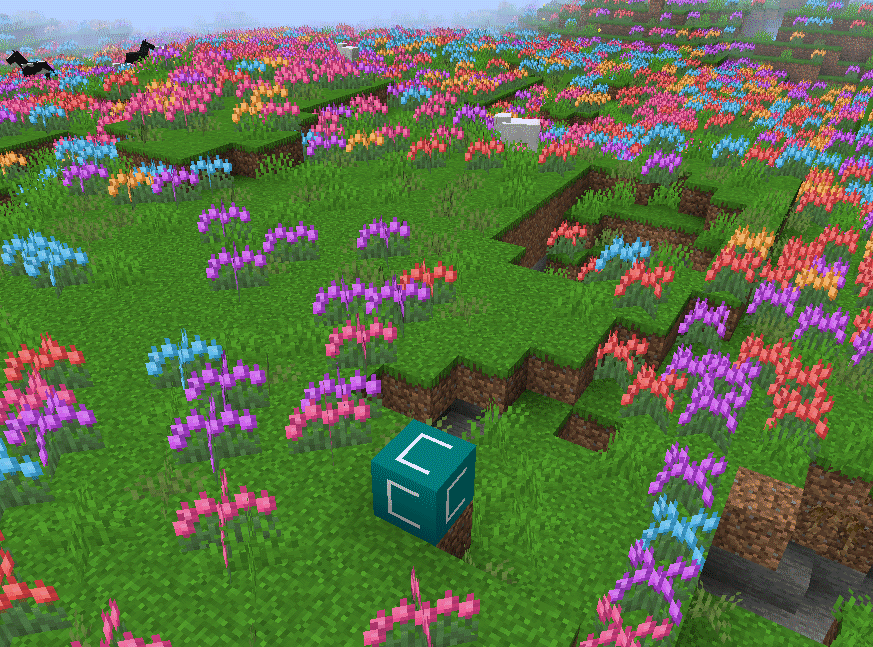
Here is what a claim chunk looks like.
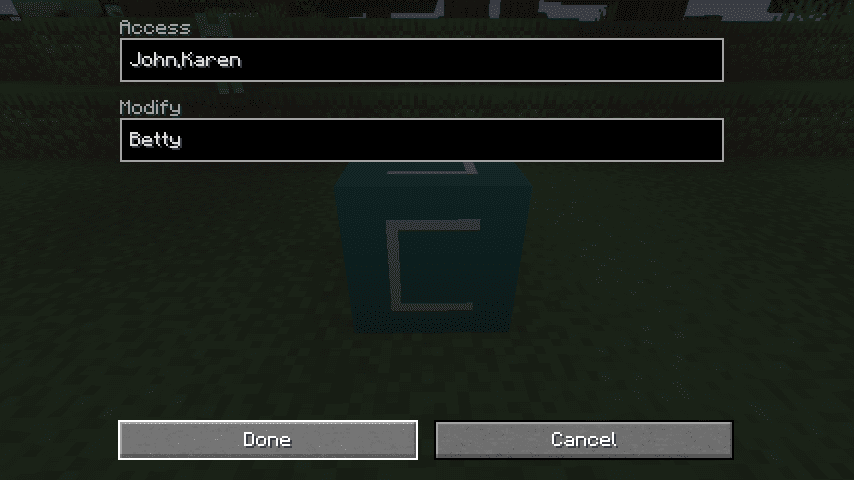
You can type a list of players names who can use things in your chunk and who can break blocks. This can be different in each chunk.
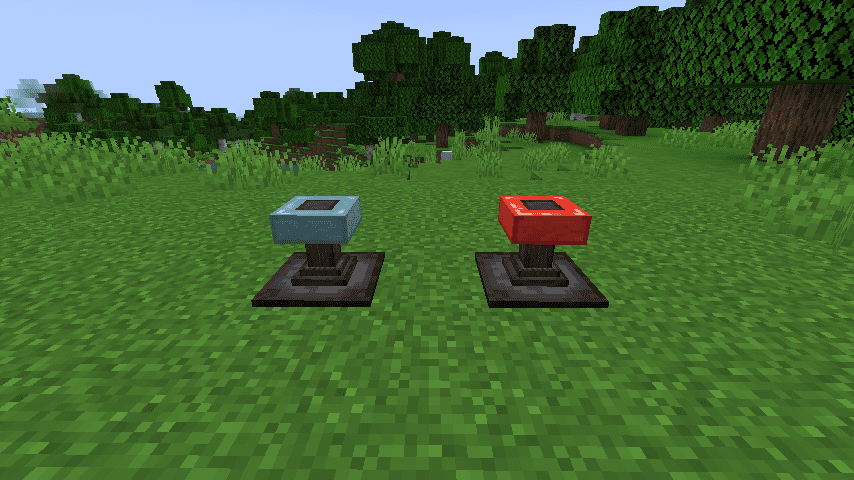
Here are the new enabled and disabled claim block
Crafting Recipes:
Recommend that you should install Just Enough Items (for mods using Forge) or Roughly Enough Items (for mods using Fabric) to view the full recipes included in this mod
Requires:
How to install:
Click the following link to view details: How to Install Mods for Minecraft Java Edition on PC: A Beginner Guide
Claim Chunk Mod Download Links
For Minecraft 1.16.5
Forge version: Download from Server 1
For Minecraft 1.17.1
Forge version: Download from Server 1
For Minecraft 1.18.2, 1.18.1
Forge version: Download from Server 1 – Download from Server 2
For Minecraft 1.19.2, 1.19.1, 1.19
Forge version: Download from Server 1 – Download from Server 2
For Minecraft 1.19.3
Forge version: Download from Server 1
For Minecraft 1.19.4
Forge version: Download from Server 1 – Download from Server 2
For Minecraft 1.20.1, 1.20
Forge version: Download from Server 1 – Download from Server 2
For Minecraft 1.20.2
Forge version: Download from Server 1 – Download from Server 2
For Minecraft 1.20.4
Forge version: Download from Server 1 – Download from Server 2
For Minecraft 1.20.6
Forge version: Download from Server 1
For Minecraft 1.21.1, 1.21
Forge version: Download from Server 1 – Download from Server 2
For Minecraft 1.21.4, 1.21.3
Forge version: Download from Server 1 – Download from Server 2
For Minecraft 1.21.5
Forge version: Download from Server 1 – Download from Server 2
For Minecraft 1.21.8, 1.21.7, 1.21.6
Forge version: Download from Server 1 – Download from Server 2
You May Also Like