


Colorful Anvils Unoffical Port Mod (26.2, 1.21.11) – Name Your Weapons

 0
0 

🌐 Good news — we've translated this article into other languages!
Or pick the one you like:
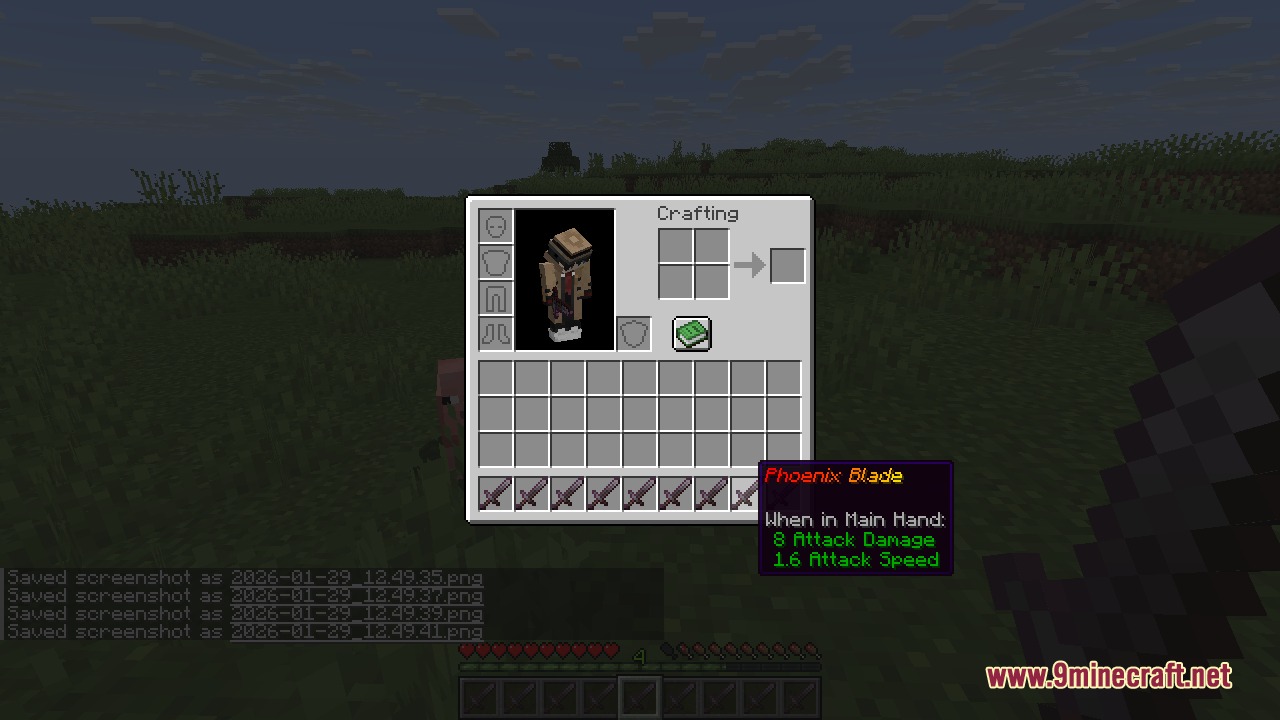
Colorful Anvils Unoffical Port Mod brings the features of the original Colorful Anvils to newer Minecraft updates. It lets you change the color and style of item names when you use an anvil. You can make your swords, tools, and armor look much cooler with bright text, bold letters, and special rainbow effects. It also removes the normal typing limit so you can write long custom descriptions for your gear.
Features:
- Unlimited Typing: Removes the normal 50-character limit in anvils so you can type as much as you want.
- Custom Item Lore: Lets you add extra lines of text under the item name by typing a straight line symbol.
- Players can use basic color codes to change the text color of any item.
- Adds text styles so you can make your item names bold, italic, underlined, or crossed out.
- Supports exact hex color codes for players who want a specific shade for their weapons.
- Gives you the option to create smooth color gradients across long item names.
- Includes a fun rainbow text effect for your most special items.
- Clears old custom lore automatically if you rename the item again without adding new lines.
Configuration:
config/colorfulanvils.json: turn basic colors, hex colors, gradients, rainbows, and lore features on or off.colorfulanvils.use: permission node for basic text formatting.colorfulanvils.lore: permission node to add extra lore lines.colorfulanvils.gradient: permission node to use gradient text effects.colorfulanvils.rainbow: permission node to use rainbow text effects.
How to Use:
- Place any item into an anvil block.
- Type your new name in the text box using formatting codes, like
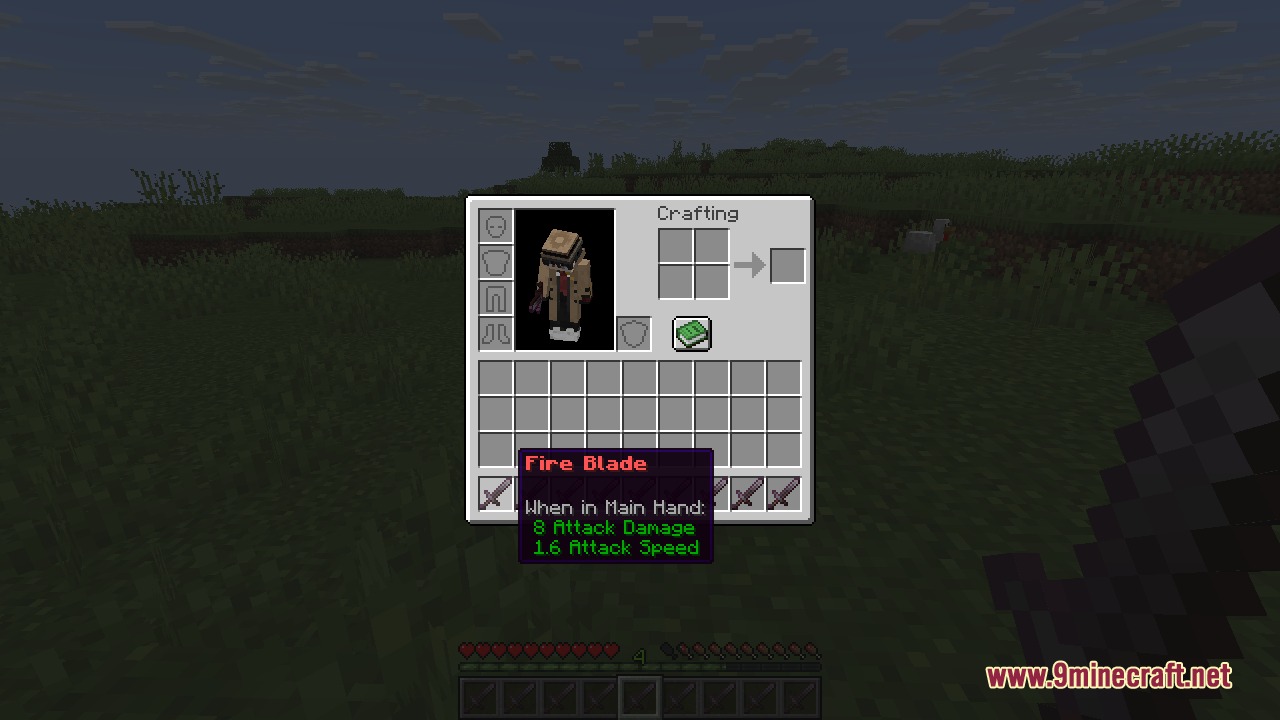
&c&lFire Sword. - Add a
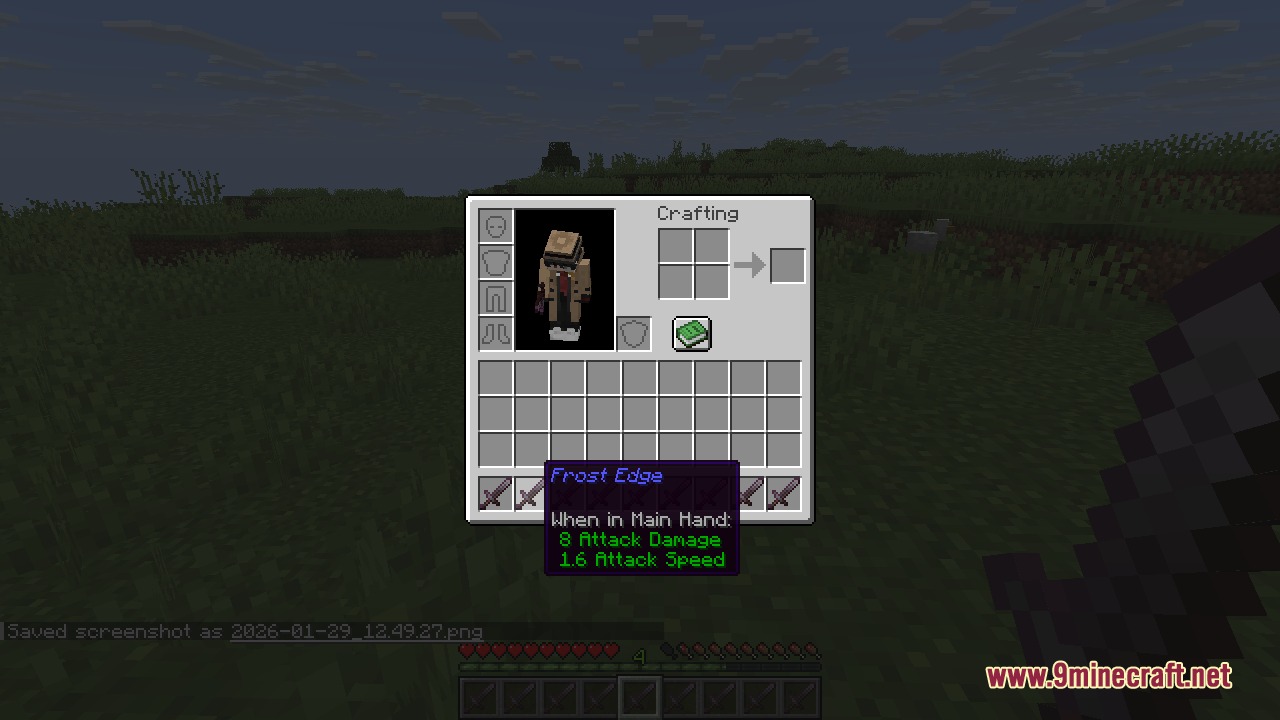
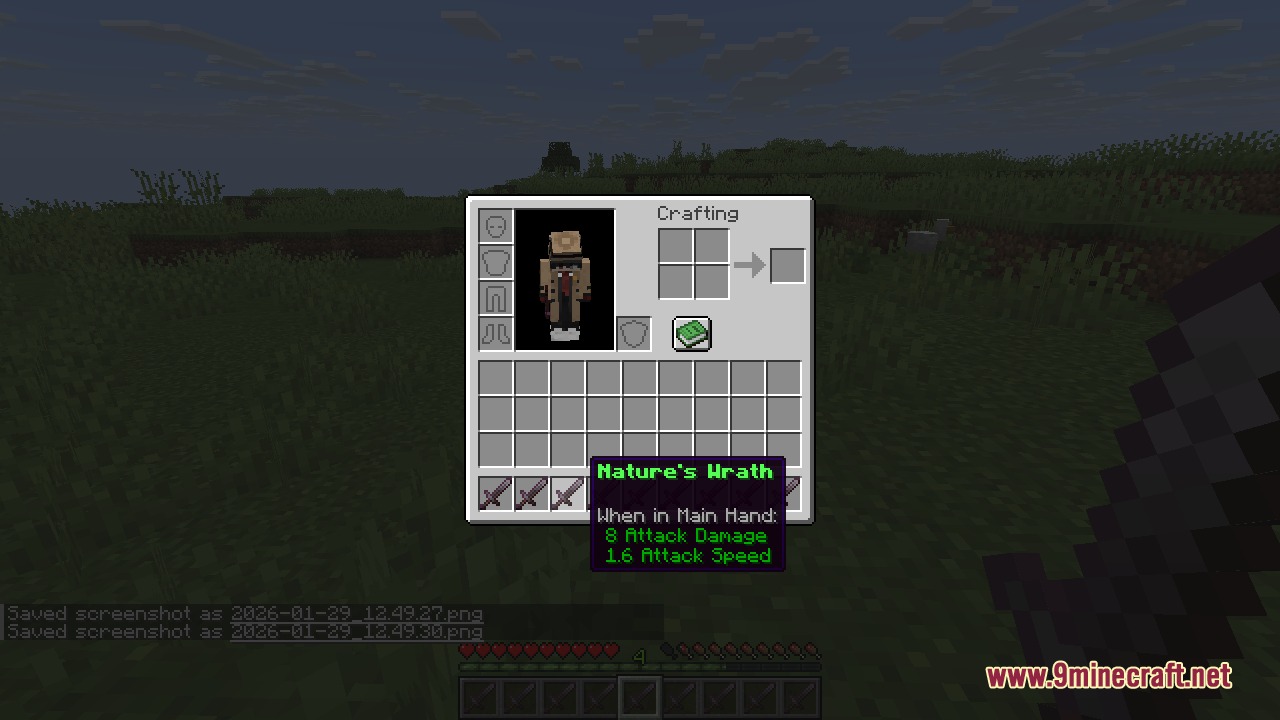
|symbol if you want to write extra lore lines below the main name. - Take the finished item out of the anvil to see your new colored text.
Screenshots:
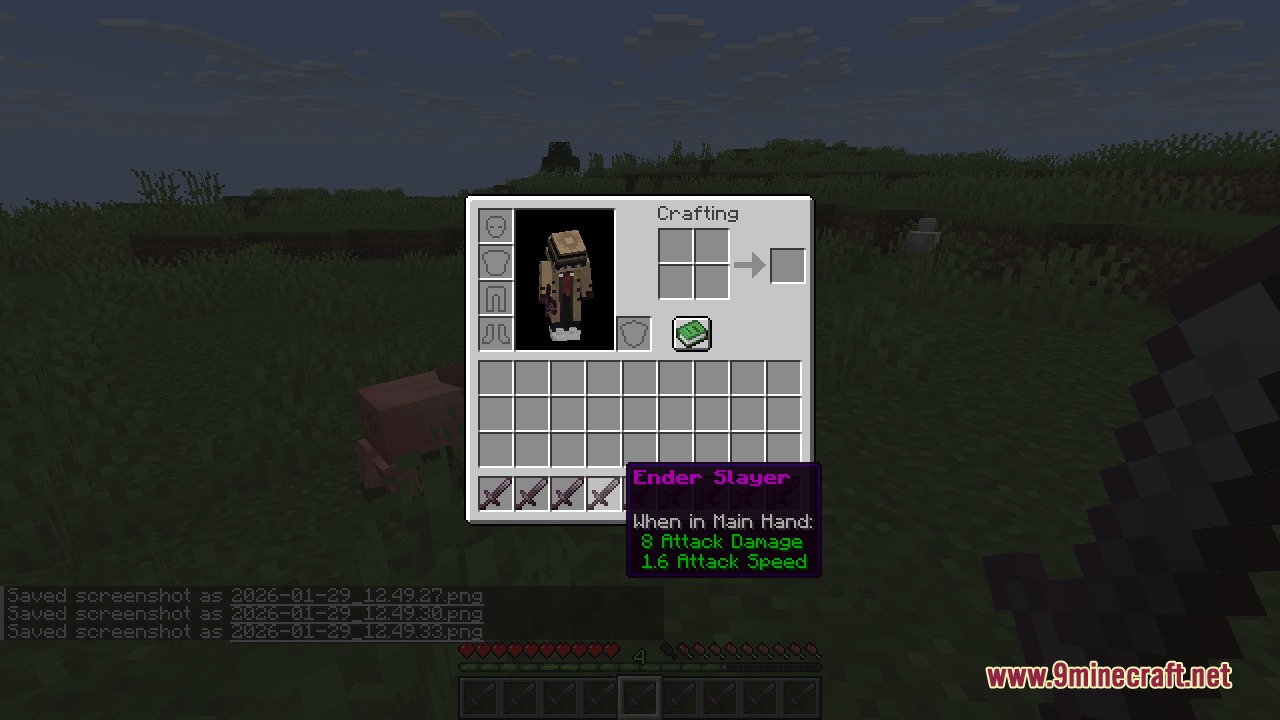
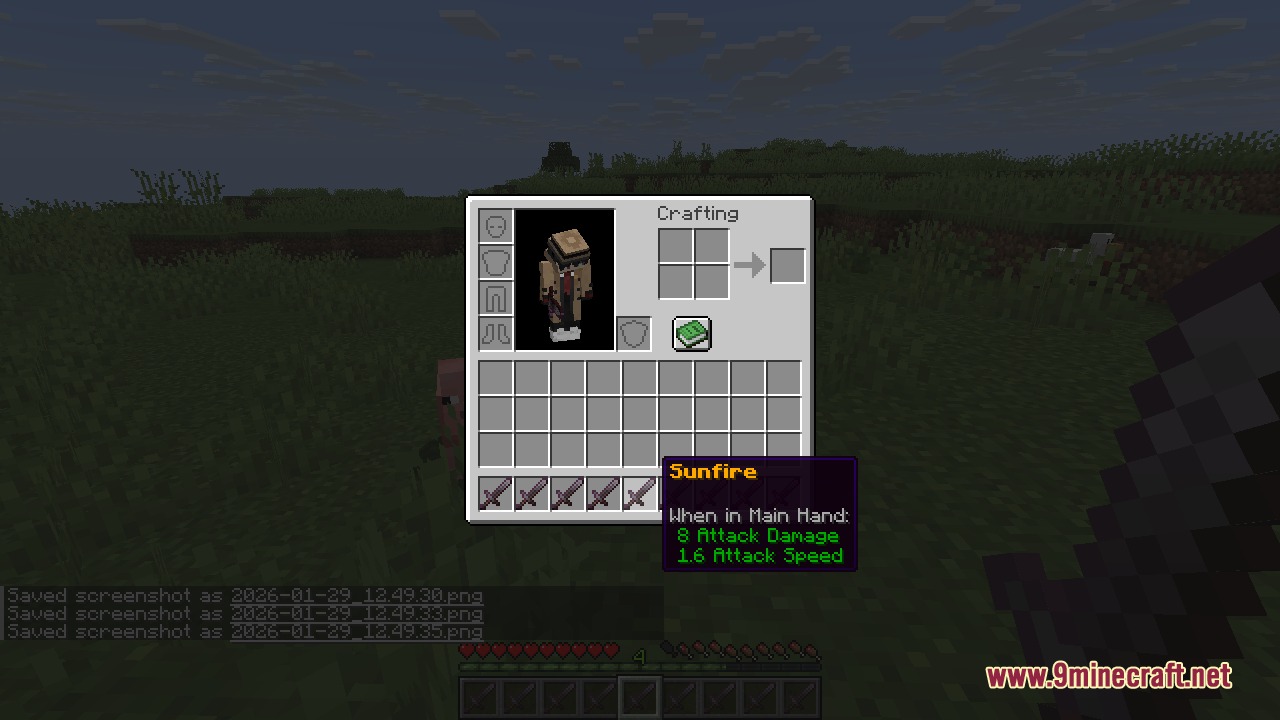
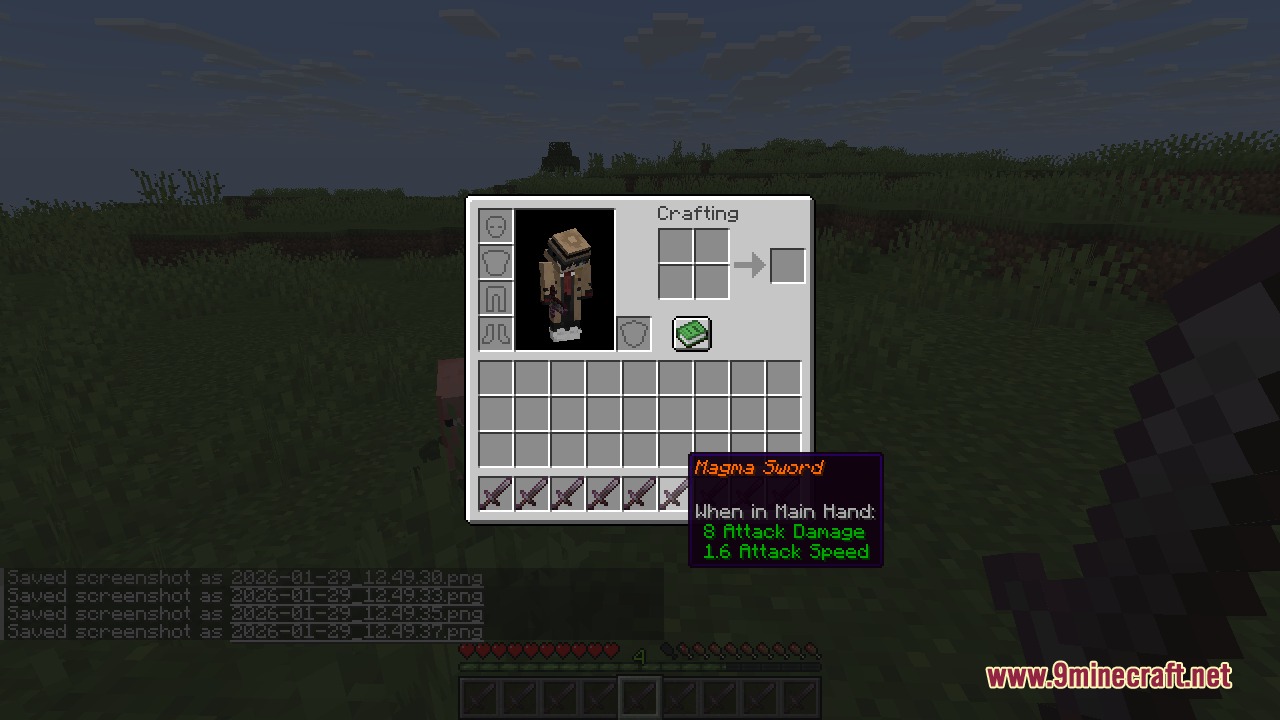
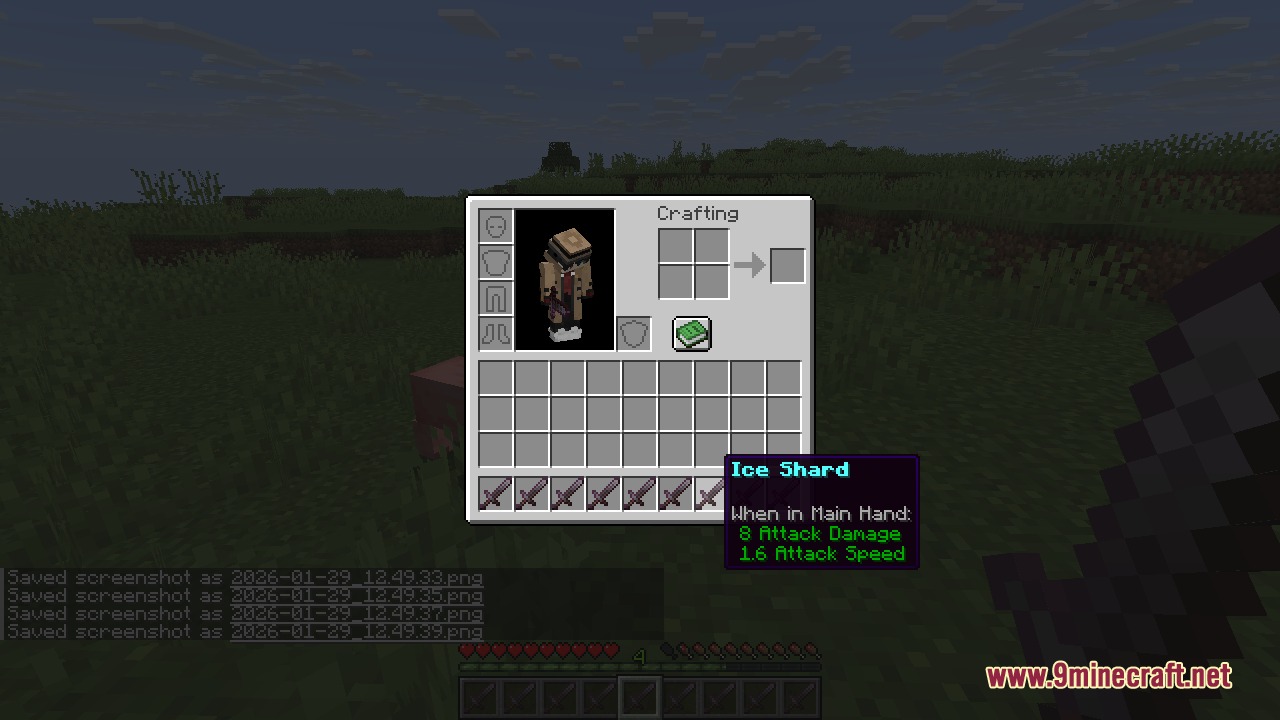
How to Install:
New to Minecraft? Follow our step-by-step guide to install Mods on your PC.View Guide



Colorful Anvils Unoffical Port Mod Download Links
For Minecraft 26.2
For Minecraft 26.1.2, 26.1.1, 26.1
For Minecraft
1.21.11,
1.21.10,
1.21.9
All Versions Covered
1.21.11
1.21.10
1.21.9
1.21.8
1.21.7
1.21.6
All Versions Covered
1.21.11
1.21.10
1.21.9
1.21.8
1.21.7
1.21.6
Click to rate this post!
[Total: 0 Average: 0]
You May Also Like











This post has no comments yet. Be the first — your comment will appear here.