
Command Block IDE Mod (1.21.11, 1.20.1) – Code Custom Map Systems in Real Time

 0


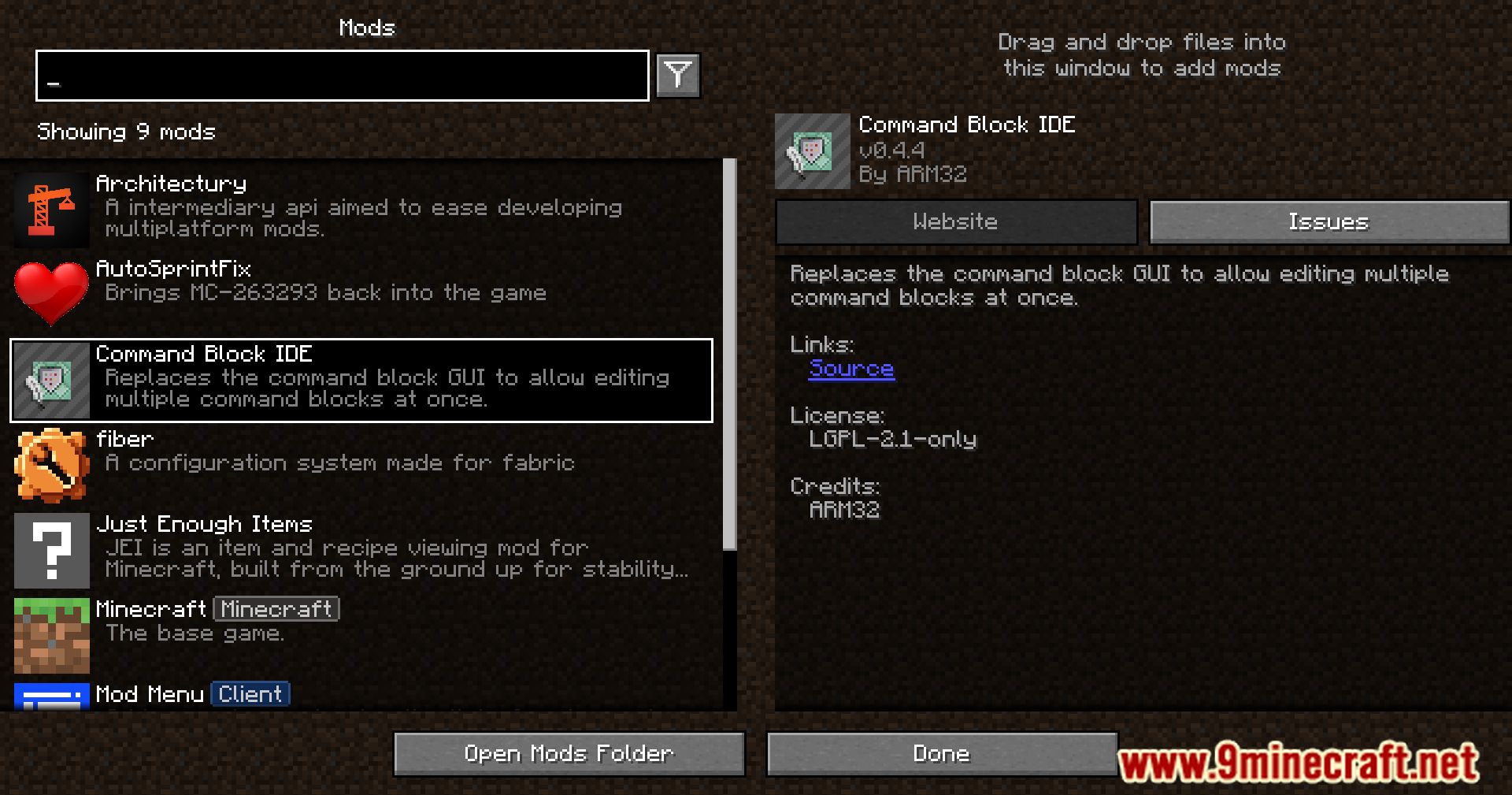
Command Block IDE Mod replaces the normal command block screen in Minecraft with a better interface for editing multiple command blocks at the same time. It lets you split long commands across several lines, edit functions in data packs, and apply changes without closing the menu. Multi-line layouts save locally on your computer so big commands stay easy to read and fix. This mod requires Fabric API to run.
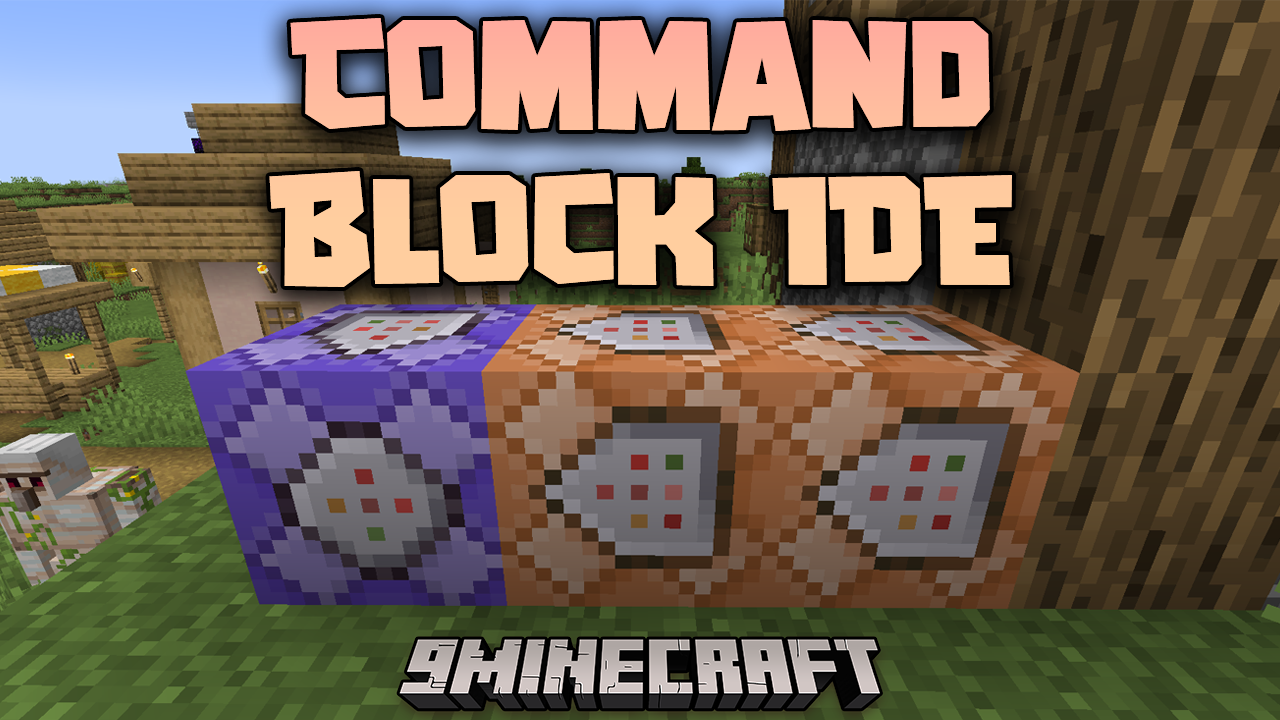
Features:
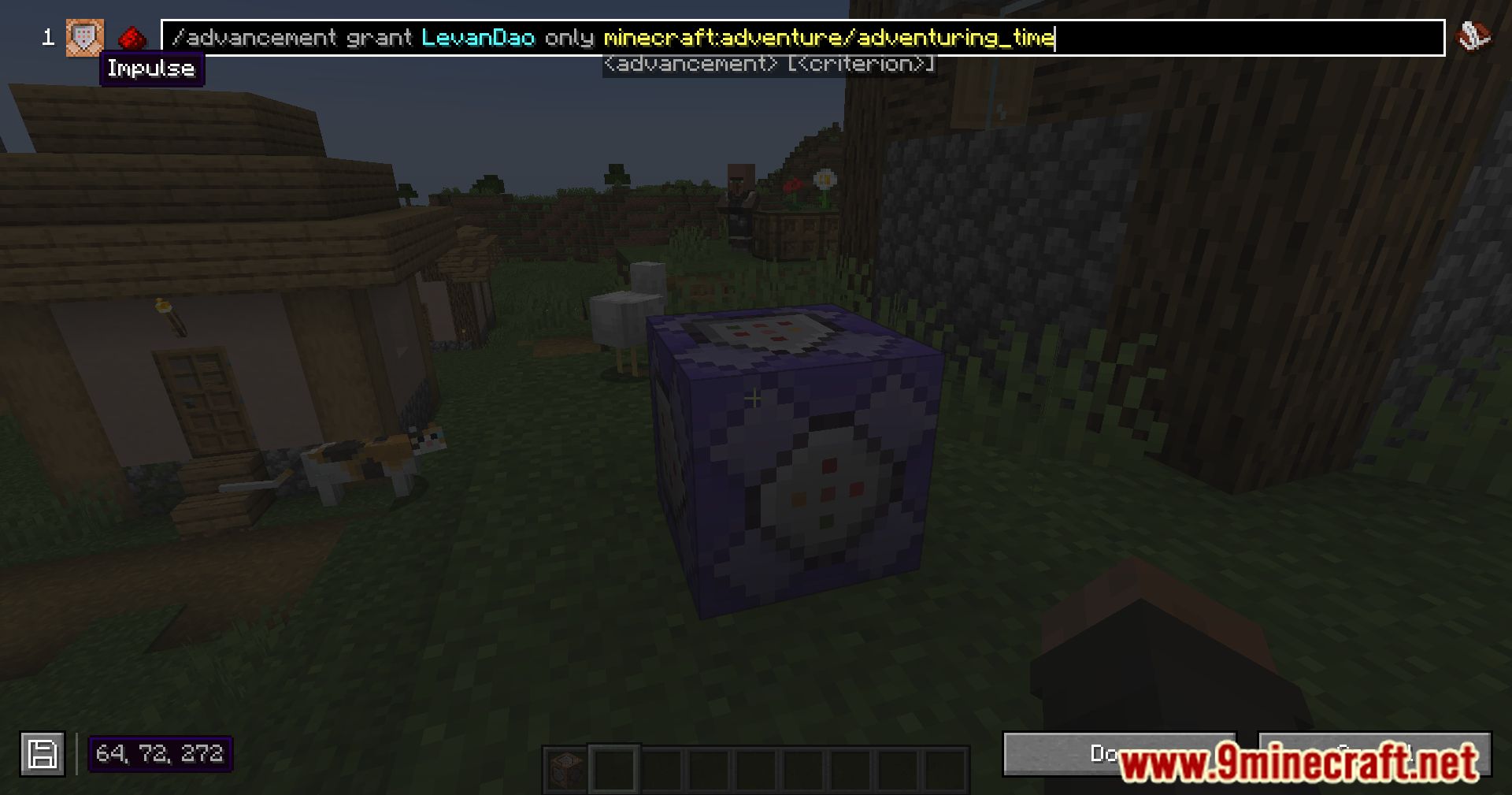
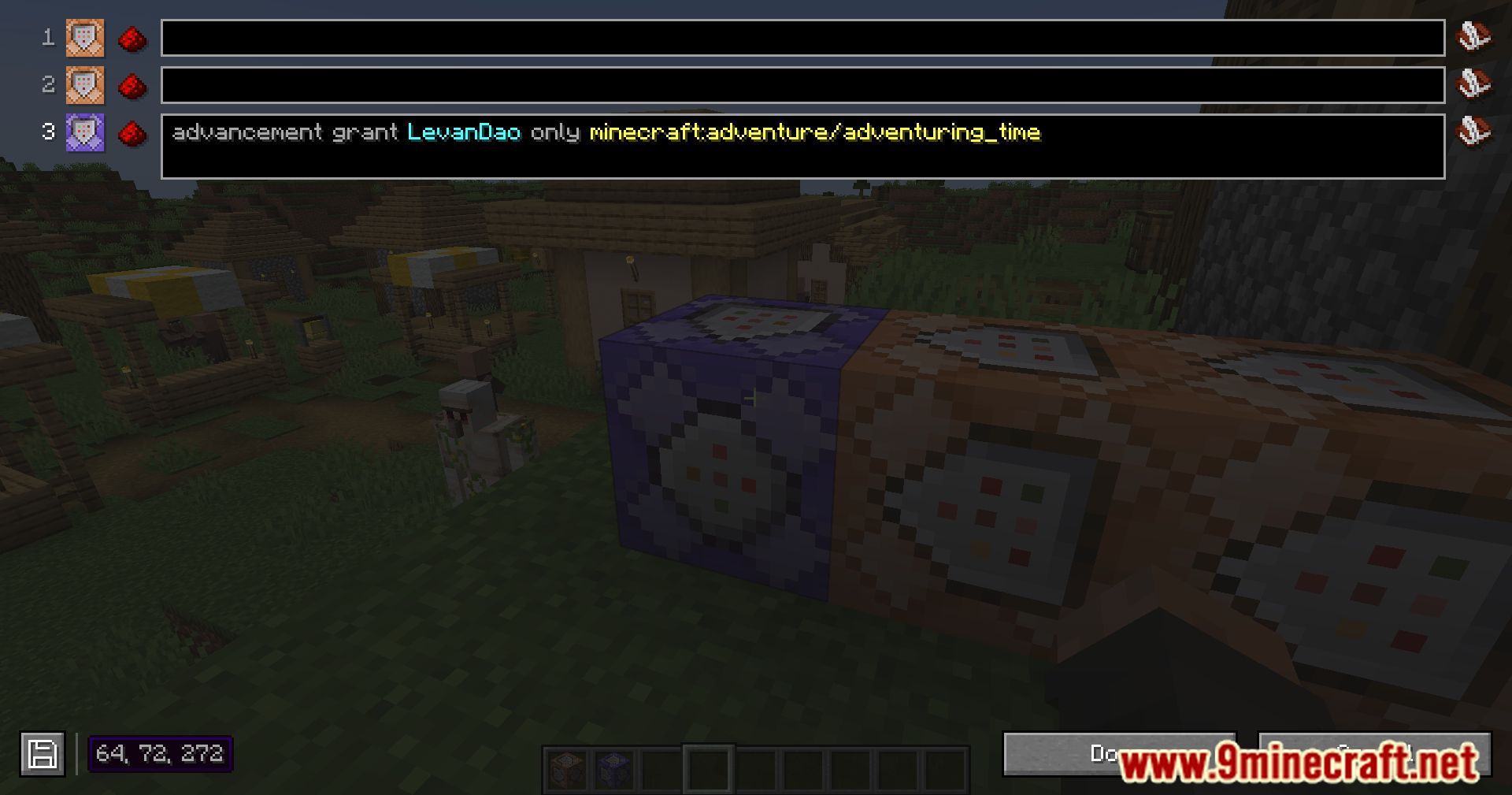
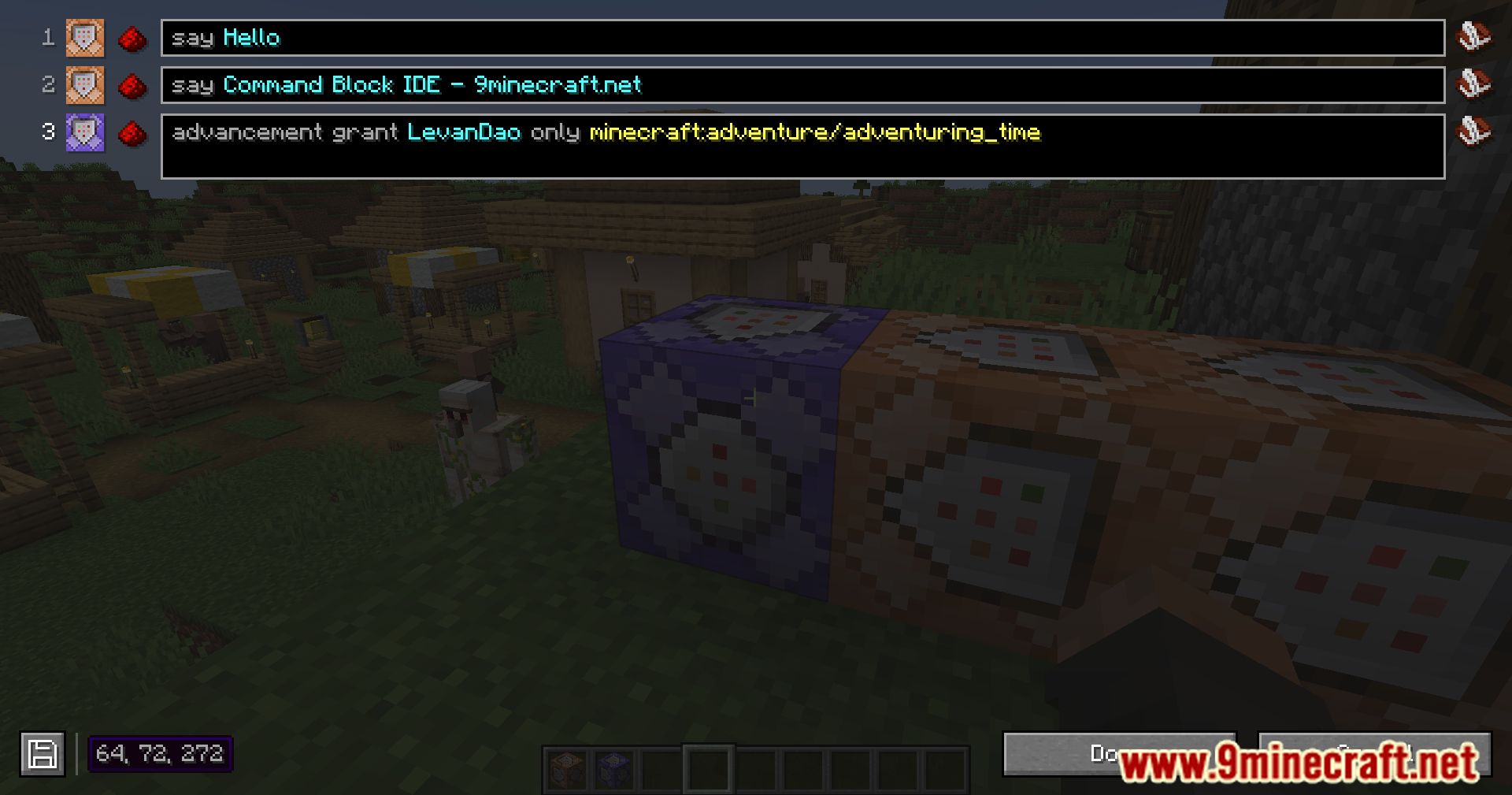
- Multi-Block Editing: Replaces the default command block screen so you can view and edit multiple connected command blocks at once in a single window.
- Multi-Line Commands: Splits one long command across several lines to make complex commands easier to read and edit.
- Applies your changes right away without closing the command block menu.
- Lets you edit functions inside data packs directly from the interface.
- Allows you to make a command block conditional inside the screen by holding Shift and clicking the command block icon.
- Saves multi-line command layouts locally in a
commandblockide.binfile in your game folder, since Minecraft does not support multi-line commands on its own.
Commands:
Allows you to split one long command across multiple lines so it is much easier to read and fix.
commandblockide.bin file.How to Use:
- Open a command block to bring up the new editor screen, where you can view and edit multiple connected command blocks at once.
- Edit your commands and apply your changes directly without closing the menu.
- Hold Shift and click the command block icon inside the screen to make that command block conditional.
- Keep the
commandblockide.binfile inside your game folder if you use multi-line commands; deleting this file collapses all multi-line commands back into single lines. - Use single-line commands when working with other players on a server, because multi-line formatting is saved locally on your computer and does not sync in multiplayer.
- Avoid editing multi-line commands from another computer or letting another player change them, because out-of-sync or missing local data causes the command to collapse back to one line.
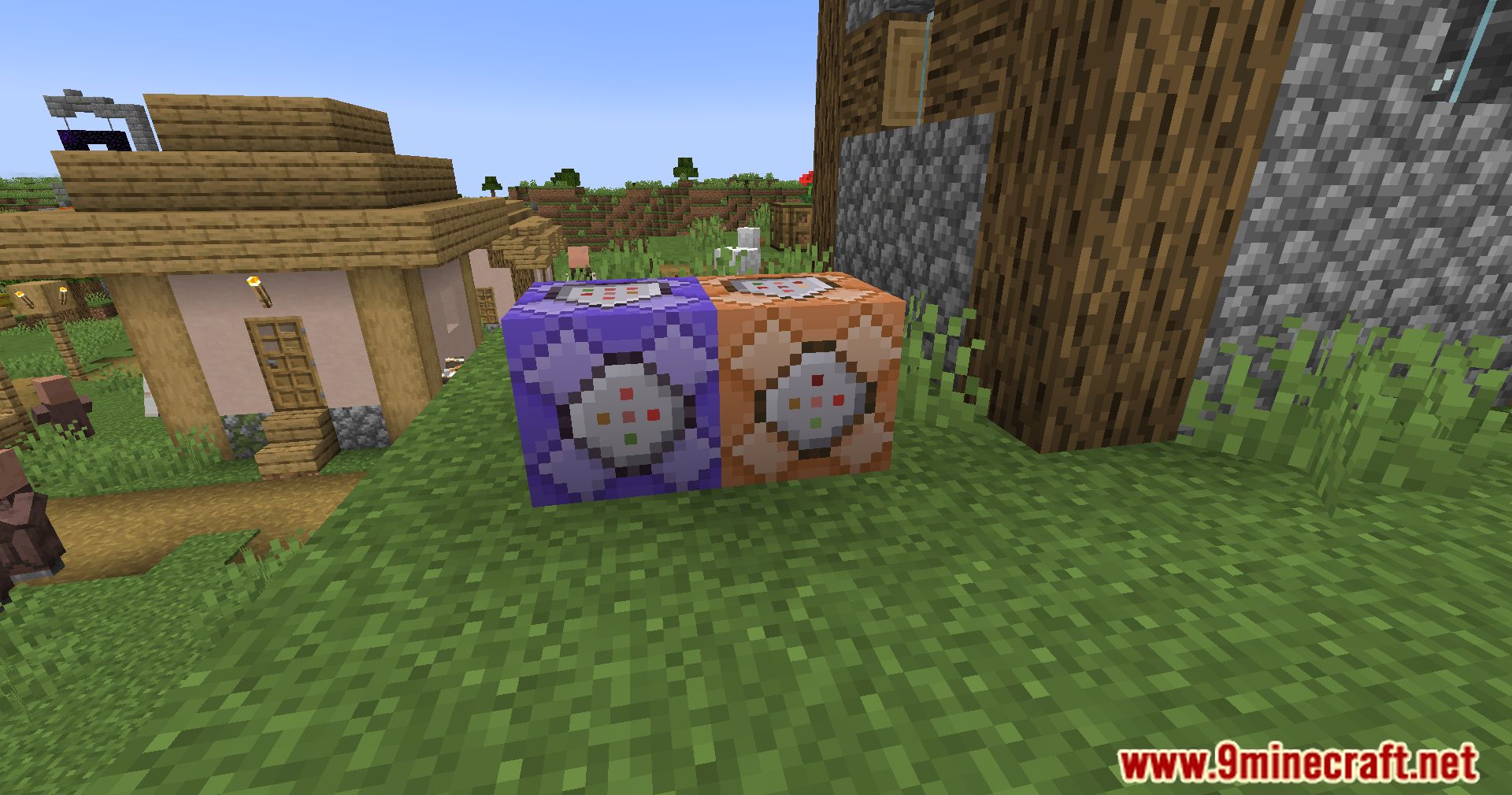
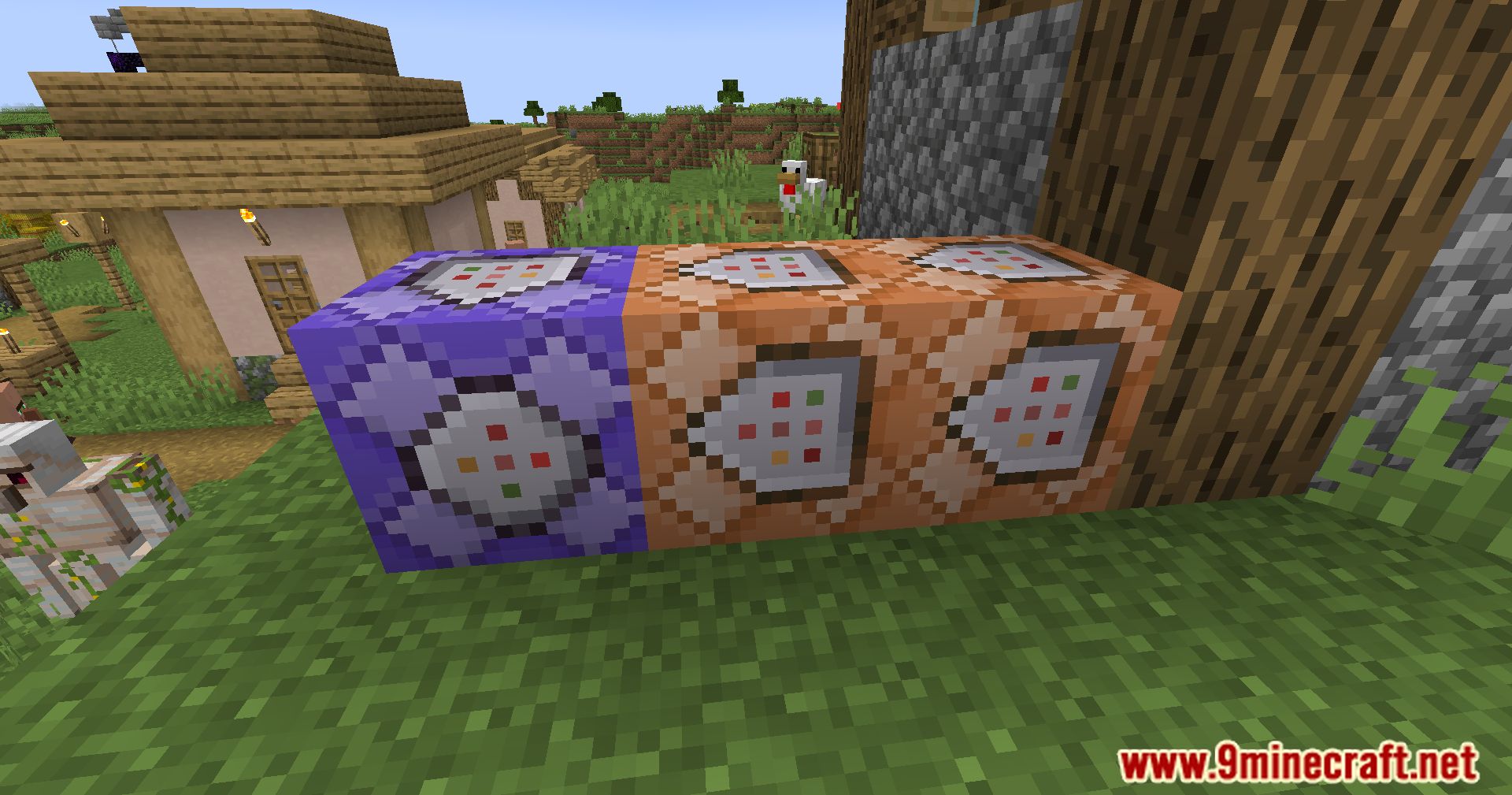
Screenshots:
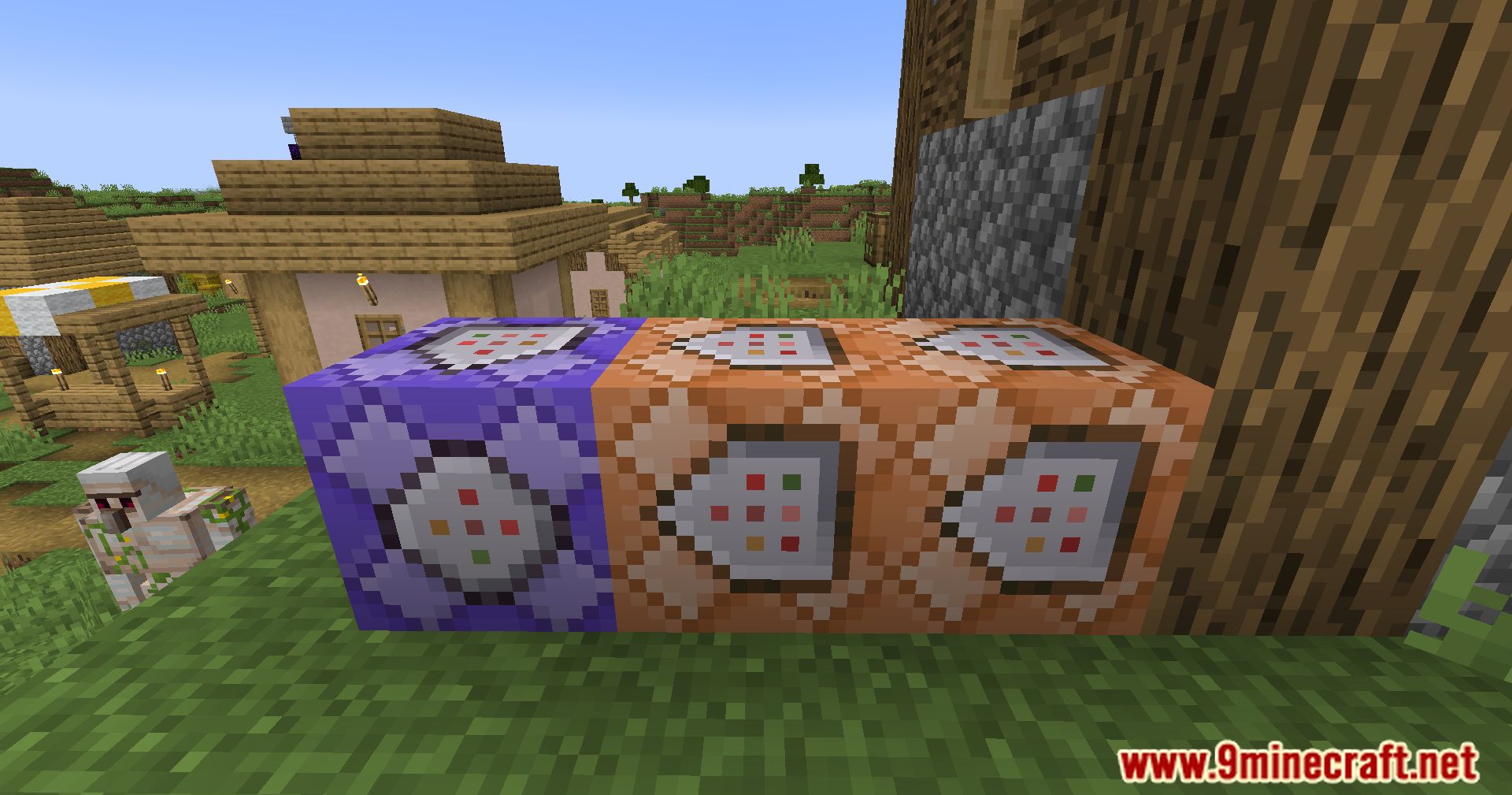
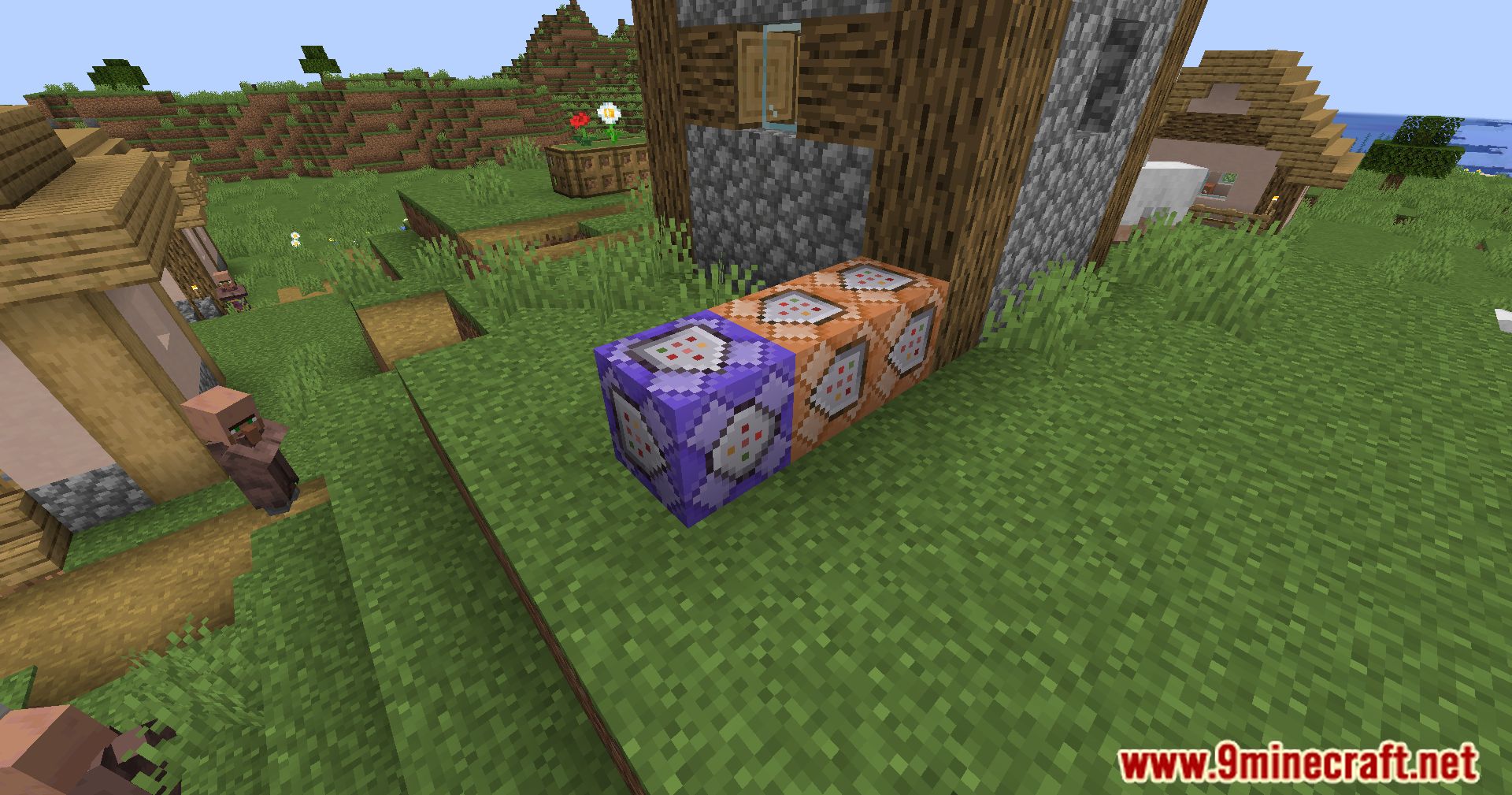
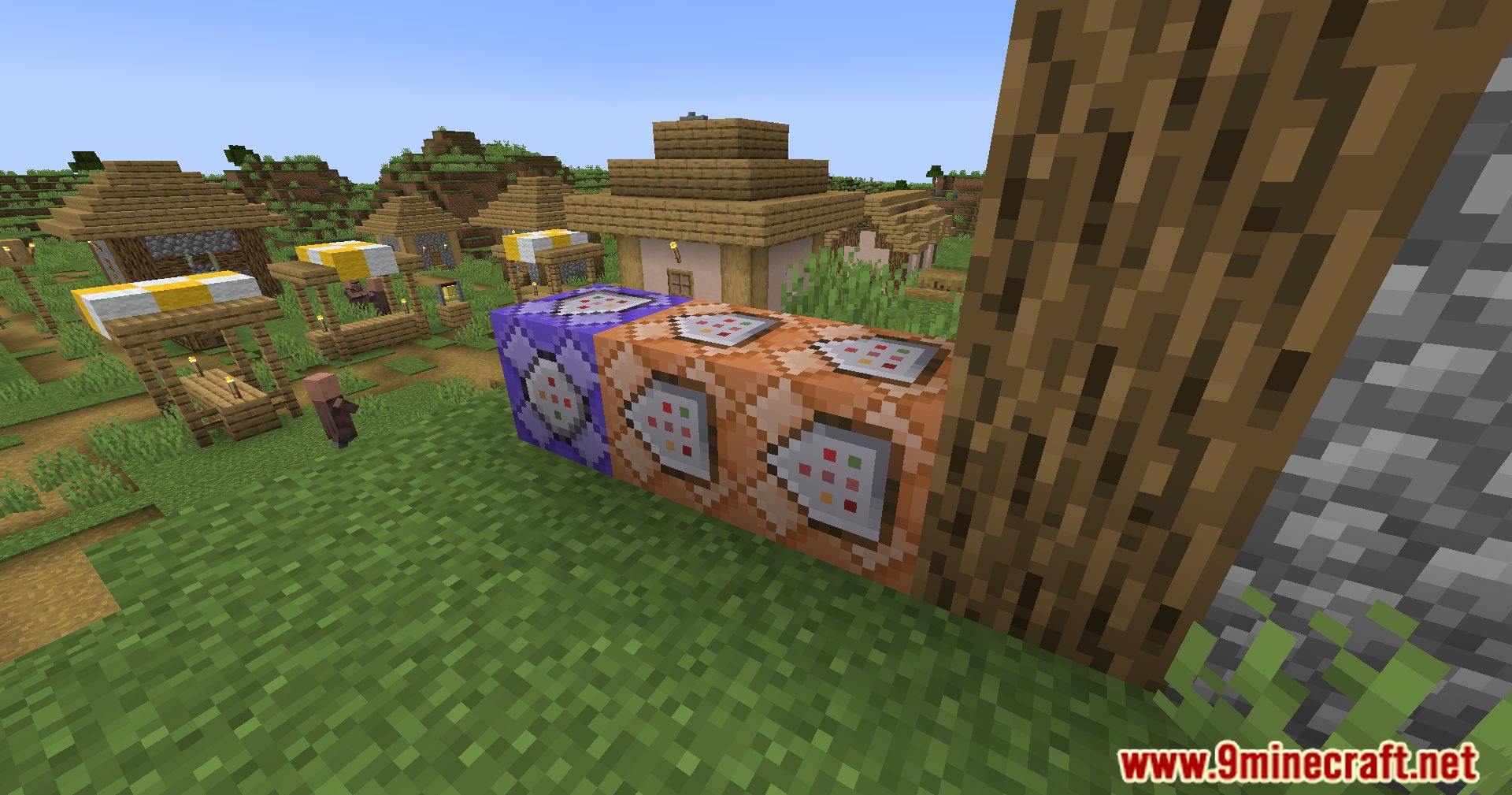
How to Install:
New to Minecraft? Follow our step-by-step guide to install Mods on your PC.View Guide
Command Block IDE Mod Download Links
For Minecraft 1.16.5
Fabric version: Download from Server 1 – Download from Server 2
For Minecraft 1.17.1
Fabric version: Download from Server 1 – Download from Server 2
For Minecraft 1.18.1
Fabric version: Download from Server 1 – Download from Server 2
For Minecraft 1.18.2
Fabric version: Download from Server 1 – Download from Server 2
For Minecraft 1.19
Fabric version: Download from Server 1 – Download from Server 2
For Minecraft 1.19.2, 1.19.1
Fabric version: Download from Server 1 – Download from Server 2
For Minecraft 1.19.4
Fabric version: Download from Server 1 – Download from Server 2
For Minecraft 1.20.1, 1.20
Fabric version: Download from Server 1 – Download from Server 2
For Minecraft 1.20.4
Fabric version: Download from Server 1 – Download from Server 2
For Minecraft 1.20.6
Fabric version: Download from Server 1 – Download from Server 2
For Minecraft 1.21.1, 1.21
Fabric version: Download from Server 1 – Download from Server 2
For Minecraft 1.21.4
Fabric version: Download from Server 1 – Download from Server 2
For Minecraft 1.21.10
Fabric version: Download from Server 1 – Download from Server 2
For Minecraft 1.21.11
Fabric version: Download from Server 1 – Download from Server 2
Which performance or optimization mod do you rely on the most?
40 responses · See the full results →
You May Also Like
Picked for this page
 Simple Discord Rich Presence Mod (26.3, 1.20.1) – Lightweight Discord Integration
 Mystical Agriculture Mod (26.1.2, 1.20.1) – Grow Diamonds From a Seed
 Modular Golems Mod (26.1.2, 1.20.1) – Tinker Style Modularized Metal Golems
 Workshop For Handsome Adventurer Mod (26.3, 1.20.1) – Tool Racks
 O.F.Device Mod (26.3, 1.20.1) – Ore Farming Device
 Mob Population Control Mod (1.21.11, 1.20.1) – Anti-Lag for Server
 Zombified Player Mod (26.3, 1.20.1) – Die Then Fight Yourself
 From The Shadows Reborn Mod (1.20.1, 1.20) – Fight the Darkness
 Progressive Ender Eyes Mod (26.3, 1.20.1) – Eye of Ender Is Not Easy to Craft Anymore
 Lio’s Hobbit Hill Village Mod (26.3, 1.20.1) – A Peaceful Escape In Minecraft
 Mclogs Mod (26.3, 1.20.1) – Share Logs With A Single Command
 Useful Foundation Mod (26.1.2, 1.20.1) – Discover New Materials
Most viewed in Mods over the last 7 days
 Ala Industrial Mod (26.3) – Run Electric Power Grids and Automated Factories
 PleasureCraft Mod (26.3, 1.21.1) – Jenny Mod Remake for Fabric
 Jennycraft Mod (26.3, 1.20.1) – Virtual Girlfriend in Minecraft
 Fapcraft Mod (26.3, 1.12.2) – Comprehensive and Detailed Content
 Jenny Mod (Fapcraft) Official Complete Guide – How to use, Tutorial
 BangCraft Mod (1.20.1) – Jenny, Ellie and Elliot
 Fabric Loader (26.3, 1.20.1) – Fabric Installer for All Minecraft Versions
 Meteor Client Mod (26.3, 1.20.1) – Xray, HUD, Fly
 The Shooting Star Demo Mod (26.3, 1.20.1) – Vaporize Terrain From Orbit
 OptiFine HD (26.3, 1.20.1) – Run Faster, FPS Boost, Shaders Support
 Aristois Client Mod (1.21.4, 1.20.1) – World Class Minecraft Utility
 Prestige Client Mod (1.21.11, 1.21.4) – Powerful Ghost Features for Crystal & Sword PvP
More from Mods
 Universe3090 Mod (1.20.1) – Survive Corrupted Dimensions Filled
 Wireless Automate Mod (1.21.1) – Automate Base Logistics Without Messy Pipes
 Vaskars Opus Faction War Quests & Bosses Mod (1.21.11, 1.20.1)
 Multitools and More Mod (26.3, 1.20.1) – Clear Your Hotbar and Travel
 Luxium Let There Be Light Mod (1.20.1) – Stunning Lighting on Low-End Computers
 Soulscraft Tarnished Legacy Mod (1.21.1) – Hunt Relics to Forge Dark Fantasy
 Fetzi’s Displays Mod (26.1.2, 1.20.1) – Turn Rare Gear and Weapons
 Primal Plushies Paleo Pals Mod (1.21.1, 1.20.1) – Decorate Your Base
 Ipla Mod (26.3, 1.20.1) – Showcase Your Favorite Items
 MesdagPortLib Mod (1.20.1) – Run Modern Minecraft Mechanics on Older Versions
 Hellion’s API Mod (1.21.11, 1.21.1) – Play Hellion Series Addons Without Crashes
 Terrestria Mod (26.3, 1.20.1) – Highly Detailed Biomes

This post has no comments yet. Be the first — your comment will appear here.