
Couchcraft Mod (26.3) – Play Four-Player Split-Screen Co-Op From Your Couch
 0
0
 0
0

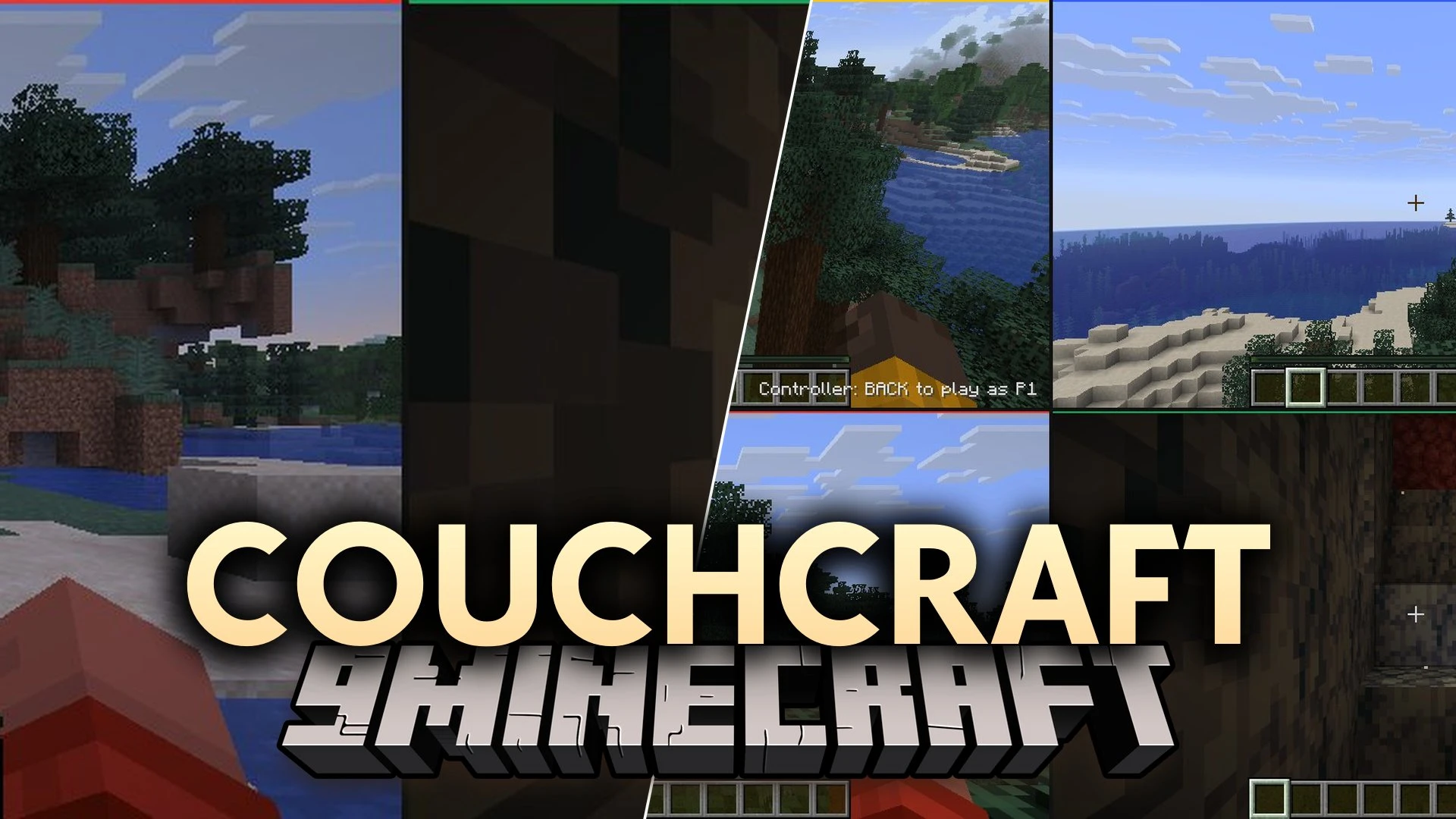
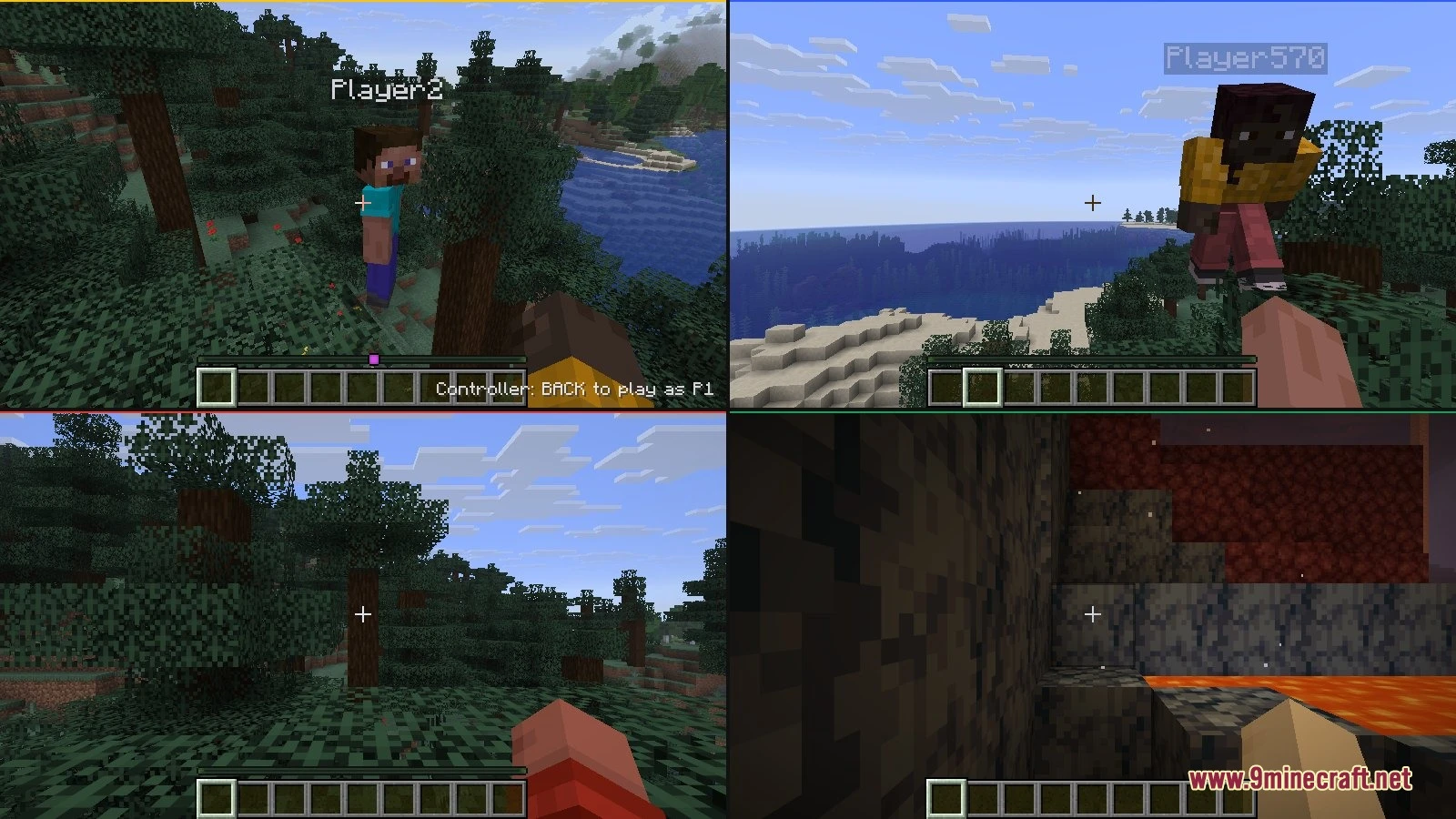
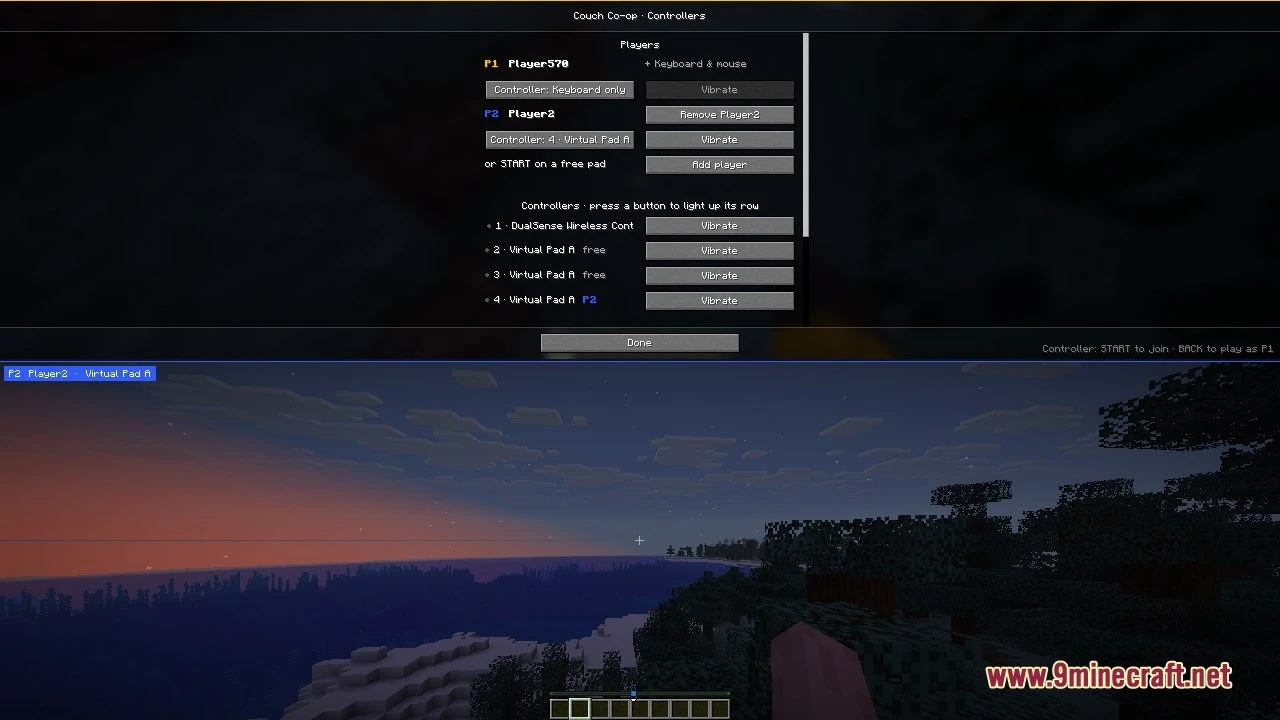
Couchcraft Mod brings split-screen multiplayer to your singleplayer worlds on Java Edition. It runs up to four players in one game window without running extra game clients. Each friend gets a private camera view, personal hotbar, separate menus, and their own inventory. You can play together on the couch using your favorite gamepads.
Features:
- Split-Screen Multiplayer: Up to four people can play together on one monitor inside a single game window.
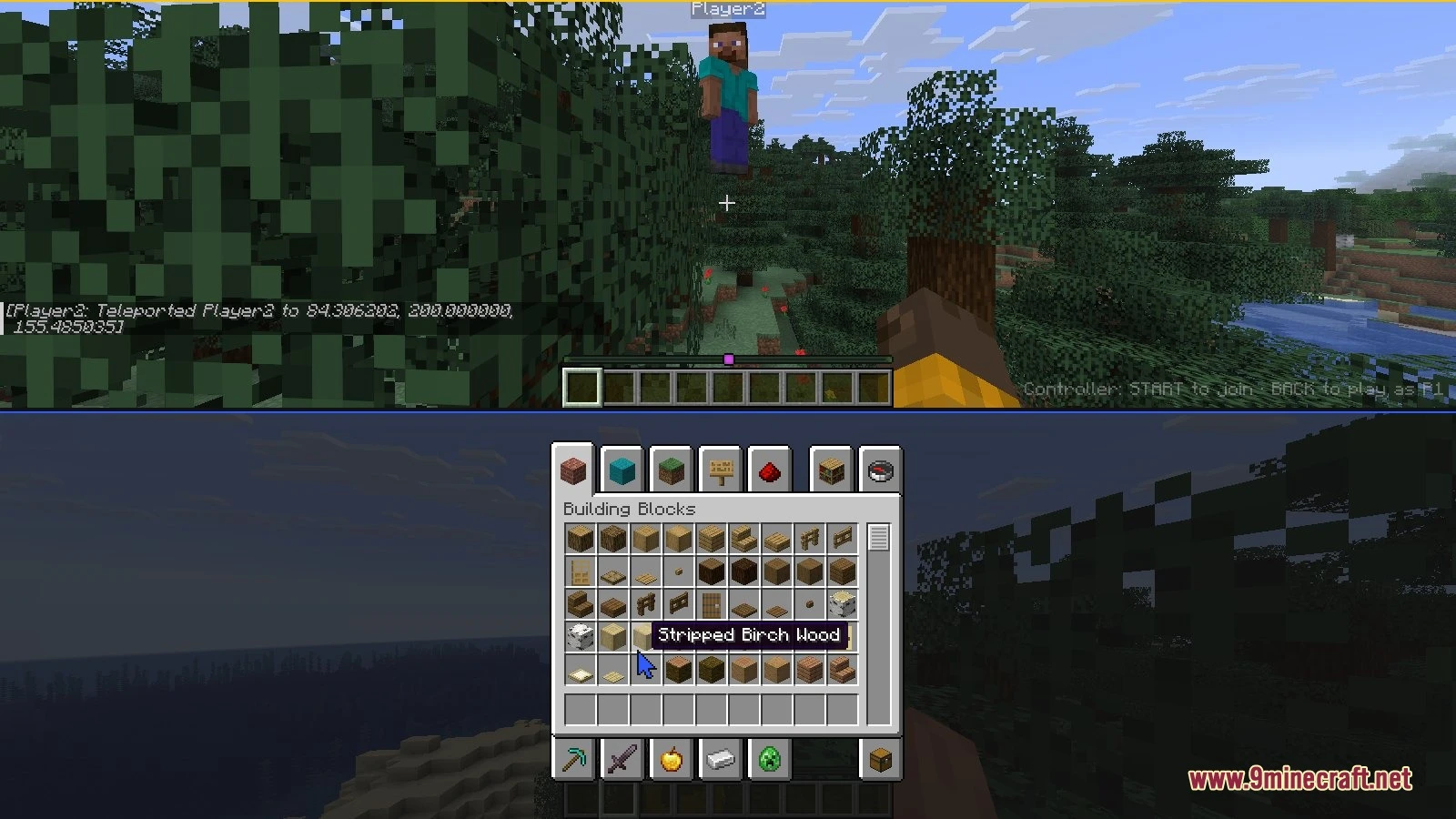
- Independent Controls: Each extra player gets a personal camera view, health bar, inventory screen, and item hotbar.
- Controller Compatibility: Popular gamepads like Xbox, DualSense, DualShock, Switch Pro, and 8BitDo connect directly to the game.
- Players press start on their gamepad to drop straight into the world.
- Holding the back and start buttons together lets any guest player quit without stopping the session.
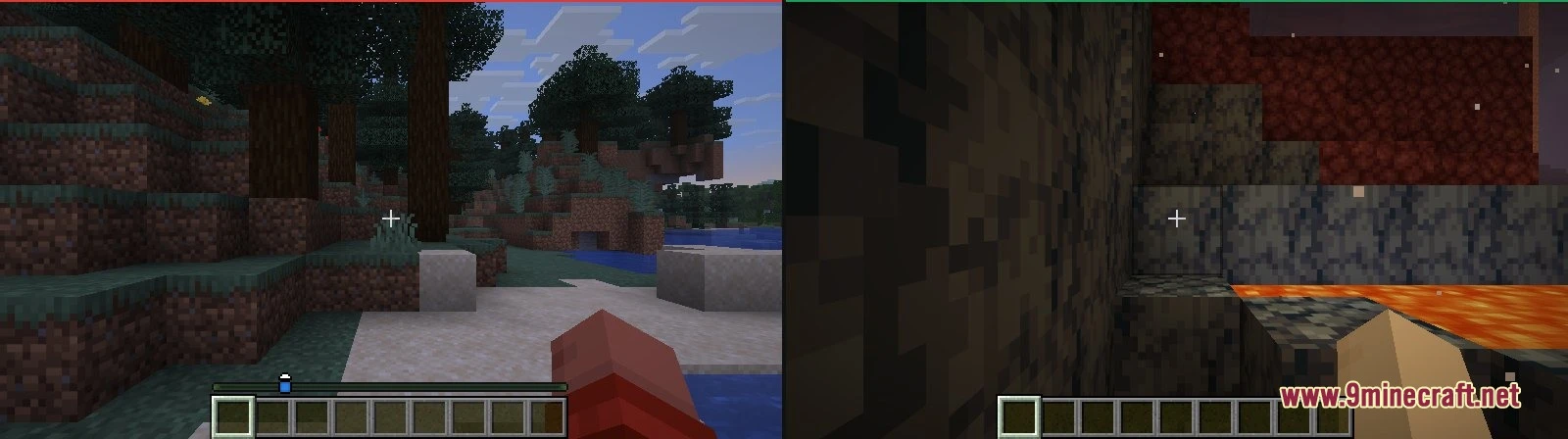
- Offers multiple screen layouts, such as side-by-side boxes, vertical splits, or a four-way grid.
- Player one can control the game using keyboard and mouse or a connected gamepad.
- Guests can join standard singleplayer maps and worlds opened to local LAN play.
How to Use:
- Connect your game controllers to your computer before loading a world.
- Load any singleplayer world.
- Press START on any connected controller to bring a new player onto the screen.
- Press Ctrl+Shift+L on your keyboard to switch between vertical and horizontal two-player views.
- Press Ctrl+Shift+C to open the controller options screen.
- Press Ctrl+Shift+J if you need to add an extra player without a gamepad.
- Hold BACK and START on a gamepad to disconnect that player while others keep playing.
Screenshots:
How to Install:
New to Minecraft? Follow our step-by-step guide to install Mods on your PC.View Guide
Requirements:


Couchcraft Mod Download Links
For Minecraft 26.3
Click to rate this post!
[Total: 0 Average: 0]
You May Also Like
Picked for this page
 Traveler’s Backpack Mod (26.3, 1.20.1) – A Mobile Base on Your Back
 ViaFabricPlus Mod (26.3, 1.20.1) – Connect to Every Server Version
 Better Conduit Placement Mod (26.3, 1.20.1) – Placing Conduit Prismarine Blocks Easier
 Item Transform Helper Mod (26.3, 1.20.1) – Set Size & Location Of Items
 Repeatable Trial Vaults Mod (26.3, 1.21.1) – Make Any Vault a Loot Farm
 Mine Glass Without Silk Touch Mod (26.3, 1.21.1)
 Cobblemon Dex Rewards Mod (1.21.1, 1.21) – Claimable Milestones And Customizable Unlocks
 Armour Durablity Hud Mod (26.3, 1.21.1) – Never Let Your Armor Break During
 Blight Spark Visuals Mod (26.3, 1.20.1) – Track Status Effects with Glowing
 Bad Effects Mod (1.20.1, 1.19.2) – Punishes Players With Negative Effects
 Easy Shop Mod (26.3, 1.21.11) – Run Your Own Marketplace with Custom NPC
 Combat Zone Mod (1.20.1) – Play Competitive Tactical Shooter Matches
Most viewed in Mods over the last 7 days
 Ala Industrial Mod (26.3) – Run Electric Power Grids and Automated Factories
 PleasureCraft Mod (26.3, 1.21.1) – Jenny Mod Remake for Fabric
 Jennycraft Mod (26.3, 1.20.1) – Virtual Girlfriend in Minecraft
 Fapcraft Mod (26.3, 1.12.2) – Comprehensive and Detailed Content
 Jenny Mod (Fapcraft) Official Complete Guide – How to use, Tutorial
 BangCraft Mod (1.20.1) – Jenny, Ellie and Elliot
 The Shooting Star Demo Mod (26.3, 1.20.1) – Vaporize Terrain From Orbit
 Meteor Client Mod (26.3, 1.20.1) – Xray, HUD, Fly
 Disabilities Mod (26.3, 1.20.1) – Survive with Random Physical and Mental Challenges
 SchnurriTV Mod (1.12.2) – Characters and Features
 Aristois Client Mod (1.21.4, 1.20.1) – World Class Minecraft Utility
 Baritone 9minecraft Client Mod (26.3, 26.1.2) – Mine and Build Bases Hands-Free
More from Mods
 Vast Mineral Seams Mod (26.3, 1.20.1) – Strike Giant Mineral Veins Deep Below
 Journey PAC Mod (26.3, 1.20.1) – Chunks Claimed via Open PAC
 Beyond and More Mod (26.3, 1.20.1) – Build Better with Vertical Slabs
 The Magic Mirror Mod (26.3, 1.20.1) – A Mirror that is Magic
 Bigger Trees Mod (26.3, 1.20.1) – Modifying Minecraft Trees Preserving Vanilla Aesthetics
 EchoLib Mod (1.21.11, 1.21.1) – Run Your Favorite Client Tools
 GD Better Loot Mod (26.3, 1.21.1) – Improved Treasure Chest Loot
 xNICEx Mod (26.3, 1.20.1) – Decorate Your Base with Animated Glass Blocks
 In Control Mod (26.3, 1.20.1) – Be In Control of Mob Spawns
 Prism Frame Customizer Mod (26.3, 1.20.1) – Colorful Outlines for Every Block
 Magic Doorknob Mod (26.3, 1.20.1) – Doorway, Tunnel, Travel through Walls
 The One Probe Mod (26.3, 1.20.1) – Know Your World Instantly

This post has no comments yet. Be the first — your comment will appear here.