


Create Realistic Railways Mod (1.21.4, 1.21.1) – Run Safe Train Networks
 0
0
 0
0


🌐 Good news — we've translated this article into other languages!
Or pick the one you like:
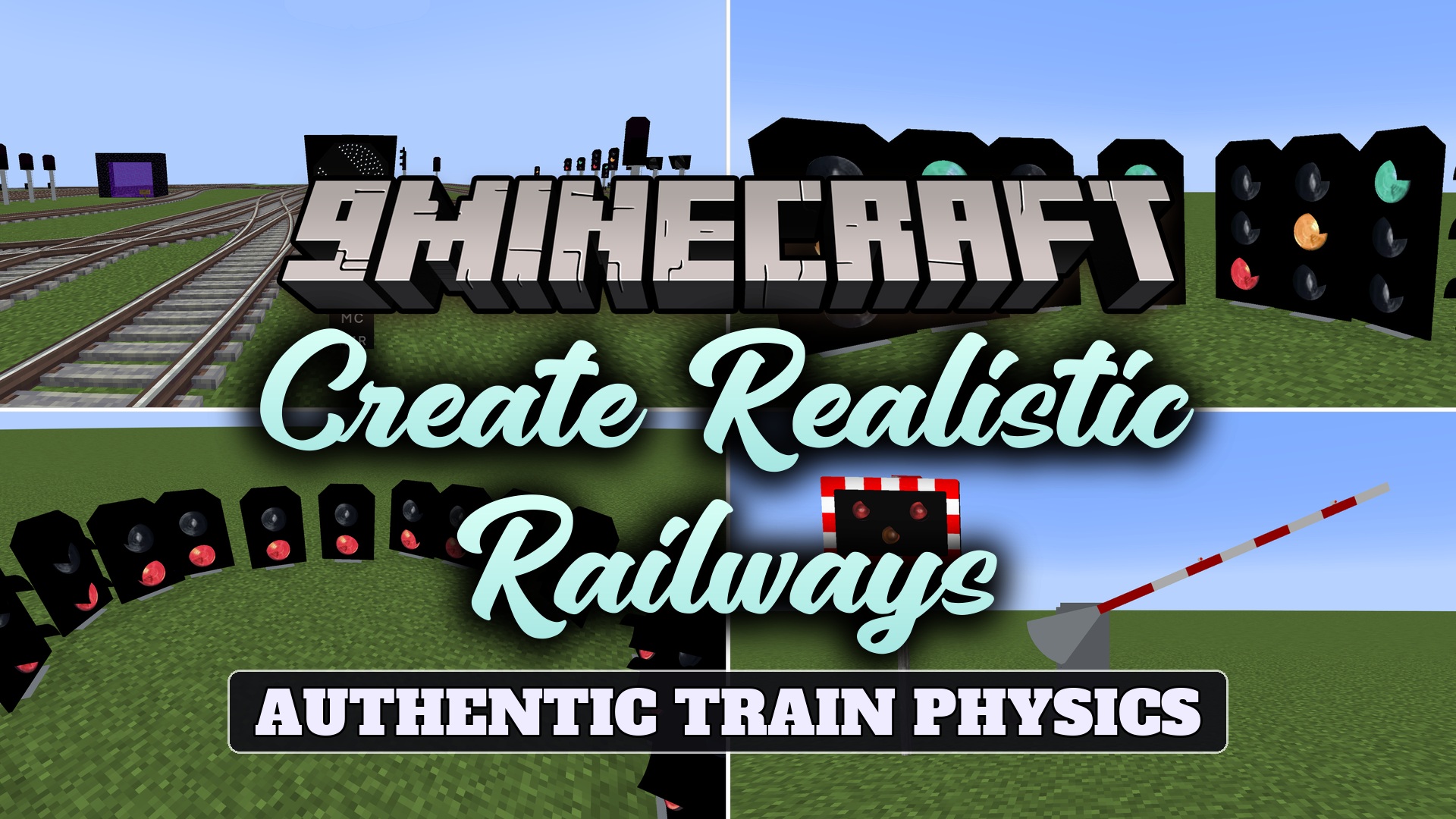
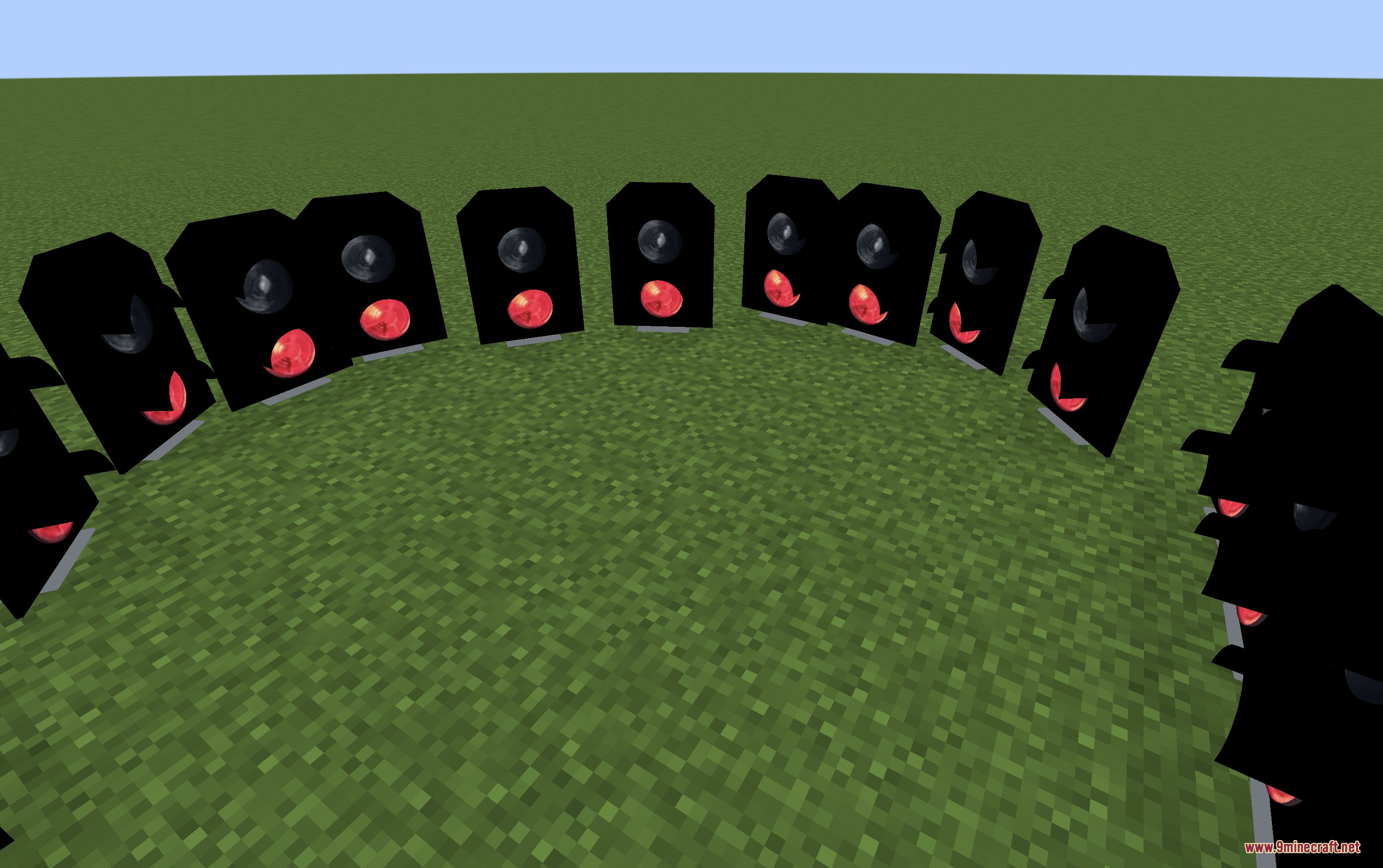
Create Realistic Railways Mod brings realistic signal and safety blocks to Create train networks. The mod transforms basic train tracks into detailed passenger lines with authentic light signals and level crossing barriers. You can manage complex track layouts and warn players at road crossings with custom alarm sounds. It offers full 360-degree block placement to fit any track angle in your world.
Features:
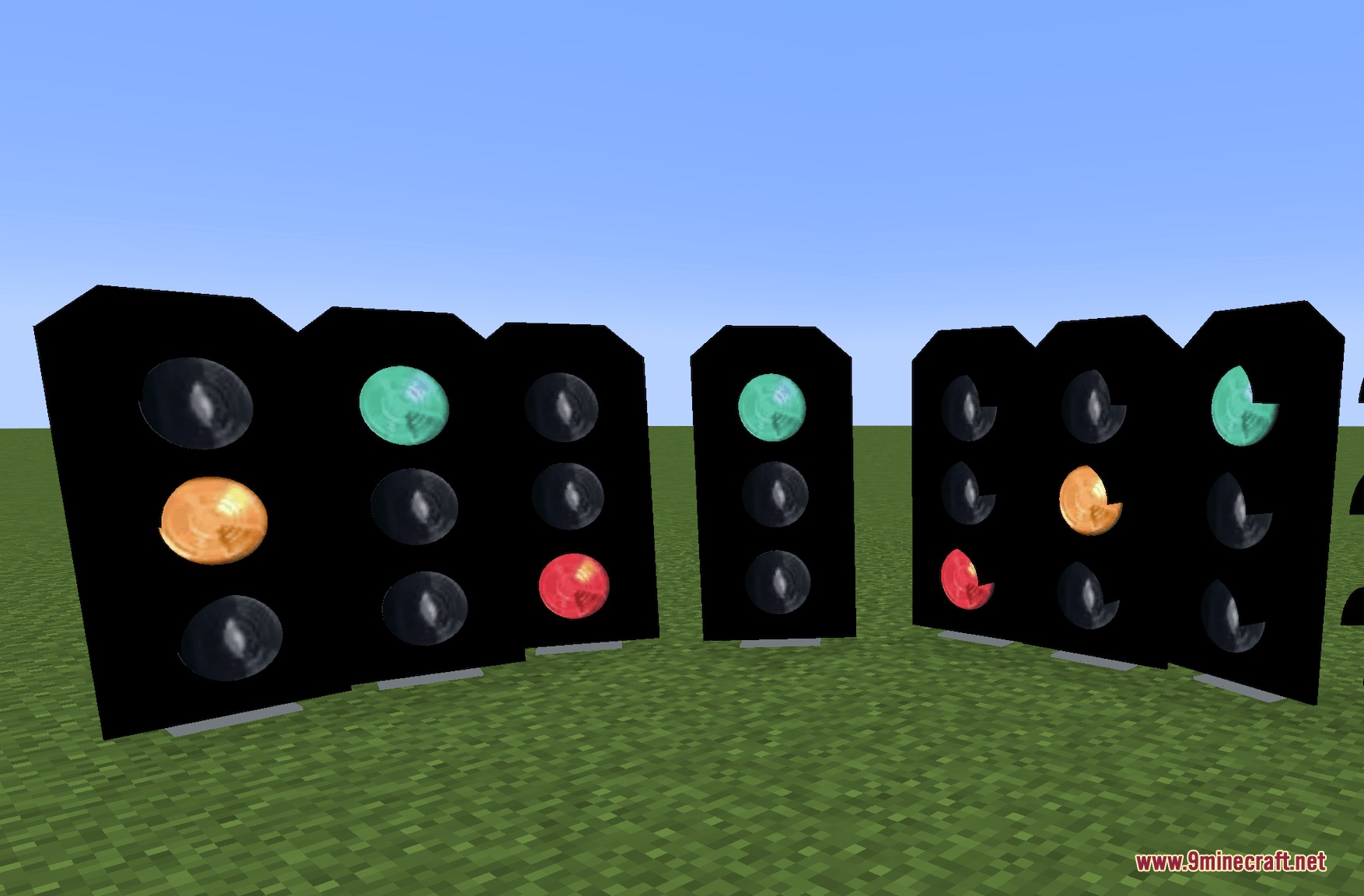
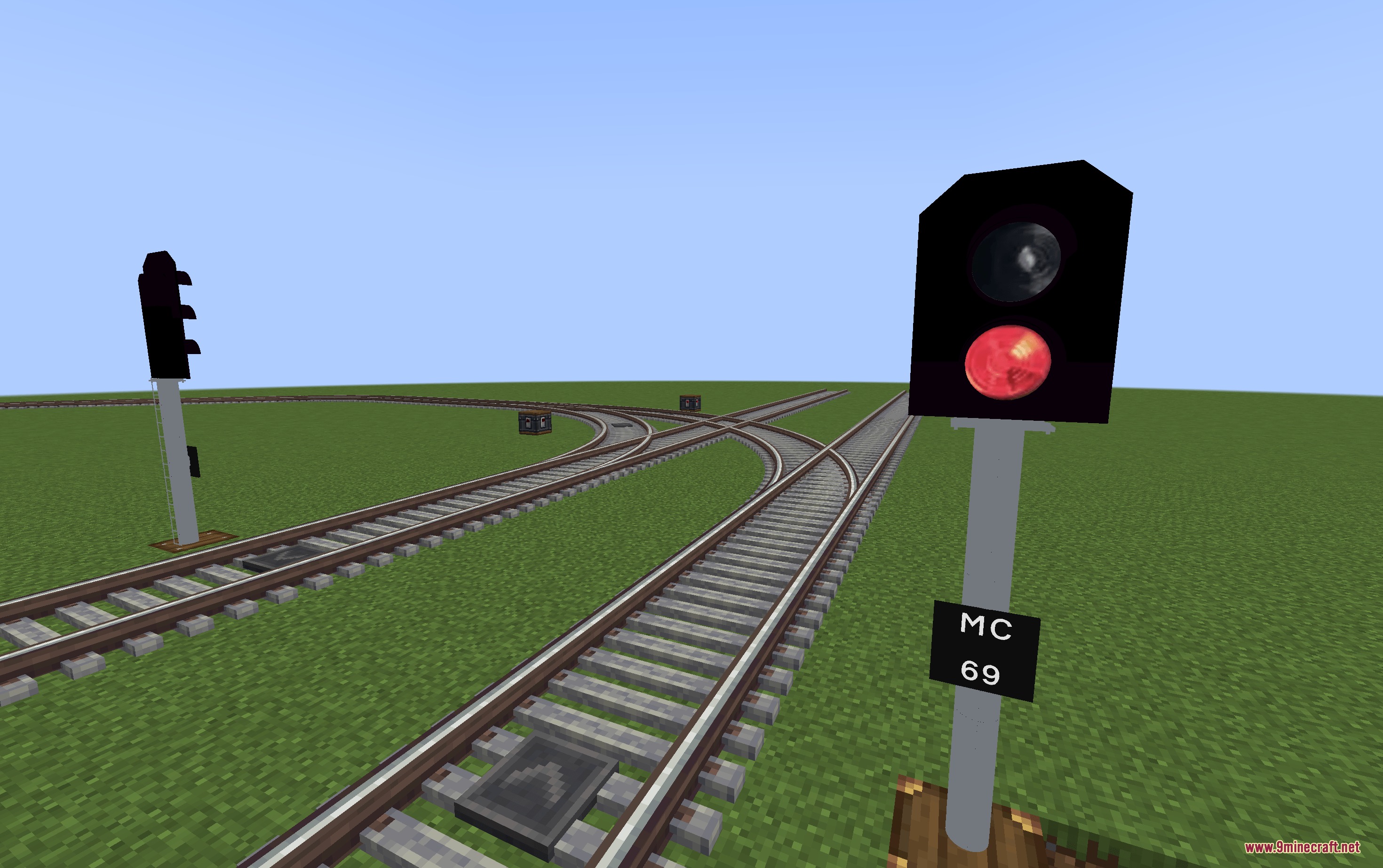
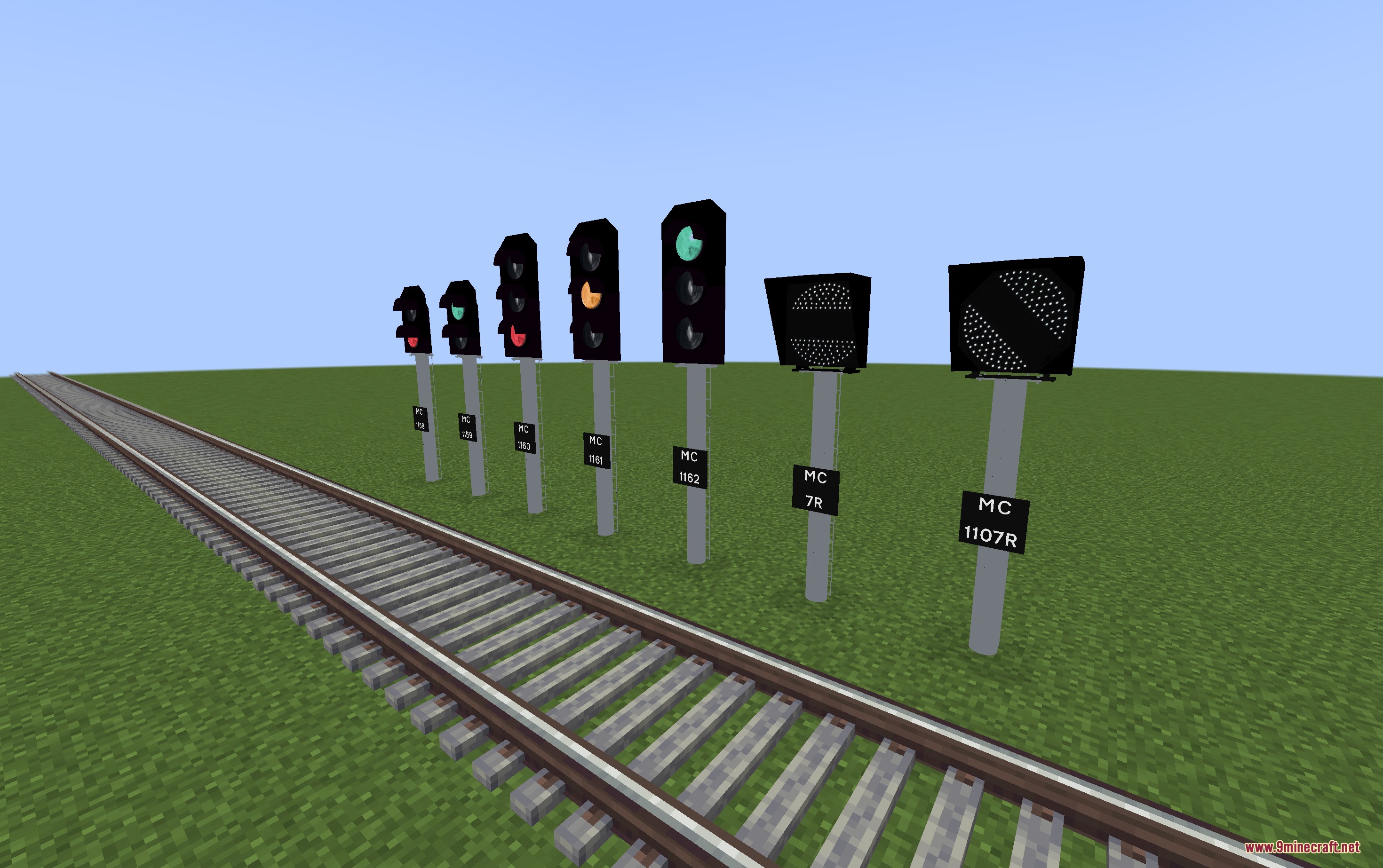
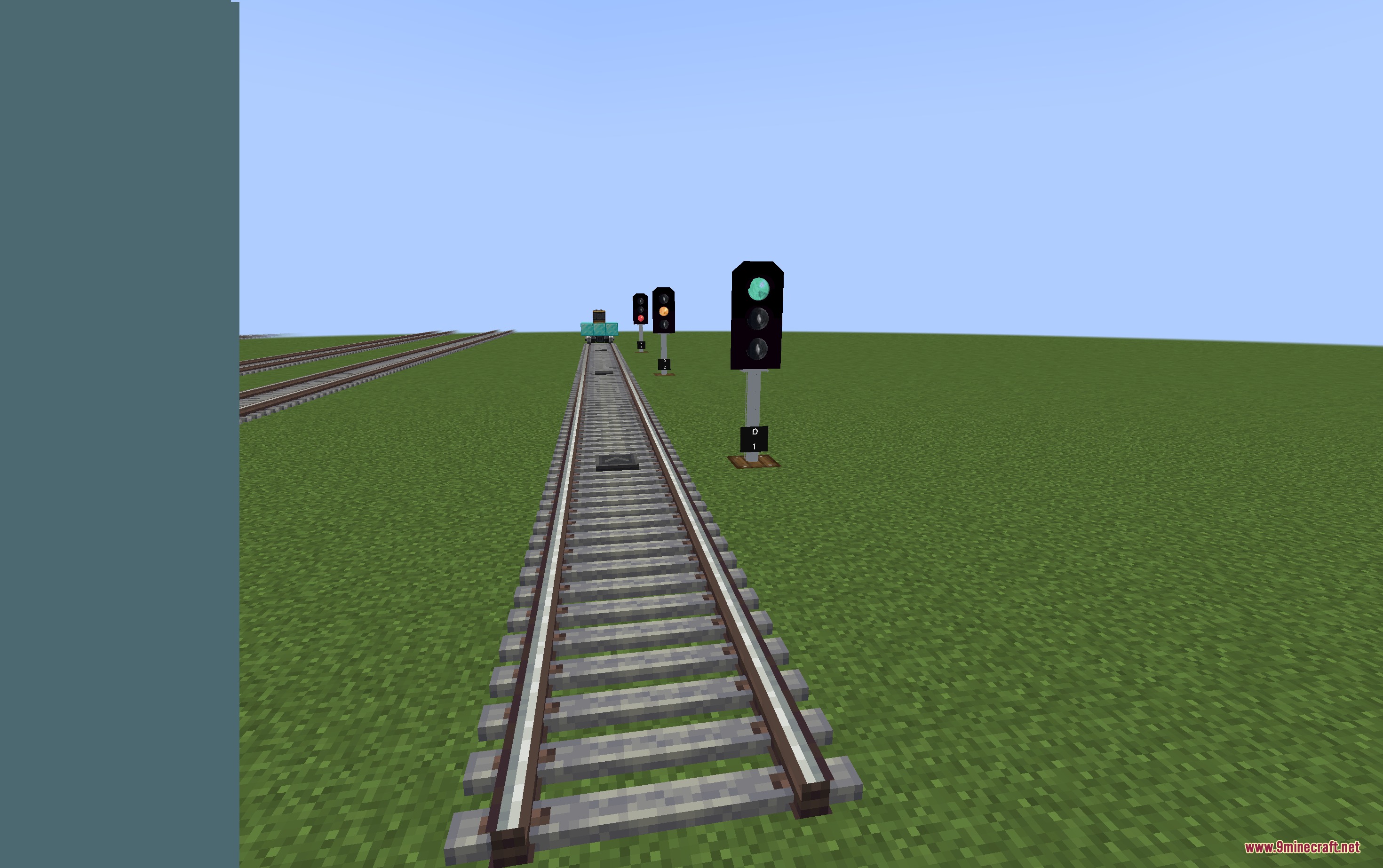
- Adds 2-aspect and 3-aspect railway signals to control train traffic.
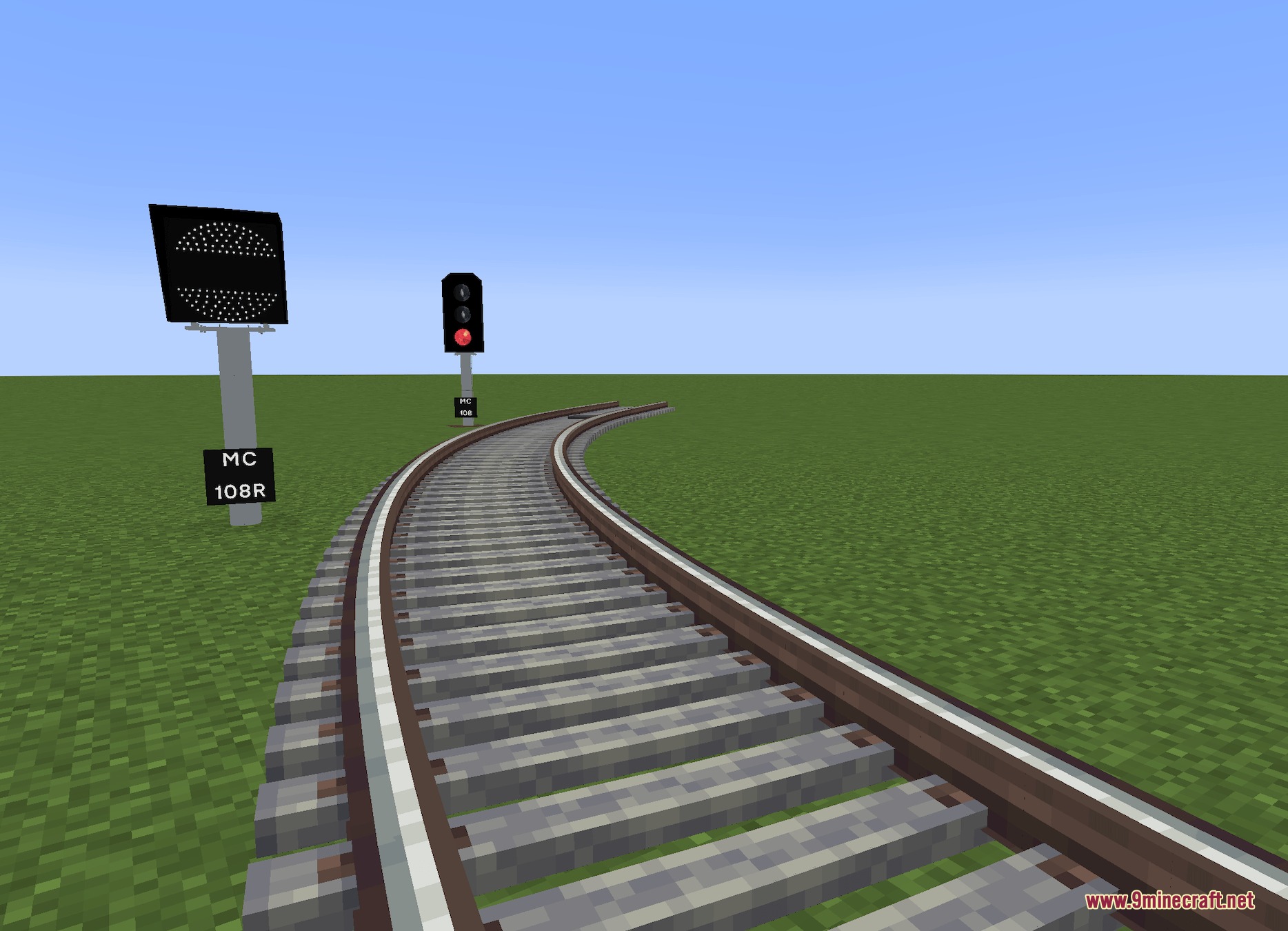
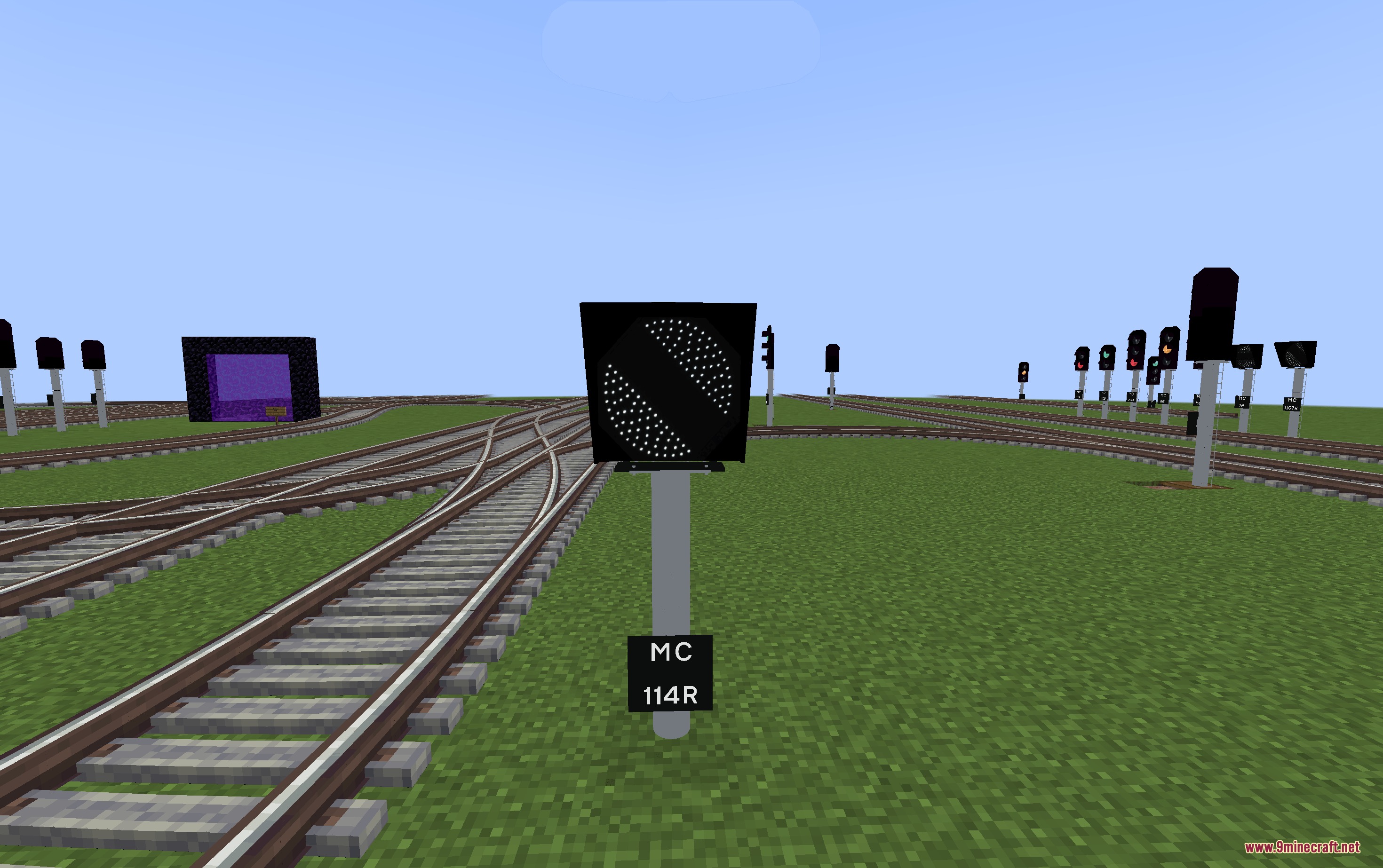
- Includes banner repeaters to give drivers early warnings before the next signal.
- Provides signal nameplates and mounting poles for realistic trackside setups.
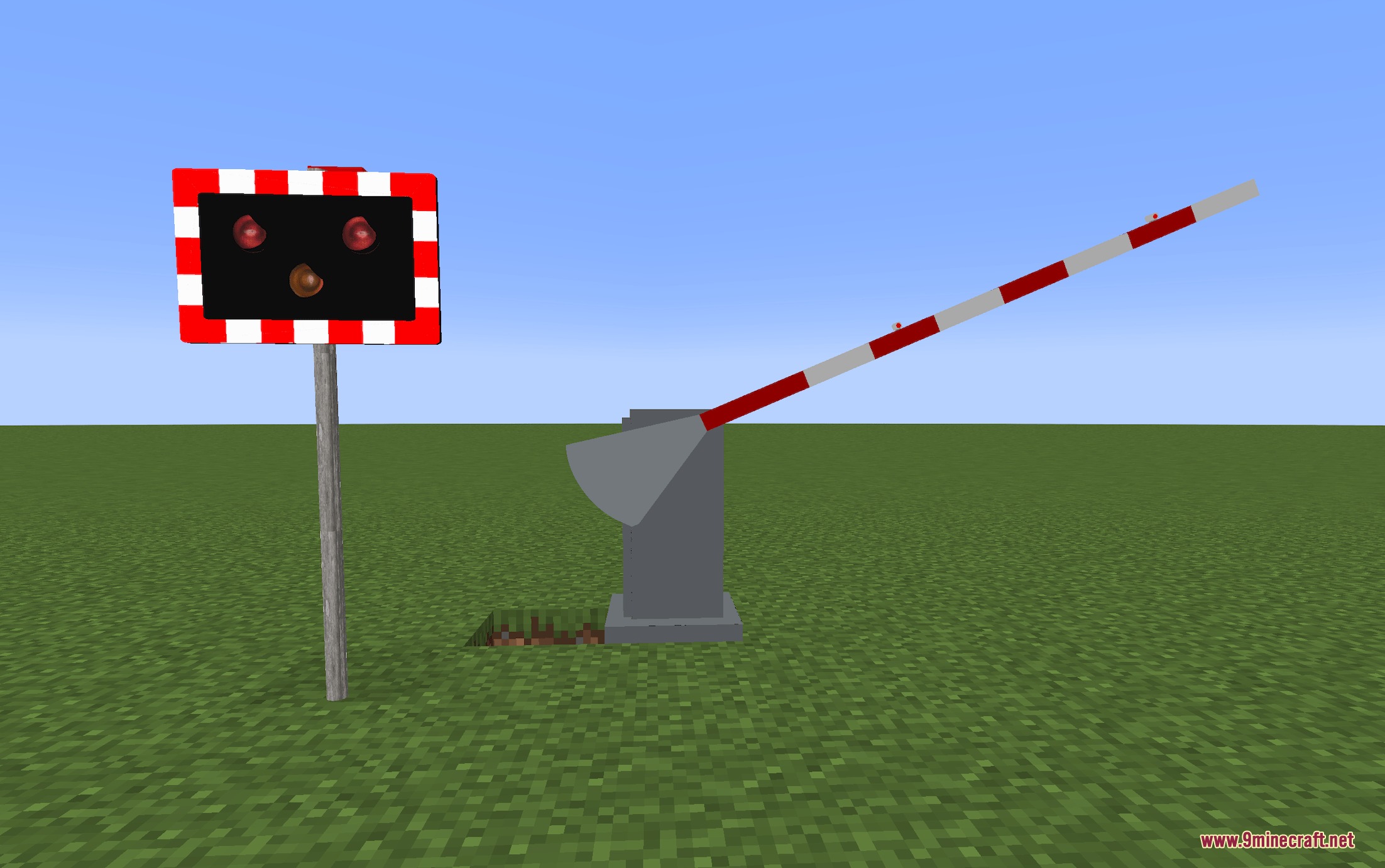
- Features working level crossings with automatic half-barriers.
- Adds a crossing alarm that sounds when trains approach road intersections.
- Allows 360-degree rotation on signals and poles with 45-degree angle snapping.
How to Use:
- Place your signal or pole facing any direction, or hold Shift while placing to lock rotation to 45-degree steps.
- Hold a stick in your hand to start linking signals without opening the wrench menu.
- Right-click the base train signal from the Create mod first.
- Right-click your new railway signal to complete the link between them.
- Link the immediate track block first and the following block second when configuring 3-aspect signals.
Screenshots:
How to Install:
New to Minecraft? Follow our step-by-step guide to install Mods on your PC.View Guide
Requirements:
 NeoForge Required
Create Required
Create Realistic Railways Mod Download Links
For Minecraft 1.21.4, 1.21.1, 1.21
Click to rate this post!
[Total: 0 Average: 0]
You May Also Like










This post has no comments yet. Be the first — your comment will appear here.