
Custom Nukes Plugin (1.19.1, 1.18.2) – Brutal Raids for Factions

 0


Custom Nukes Plugin lets you build custom explosives on your Minecraft server without changing normal block physics. It includes five default presets (Toy Bomb, Bomb, Flash Bomb, Nuclear Bomb, and Genetic Bomb) and supports four action types: explosions, potion effects, static repeaters, and seismic pushes. You can set off any explosive with redstone, flint and steel, or nearby blasts, and adjust recipes, delays, blast sizes, and base blocks in the config. This server plugin saves all placed bombs and active repeaters after reloads, and it works well alongside the CustomBazookas plugin.
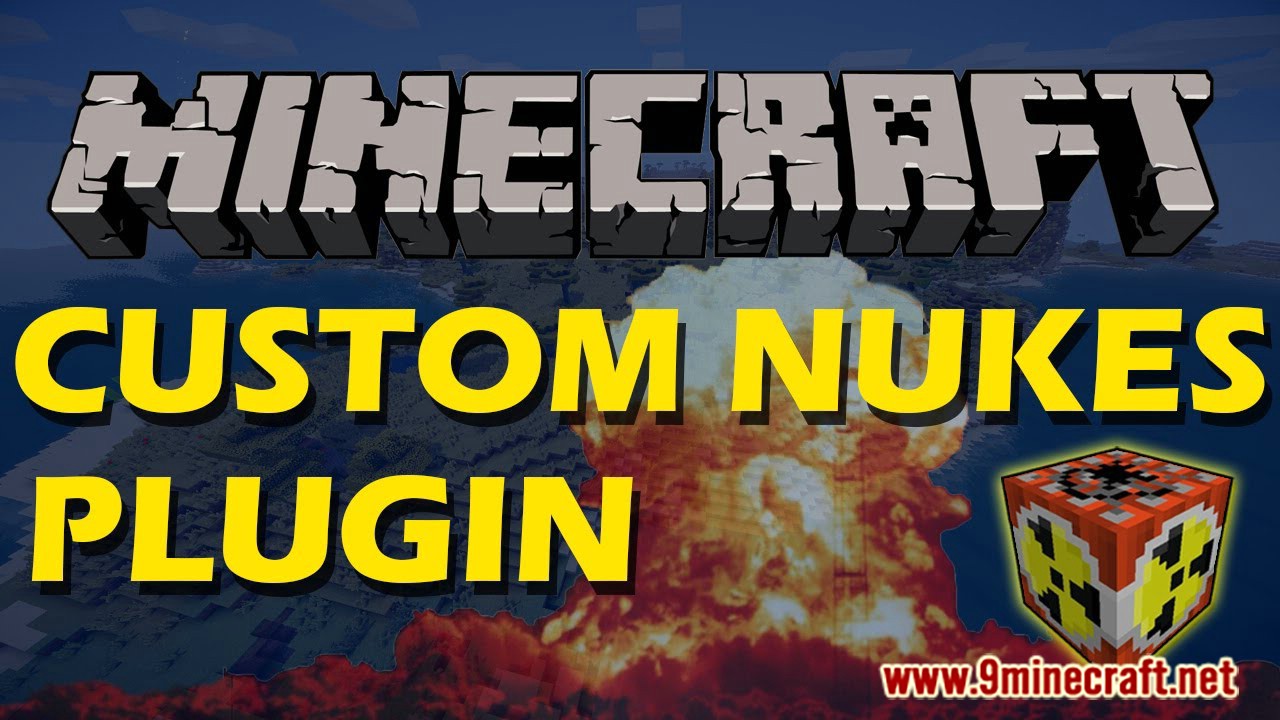
Features:
- Unlimited Action Chains: Assign as many actions as you want to one explosive with custom delays between them. For example, a Bomb can blow up twice with a short gap so glass blocks cannot protect enemies from the second blast.
- Distance-Based Potion Effects: Add several potion effects to a single explosive, with effect strength changing based on how close a target is to the blast center.
- Static Repeaters: Set up repeating areas that run a chosen scenario every few seconds. For example, you can build a radiation zone with a 200-block radius that gives poison to all living mobs and players inside it every 2 seconds.
- Lets you pick from four action scenarios for any explosive: explosions, potion effects, static repeaters, and seismic pushes.
- Lets you edit built-in recipes or create new ones, and adjust delays, blast radiuses, base block materials (sponge by default), and other settings.
- Activates explosives in three ways: placing redstone right on top of the block, clicking the block with flint and steel, or breaking it with another nearby explosion.
- Saves all placed explosive blocks and active repeaters automatically when the server reloads.
- Includes helpful notes inside
config.ymland clear console error messages that explain exact config mistakes. - Supports optional per-explosive permissions when
check-permissionsis set totrueinconfig.ymlso admins can control who crafts, places, or breaks each bomb type. - Keeps normal Minecraft block physics unchanged and works smoothly alongside the CustomBazookas plugin.
Default Explosives:
- Toy Bomb: crafted with sand around a TNT block to make 8 bombs, useful for building chain triggers next to bigger explosives.
- Bomb: crafted with obsidian and TNT around a diamond block to make 2 standard bombs.
- Flash Bomb: crafted using TNT and glowstone dust.
- Nuclear Bomb: crafted using gold blocks and a nether star, capable of huge blasts such as a 120-block explosion radius.
- Genetic Bomb: crafted using 8 nether stars and 1 TNT block.
Commands:
Note: This plugin does not use / as a command prefix. Type every command below starting with customnukes.
customnukes reload: reloads the plugin config file from disk.customnukes give @player @explosive-key @amount: gives a set amount of a chosen explosive item to a player.customnukes clear: removes all placed explosive blocks and active repeaters from the world.
Configuration:
check-permissions: turns per-explosive crafting, placing, and breaking permissions on when set totrueinconfig.yml.customnukes.reload: grants access to the reload command (default: OP).customnukes.give: grants access to the give command (default: OP).customnukes.clear: grants access to the clear command (default: OP).customnukes.explosive.@explosive-key: lets players craft, place, and break a specific explosive type whencheck-permissionsis set totrue(default: OP).
How to Use:
- Craft one of the five default explosives (Toy Bomb, Bomb, Flash Bomb, Nuclear Bomb, or Genetic Bomb), or run
customnukes give @player @explosive-key @amountto give a specific explosive item to a player. - Place the explosive block (sponge by default) where you want the blast or effect to happen.
- Trigger the explosive by placing redstone directly on top of the block, clicking it with flint and steel, or blowing it up with another nearby explosion.
- Build a redstone layout or place a chain of Toy Bombs next to a main explosive like a Nuclear Bomb to set off the main blast.
- Open
config.ymlto edit recipes, delays, explosion radiuses, base materials, action scenarios, or thecheck-permissionssetting, then runcustomnukes reloadto apply your changes and check console logs for any config errors. - Increase
view-distanceandsimulation-distanceinserver.propertiesto improve how massive explosions play out. - Run
customnukes clearwhenever you need to remove all placed explosive blocks and stop active repeaters.
Screenshots:

How to Install:
New to Minecraft? Follow our step-by-step guide to install Plugins on your PC.View Guide
Custom Nukes Plugin Download Links
For All Versions from Minecraft Bukkit 1.14 to Minecraft Bukkit 1.19.1
You May Also Like
Picked for this page
 WorldGuard Plugin (26.1.2, 1.20.1) – Bukkit, Spigot, Paper
 Quests Plugin (26.1.2, 1.20.1) – Bukkit, Spigot, Paper
 MultiWorld Plugin (26.1.2, 1.20.1) – Spigot
 Orebfuscator Plugin (26.1.2, 1.20.1) – Bukkit, Spigot, Paper
 ValhallaMMO Plugin (26.1.2, 1.20.1) – Bukkit, Spigot, Paper
 Fancy Holograms Plugin (26.1.2, 1.20.1) – Spigot
 SuperVanish Plugin (26.2, 1.20.1) – Bukkit, Spigot, Paper
 UberEnchant Plugin (1.21.11, 1.20.1) – Bukkit, Spigot, Paper
 Interaction Visualizer Plugin (26.1.2, 1.20.1) – Spigot
 BuildPaste Plugin (26.3, 1.20.1) – Bukkit, Spigot, Paper
 BeastWithdraw Plugin (1.21.11, 1.20.1) – Bukkit, Spigot, Paper
 DiSky Plugin (26.1.2, 1.20.1) – Spigot
Most viewed in Plugins over the last 7 days
 Vulcan Anti Cheat Plugin (1.21.8, 1.20.1) – A Powerful Shield Against Cheating
 Dynmap 9minecraft Plugin (26.3) – A Live Google-Maps-Style View of Your Whole Server
 Citizens Plugin (1.21.10, 1.20.1) – The Best NPC Plugin
 Displaymotion Plugin (1.21.4) – Amaze Players with Custom Animations and No Client Mods
 WorldEdit Plugin (1.21.11, 1.20.1) – Easy In-Game Minecraft Map Editor
 Citizens2 Plugin (1.21.8, 1.20.1) – Craft Unique NPCs
 Ultimate Donut SMP Plugin (26.3, 1.20.1) – Build Teams Trade Goods
 MMOItems Premium Plugin (1.21.8, 1.20.1) – Create Stunning Custom Items
 MythicCrucible Plugin (1.21.8, 1.20.1) – Addon for MythicMobs
 MythicMobs Premium Plugin (1.21.9, 1.20.1) – Craft Epic Custom Mobs And Bosses
 L Claim Plugin (26.3, 1.20.1) – Build Protected Towns and Trade Peacefully
 Fish Rework Fishing Plugin (26.3, 1.21.1) – Turn Simple Fishing
More from Plugins
 Mls Network Plugin (1.16) – Keep PvP Battles Fair So Skill Always Wins
 WatchNeko Plugin (1.13) – Keep Every Fight Fair So Honest Players Can Win
 G1ax World Generator Plugin (1.21.11, 1.21.1) – Fresh Scenic Landscapes
 Just One Block Plugin (1.21.11, 1.21.1) – Team Up and Build a Sky Island
 Beaconfly Plugin (1.21) – Give Survival Builders Flight Around Their Bases
 AzuraBedWars Plugin (1.13) – Fierce Bed Battles That Keep Your Community Playing
 Essence Stress Free Server Utilities Plugin (26.3, 1.20.1)
 Economy Shop Sell Plugin (1.21.11, 1.21.1) – Turn Extra Loot Into Cash
 Dash Dashboard Plugin (26.3, 1.21.1) – Keep Gameplay Smooth and Answer Tickets
 Wormhole X Treme Plugin (26.3, 1.20.1) – Link Server Bases Instantly
 FakePlayer CE Plugin (1.20) – Keep Server Farms Running Even When Friends Log Off
 Jext Reborn Plugin (1.14) – Play Brand New Songs Together at Every Jukebox

This post has no comments yet. Be the first — your comment will appear here.