


Dashpanels Mod (1.21.1) – Control All Your Redstone Machines From a Single Block

 0
0 

🌐 Good news — we've translated this article into other languages!
Or pick the one you like:
Dashpanels Mod adds modular control panels for compact redstone systems. It lets you manage your machines from a single block instead of placing levers and buttons everywhere. You can connect everything with special cables to keep your builds neat and tidy.
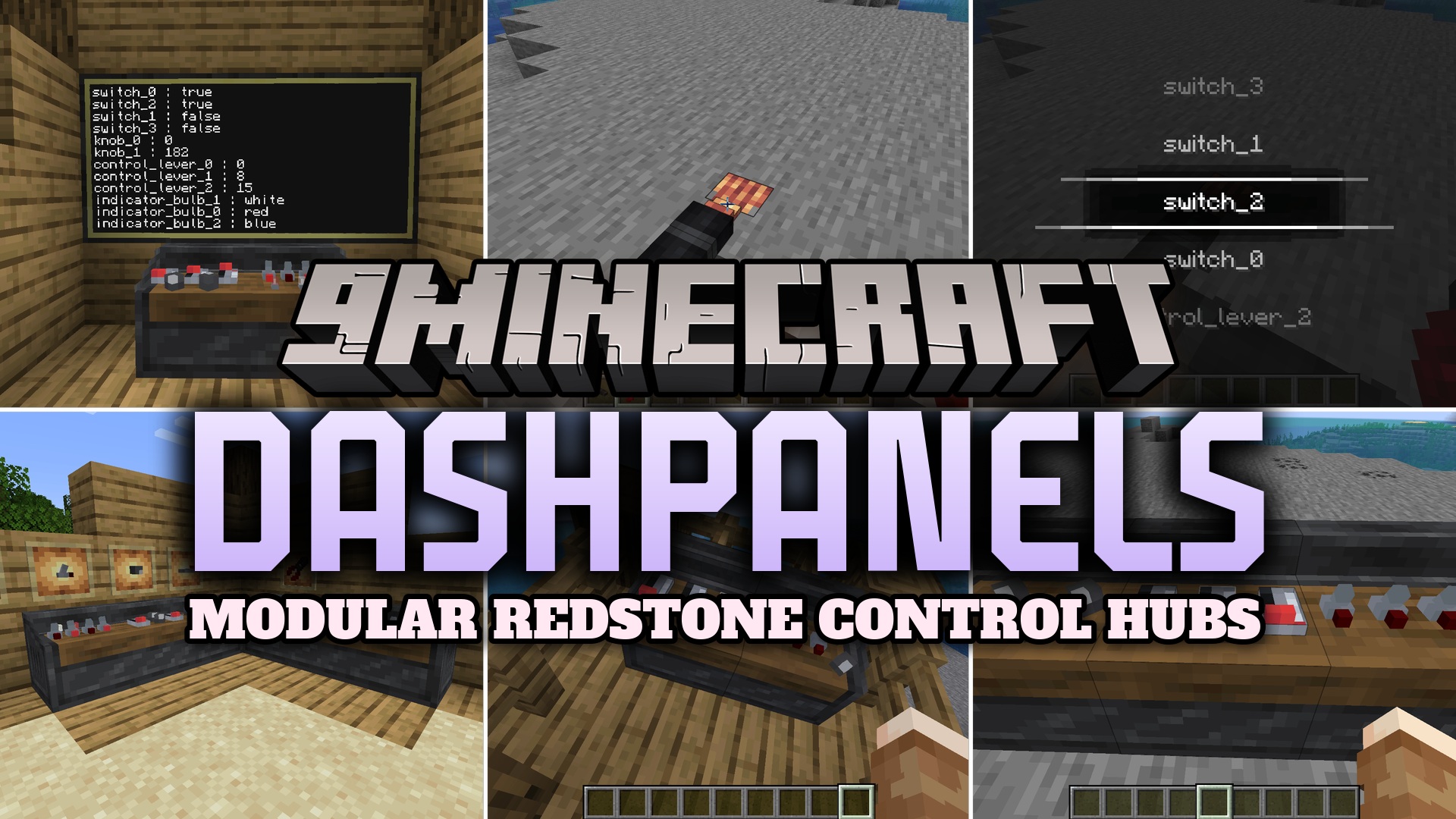
Features:
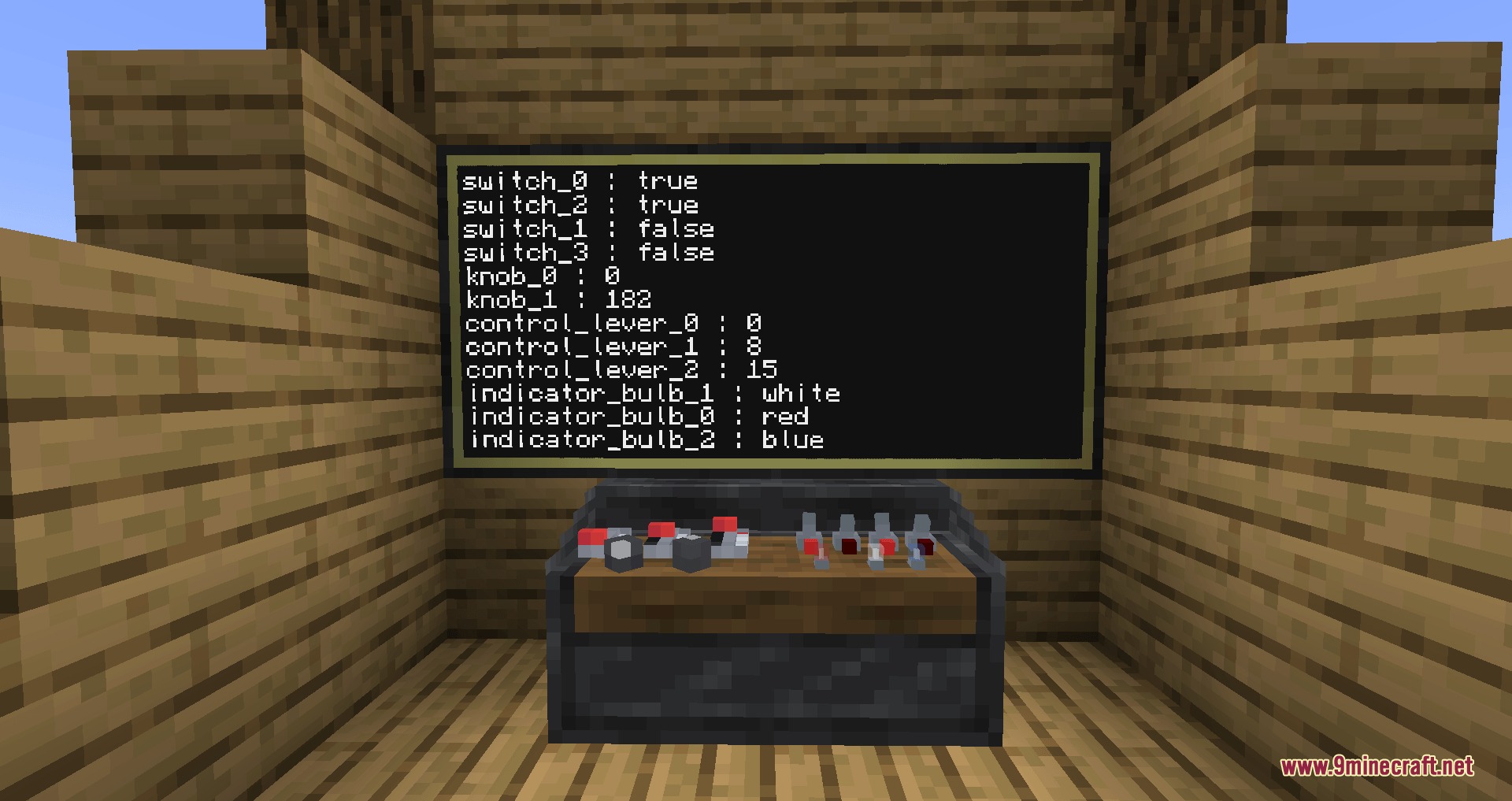
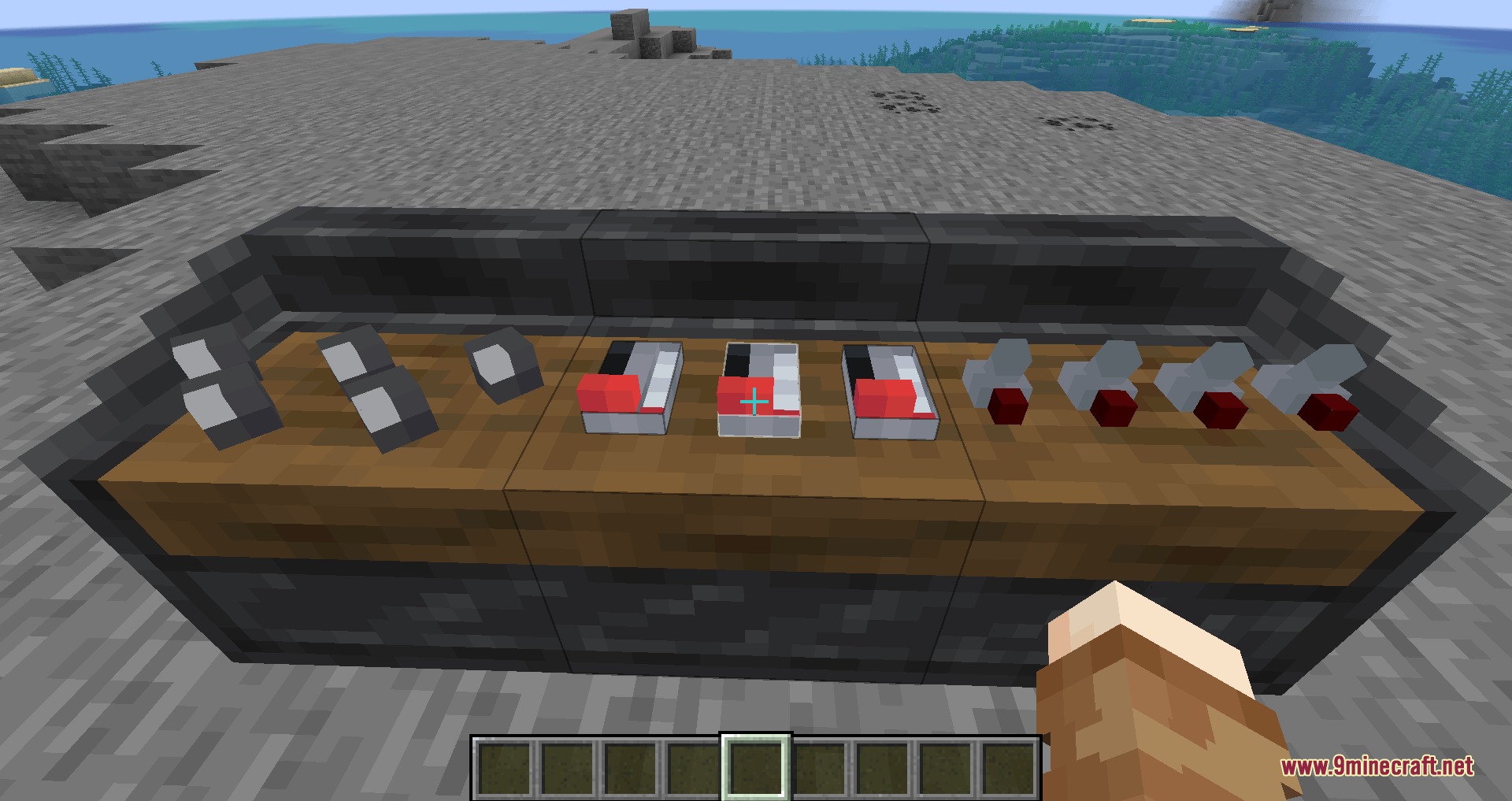
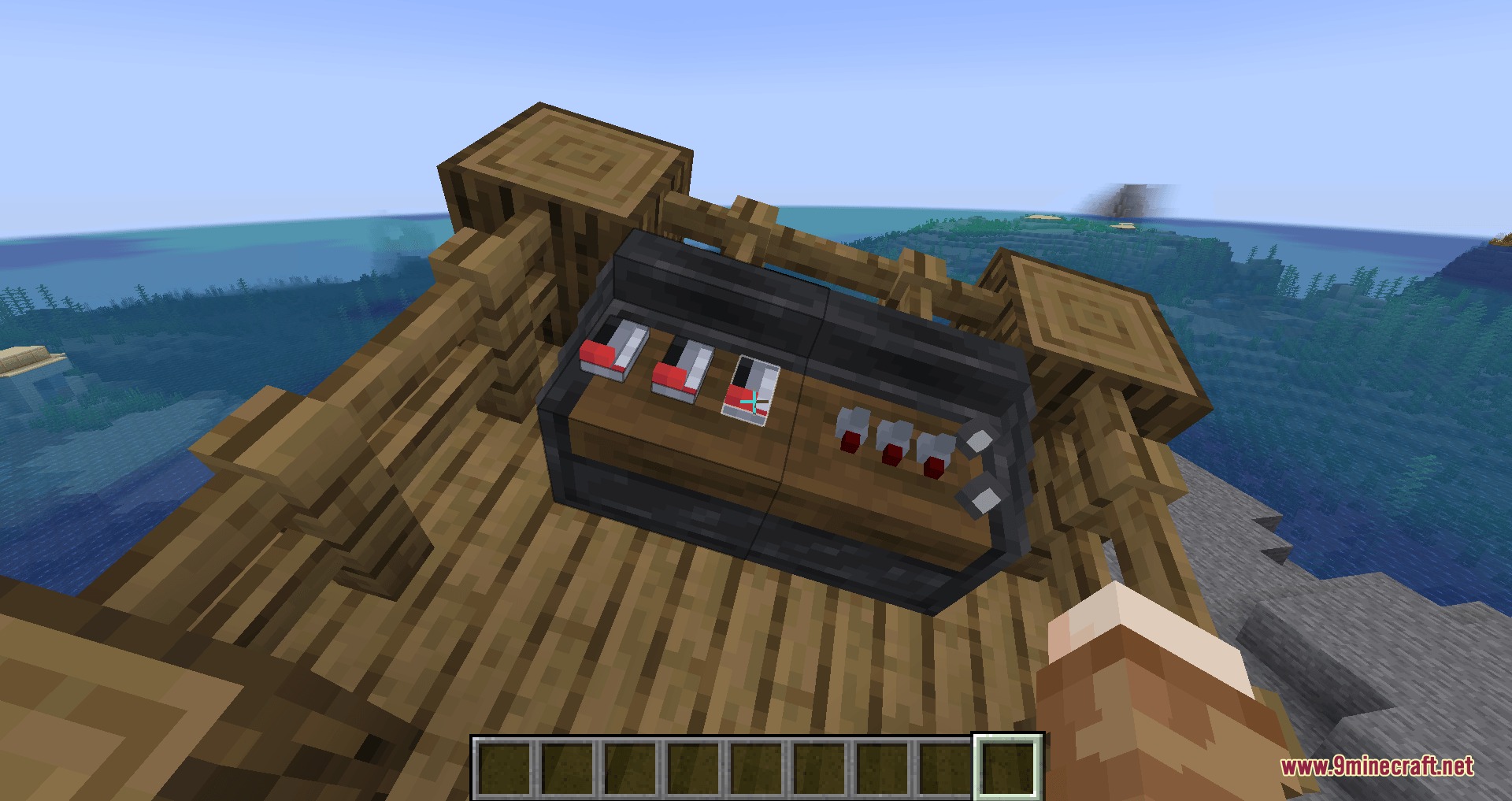
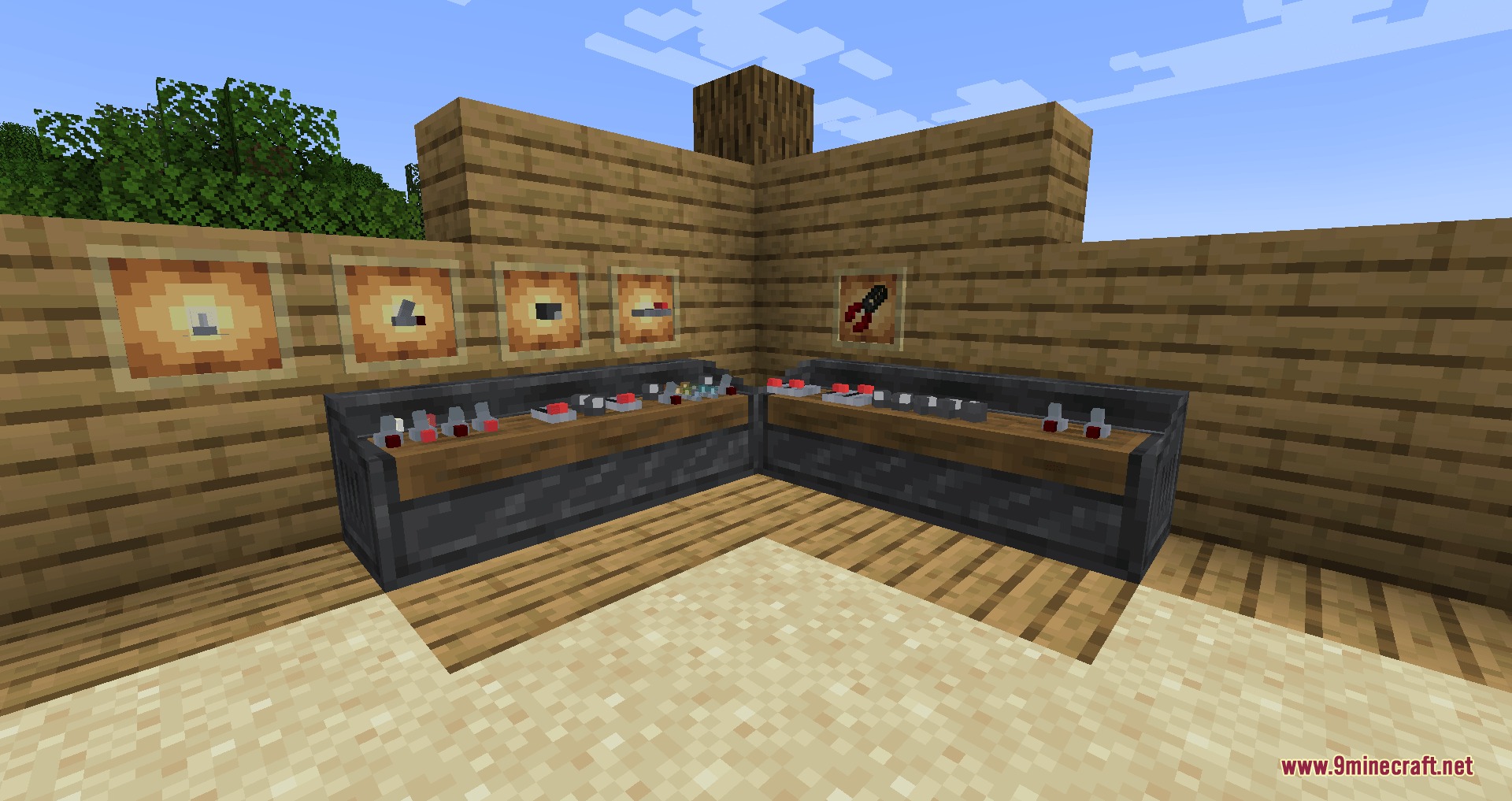
- Control Panels: Act as the main hub where you place your redstone modules.
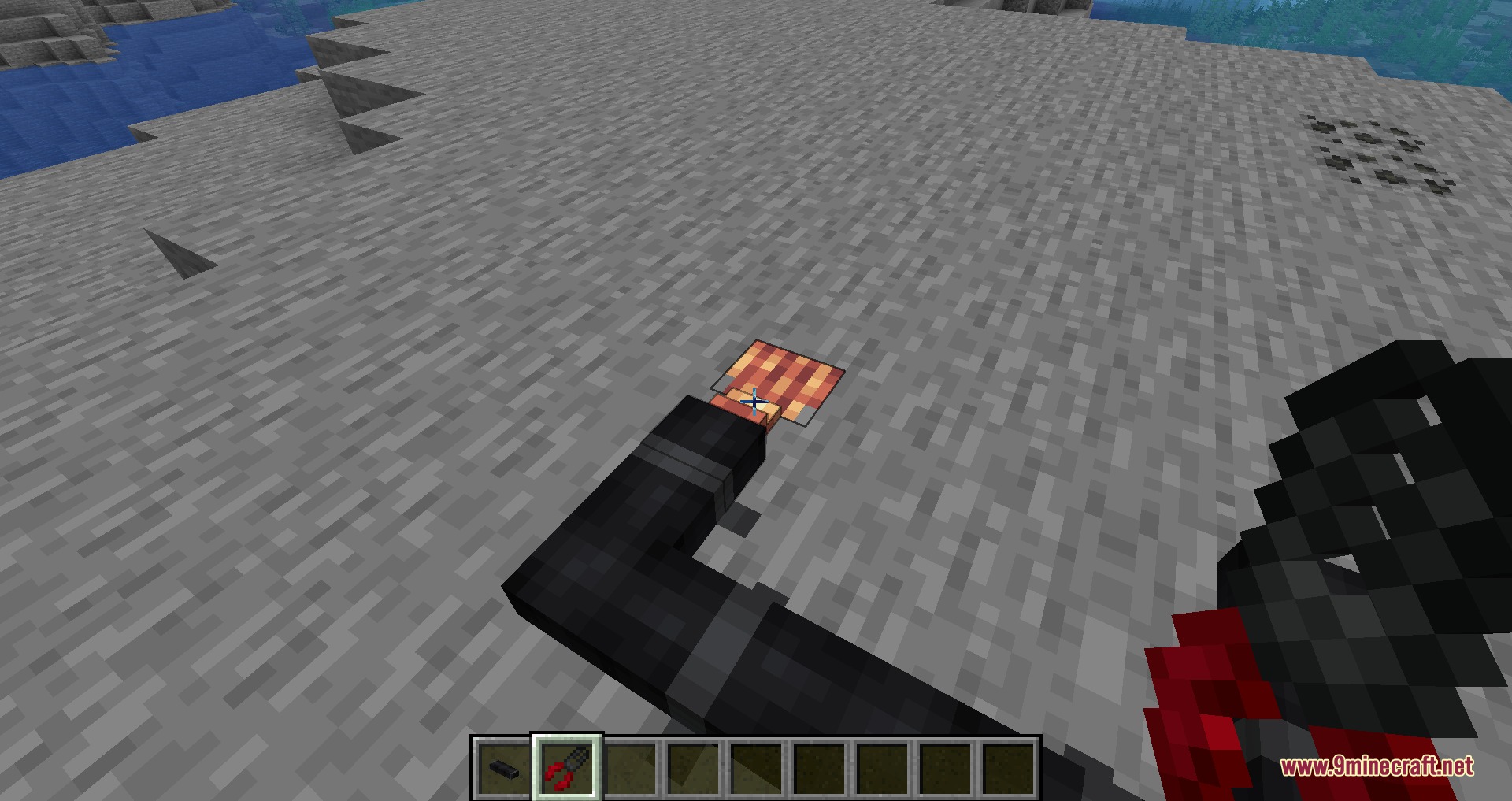
- Special Tools: The Cable Stripper tool helps you manage your wire connections.
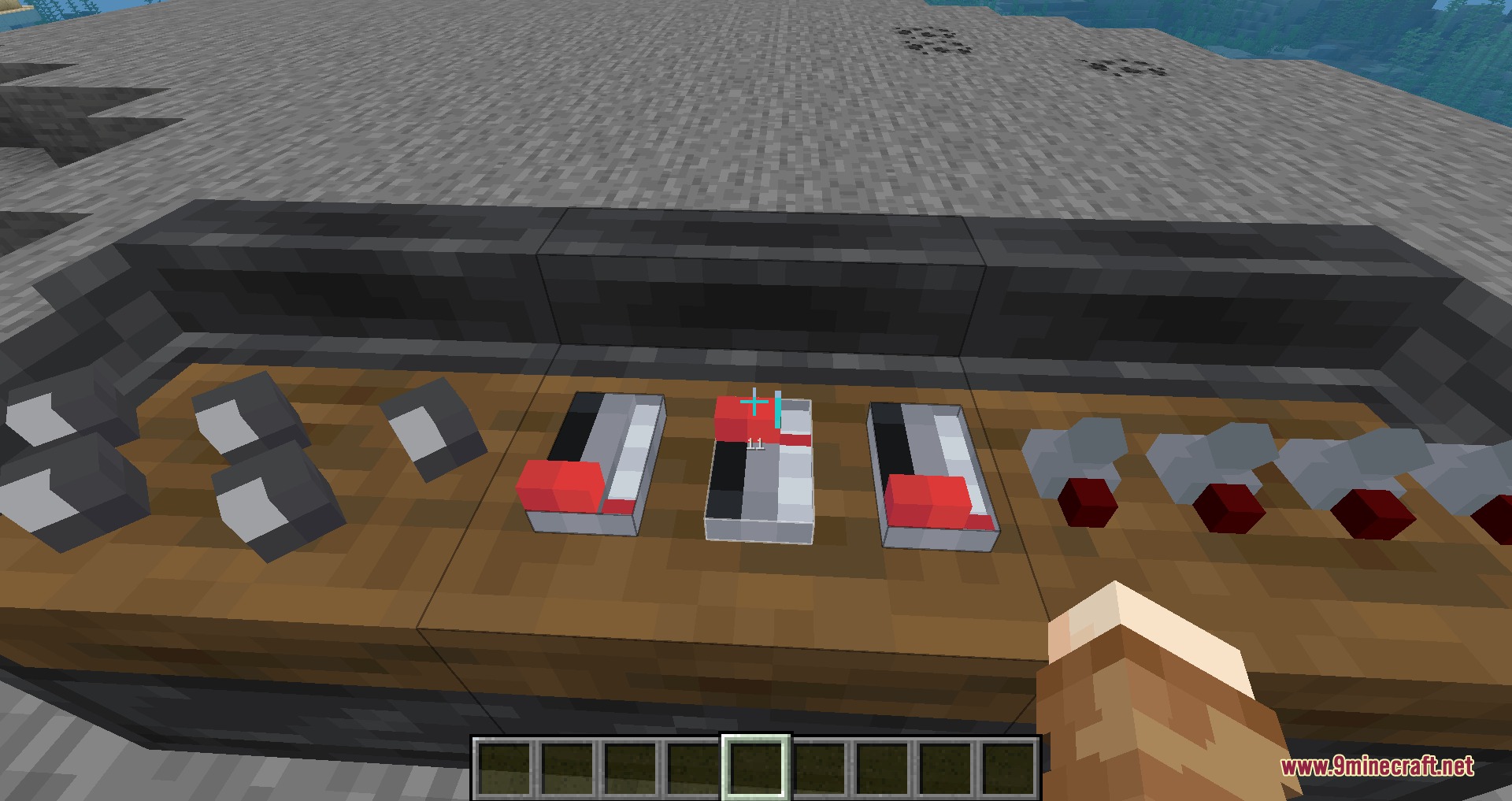
- Players can add different modules to the panel, like bulbs, levers, and knobs, to control redstone signals.
- Control Cables link different panels together across your base.
- Stripped Cables connect directly to the main cables to send or receive redstone signals.
- You can dye the bulb modules in many colors to organize your switches.
- The mod works well with ComputerCraft, allowing the panel to act as a peripheral.
- Adds an exclusive block for the Create mod to make link connections easier.
- Panels function normally aboard sublevels if you play with the Sable mod.
How to Use:
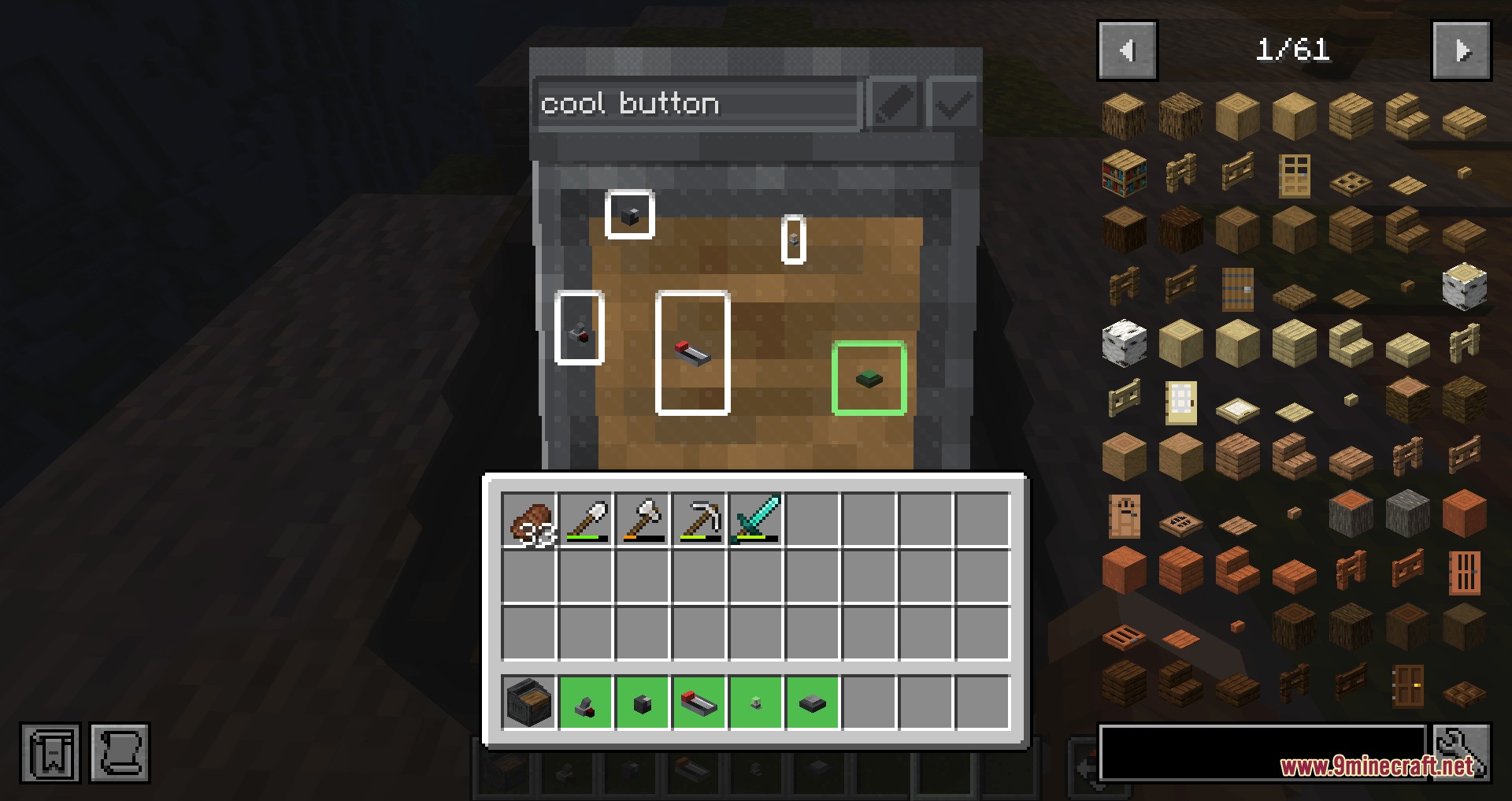
- Hold nothing in your hand and Shift + Right-click the Control Panel to attach modules from your inventory.
- Right-click a normal Control Cable with the Cable Stripper tool to turn it into a Stripped Cable.
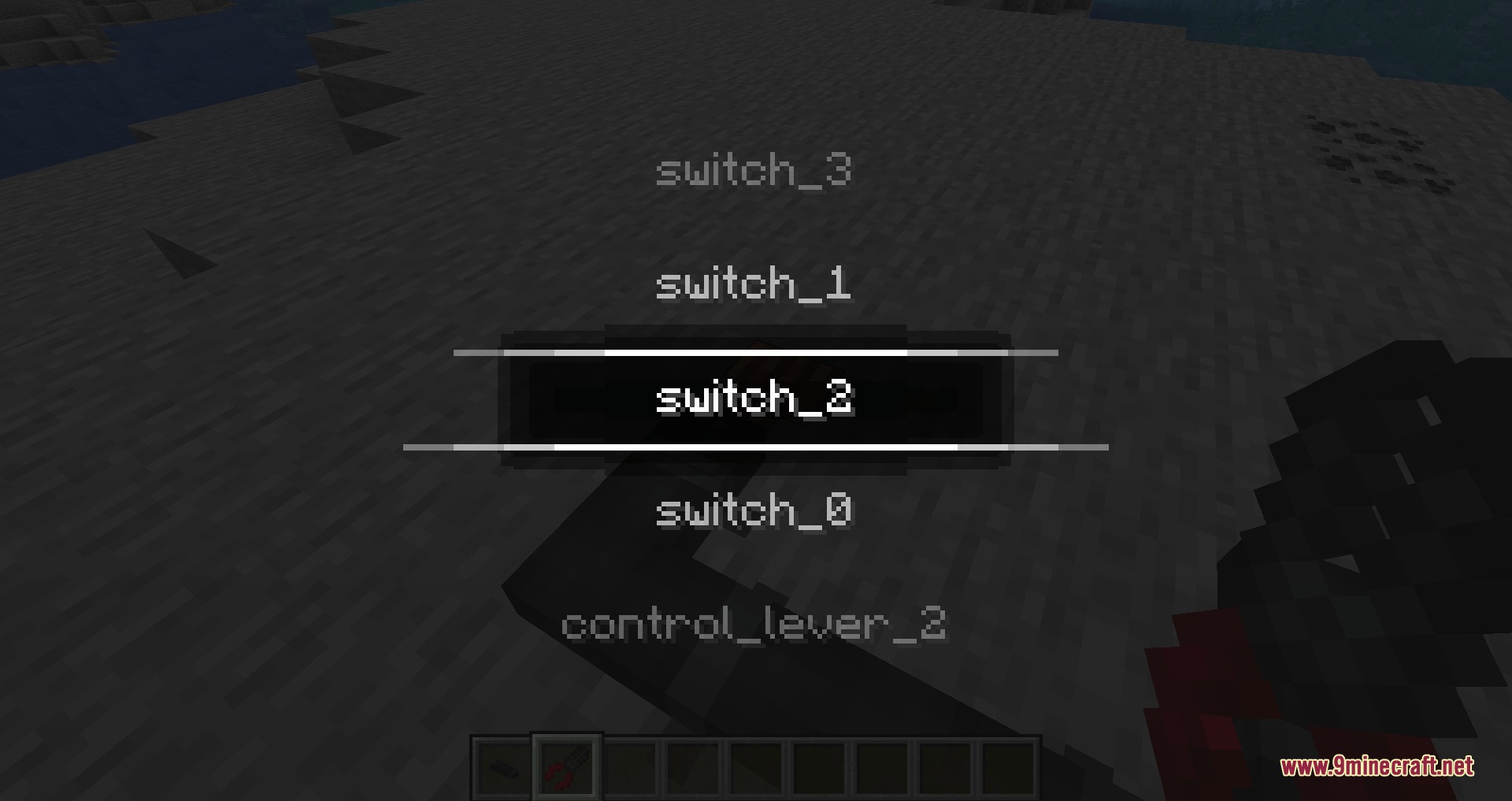
- Right-click a Stripped Cable with the tool to change the module it connects to.
- Shift + Right-click any cable with the tool to pick it back up.
Screenshots:
How to Install:
New to Minecraft? Follow our step-by-step guide to install Mods on your PC.View Guide
Requirements:

Dashpanels Mod Download Links
For Minecraft 1.21.1, 1.21
Click to rate this post!
[Total: 0 Average: 0]
You May Also Like


This post has no comments yet. Be the first — your comment will appear here.