
Death Location Mod (1.21.1, 1.20.6) – Never Lose Your Valuables After Respawning
 1,658
 0


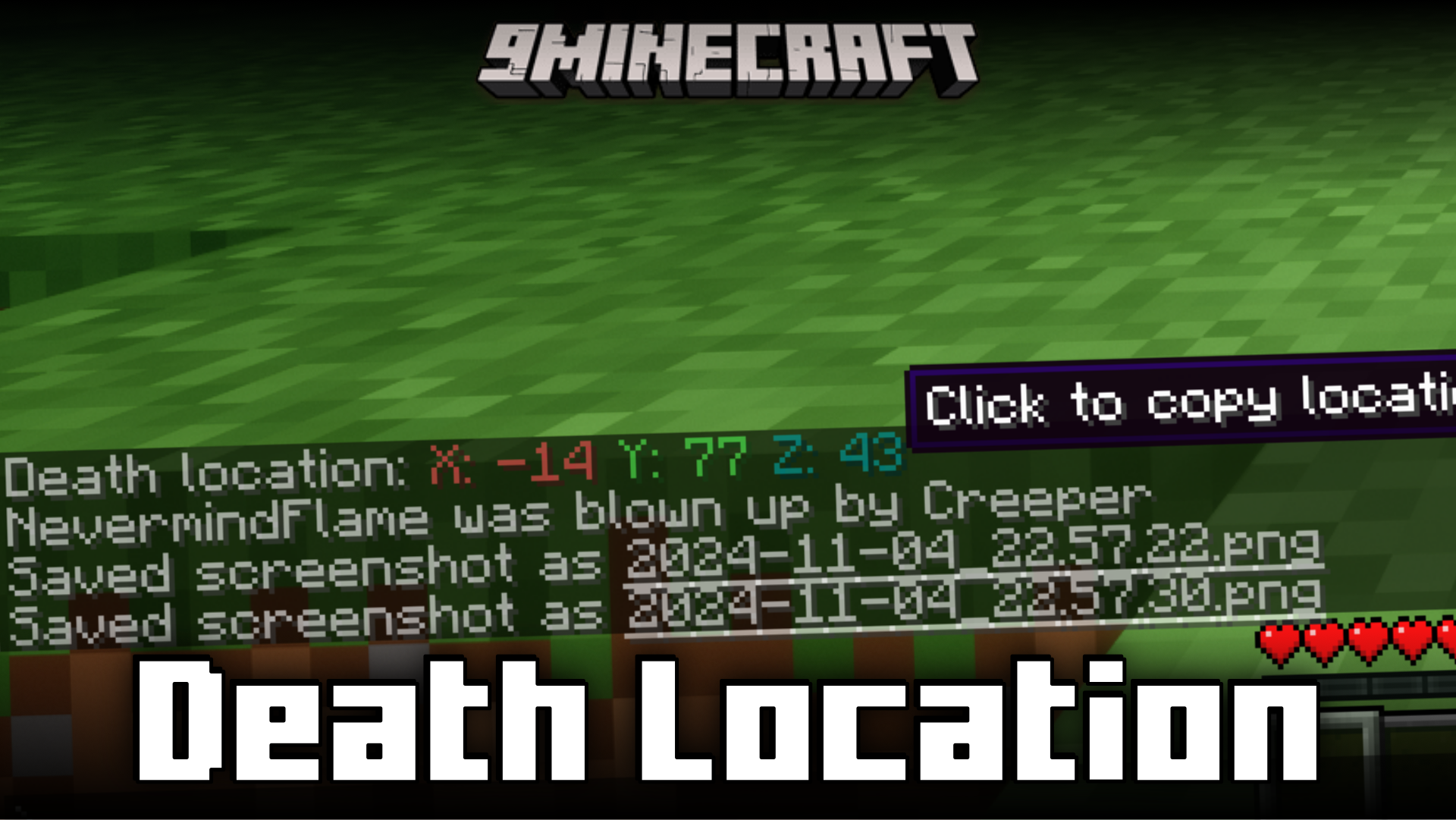
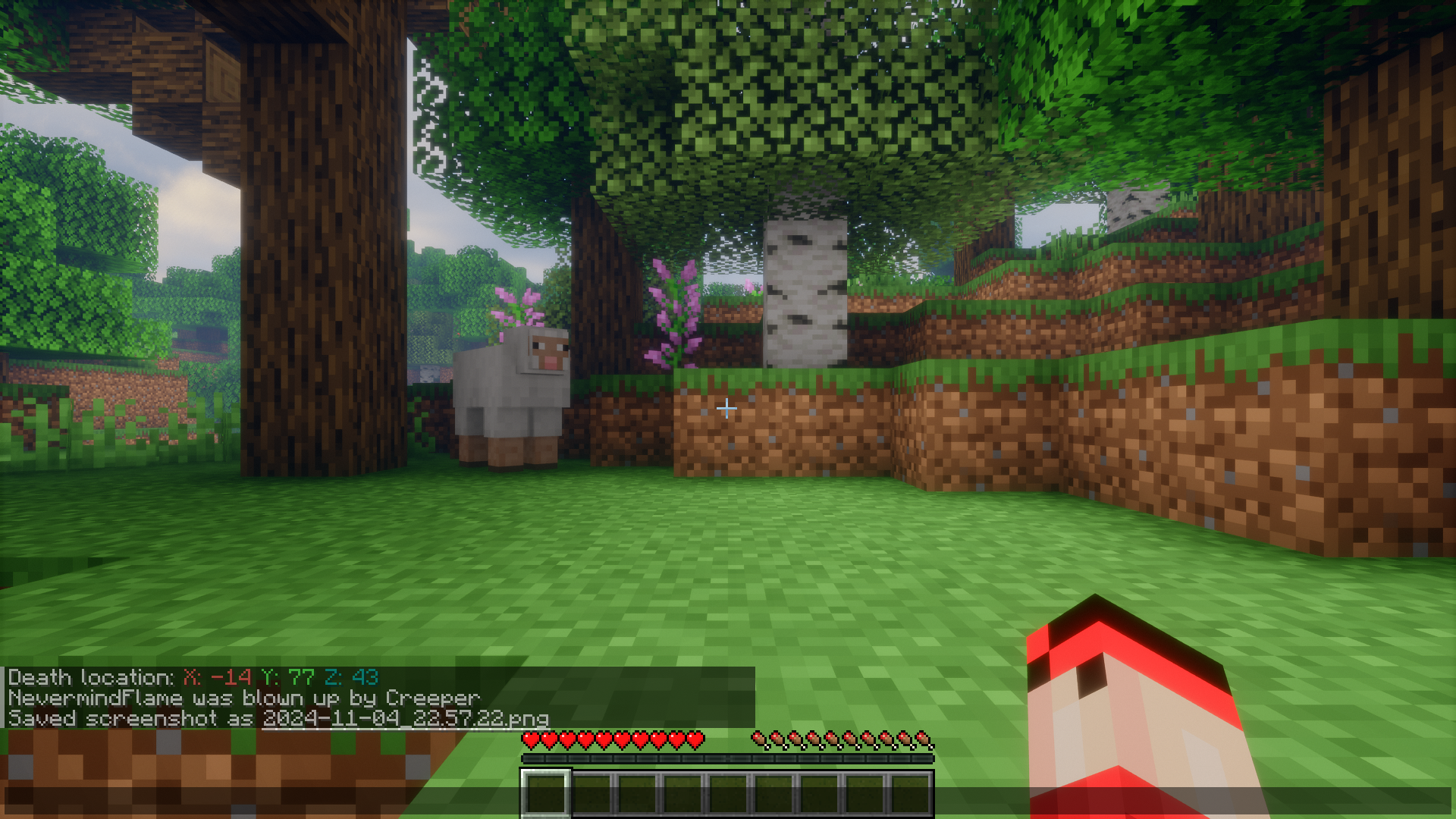
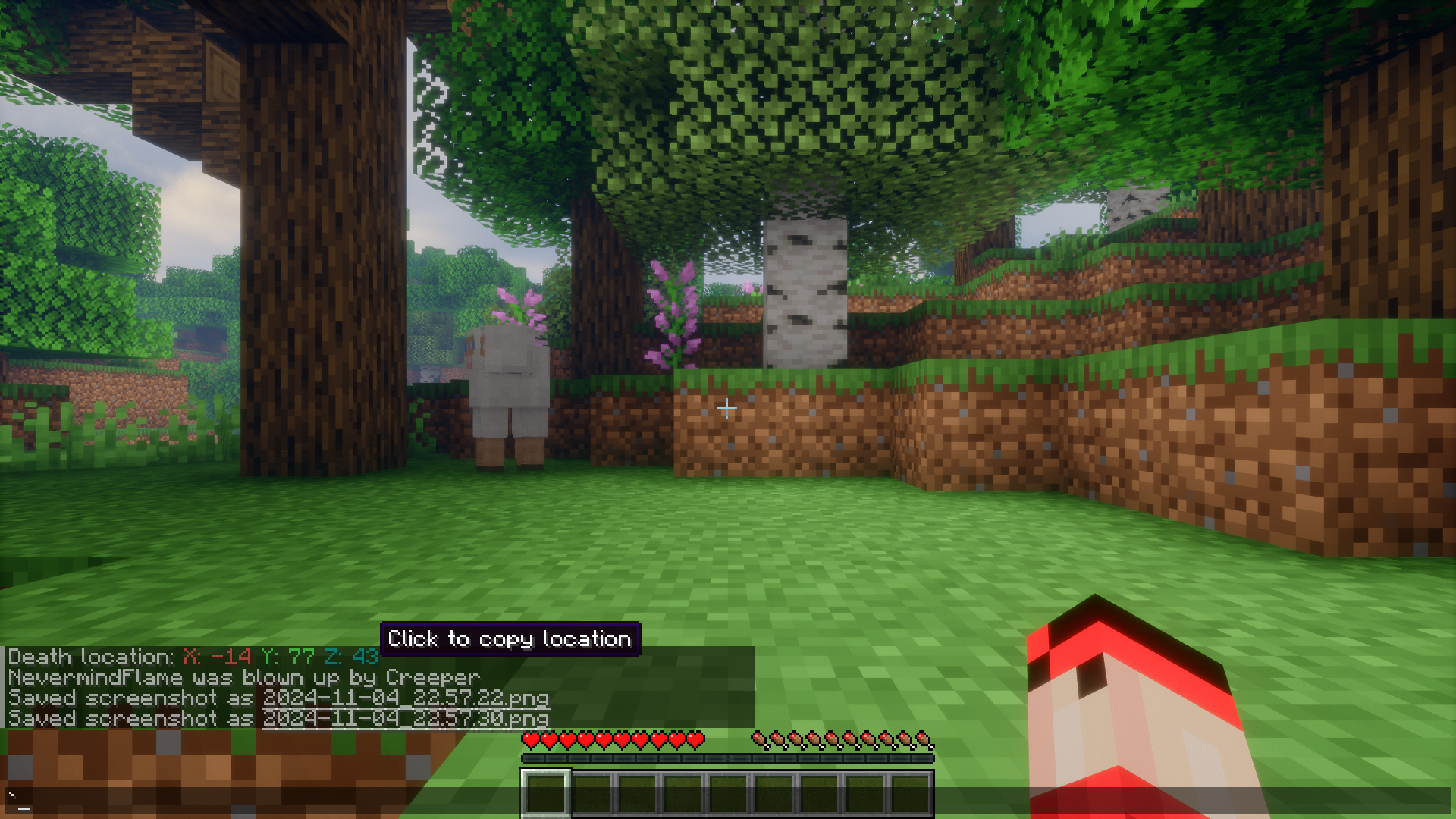
Death Location Mod displays your exact death coordinates right in the chat window whenever your character dies. This client-side tool makes it easy to find where you fell and recover your valuable dropped items before they despawn. When you respawn, a special chat message shows up containing your coordinates. You can simply look at the message to guide your way back using the standard F3 navigation screen.
Features:
- Displays your exact death coordinates in the chat window as soon as you die.
- Helps you recover your dropped items quickly before they despawn in unknown areas.
- Allows you to use the F3 screen to navigate straight back to your death location.
How to Use:
- Die in the game world during normal gameplay.
- Check the chat window on the respawn screen to view your exact death coordinates.
- Press the F3 key on your keyboard to open the debug screen and navigate back to those numbers.
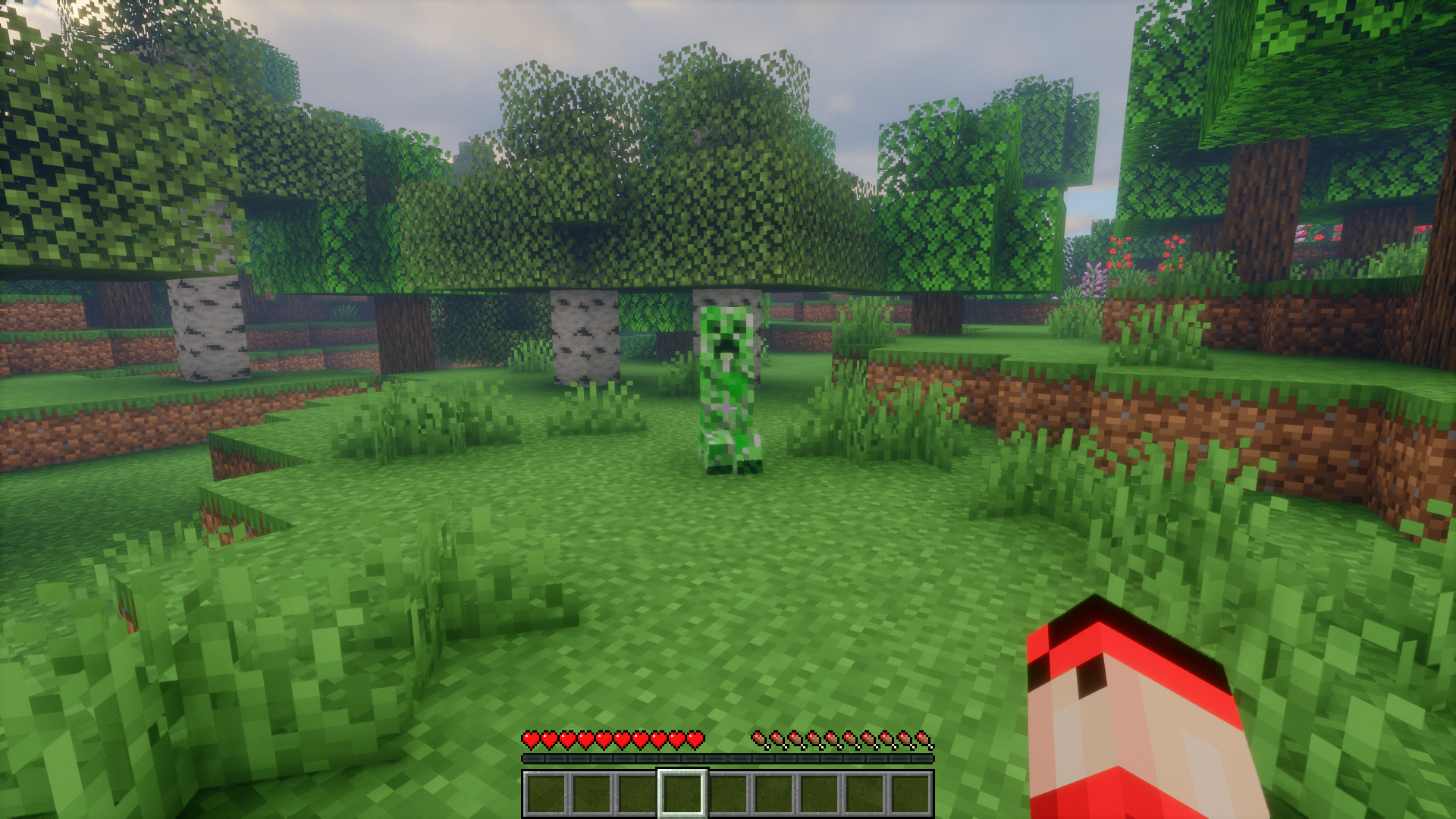
Screenshots:
How to Install:
New to Minecraft? Follow our step-by-step guide to install Mods on your PC.View Guide
Death Location Mod Download Links
For All Versions from Minecraft 1.20.4 to Minecraft 1.21.1
Fabric version: Download from Server 1 – Download from Server 2
Click to rate this post!
[Total: 2 Average: 3.5]
You May Also Like
Picked for this page
 Better Pie Chart Mod (1.21.11, 1.20.1) – Adds More Functions to The F3 Pie Chart
 Universal Enchants Mod (26.3, 1.20.1) – Better Enchantments
 Better Night Vision Mod (26.3, 1.20.1) – Customizable Night Vision Effects
 Profundis Mod (1.21.4, 1.20.1) – 9 New Quality Cave Biomes
 Coords Mod (26.3, 1.20.1) – Shows Player Coordinates In Overlay
 Servux Mod (26.3, 1.20.1) – Essential Server-Side Support
 Pepsi’s Super Hopper Mod (26.2, 1.21.11) – 8x Faster Than A Hopper
 PBOSB Mod (1.21.1, 1.20.1) – Projectiles Bounce Off Slime Blocks
 Create: More Drill Heads Mod (1.21.1, 1.20.1) – 6 Types of Drill Heads
 Look At Player Mod (1.21.11, 1.20.1) – Look At Nearby Players While AFK
 Ancient Manuscripts Mod (1.20.1, 1.19.2) – Manuscript-Based Enchantment System
 Reset Keys Confirmation Screen Mod (26.3, 1.20.1) – Reconsider Your Choice
Most viewed in Mods over the last 7 days
 Ala Industrial Mod (26.3) – Run Electric Power Grids and Automated Factories
 PleasureCraft Mod (26.3, 1.21.1) – Jenny Mod Remake for Fabric
 Jennycraft Mod (26.3, 1.20.1) – Virtual Girlfriend in Minecraft
 Fapcraft Mod (26.3, 1.12.2) – Comprehensive and Detailed Content
 Jenny Mod (Fapcraft) Official Complete Guide – How to use, Tutorial
 BangCraft Mod (1.20.1) – Jenny, Ellie and Elliot
 Fabric Loader (26.3, 1.20.1) – Fabric Installer for All Minecraft Versions
 Meteor Client Mod (26.3, 1.20.1) – Xray, HUD, Fly
 The Shooting Star Demo Mod (26.3, 1.20.1) – Vaporize Terrain From Orbit
 OptiFine HD (26.3, 1.20.1) – Run Faster, FPS Boost, Shaders Support
 Aristois Client Mod (1.21.4, 1.20.1) – World Class Minecraft Utility
 SchnurriTV Mod (1.12.2) – Characters and Features
More from Mods
 LiquidBounce Client Mod (26.3, 1.20.1) – LiquidLauncher, A Free Client
 Create Hand Made Mod (1.21.1) – Craft Create Recipes By Hand in Your Workshop
 Seed Map for Xaero Mod (26.1) – See Rare Biomes and Dungeons Before You Travel
 MCPersist Mod (26.3) – Keep Your World Online for Friends Even After Logging Off
 Minecraft Java MCP Server Mod (1.21.11) – Command Your World Through External AI Tools
 Arcanism Mod (26.2) – Build Magic Factories and Program Custom Spells
 Archangel Client Mod (1.21.11) – Master Every PvP Duel with Clean Screen Stats
 Block Front Survival Patch Mod (1.21.1) – Wage Tactical Warfare in Survival
 SimpleRPGCore Mod (1.21.4, 1.21.1) – Fight with Classic RPG Stats
 Bard RPG Series Plus by Fichte Mod (1.21.1, 1.20.1) – Buff Allies in Combat
 Fabric Gui ImGui Mod (26.3, 1.21.11) – Clean Custom Menus and In-Game Control
 Multi Item Lib Mod (1.20.1) – Wield Custom Gear with Flawless Hand Animations

This post has no comments yet. Be the first — your comment will appear here.