


Deconature Mod (1.21.11, 1.20.1) – Decorate Your Gardens with Lush Outdoor
 89
89
 0
0


🌐 Read this article in your language! Choose your preferred language below.
Or pick the one you like:
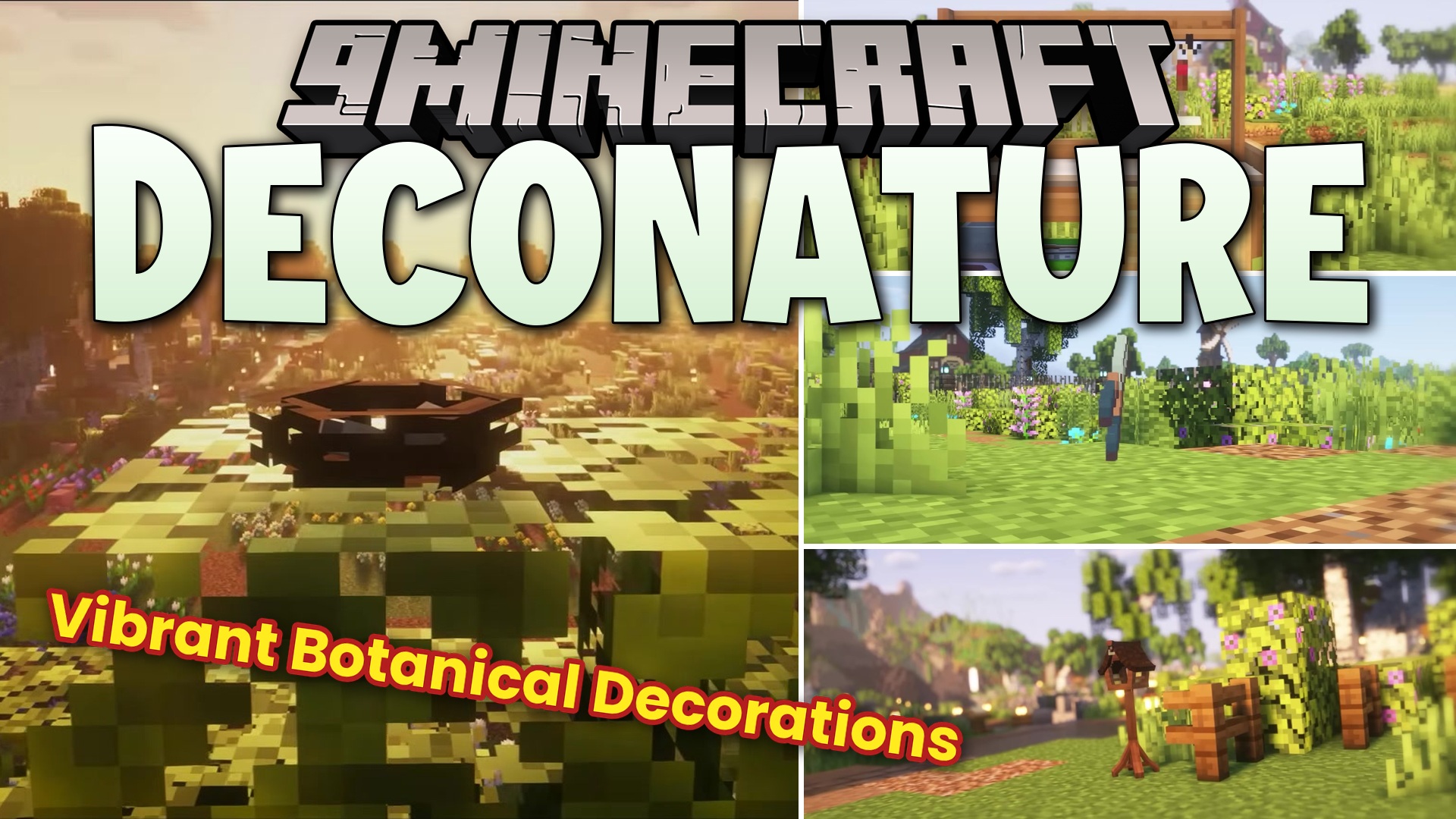
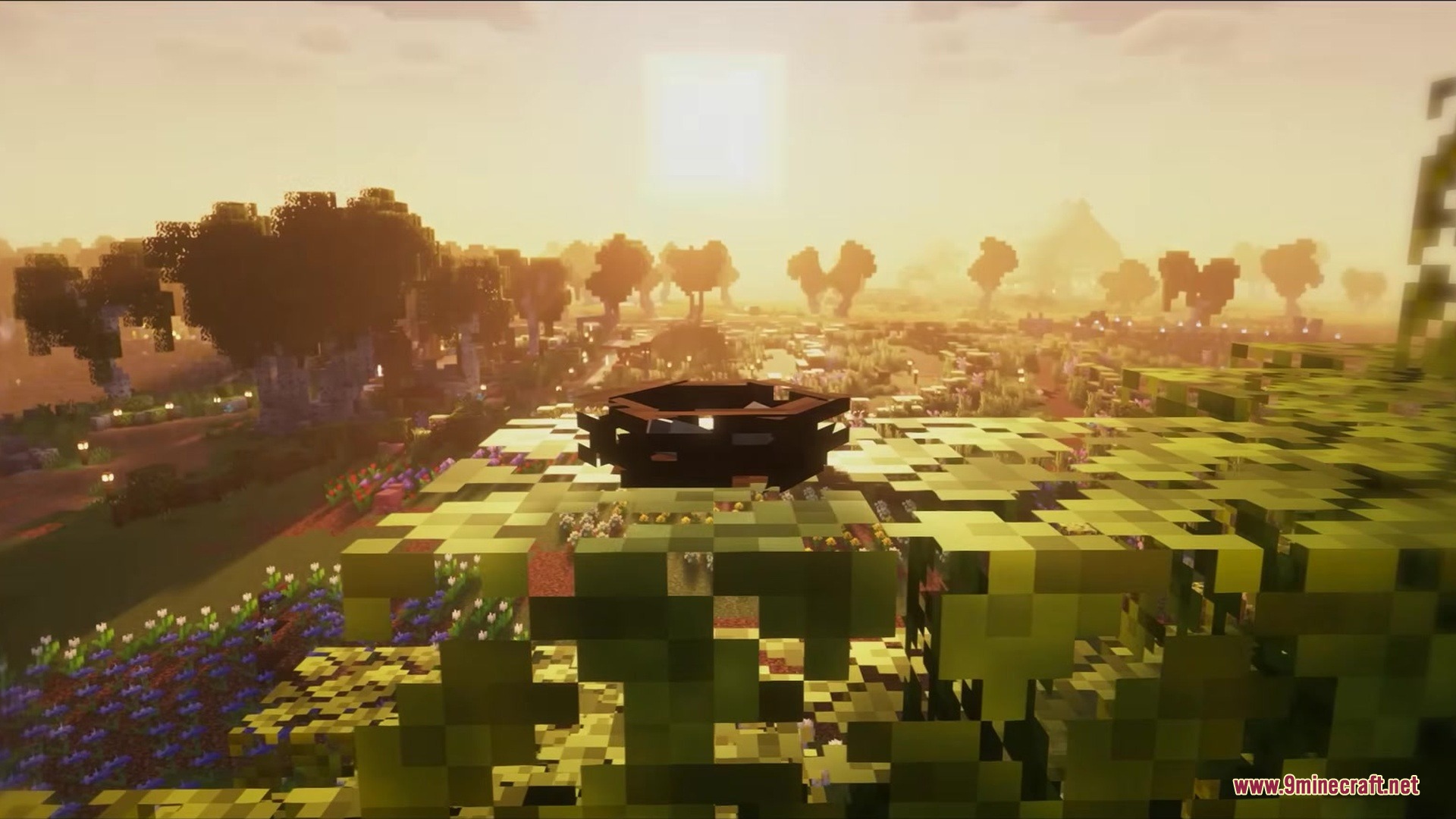
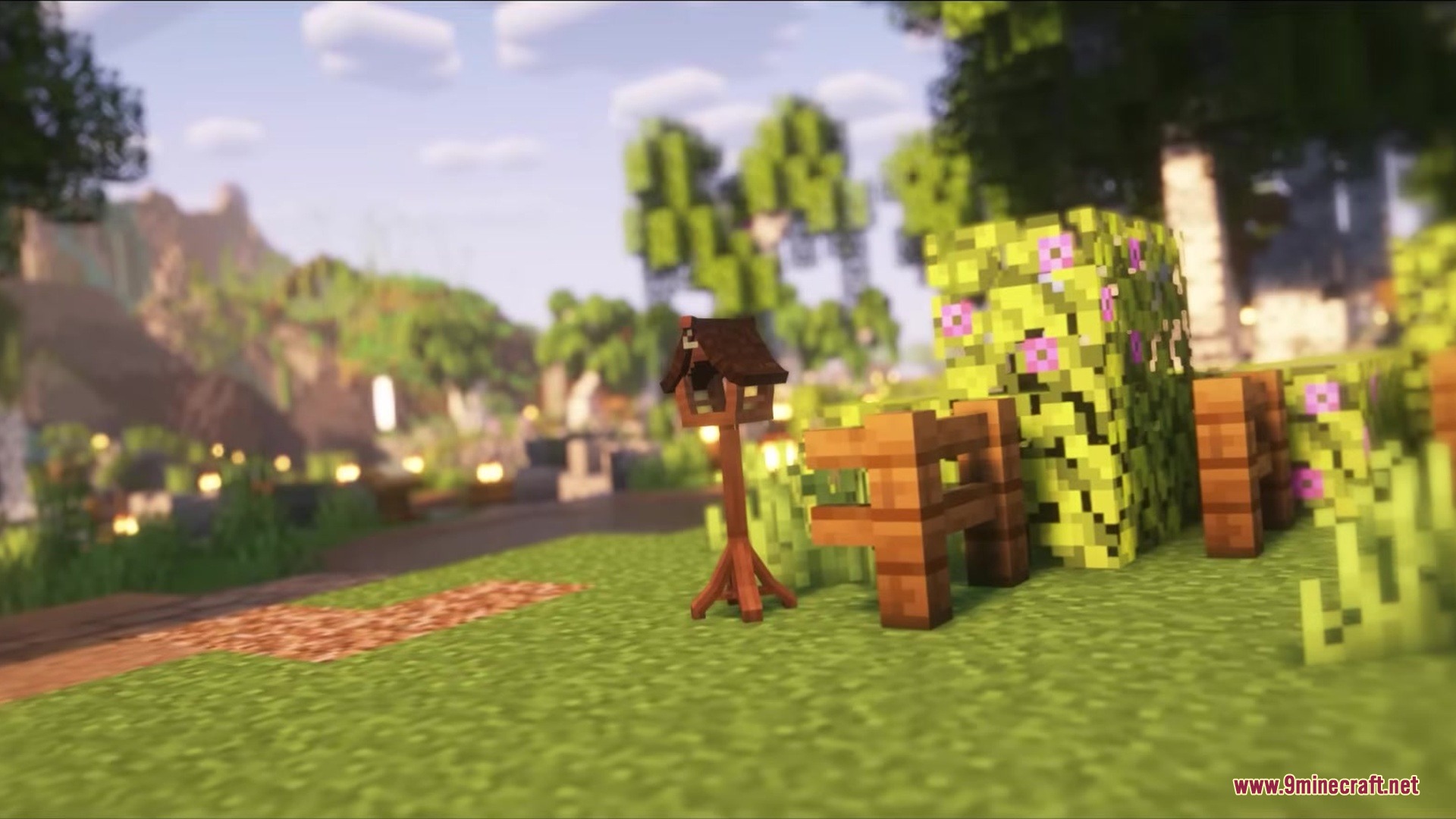
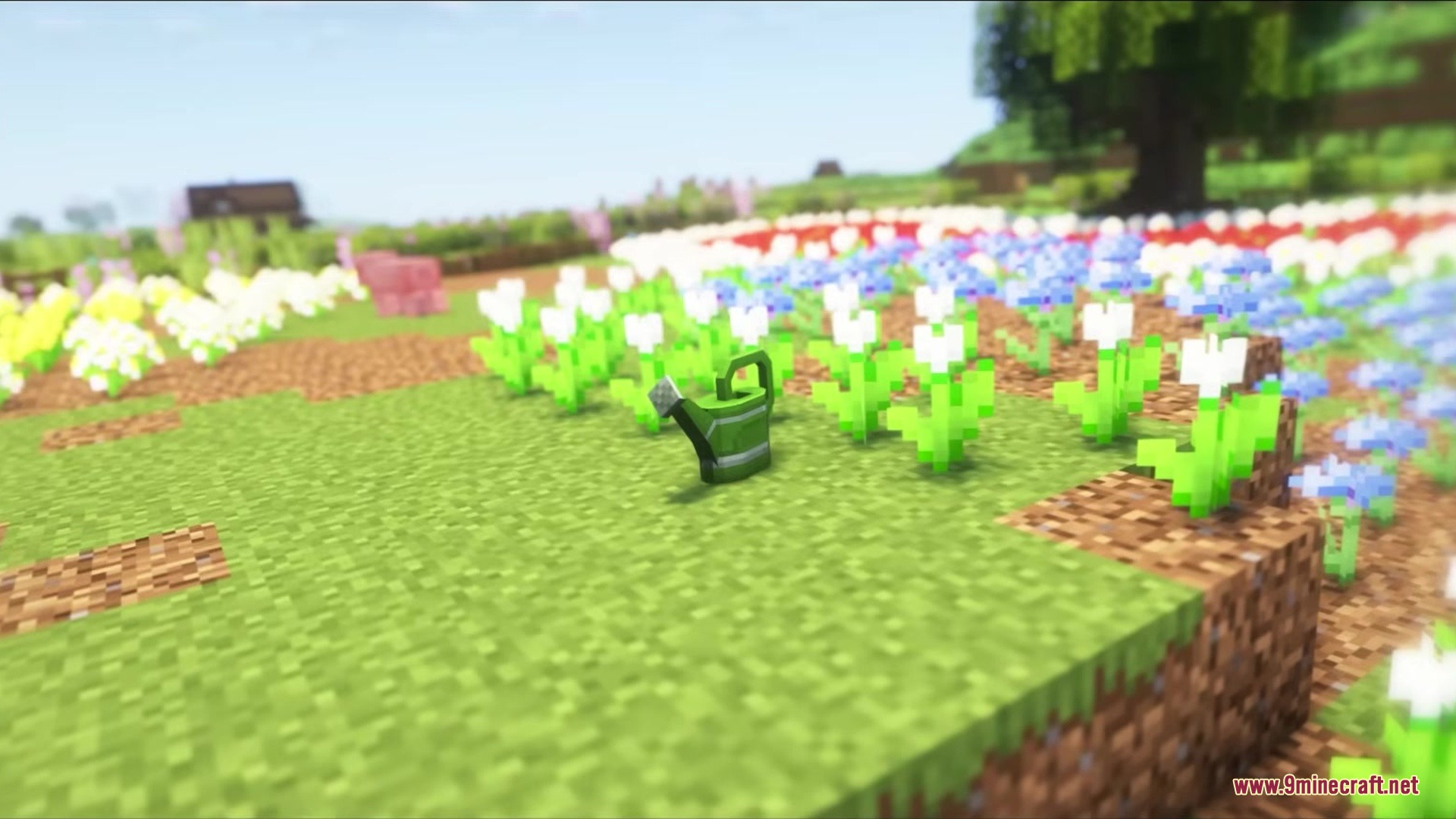
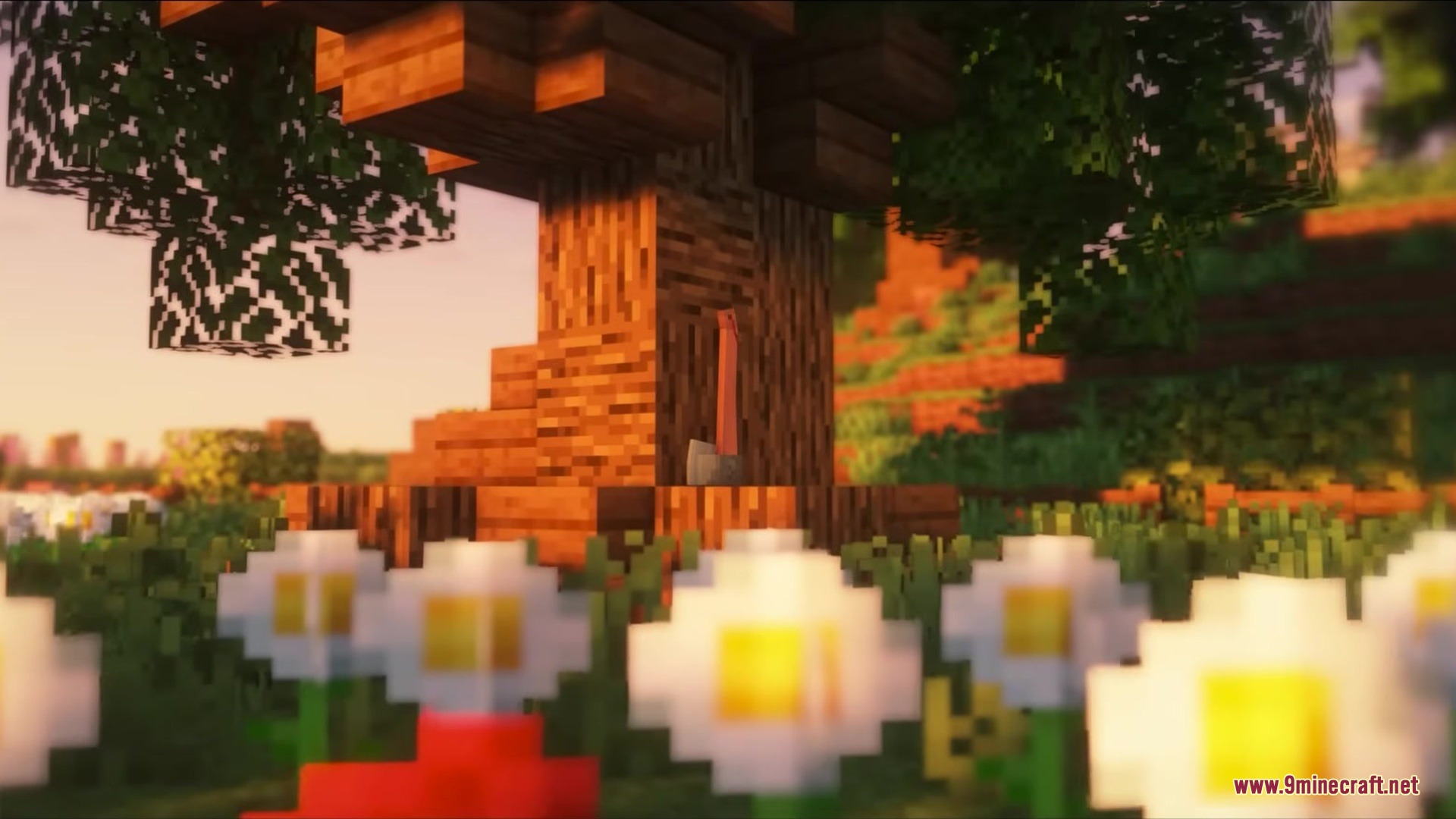
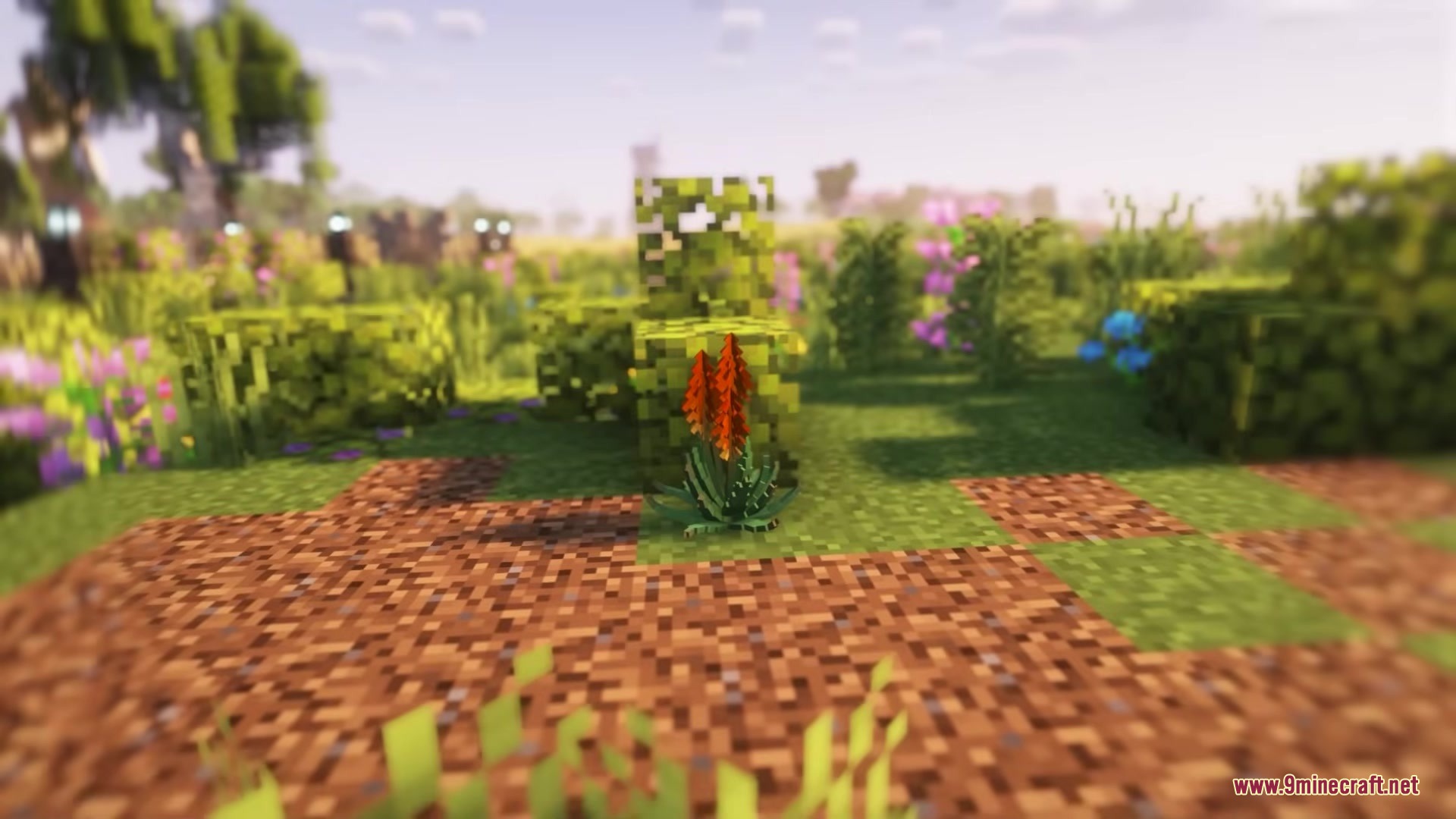
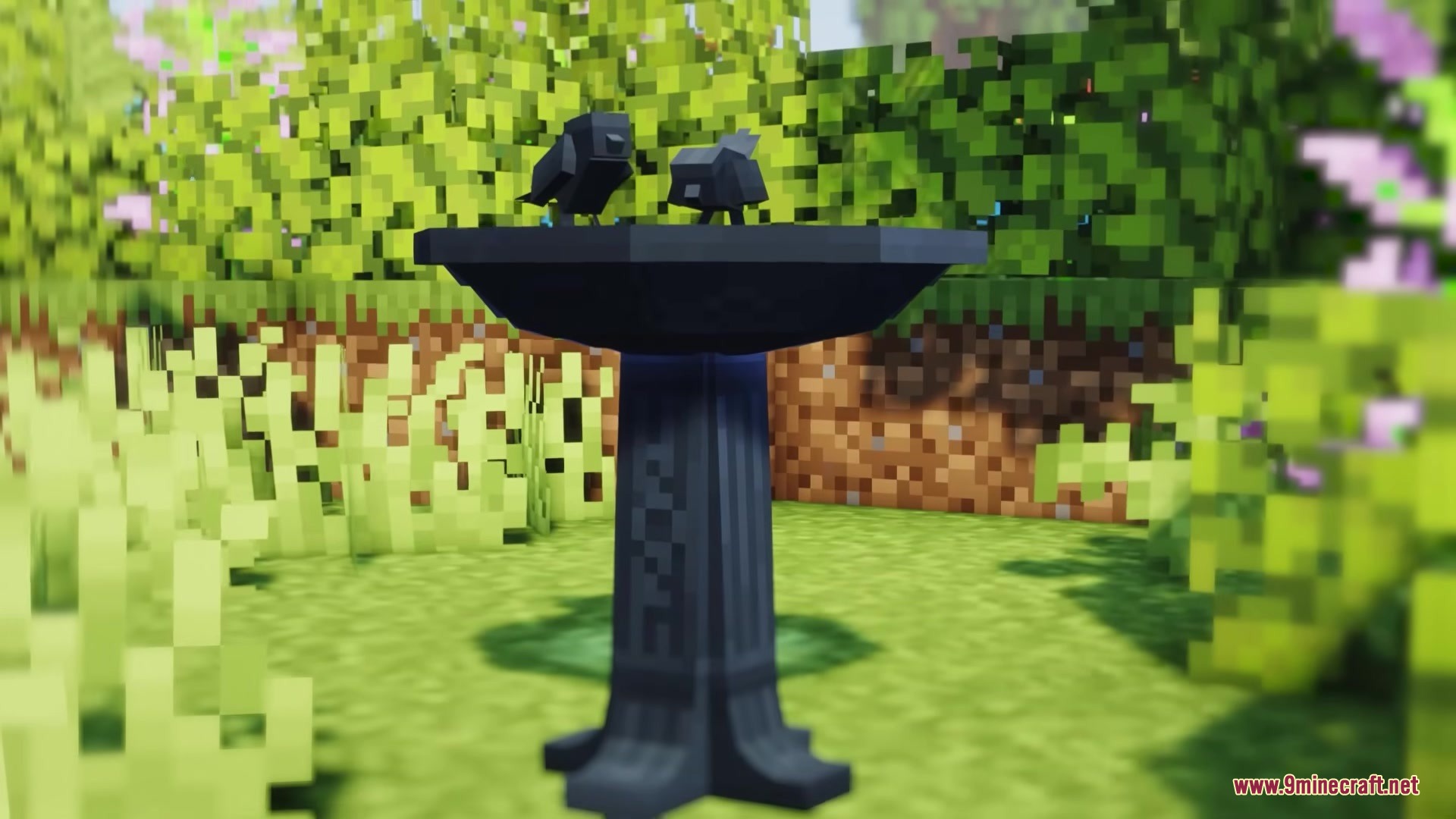
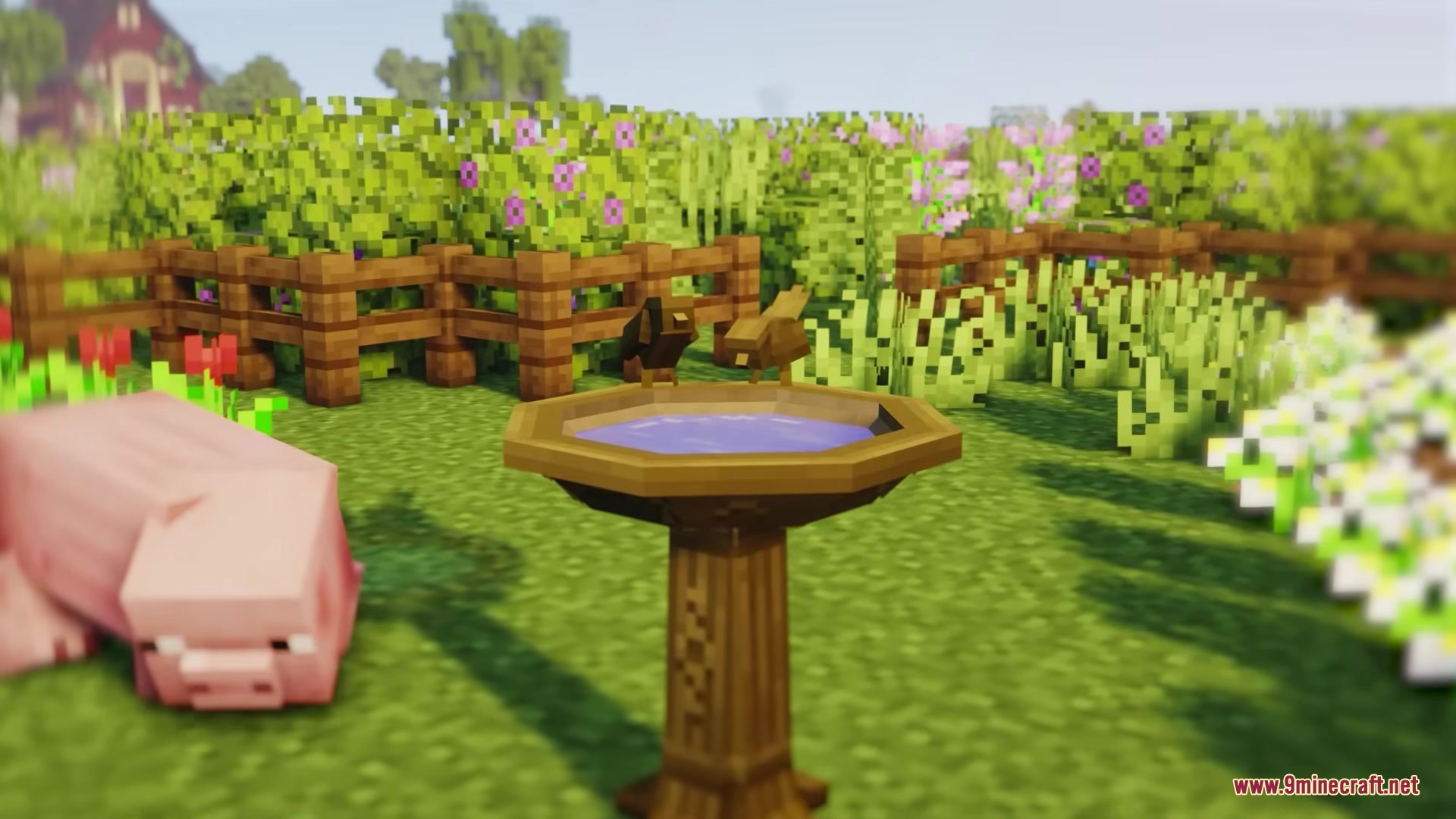
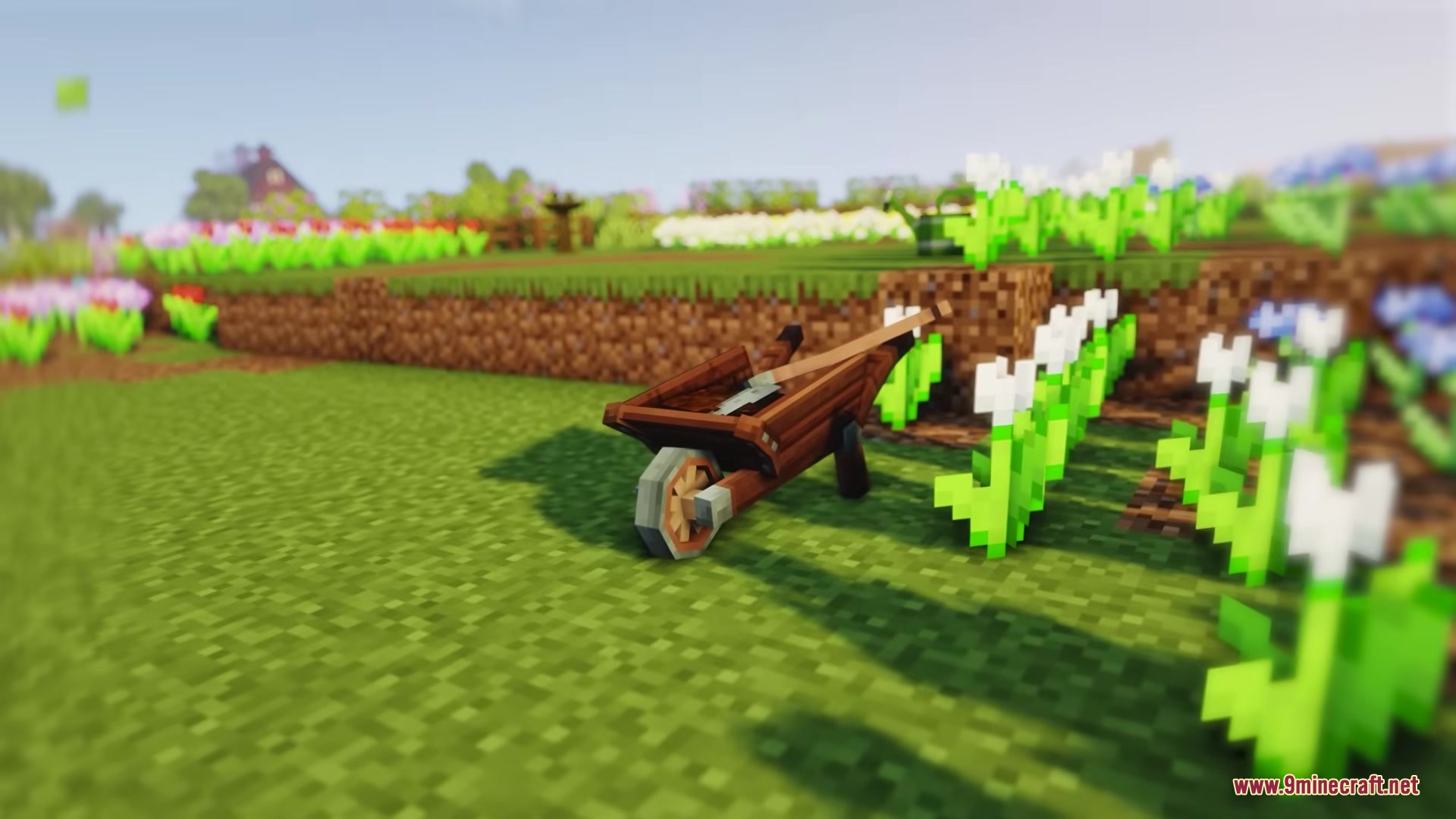
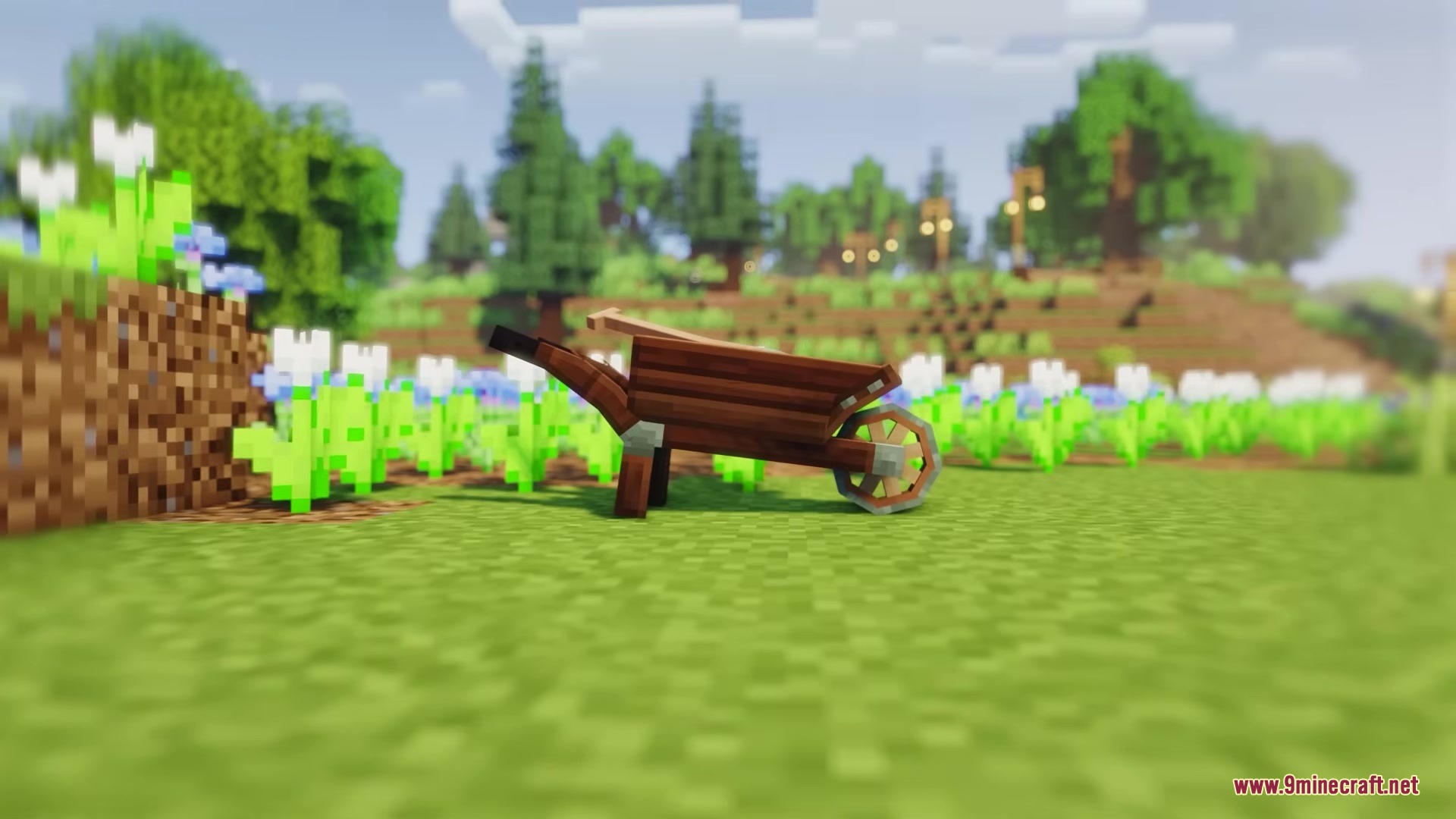
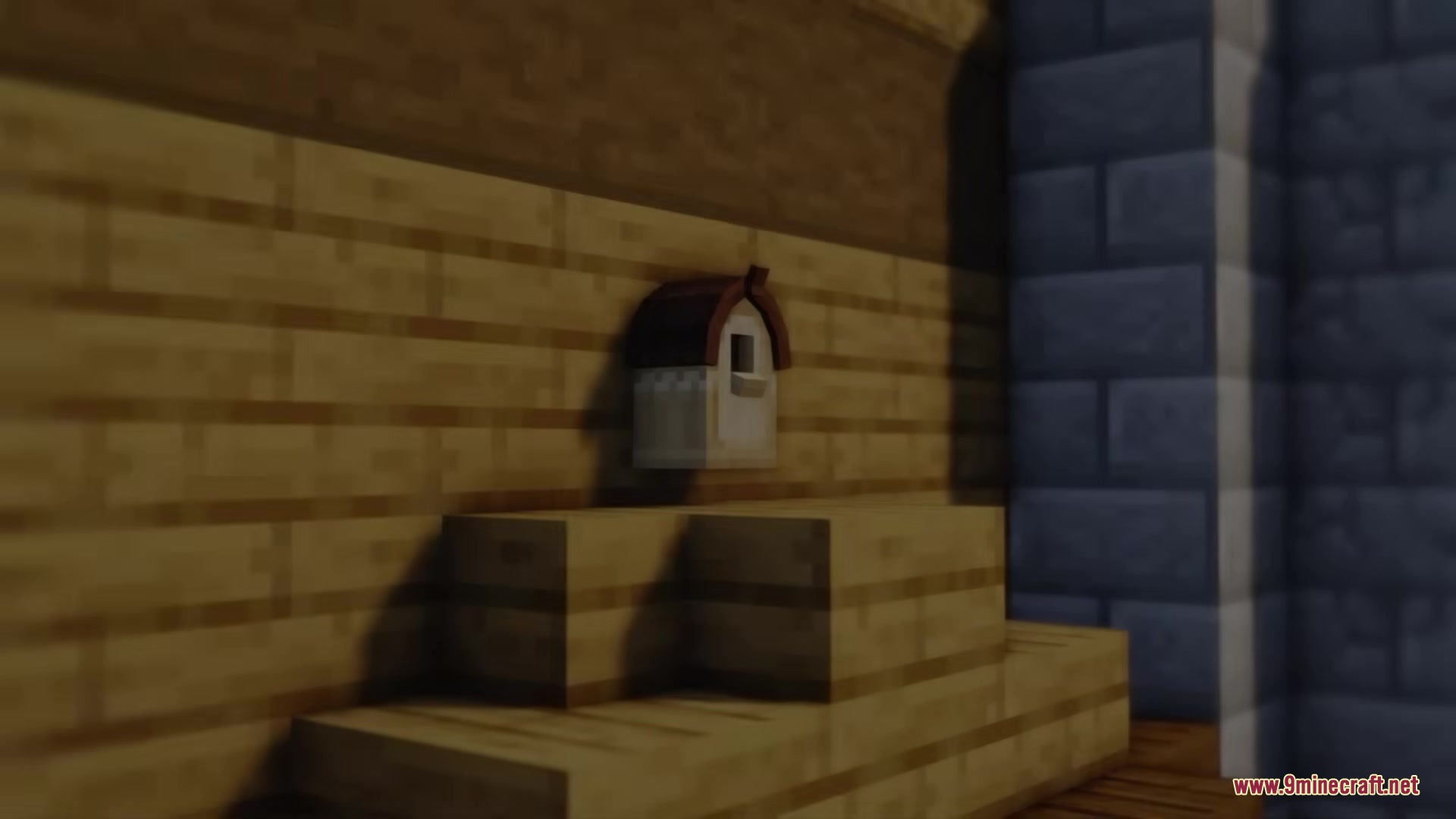
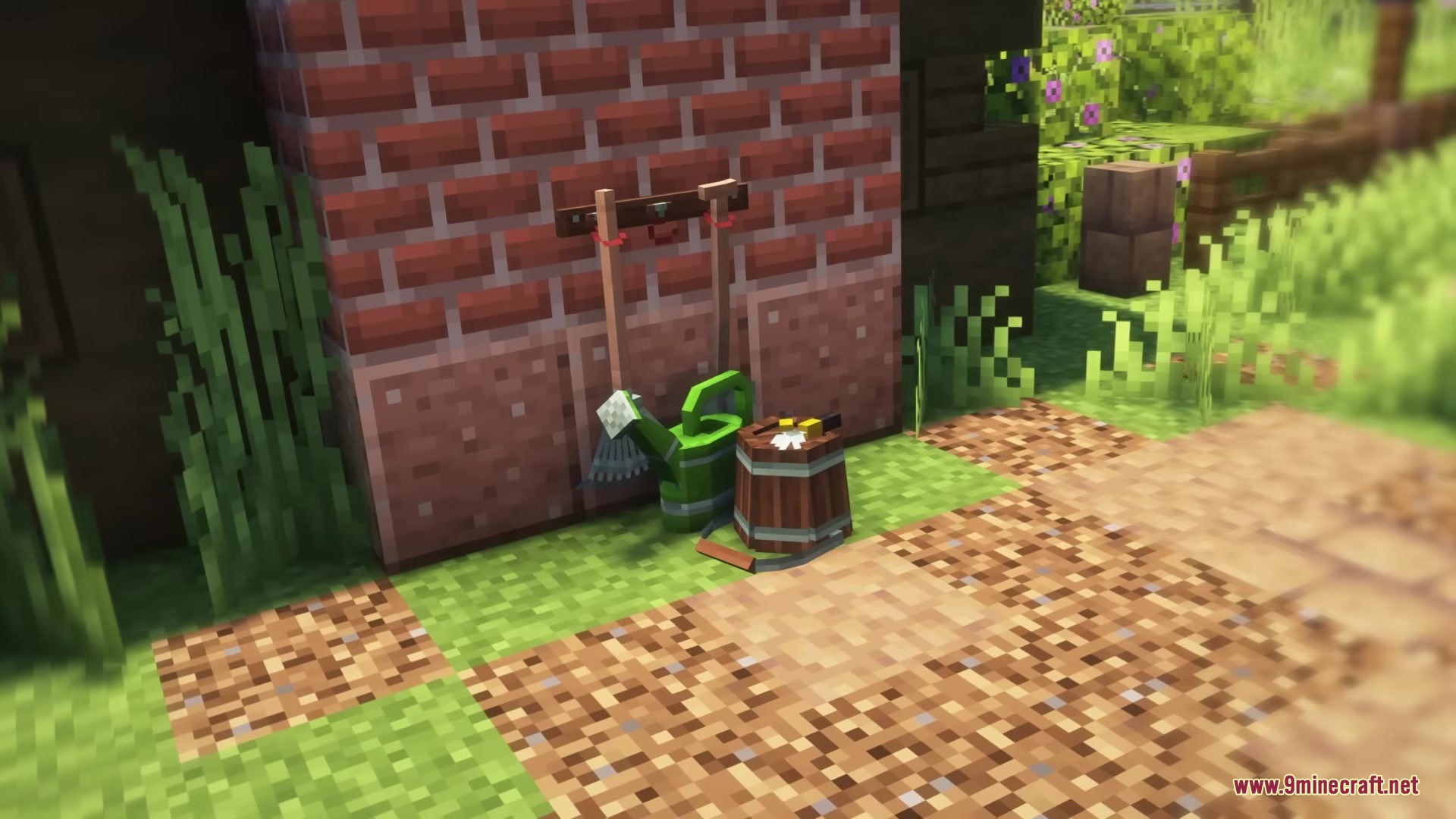
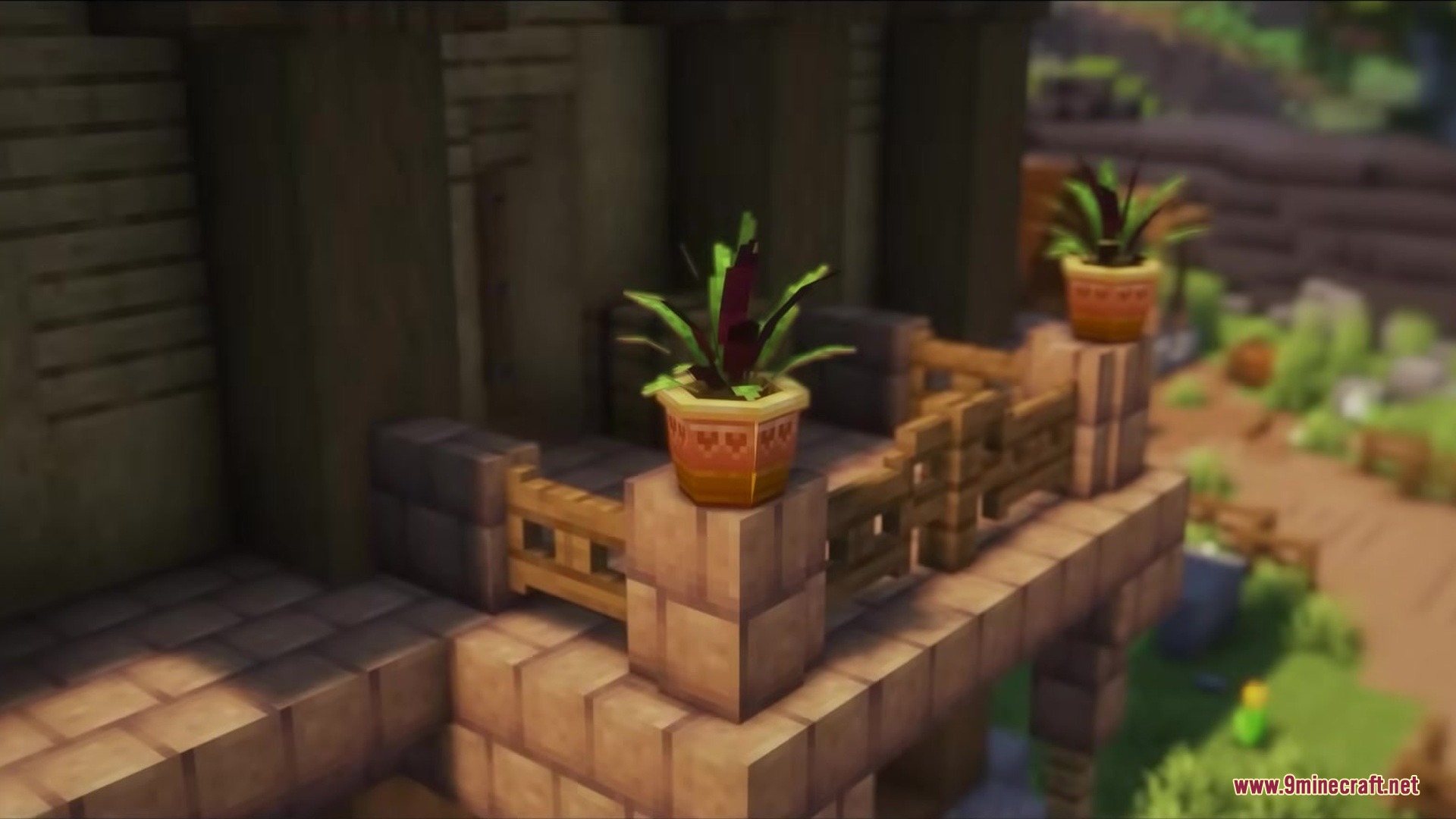
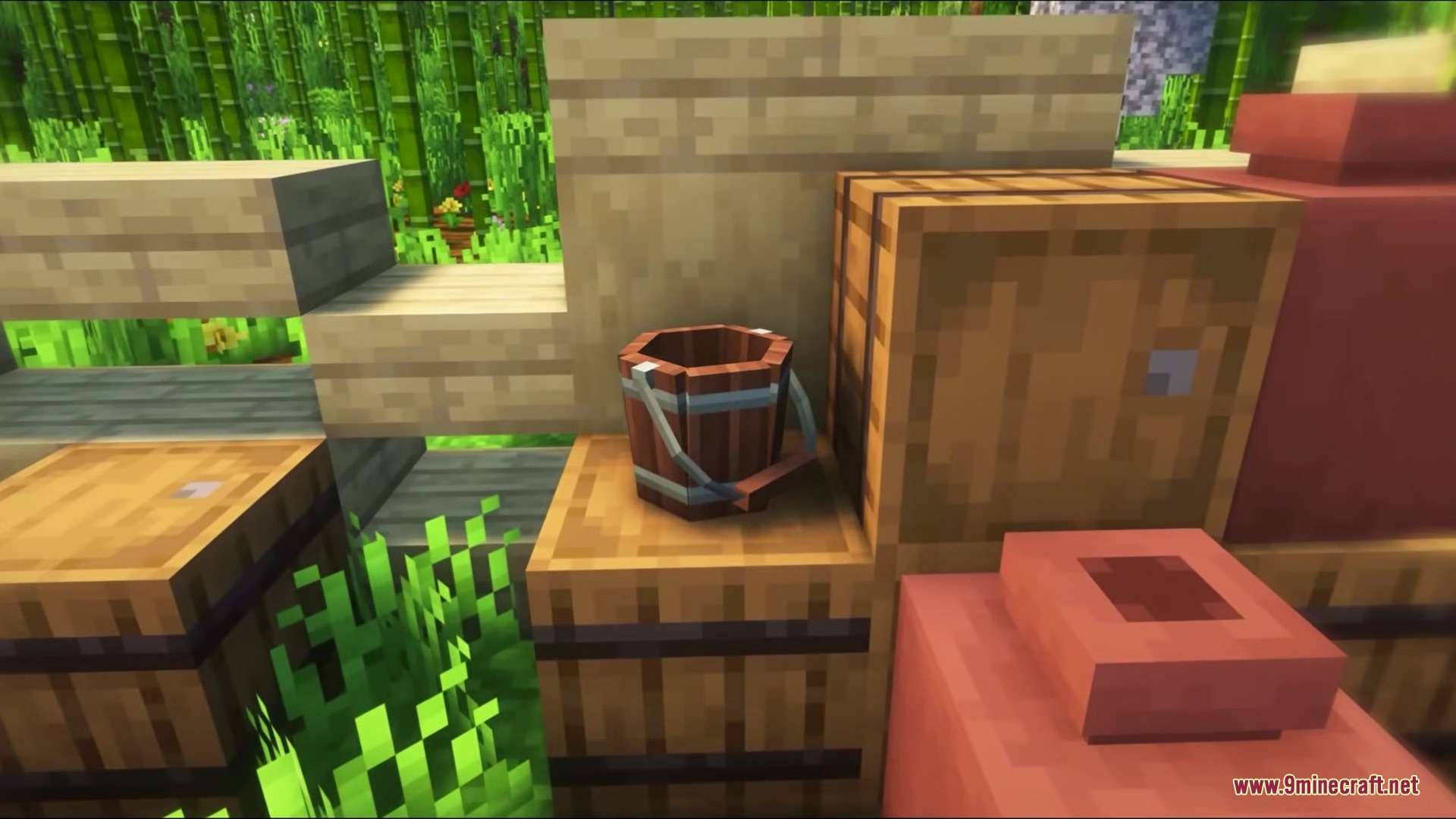
Deconature Mod fills your Minecraft world with beautiful plants and outdoor decorations. This mod gives you hundreds of new ways to decorate the outside of your houses. You get everything from colorful flower gardens to climbing ivy and tall cacti. It adds special crafting tables so you can make exactly the plants you want. Your outdoor spaces get a massive visual update with pots, fungi, and desert flora.
Features:
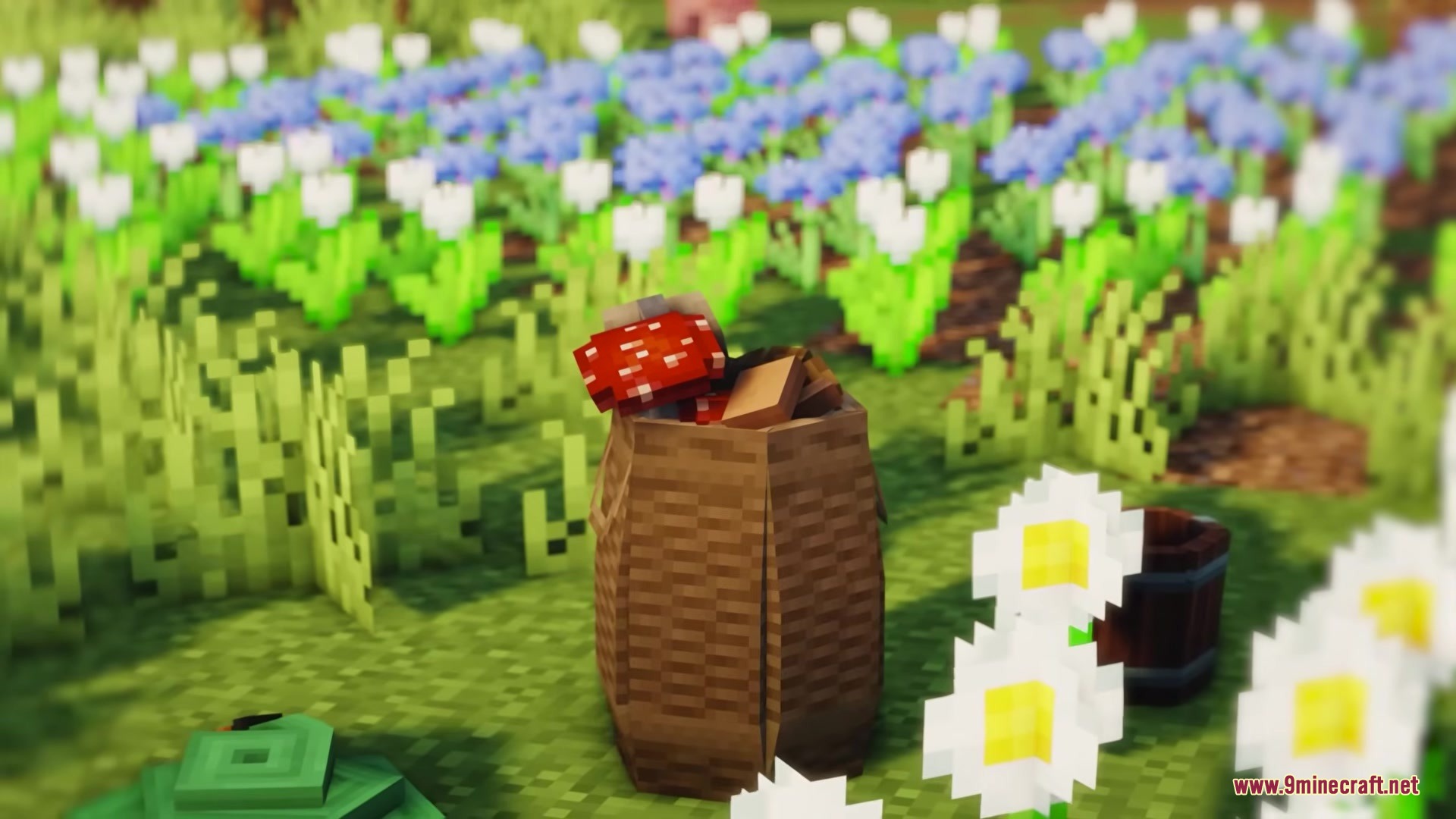
- Hundreds of Plants: Adds lush greenery, colorful flowers, and tall trees to decorate your gardens.
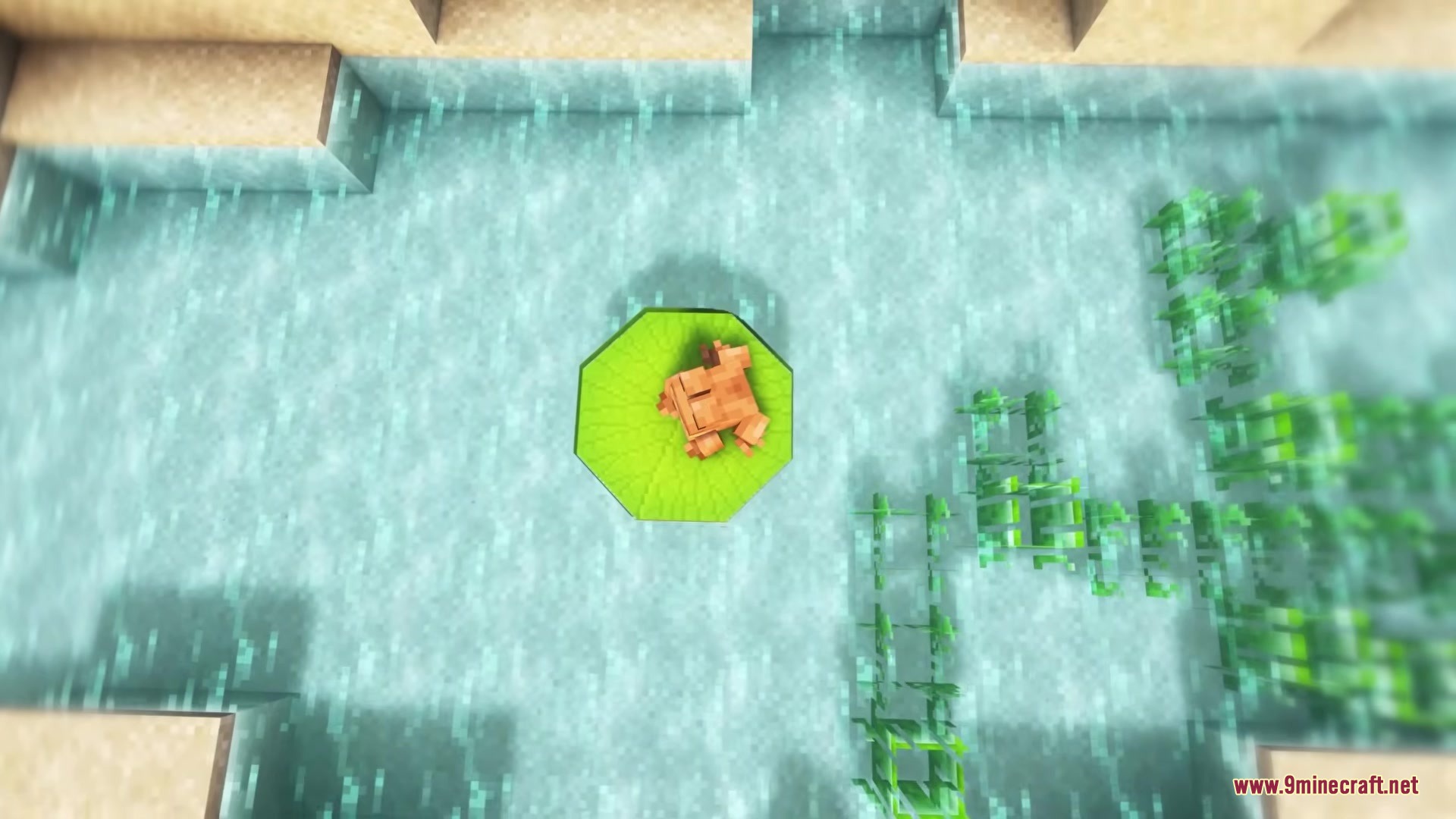
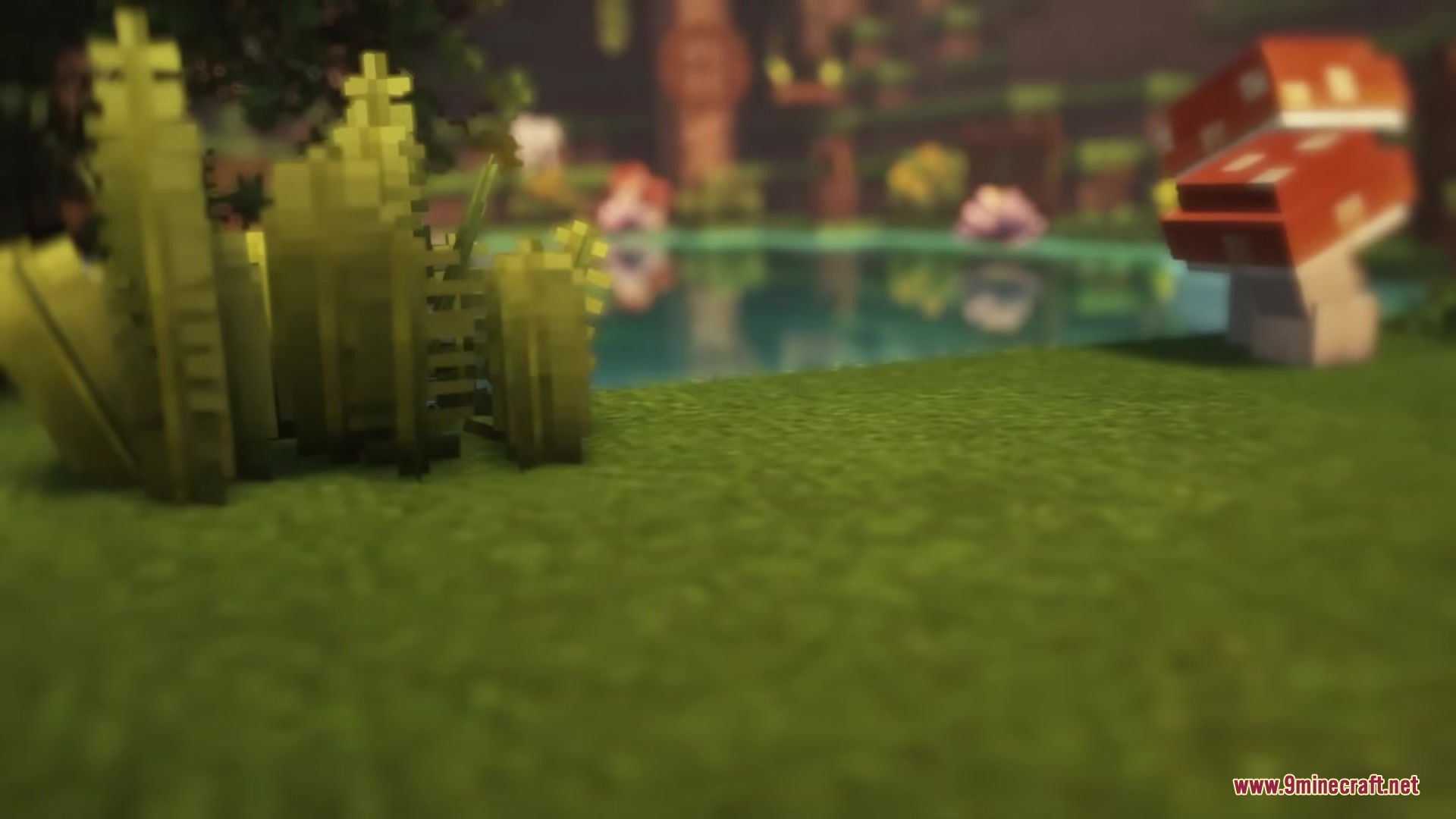
- Biome Diversity: Brings cacti, desert flora, and water plants to match different areas in your world.
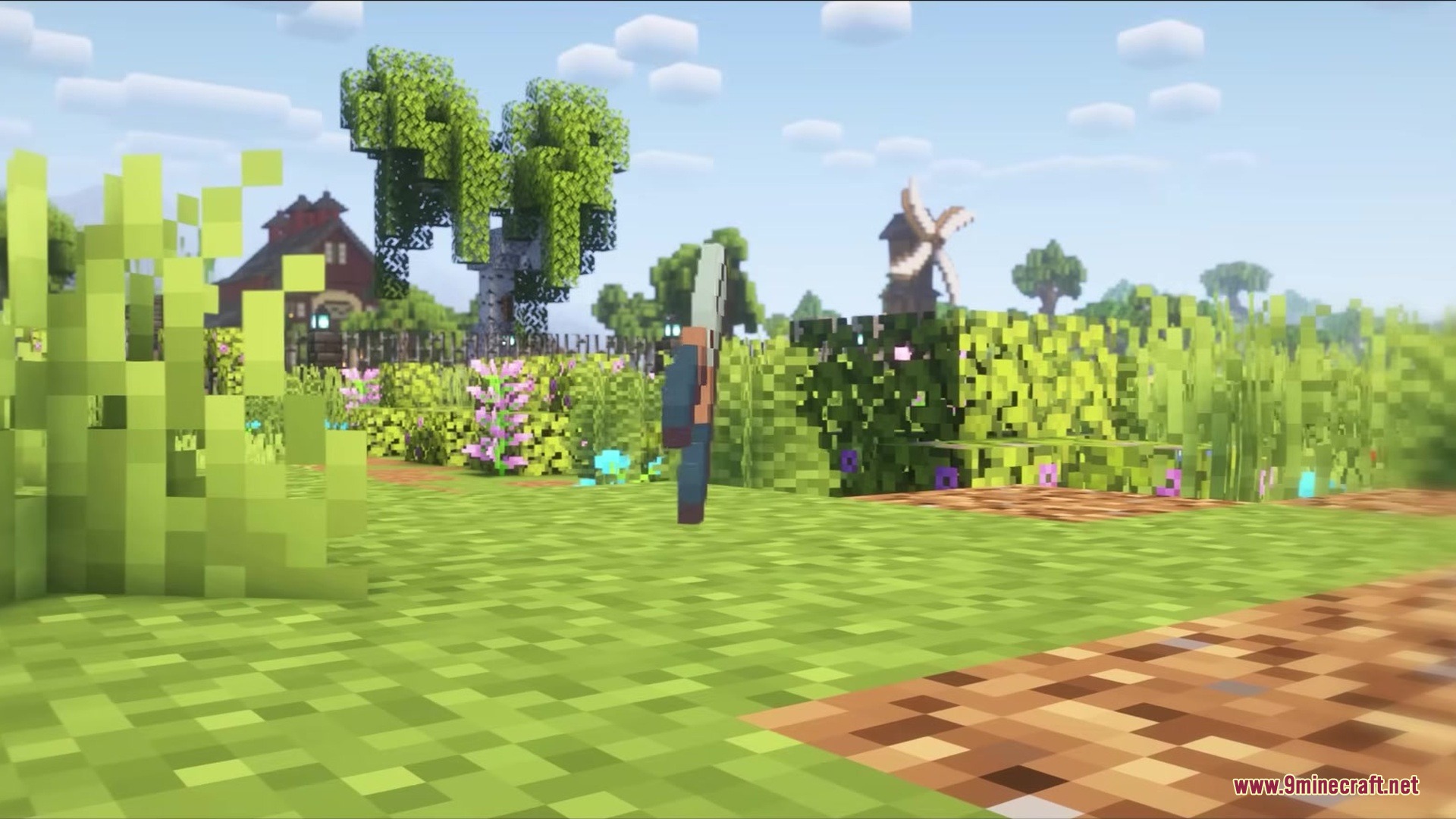
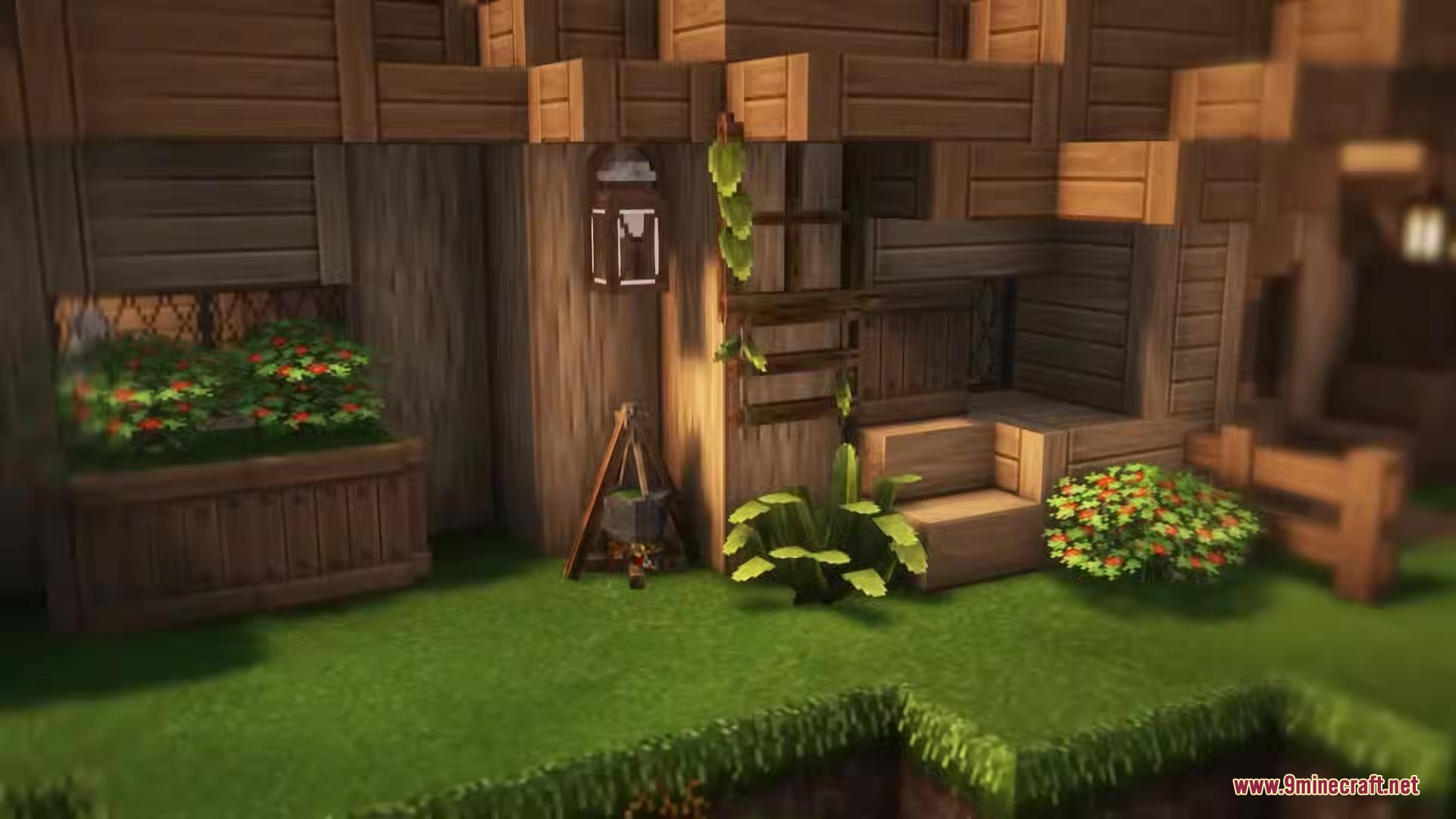
- Gives your builds a cozy cottage feel with climbing ivy and potted plants.
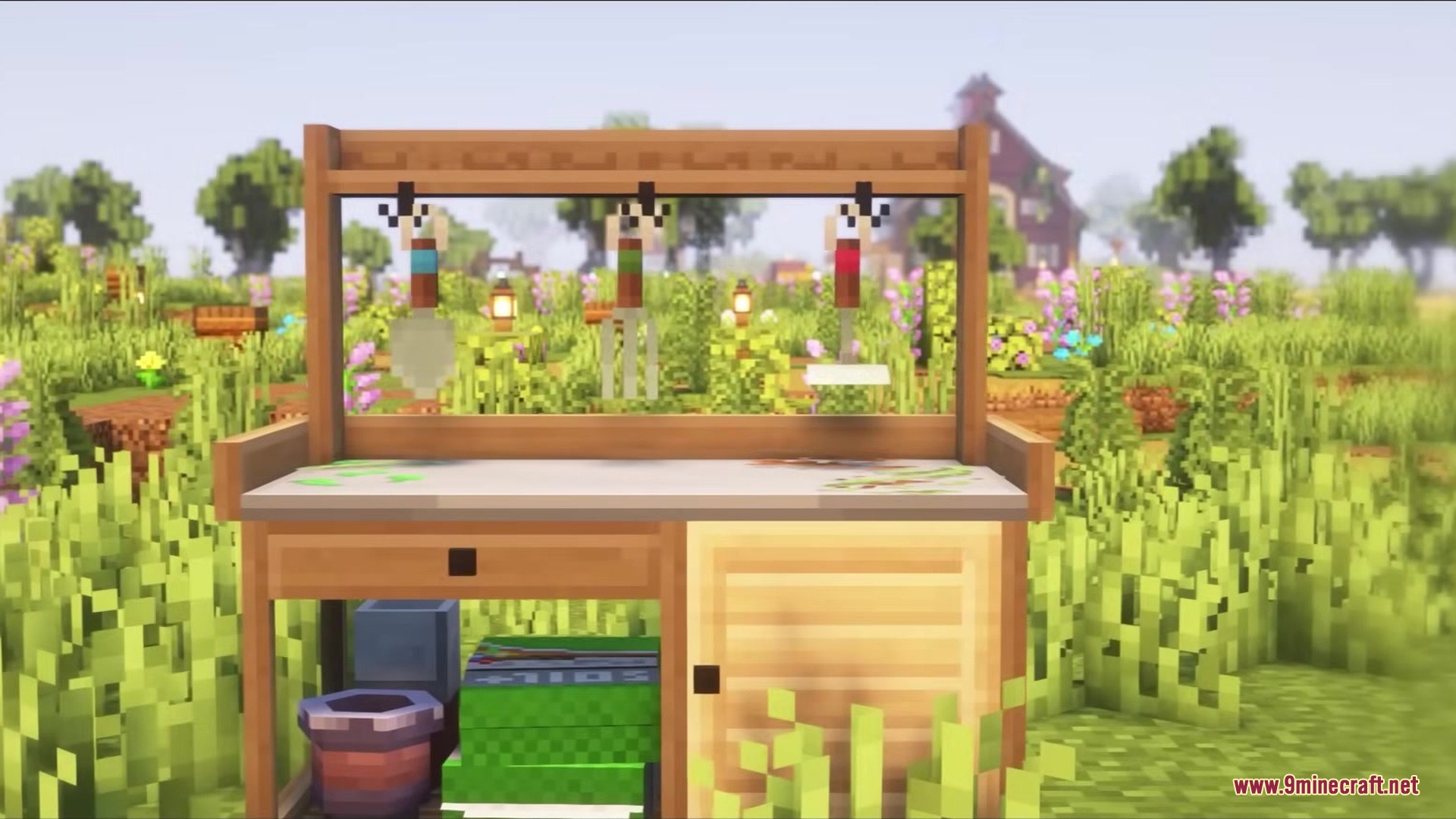
- Lets you craft a Sprouting Table to make the raw materials needed for the new decorations.
- Provides a Nature Bench where you craft the final decorative plants and items for your yard.
- Players can use Hedge Clippers to change the shape of certain plants after placing them.
How to Use:
- Craft a Sprouting Table and a Nature Bench to start making your decorations.
- Open the Sprouting Table menu to create Bio Material.
- Place seeds, logs, or cobblestone into the input slot of the table.
- Add bonemeal into the fuel slot.
- Press the START button to craft the Bio Material.
- Take this material to the Nature Bench to craft your final plants and pots.
- Equip Hedge Clippers and use them on placed plants to change their shape.
Screenshots:
How to Install:
New to Minecraft? Follow our step-by-step guide to install Mods on your PC.View Guide




Deconature Mod Download Links
For Minecraft 1.21.11
For Minecraft 1.21.1, 1.21
For Minecraft
1.20.6,
1.20.5,
1.20.4
All Versions Covered
1.20.6
1.20.5
1.20.4
1.20.3
1.20.2
1.20.1
1.20
All Versions Covered
1.20.6
1.20.5
1.20.4
1.20.3
1.20.2
1.20.1
1.20
For Minecraft 1.20.1, 1.20
For Minecraft 1.19.2
For Minecraft 1.18.2
Click to rate this post!
[Total: 0 Average: 0]
You May Also Like













This post has no comments yet. Be the first — your comment will appear here.