


Easy NPC Mod (26.1.2, 1.20.1) – Create Easily NPCs with Dialogs

 0
0  3 weeks ago
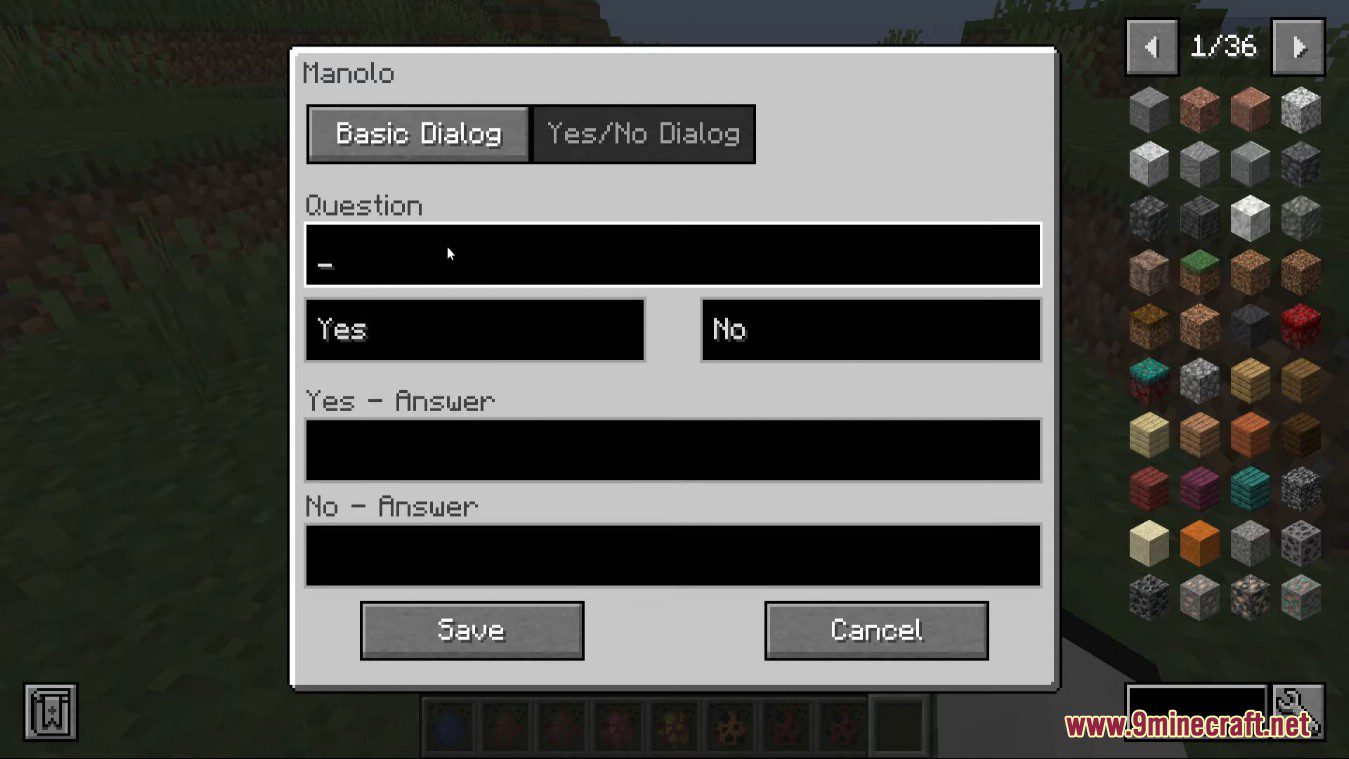
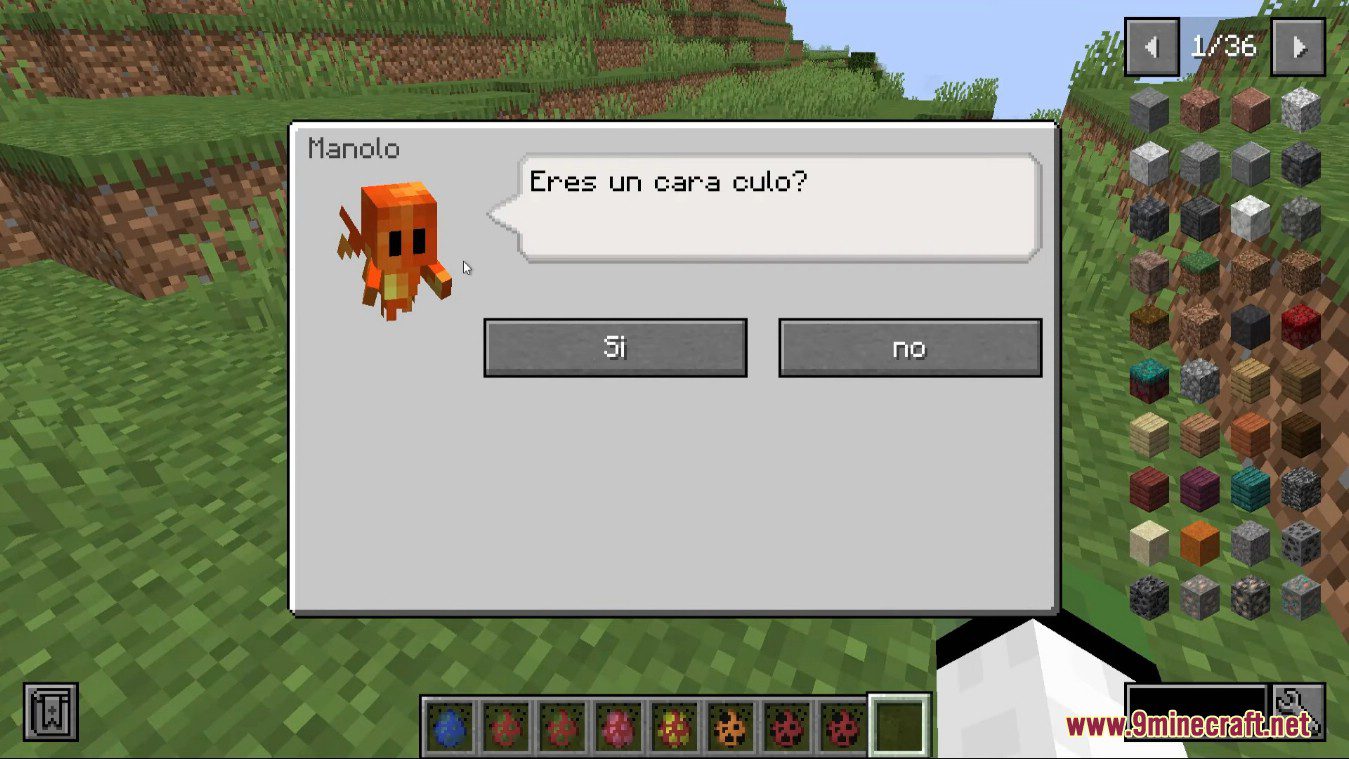
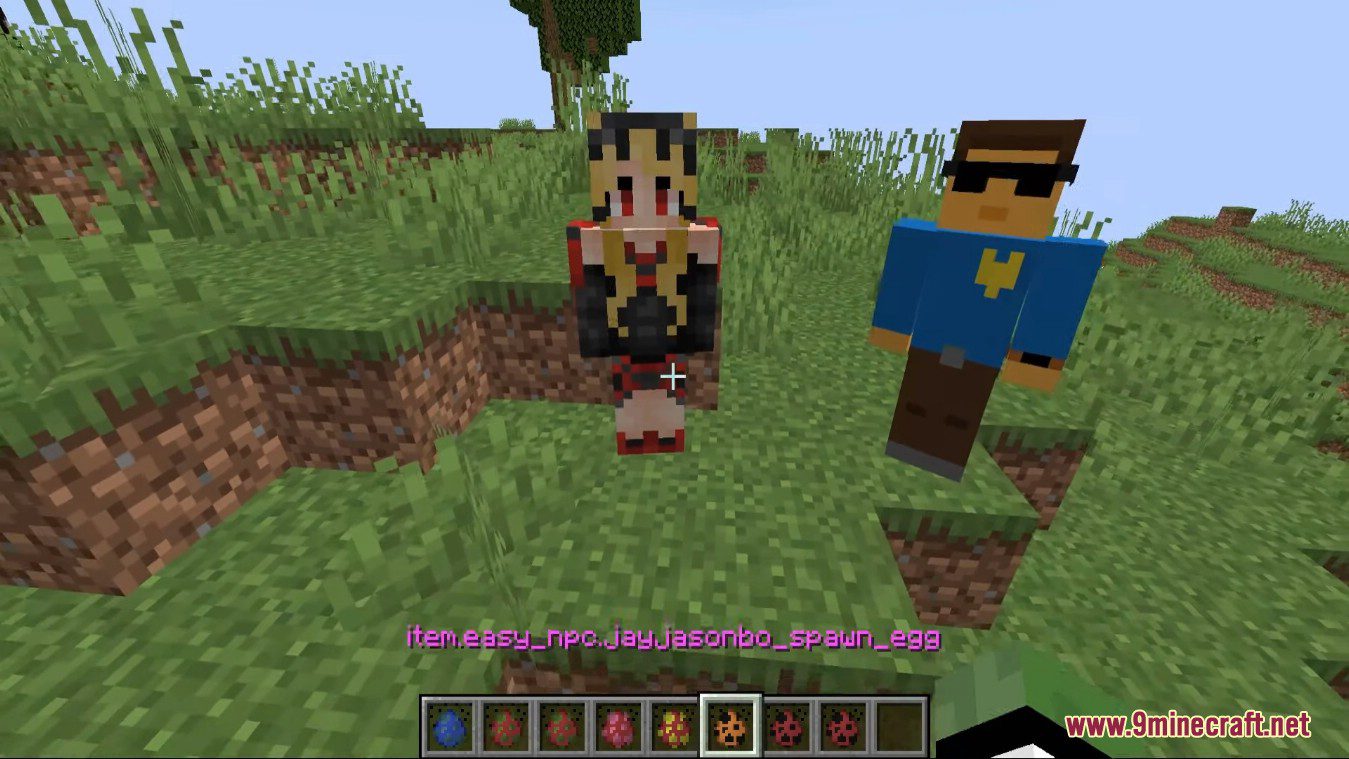
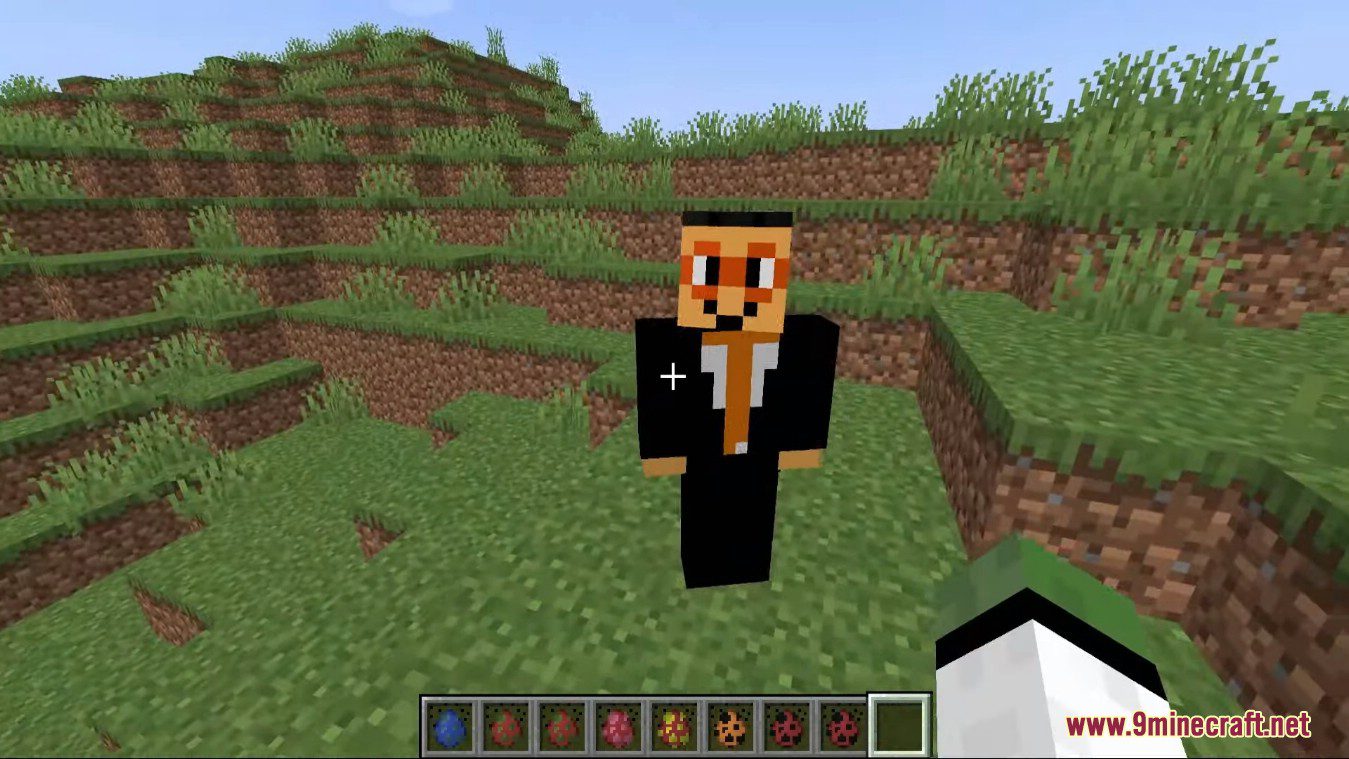
Easy NPC Mod allows a simplified setup for custom NPCs with dialog for map maker and other mods. Create easily NPCs with dialogs for your world or for your mods.
Features:
- Providing easy NPCs with basic dialog and a easy setup.
- Easy Action configuration with debug option.
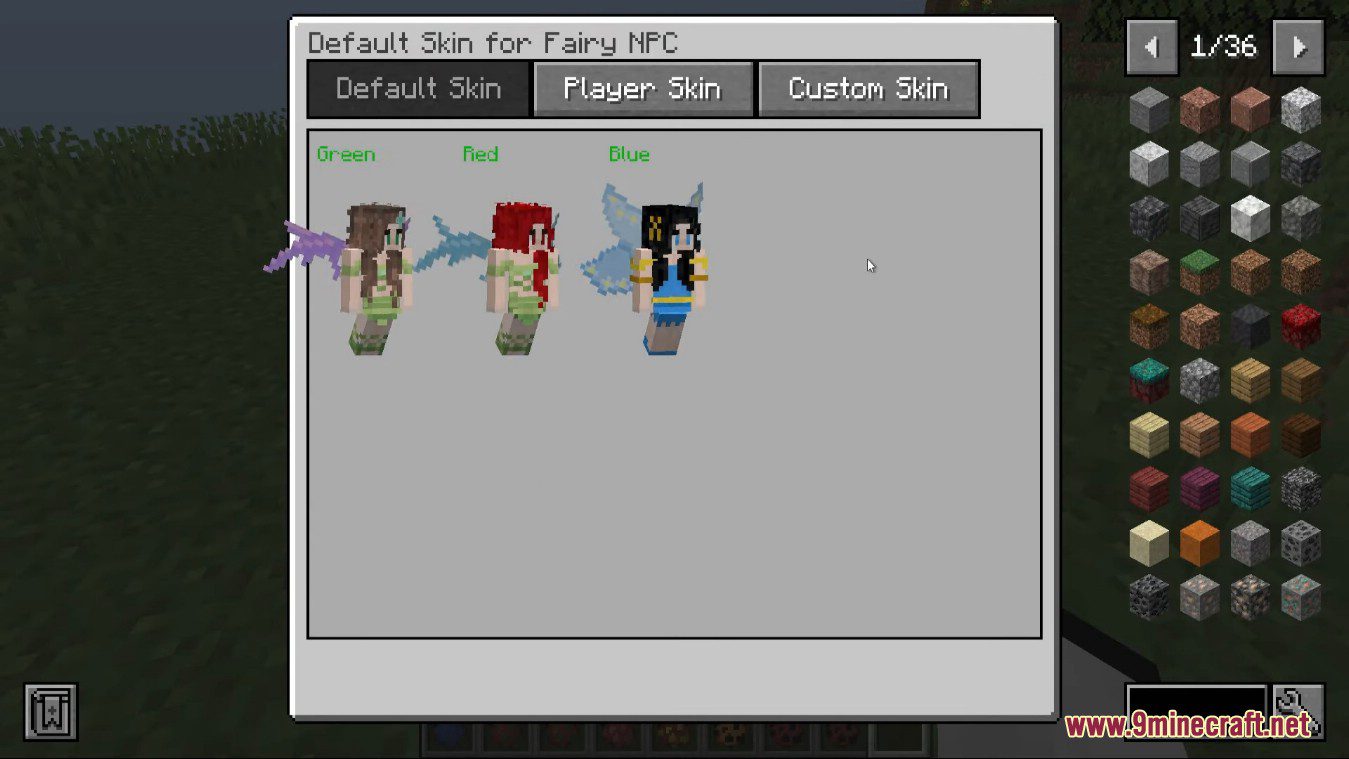
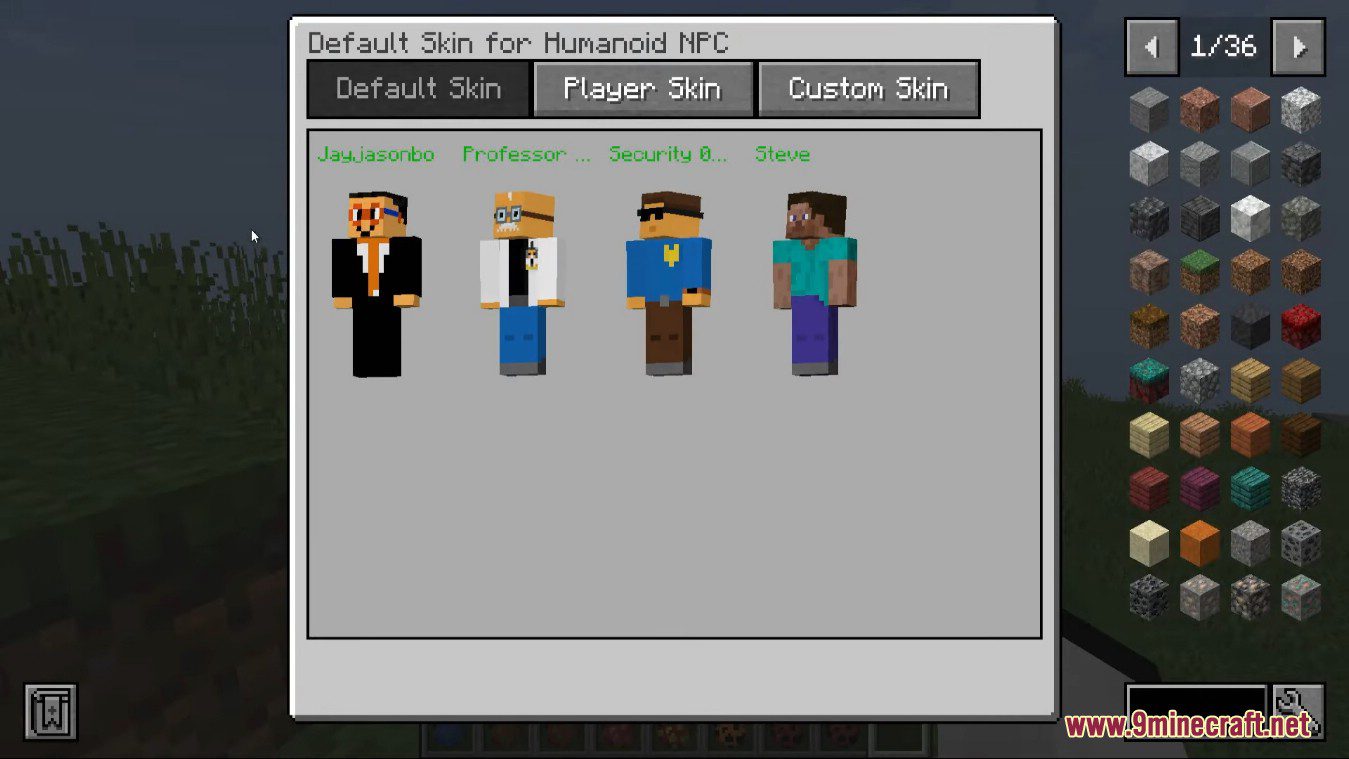
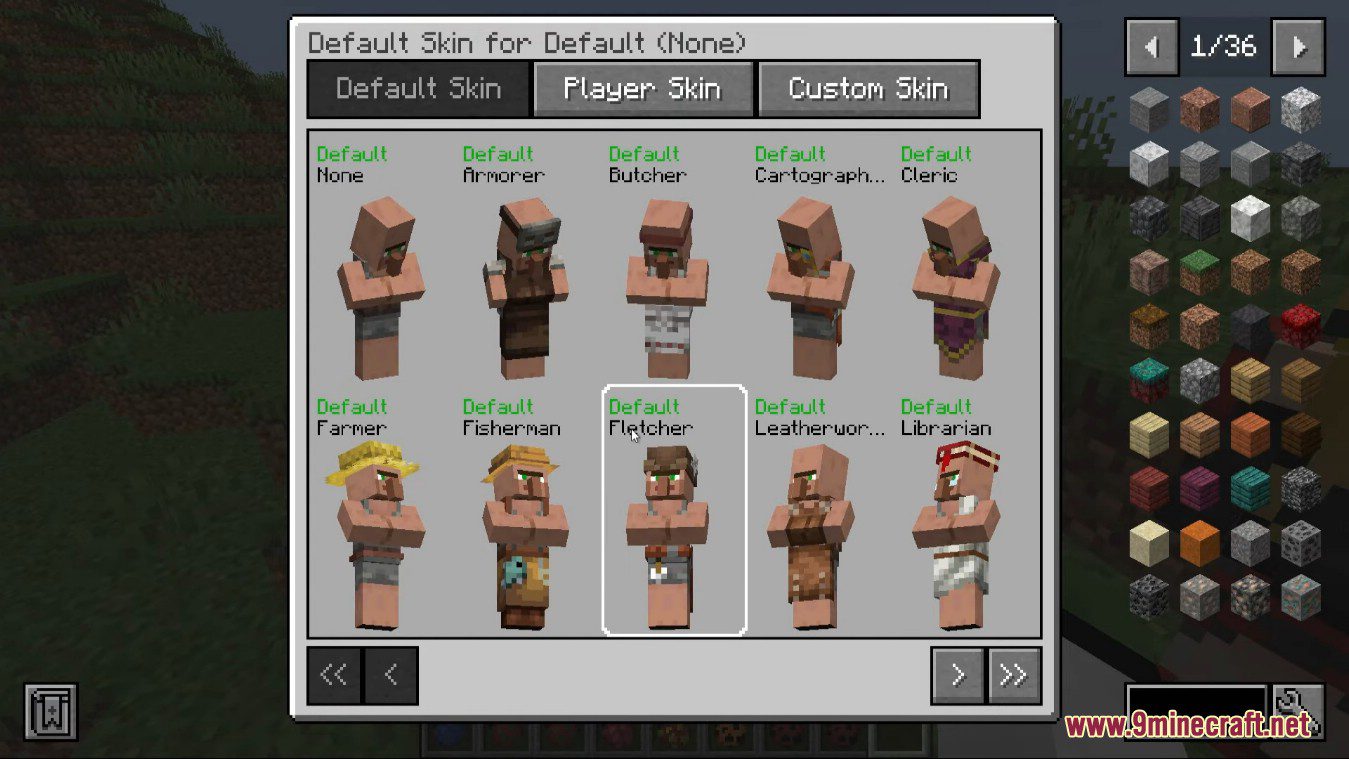
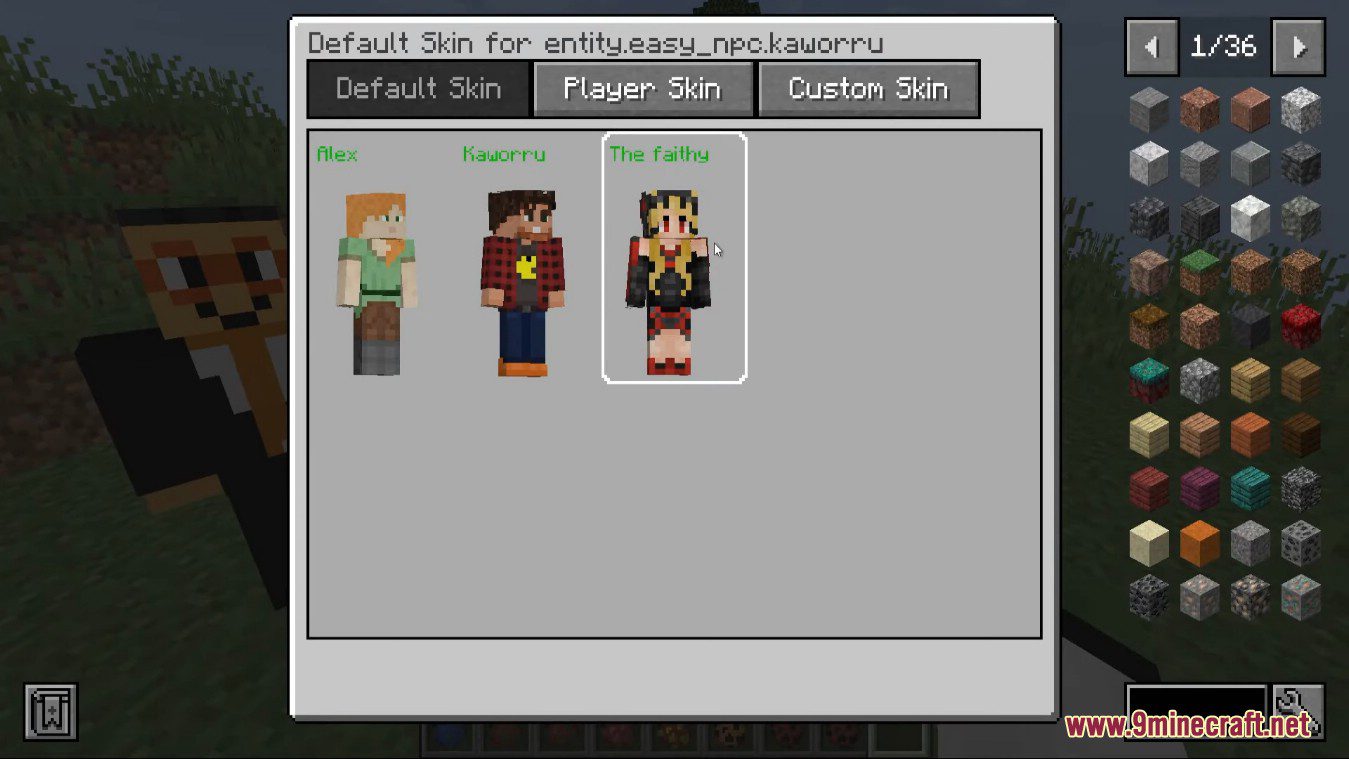
- Skin configuration with player name and URL support.
- Server and client friendly.
- No additional dependencies.
- API support / integration for other mods.
Actions
- What: Define what an NPC does when events occur (player interaction, hurt, death, proximity, dialog buttons, etc.).
- Order: Multiple actions run in the listed order; use up/down to reorder.
- Common action types:
- Command – run a command; options: Execute as player, Debug.
- Close Dialog, Interact Block, Open Trading Screen, Open Default Dialog, Open Named Dialog.
- Distance triggers: Near (16), Close (8), Very Close (4), In Touch (1) – triggers once while in range (can reset on leave/return).
- Placeholders:
@npc,@npc-uuid,@initiator,@initiator-uuid. - NPC-specific commands examples:
/easy_npc trading open @npc
/easy_npc dialog open @npc @initiator <dialog-name>
/easy_npc interact block @npc-uuid ~1 ~1 ~
Attributes
- What: Configure NPC’s game attributes (health, movement, detection etc.) and behavior flags.
- Common attributes:
- Health / max health
- Follow range, movement speed, attack damage
- Invulnerable, persistent, glowing, silent
- Edit notes: Many attributes accept numeric values or toggles. Use attributes to fine-tune NPC mechanics and interactions.
Backup
- What: Save/restore NPC data to avoid accidental loss (exports, imports, automated snapshots).
- Recommendations:
- Keep periodic backups before mass edits or version upgrades.
- Store backups outside the world folder when possible.
- Commands: Provide import/export commands and notes about file locations and formats.
Commands
- What: Server and in-game commands to manage NPCs, dialogs, trading and interactions.
- Examples:
/easy_npc create <name>– create an NPC./easy_npc remove <npc>– remove an NPC./easy_npc list– list NPCs.
- Permissions: Default permissions block some commands (e.g., /give, /tp). Use role or operator permissions when needed.
Custom Models
- What: Add custom entity models to NPCs (resource pack models or model files supported).
- How:
- Provide model identifiers and reference files in the mod/resource-pack structure.
- Ensure model files and textures are available to clients (resource pack or server-side provision).
- Troubleshooting: Verify paths, names, and version compatibility; check console for errors.
Debugging
- Enable debug logging:
/easy_npc debug log true(disable withfalse). - Collect NPC data: Look at NPC and press
F3 + ior export the NPC file; attachdebug.logwhen reporting issues. - Steps: enable debug, reproduce, check
logs/debug.log, include environment and mods when filing issues.
Delete
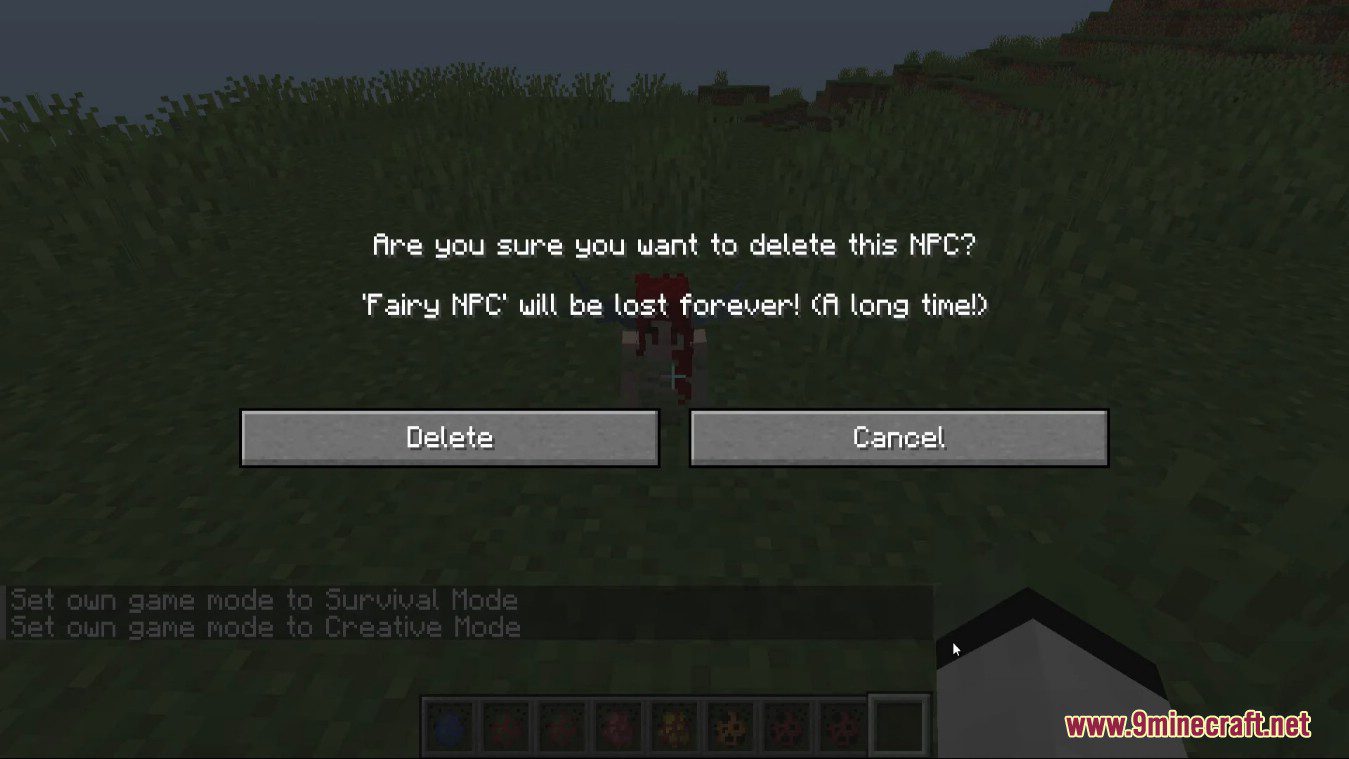
- Remove NPCs safely: use removal commands and verify backups beforehand.
- Bulk deletion: use caution – export or snapshot before mass removes.
Dialogs
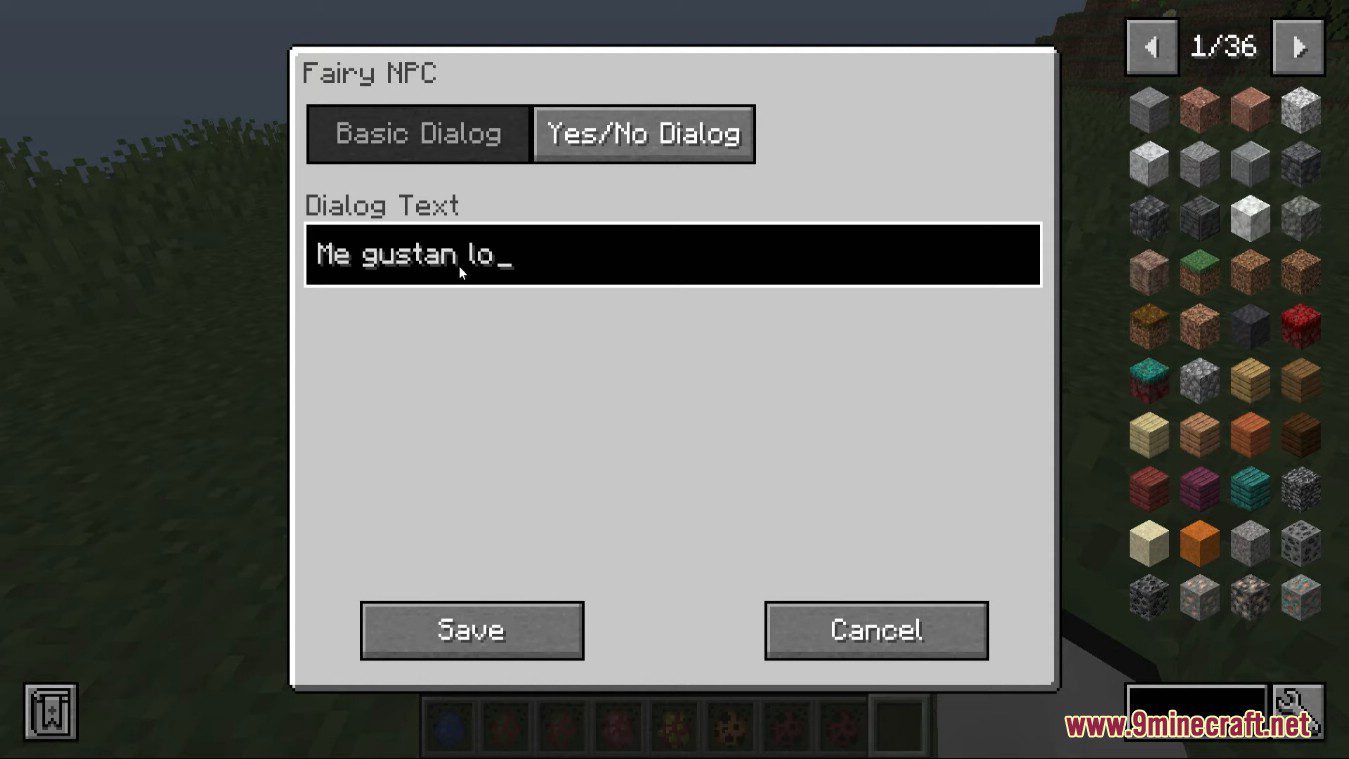
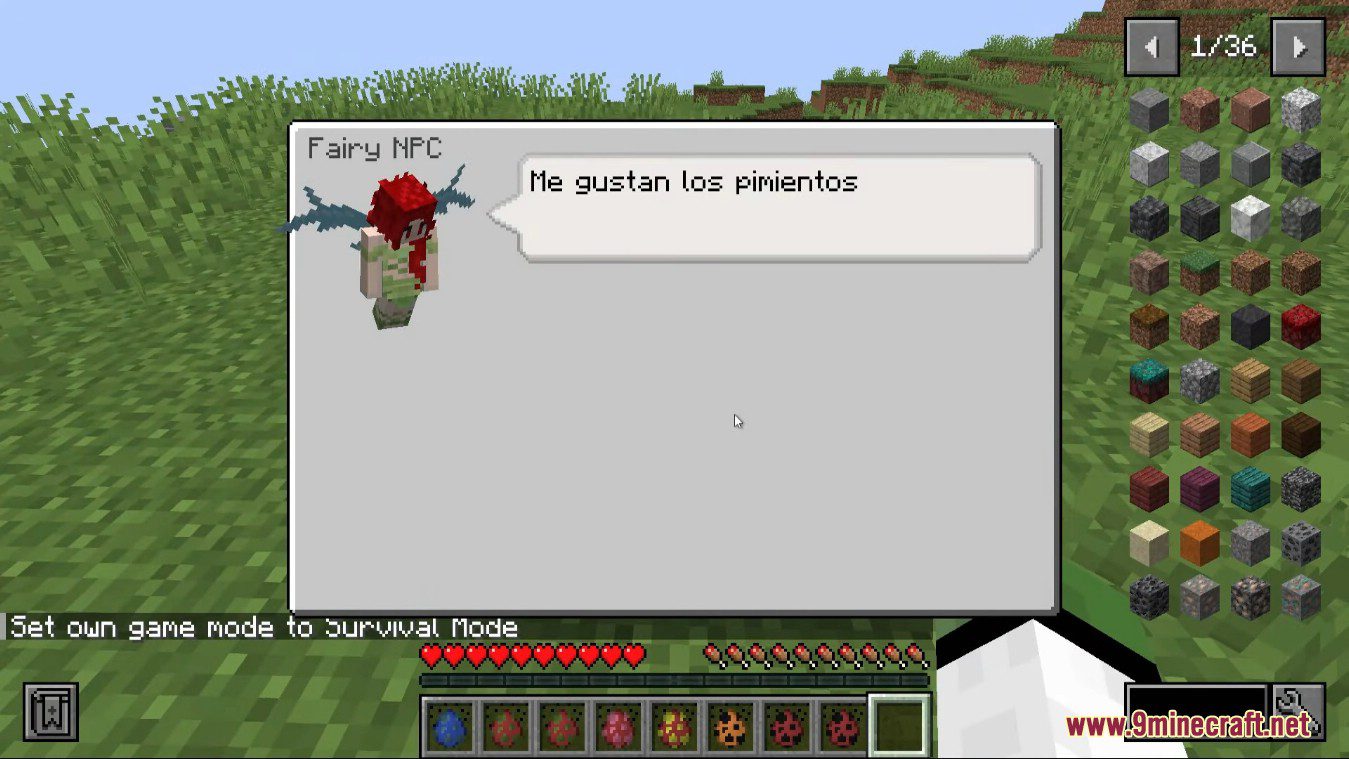
- Dialog types: default dialogs, named dialogs, dialog buttons with actions, and multi-step dialogs.
- Placeholders: use
@npc,@initiator, etc., inside dialog text or commands. - Buttons: trigger actions, open other dialogs, or close dialogs.
Equipment & Items
- Equipment slots: head, chest, legs, feet, main hand, off hand – set items or leave empty.
- Item definitions: accept item IDs, counts, NBT snippets and can be used in trade offers, dialogs, and actions.
- Enchants & custom NBT: supported via item definition; test in-game to validate behavior.
Objectives
- Purpose: Define tasks or achievements tied to NPC interactions or player actions.
- Usage: Trigger on actions, dialog results, or events; can reward items or progress.
Pose / Position / Rotation / Scaling
- Pose: Choose built-in poses or set custom pose parameters to change limb angles.
- Position: Set absolute or relative coordinates; use
~for relative placement. - Rotation: Control yaw and pitch for facing direction; supports fine adjustments.
- Scaling: Adjust overall model scale (uniform or per-axis) – test for clipping and visual issues.
Preset
- What: Save and reuse NPC configurations (appearance, attributes, equipment, dialogs, actions).
- Benefits: Rapidly create similar NPCs and maintain consistency across worlds.
Skins
- Sources: Use Mojang account skins, custom skin files, or resource-pack provided skins.
- Application: Assign skins per NPC; validate client-side availability for players.
- Troubleshooting: Missing skins usually mean incorrect identifiers, missing resource packs, or caching; check logs and client resources.
Spawner
- Function: A block that spawns NPCs using presets and parameters.
- Key parameters:
- Required Player Range: radius to activate spawner.
- Delay: seconds between spawn attempts.
- Max Nearby Entities: cap on local entities to avoid overpopulation.
- Spawn Count: NPCs created per activation.
- Spawn Range: spawn offset radius from block.
- Preset Slot: saves which preset to use.
- Tips: Can be placed up to 2 blocks underground to hide; tune delay and max nearby entities for performance.
Trading
- Trade offers: Define buy/sell items, counts, and optional limits.
- Offer types: single offer, multiple-tier offers, or randomized pools.
- Restrictions: set stock limits, unlock conditions, or required items.
- Integration: item NBT and mod items supported; test clients for availability.
Types
- Naming: NPC types determine base behaviors and appearance (trader, enemy, passive, custom).
- Behavior differences: Each type may change AI, interactions, or default attributes.
- Use: Choose types to quickly set role-specific defaults before fine-tuning attributes.
Translations
- Localization: Use translation keys for dialog, messages, and GUI texts.
- Files: Provide language files matching mod format; include keys for custom dialogs and commands.
- Fallback: Missing keys fall back to default language – test untranslated strings in-game.
Upgrading
- Before upgrade: Backup NPC data and configs.
- Compatibility: Check changelogs for breaking changes; adjust presets or attribute keys if required.
- Post-upgrade: Test NPCs in a controlled environment and review logs for migration messages.
User Documentation
- Contents: Guides on creating, editing, managing NPCs, commands, and examples.
- Best practice: Follow examples, use presets and backups, enable debug for troubleshooting.
- Contribution: Users can contribute docs or report issues with clear reproduction steps and logs.
Mod Integration
- Compatibility: Integrate with other mods for custom items, models, or behaviors. Ensure IDs and assets are available to clients.
- Notes: Some integrations require resource packs or matching mod versions.
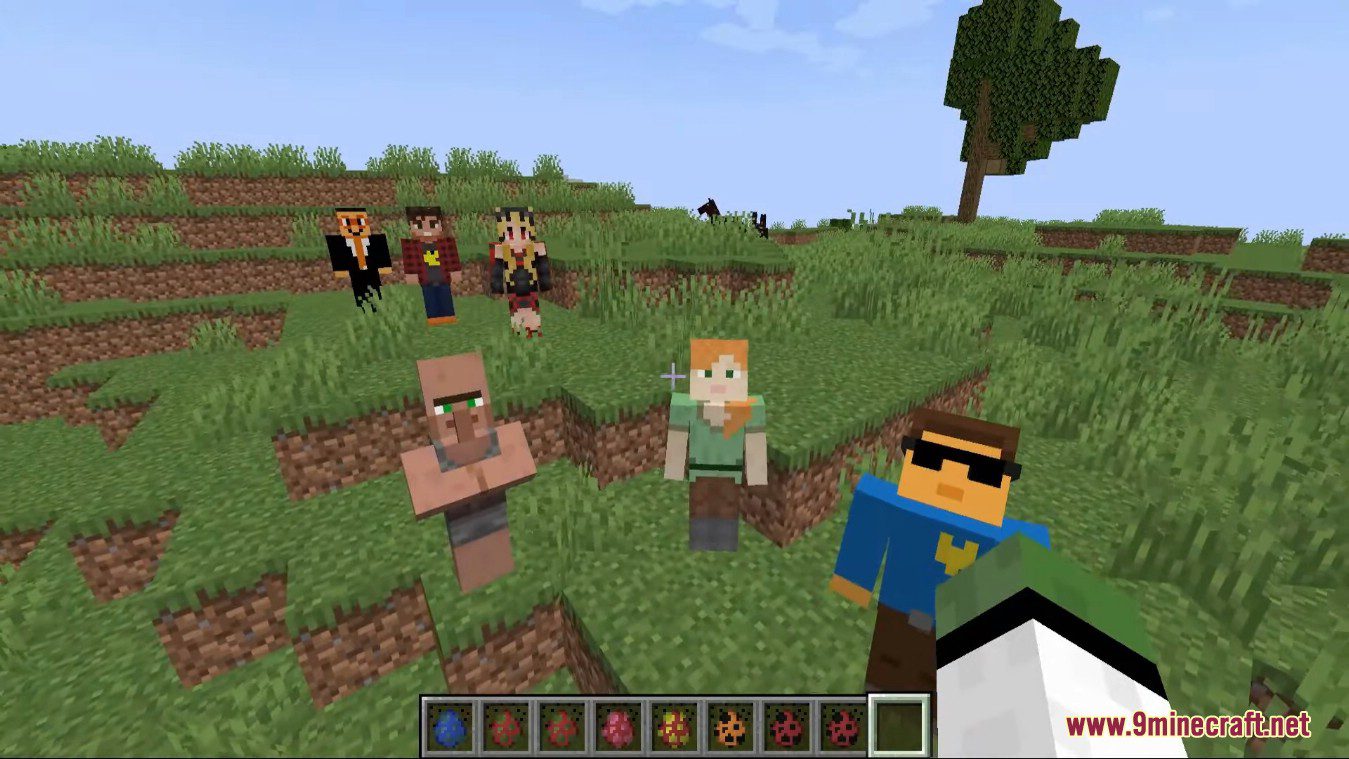
Screenshots:
How to use:
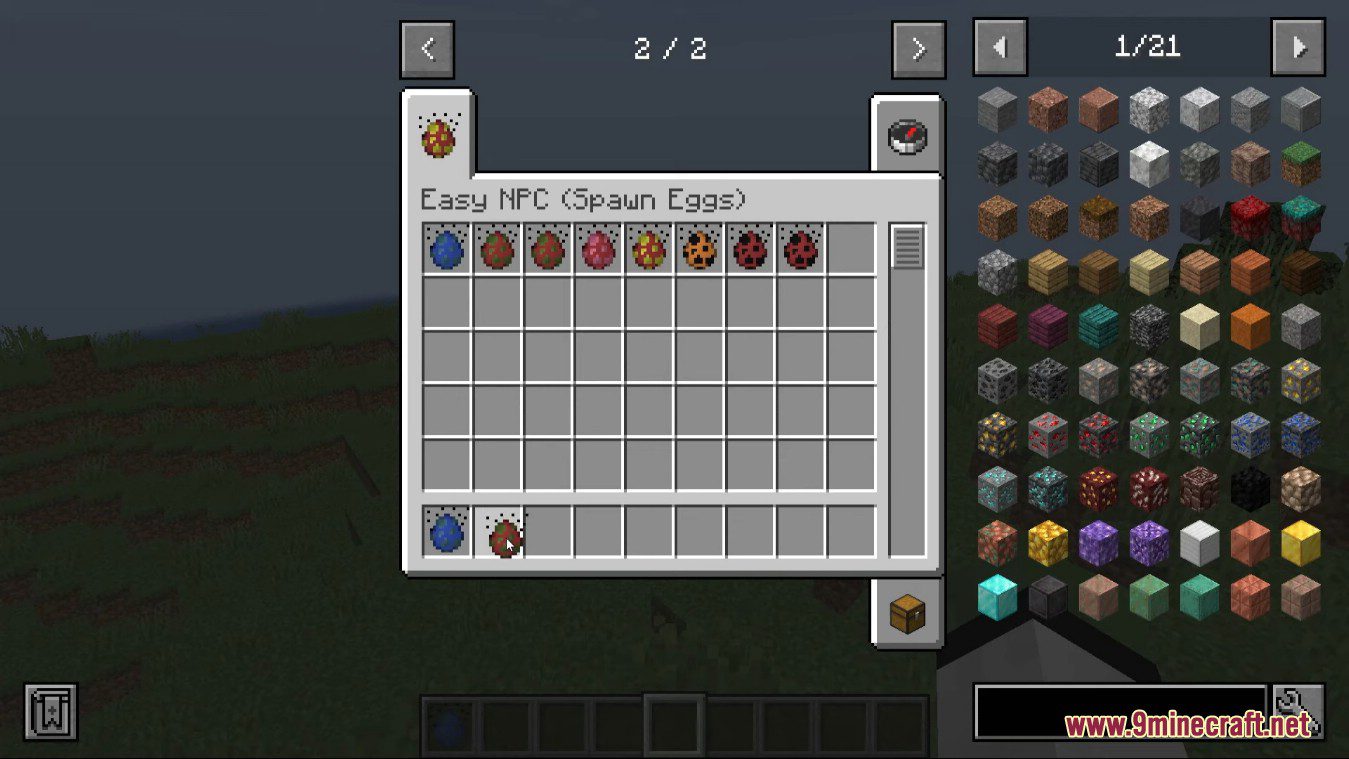
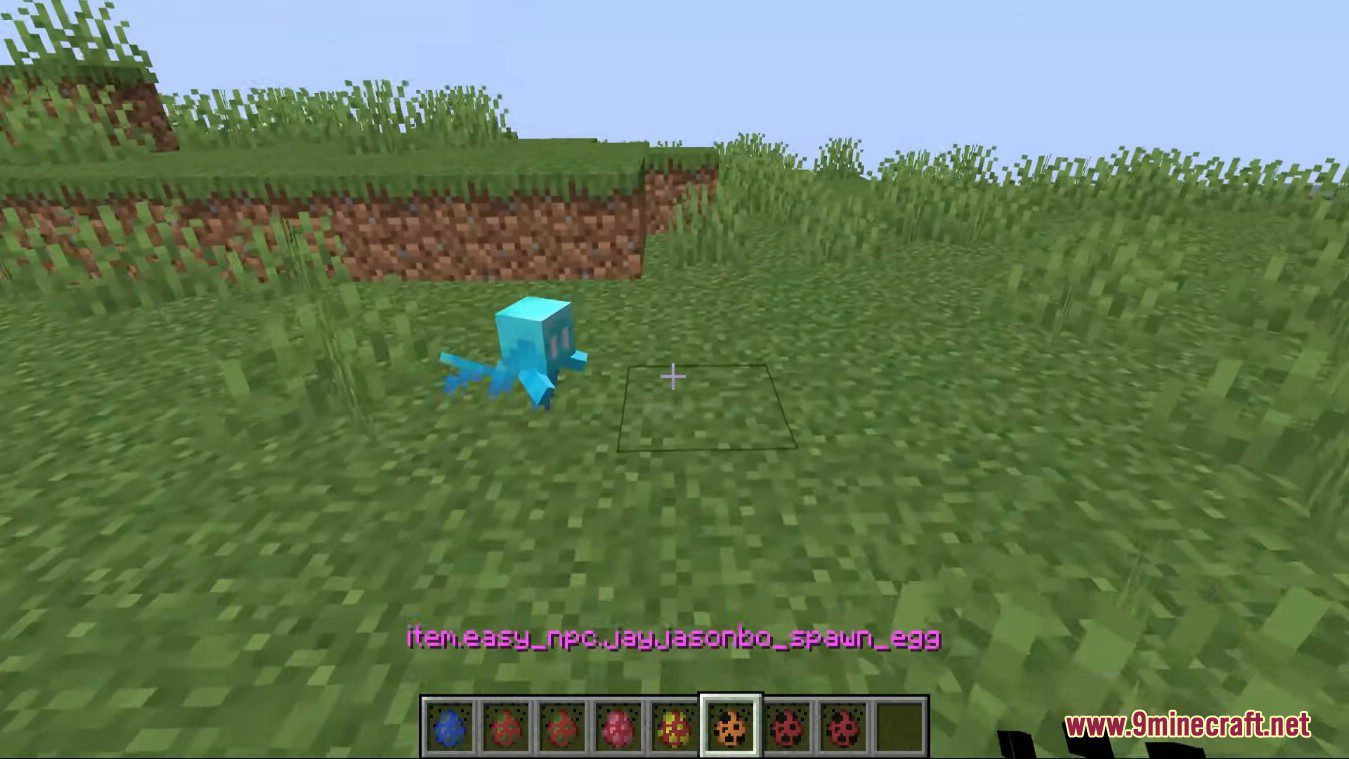
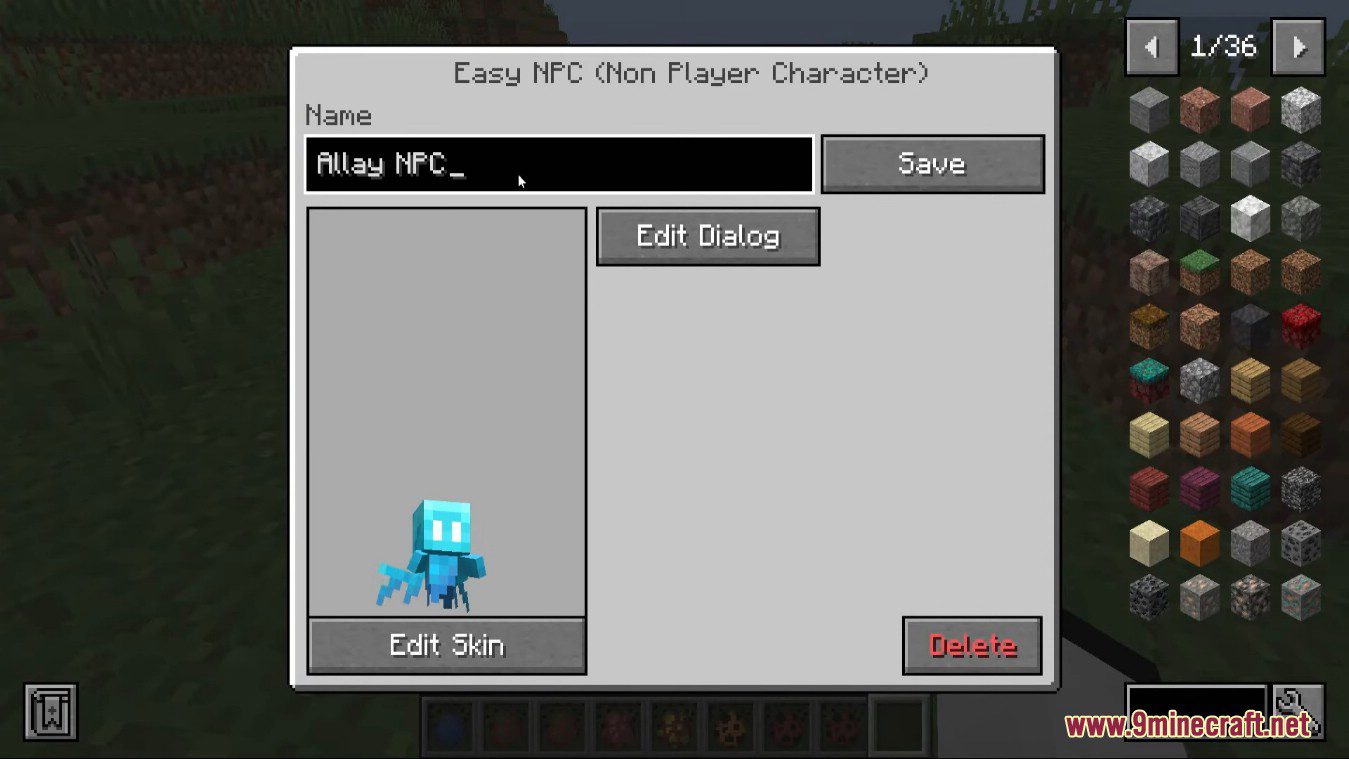
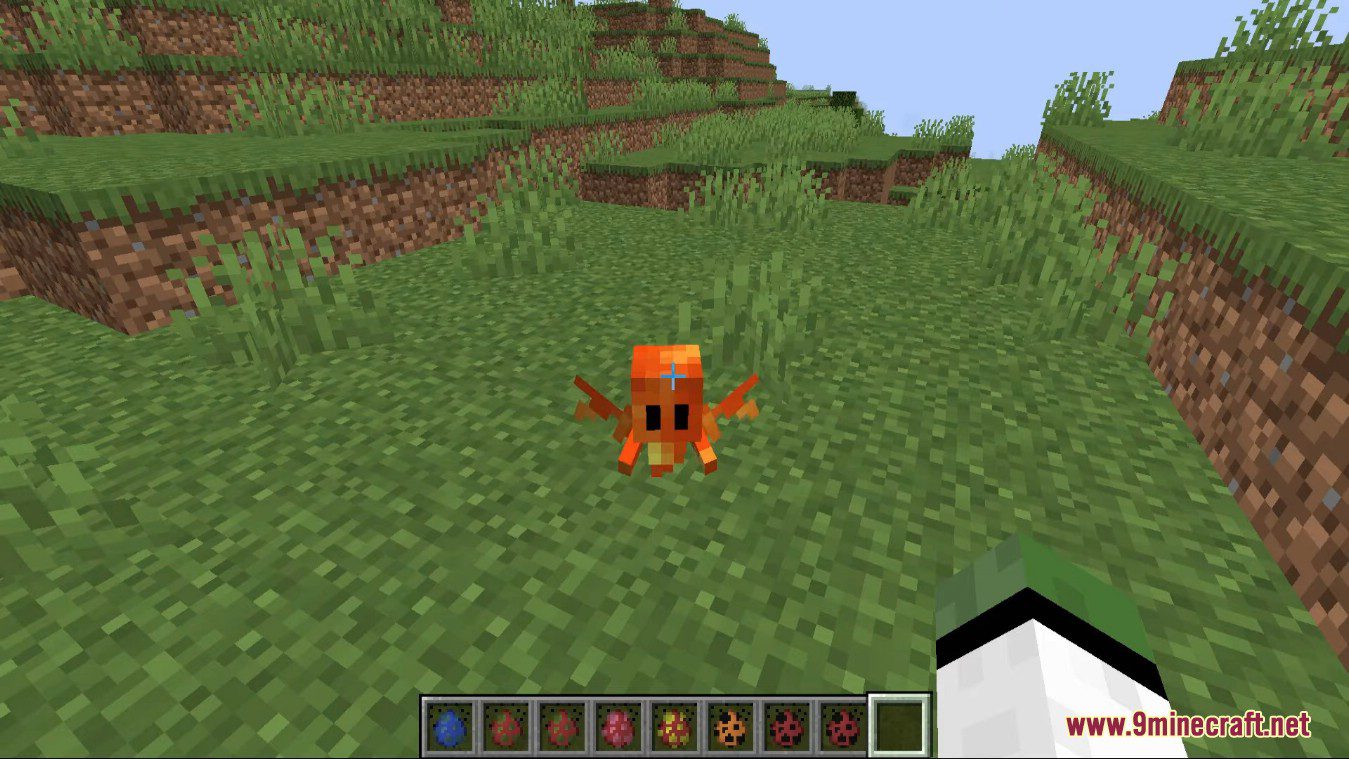
- Just spawn a NPC with the corresponding spawn egg and click with your empty hand on the spawned NPC. If you need to adjust the existing dialog, just click with your empty hand and crouching on the NPC.
How to Install:
New to Minecraft? Follow our step-by-step guide to install Mods on your PC.View Guide
Requirements:




Easy NPC Mod Download Links
For Minecraft 26.1.2, 26.1.1, 26.1
For Minecraft 1.21.11
For Minecraft 1.21.5
For Minecraft 1.21.4
For Minecraft 1.21.3
For Minecraft 1.21.1, 1.21
For Minecraft 1.20.6
For Minecraft 1.20.4
For Minecraft 1.20.2
For Minecraft 1.20.1, 1.20
For Minecraft 1.19.4
For Minecraft 1.19.3
For Minecraft 1.19.2
For Minecraft 1.18.2
Click to rate this post!
[Total: 7 Average: 3.4]
You May Also Like



This post has no comments yet. Be the first — your comment will appear here.