


Echoing Realm Melodies Mod (1.20.1) – Hear Custom Background Music
 0
0
 0
0

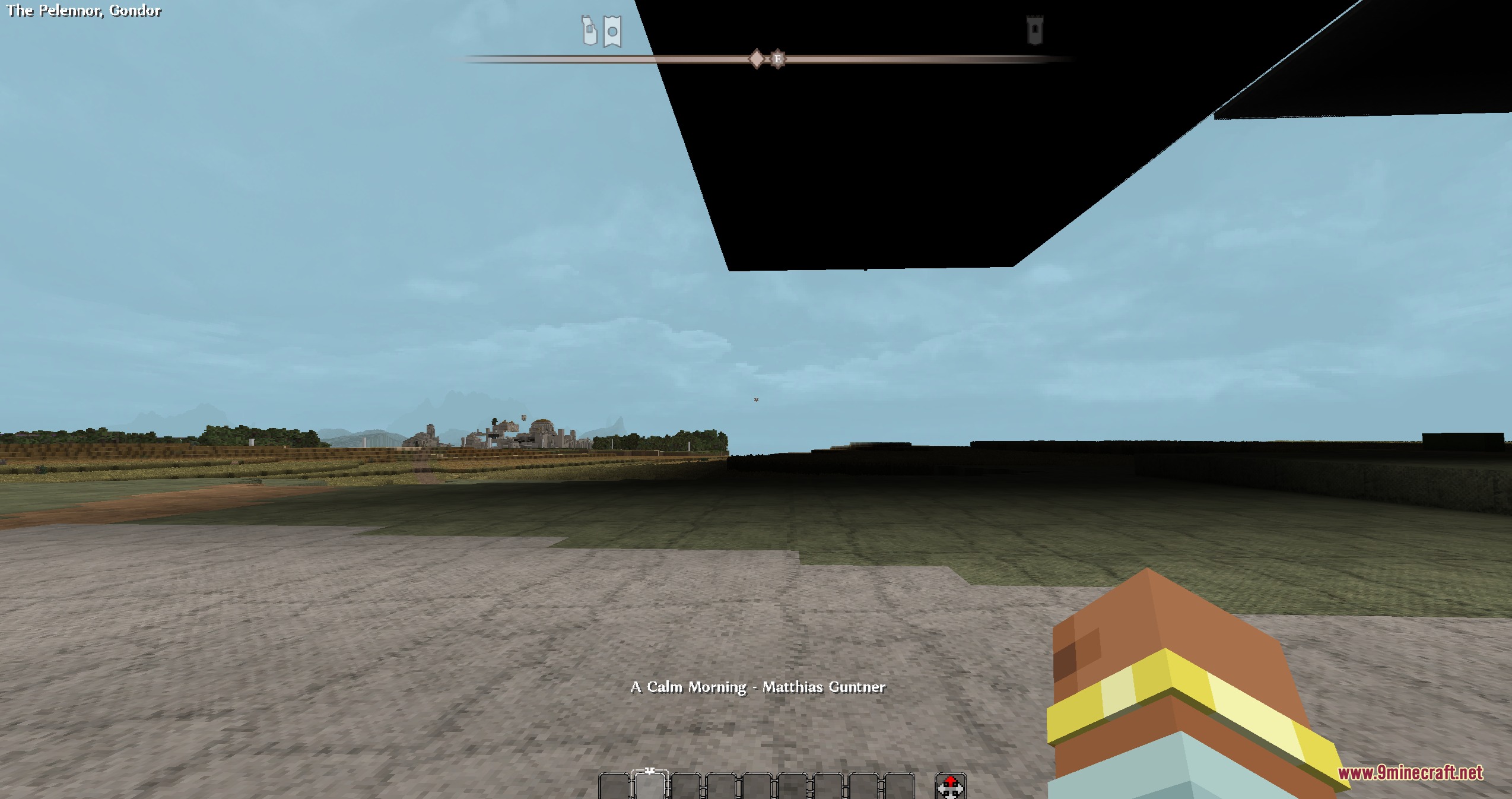
Echoing Realm Melodies Mod extends ArdaRegions with ambient background music for multiplayer servers. It changes soundtracks automatically as players walk through defined world areas. Server hosts can link custom songs to specific zones to give each location its own distinct audio style.
Features:
- Plays custom background music tracks based on player location.
- Swaps songs right away when players cross into different regions.
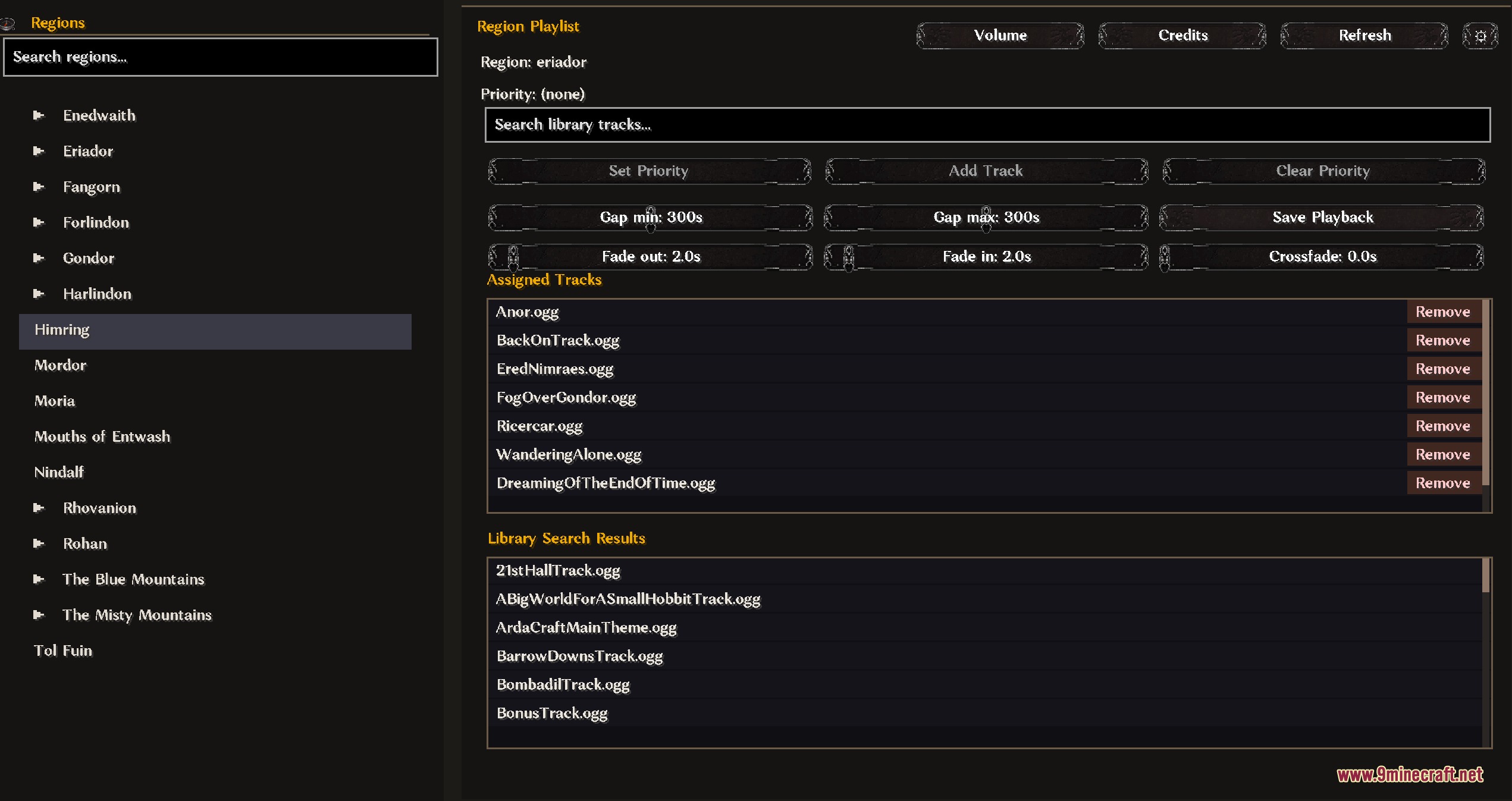
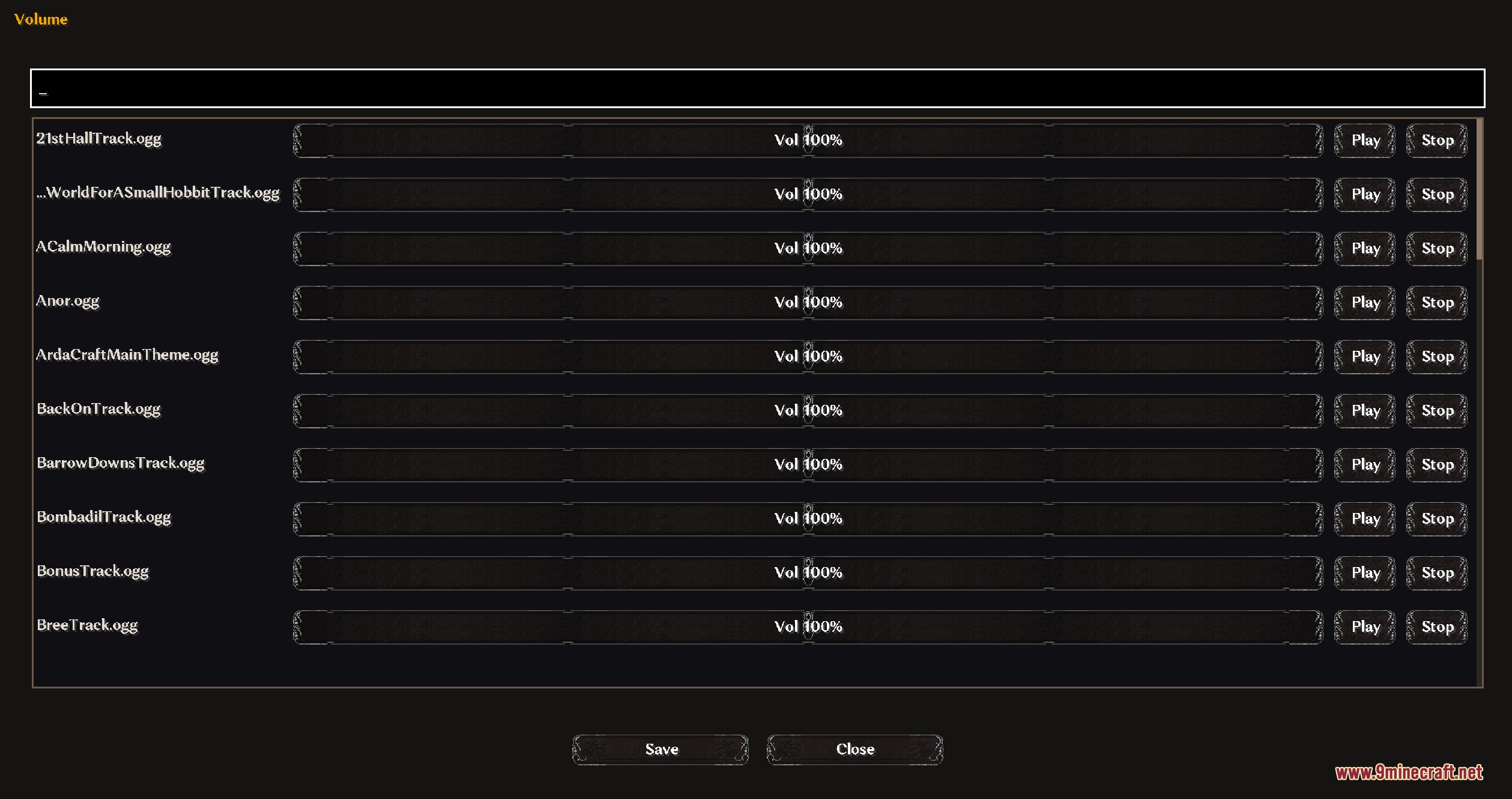
- Provides an in-game panel to set and adjust volume levels.
- Offers menu settings to manage regional sound playback.
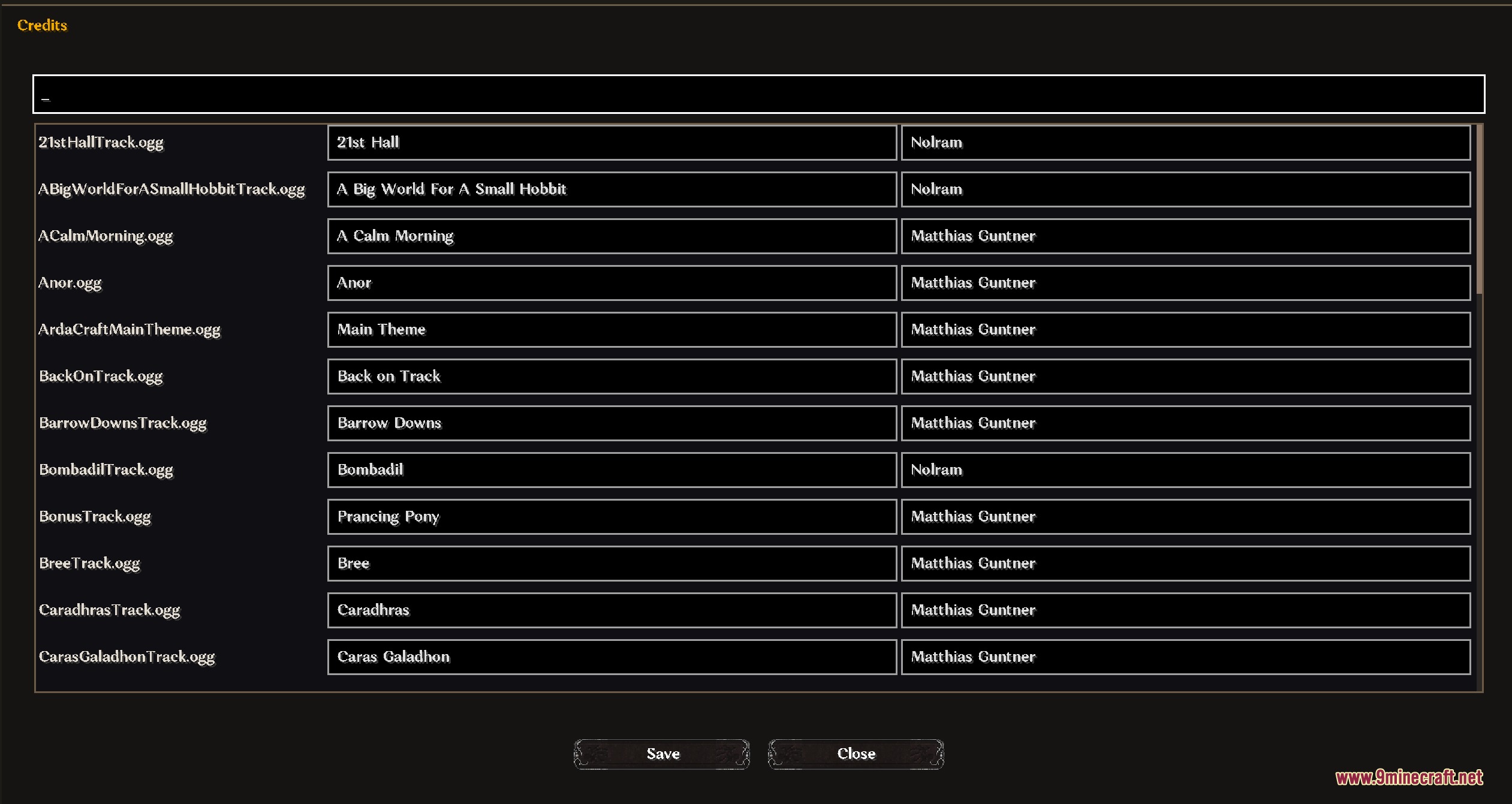
- Displays track info directly in chat through check commands.
How to Use:
- Create custom regions in your world using the ArdaRegions mod.
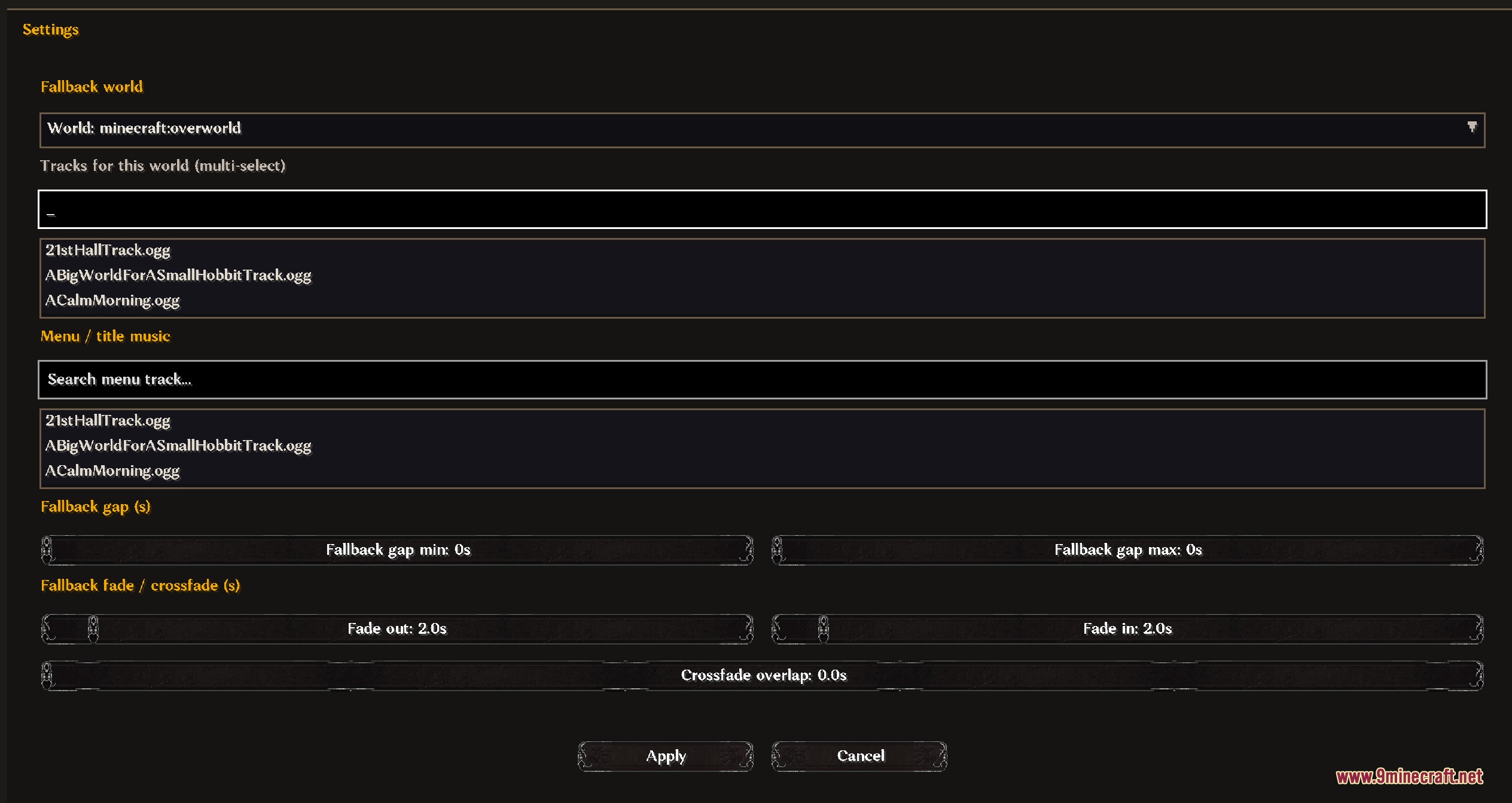
- Open the music control panel to assign tracks to each created region.
- Set volume levels and sound options inside the panel menus.
- Walk between regions to hear the background music switch to the assigned song.
Screenshots:
How to Install:
New to Minecraft? Follow our step-by-step guide to install Mods on your PC.View Guide
Requirements:



Echoing Realm Melodies Mod Download Links
For Minecraft
1.20.6,
1.20.5,
1.20.4
All Versions Covered
1.20.6
1.20.5
1.20.4
1.20.3
1.20.2
1.20.1
1.20
All Versions Covered
1.20.6
1.20.5
1.20.4
1.20.3
1.20.2
1.20.1
1.20
Click to rate this post!
[Total: 0 Average: 0]
You May Also Like

















This post has no comments yet. Be the first — your comment will appear here.