Enchantment Level Cap Indicator Mod (1.21.11, 1.20.1) – Tooltip Indicates Max Enchantment Level

 0
0  December 16, 2025
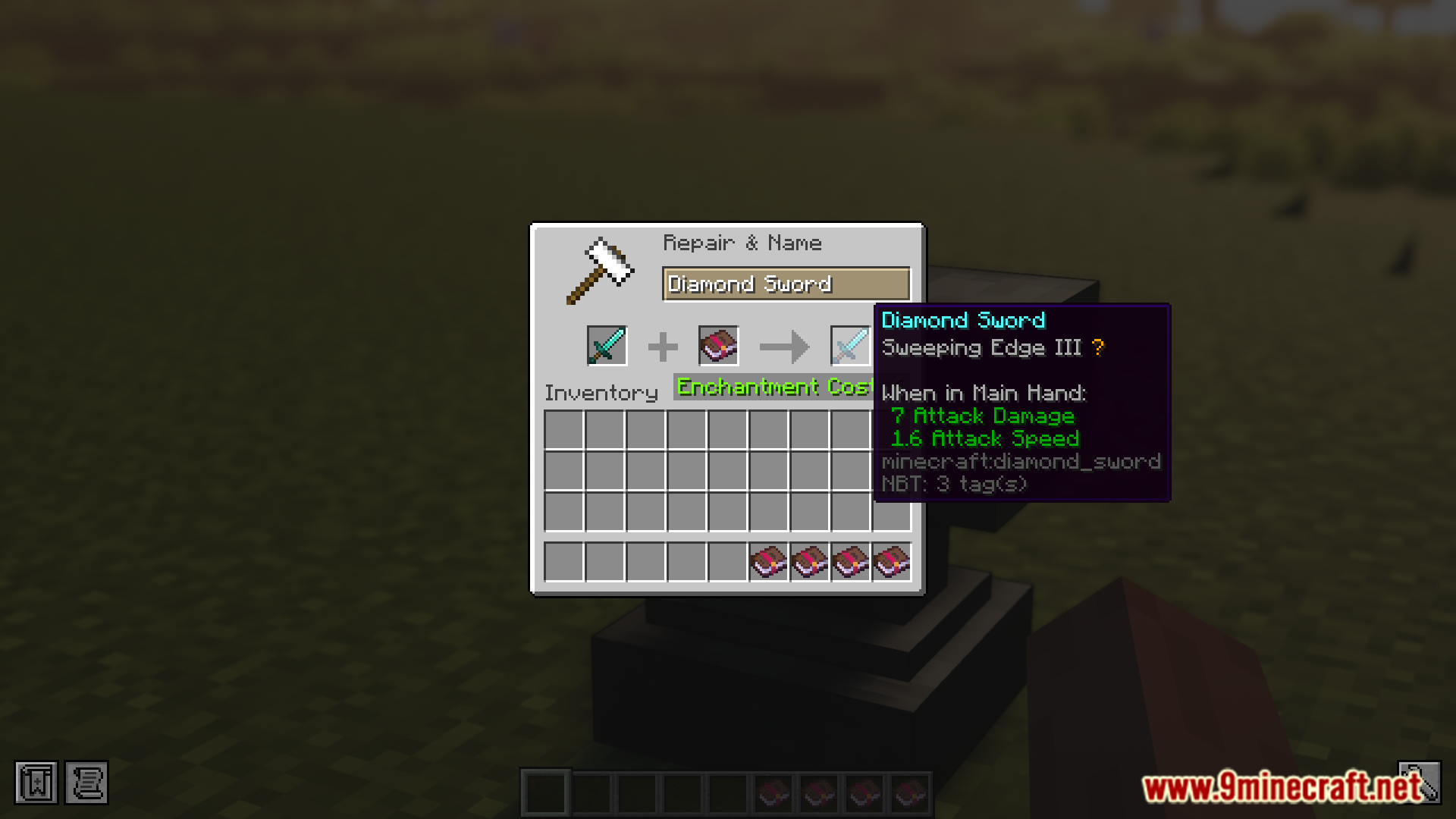
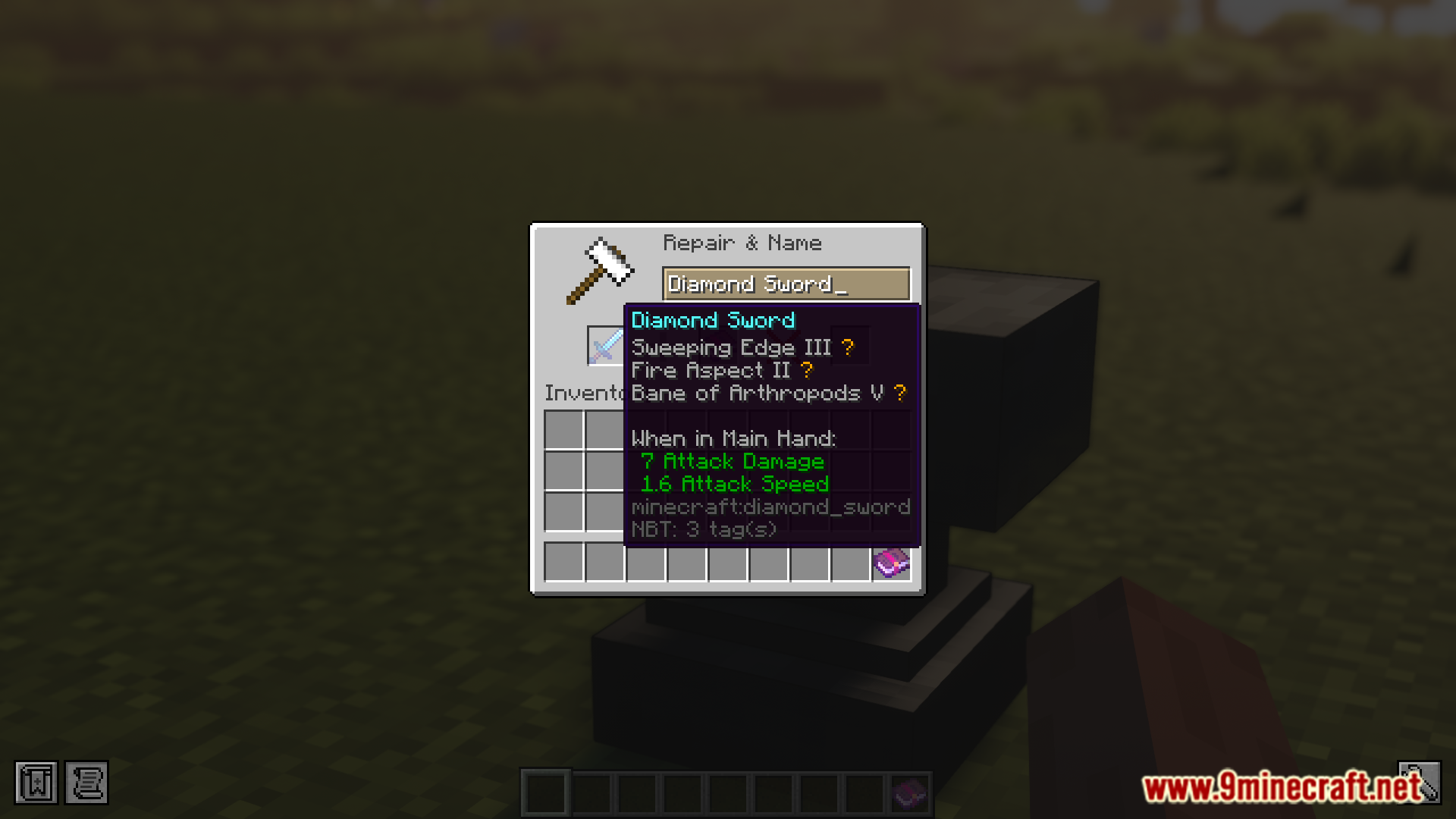
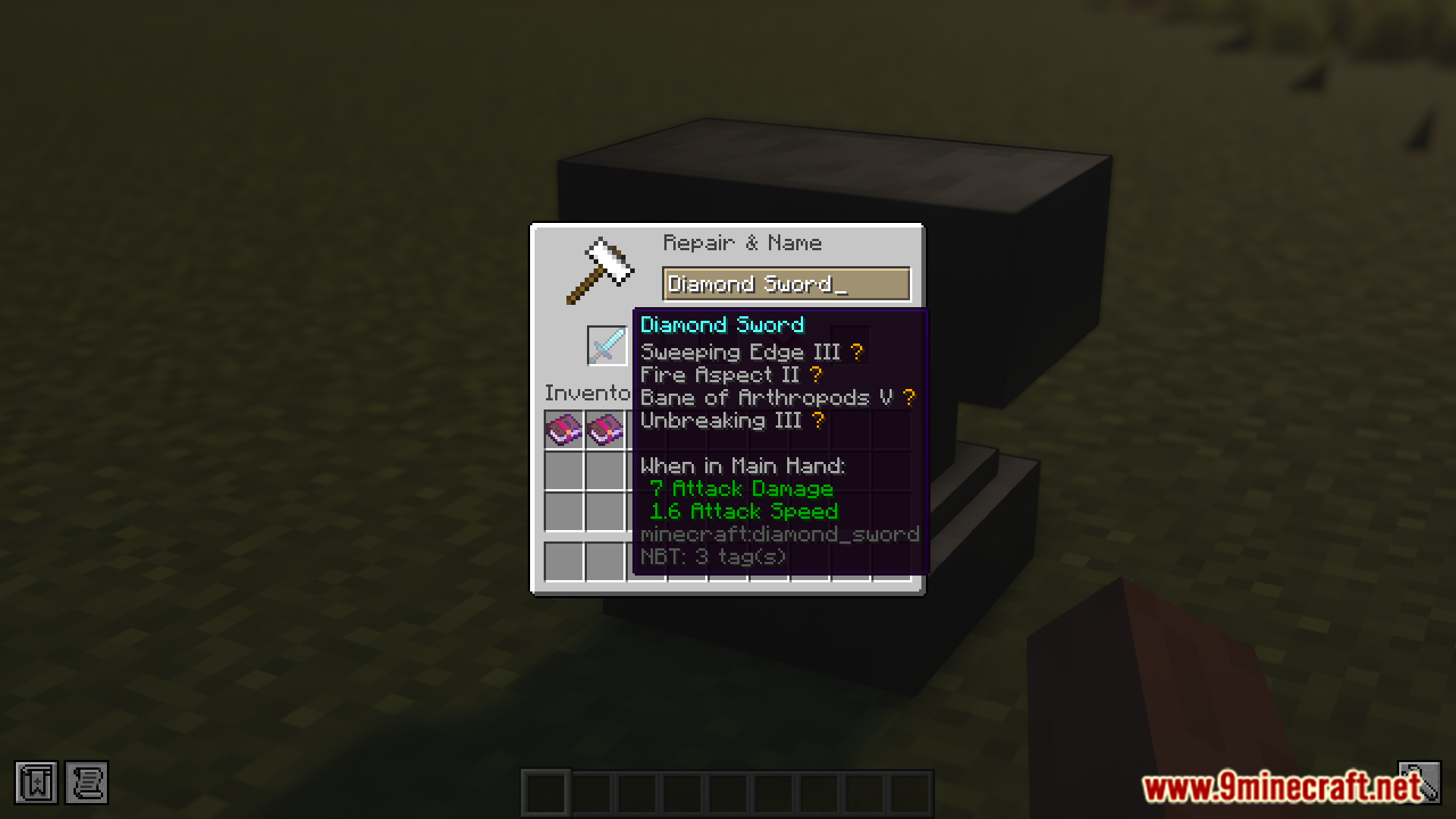
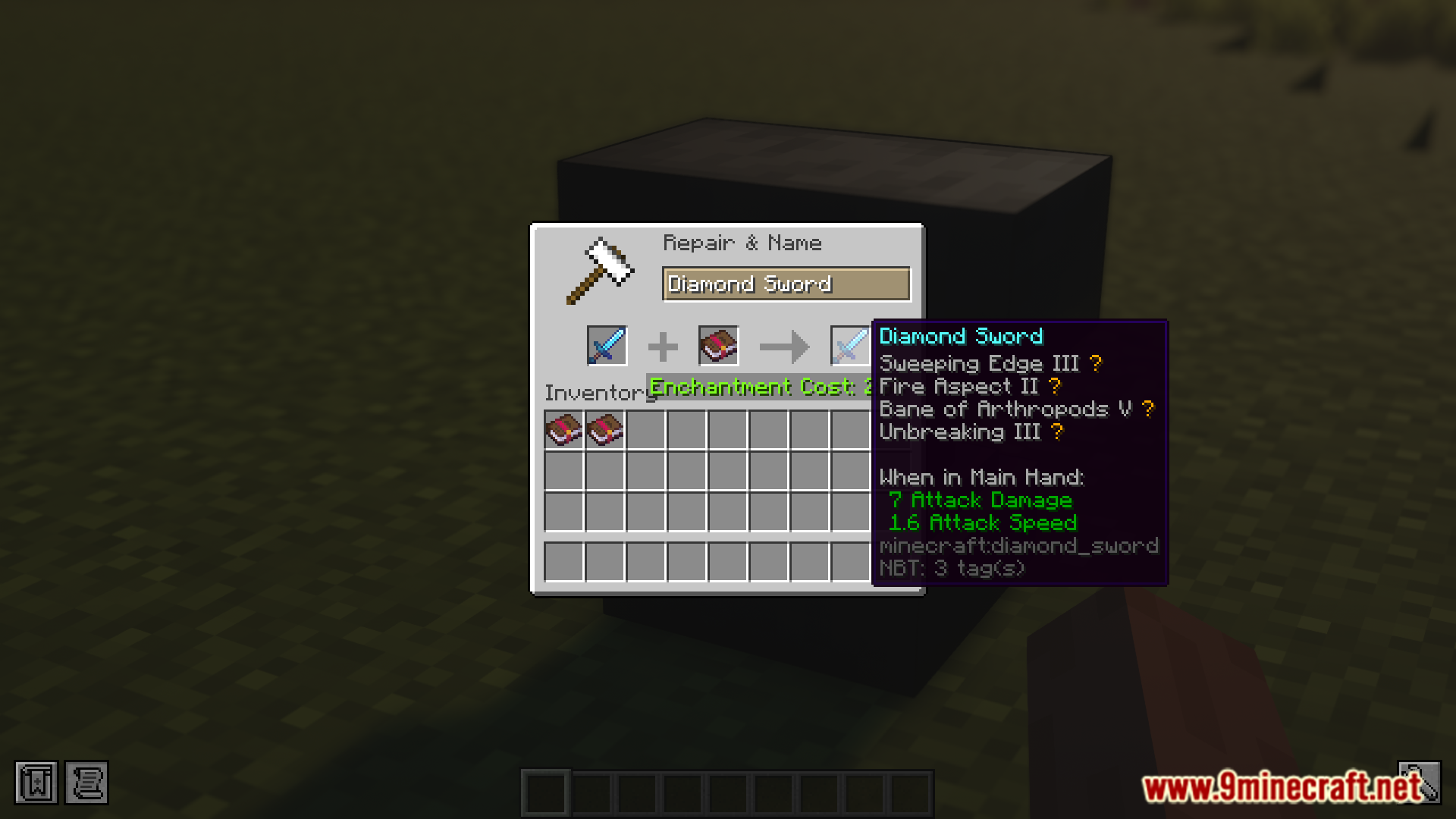
The vanilla game limits the maximum level of enchantment that can be applied onto a particular piece of tool or armor piece. But there is no way to know if the enchanted item is at its maximum enchantability without actually placing it into an anvil and receiving a warning. Enchantment Level Cap Indicator Mod (1.21.11, 1.20.1) is here to change that. As the name suggests, this mod introduces an indicator that will appear in the tooltip of the item when it has the maximum enchantment level applied on it.
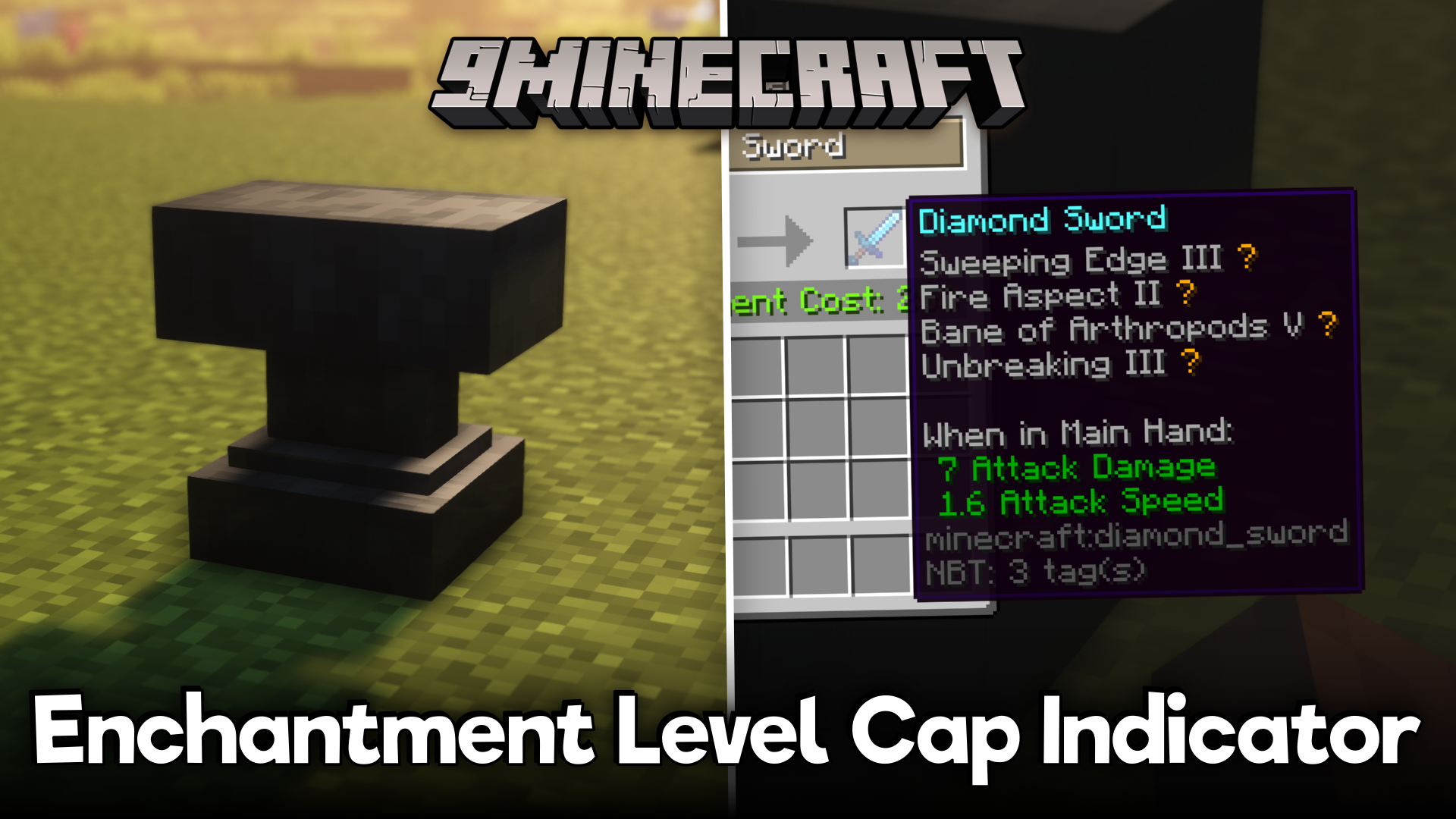
Features:
- Shows when an enchantment is max level.
- Adds a symbol next to capped enchantments.
- Default symbol: golden star. Symbols are configurable.
- Useful for newer players who don’t know level caps.
Screenshots:
Requires:
Minecraft Forge or Fabric API or Quilt Loader or NeoForge Installer
Collective
How to install:
Click the following link to view details: How to Install Mods for Minecraft Java Edition on PC: A Beginner Guide
Enchantment Level Cap Indicator Mod (1.21.11, 1.20.1) Download Links
For Minecraft 1.20.1, 1.20
Forge/NeoForge/Fabric/Quilt version: Download from Server 1 – Download from Server 2
For Minecraft 1.21.1, 1.21
Forge/NeoForge/Fabric/Quilt version: Download from Server 1 – Download from Server 2
For Minecraft 1.21.4
Forge/NeoForge/Fabric/Quilt version: Download from Server 1 – Download from Server 2
For Minecraft 1.21.6
Forge/NeoForge/Fabric/Quilt version: Download from Server 1 – Download from Server 2
For Minecraft 1.21.8
Forge/NeoForge/Fabric/Quilt version: Download from Server 1 – Download from Server 2
For Minecraft 1.21.10
Forge/NeoForge/Fabric/Quilt version: Download from Server 1 – Download from Server 2
For Minecraft 1.21.11
Forge/NeoForge/Fabric/Quilt version: Download from Server 1 – Download from Server 2
You May Also Like