
Expanded Combat Mod (1.21.1, 1.20.1) – Deflect Arrows and Crush Hostile Mobs
 7,206
 0


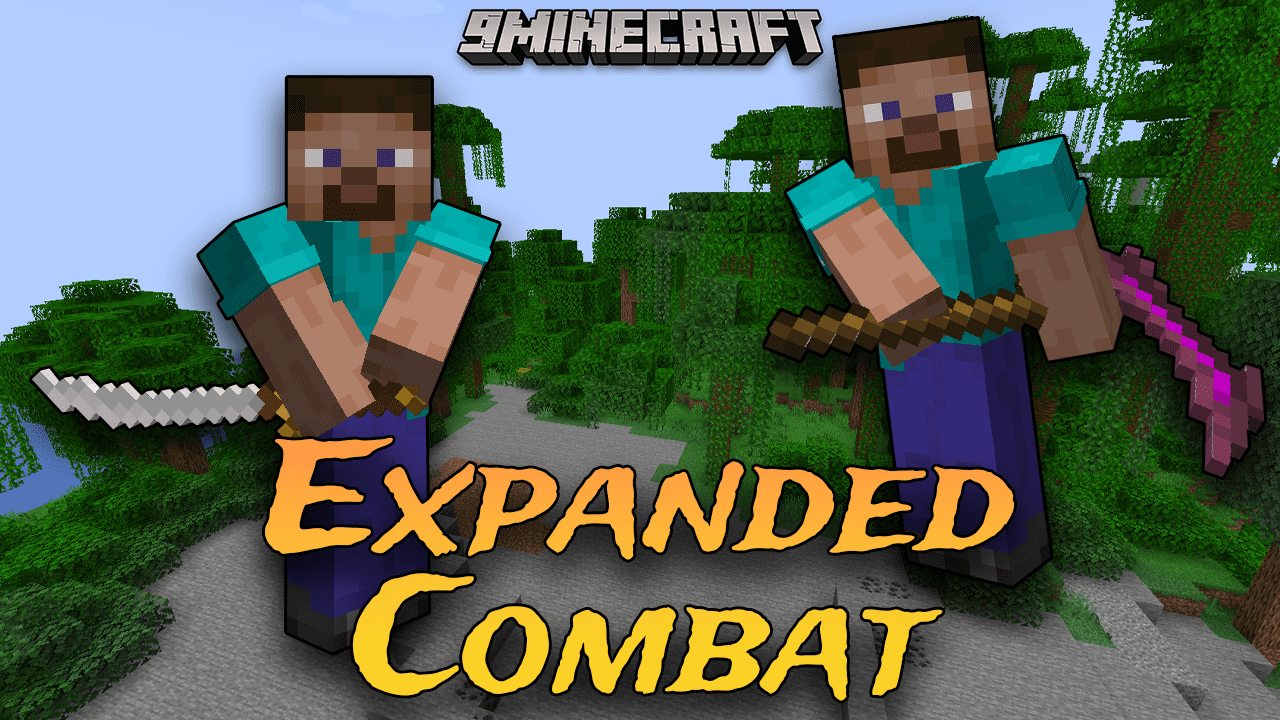
Expanded Combat Mod expands Minecraft battles with new weapons, wearable gear, and upgrade systems. This mod adds quivers with extra arrow slots, iron, diamond, and Netherite arrows, protective gauntlets, and melee weapons like scythes, katanas, hammers, maces, broadswords, claymores, and the rare HeartStealer. You can upgrade shields in a 5-slot smithing table system and improve bows and crossbows for longer range while unlocking new enchantments like Agility, Blocking, and Ground Slam. A built-in HUD and simple hotkeys let you switch arrow stacks quickly during fights. This mod requires Curios API and Cloth Config API, works with JEI and Better Combat, and lets you adjust damage, crafting types, and enchantability in the config.
Features:
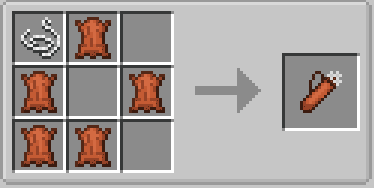
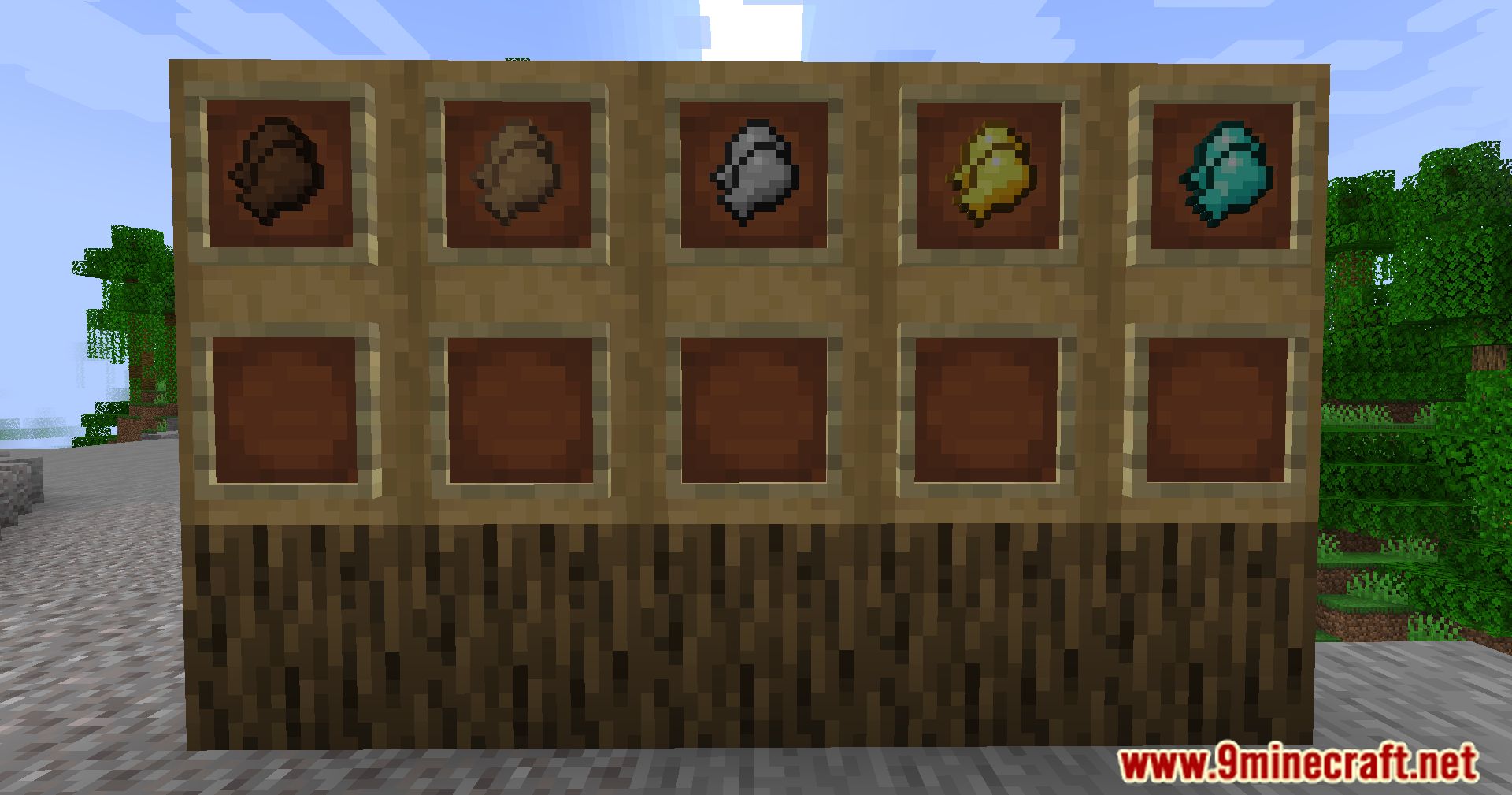
- Quivers and Arrow HUD: Adds quivers that fit into a custom Curios menu slot to unlock extra arrow storage, using quiver arrows before arrows in your main inventory. Holding a bow or crossbow shows a HUD next to your offhand slot with the active, previous, and next arrow stacks, and pressing Z or X cycles through them.
- Higher-Tier Arrows: Introduces iron, diamond, and Netherite arrows in regular and tipped versions that deal more damage as the material gets stronger, while updating the vanilla arrow name and texture to look like a flint arrow.
- Combat Gauntlets: Adds gauntlets that go in the Curios Hands slot to give both armor and extra attack damage, and they can take Knockback enchantments, though their bonus damage drops by half while you hold any weapon.
- 5-Slot Shield Progression: Lets you upgrade shields at a smithing table across 5 material slots to raise durability and change Mending repair speed. Replacing a slot does not give back the old material, and higher materials like Netherite require diamond first, with one Netherite ingot upgrading every diamond slot on the shield at once.
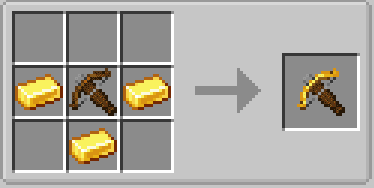
- Bow and Crossbow Progression: Adds a linear material upgrade path for bows and crossbows that gives longer range, though mixing different materials across slots leaves the bow unbalanced and makes it shoot poorly.
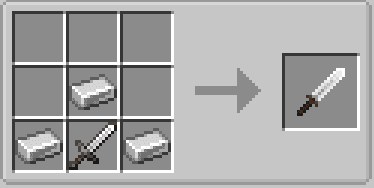
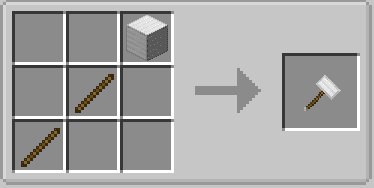
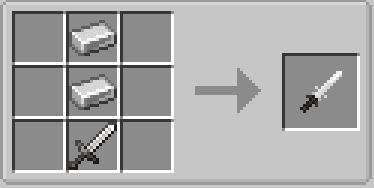
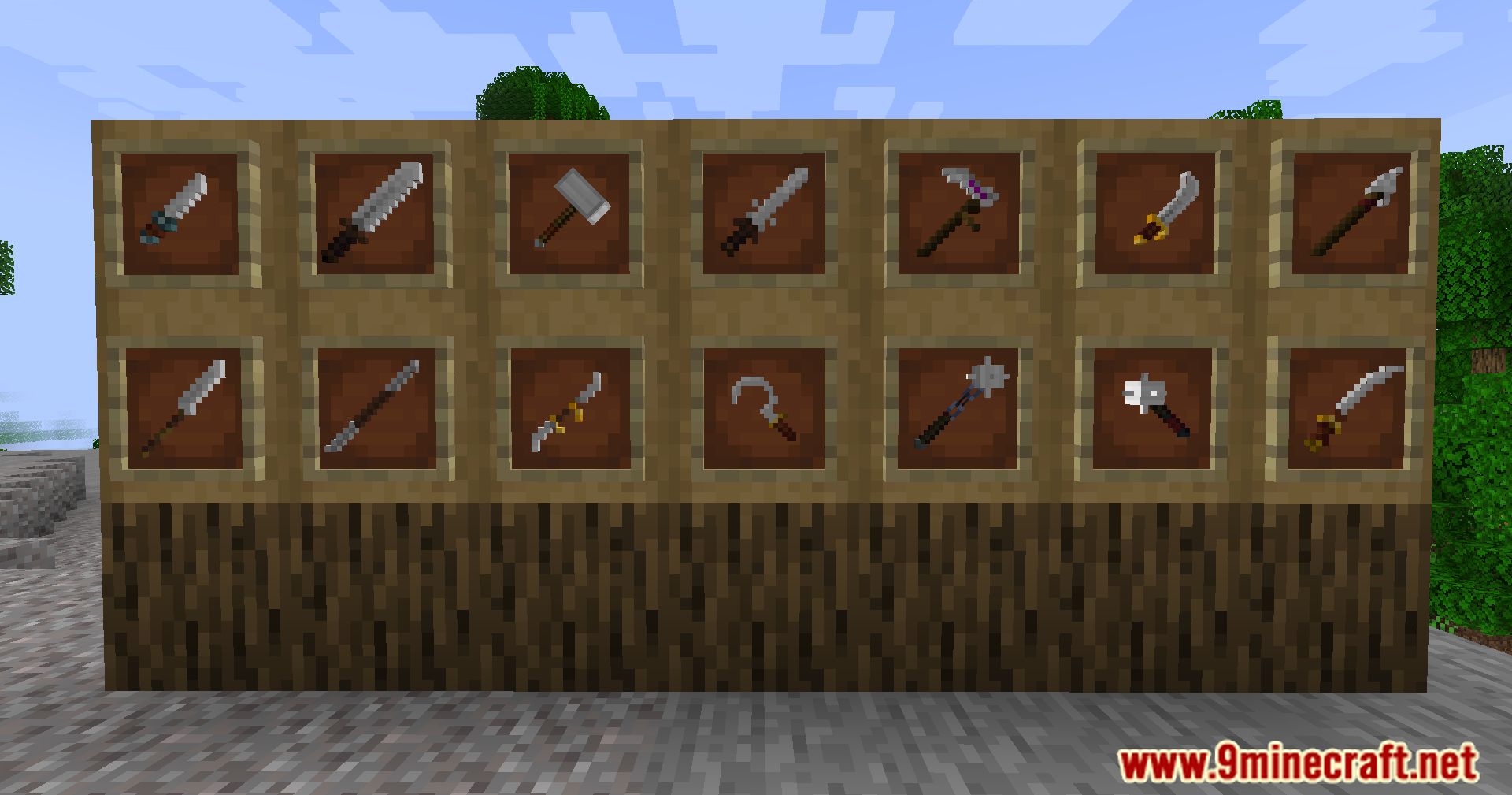
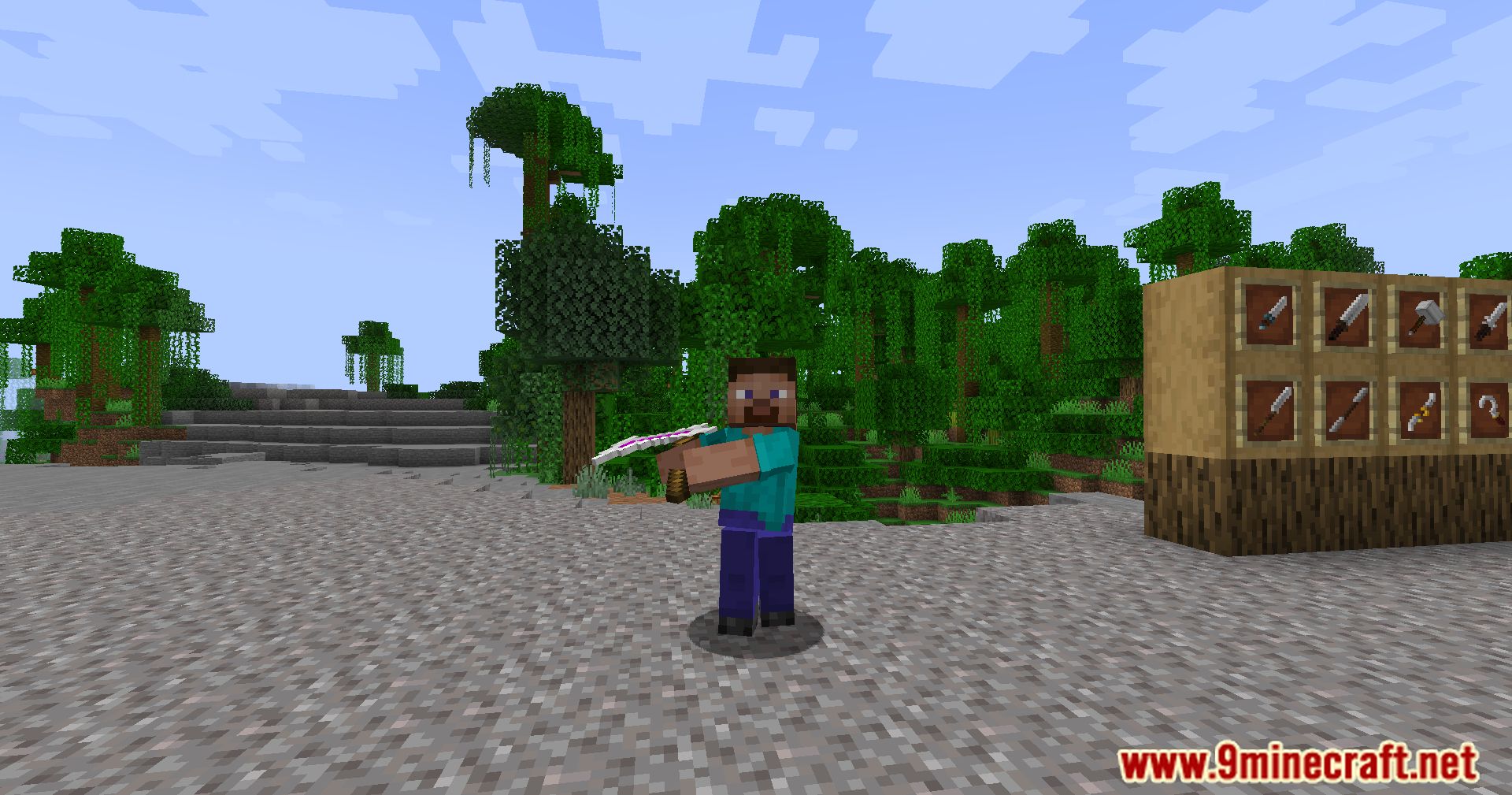
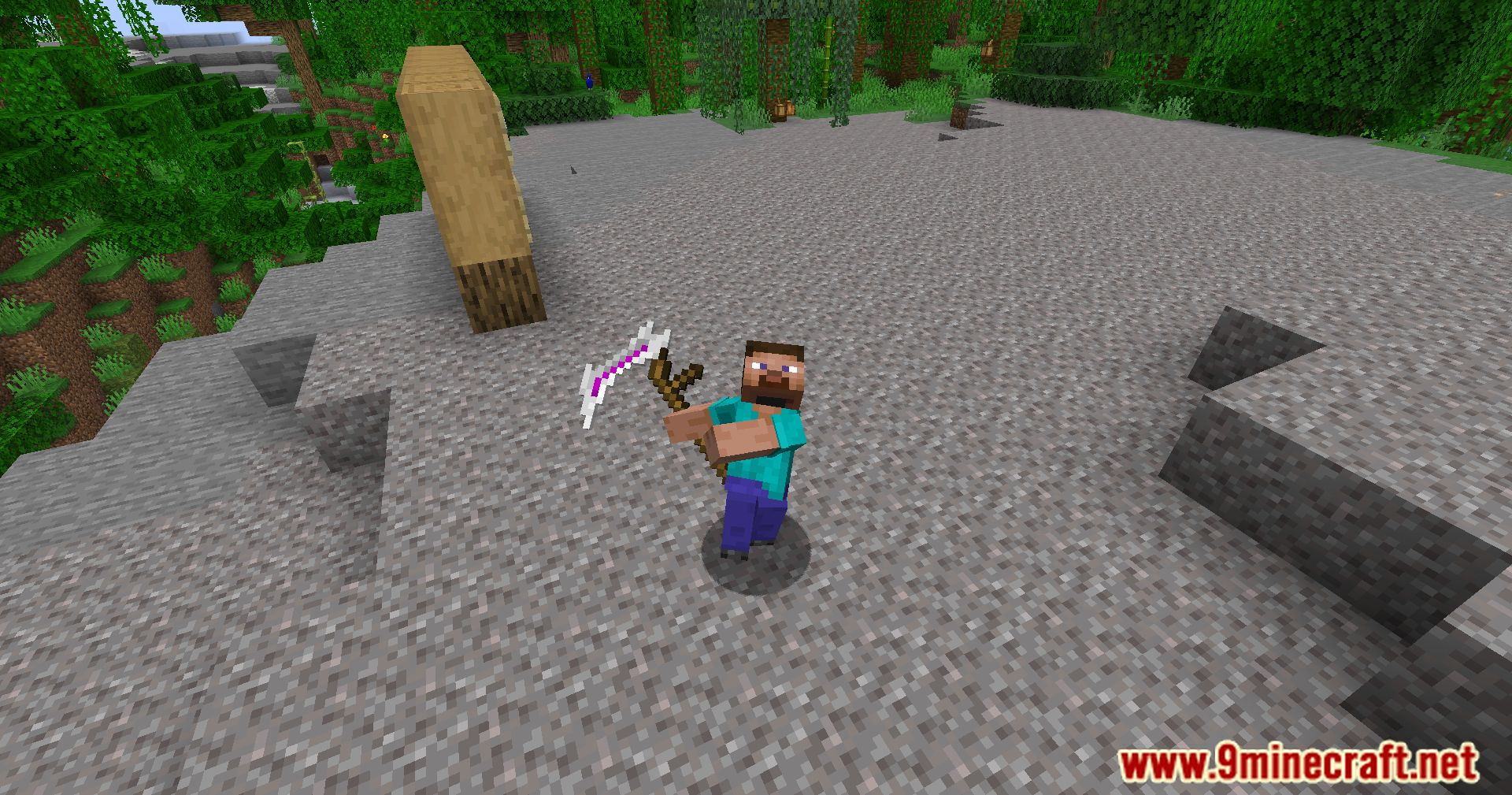
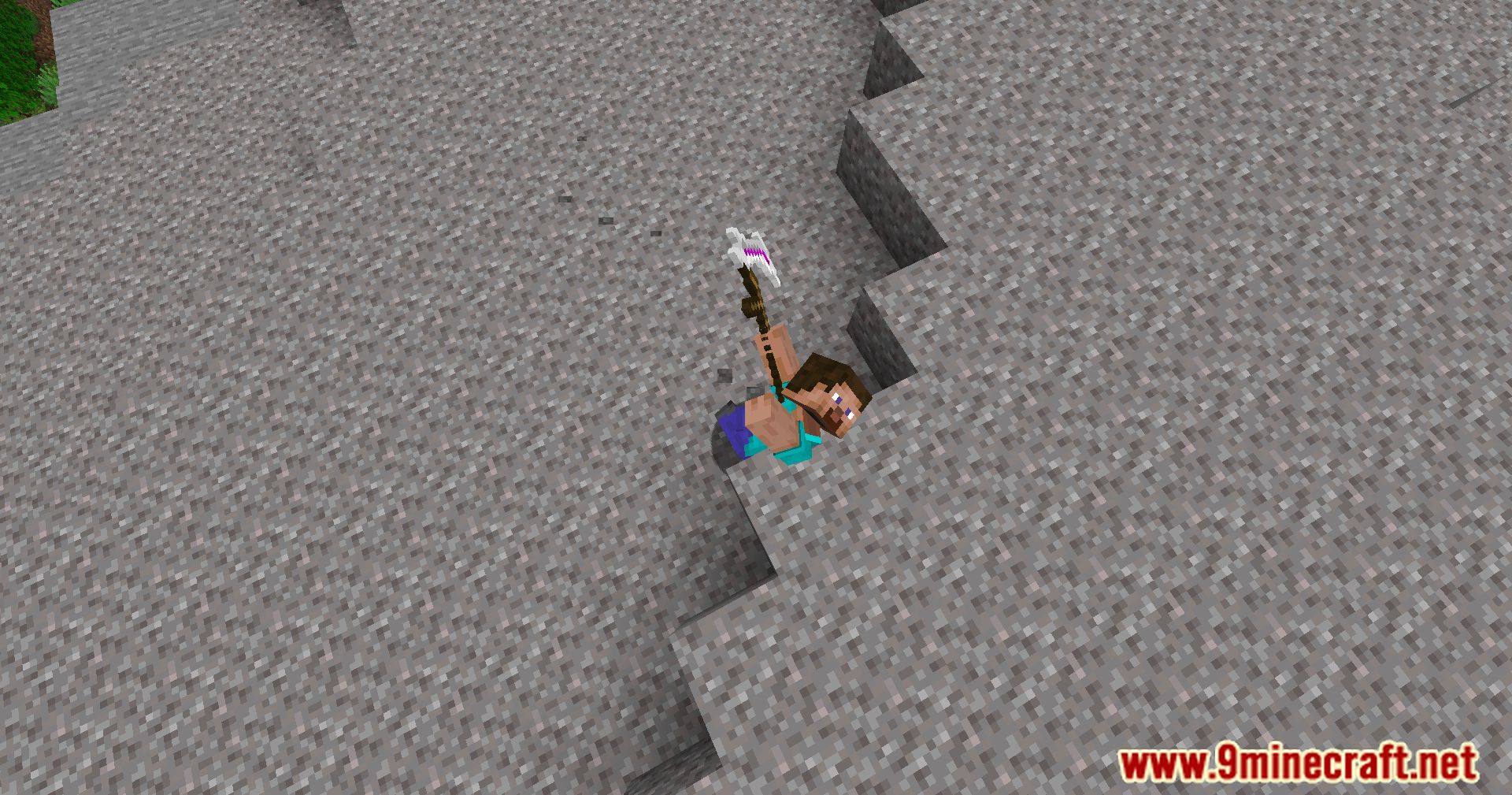
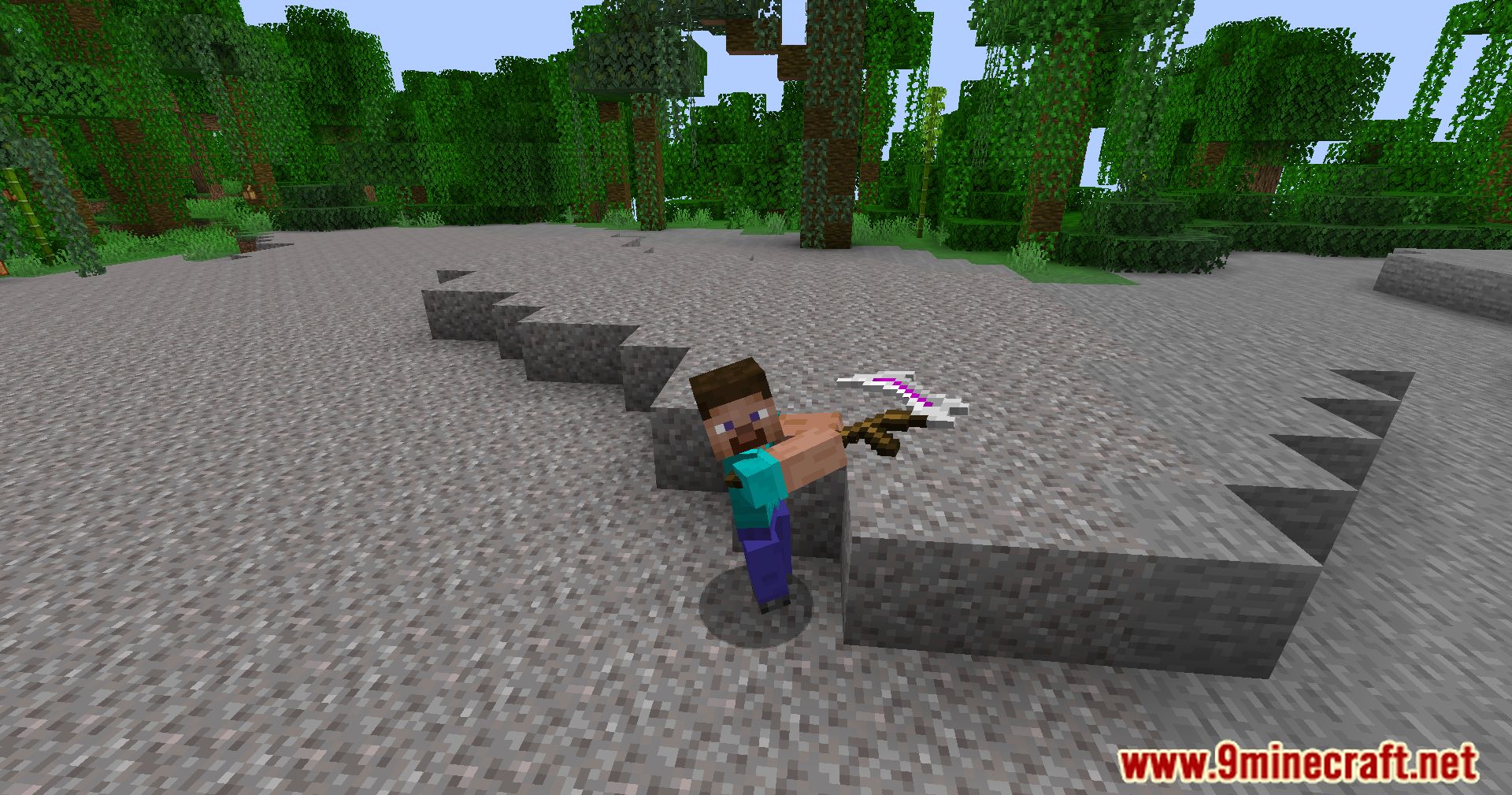
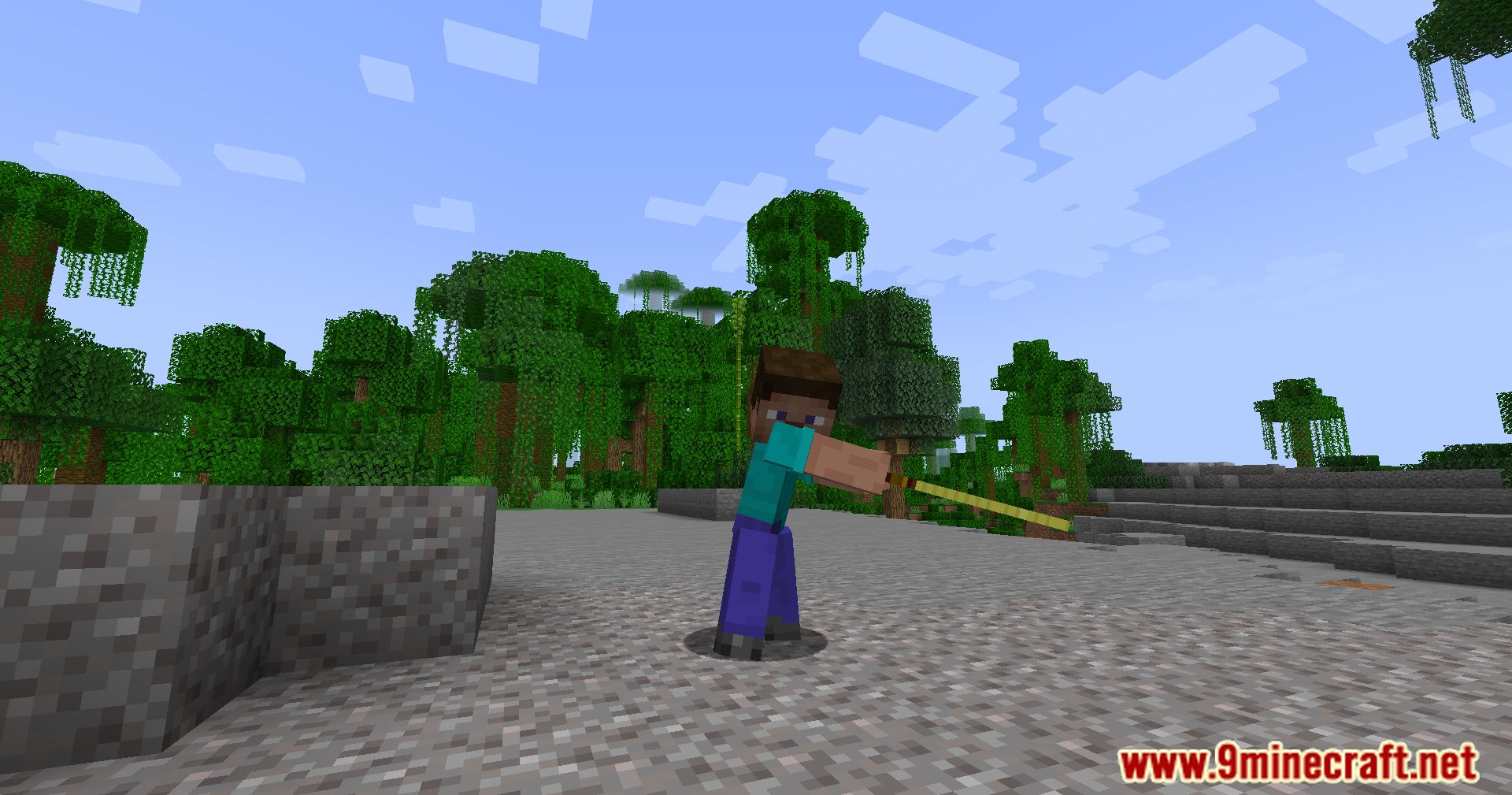
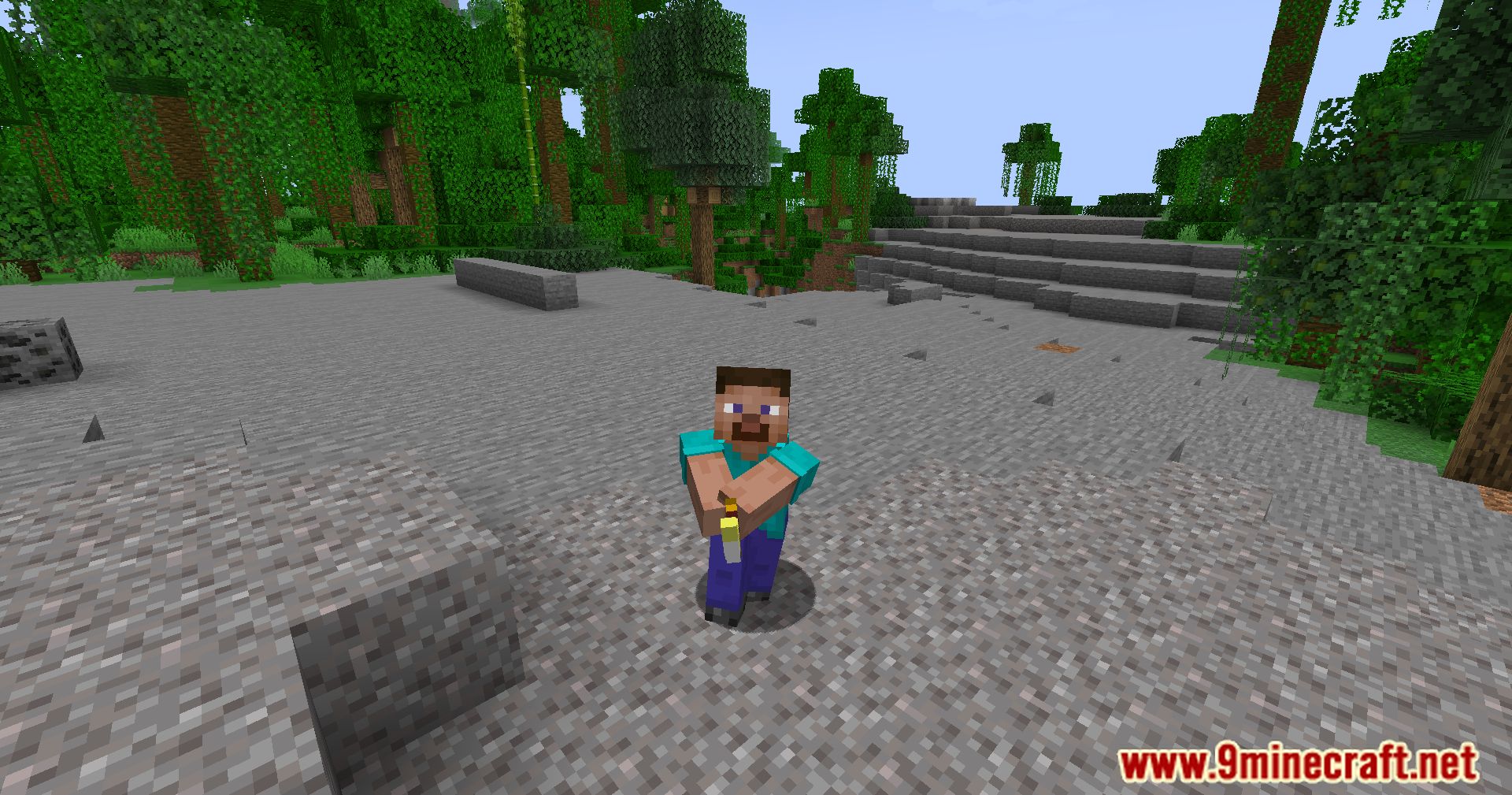
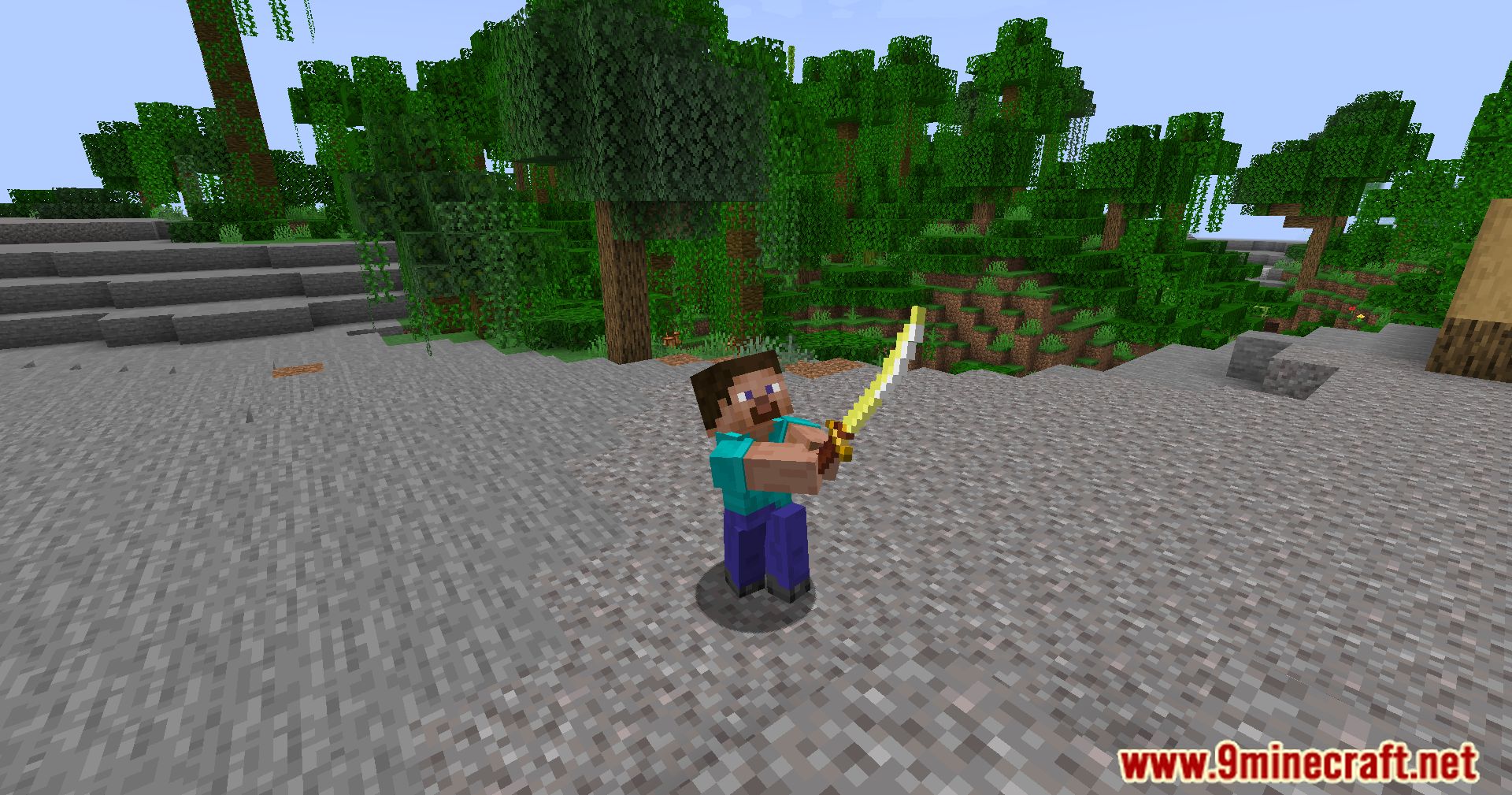
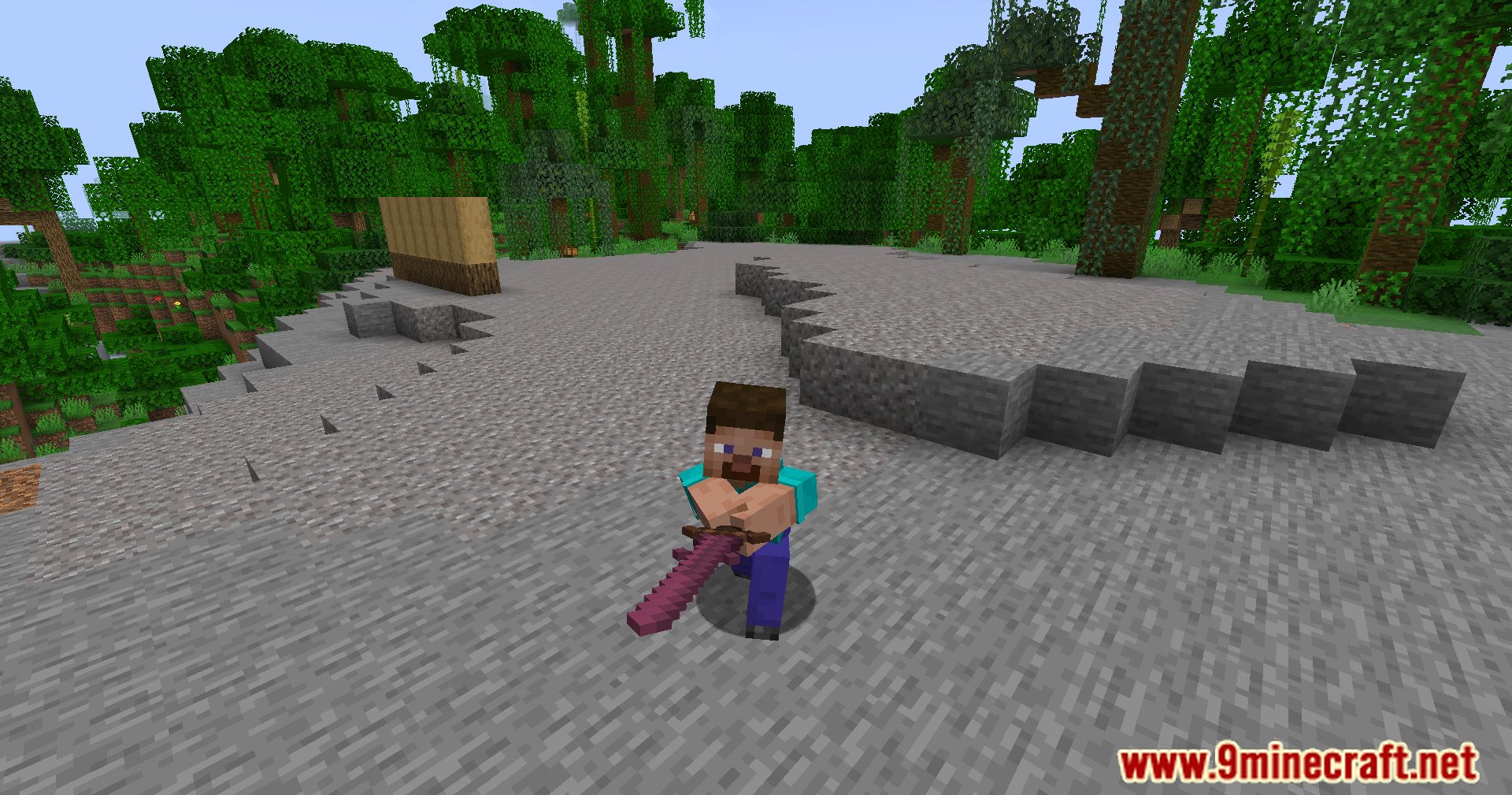
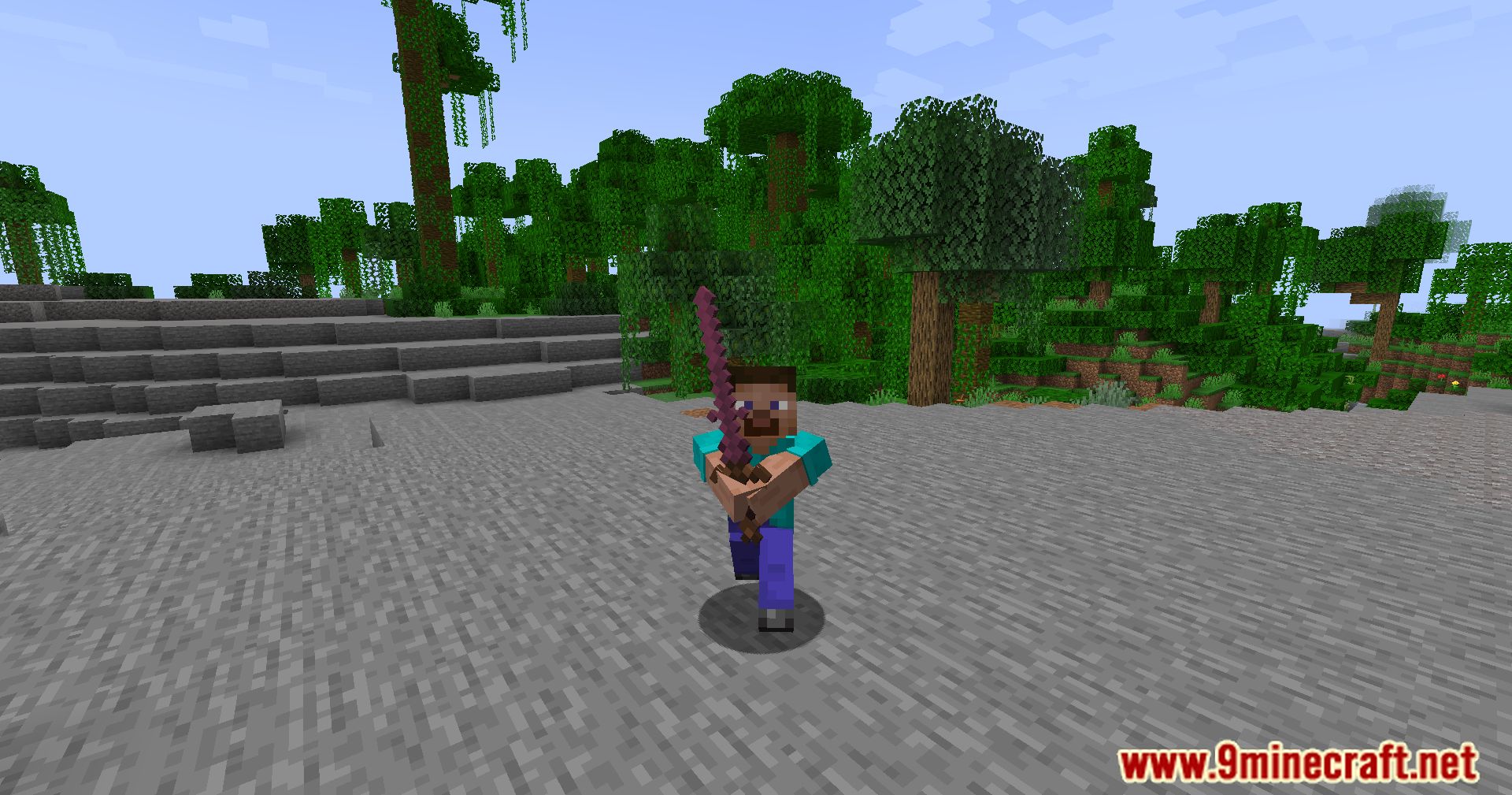
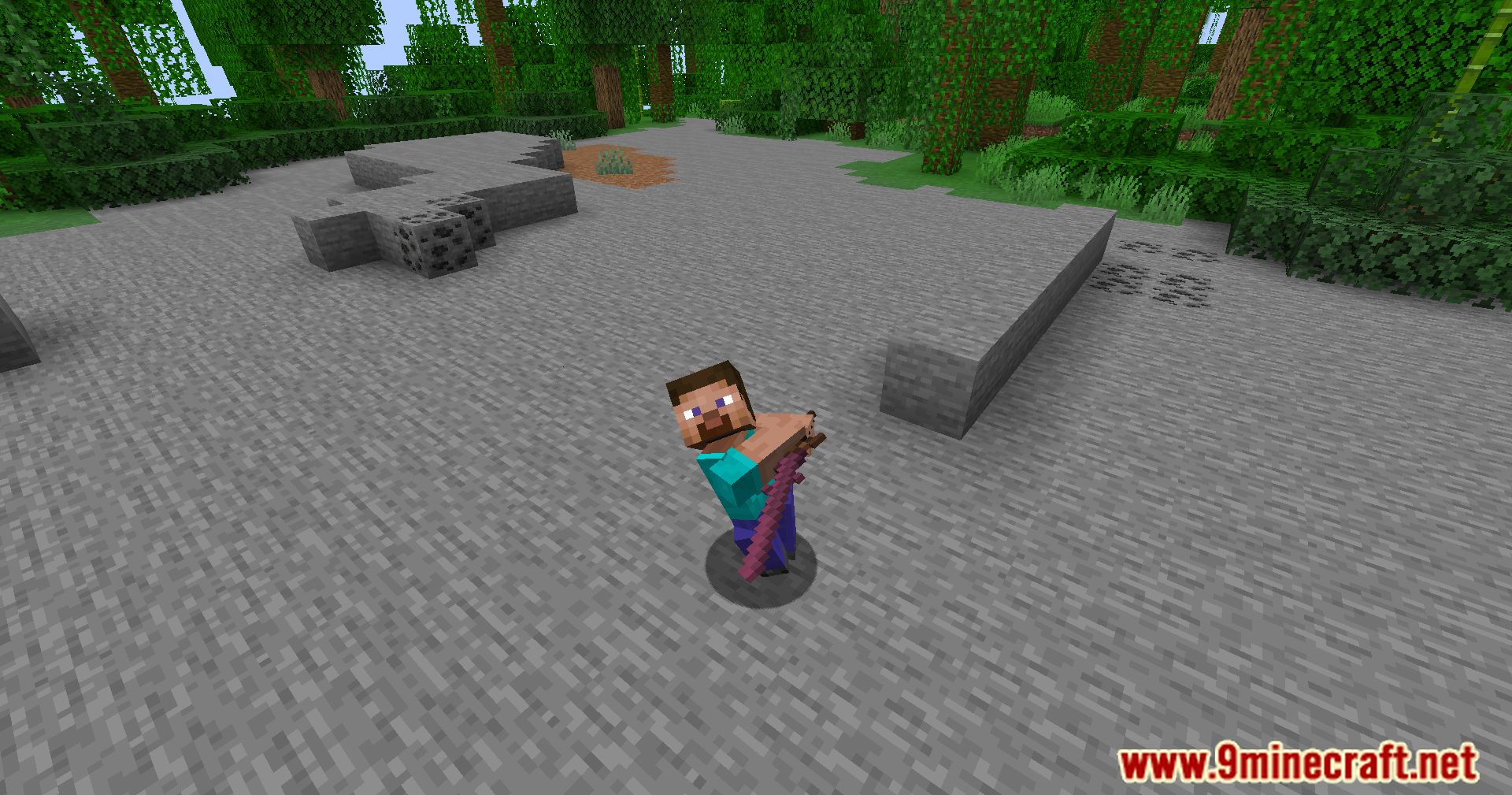
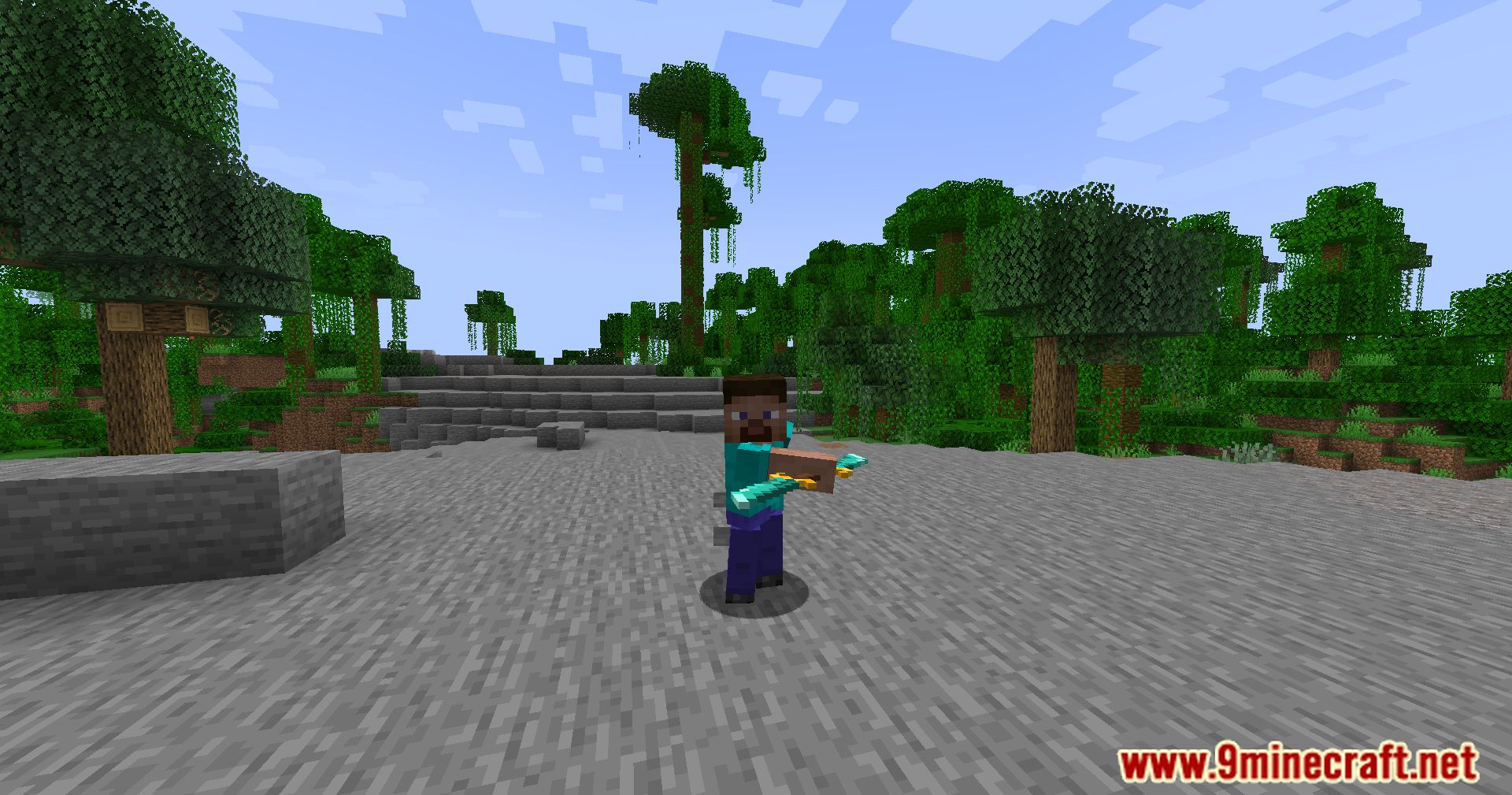
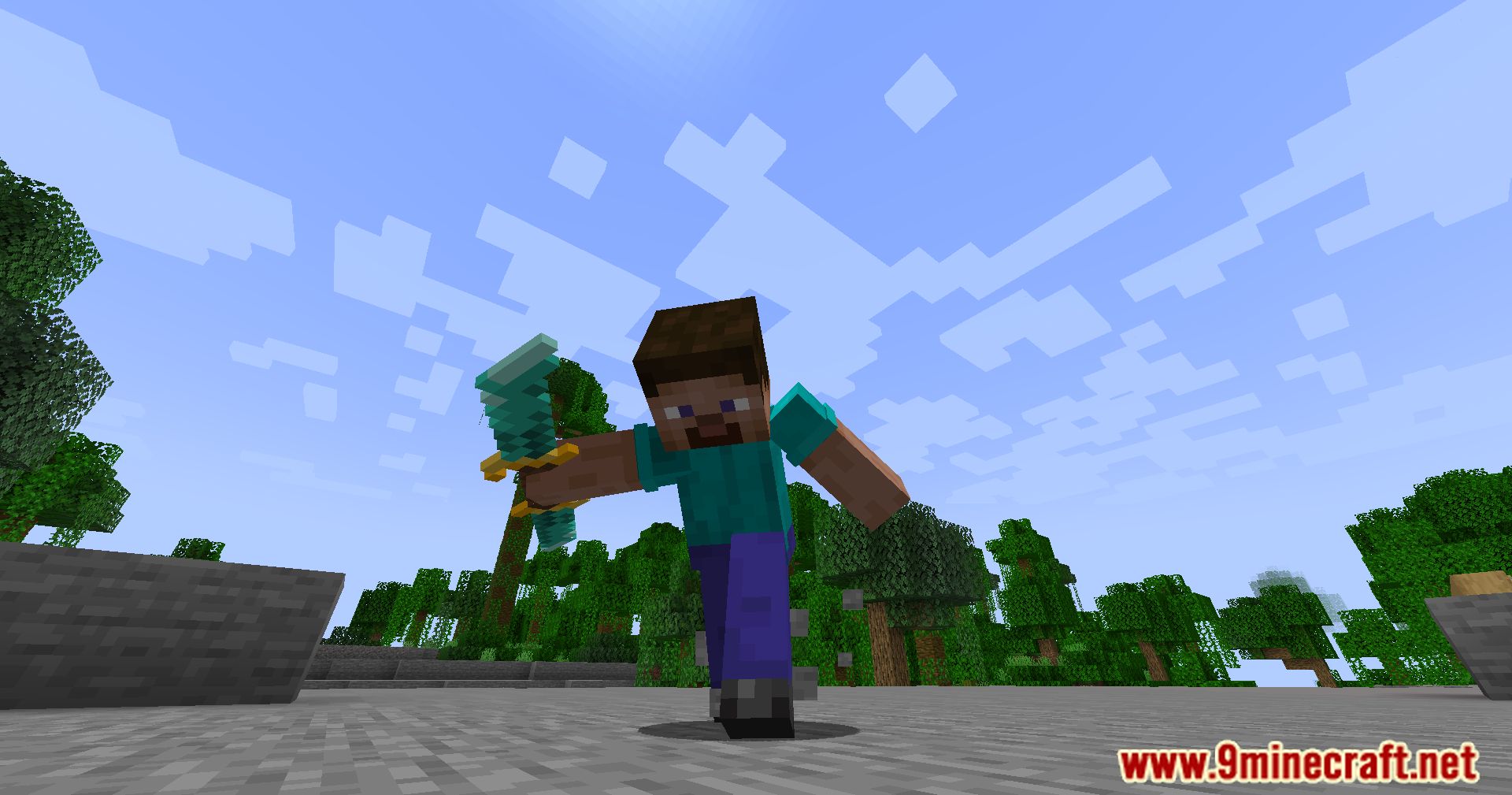
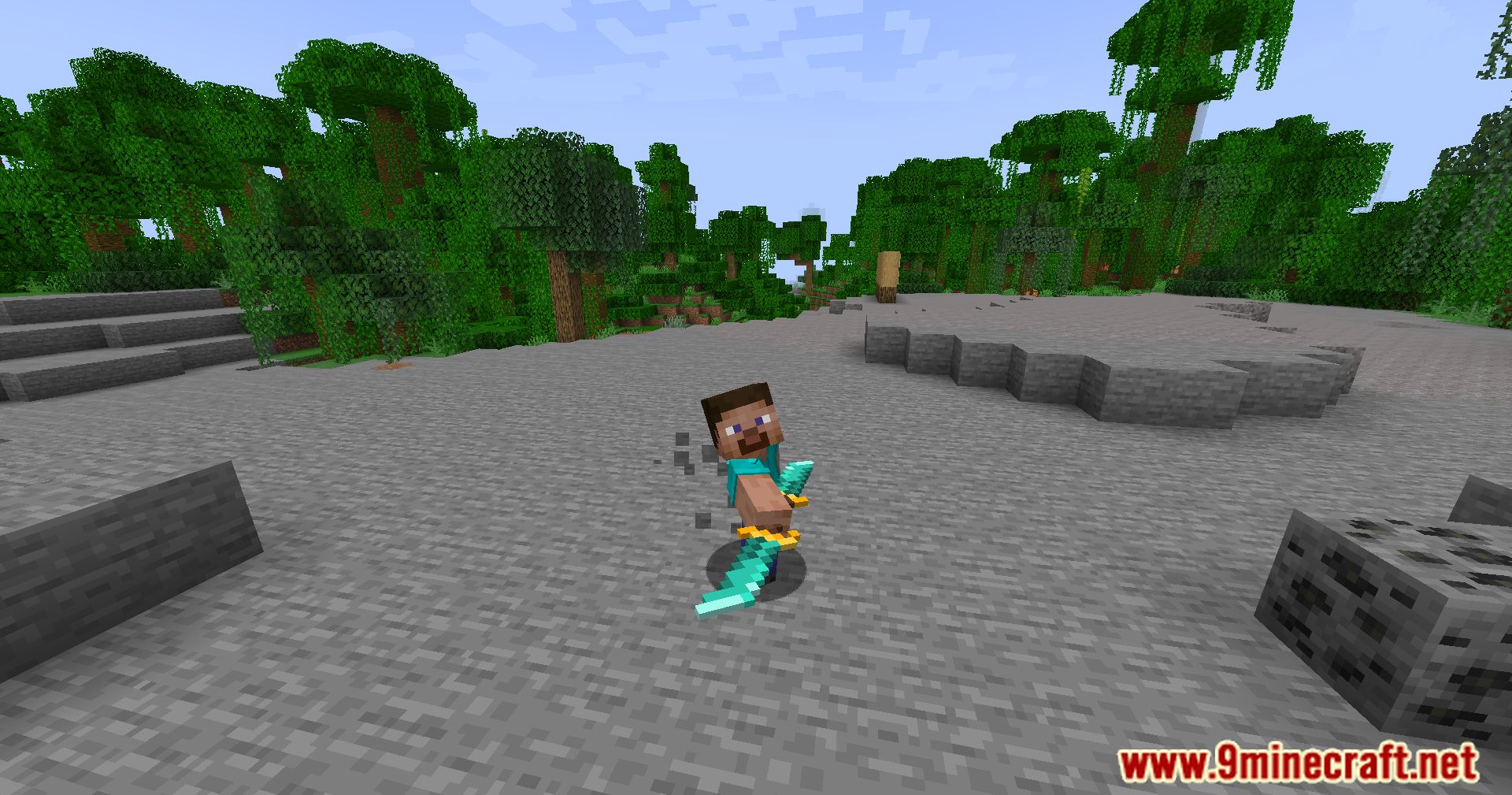
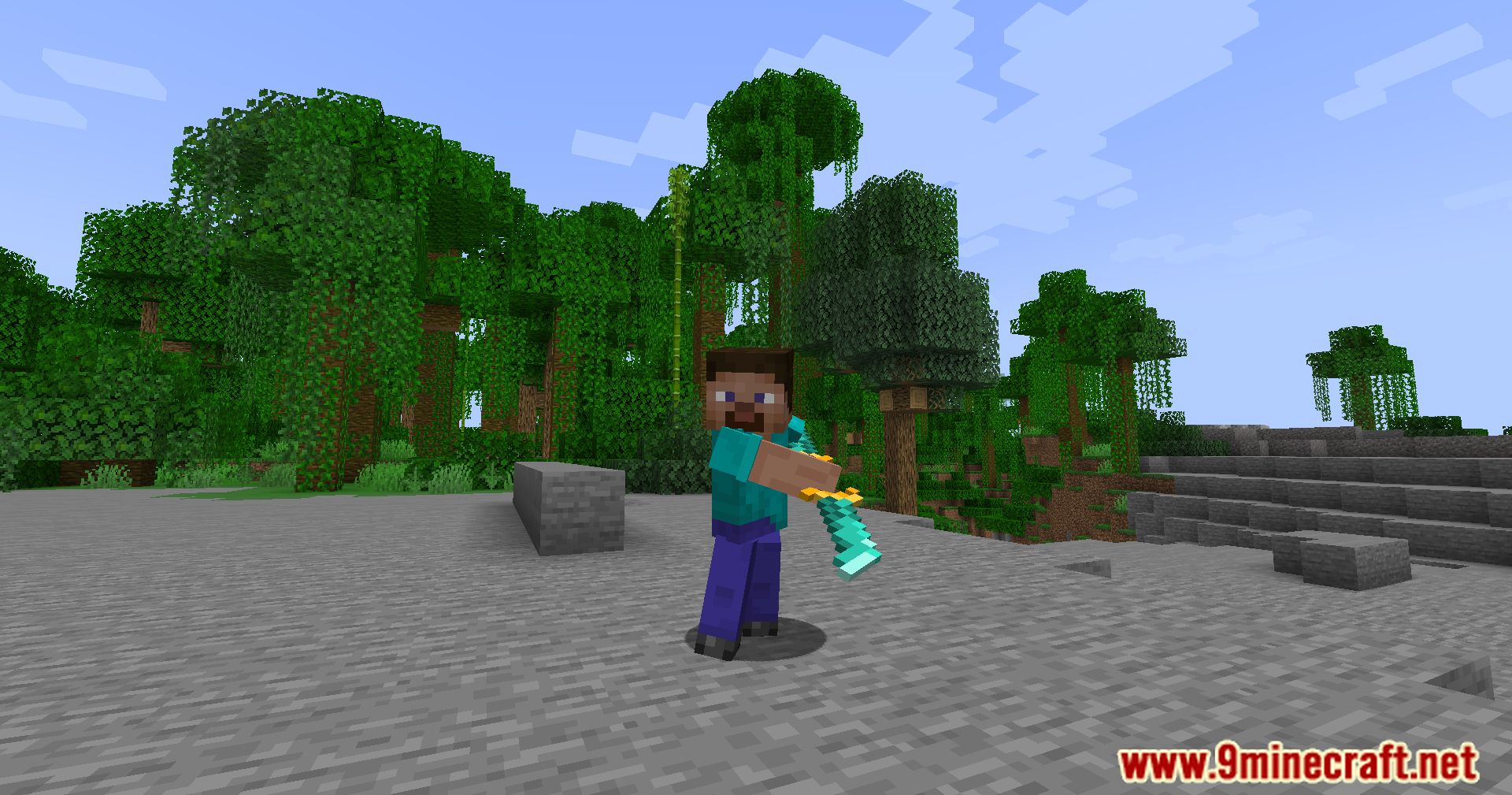
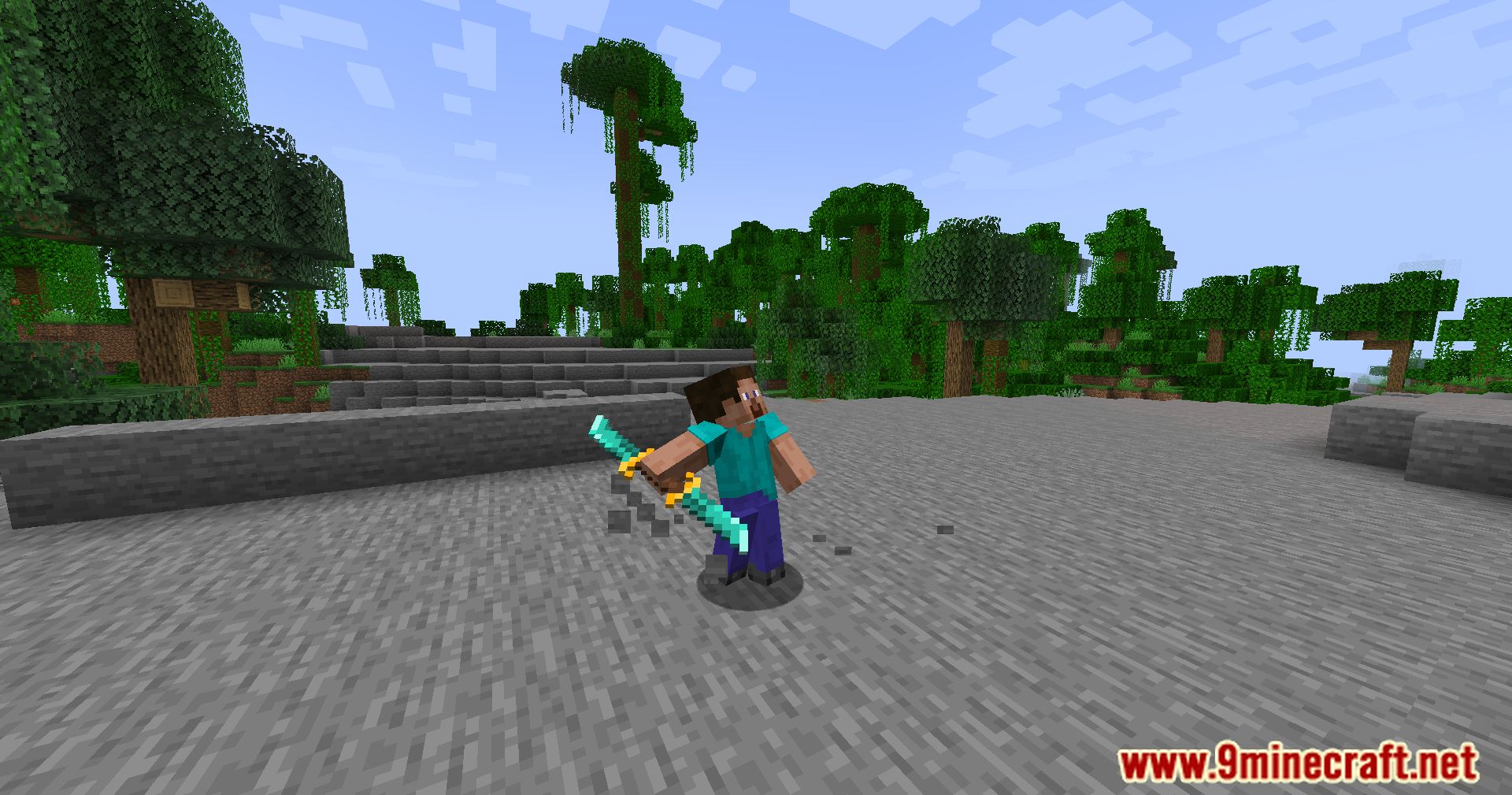
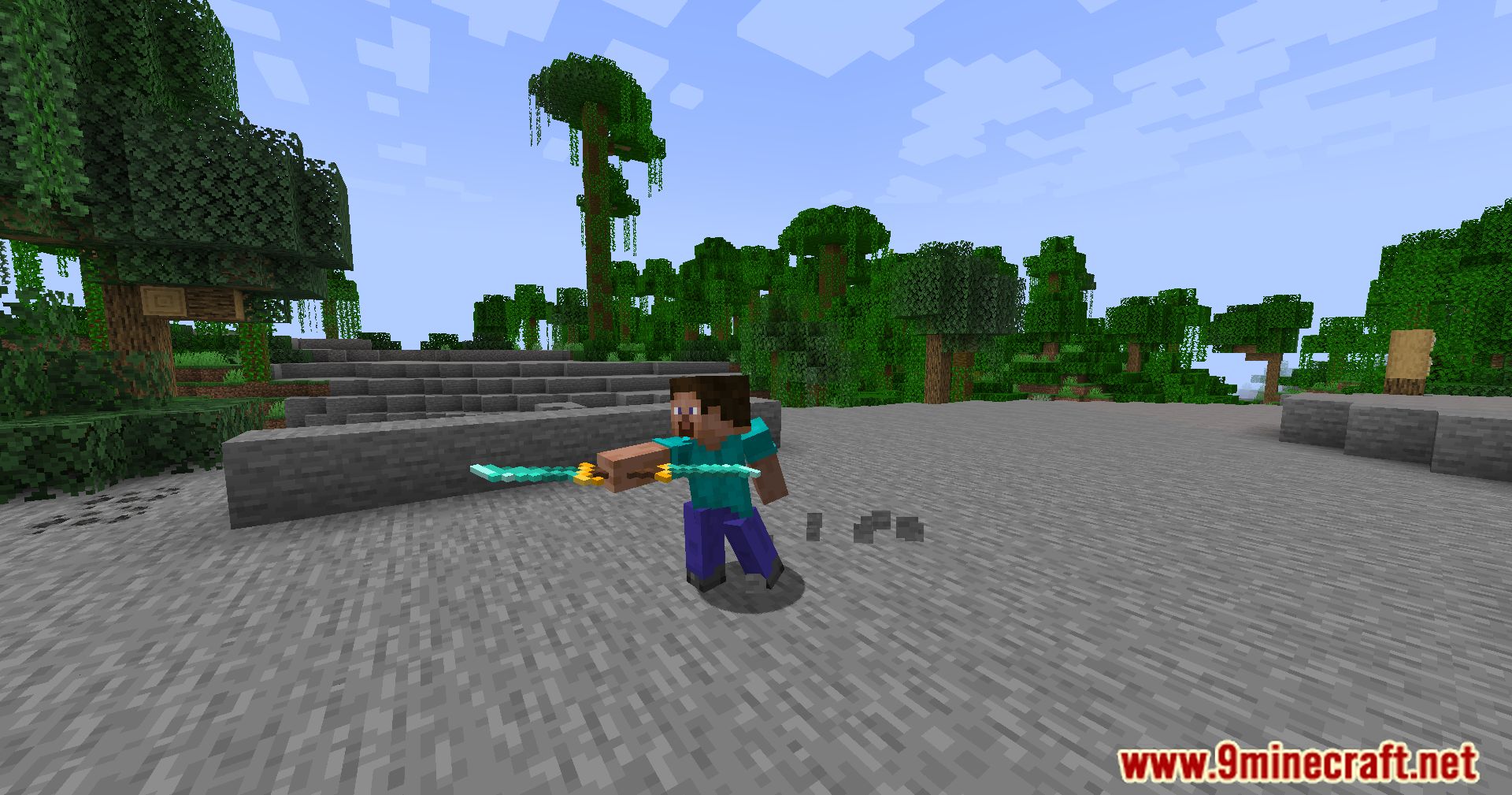
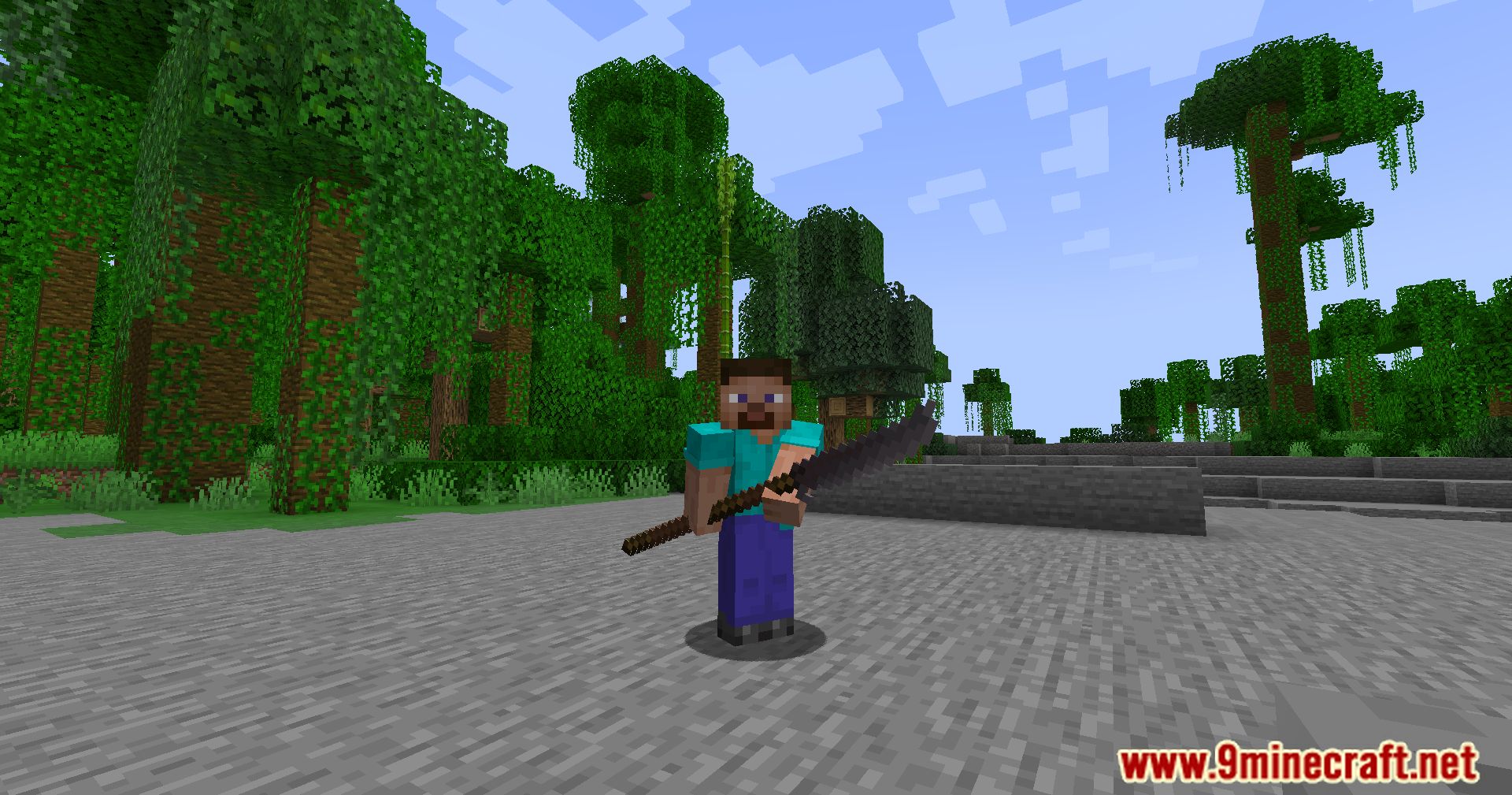
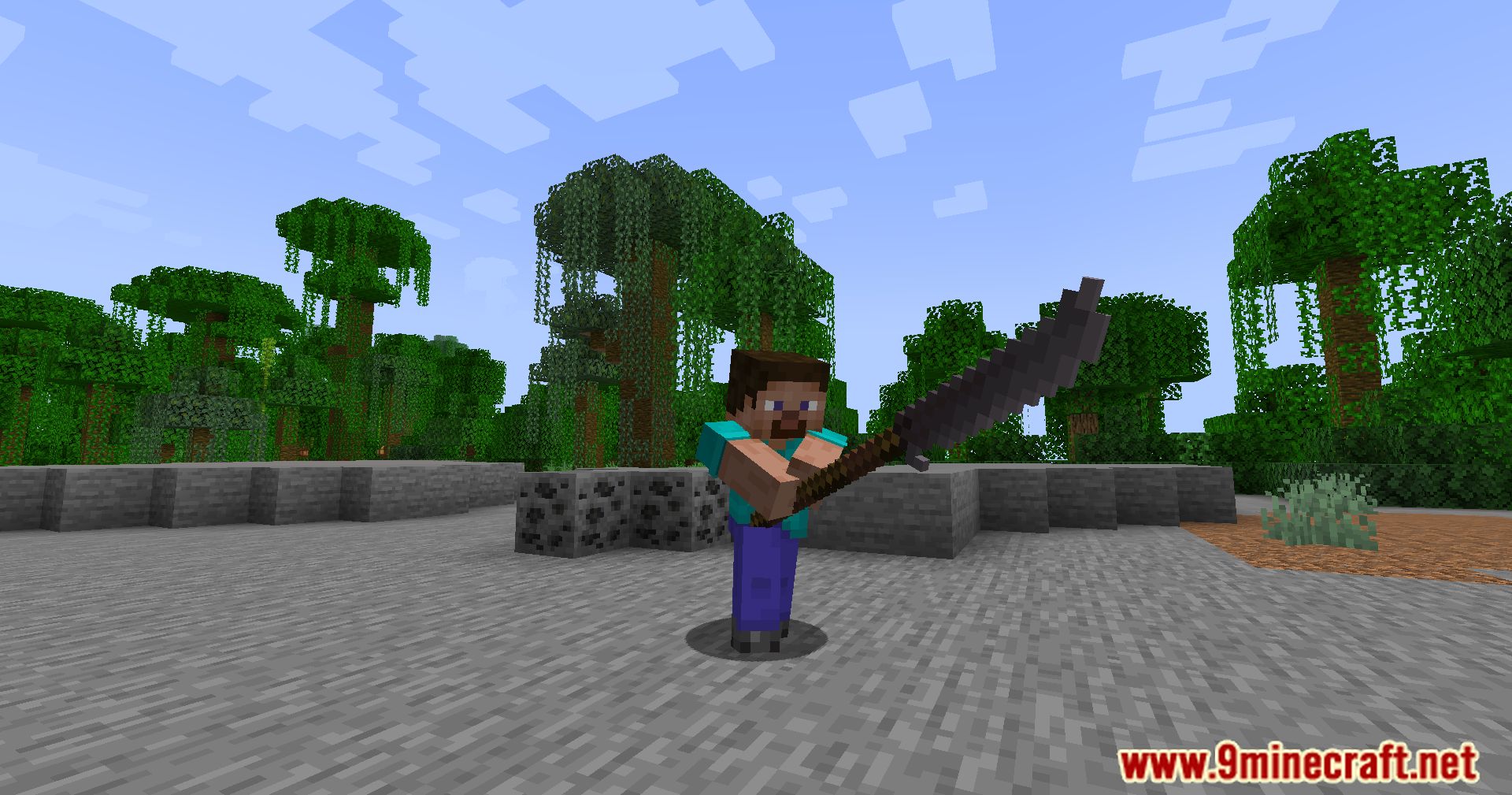
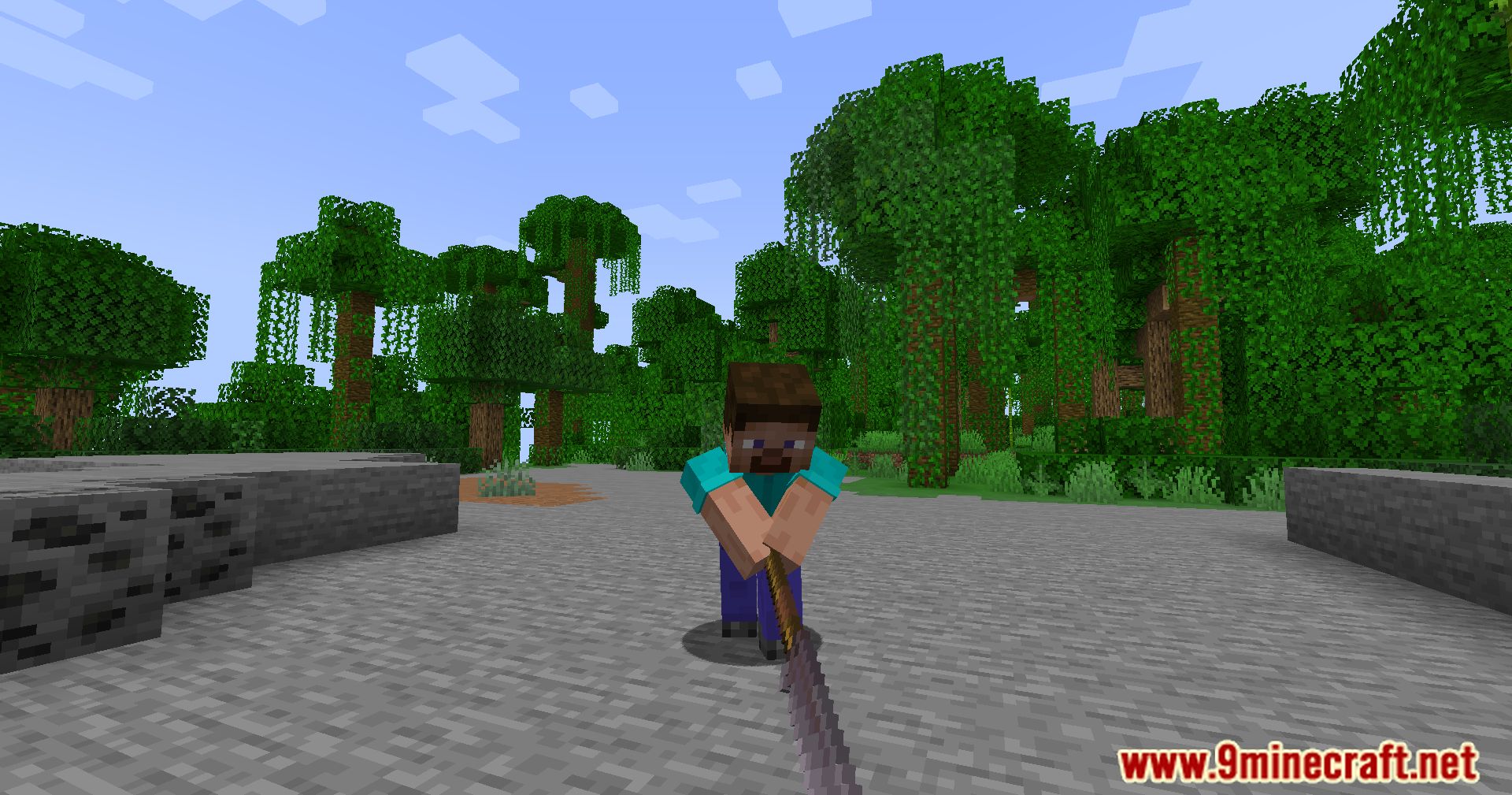
- Expanded Melee Weapons: Adds swords, scythes, hammers, maces, katanas, broadswords, and claymores, with item tooltips showing each weapon’s damage, range, attack speed, and Mending repair rate.
- Lets you configure nearly every part of this mod, including item damage values, crafting types, and enchantability.
- Works with JEI so you can check smithing table shield recipes, supports Better Combat, and connects to Twilight Forest, L_Ender’s Cataclysm, Gilded Netherite CJ Edition, Enderite CJ Edition, and Advanced Netherite through optional plugin mods.
Unique Weapon Mechanics:
- Scythes can be crafted with potions, just like arrows, so each hit applies that potion effect to your target.
- Katanas block up to 2 arrows in a row by default, and block even more arrows as you add higher enchantment levels.
- Hammers, broadswords, and claymores can be enchanted with Ground Slam to damage nearby mobs within range, and hammers gain 2 extra Ground Slam levels on top of the enchanted level.
- HeartStealer is a one-of-a-kind weapon (only one exists per world without cheats) found rarely in Ancient Cities that steals hearts, but leaving it out of your inventory hurts you and heavy use makes you take sunlight damage like undead mobs. Cures can remove these side effects, though you lose much of the stolen health in the process.
New Enchantments:
- Knockback Resistance applies to gauntlets to reduce knockback and cannot be combined with Knockback.
- Agility applies to gauntlets, chestplates, leggings, and boots, giving different effects by armor slot such as faster attack speed, jump boost, or dodging.
- Blocking applies to katanas to increase how many arrows they can block in a row, and to shields to improve their blocking strength.
How to Use:
- Make sure Curios API and Cloth Config API are loaded so Expanded Combat Mod can add its custom equipment slots and settings (you can also load JEI to view shield upgrade recipes).
- Open your Curios menu and place a quiver in its custom slot to unlock extra arrow space, or equip gauntlets in the Hands slot for armor and bonus damage. Keep your hands free if you want full gauntlet damage, because holding a weapon cuts the extra damage in half.
- Hold a bow or crossbow to show the quiver HUD next to your offhand slot, then press Z or X to switch which arrow stack fires first.
- Place a shield and upgrade materials into a smithing table to fill its 5 slots for higher durability and adjusted Mending repair speed. To upgrade to Netherite, put diamond on the shield first, then apply one Netherite ingot to replace all diamond slots at once.
- Upgrade bows and crossbows through their material tiers to gain longer range, and match the materials across all slots so the bow stays balanced and shoots properly.
- Craft a scythe with a potion to apply that effect on hit, hold a katana to block incoming arrows, or enchant a hammer, broadsword, or claymore with Ground Slam to damage nearby mobs.
- If you find the rare HeartStealer in an Ancient City, keep it inside your inventory so you do not take damage, and limit how much you rely on it to avoid taking sunlight damage like undead mobs.
- Open the config menu whenever you want to adjust item damage values, crafting types, or enchantability to match your world.
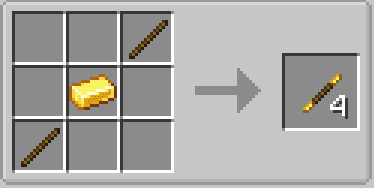
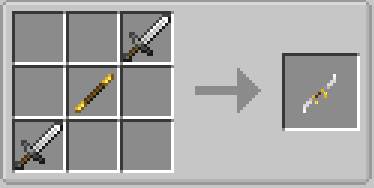
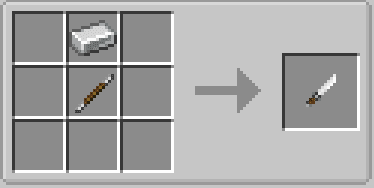
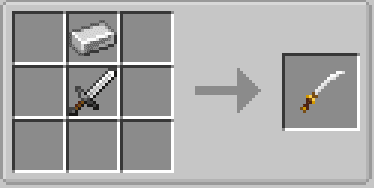
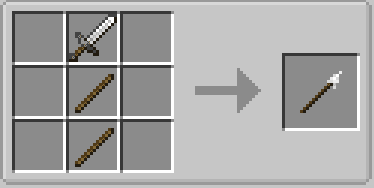
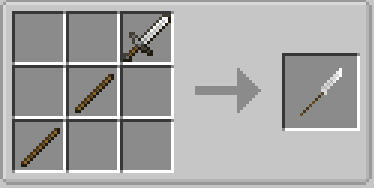
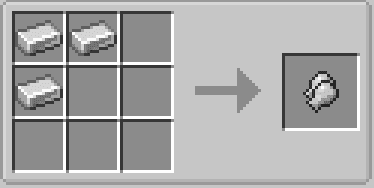
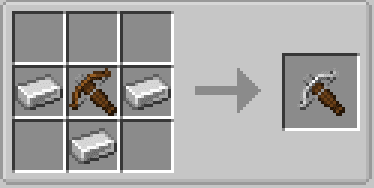
Crafting Recipes:
Screenshots:
How to Install:
New to Minecraft? Follow our step-by-step guide to install Mods on your PC.View Guide
Requirements:
 Better Combat Mod Required
 Curios API Continuation Mod Required
 Cloth Config API Required
 Curios API Required
Expanded Combat Mod Download Links
For Minecraft 1.15.2
Forge Version: Download from Server 1 – Download from Server 2
For Minecraft 1.16.5
Forge Version: Download from Server 1 – Download from Server 2
For Minecraft 1.19.4
Forge Version: Download from Server 1 – Download from Server 2
For Minecraft 1.20.1, 1.20
Forge Version: Download from Server 1 – Download from Server 2
For Minecraft 1.21.1, 1.21
Forge Version: Download from Server 1 – Download from Server 2
Do you add mods when playing on Bedrock Edition (Add-Ons, behavior packs, or Marketplace content)?
54 responses · See the full results →
You May Also Like
Picked for this page
 Patched Mod (26.2, 1.20.1) – Tools for Modifying Parts of JSON Files
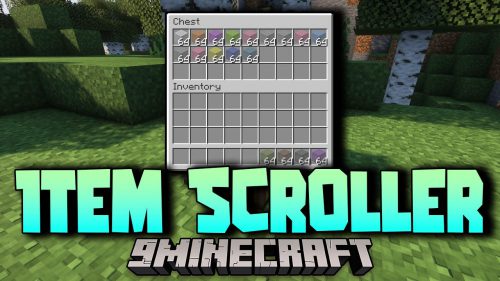 Item Scroller Mod (26.3, 1.20.1) – Moving Items in Inventory GUIs
 Third Person Mod (26.2, 1.20.1) – Dynamic Third Person Camera
 ModernFix Mod (26.1.2, 1.20.1) – Play Modpacks Without Lag
 Better Controls Mod (1.21.11, 1.20.1) – Customization for Movement Controls
 Extended Enchanting Mod (1.21.11, 1.20.1) – 19 New and Unique Enchantments
 Diagonal Walls Mod (26.3, 1.20.1) – Smooth Angled Wall Connections
 Luna Slimes Mod (26.3, 1.20.1) – Improved Slimes
 Hide Item Frame Mod (26.3, 1.20.1) – Equipped Item Frames Turn Invisible
 Elytra Swim Fix Mod (26.3, 1.20.1) – Prevents Elytras From Being Activated
 Luminance Mod (1.21.11, 1.21.1) – Library Mod
 Mutant Skeleton Armor Tweaks Mod (1.20.1, 1.20) – Chestplate Crossbow Support And Tooltips
Most viewed in Mods over the last 7 days
 Ala Industrial Mod (26.3) – Run Electric Power Grids and Automated Factories
 PleasureCraft Mod (26.3, 1.21.1) – Jenny Mod Remake for Fabric
 Jennycraft Mod (26.3, 1.20.1) – Virtual Girlfriend in Minecraft
 Fapcraft Mod (26.3, 1.12.2) – Comprehensive and Detailed Content
 Jenny Mod (Fapcraft) Official Complete Guide – How to use, Tutorial
 BangCraft Mod (1.20.1) – Jenny, Ellie and Elliot
 Fabric Loader (26.3, 1.20.1) – Fabric Installer for All Minecraft Versions
 The Shooting Star Demo Mod (26.3, 1.20.1) – Vaporize Terrain From Orbit
 Meteor Client Mod (26.3, 1.20.1) – Xray, HUD, Fly
 OptiFine HD (26.3, 1.20.1) – Run Faster, FPS Boost, Shaders Support
 Aristois Client Mod (1.21.4, 1.20.1) – World Class Minecraft Utility
 Prestige Client Mod (1.21.11, 1.21.4) – Powerful Ghost Features for Crystal & Sword PvP
More from Mods
 LARP Client Mod (1.21.11) – Dominate Crystal PvP on Anarchy Servers
 Berlin Client Mod (1.21.11) – Hunt Stashes and Win Crystal Fights
 Kaleidoscope Cookery Refabricated Mod (26.3, 1.20.1) – Cook Hearty Meals
 Minecraft MusicBox Mod (1.21.12) – Play Your Favorite Songs While Mining and Building
 MTR Navigation Mod (1.21.1) – Plan Railway Trips and Never Miss a Train Stop
 TheHouse Mod (1.21.11) – Host Casino Tables and Track Every Bet in Real Time
 CinematicInteractions Mod (1.21.1) – Watch Your Hands Work at Every Crafting Table
 Earth Platform Mod (1.21.1) – Travel Across Real Continents in a True Scale World
 Taunahi Mod (26.1.2) – Automate Daily Farming and Slayers in Hypixel Skyblock
 HORROR Fake Join Leave Messages Mod (1.20.1) – Trigger Creepy Chat Scares
 Bons Voyage Mod (1.20.1) – Teleport Across Biomes Through Hidden Waystones
 Orbital Railgun UPDATED Mod (26.3) – Flatten Giant Landscapes From Space

This post has no comments yet. Be the first — your comment will appear here.