


ExtraHoloPage Mod (1.20.1) – Browse Custom Forged Gear in Your HoloSphere
 0
0
 0
0

“`json
“title”: “ExtraHoloPage Mod”,
“subtitle”: “View Addon Gear in Your HoloSphere”,
“content”: ”
ExtraHoloPage Mod adds a new display page called ADDON to the HoloSphere guide. It gives you a clean menu to look up custom forged gear from other add-ons alongside your regular items. The mod works right out of the box with expansions like Art of Forging and Secrets of Forging.
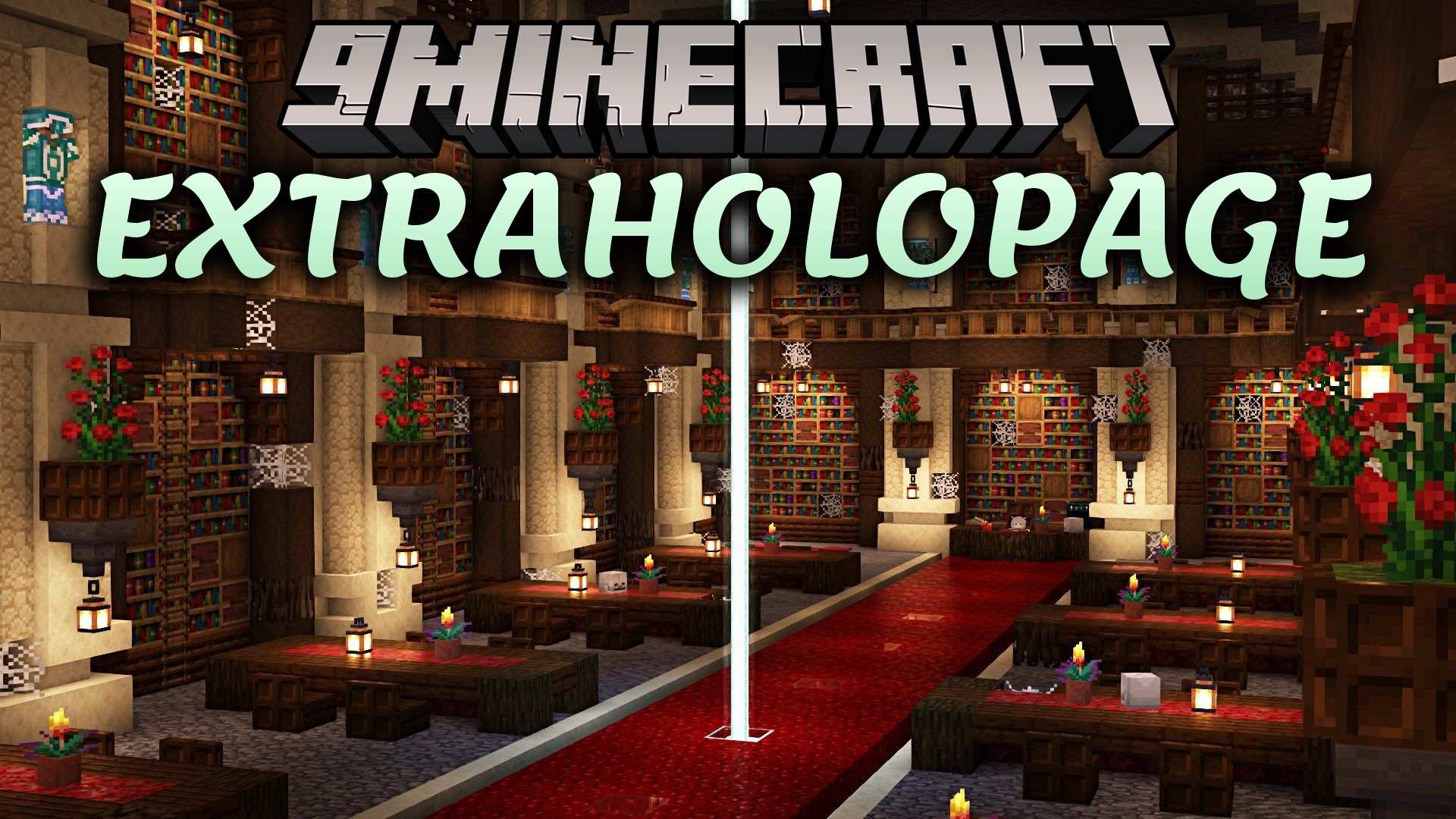
Features:
- Adds a new ADDON tab directly inside the HoloSphere interface.
- Includes built-in support for Art of Forging and Secrets of Forging items.
- Displays extra forged equipment cleanly without replacing standard craft pages.
- Supports custom items that use the standard item interface.
- Prevents game crashes by checking item compatibility before registering new pages.
How to Use:
- Open your HoloSphere item in your hand.
- Look for the new ADDON page tab next to the standard crafting pages.
- Click the tab to browse your supported add-on items.
“,
“excerpt”: “ExtraHoloPage Mod adds a dedicated ADDON page to the HoloSphere, letting you view custom forged items and add-on gear cleanly in your Minecraft guide book.”,
“focus_keyword”: “ExtraHoloPage Mod”,
“tags”: [
“Library & API”,
“Information & Guide Mods”,
“Tool & Utility Mods”,
“Armor & Weapon Mods”
],
“dependencies”: [],
“captions”: [
“The new ADDON page displayed inside the HoloSphere guide menu”
]
}
“`
How to Install:
New to Minecraft? Follow our step-by-step guide to install Mods on your PC.View Guide
Requirements:

ExtraHoloPage Mod Download Links
For Minecraft
1.20.1,
1.20,
Client
All Versions Covered
1.20.1
1.20
Client
Forge
You May Also Like













This post has no comments yet. Be the first — your comment will appear here.