


Eymistaken’s HUD Mod (26.2, 1.21.11) – Track Critical Combat Stats During PvP
 0
0
 0
0


🌐 Good news — we've translated this article into other languages!
Or pick the one you like:
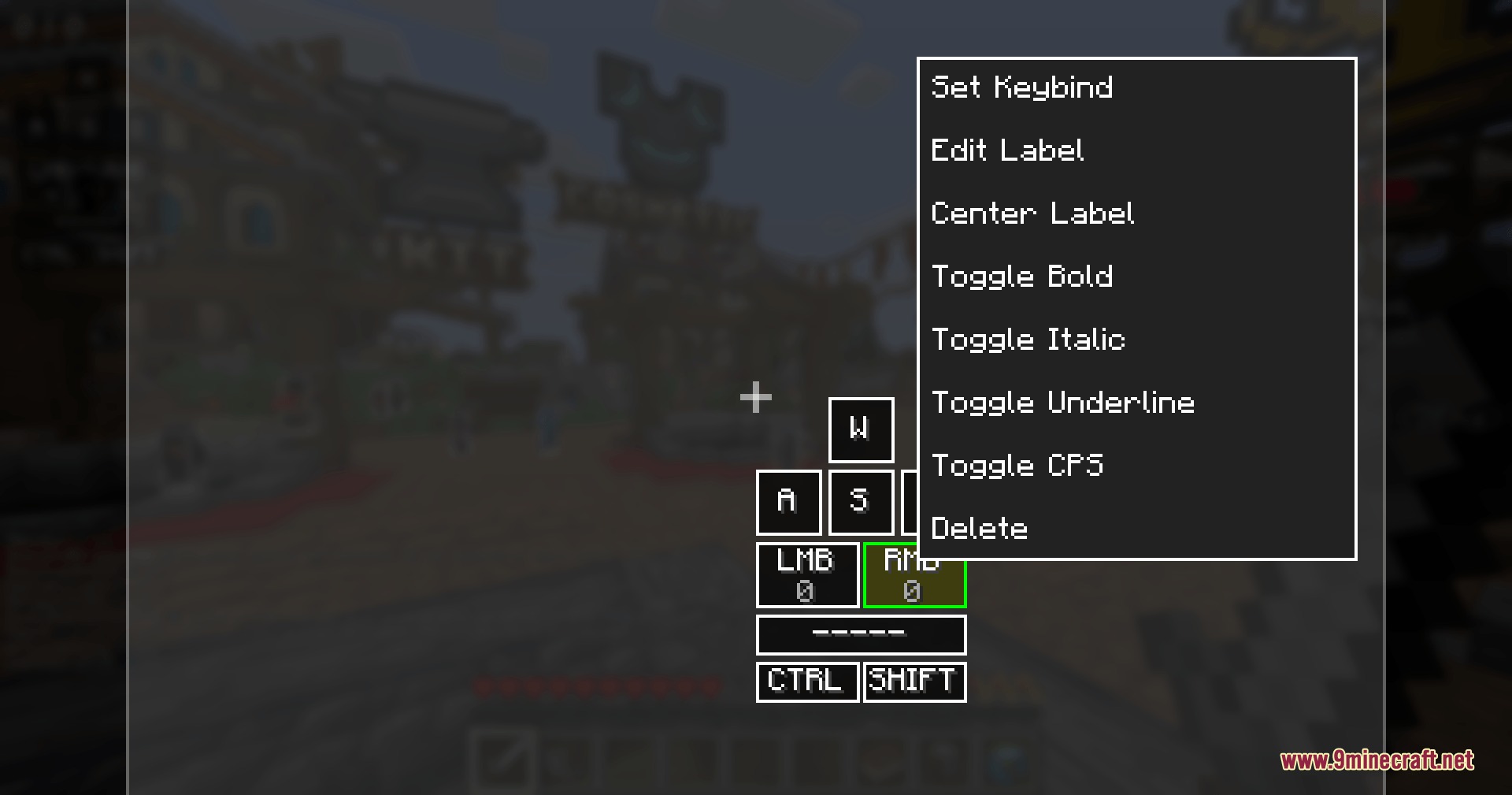
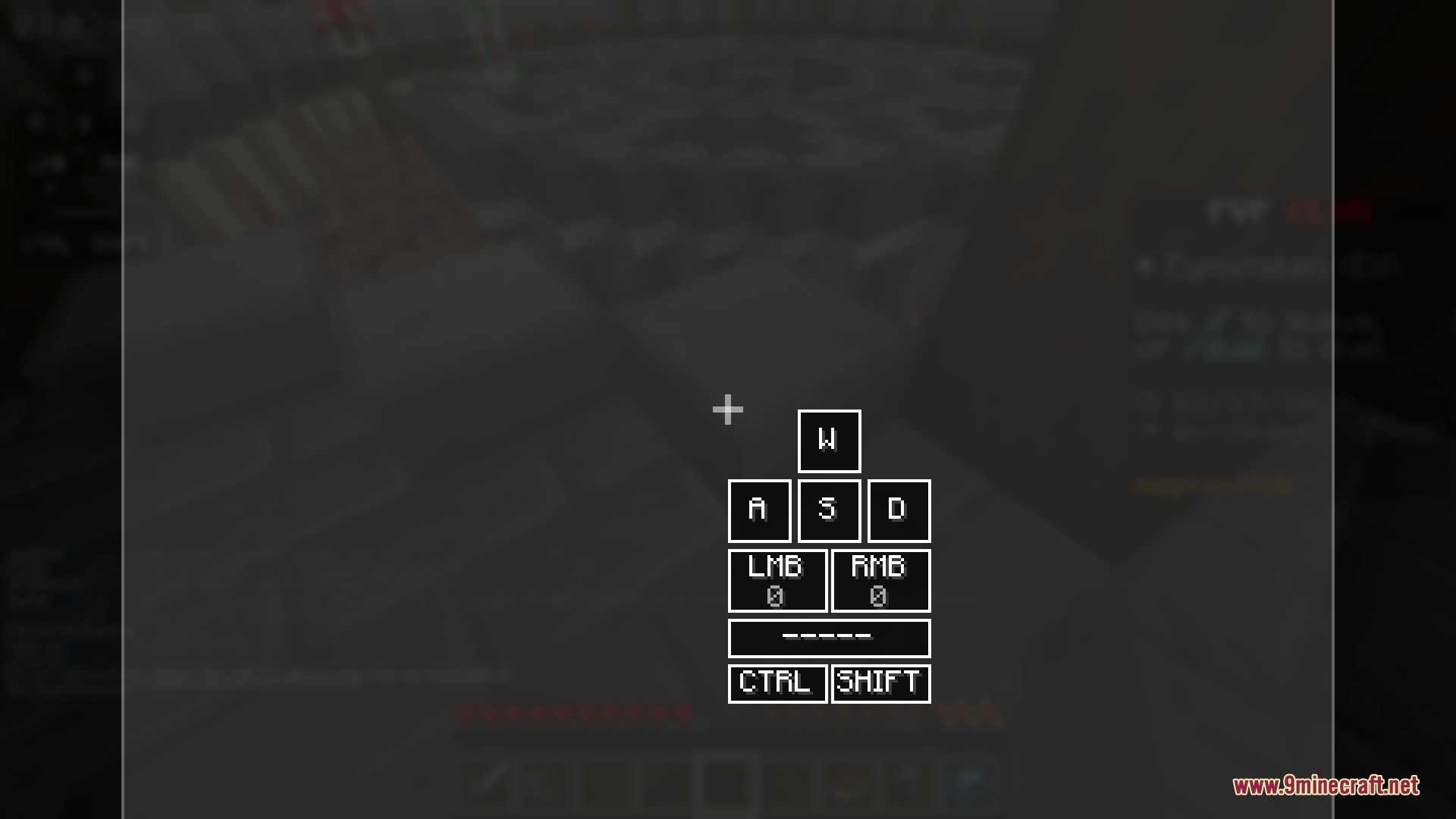
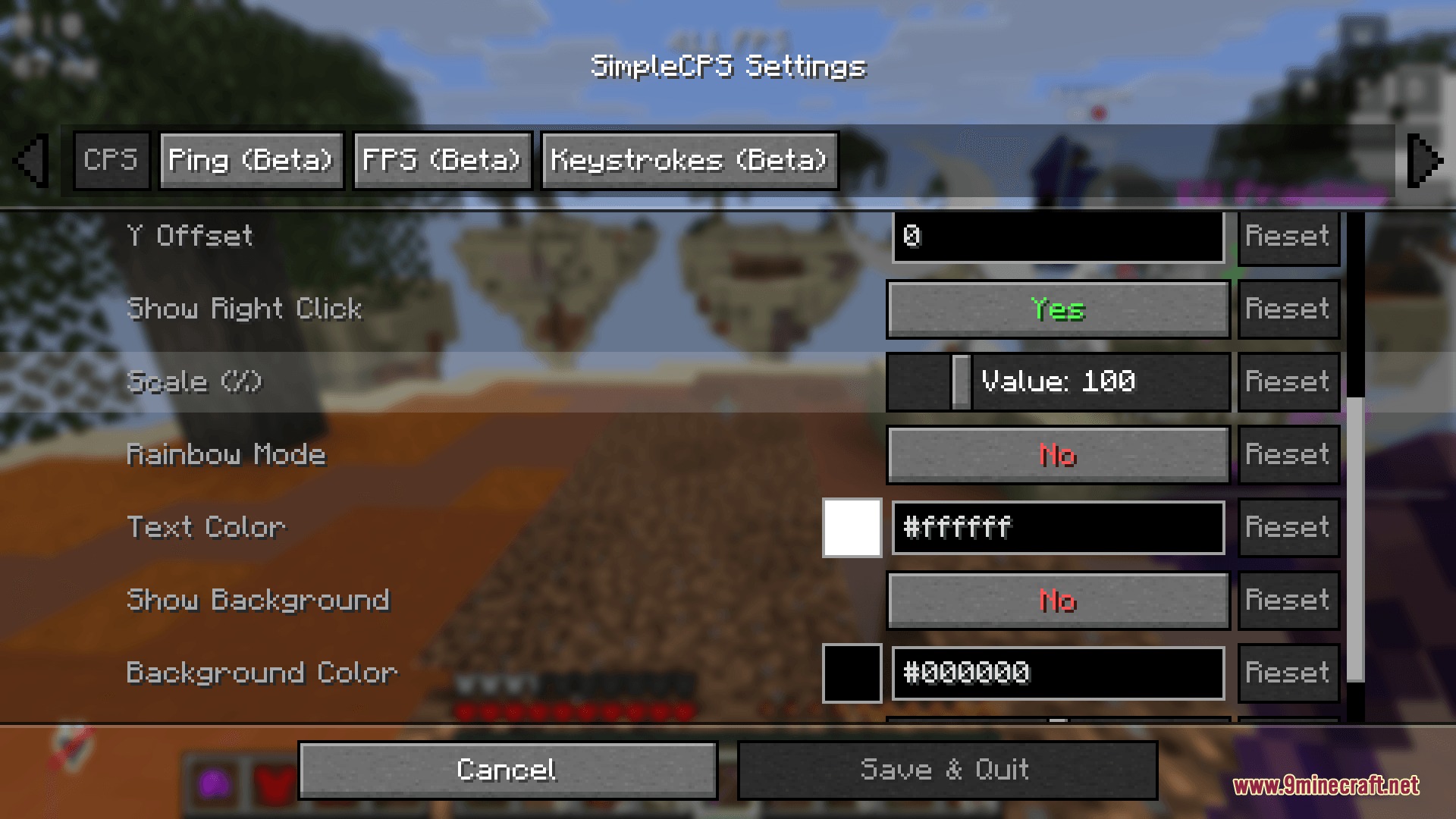
Eymistaken’s HUD Mod gives you a clean and customizable screen layout for competitive player versus player combat. It puts helpful trackers right on your screen without needing heavy external clients. You get full control over where each tracker sits, making it easy to focus on your battles.

Features:
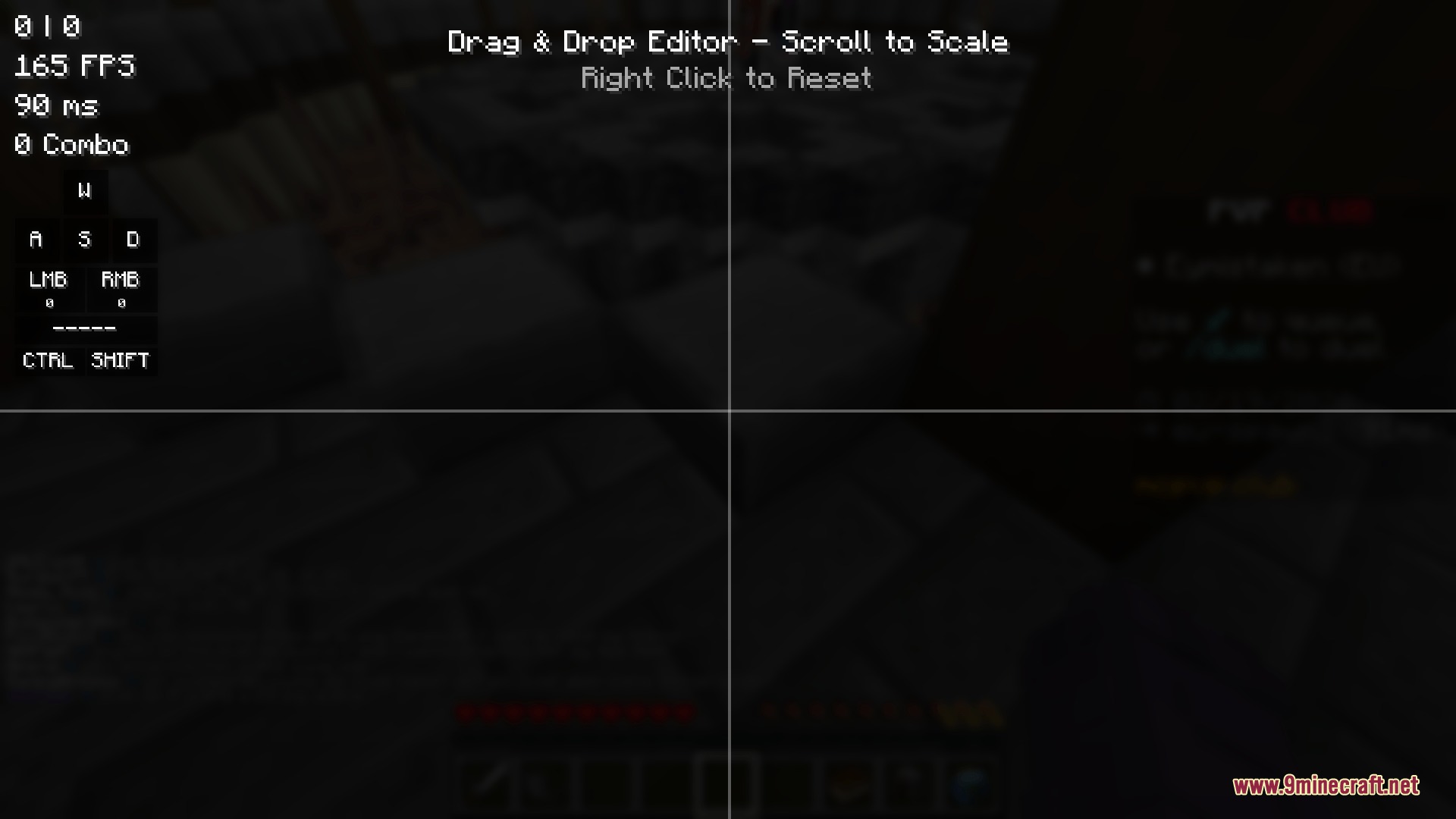
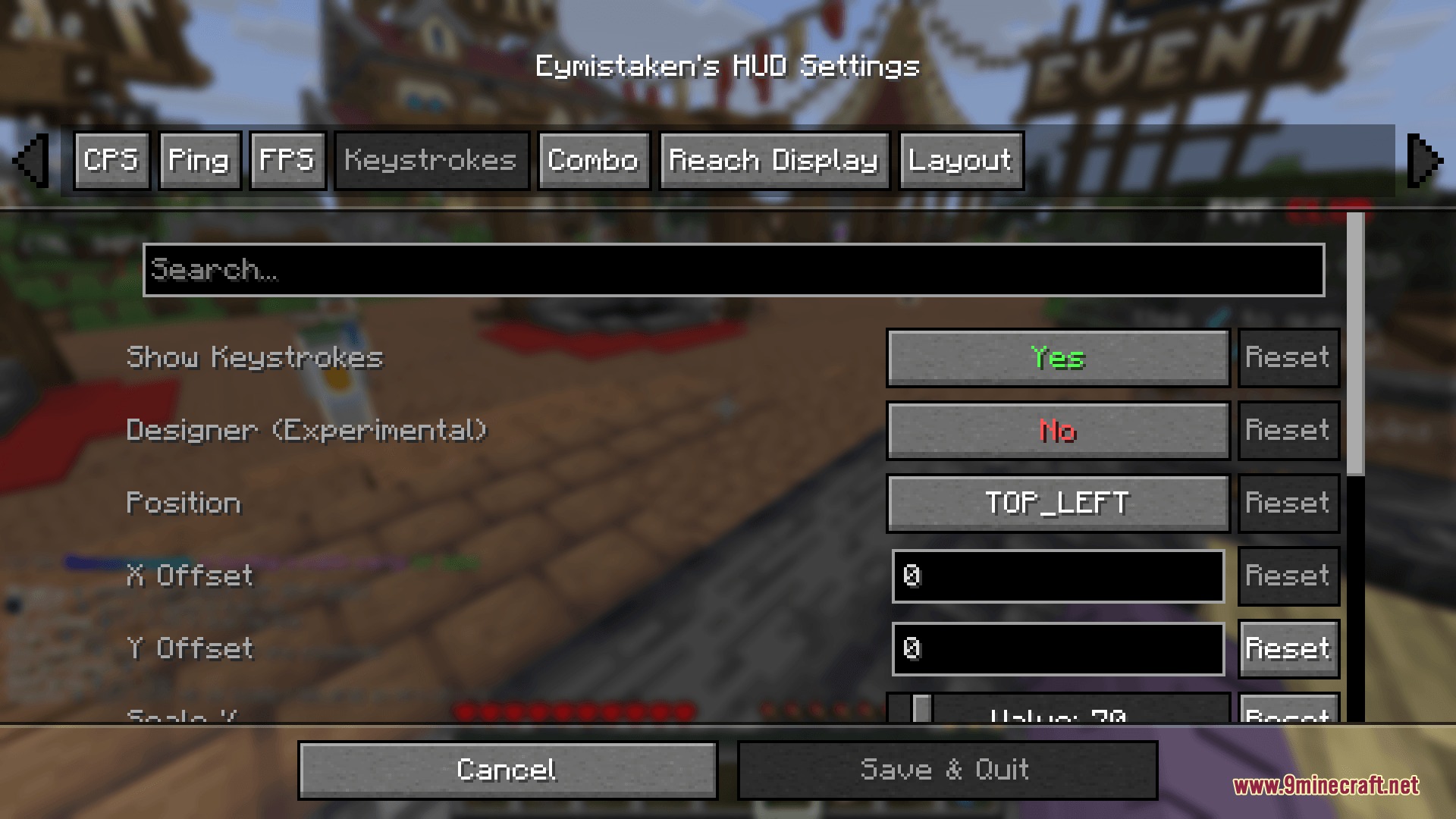
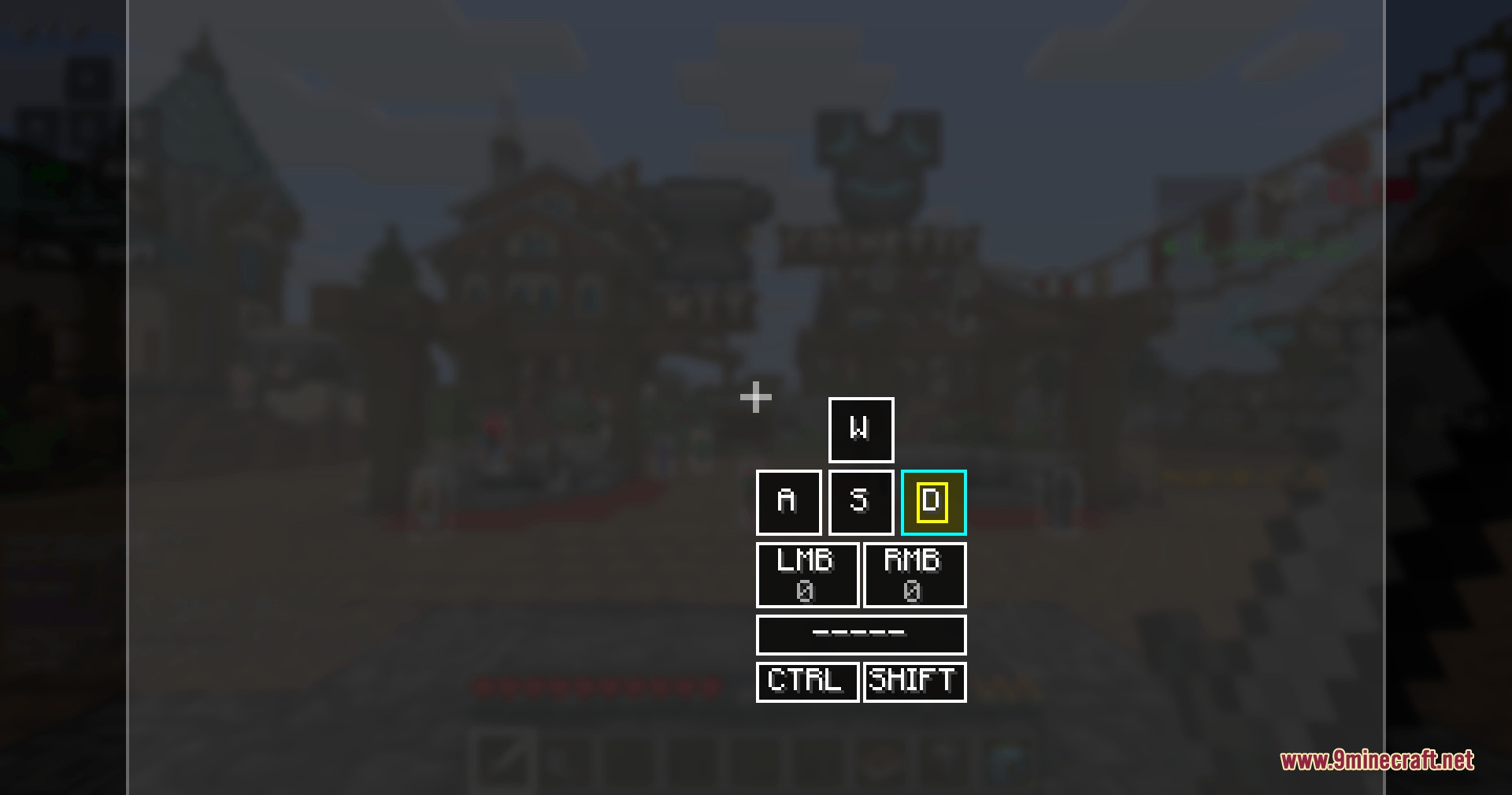
- In-Game Layout Designer: Lets you drag and drop different trackers exactly where you want them on your screen.
- Shows your current armor status so you always know when your gear is about to break during a fight.
- Tracks your combat combos and displays a heatmap to help you understand your fighting patterns.
- Measures your attack reach with exact numbers to see how far your hits land.
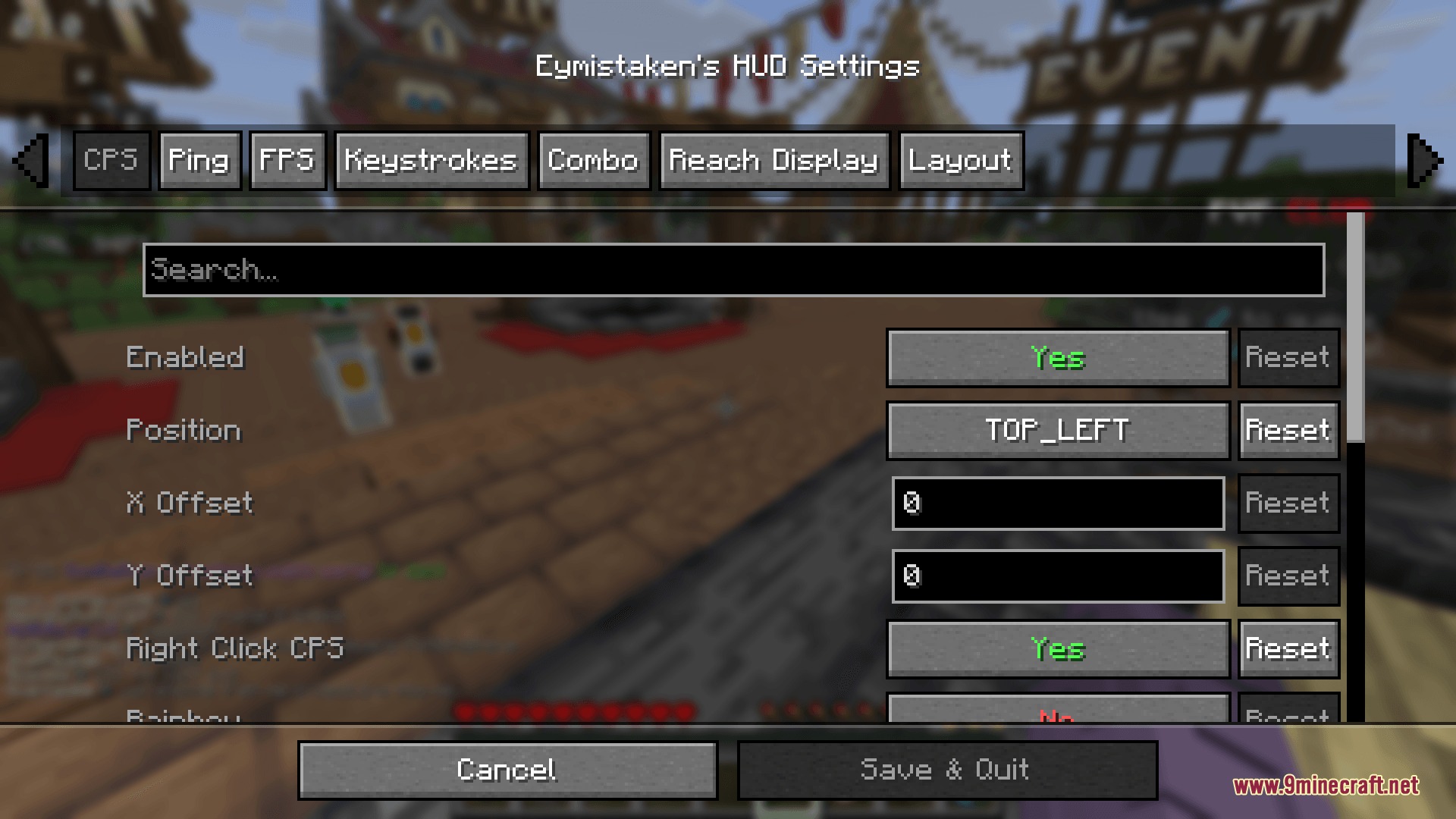
- Displays your clicks per second so you can monitor your clicking speed.
- Keeps an eye on your game performance with a live frames per second counter.
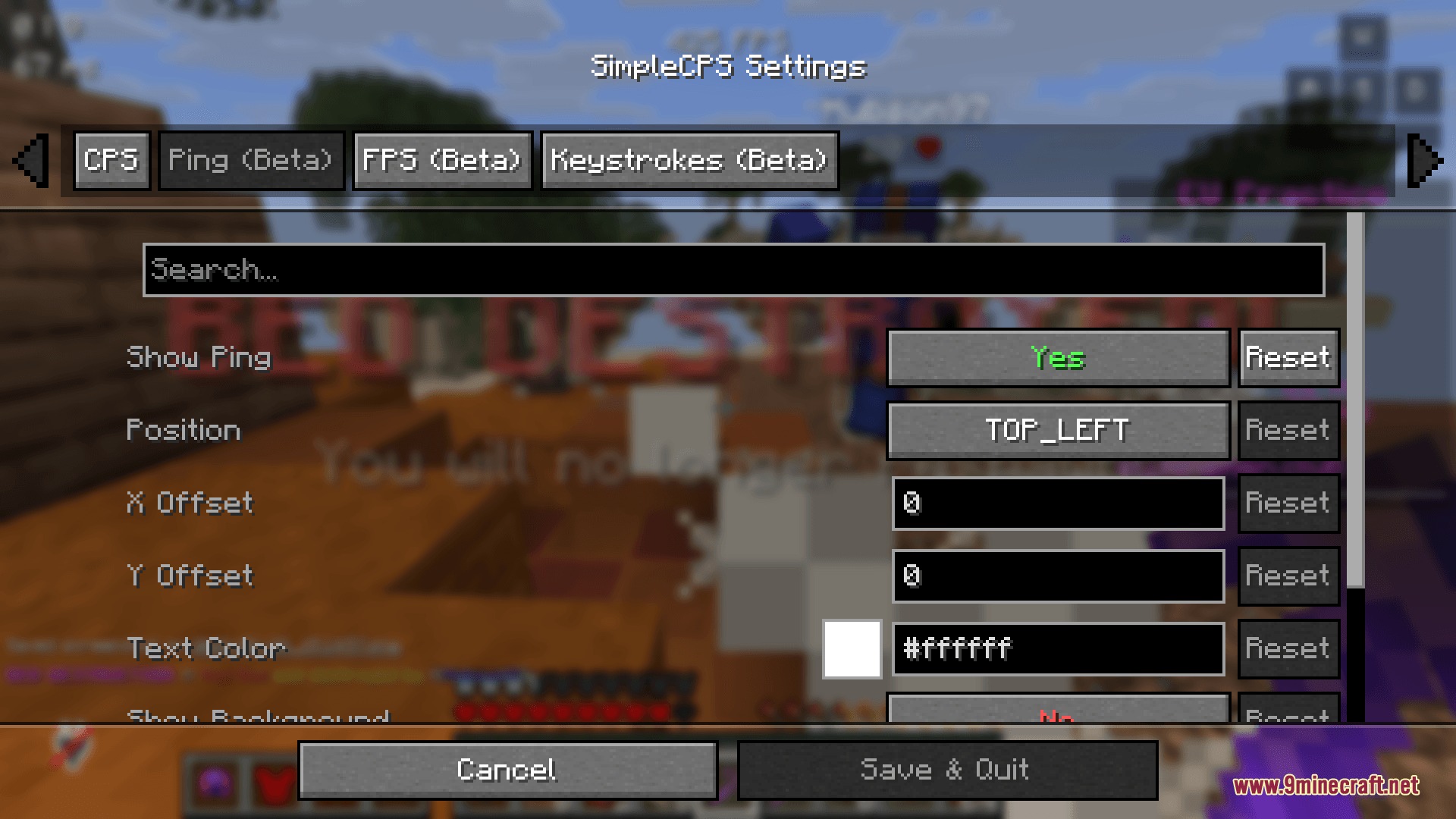
- Shows your network ping so you know if your connection is lagging during a match.
- Requires you to delete the old
simplecps.jsonconfig file if you update from older versions to keep the layout working correctly.
Screenshots:
How to Install:
New to Minecraft? Follow our step-by-step guide to install Mods on your PC.View Guide



Eymistaken’s HUD Mod Download Links
For Minecraft
26.2,
26.1.2,
26.1.1
All Versions Covered
26.2
26.1.2
26.1.1
26.1
All Versions Covered
26.2
26.1.2
26.1.1
26.1
For Minecraft
1.21.11,
1.21.10,
1.21.9
All Versions Covered
1.21.11
1.21.10
1.21.9
1.21.8
1.21.7
1.21.6
All Versions Covered
1.21.11
1.21.10
1.21.9
1.21.8
1.21.7
1.21.6
Click to rate this post!
[Total: 0 Average: 0]
You May Also Like






This post has no comments yet. Be the first — your comment will appear here.