Fancy Entity Renderer Mod (1.21.11, 1.20.1) – Custom Entity Rendering API

 0
0  January 5, 2026
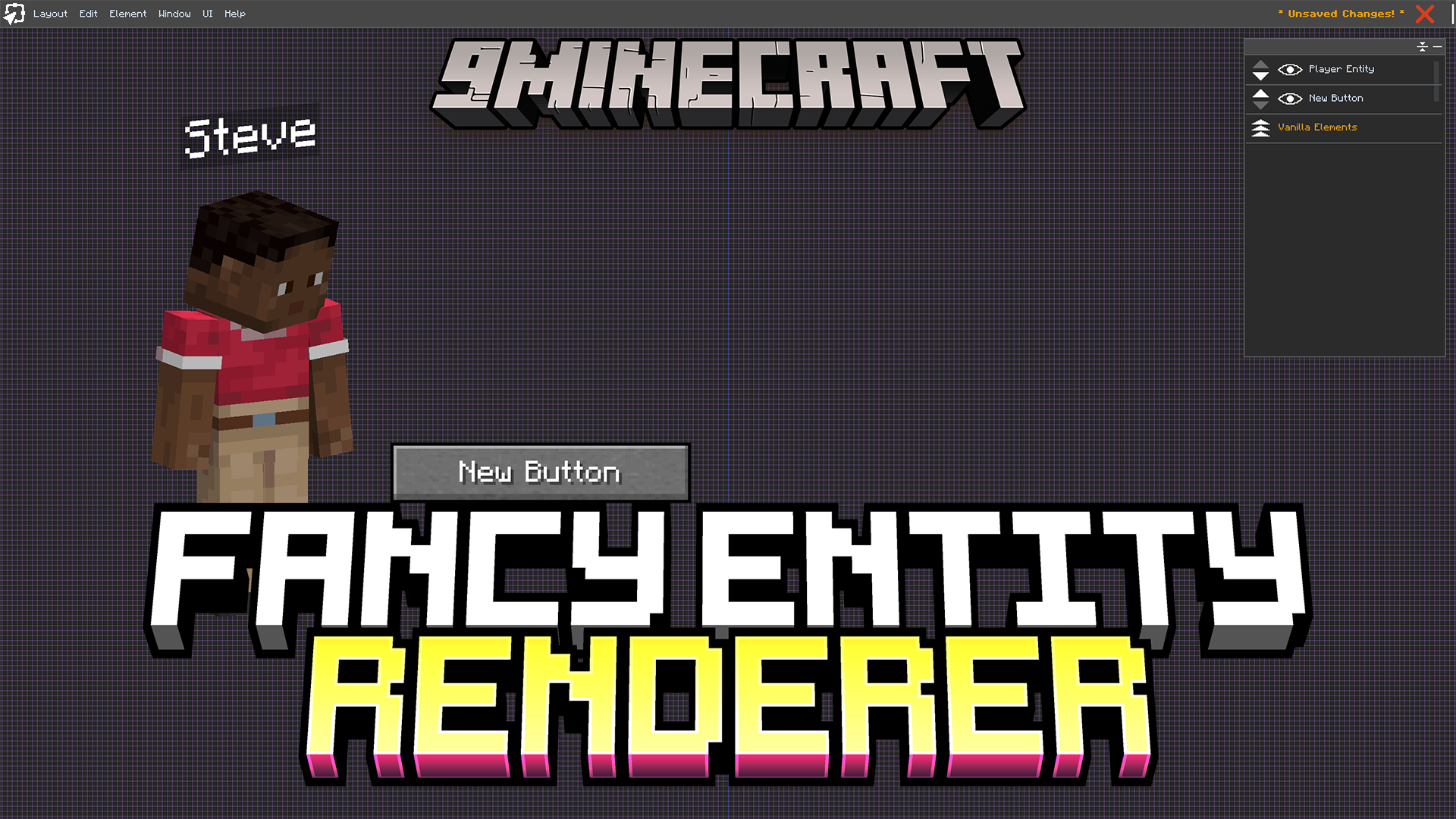
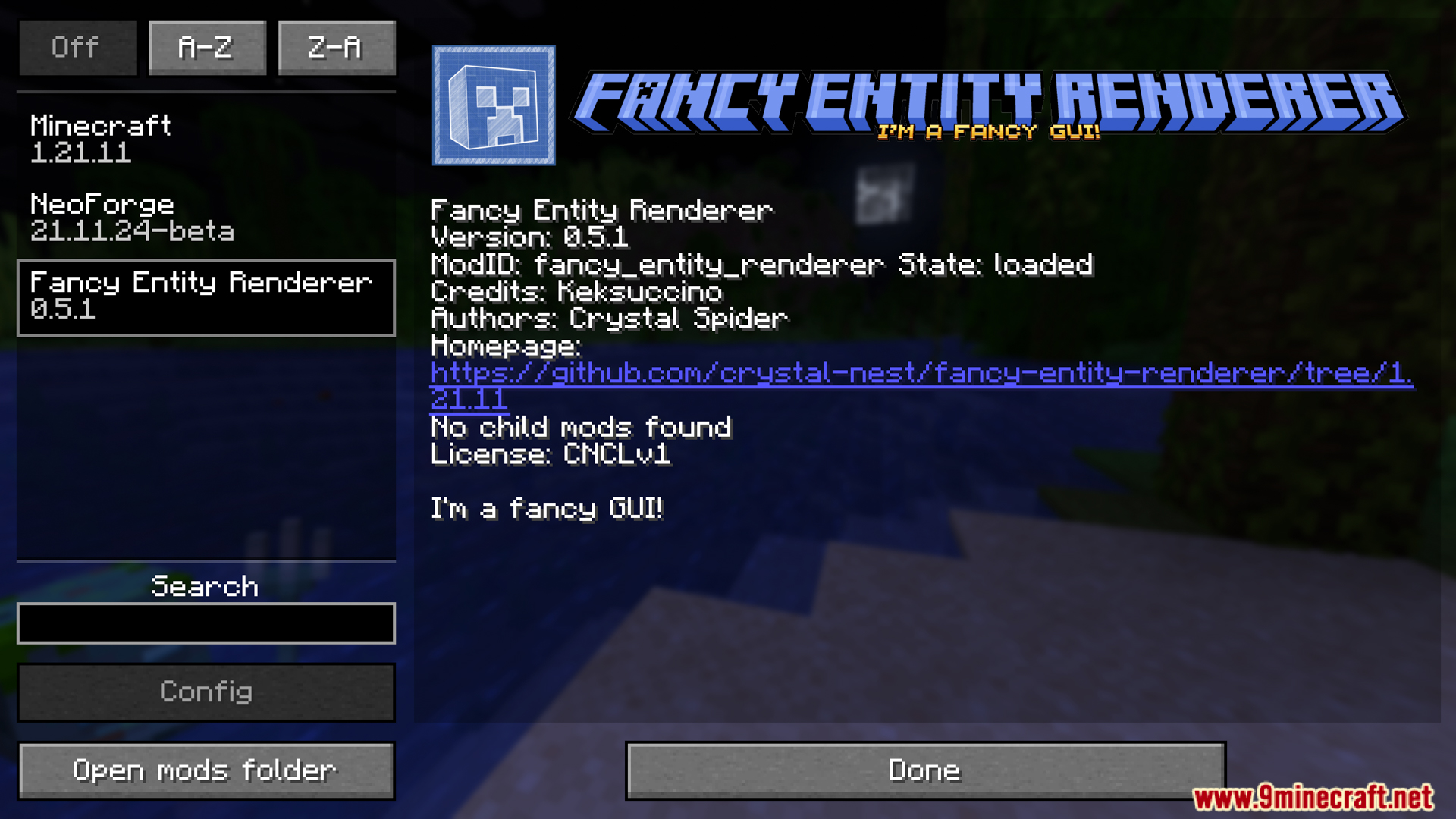
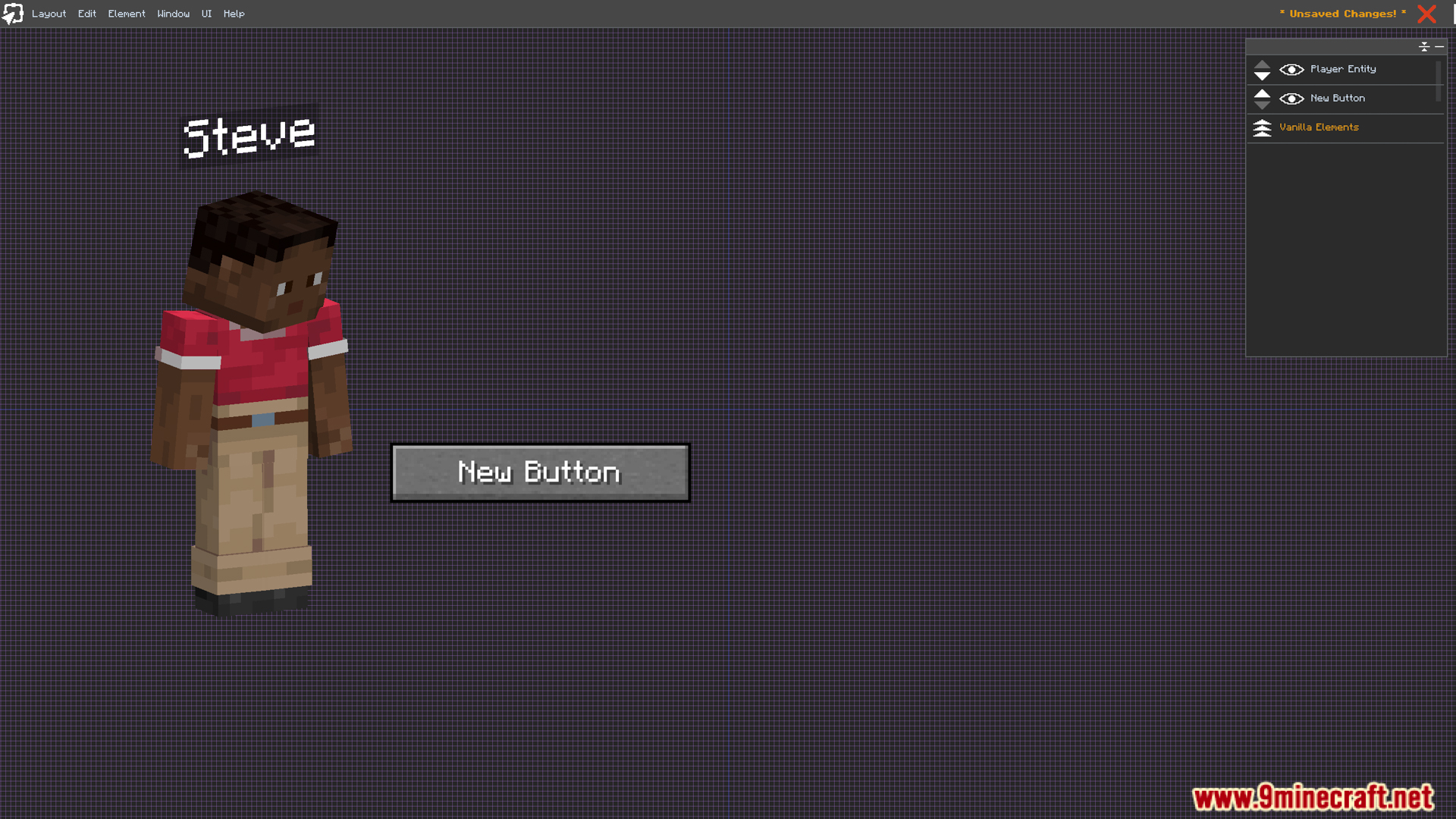
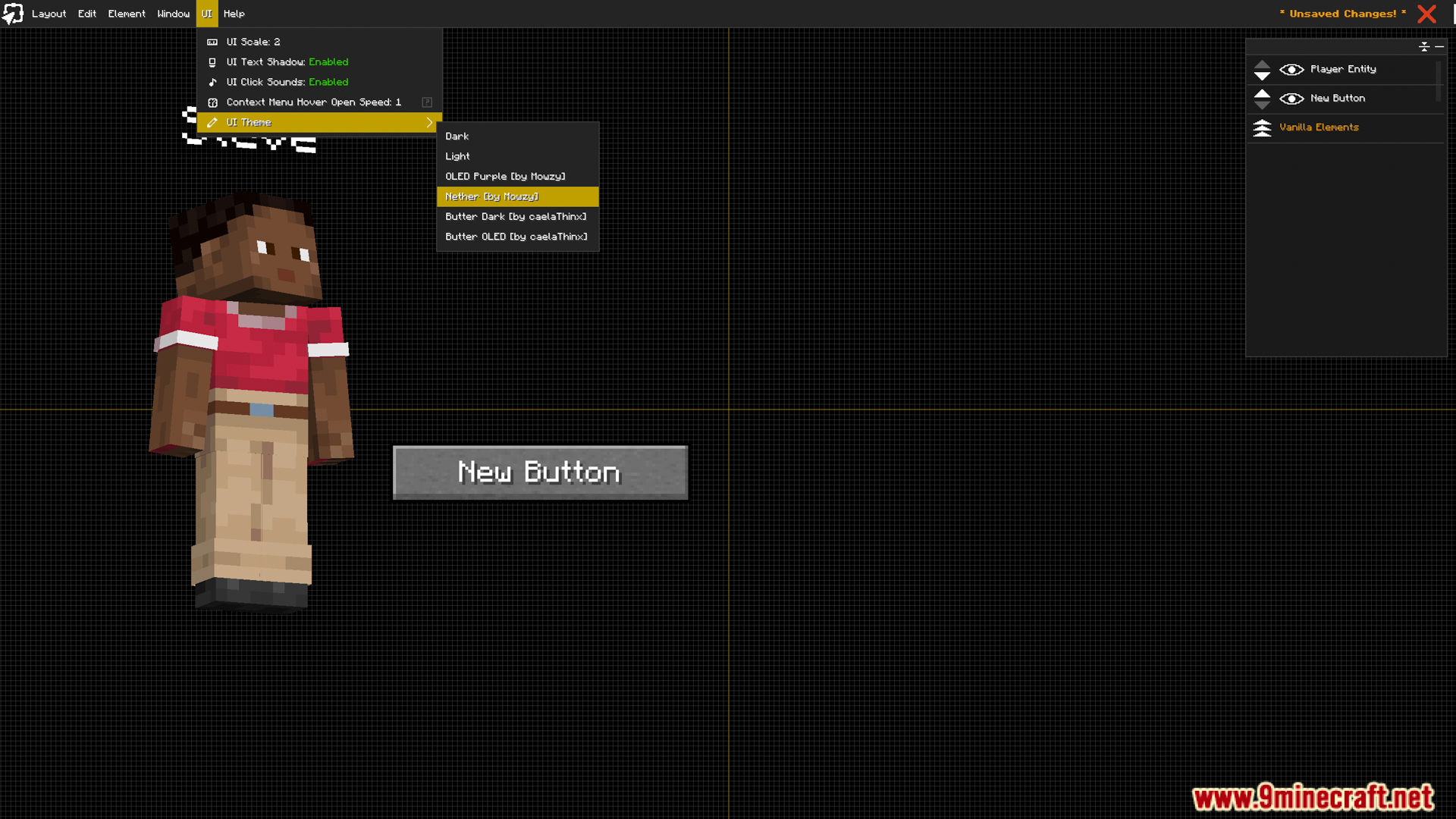
Fancy Entity Renderer Mod (1.21.11, 1.20.1) is a Minecraft API/Library mod that allows other mods to display entities in the user interface, menus, HUD, or GUI in a more flexible and aesthetically pleasing way. The mod is officially used by mods like FancyMenu to render visual entities in non-3D world areas.
Features:
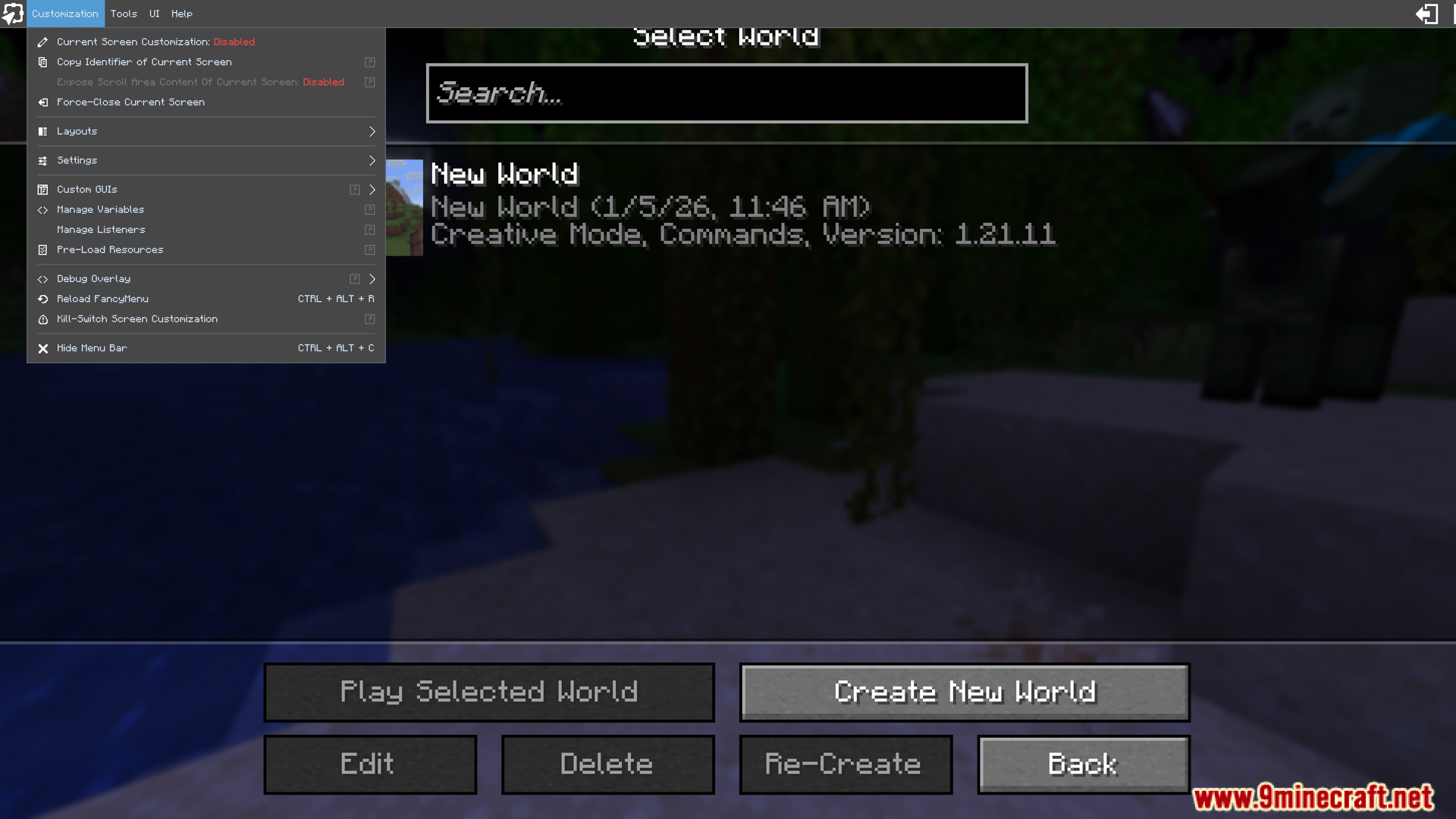
- It provides programming functions for other mods to use to render creatures in screens, menus, custom interfaces, or HUDs. This makes it much easier for mods to display previews or models of creatures in selection panels, custom menus, or HUDs.
Screenshots:
Crafting Recipes:
Recommend that you should install Just Enough Items (for mods using Forge) or Roughly Enough Items (for mods using Fabric) to view the full recipes included in this mod.
Requires:
Minecraft Forge or Fabric API or NeoForge Installer
Cobweb
FancyMenu
Melody
Prometheus
How to install:
Click the following link to view details: How to Install Mods for Minecraft Java Edition on PC: A Beginner Guide
Fancy Entity Renderer Mod (1.21.11, 1.20.1) Download Links
For Minecraft 1.21.1, 1.21
Fabric version: Download from Server 1 – Download from Server 2
NeoForge version: Download from Server 1 – Download from Server 2
For Minecraft 1.21.4
Forge version: Download from Server 1 – Download from Server 2
Fabric version: Download from Server 1 – Download from Server 2
NeoForge version: Download from Server 1 – Download from Server 2
For Minecraft 1.21.5
Fabric version: Download from Server 1 – Download from Server 2
NeoForge version: Download from Server 1 – Download from Server 2
For Minecraft 1.21.8, 1.21.7, 1.21.6
Fabric version: Download from Server 1 – Download from Server 2
NeoForge version: Download from Server 1 – Download from Server 2
For Minecraft 1.21.10
Fabric version: Download from Server 1 – Download from Server 2
NeoForge version: Download from Server 1 – Download from Server 2
For Minecraft 1.21.11
Fabric version: Download from Server 1 – Download from Server 2
NeoForge version: Download from Server 1 – Download from Server 2
You May Also Like