
Farmstead Footprints Mod (26.3, 1.20.1) – Leave Realistic Tracks Across Snow
 2
 0

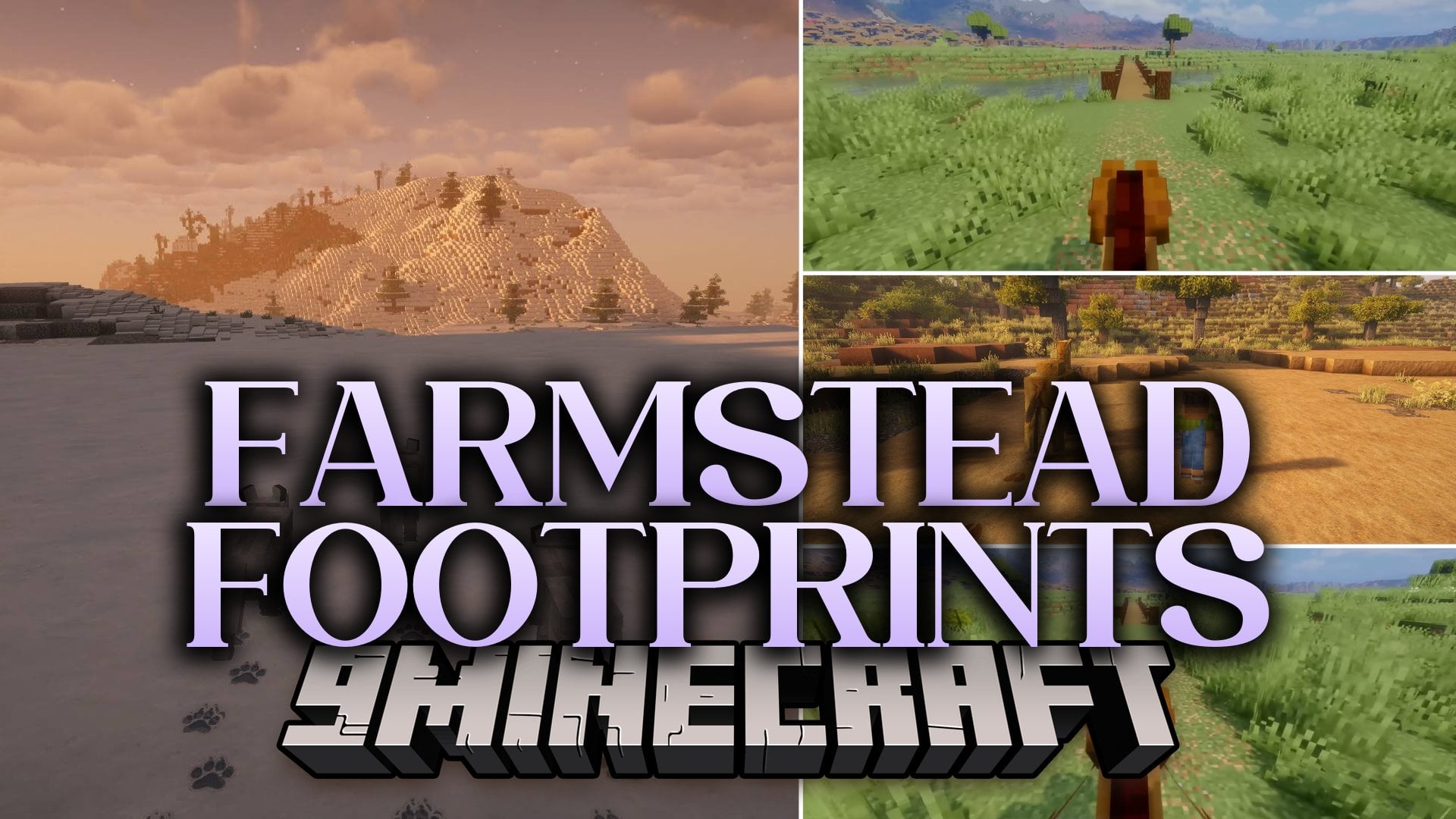
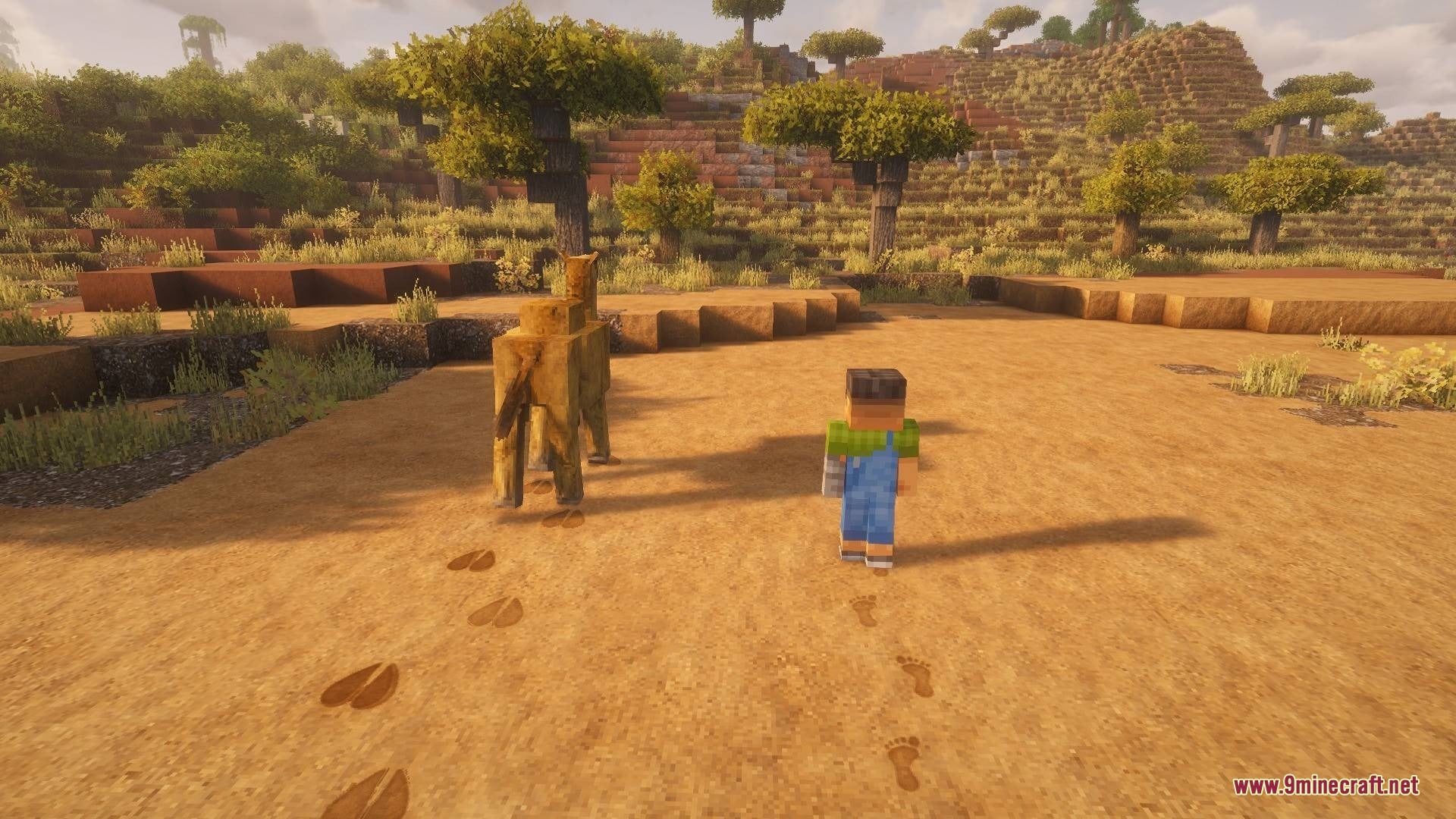
Farmstead Footprints Mod adds realistic tracks for players and mobs across your world. Every step you take in snow, sand, or mud leaves a clear mark pressed right into the ground. Up to 47 vanilla mobs also leave their own unique prints, from tiny chicken scratches to giant bear paws. The mod even reads models from other mods to generate matching footprints automatically. Because it runs completely on the client side with zero dependencies, it works on any server right away.
Features:
- Two Visual Styles: Choose between Detailed mode with a shadowed hollow and lit lip, or Pixel mode that presses the block’s own texture pixels inward to match biome tints.
- Unique Mob Tracks: Generates distinct prints for boots, bare feet, paws, hooves, cloven hooves, bird feet, and giant steps from iron golems, ravagers, and wardens.
- Realistic Walking Patterns: Players step left and right naturally, while four-legged animals place their hind feet right into their front prints.
- Modded Mob Compatibility: Reads mob models automatically to place two, four, six, or eight legs at their real positions, while scaling prints to match baby mobs or size mods like Pehkui.
- Aging and Weather Effects: Prints slowly crumble from the edges inward over time, fade faster during rain or snow, and disappear instantly if the block underneath breaks.
- Water and Wet Surfaces: Adds foam wakes behind boats, water rings when wading, bubbles behind swimmers, damp tracks on stone or wood after swimming, and sparks under fast minecarts.
- Soft blocks like snow, sand, mud, grass, gravel, soil, clay, and soul blocks each have their own track color and lifetime.
- Draws all tracks in a single batch and hides prints outside the camera view to keep frame rates fast.
- Works with Sodium, Iris, and shader packs so footprints match the surrounding lighting.
- Includes four quick presets:
default,vanilla_plus,cinematic, andperformance. - Lets you add custom PNG shapes or resource pack rules to change how footprints look.
Commands:
/footprints config: Opens the settings menu with tabs for prints, effects, and searchable block and mob lists./footprints reload: Reloads your current footprint configuration and custom textures./footprints stats: Shows current footprint rendering statistics.
Configuration:
checkUpdates = false: Turns off the automatic version check on startup.
How to Use:
- Walk across soft blocks like snow, sand, mud, or gravel to start leaving footprints behind you.
- Type
/footprints configin chat to open the settings screen and switch between Detailed and Pixel styles. - Click the “Try it” button in the settings menu to stamp sample player, horse, wolf, and chicken tracks right where you are looking.
- Press F3 + T to reload the game if you add custom footprint PNG files or resource pack profiles.
Screenshots:

How to Install:
New to Minecraft? Follow our step-by-step guide to install Mods on your PC.View Guide
Requirements:




Farmstead Footprints Mod Download Links
For Minecraft 26.3
For Minecraft 26.2
For Minecraft 26.1.2, 26.1.1, 26.1
For Minecraft 1.21.11
For Minecraft 1.21.10, 1.21.9
For Minecraft 1.21.8, 1.21.7, 1.21.6
For Minecraft 1.21.5
For Minecraft 1.21.4
For Minecraft 1.21.1, 1.21
For Minecraft 1.20.1, 1.20
Click to rate this post!
[Total: 0 Average: 0]
You May Also Like
Picked for this page
 CC Tweaked Mod (26.3, 1.20.1) – Code Bots to Mine for You
 Resource Backpack’s Mod (26.3, 1.21.1) – Carry More Loot Without Returning Home
 Lunar Keystrokes Mod (26.3, 1.8.9) – Track Every Click and Key Press in Combat
 Custom Time Cycle Mod (26.3, 1.20.1) – Control the Pace of Daylight and Darkness
 Fire Hud Mod (26.2, 1.21.1) – Clear Lava Vision Without Fire
 Magic Brooms Mod (26.2, 1.20.1) – Soar Across Your World on Custom Magic Brooms
 JLine For Dedicated Server Mod (26.3, 1.20.1) – Enable Command History, Auto-Completion & Syntax Highlighting
 Illager Gloom Raiders Mod (1.20.1) – Defend Villages From Deadly New Raid Bosses
 Ziplines Rezipped Mod (26.3, 1.20.1) – Slide Across Huge Gaps on Chain Ziplines
 Veil of Sight Mod (26.3, 1.20.1) – Show Off Your Skin While Staying Fully
 Pixel Canvas Terrain Mod (26.3, 1.20.1) – Turn Painted 2D Images
 Quadra Gen Mod (26.3, 1.20.1) – Build Flat and Natural Terrain Side By Side
Most viewed in Mods over the last 7 days
 Ala Industrial Mod (26.3) – Run Electric Power Grids and Automated Factories
 PleasureCraft Mod (26.3, 1.21.1) – Jenny Mod Remake for Fabric
 Jennycraft Mod (26.3, 1.20.1) – Virtual Girlfriend in Minecraft
 Fapcraft Mod (26.3, 1.12.2) – Comprehensive and Detailed Content
 Jenny Mod (Fapcraft) Official Complete Guide – How to use, Tutorial
 Meteor Client Mod (26.3, 1.20.1) – Xray, HUD, Fly
 BangCraft Mod (1.20.1) – Jenny, Ellie and Elliot
 Let it Walk Mod (1.21.1) – Pilot Spider Tanks and Mechs Built From Your Blocks
 OptiFine HD (26.3, 1.20.1) – Run Faster, FPS Boost, Shaders Support
 CatLean Client Mod (26.2, 1.21.11) – ThunderHack Recode Alternatives
 Fabric Loader (26.3, 1.20.1) – Fabric Installer for All Minecraft Versions
 SeedCrackerX Mod (26.3, 1.20.1) – Find Any World Seed
More from Mods
 Bright Client Mod (26.3, 1.20.1) – Track Combat Stats and Translate Multiplayer
 Wild Horse Behavior Mod (1.20.1) – Tame Wild Herds and Breed Horses Naturally
 Strange Statue Mod (26.3) – Spot Weathered Stone Ruins Across High Mountain
 Sunset Torch Mod (26.3) – Light Your Base with Torches That Dim in Daylight
 Armor Gui Mend Wise Mod (26.3) – Never Waste XP Bottles Repairing Your Armor
 Nearby Inventory Tabs Mod (26.1.2, 1.20.1) – Hop Between Nearby Chests
 TaCZ Zero Contact Mod (1.20.1) – Survive Gunfights with Armor Plates
 Needle in a Haystack Mod (26.2) – Sift Through Haystacks for Chaotic Loot
 Nitro Orchard Client Mod (1.21.11) – Survive Chaotic Anarchy PvP Battles
 Ragdoll Deaths Mod (26.3, 1.21.1) – Send Defeated Mobs Flying with Real Physics
 Undiscovered Abyss Deep Waters Mod (1.21.1) – Pilot Submarines and Build Ocean
 Trashlib Mod (1.21.4) – Core Library Keeps Your Dependent Mods Running Smoothly

This post has no comments yet. Be the first — your comment will appear here.