


Pixel Canvas Terrain Mod (26.2, 1.20.1) – Turn Painted 2D Images
 0
0
 0
0

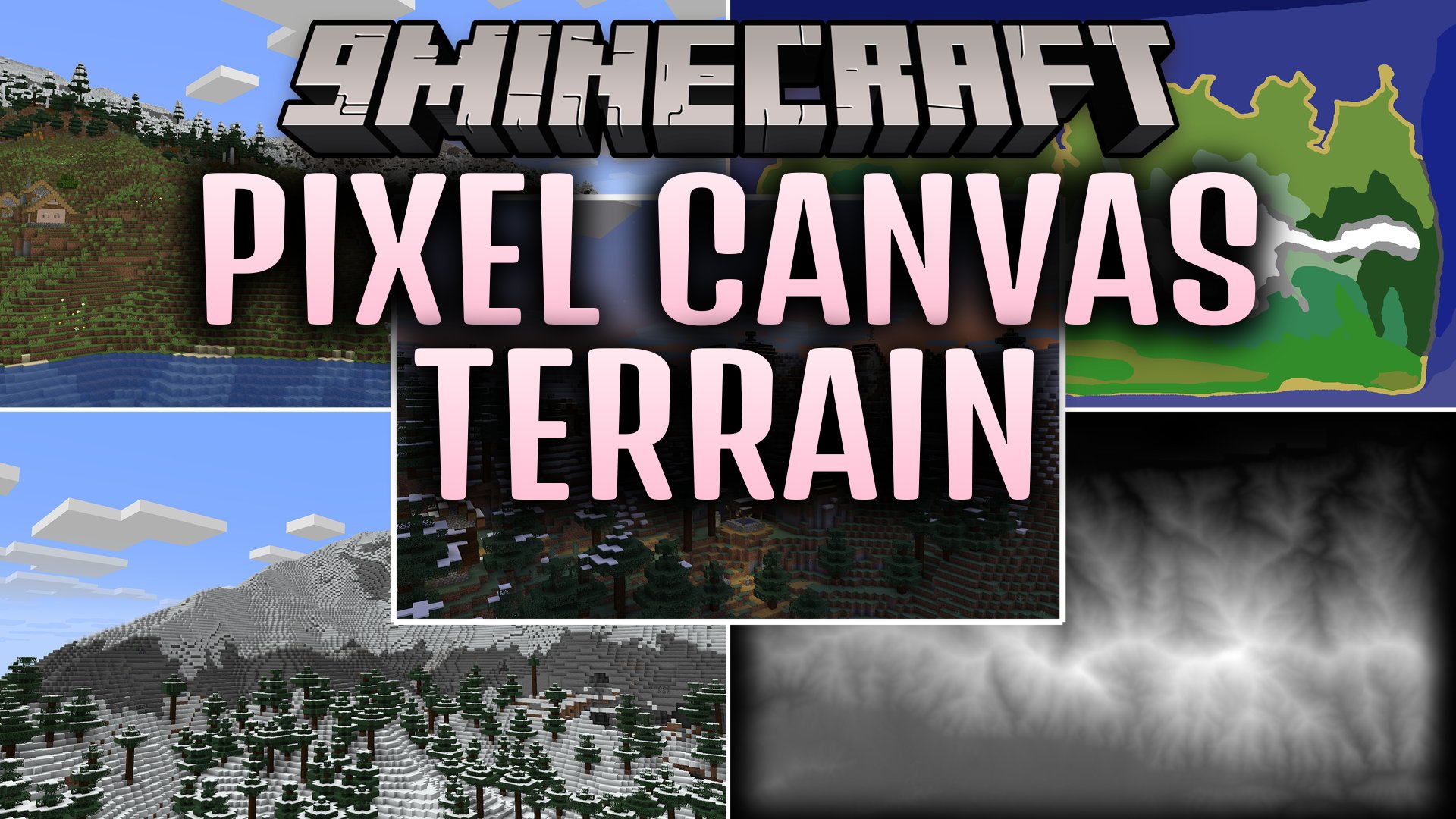
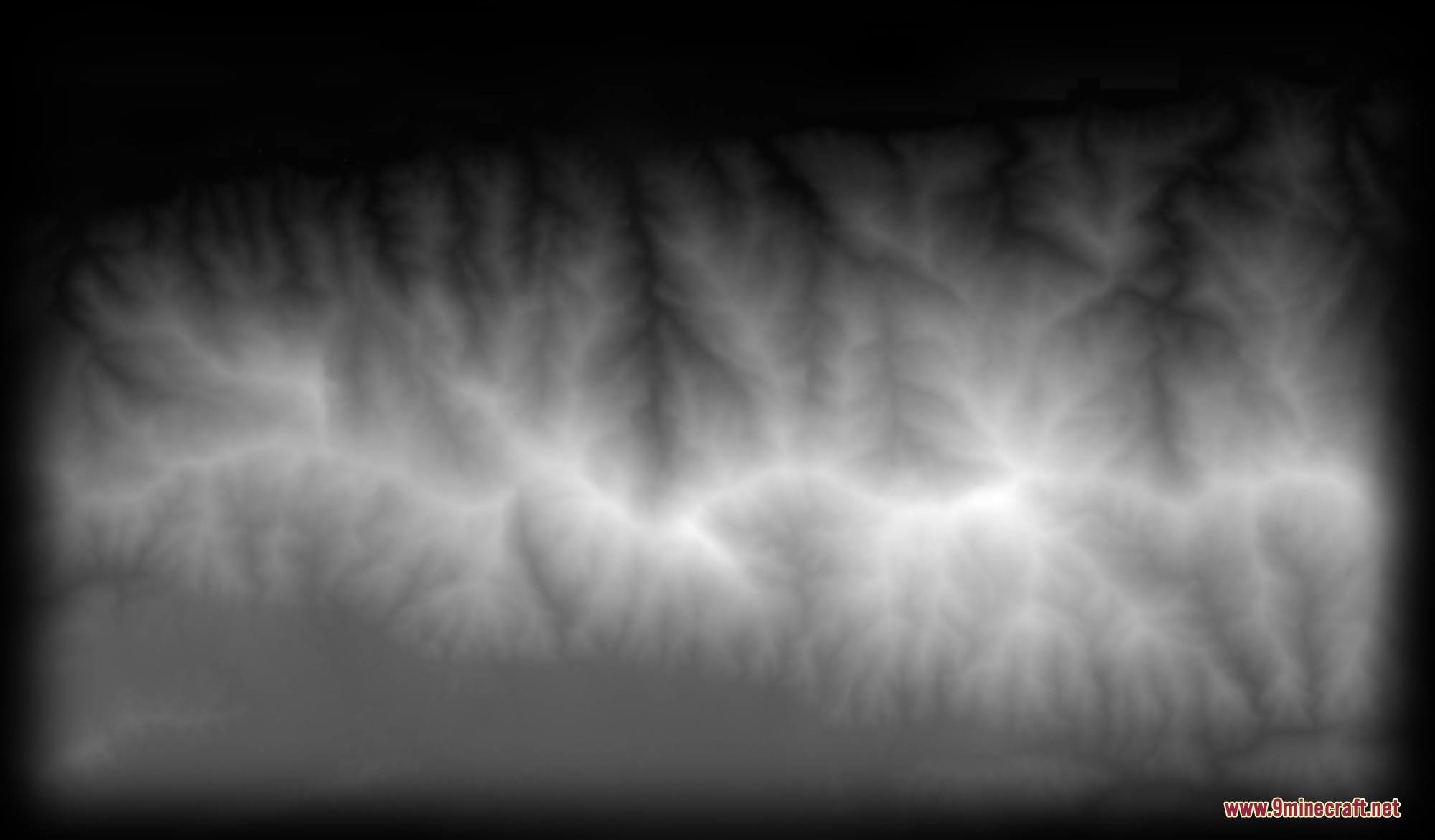
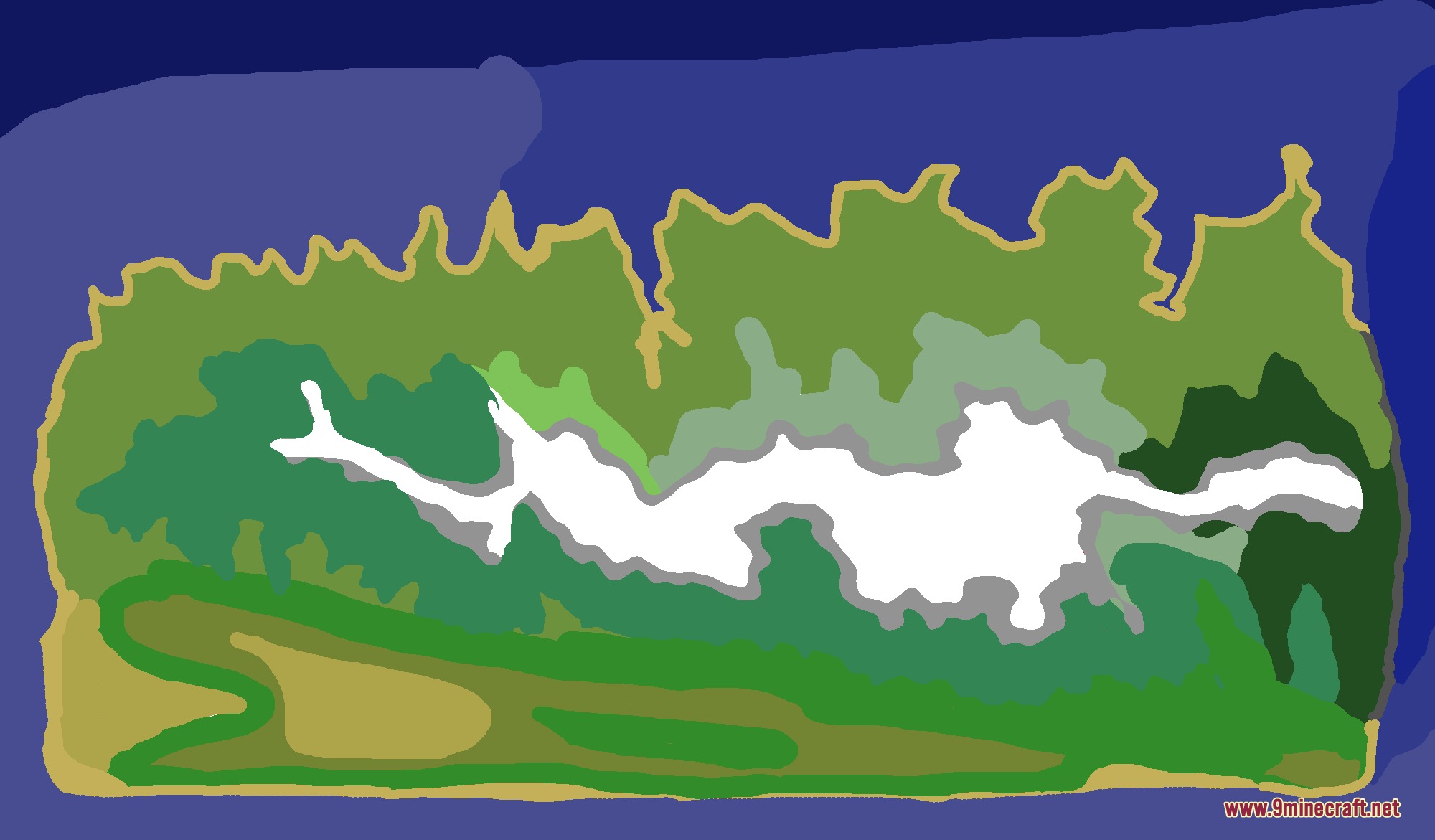
Pixel Canvas Terrain Mod creates custom Minecraft terrain and dimensions directly from 2D image files. The mod reads grayscale heightmaps to shape mountains, hills, and ocean trenches while using colored maps to decide where biomes spawn. It keeps standard world features like trees, ore clusters, and villages while granting full control over the landscape layout through datapacks.
Features:
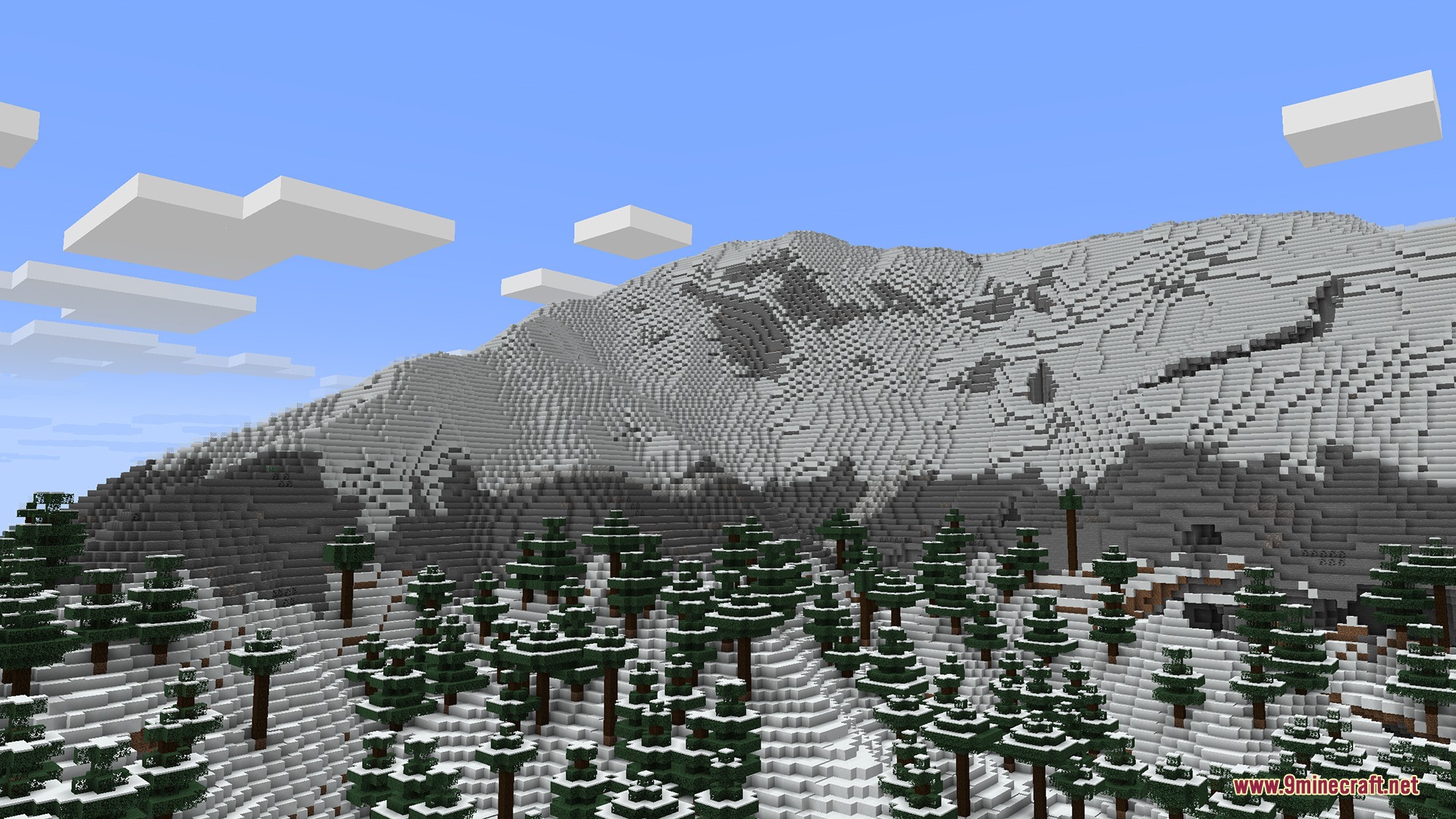
- Turns grayscale image files into in-game mountains, plains, and valleys.
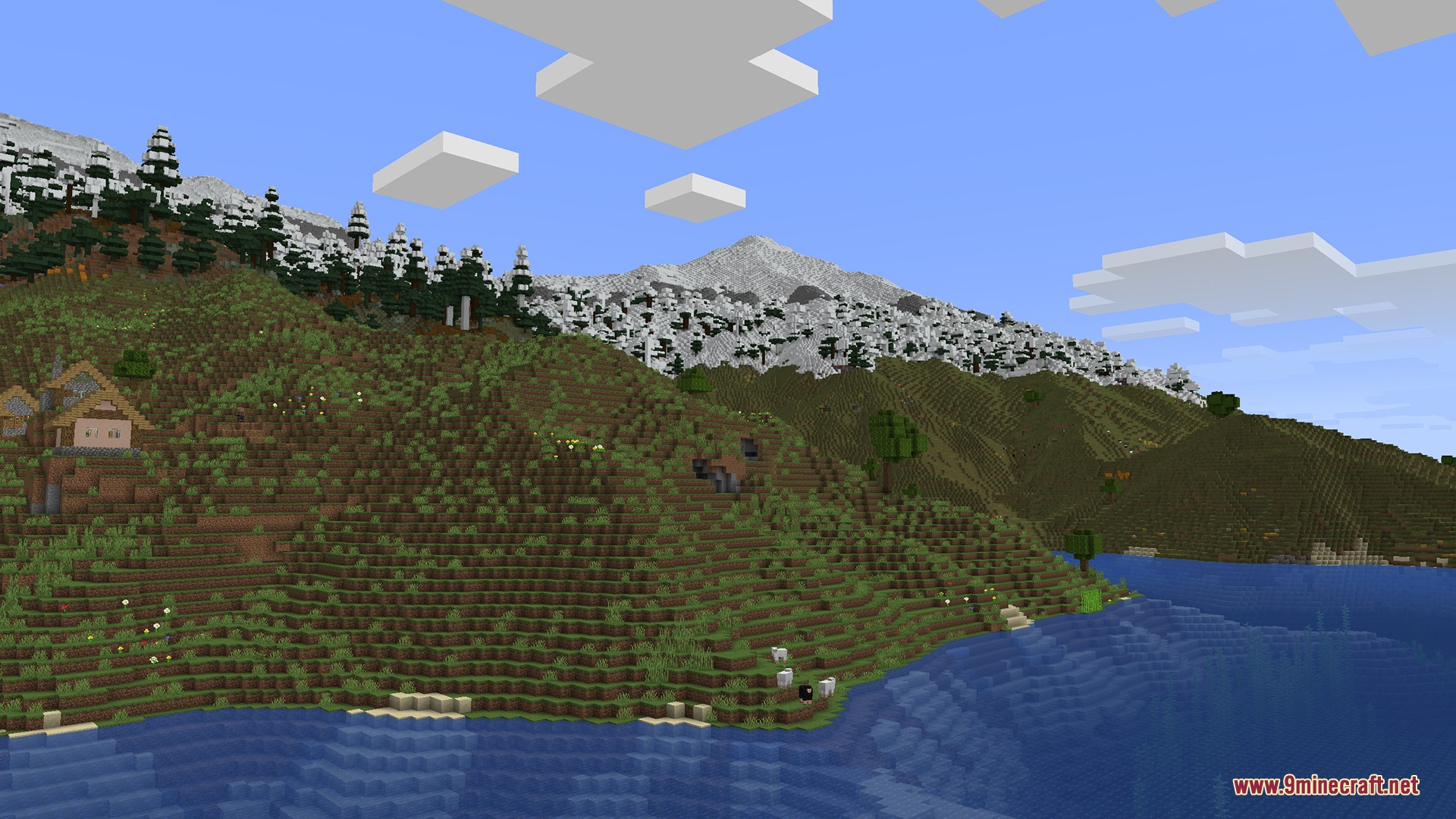
- Places biomes across the surface according to specific colors painted on a biome map.
- Generates custom cave biomes using dedicated subterranean map layers.
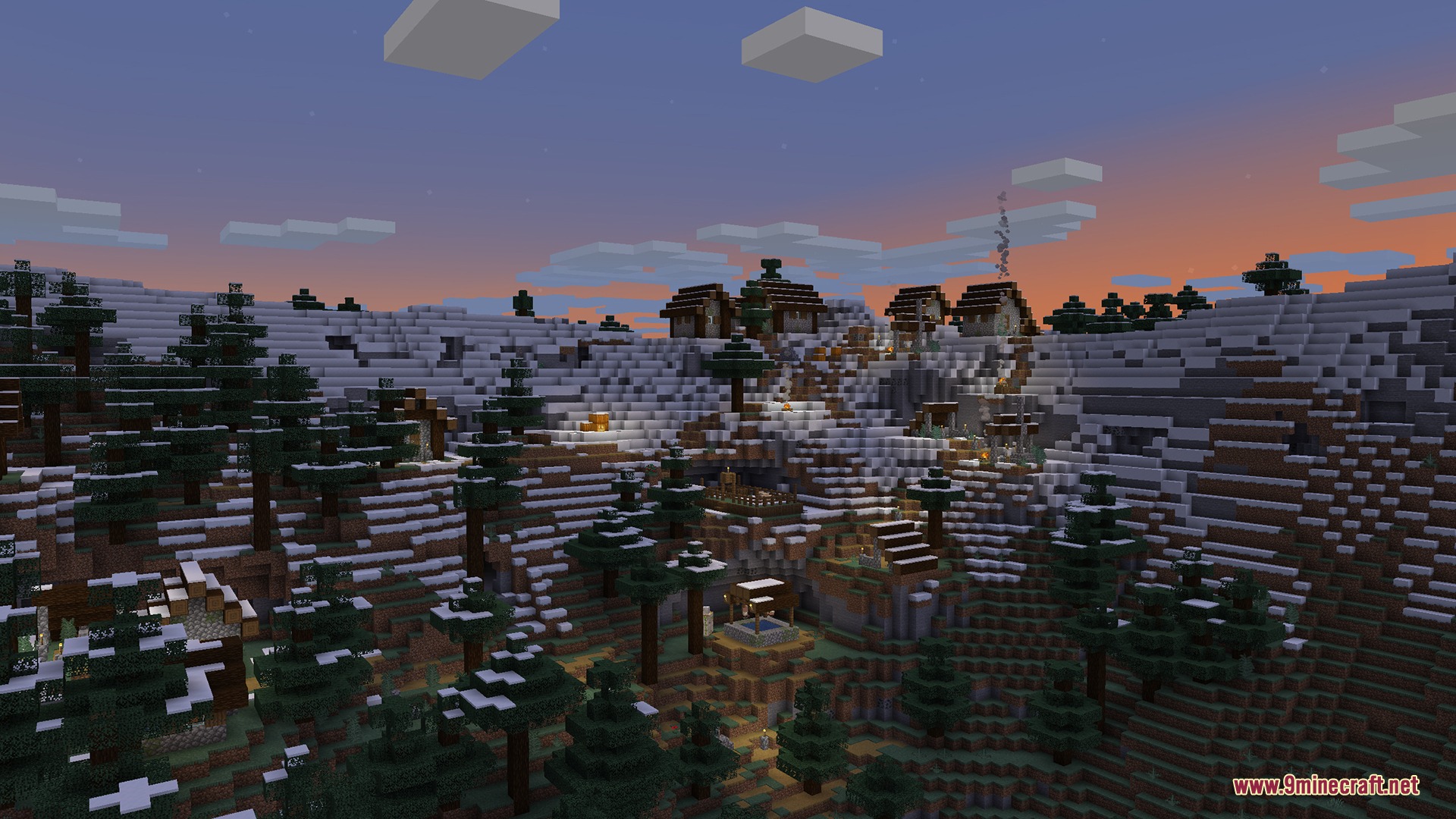
- Smooths structure placement so generated buildings sit naturally on custom terrain.
- Improves underwater cave shapes and flooded underground caverns.
- Works alongside custom biomes added by other mods inside custom dimensions.
- Includes built-in example datapacks ready for instant world generation.
How to Use:
- Create or export a grayscale PNG heightmap using terrain software or heightmap archives.
- Make a copy of the image and paint solid colors to designate distinct biomes.
- Save the biome image as an 8-bit RGBA PNG file without color blending.
- Place both image files into the dimension configuration folders of your datapack.
- Create a new world with your datapack active to explore your painted terrain.
Screenshots:
How to Install:
New to Minecraft? Follow our step-by-step guide to install Mods on your PC.View Guide
Requirements:




Pixel Canvas Terrain Mod Download Links
For Minecraft 26.2
For Minecraft 26.1.2, 26.1.1, 26.1
For Minecraft 1.21.11, 1.21.10, 1.21.9
For Minecraft 1.21.1, 1.21
For Minecraft 1.20.1, 1.20
Click to rate this post!
[Total: 0 Average: 0]
You May Also Like




This post has no comments yet. Be the first — your comment will appear here.