


Ziplines Rezipped Mod (26.2, 1.20.1) – Slide Across Huge Gaps on Chain Ziplines

 0
0 

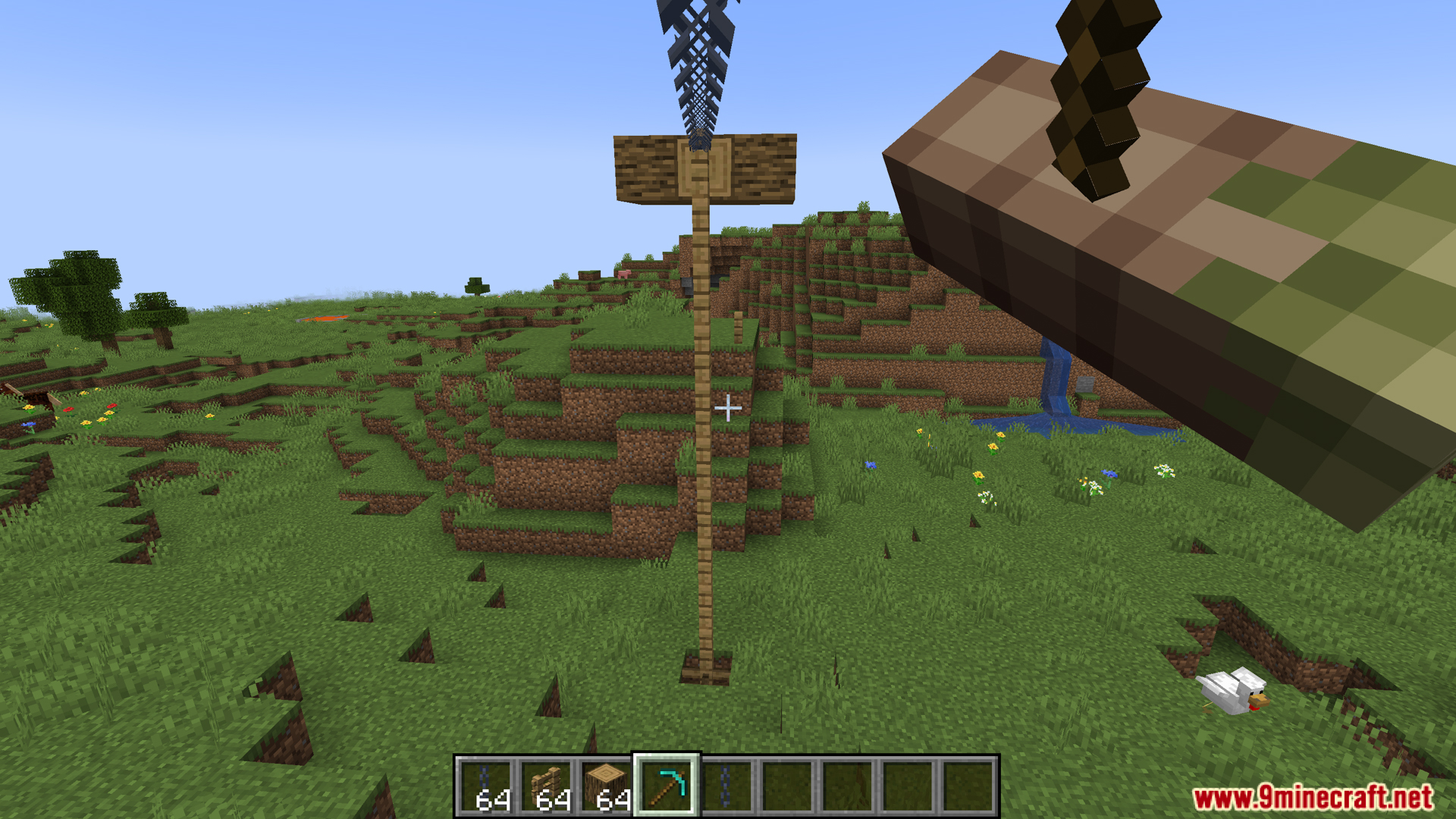
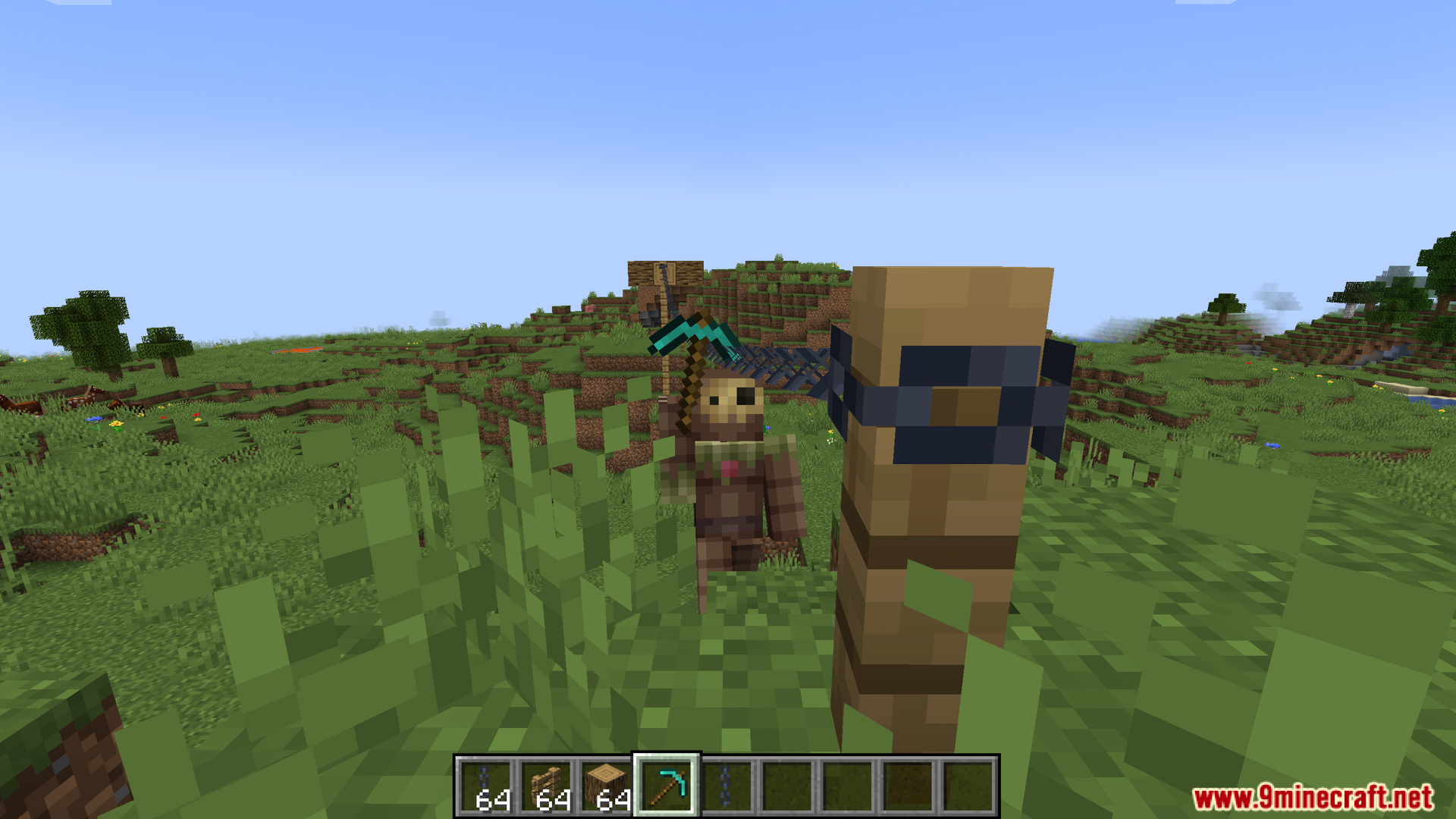
Ziplines Rezipped Mod adds a new way to travel by turning cables and chains from other mods into working ziplines. It changes how you move across large gaps and tall drops in your world. The mod brings momentum physics, meaning you gain speed when going down and slow down when going up. It does not add its own cables, so you need to pair it with other additions that have wires or chains. You can use pickaxes and wrenches as your tools to grab the lines and slide around.
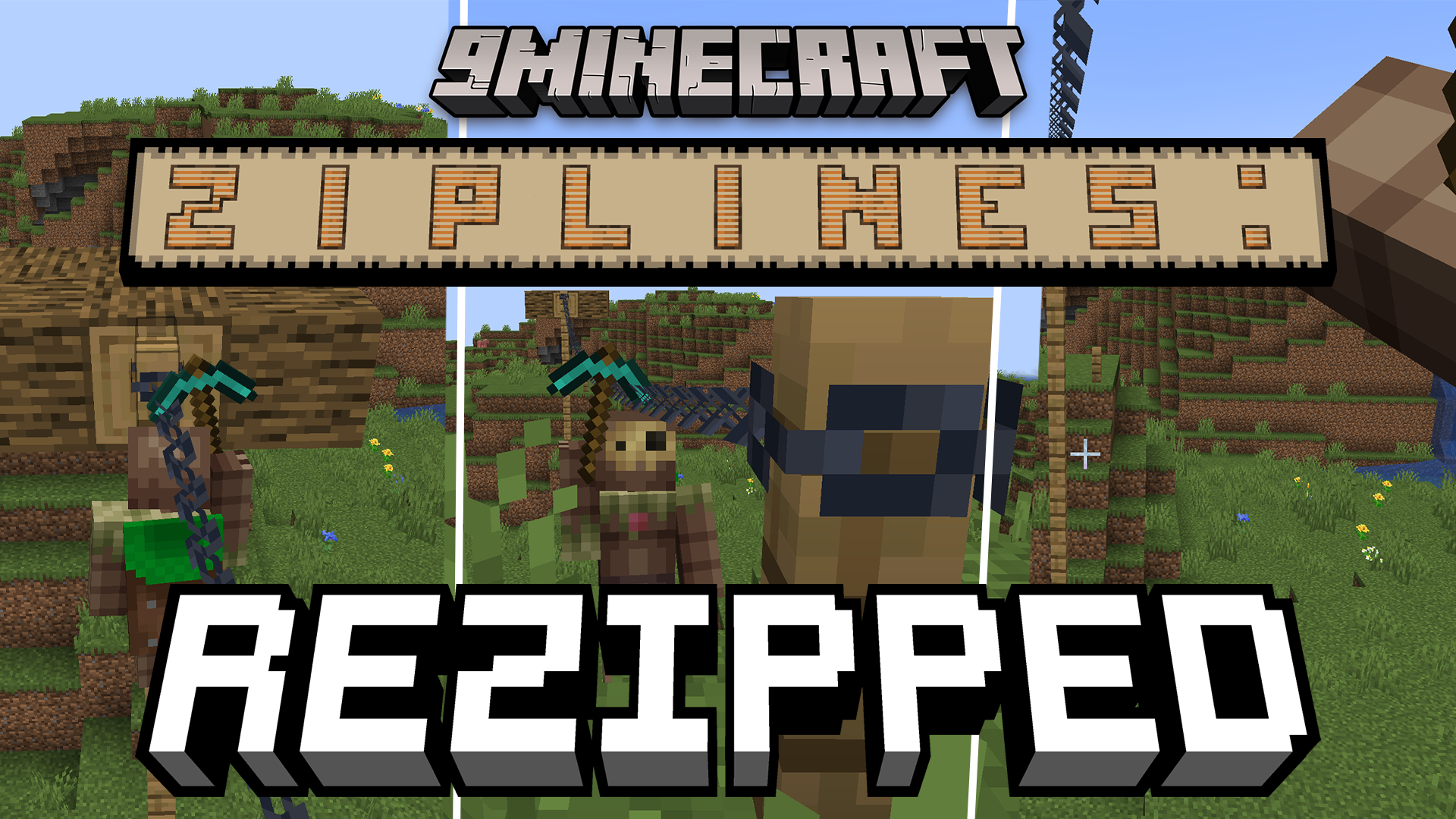
Features:
- Momentum Physics: You speed up when sliding down a line and lose speed when going up a hill.
- Arcade Mode: You can turn off the realistic physics if you prefer a simpler, constant sliding speed.
- Tool Durability: Sliding along cables slowly wears down your tool over time, but you can change this setting.
- Default Handles: Pickaxes and items marked as wrenches work as zipline tools right away.
- Custom Items: You can add any item to the zipline attachment tag using a data pack to make it work on the lines.
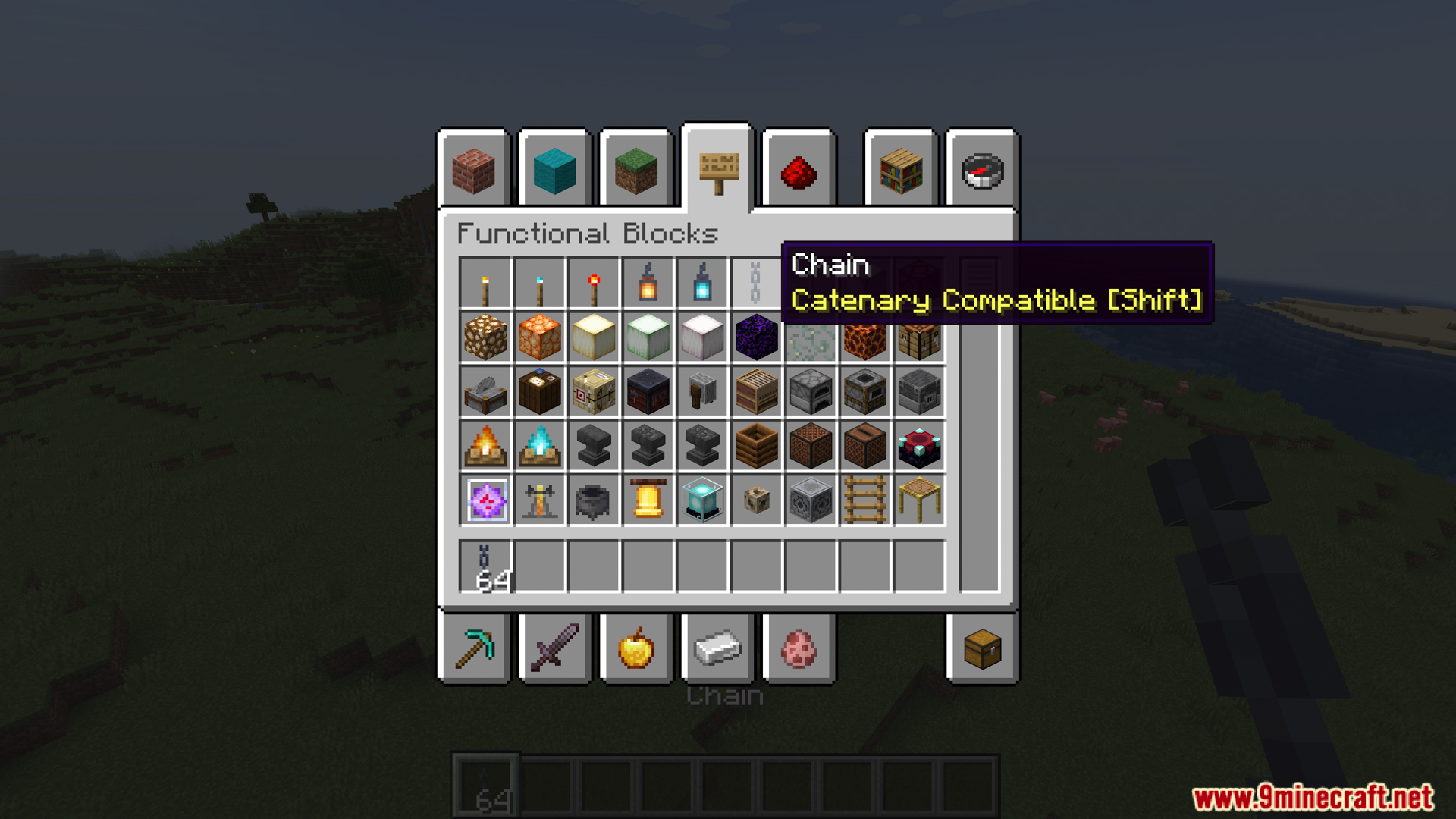
- Cross-Mod Wires: It turns blocks from mods like Reconnectible Chains and Station Decoration into slideable paths.
How to Use:
- Equip a valid zipline tool in your hand.
- Aim your screen at a compatible cable, wire, or chain block.
- Hold right-click to attach yourself to the line and start moving.
- Look in the direction you want to travel to control your momentum.
- Jump or release right-click to detach and launch yourself off the line.
Configuration:
- You can change the mechanics through an in-game menu if you have Cloth Config installed.
- Settings can also be changed by editing the
config/zipline.jsonfile.
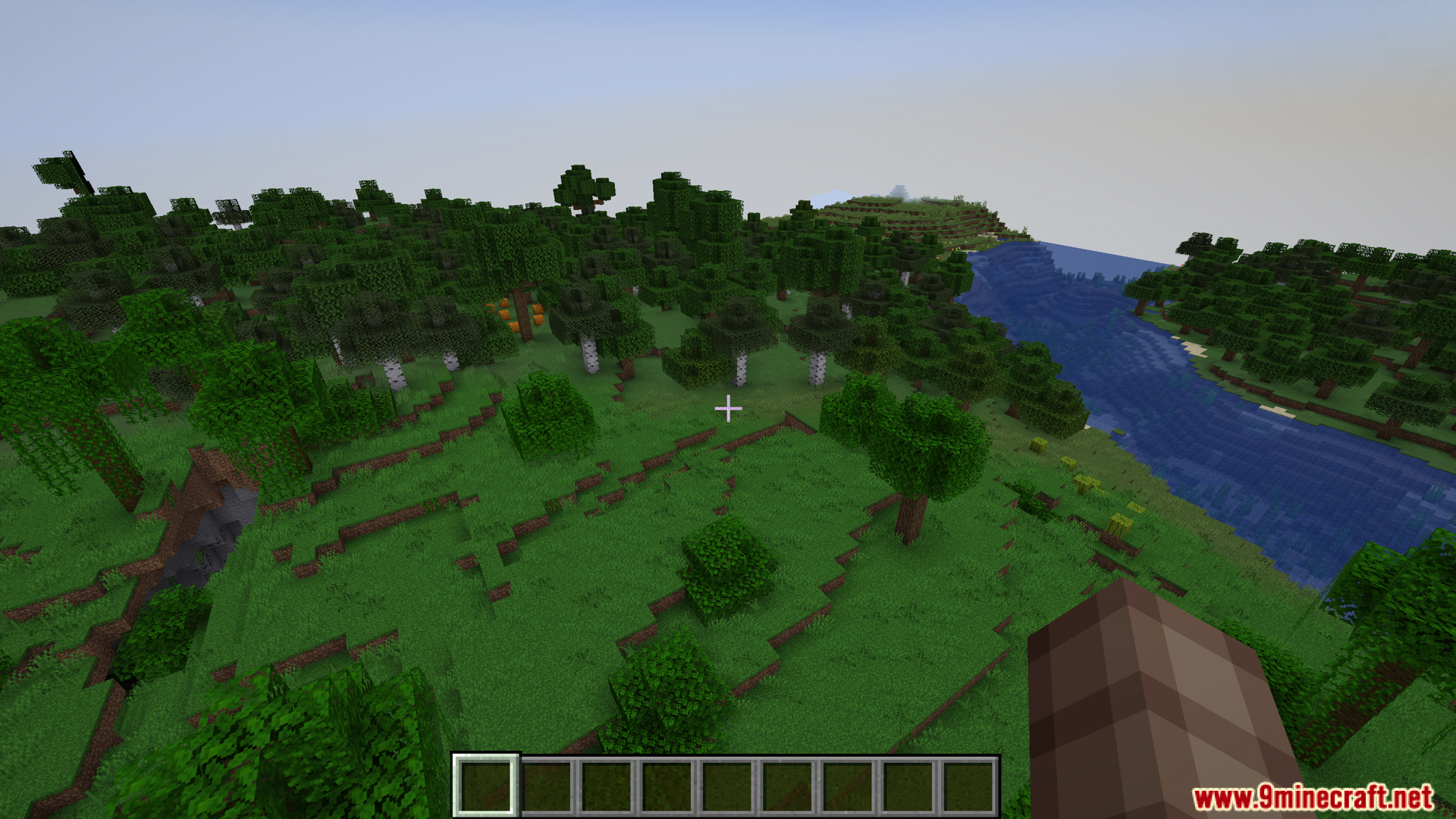
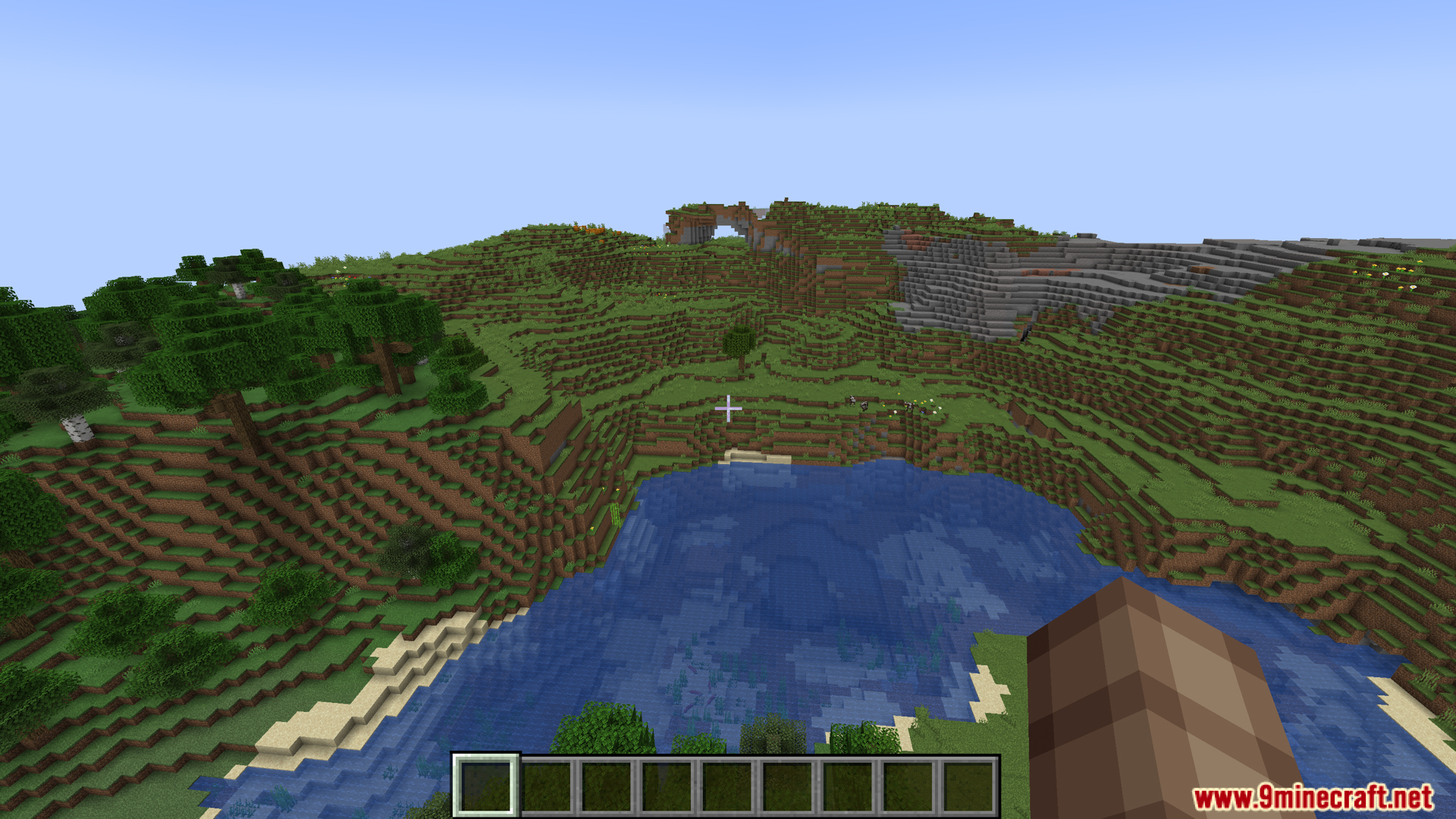
Screenshots:
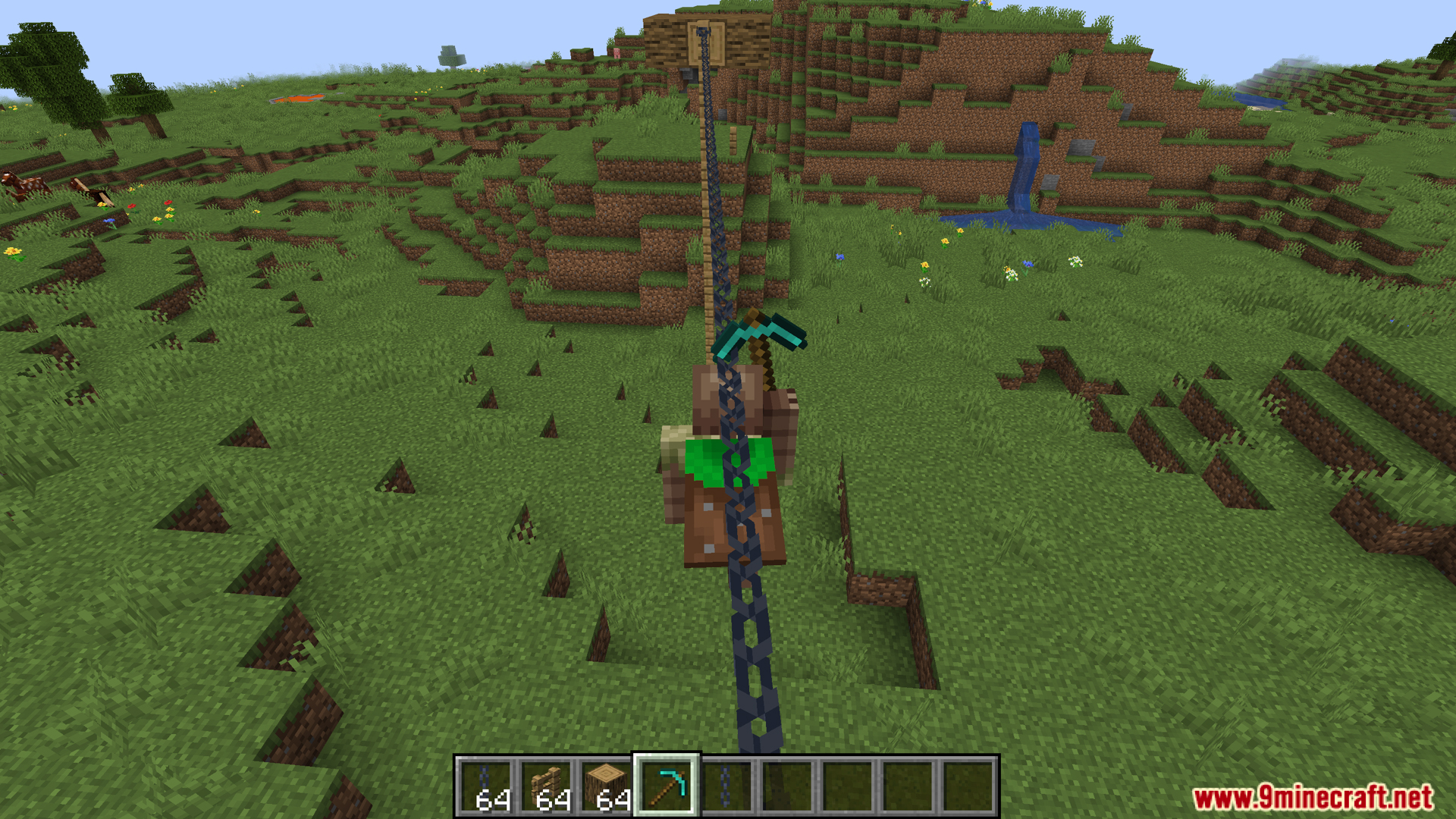
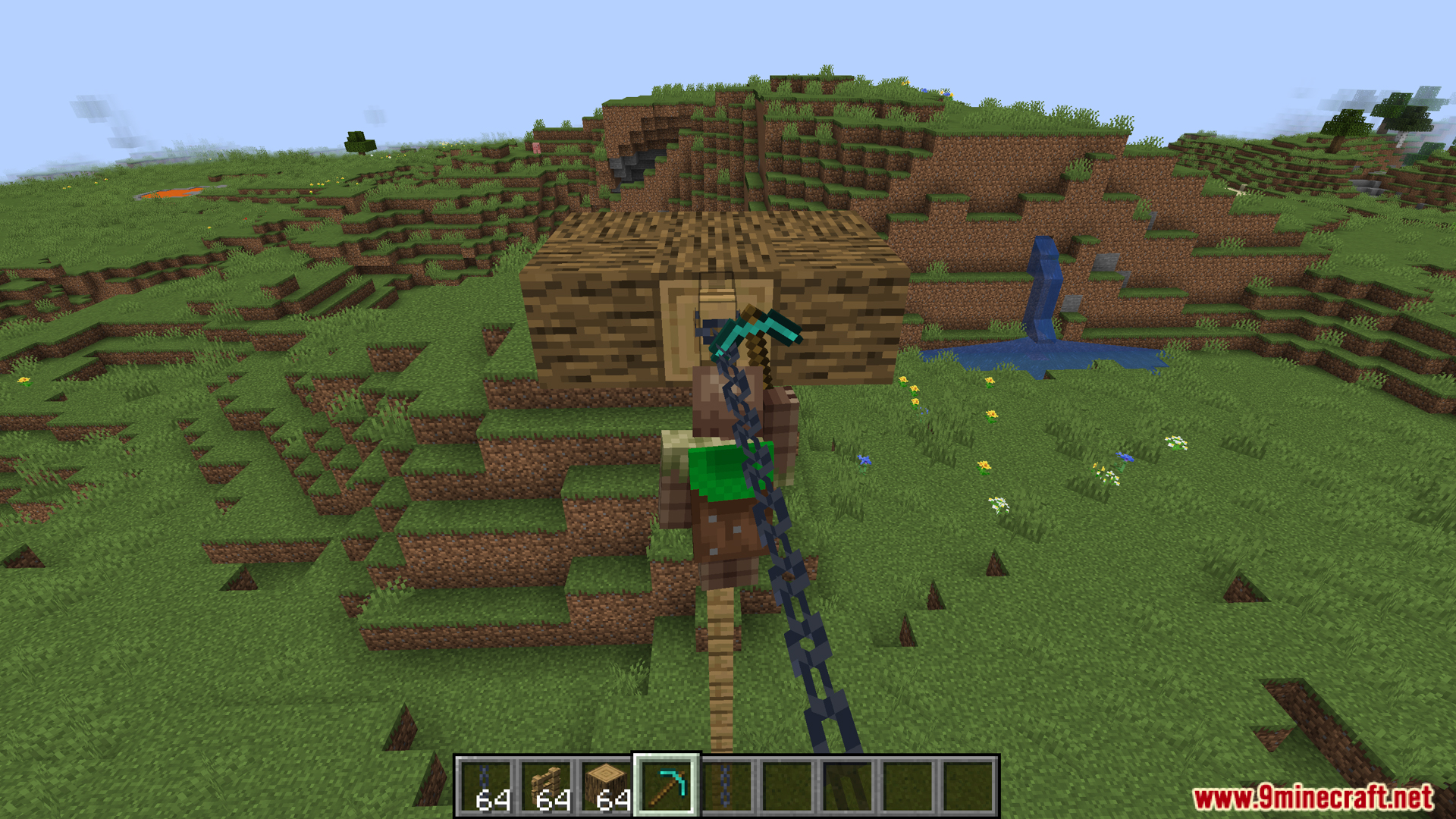
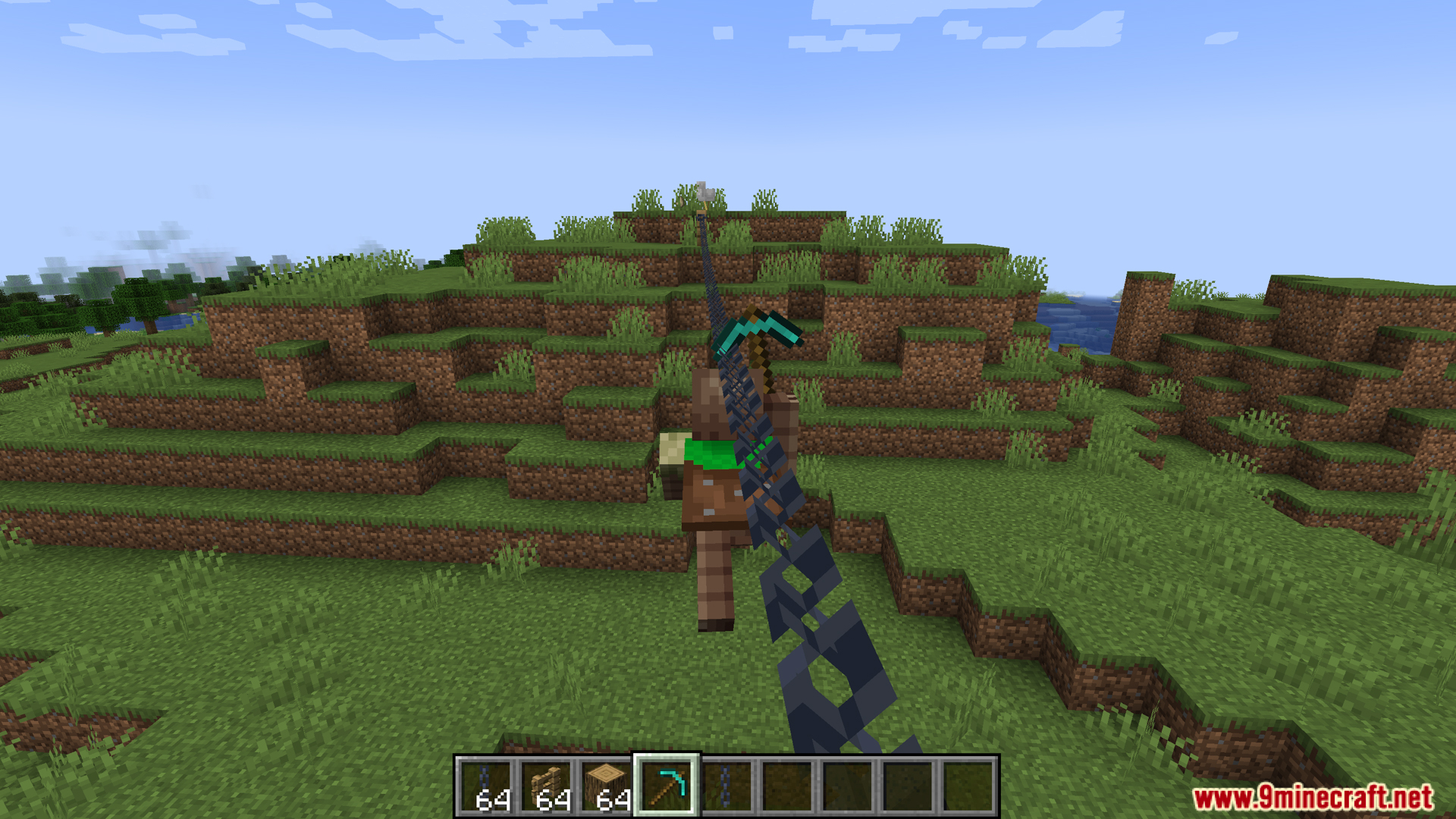
How to Install:
New to Minecraft? Follow our step-by-step guide to install Mods on your PC.View Guide




Ziplines Rezipped Mod Download Links
For Minecraft 26.2
For Minecraft 26.1.2, 26.1.1, 26.1
For Minecraft 1.21.1, 1.21
For Minecraft 1.20.1, 1.20
Click to rate this post!
[Total: 0 Average: 0]
You May Also Like









This post has no comments yet. Be the first — your comment will appear here.