Feather Client Launcher Patched (26.1.2, 1.20.1) – Get Full Features with No License

 0
0  2 hours ago
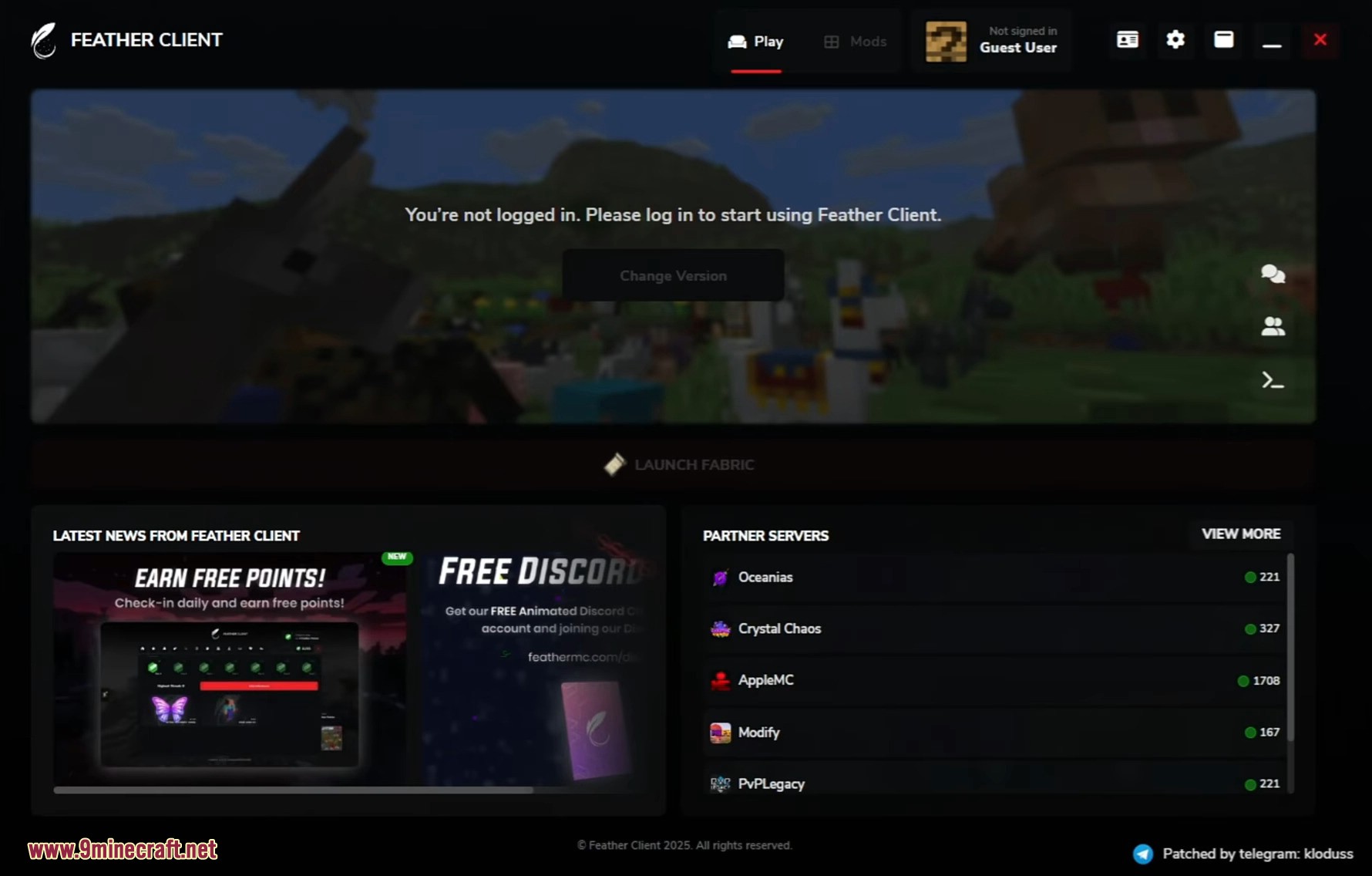
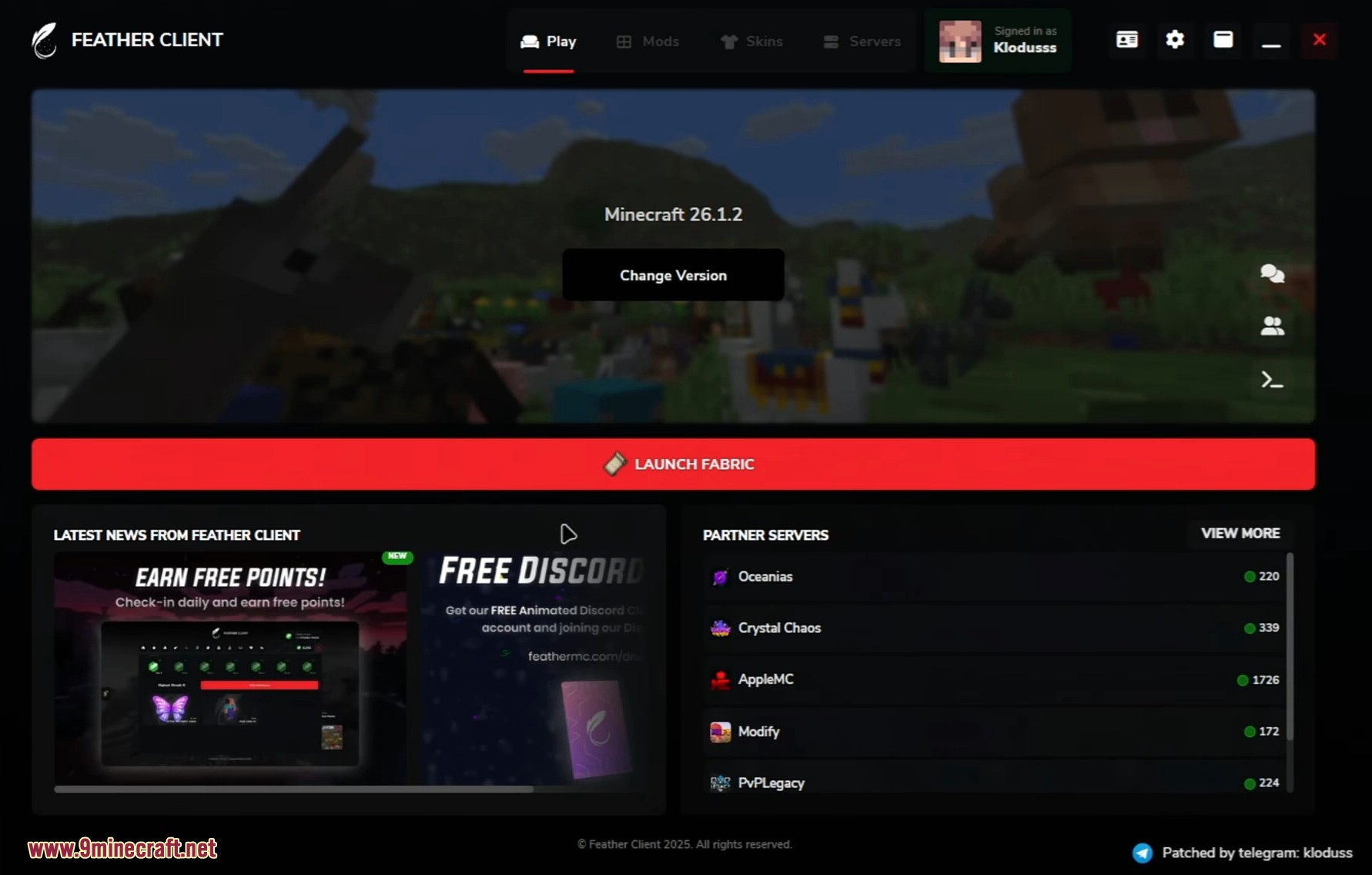
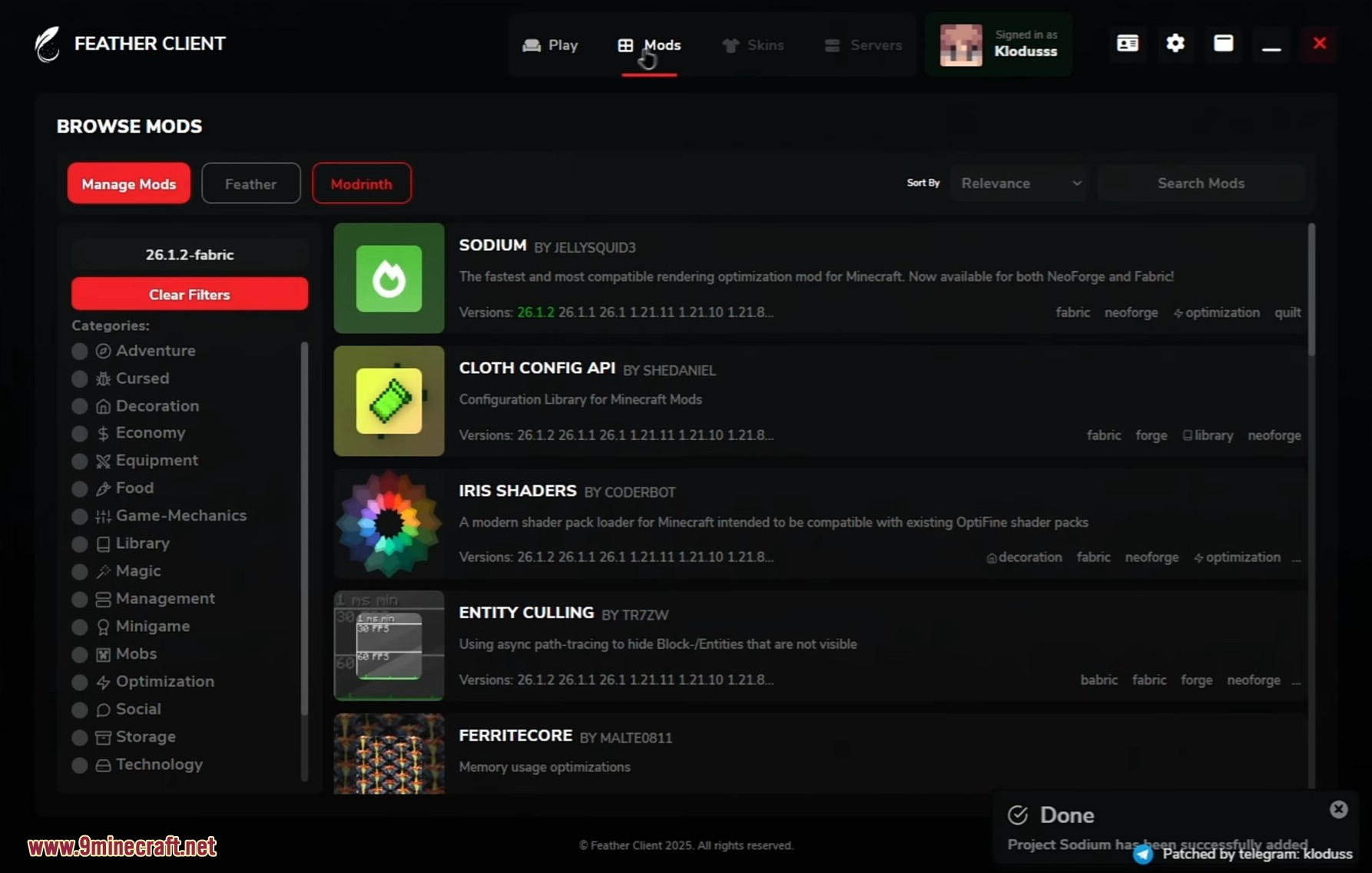
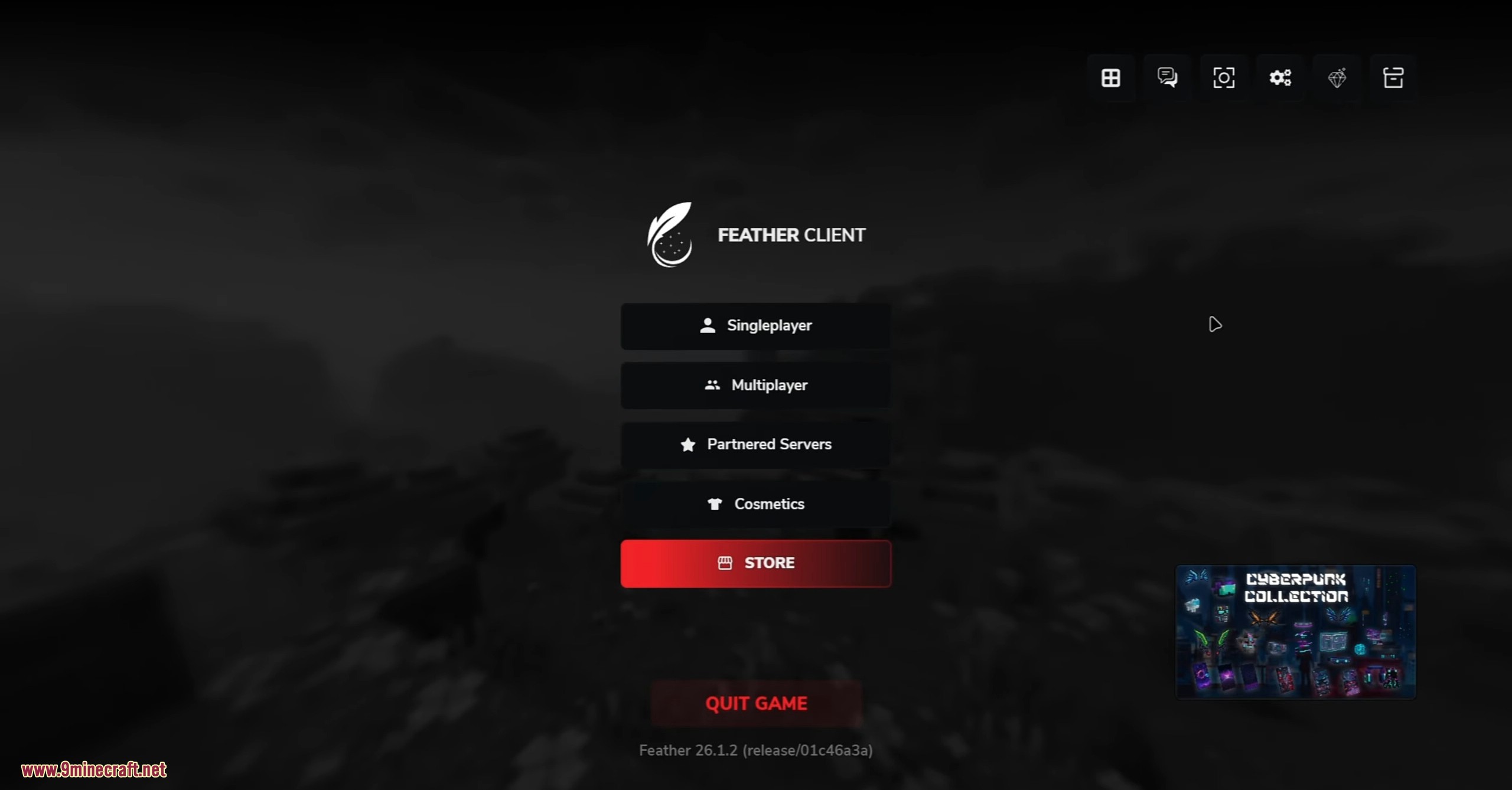
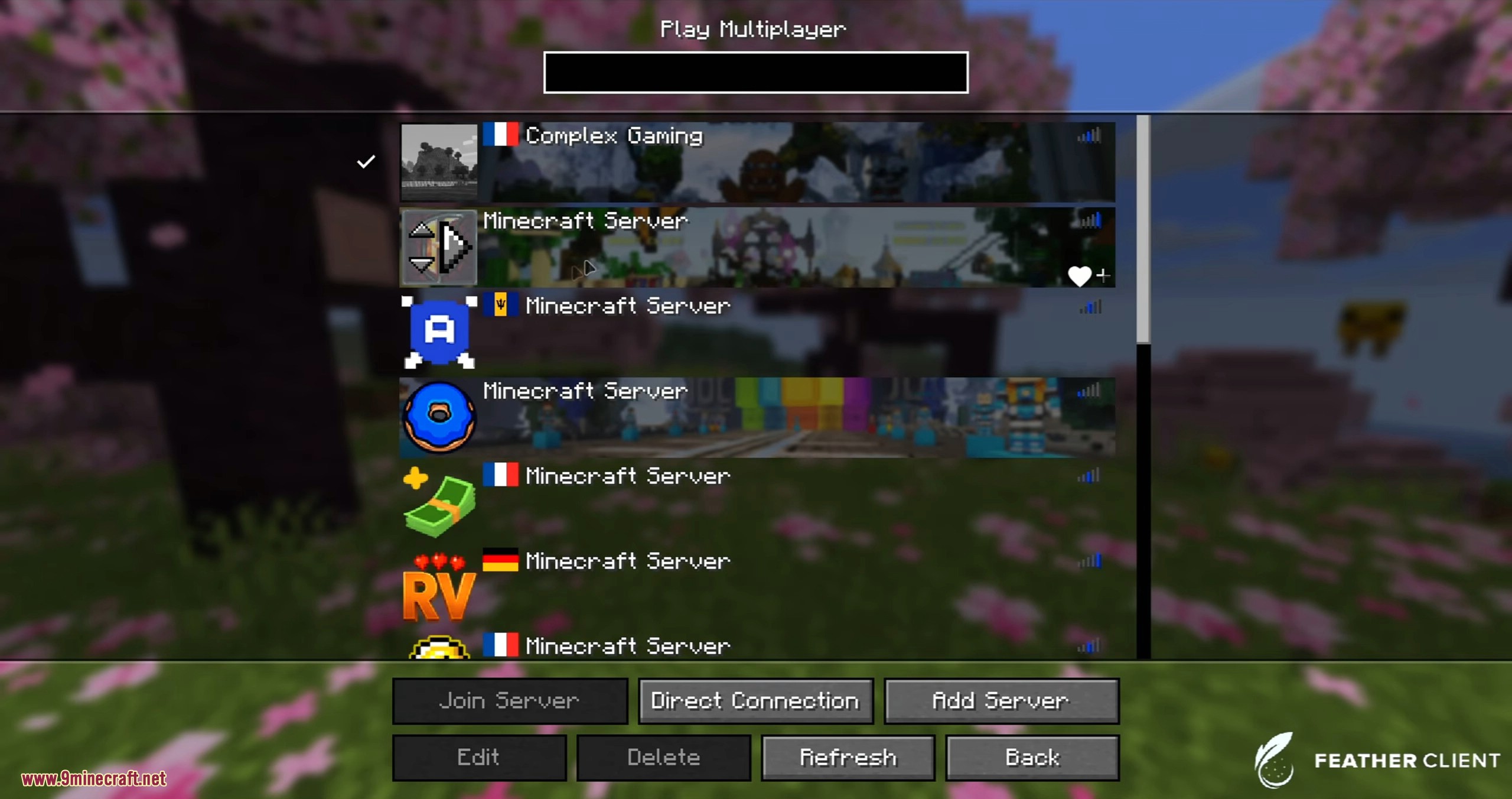
Feather Client Launcher Patched lets you play Minecraft with many useful features without needing a licensed account. It supports a wide range of game versions, from older ones to the newest releases. You can customize your character with any skin or cape you want, right from the launcher’s menu. This client also includes a simple way to host a server for you and your friends to join. It comes with a built-in mod manager, allowing you to add popular mods like Sodium and Iris directly. The account switcher makes it easy to add and manage different player names.
Features:
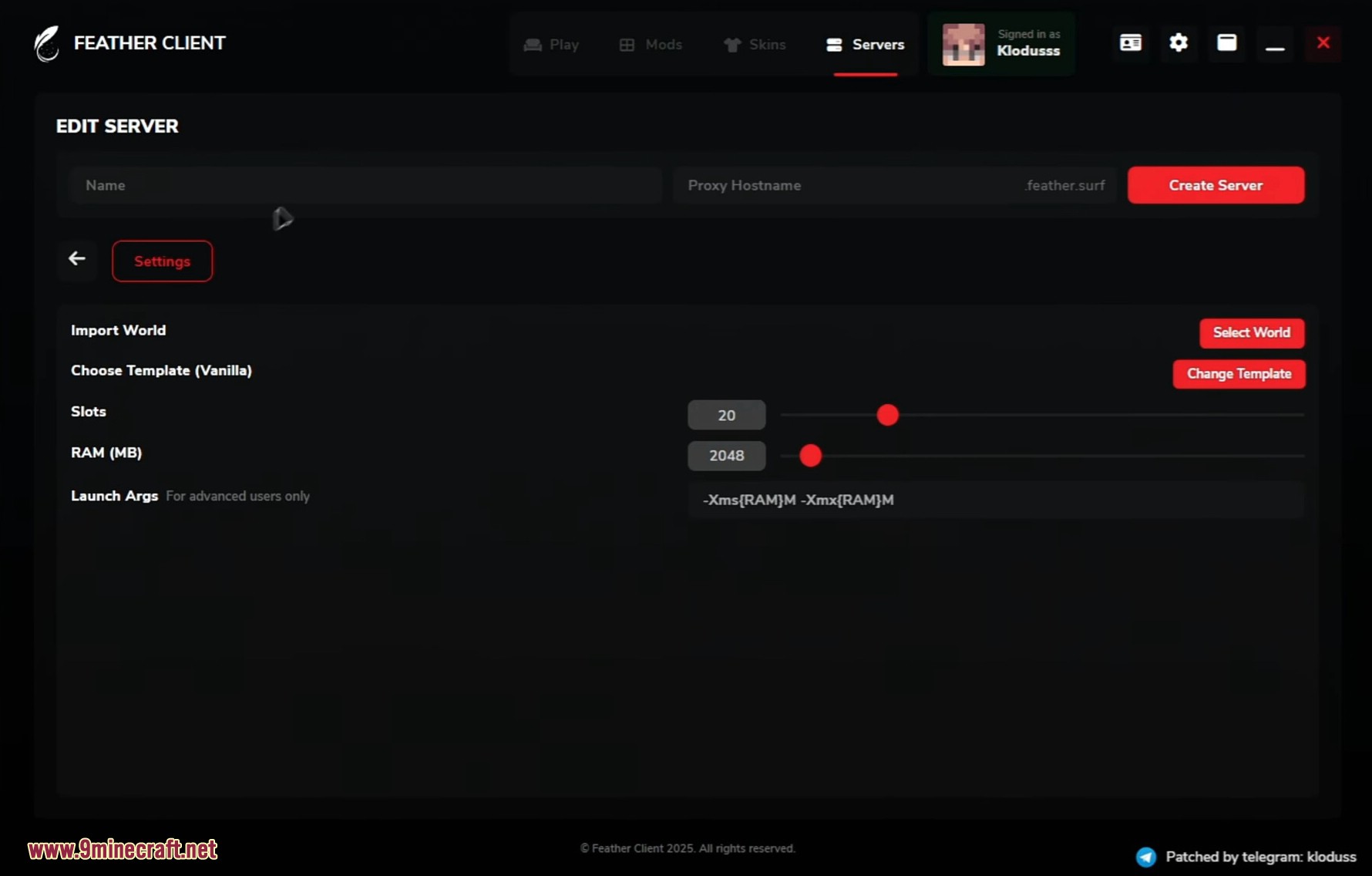
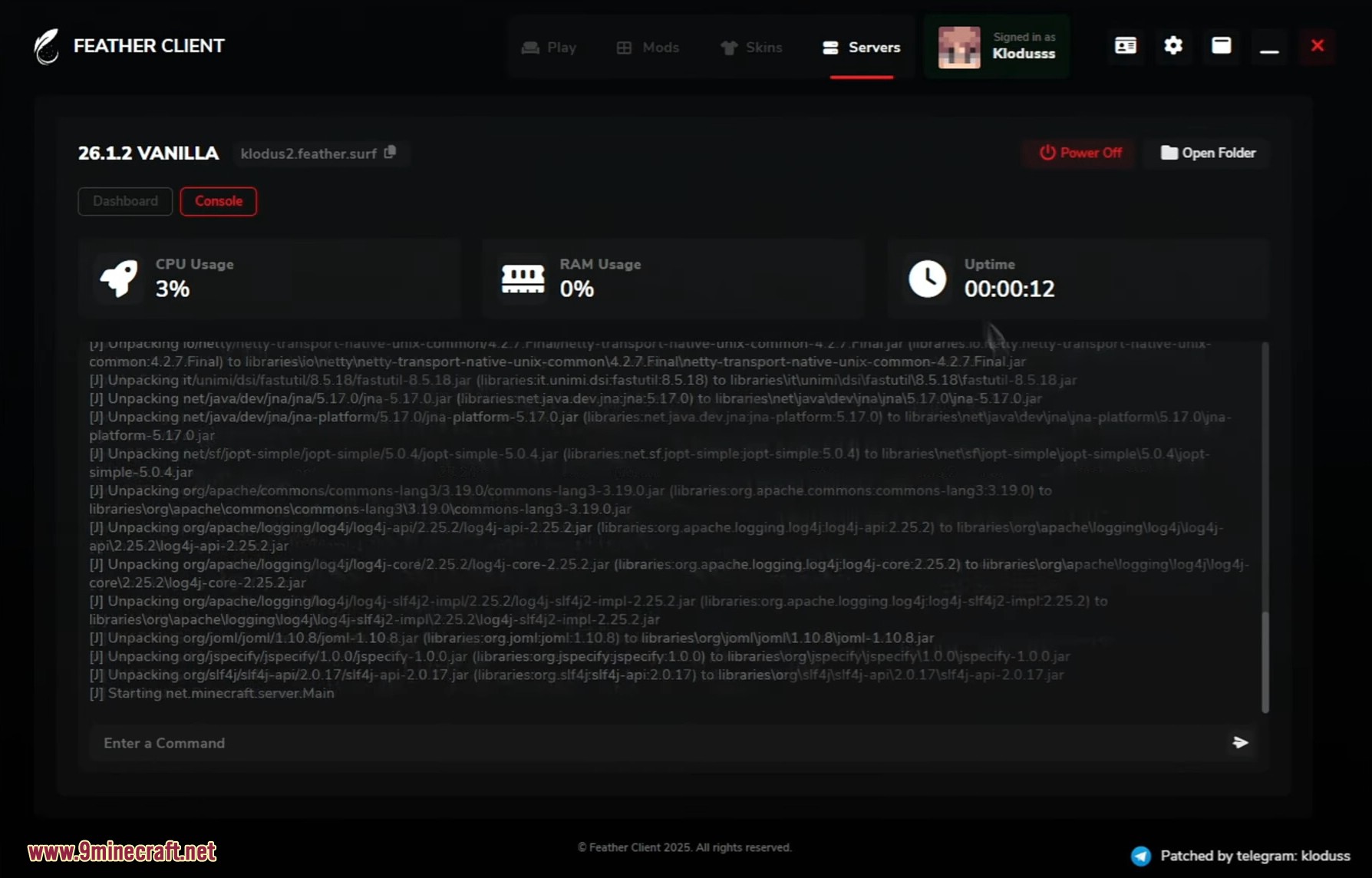
- Easy Server Hosting: Create a server for your friends in just a few clicks. Share the IP address directly without needing extra programs like Hamachi or a VPN.
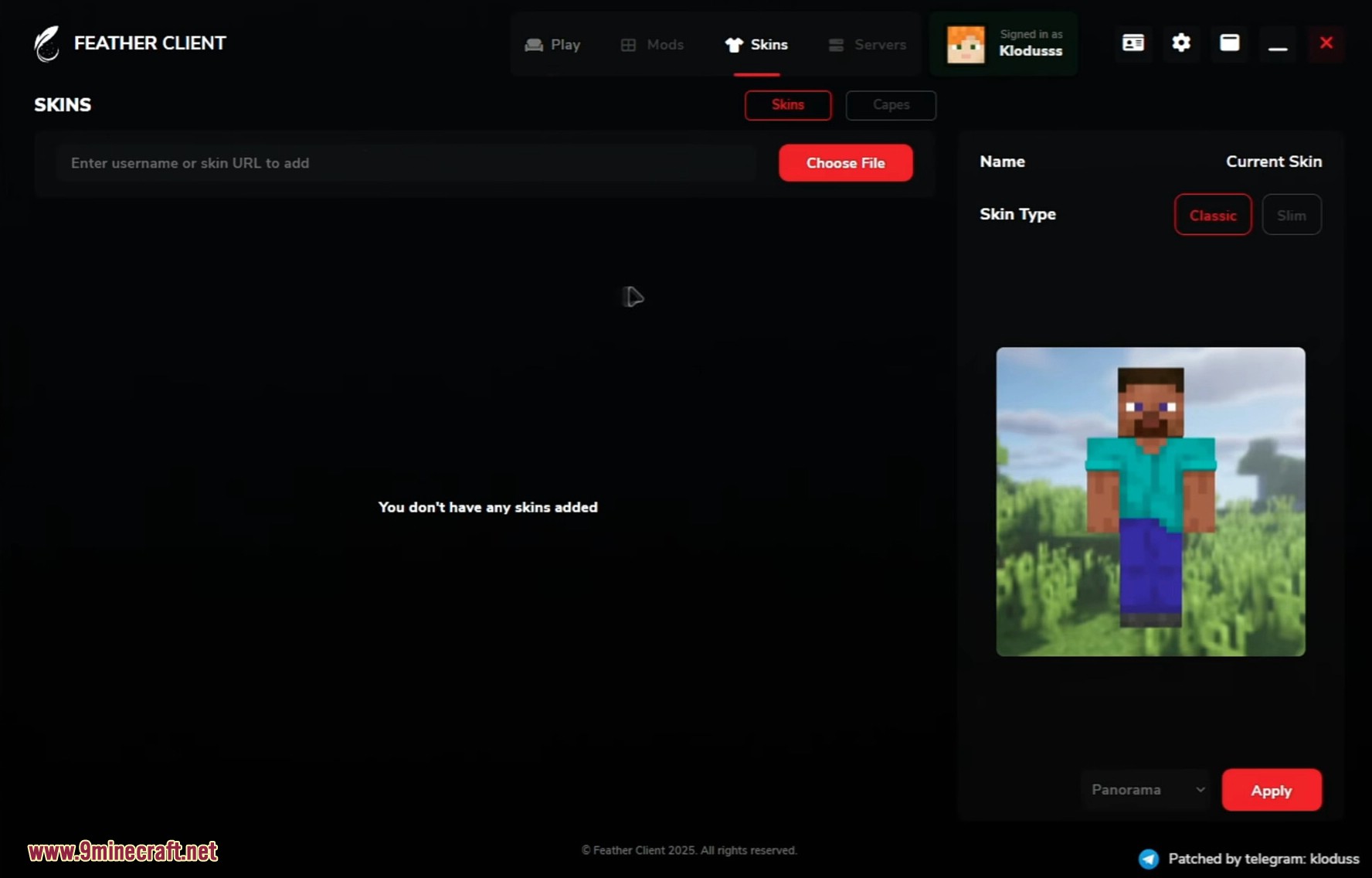
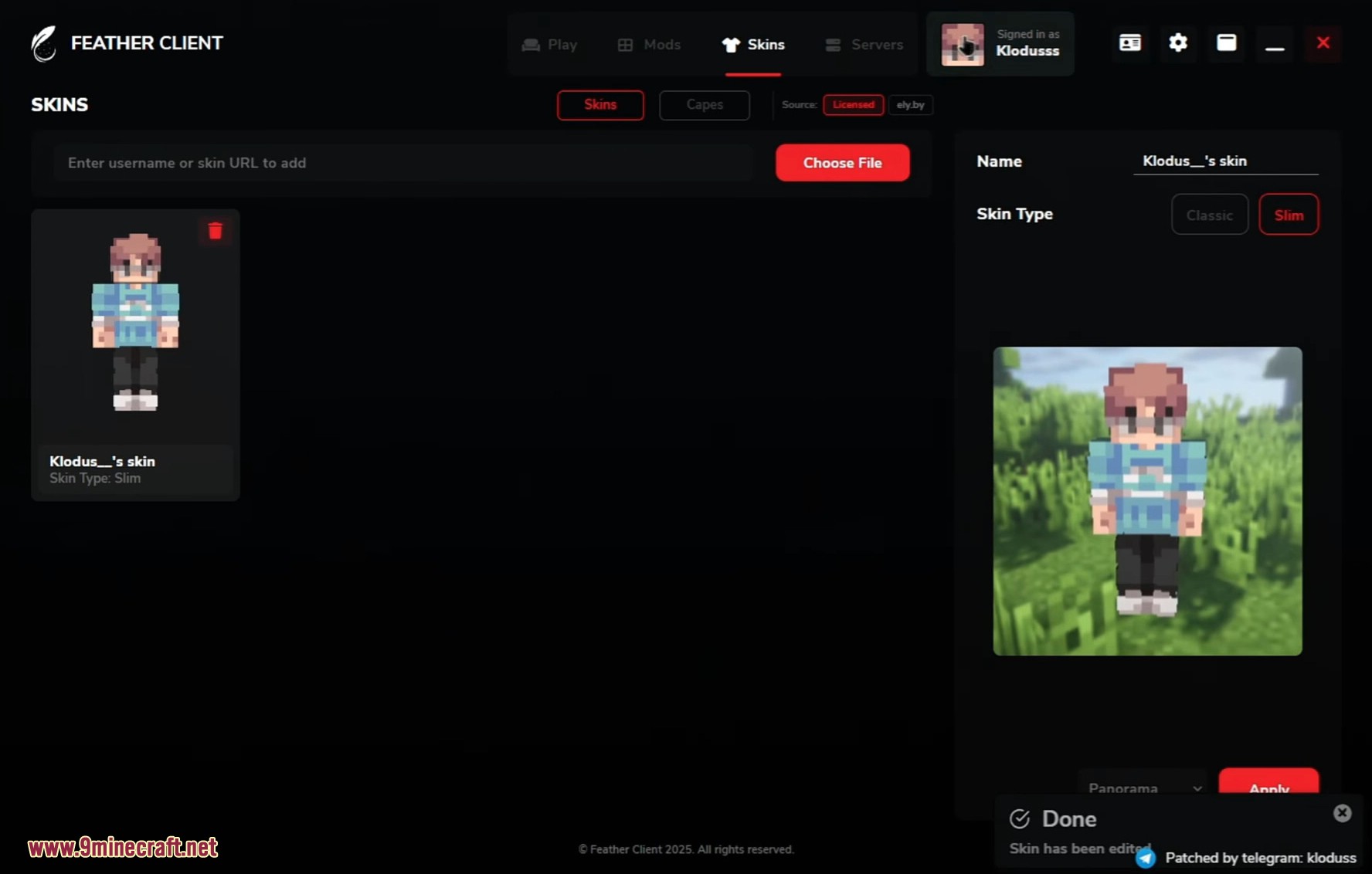
- Full Customization: Change your look with custom skins and capes. The launcher supports loading skins from files, licensed nicknames, or other skin systems.
- Built-in Mod Manager: Find and install popular mods like Sodium and Iris directly from the client interface.
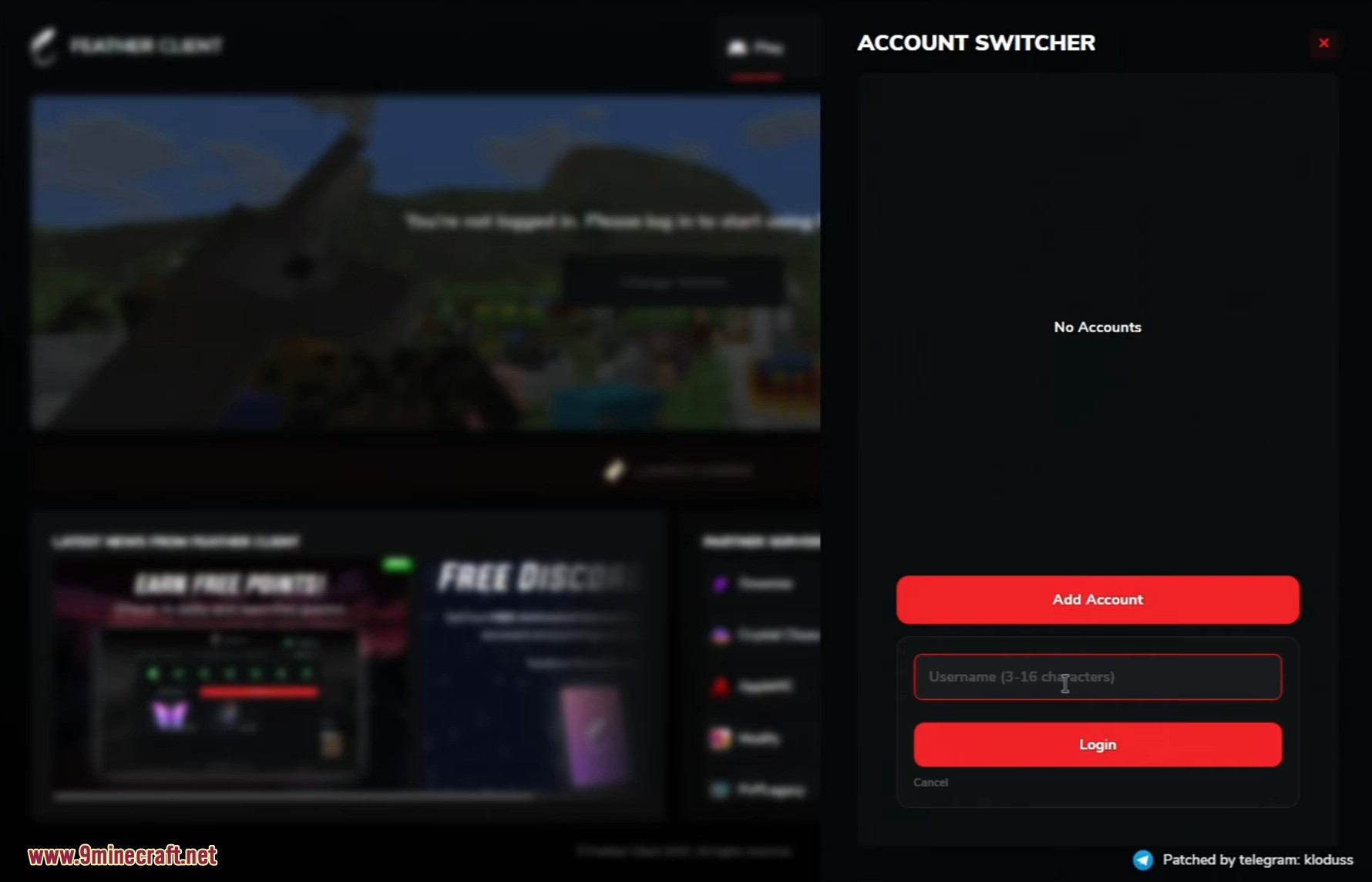
- Account Switcher: Quickly add and switch between different in-game names.
- Wide Version Support: Works with many Minecraft versions, from 1.8 all the way to the latest ones.
- Slim Player Model: Choose the slim player model for your skin if you prefer thinner arms.
How to Use:
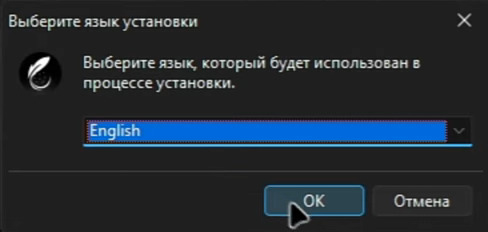
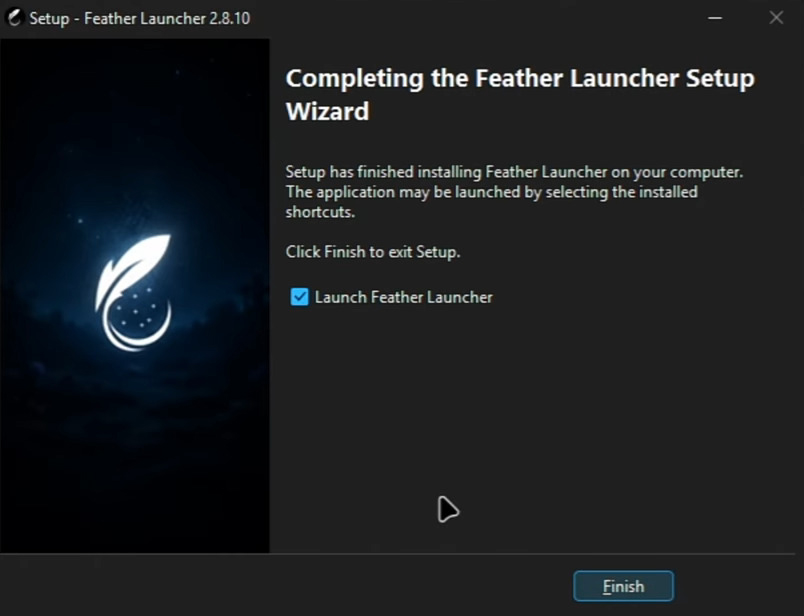
- Run the installer file you downloaded.
- Follow the setup steps and create a desktop shortcut.
- Once installed, open the launcher.
- To add a player name, click on “Guest user Account” and add a new account.
- Go to the “Skins” or “Capes” section to customize your character.
- To play with friends, go to the “Server” section and click “Create Server” to start your own world.
Screenshots:
Feather Client Launcher Patched Download Links
For Minecraft All Versions
Click to rate this post!
[Total: 1 Average: 5]
You May Also Like