
Fencers & Craft Mod (26.3) – Win Duels By Wagering Chips Instead of Hearts
 0
 0

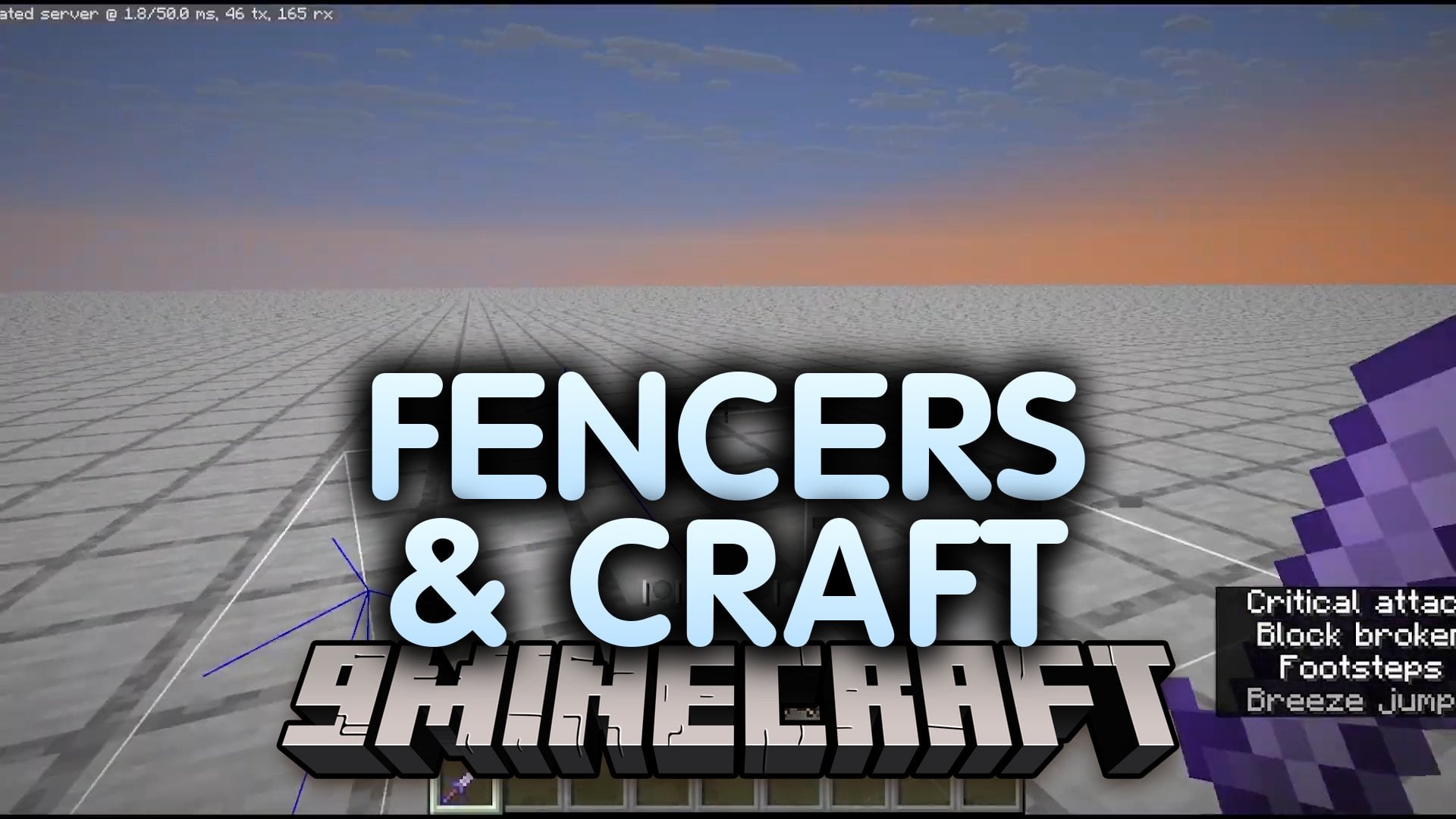
Fencers & Craft Mod overhauls Minecraft combat with a system built on chips and wagers. It is a remake of the Roblox game Fencers and Co. Instead of normal health, you fight with a chipset, and each hit takes chips away. Natural regeneration is off, so every move in a duel counts.
Features:
- Chip Health: You have a chipset instead of regular health, and each hit usually deals one chip. When you lose 5 chips, your chipset resets and you take 5 hearts of damage.
- Fair Fight Traits: Stun, stagger, and i-frames keep fights fair. Stun means you cannot move, stagger means you cannot use moves, and i-frames mean you cannot take damage.
- Combat Styles: Each style is a playstyle with its own moves. Every style has 3 moves: a basic melee, forward + melee, and back + melee.
- Wagering: Tap Space + any direction to bet chips for buffs. All wagered chips are destroyed on hit.
- Dash and Block: Tap Sprint + any direction to dash and change your direction fast. The dash has a 2s cooldown.
- Lets you block attacks by holding Right click. The block turns off for 12s when it gets hit.
- Gives every special chip a pair bonus, plus an all in bonus when you wager 5 of the same chip.
- Adds one style to the base pack for now, the Duelist.
- Turns off natural regeneration, so you cannot heal by waiting.
Duelist Style Moves:
- Jab: a quick jab with a 1.5s cooldown. Use basic melee.
- Lunge: a quick lunge forward with a 3s cooldown. Use W + melee.
- Backstep: step backwards, then lunge forward with great strength. It has a 4s cooldown. Use S + melee.
Wagering Example:
- Agility chip: increases your dash length for each tier.
- Agility pair bonus: lets you store one extra dash.
- Agility all in bonus: all movement based attacks make you invisible.
Commands:
/function fencing:config: opens a config where you can turn certain things on or off./function fencing:dummies/jab_dummy_summon: summons dummies so you can test your moves.
How to Use:
- Pick your style and learn its 3 moves: melee, W + melee, and S + melee.
- Tap Sprint + any direction to dash.
- Hold Right click to block an attack.
- Tap Space + any direction to wager chips for a buff.
- Press F3 + B to toggle visual hitboxes on your screen.
- Run
/function fencing:configto change the settings.
How to Install:
New to Minecraft? Follow our step-by-step guide to install Mods on your PC.View Guide
Requirements:
Fencers & Craft Mod Download Links
For Minecraft 26.3
Click to rate this post!
[Total: 0 Average: 0]
You May Also Like
Picked for this page
 Luminex Client Mod (1.21.4) – MineBlaze Client
 Anvil Crushing Recipes Mod (26.3, 1.20.1) – Interactive Anvil Interactions
 Age of Dragons Mod (1.21.1) – Slay Massive Dragons in a Dark Fantasy RPG
 Vista Mod (1.21.1, 1.20.1) – Watch Live Security Camera Feeds
 FMM Triggerbot Macro Client Mod (1.21.11) – Strike Every Target Without Clicking
 Spice of Life Maids’ Dream Mod (1.21.1, 1.20.1) – Cook New Meals
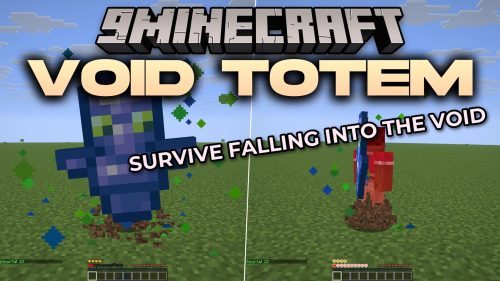 Void Totem 9minecraft Mod (26.3) – Never Lose Your Gear to Void Falls Again
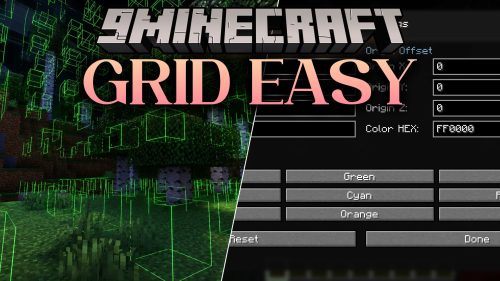 Grid Easy Mod (26.3, 1.20.1) – Build Symmetrical Bases Without Counting Blocks
 JustAnotherLibrary Mod (26.2, 1.20.1) – Unlock Paxels Spears and Unique Gear
 Arcanism Mod (26.2) – Build Magic Factories and Program Custom Spells
 6Bees Mod (26.3) – Survive Chaotic Anarchy Servers Without Coordinate Leaks
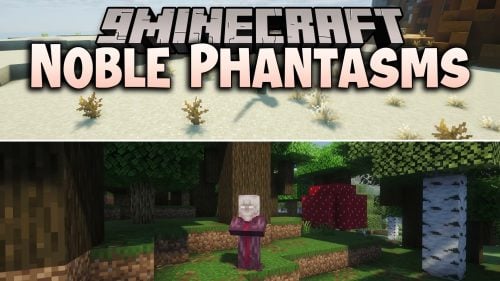 Noble Phantasms Mod (26.1.2) – Wield Legendary Weapons From Ancient Myths
Most viewed in Mods over the last 7 days
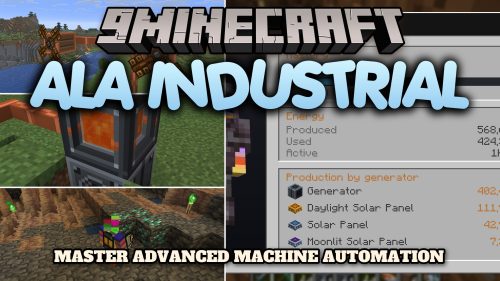 Ala Industrial Mod (26.3) – Run Electric Power Grids and Automated Factories
 PleasureCraft Mod (26.3, 1.21.1) – Jenny Mod Remake for Fabric
 Jennycraft Mod (26.3, 1.20.1) – Virtual Girlfriend in Minecraft
 Fapcraft Mod (26.3, 1.12.2) – Comprehensive and Detailed Content
 Jenny Mod (Fapcraft) Official Complete Guide – How to use, Tutorial
 Meteor Client Mod (26.3, 1.20.1) – Xray, HUD, Fly
 BangCraft Mod (1.20.1) – Jenny, Ellie and Elliot
 Fabric Loader (26.3, 1.20.1) – Fabric Installer for All Minecraft Versions
 OptiFine HD (26.3, 1.20.1) – Run Faster, FPS Boost, Shaders Support
 CatLean Client Mod (26.2, 1.21.11) – ThunderHack Recode Alternatives
 SchnurriTV Mod (1.12.2) – Characters and Features
 NeoForge (26.3, 1.21.1) – NeoForged, Modding API
More from Mods
 Steel Progression Mod (26.3) – Forge Tough Metal Gear Before Finding Diamonds
 Spirit Companions Mod (26.3, 1.20.1) – Keep Faithful Pets By Your Side
 Drew’s Christmas Jukebox Data Pack Mod (26.3) – Play Full Holiday Tunes
 Phoenix Wings Mod (26.3, 1.20.1) – Burn Hostile Mobs During Blazing Elytra
 Legacy GUI Blur Mod (1.8.9) – Sort Your Inventory Without Background
 Sarcio Mod (1.8.9) – Play for Hours Without Lag Spikes or Memory Leaks
 Xisuma’s Hermitcraft Music Mod (26.3) – Play Fresh Custom Records
 Ragdollified Amputation Mod (26.2, 1.20.1) – Sever Limbs and Decapitate Foes
 Sub Sens Mod (26.3) – Perfect Your Crosshair Aim with Ultra Low Sensitivity
 Acoustic Key Mod (26.3, 1.21.1) – Hear Crisp Mechanical Keyboard Clicks
 Account Larp Mod (26.3, 1.21.1) – Wear Legendary Capes and Change Your Identity
 Freaky Features Mod (1.20.1) – Earn Custom Money and Brave Weird Underground

This post has no comments yet. Be the first — your comment will appear here.