
FlightAssistant Mod (1.21.11, 1.20.1) – Fly Safely with Automated Airplane
 3,904
 0


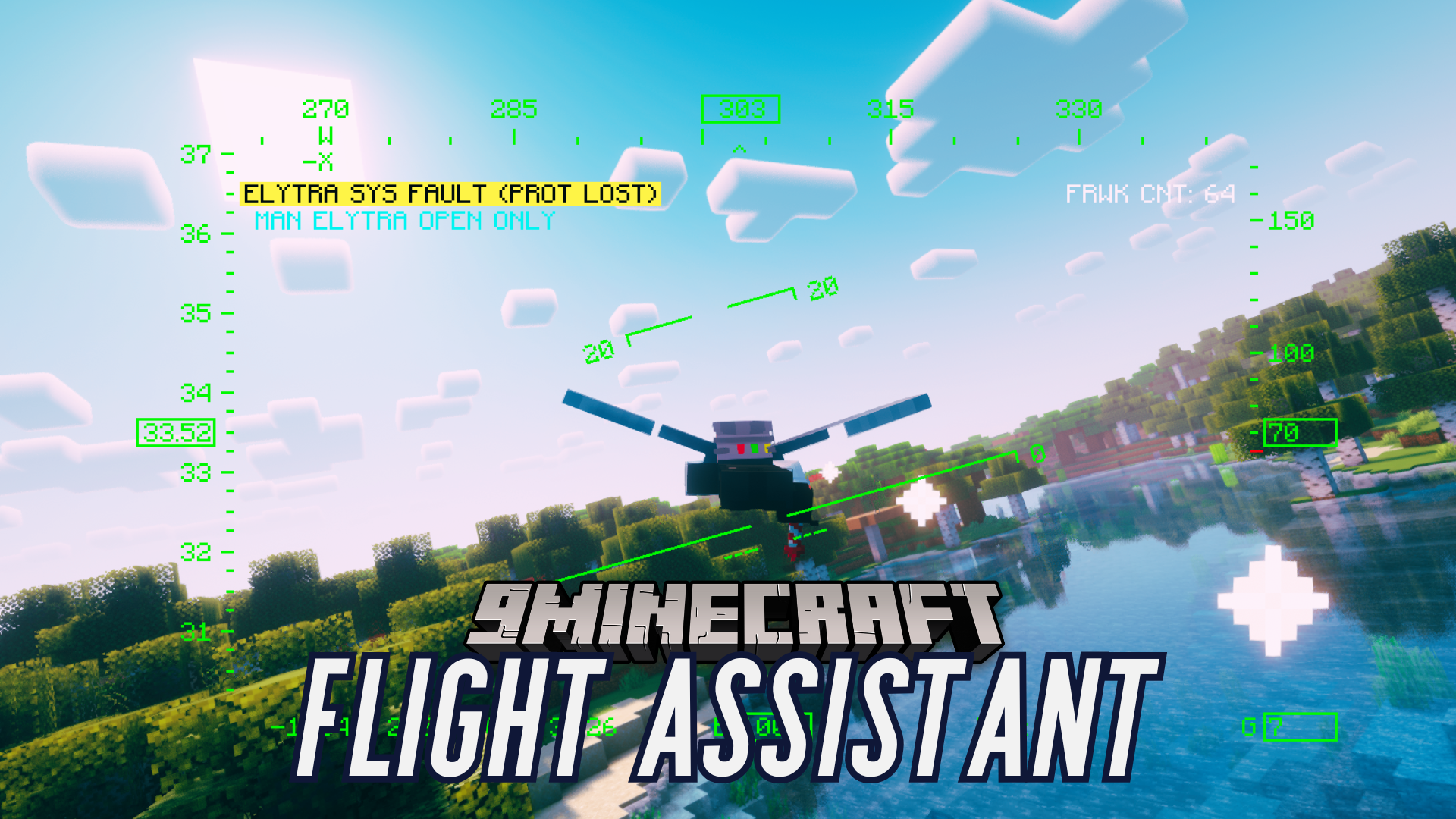
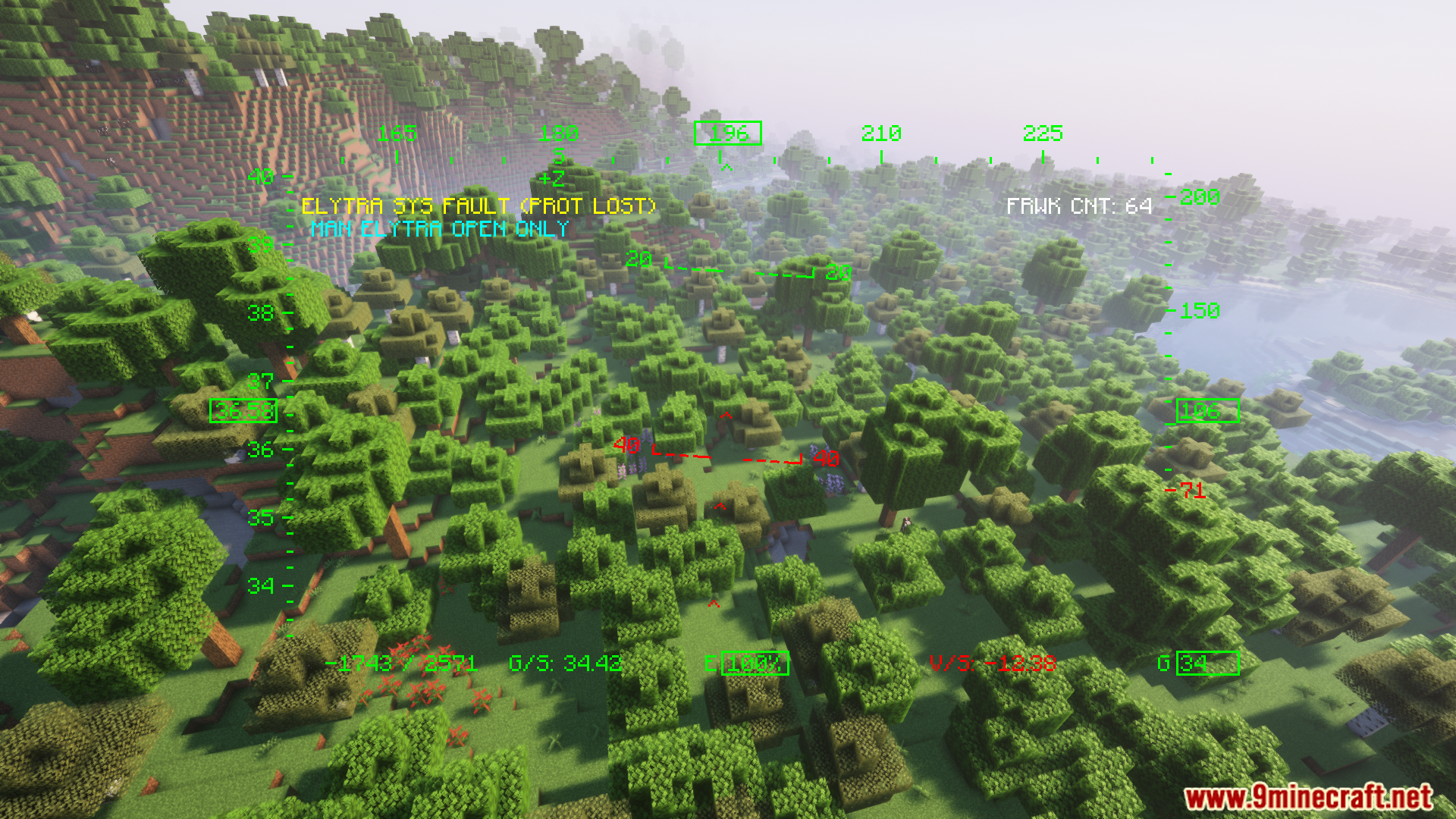
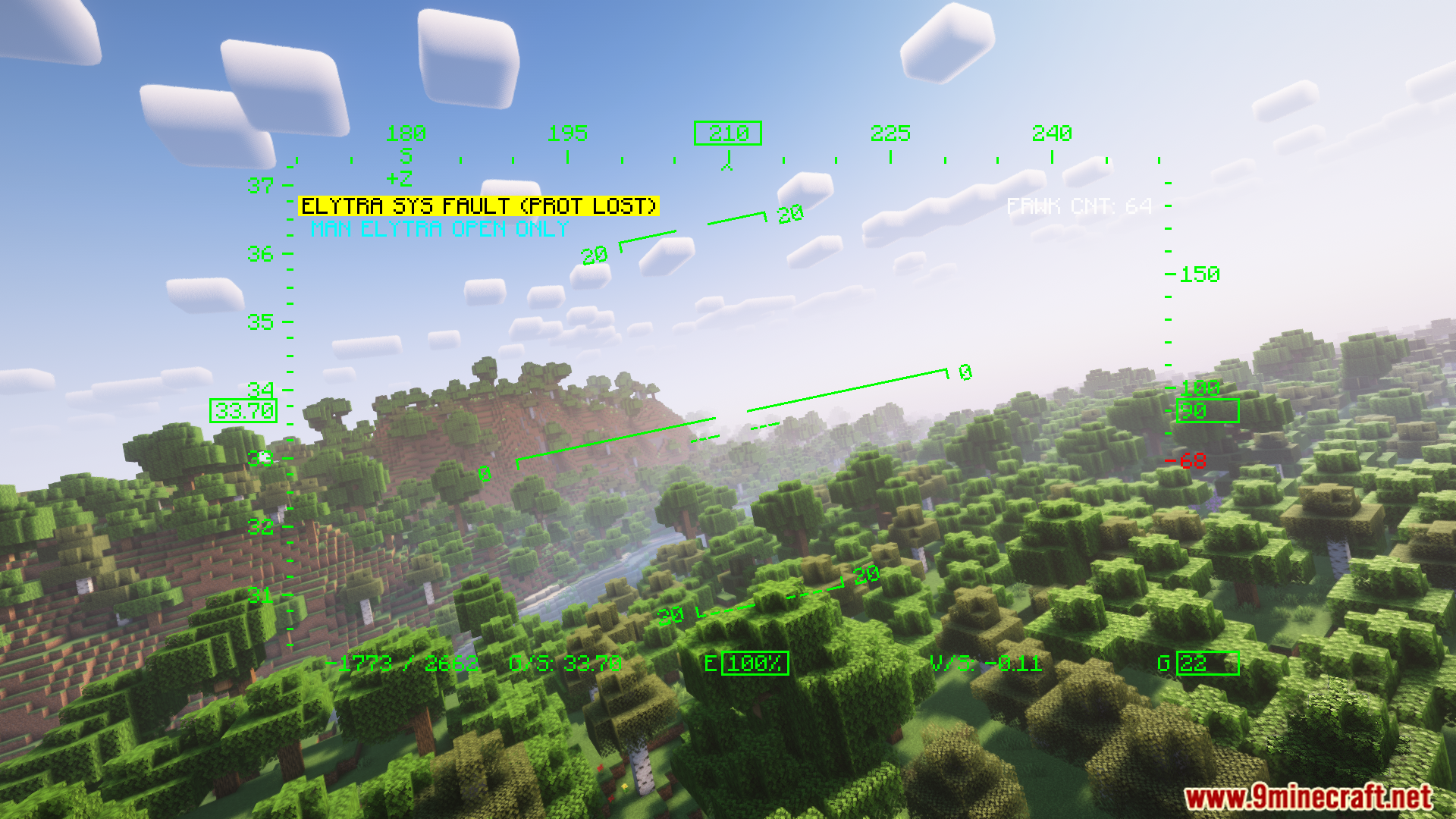
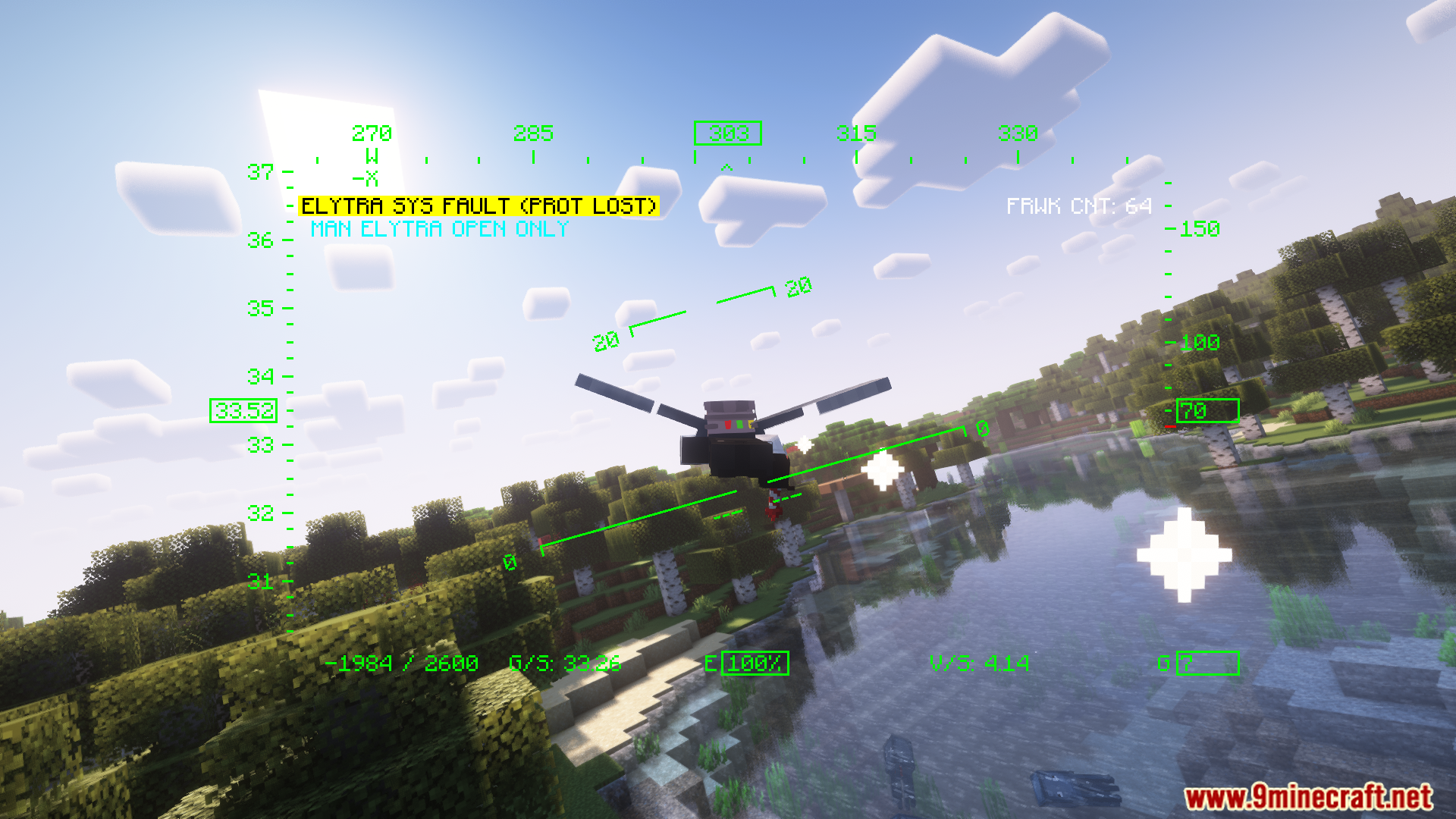
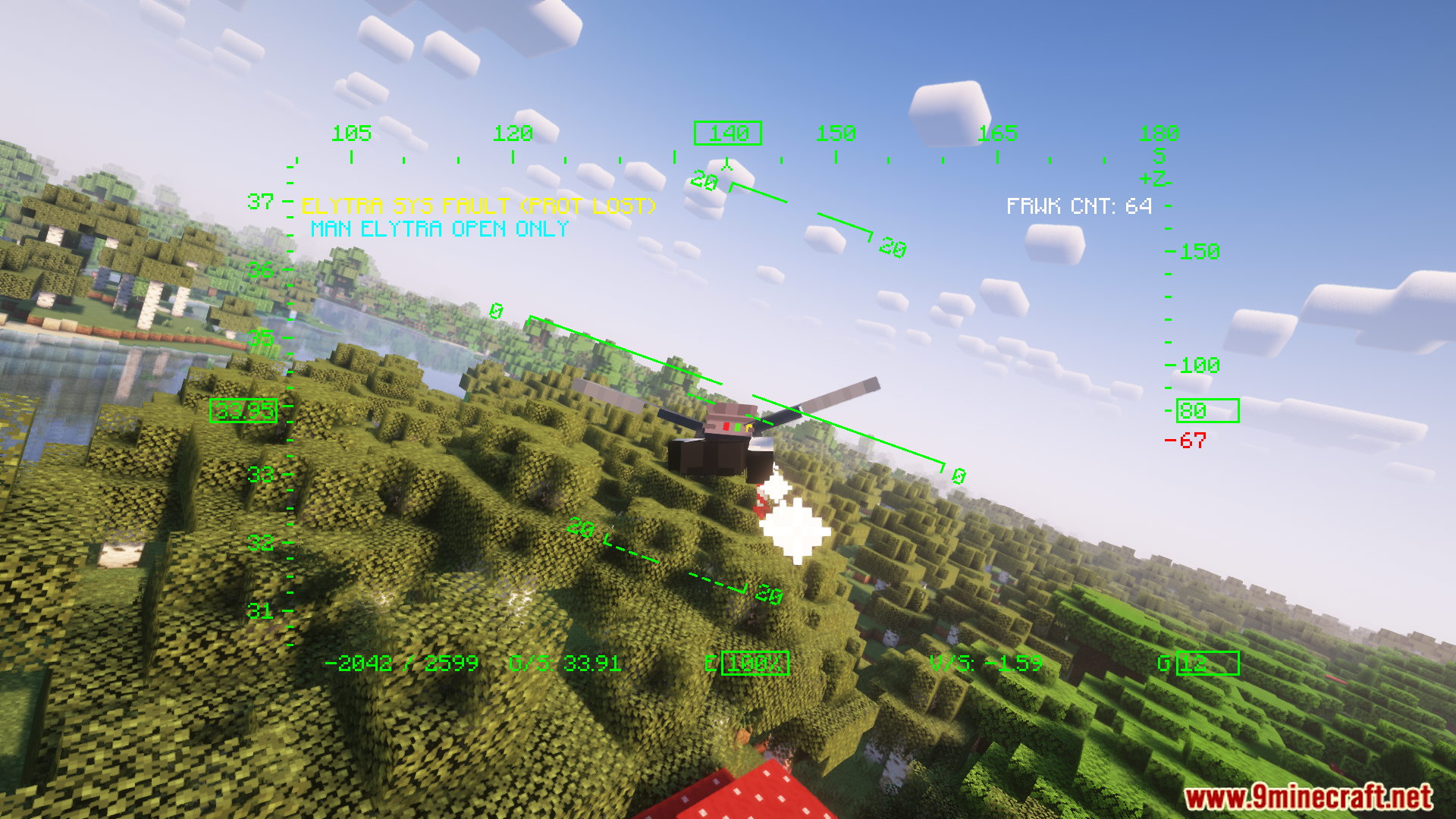
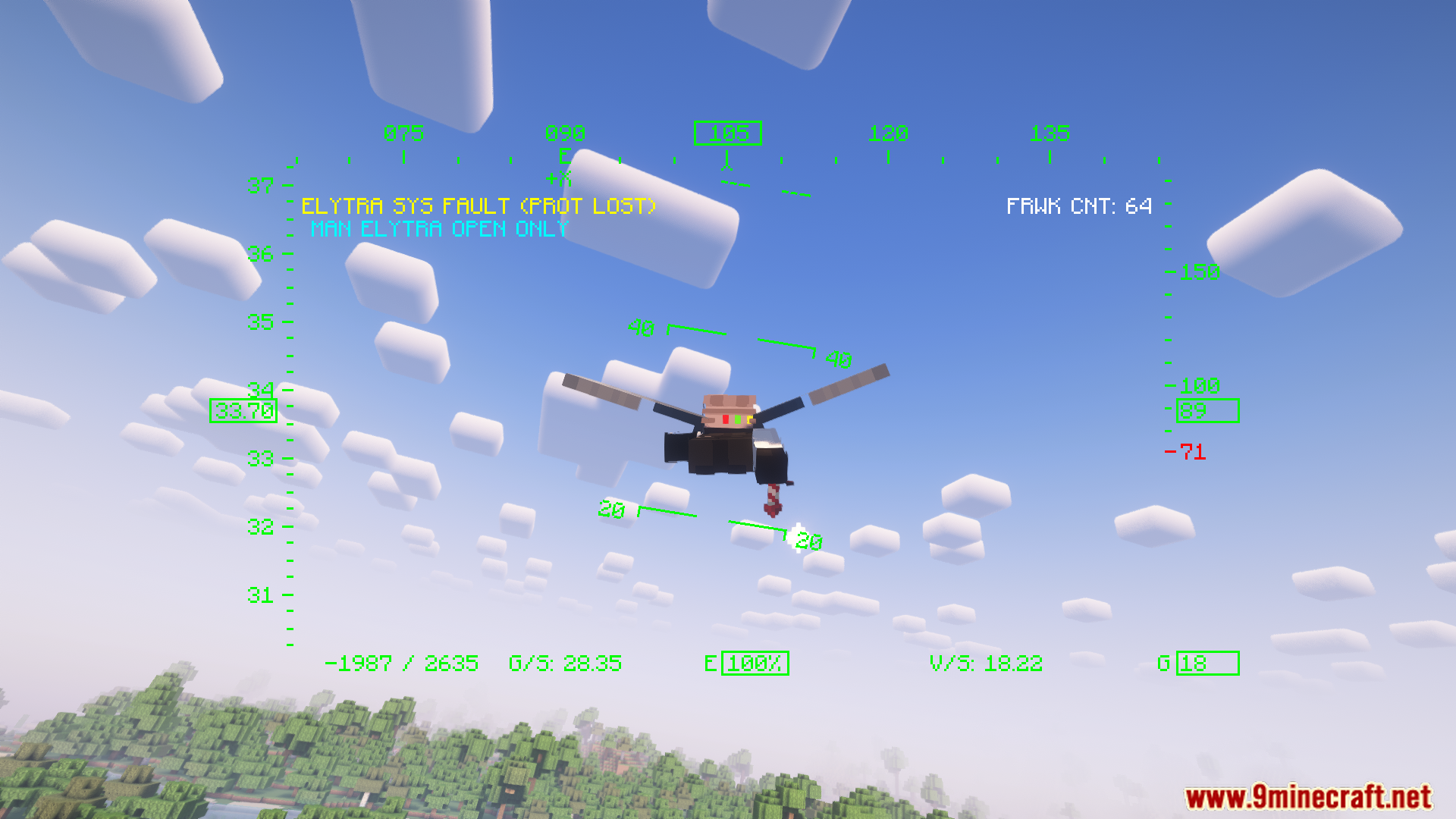
FlightAssistant Mod enhances the Minecraft flight experience by adding an airplane-style heads-up display and advanced automation systems. It makes flying with an elytra much easier and safer for players of all skill levels. The mod brings useful tools like flight data in real time, smart safety alerts, and automatic protections to prevent dangerous crashes. Players can also use an advanced autopilot system with flight planning capabilities to travel completely hands-free.
Features:
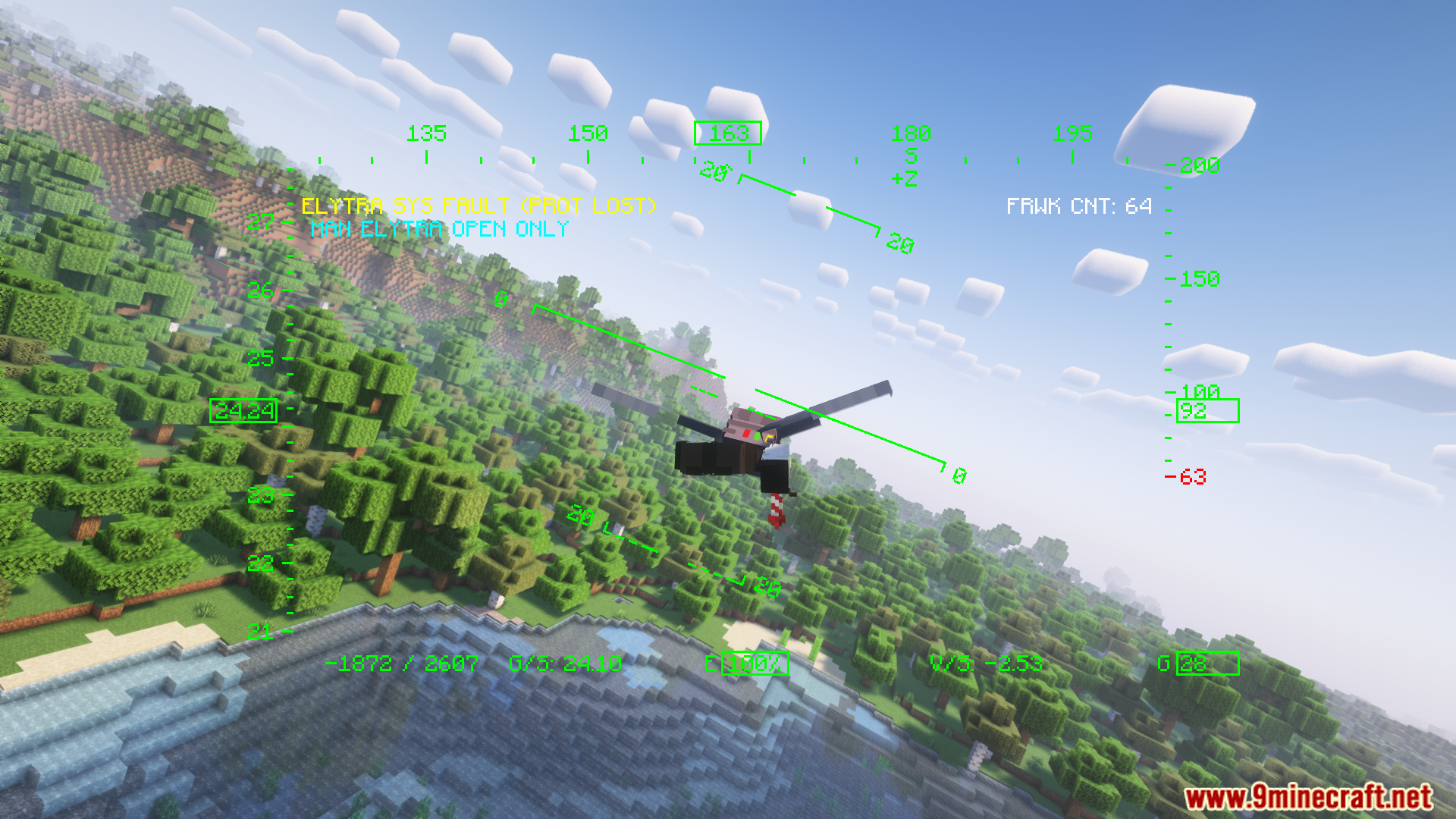
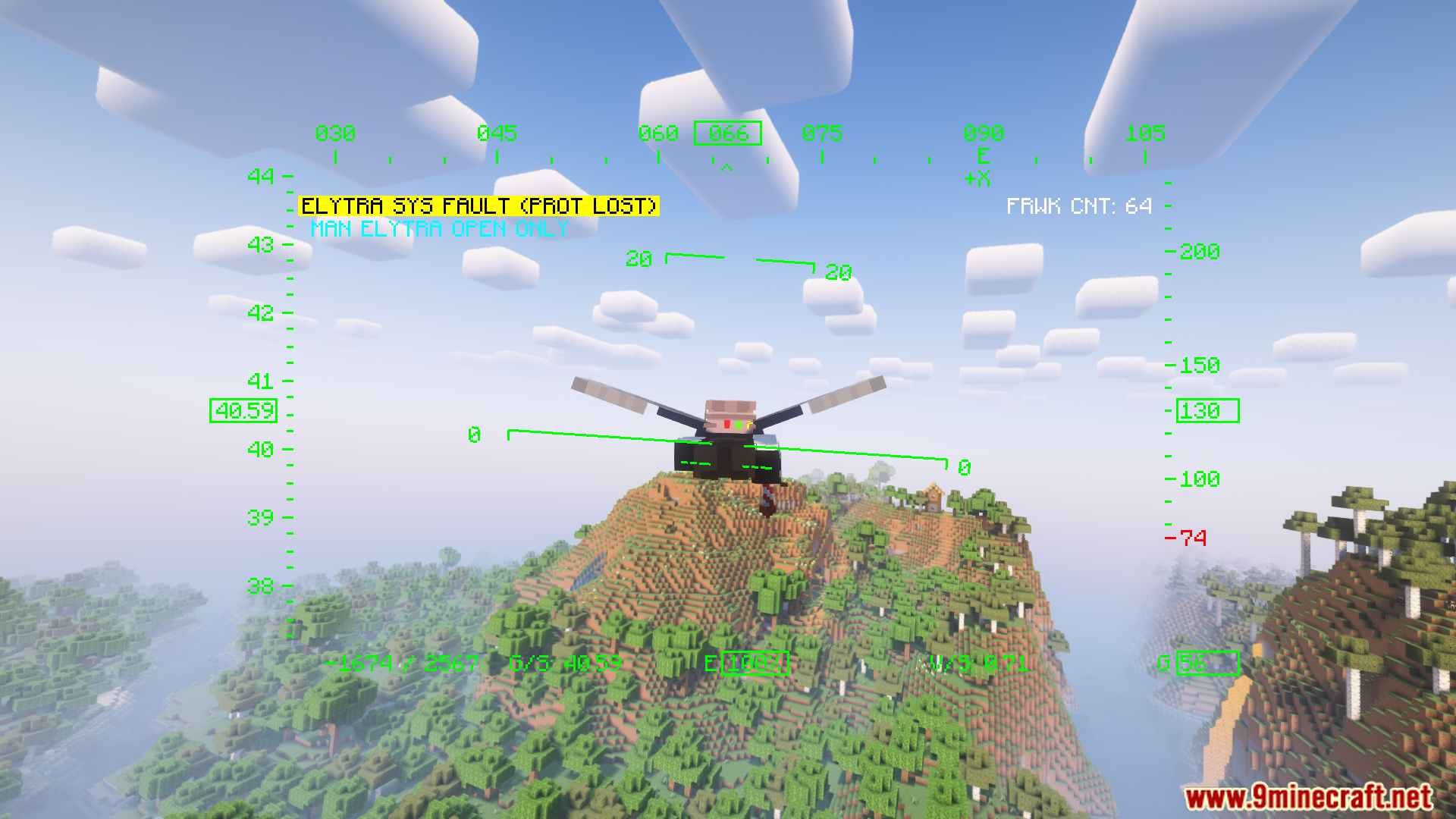
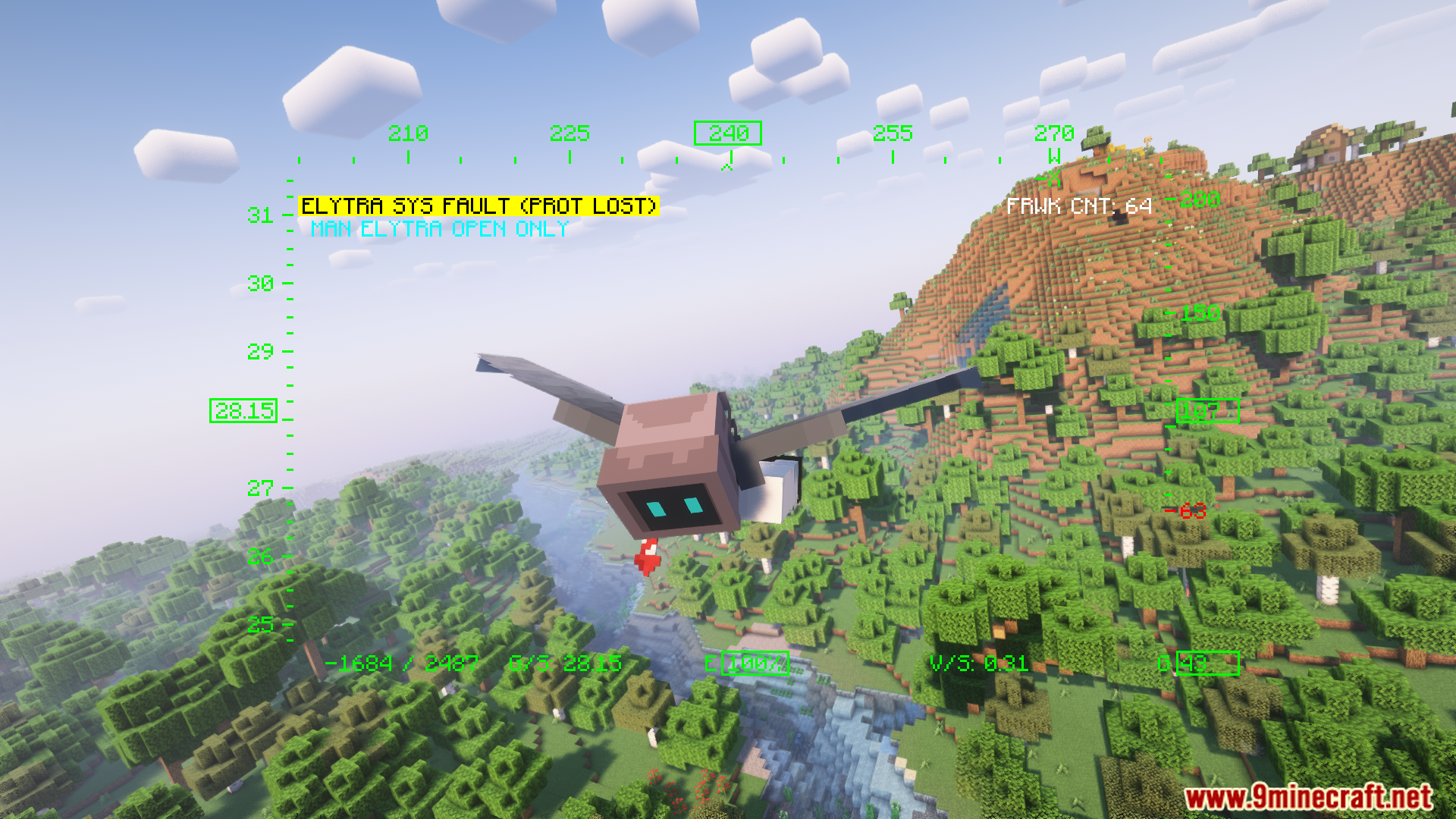
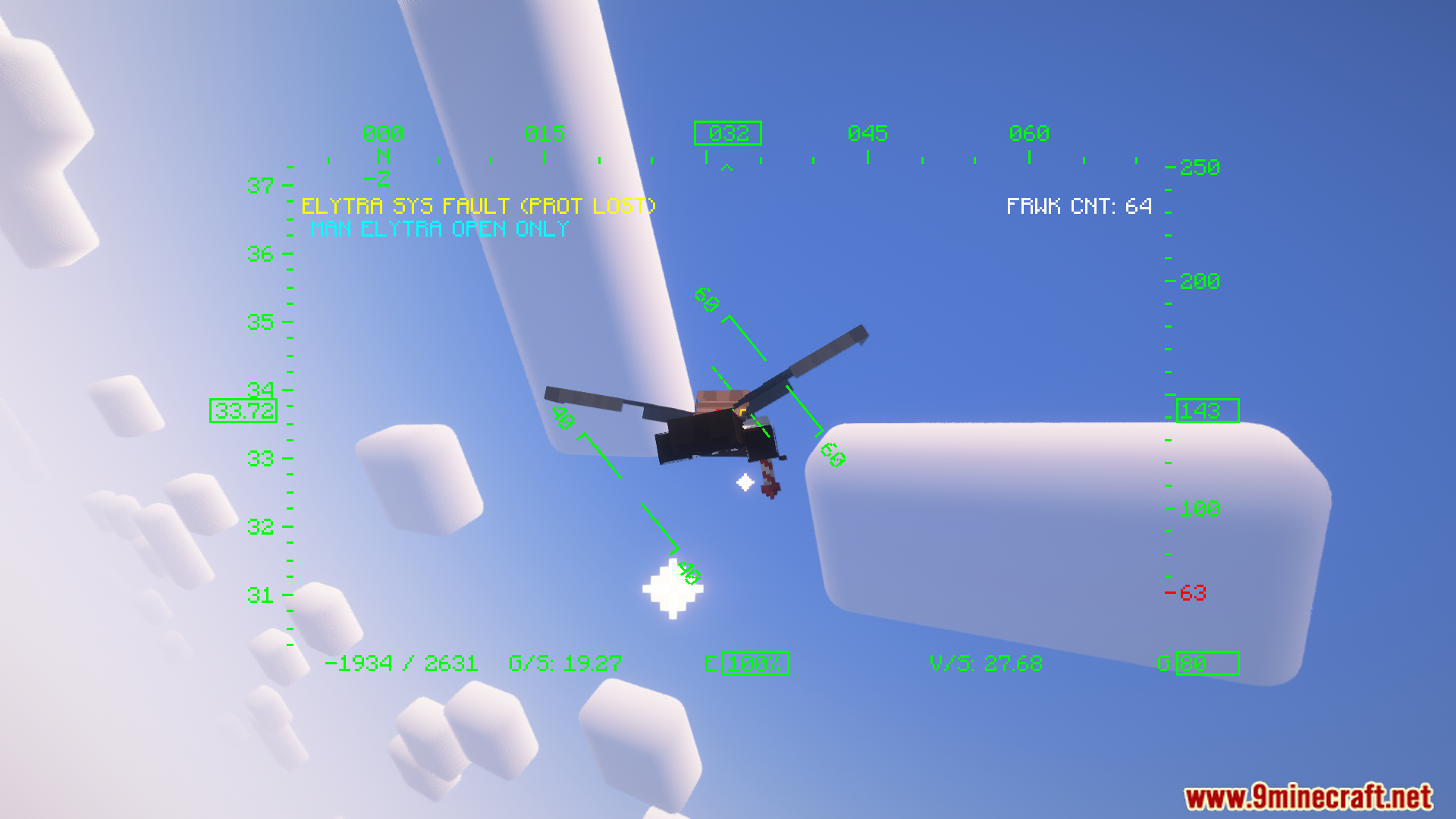
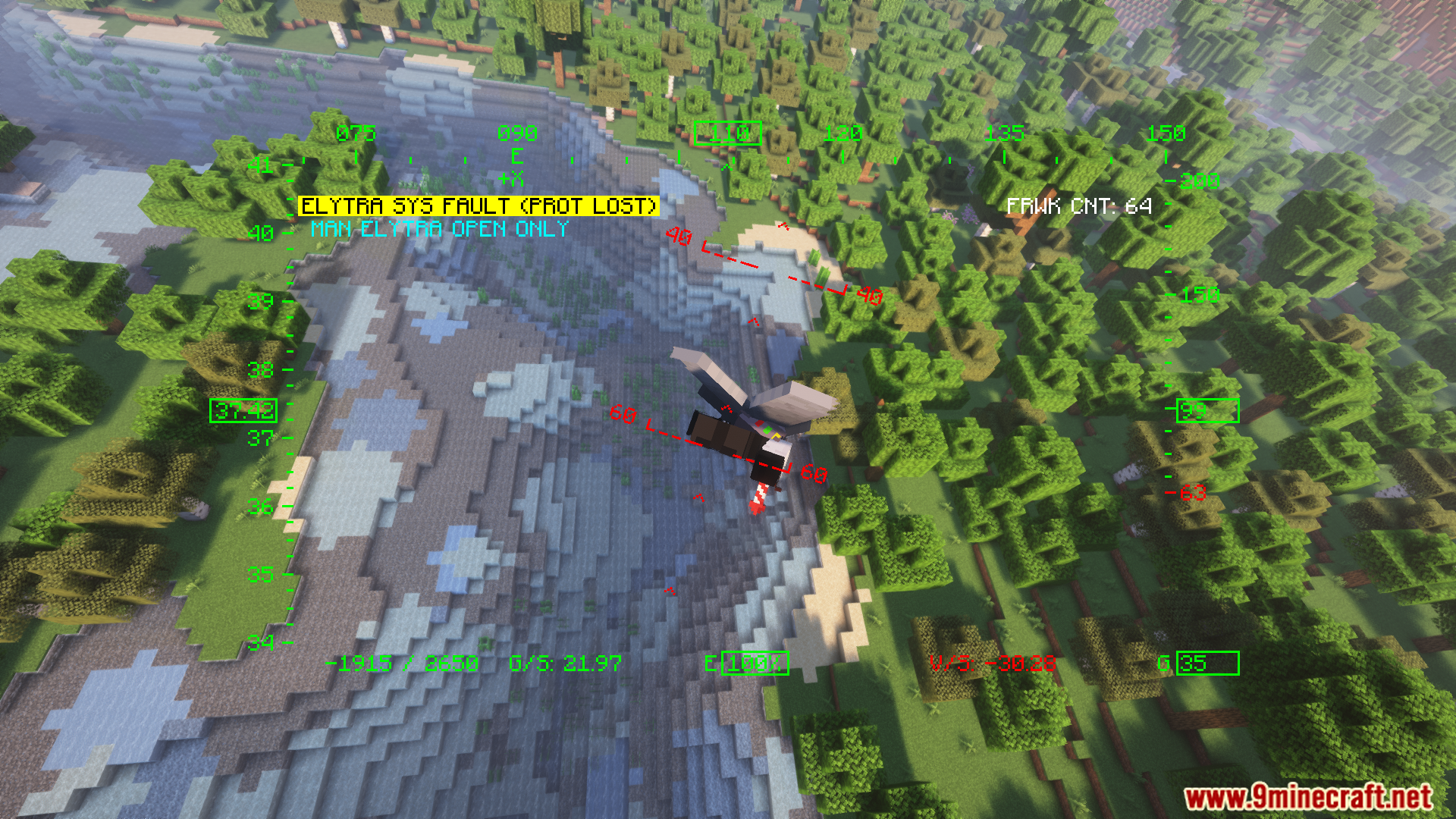
- Adds a fully customizable flight HUD that shows real-time flight data like an airplane instrument panel.
- Provides smart flight safety alerts to warn you about dangerous conditions before crashes happen.
- Includes automatic flight protections that avoid ground collisions and void damage, and automatically deploy your elytra.
- Features an advanced autopilot system with flight planning capabilities so you can fly completely hands-free.
- Allows you to save flight plans to your disk and load them later for automated travel from takeoff to landing.
How to Use:
- Equip your elytra and launch into the air in your Minecraft world.
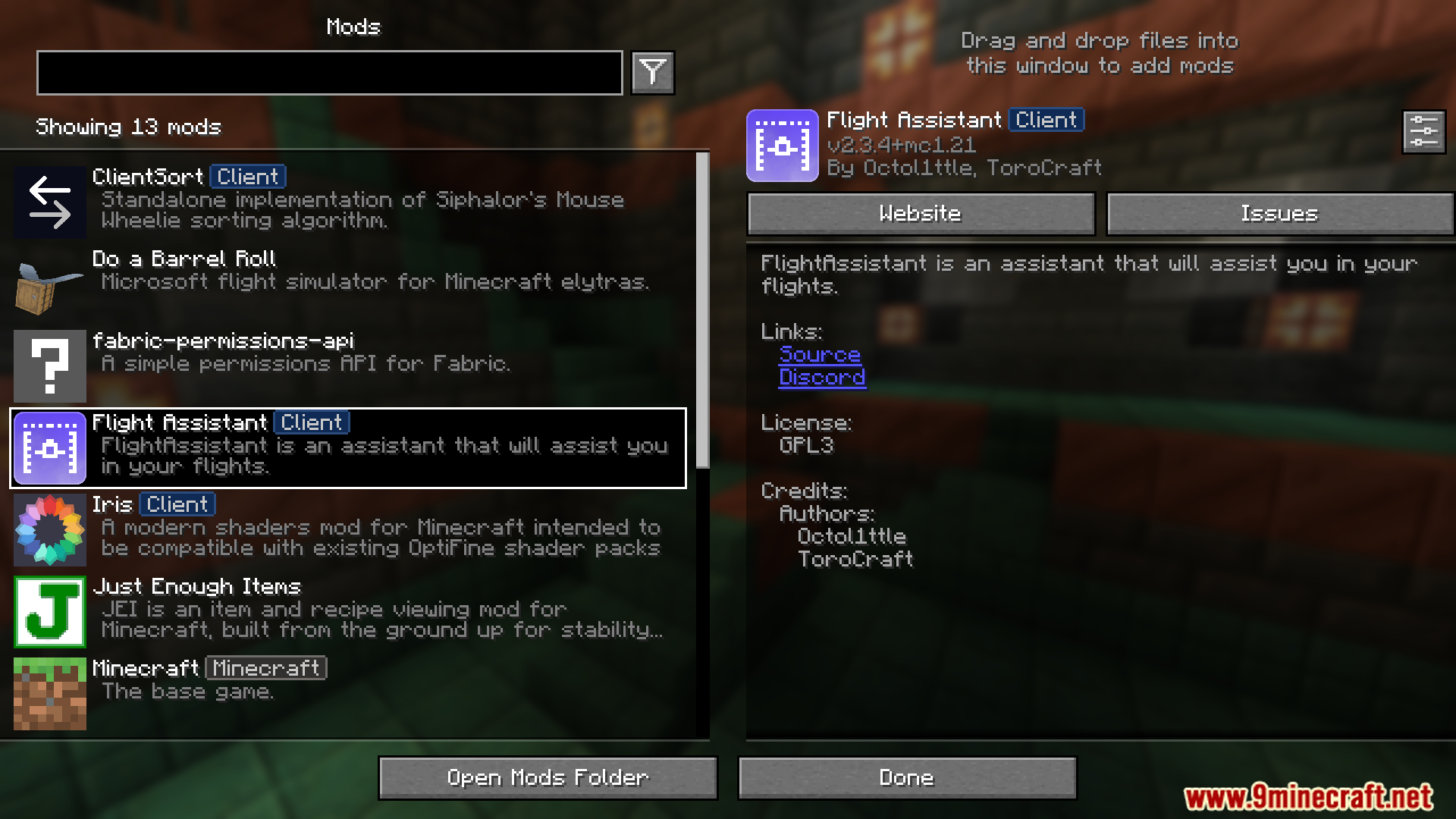
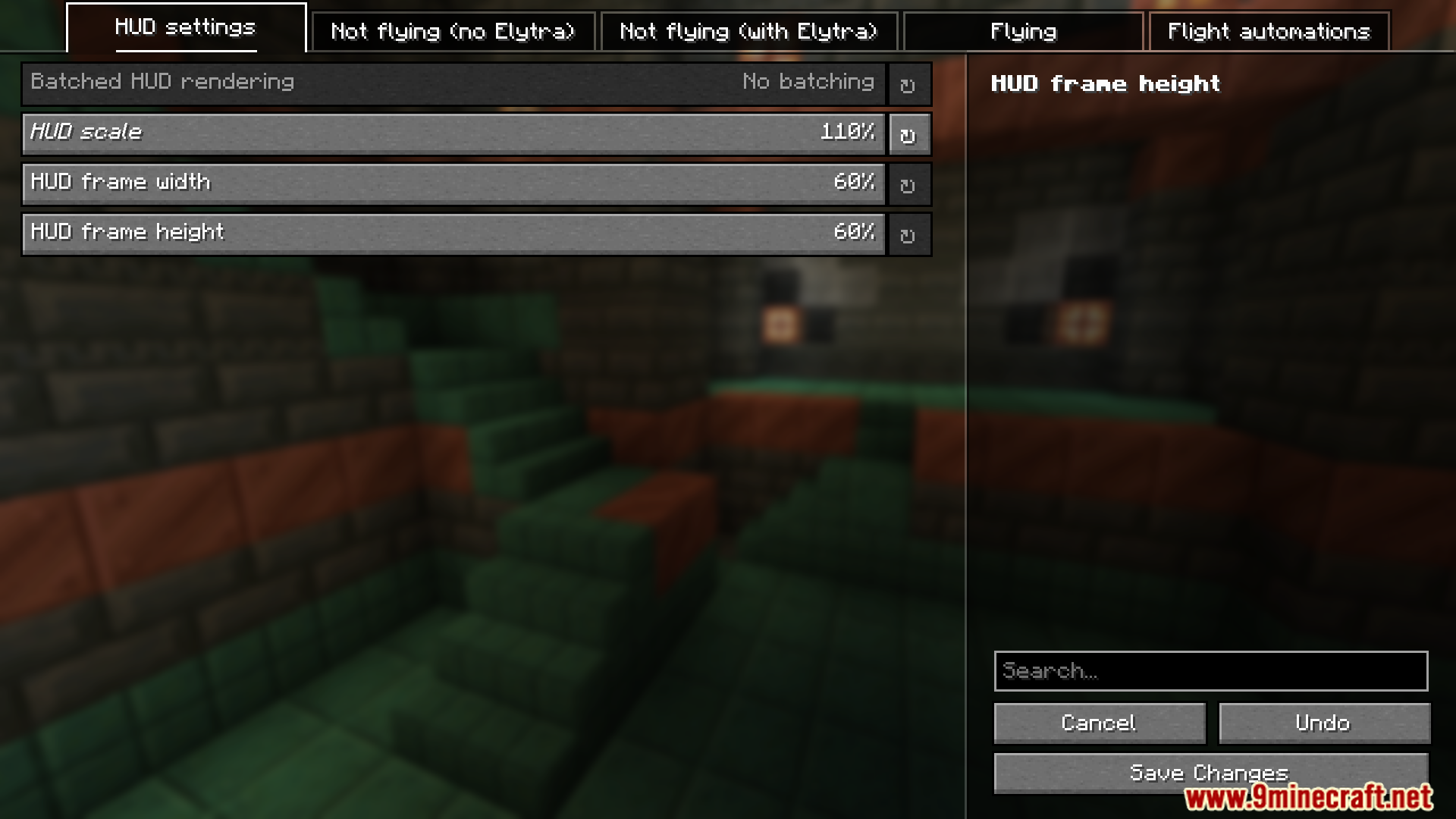
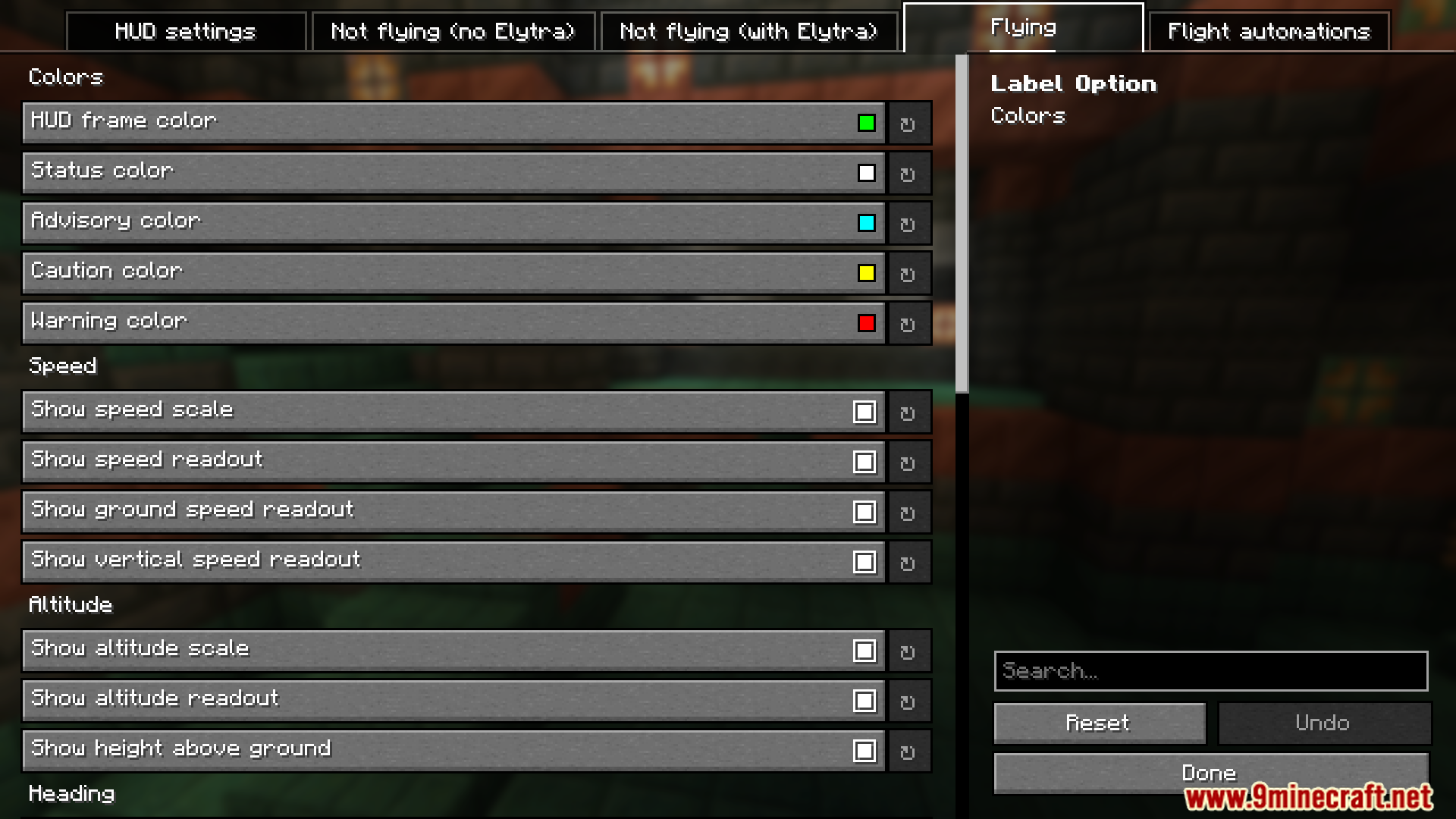
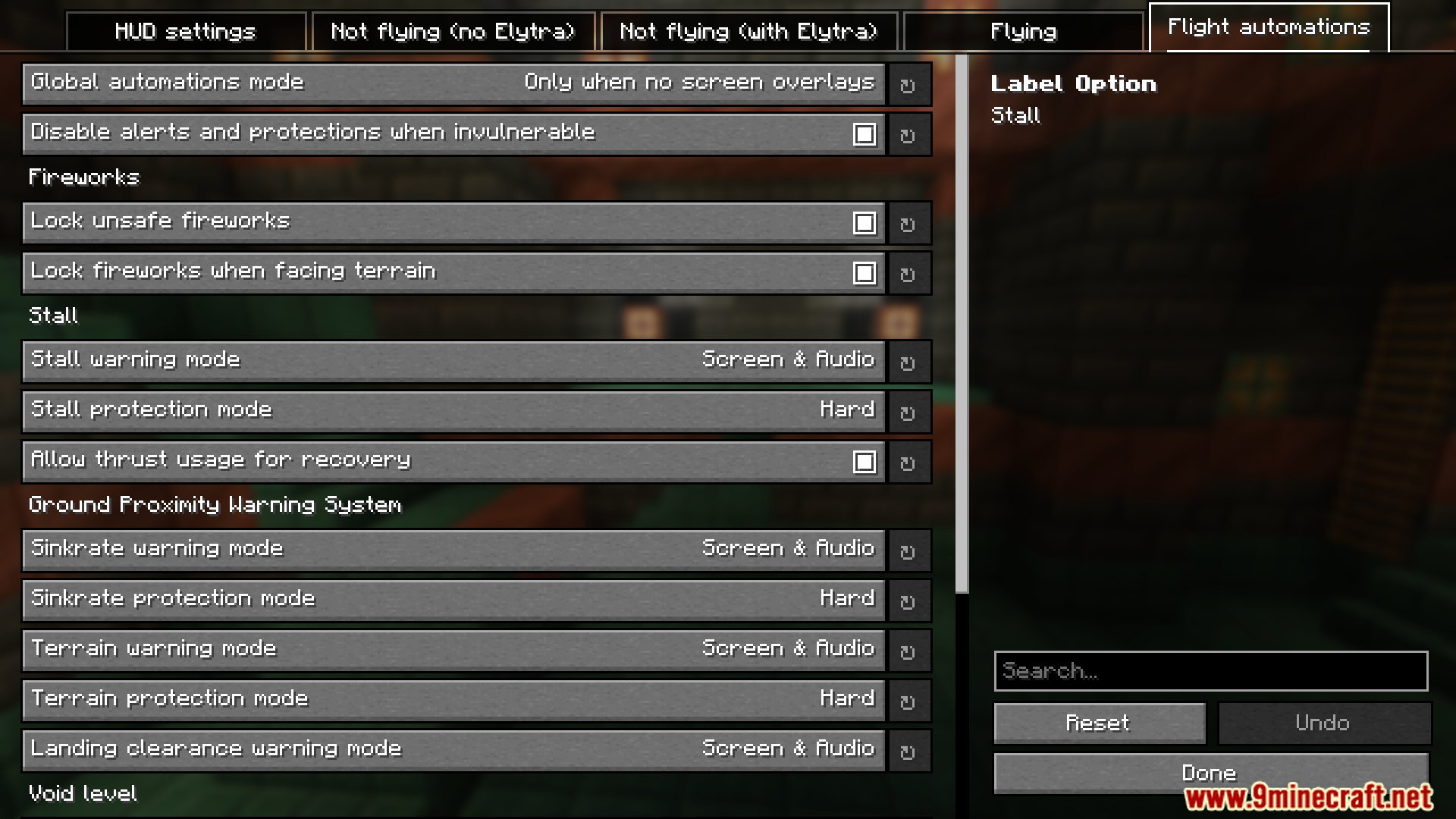
- Open the mod settings menu to customize your flight HUD and automation preferences.
- Set up flight plans to let the autopilot navigate your journeys automatically.
- Fly safely while the automatic protections guard you against crashes and hazards.
Screenshots:
How to Install:
New to Minecraft? Follow our step-by-step guide to install Mods on your PC.View Guide
Requirements:
FlightAssistant Mod Download Links
For Minecraft 1.19.2
Fabric/Quilt Version: Download from Server 1 – Download from Server 2
For Minecraft 1.19.4
Fabric/Quilt Version: Download from Server 1 – Download from Server 2
For Minecraft 1.20.4
Fabric/Quilt Version: Download from Server 1 – Download from Server 2
For Minecraft 1.20.6
Fabric/Quilt Version: Download from Server 1 – Download from Server 2
For Minecraft 1.21.1, 1.21
Fabric/Quilt Version: Download from Server 1 – Download from Server 2
For Minecraft 1.21.3, 1.21.2
Fabric/Quilt Version: Download from Server 1 – Download from Server 2
For Minecraft 1.21.4
NeoForge Version: Download from Server 1 – Download from Server 2
Fabric/Quilt Version: Download from Server 1 – Download from Server 2
For Minecraft 1.21.5
Fabric/Quilt Version: Download from Server 1 – Download from Server 2
For Minecraft 1.21.8, 1.21.7, 1.21.6
Fabric/Quilt Version: Download from Server 1 – Download from Server 2
For Minecraft 1.21.10, 1.21.9
Fabric/Quilt Version: Download from Server 1 – Download from Server 2
For Minecraft 1.21.11
Fabric/Quilt Version: Download from Server 1 – Download from Server 2
You May Also Like
Picked for this page
 Solar Generation Mod (26.3, 1.20.1) – Produce FE from the Sun
 Item Scroller Mod (26.3, 1.20.1) – Moving Items in Inventory GUIs
 World Handler – Command GUI Mod (1.21.11, 1.20.1)
 Pipez Mod (26.3, 1.20.1) – Transporting Things Is Easier
 Tschipcraft’s More Mobs Mod (26.3, 1.20.1) – Humanoid Mobs
 Typewriter Day Counter Mod (26.1.2, 1.20.1) – Day Counter Title Display
 Sword Blocking Mechanics Mod (26.3, 1.20.1) – Sword Blocking From Version 1.8
 Enhanced Tooltips Mod (26.3, 1.20.1) – Tooltips With Style
 Dye All The Things Mod (26.3, 1.20.1) – Ultimate Armor Dyeing Mod
 Allow Portal GUIs Mod (26.3, 1.20.1) – Access Inventory And Chat In Portals
 Companions Dogfolk Mod (1.21.11, 1.20.1) – Cute Little Helpers
 Artifacts Crafting Mod (1.21.11, 1.20.1) – Stop Hunting, Start Crafting!
Most viewed in Mods over the last 7 days
 Ala Industrial Mod (26.3) – Run Electric Power Grids and Automated Factories
 PleasureCraft Mod (26.3, 1.21.1) – Jenny Mod Remake for Fabric
 Jennycraft Mod (26.3, 1.20.1) – Virtual Girlfriend in Minecraft
 Fapcraft Mod (26.3, 1.12.2) – Comprehensive and Detailed Content
 Jenny Mod (Fapcraft) Official Complete Guide – How to use, Tutorial
 BangCraft Mod (1.20.1) – Jenny, Ellie and Elliot
 Fabric Loader (26.3, 1.20.1) – Fabric Installer for All Minecraft Versions
 Meteor Client Mod (26.3, 1.20.1) – Xray, HUD, Fly
 The Shooting Star Demo Mod (26.3, 1.20.1) – Vaporize Terrain From Orbit
 OptiFine HD (26.3, 1.20.1) – Run Faster, FPS Boost, Shaders Support
 Aristois Client Mod (1.21.4, 1.20.1) – World Class Minecraft Utility
 Prestige Client Mod (1.21.11, 1.21.4) – Powerful Ghost Features for Crystal & Sword PvP
More from Mods
 Patchouli 9minecraft Mod (26.3) – Read Mod Guides Without Leaving Minecraft
 Paintings ++ 9minecraft Mod (26.3) – Pick the Exact Painting You Want
 owo-lib 9minecraft Mod (26.3) – Run Your Favorite Mods Without Errors
 Moonlight 9minecraft Lib (26.3, 26.2) – Run Complex Mods Without Errors
 Load My Tags 9minecraft Mod (26.3) – Mix Mods Without Breaking Recipes
 Kambrik 9minecraft Mod (26.3) – Run Kotlin Mods Without Game Lag
 Fast Paintings 9minecraft Mod (26.3, 26.2) – Place Wall Art Exactly Where You Want It
 Bonsai Trees 9minecraft Mod (26.3, 26.2) – Automate Wood Farming in Tiny Pots
 Enhanced Block Entities 9minecraft Mod (26.3) – Build Lag-Free Storage Rooms
 Better Nether 9minecraft Mod (26.3, 26.2) – Survive Forever in the Nether
 BCLib 9minecraft Mod (26.3, 26.2) – Power Custom Nether and End Overhauls
 ForgedLoaderAPI Mod (1.19.2, 1.18.2) – Bring Ported Fabric Creations

This post has no comments yet. Be the first — your comment will appear here.