


Geloverbike V2 Schematic (1.21.x) – Ride a Fast Mechanical Hovercraft

 0
0 

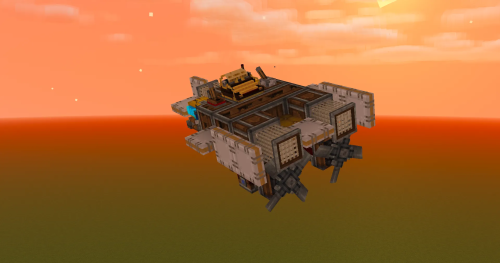
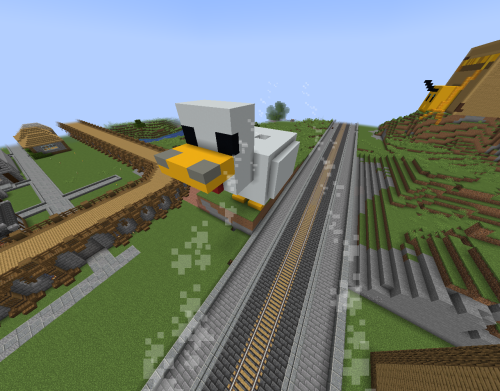
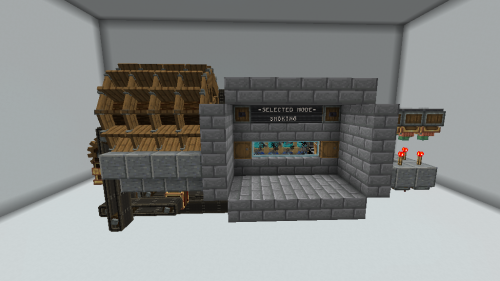
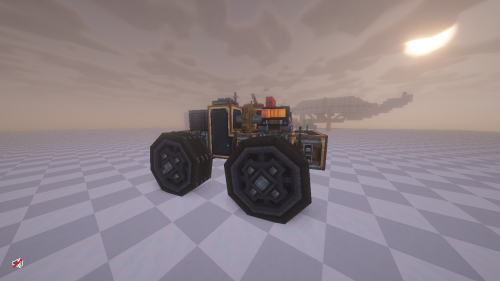
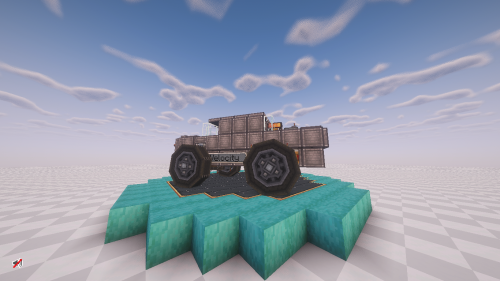
Geloverbike V2 Schematic adds a mechanical hovercraft to your world. This machine works with the Create Colonie Aeronautics pack. It gives you a fast way to travel across land and water using simple controls. You can drive it around like a normal vehicle once you set up the engines and controllers.
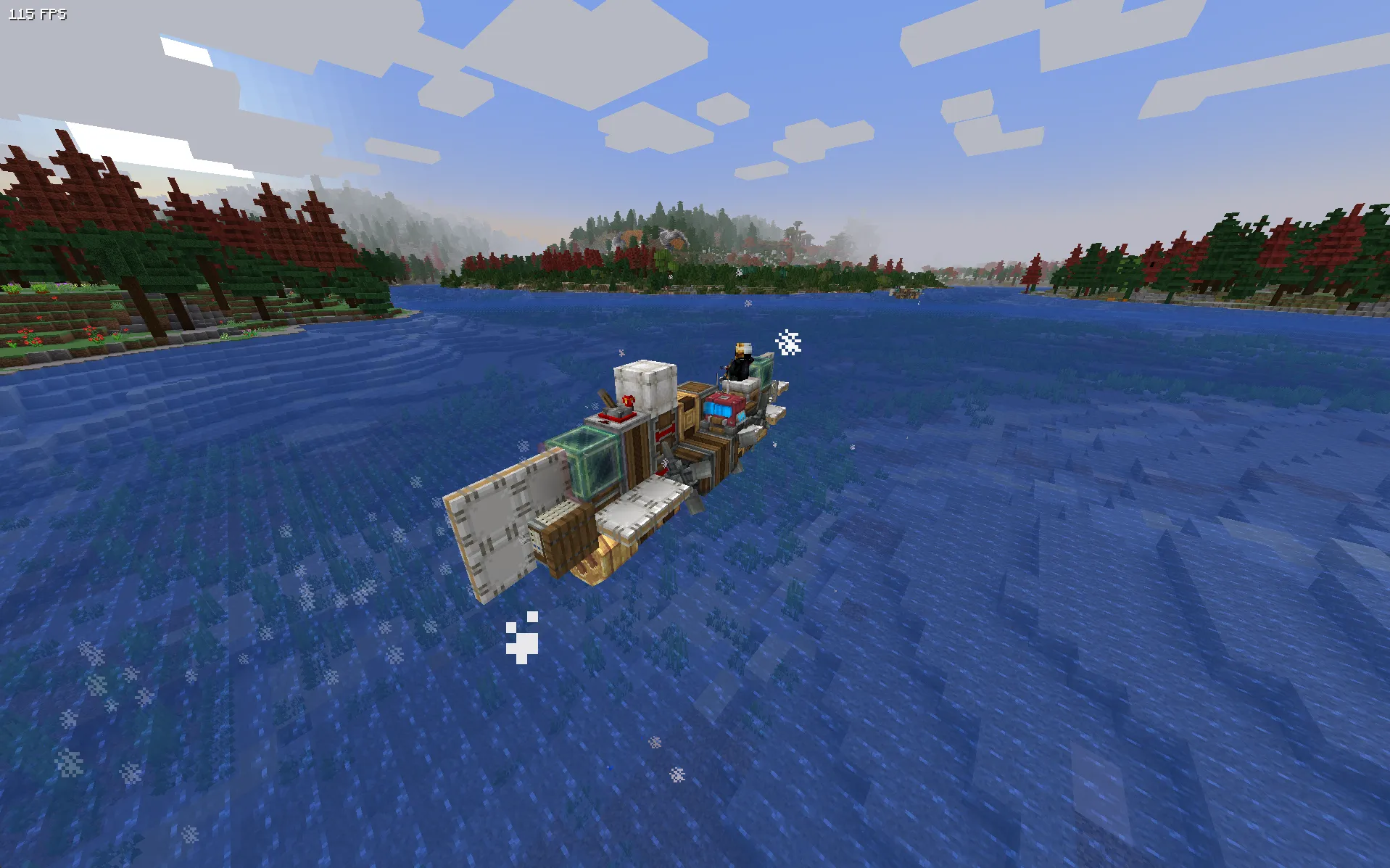
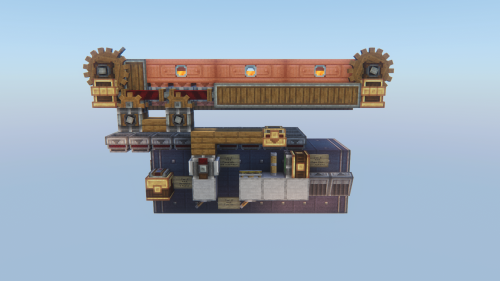
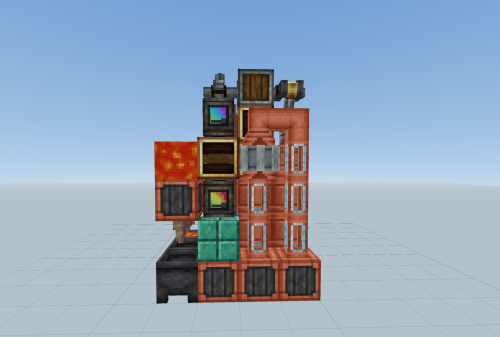
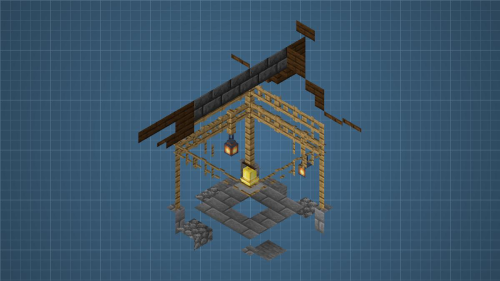
3D Preview:
Features:
- WASD Controls: Uses normal keyboard buttons to steer the vehicle left, right, forward, and backward.
- Start and Stop: Lets you press the spacebar to turn the engine on or off.
- Requires two portable engines with superheated power to run properly.
- Takes up a small space of 13 by 4 by 3 blocks.
- Uses exactly 56 blocks to build the entire machine.
Schematic Specs:


 Top Blocks Used
White Symmetric Sail 10Encased Chain Drive 8Andesite Propeller 6White Sail 3Omni Speed Controller 3
How to Use:
- Place down the schematic to build the vehicle in your world.
- Superheat both portable engines so the machine has enough power to move.
- Break the backup block from the drive by wire system at the back of the vehicle.
- Take a Linked Controller and right-click the linked hub controller to connect them.
- Press Space to start the engine and use W, A, S, and D to drive.
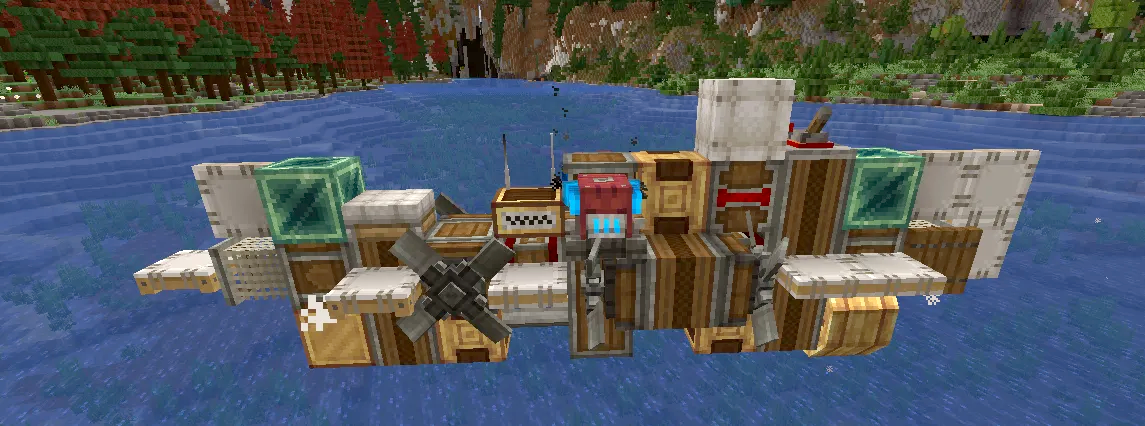
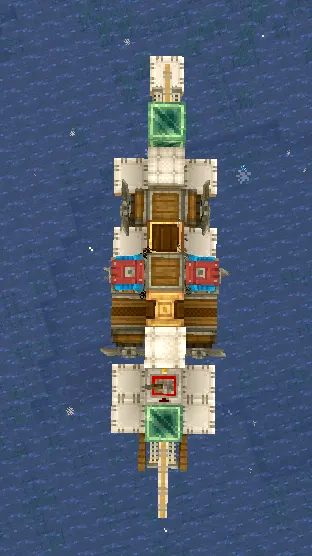
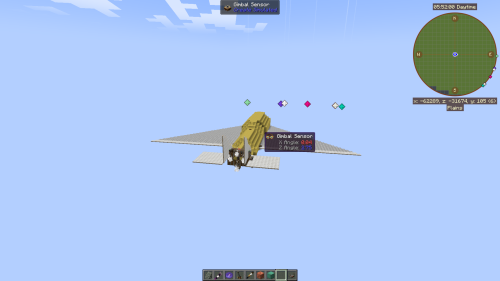
Screenshots:
Requirements:
 Create Mod Required
simulated Required
dndecor Required
aeronautics Required
dndesires Required
createcasing Required
drivebywire Required
Geloverbike V2 Schematic Download Links
For Minecraft 1.21.x
Click to rate this post!
[Total: 0 Average: 0]
You May Also Like

This post has no comments yet. Be the first — your comment will appear here.