
Hidden Names Mod (1.21.4, 1.20.1) – Ambush Rivals with True Stealth Tactics

 0


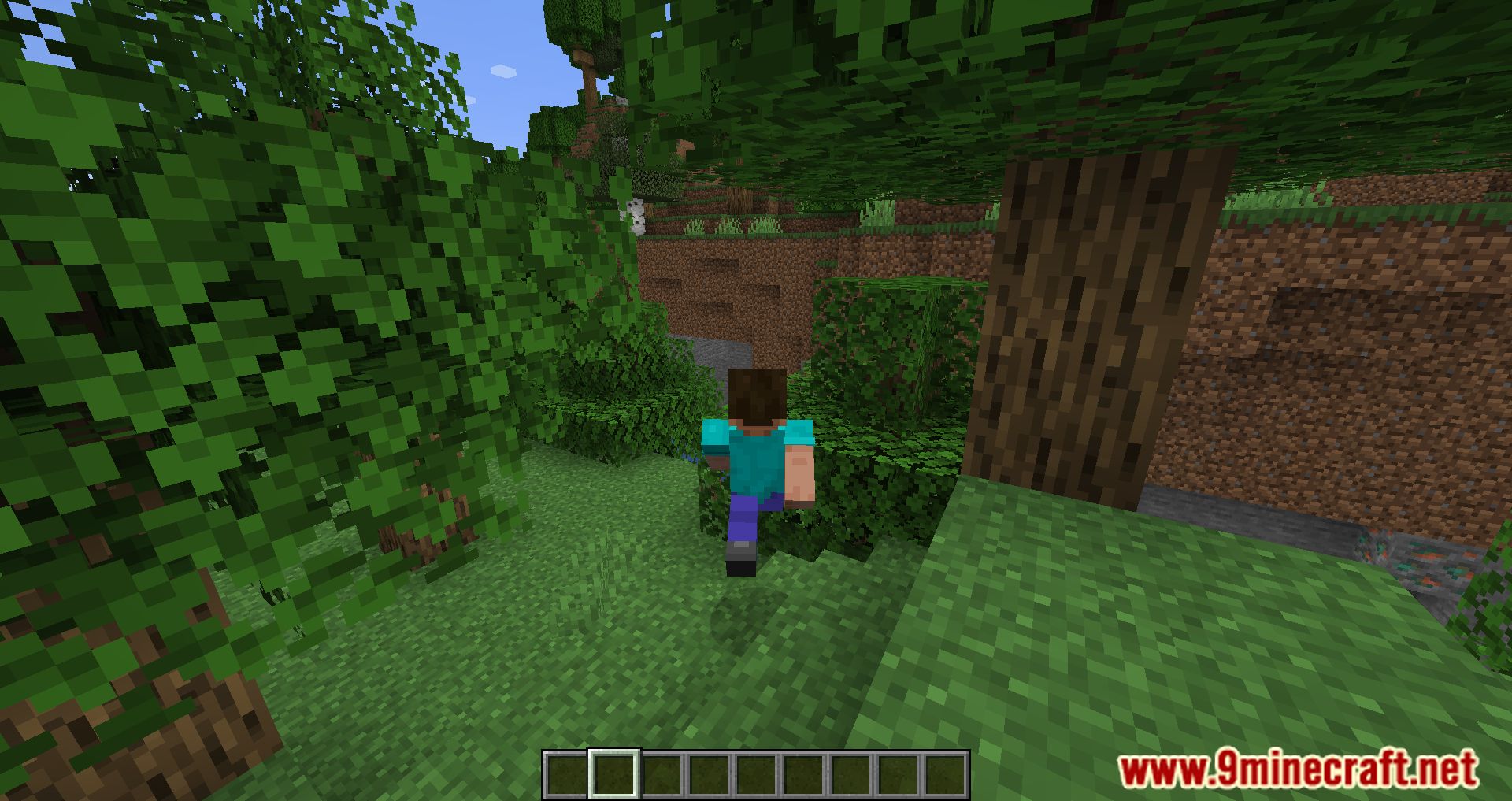
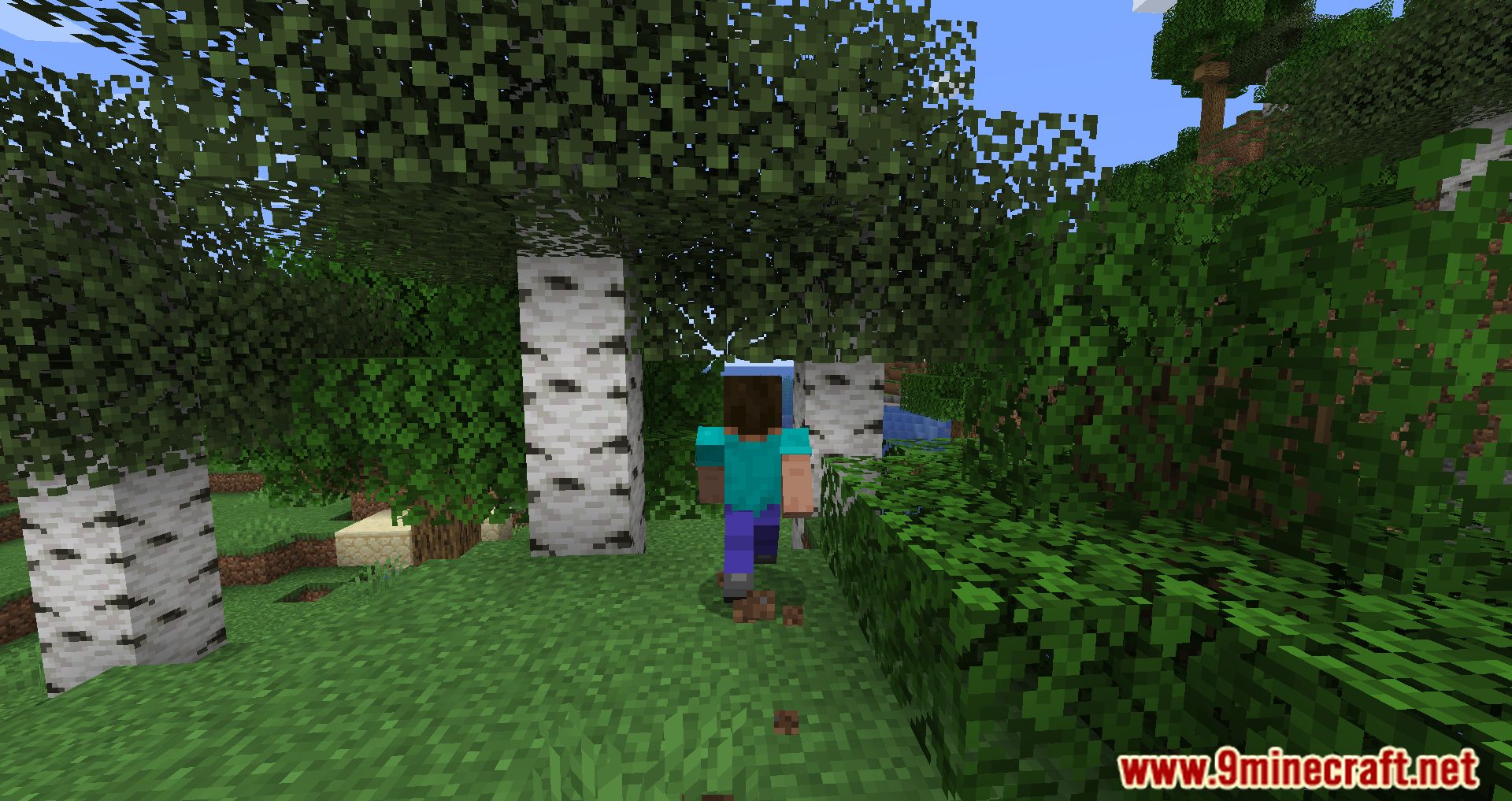
Hidden Names Mod lets you hide and customize player nameplates in Minecraft using simple chat commands. In regular multiplayer, other players can see your name right through walls, which makes sneaking and hiding hard. This mod fixes that by letting blocks cover up nameplates and letting you turn nametags on or off for everyone or just certain players. You can also set custom display names, colors, and animations for any player if you have OP level 2 or higher.
Features:
- Hide Behind Blocks: Hides a player’s nameplate whenever blocks are in the way.
- Custom Nametags: Lets you change a player’s display name, text color, and name animation all at once or one part at a time.
- Player Visibility Control: Lets you turn nameplates on or off for specific players at any time.
- Sets a default nameplate visibility rule for every player in the world.
- Resets any customized nameplate back to its normal look with one command.
- Limits all commands to players with OP level 2 or higher.
Commands:
All commands require OP level 2 or higher to run.
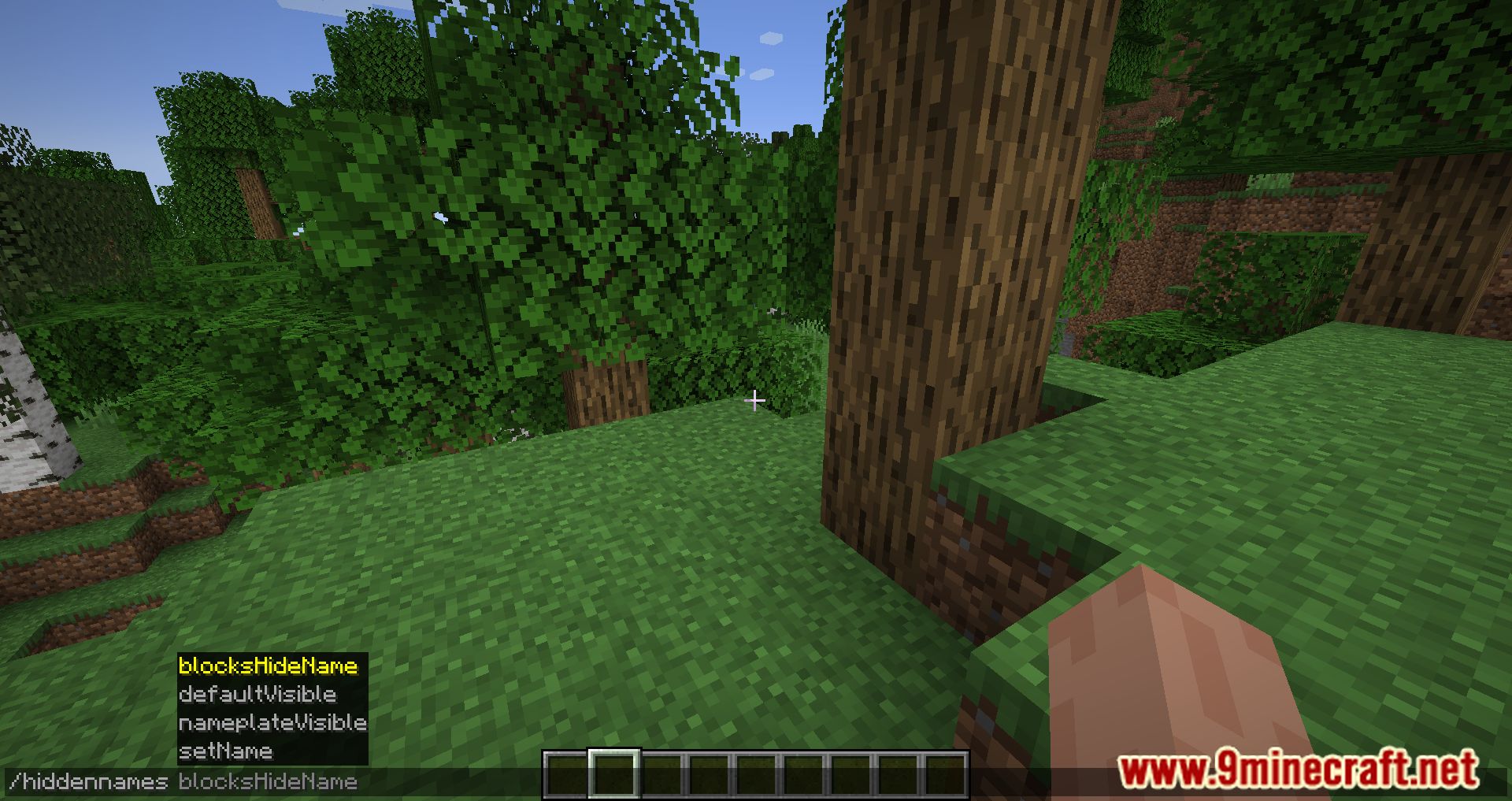
/hiddennames nameplateVisible [player(s)] [true/false]: Turns the nameplate on or off for specific players./hiddennames defaultVisible [true/false]: Sets whether nameplates are visible or hidden by default for everyone./hiddennames blocksHideName [true/false]: Turns block hiding on or off so blocks in the way hide player nameplates./hiddennames setName [player(s)] [colour] [animation] ["name"]: Sets a custom name, color, and animation for the chosen players at the same time (put the name inside quotes)./hiddennames setName [player(s)] name ["name"]: Changes only the display name for the chosen players (put the name inside quotes)./hiddennames setName [player(s)] colour [colour]: Changes only the text color of the chosen players’ nameplates./hiddennames setName [player(s)] animation [animation]: Changes only the animation of the chosen players’ nameplates./hiddennames setName [player(s)] reset: Resets customized nameplates back to default.
Screenshots:
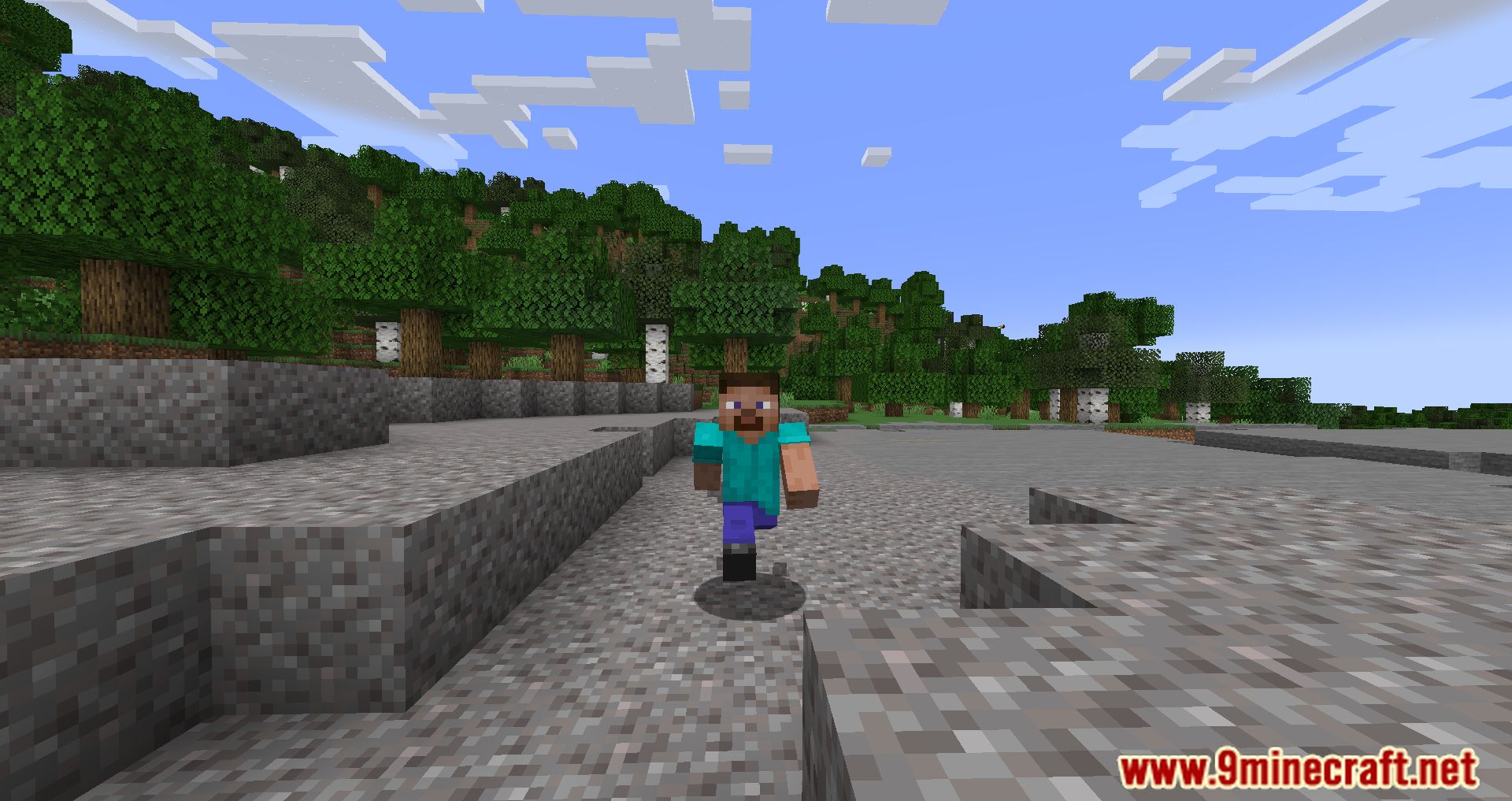
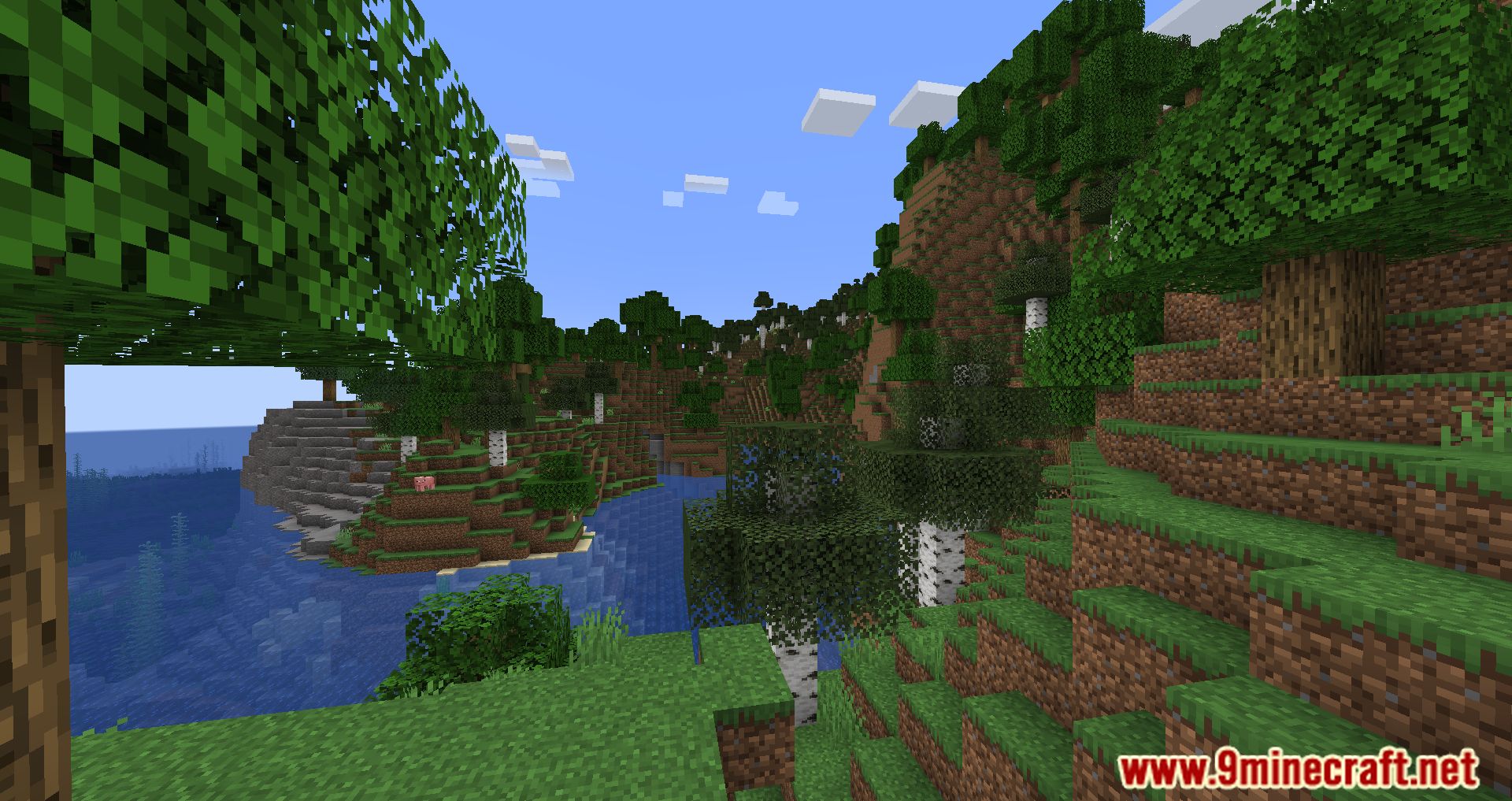
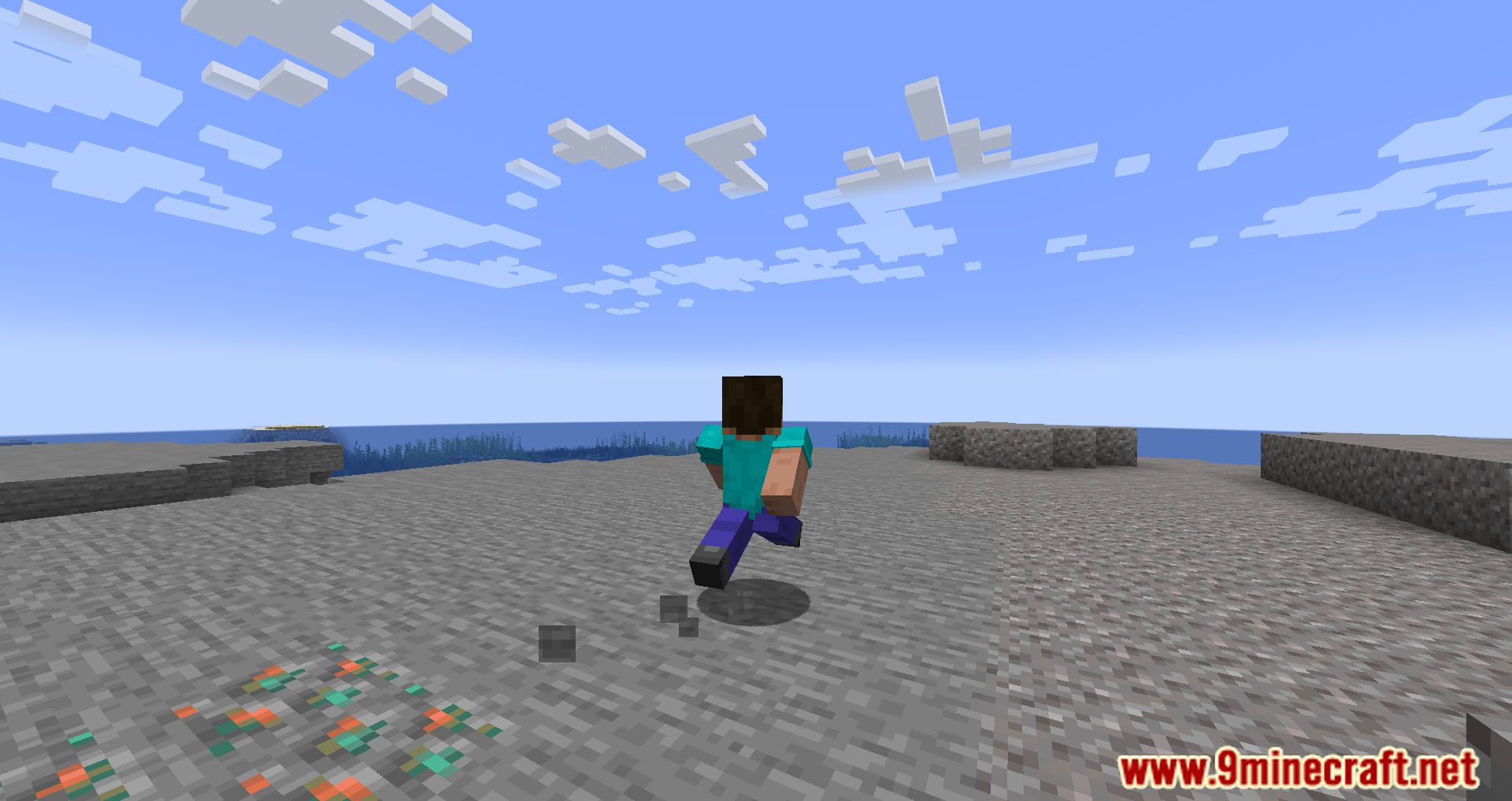
How to Install:
New to Minecraft? Follow our step-by-step guide to install Mods on your PC.View Guide
Hidden Names Mod Download Links
For Minecraft 1.21.4
NeoForge Version: Download from Server 1 – Download from Server 2
For Minecraft 1.21.1, 1.21
NeoForge Version: Download from Server 1 – Download from Server 2
For Minecraft 1.20.4
NeoForge Version: Download from Server 1 – Download from Server 2
For Minecraft 1.20.1
Forge Version: Download from Server 1 – Download from Server 2
For Minecraft 1.19.4
Forge Version: Download from Server 1 – Download from Server 2
For Minecraft 1.19.3
Forge Version: Download from Server 1 – Download from Server 2
For Minecraft 1.19.1, 1.19
Forge Version: Download from Server 1 – Download from Server 2
For Minecraft 1.18.2
Forge Version: Download from Server 1 – Download from Server 2
For Minecraft 1.17.1
Forge Version: Download from Server 1 – Download from Server 2
For Minecraft 1.16.5
Forge Version: Download from Server 1 – Download from Server 2
You May Also Like
Picked for this page
 Enchanting Infuser Mod (26.3, 1.20.1) – New Enchanting System
 Enchant with Mobs Mod (26.3, 1.20.1) – Minecraft Dungeons’ Contents
 Healing Soup Mod (26.3, 1.20.1) – Soup Heals Health
 FlightAssistant Mod (1.21.11, 1.20.1) – Flight HUD with Autopilot Systems
 No LAN Cheating Mod (26.3, 1.20.1) – Disallow Players From Using Cheats
 Beautified Chat Server Mod (26.3, 1.20.1) – Change The Style and Colour of Chat
 Respackopts Mod (26.3, 1.20.1) – Config Menus for Resource Packs
 Better Conduit Placement Mod (26.3, 1.20.1) – Placing Conduit Prismarine Blocks Easier
 Idle Tweaks Mod (1.21.11, 1.20.1) – Reduces Minecraft’s Resource Usage
 Item Transform Helper Mod (26.3, 1.20.1) – Set Size & Location Of Items
 Loyal Items Mod (26.2, 1.20.1) – Keep Your Items Safe
 Mine Glass Without Silk Touch Mod (26.3, 1.21.1)
Most viewed in Mods over the last 7 days
 Ala Industrial Mod (26.3) – Run Electric Power Grids and Automated Factories
 PleasureCraft Mod (26.3, 1.21.1) – Jenny Mod Remake for Fabric
 Jennycraft Mod (26.3, 1.20.1) – Virtual Girlfriend in Minecraft
 Fapcraft Mod (26.3, 1.12.2) – Comprehensive and Detailed Content
 Jenny Mod (Fapcraft) Official Complete Guide – How to use, Tutorial
 BangCraft Mod (1.20.1) – Jenny, Ellie and Elliot
 Fabric Loader (26.3, 1.20.1) – Fabric Installer for All Minecraft Versions
 The Shooting Star Demo Mod (26.3, 1.20.1) – Vaporize Terrain From Orbit
 Meteor Client Mod (26.3, 1.20.1) – Xray, HUD, Fly
 OptiFine HD (26.3, 1.20.1) – Run Faster, FPS Boost, Shaders Support
 Aristois Client Mod (1.21.4, 1.20.1) – World Class Minecraft Utility
 Prestige Client Mod (1.21.11, 1.21.4) – Powerful Ghost Features for Crystal & Sword PvP
More from Mods
 /Sit Mod (26.3, 1.21.1) – Make The Player Sit Down
 Arcane Redstone Dial Mod (26.3, 1.20.1) – Trigger Commands and Shortcuts
 The Graveyard Mod (26.3, 1.20.1) – Cemeteries in Minecraft
 Enhanced Overlay Mod (26.3, 1.21.11) – Remove Screen Clutter
 Flint Mod (1.21.11) – Run DiamondFire Community Addons Without Crashing
 Not Just Sandwich Mod (26.3, 1.20.1) – Edibles, Sandwiches
 Waddles Mod (26.3, 1.20.1) – Make Icy Biomes Feel Alive
 Artemis’ Thin Logs Mod (26.3, 1.20.1) – Build Custom Trees and Detailed Wood
 Asterion Mod (26.3, 1.20.1) – Survive Ancient Mazes and Slay the Legendary Minotaur
 Passthrough Signs Mod (26.3, 1.20.1) – Right-Click Through Wall Signs
 Packing Tape Mod (26.3, 1.20.1) – Move Chests, Machines
 No XP Anvils Mod (26.3, 1.20.1) – Repair And Enchant Without XP

This post has no comments yet. Be the first — your comment will appear here.