Immersive Furniture Mod (1.21.1, 1.20.1) – Custom In-Game Furniture Creator
 31
31
 0
0
 13 hours ago
 Luke100000
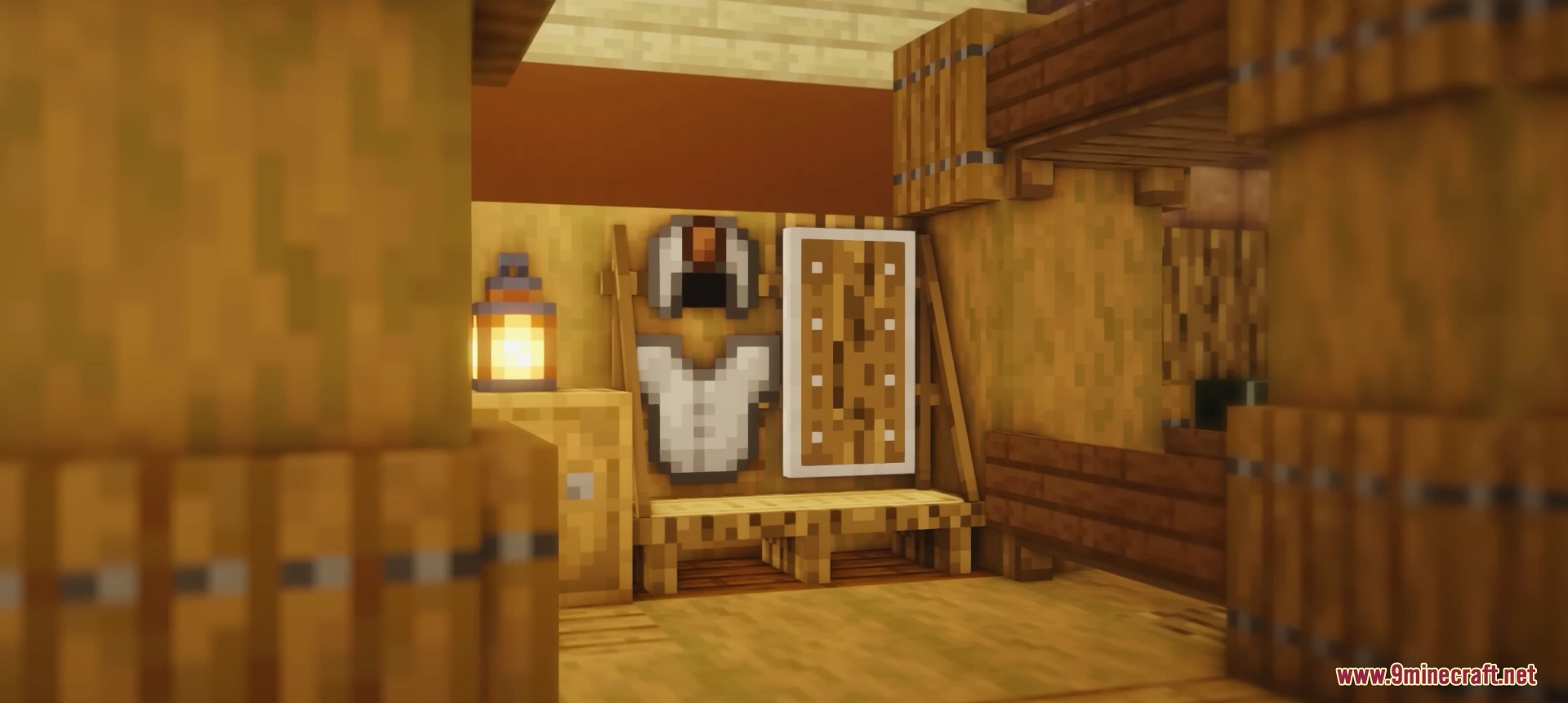
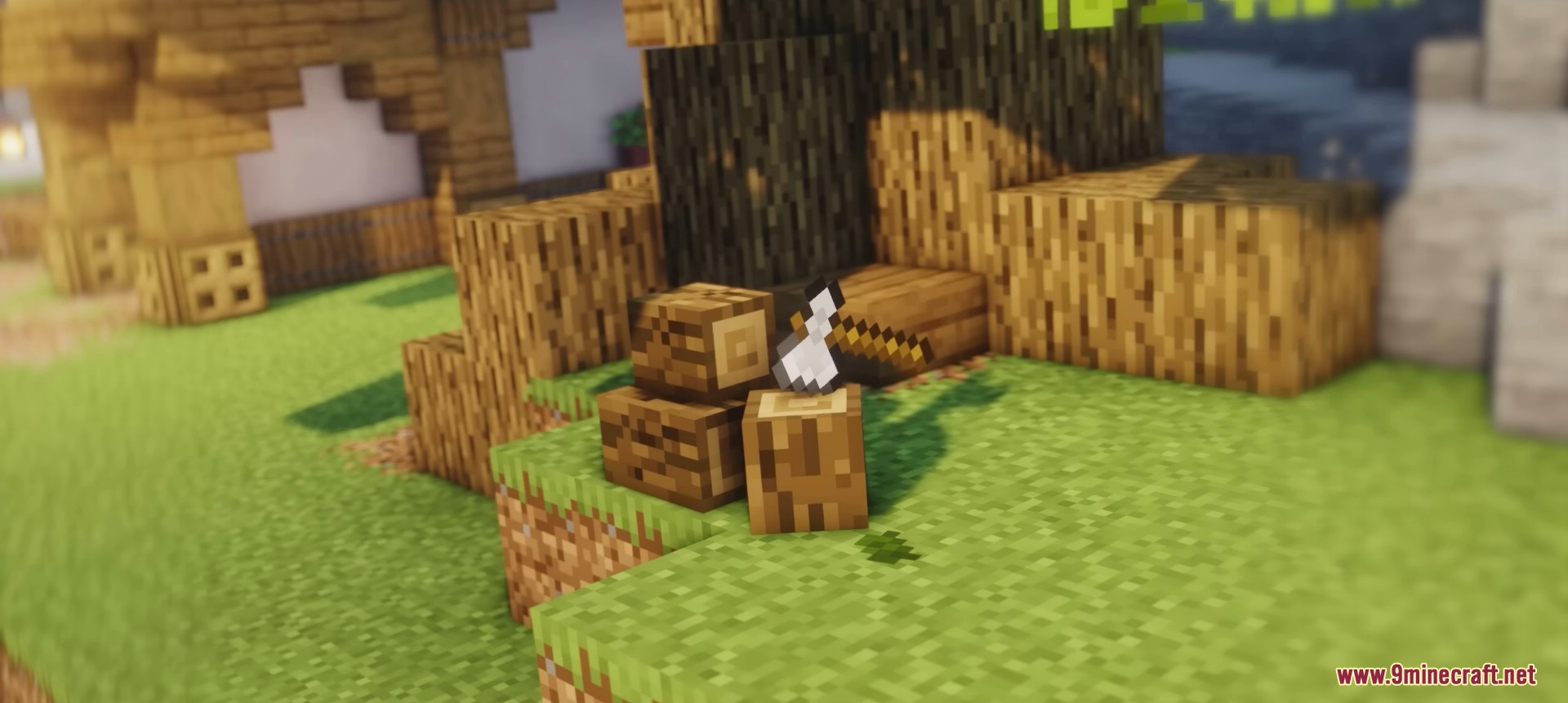
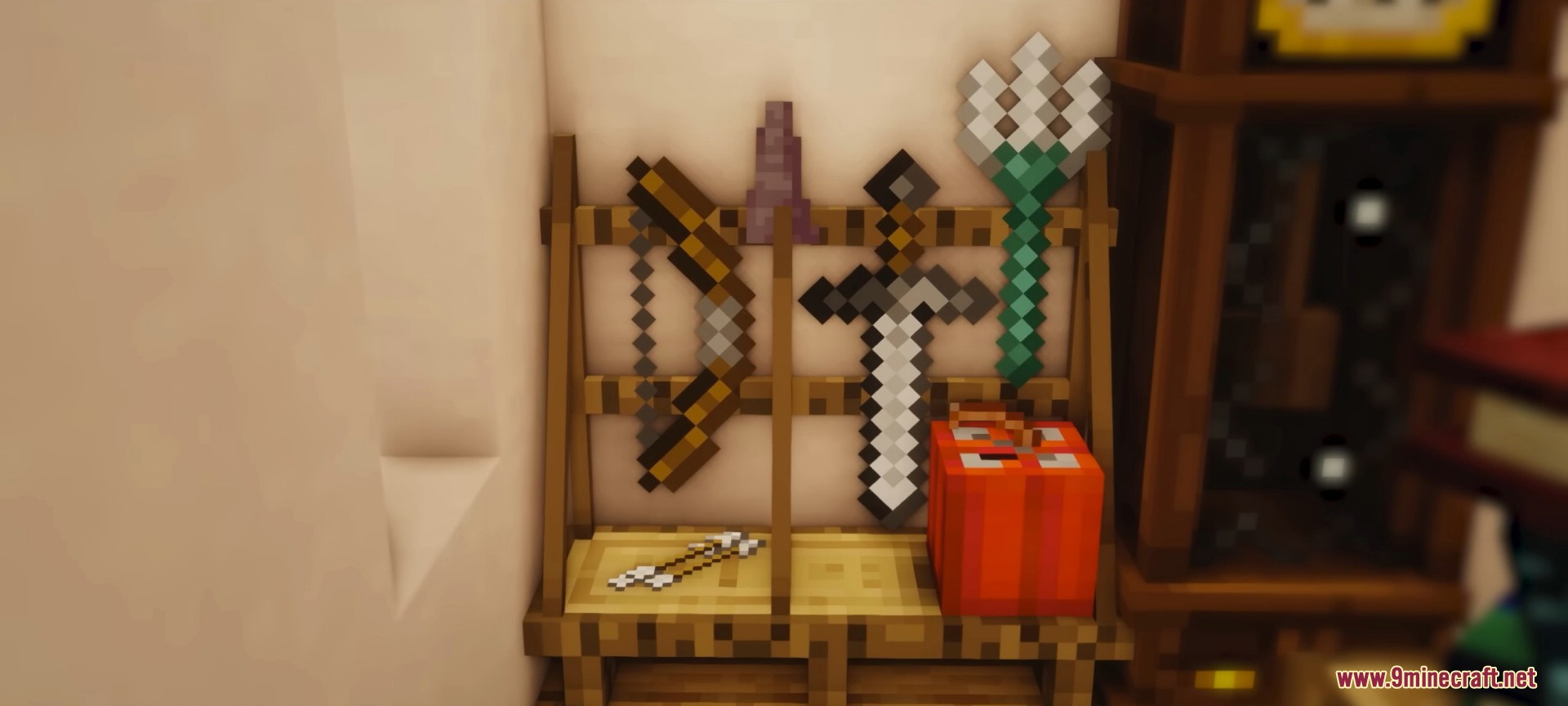
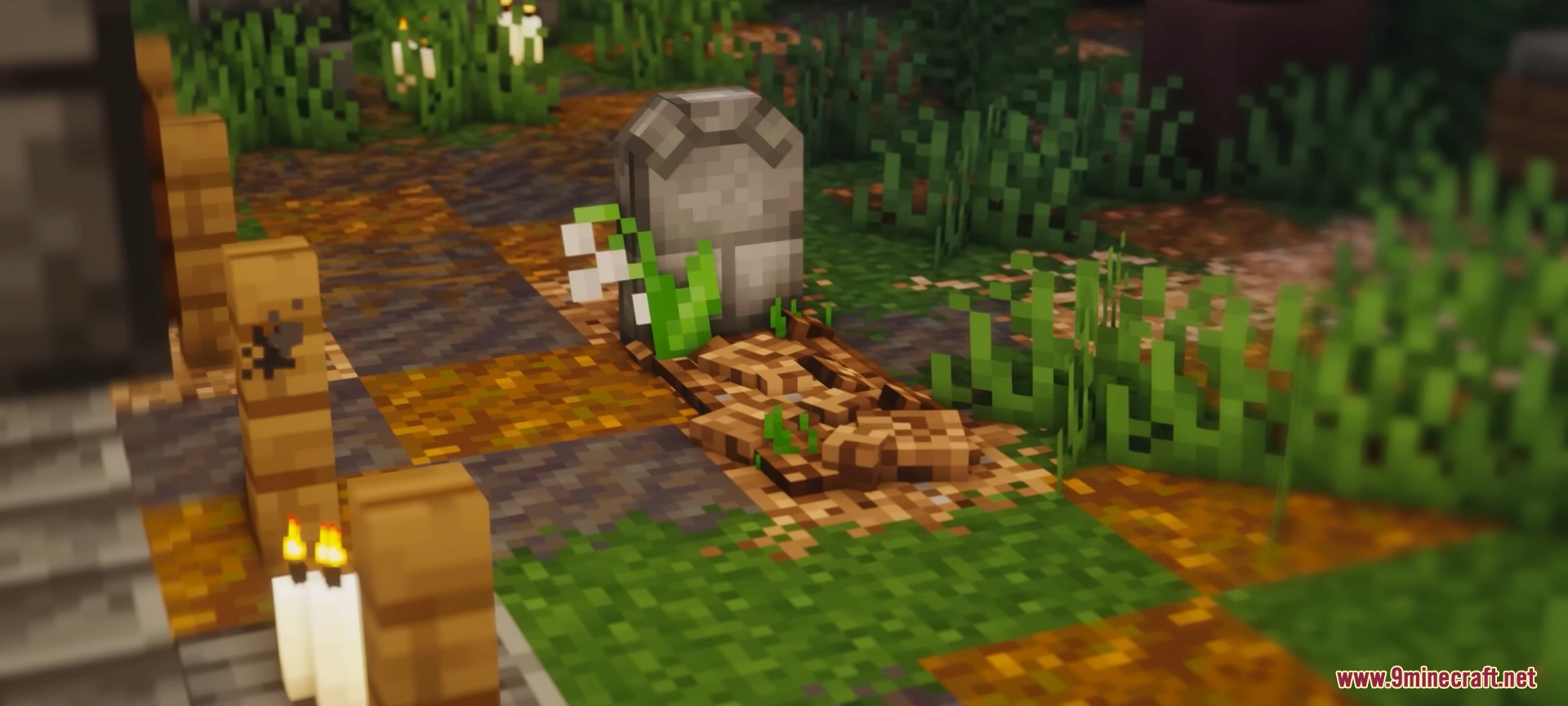
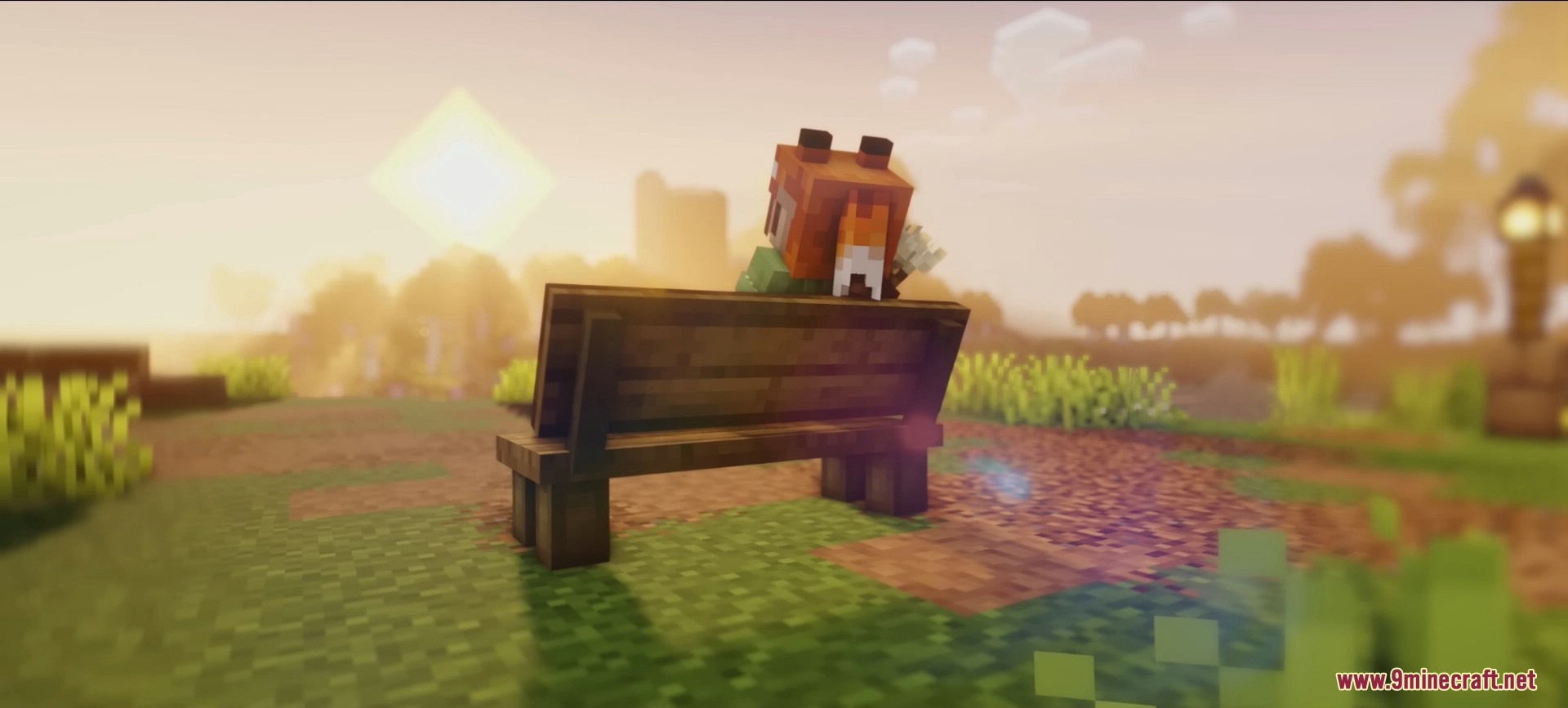
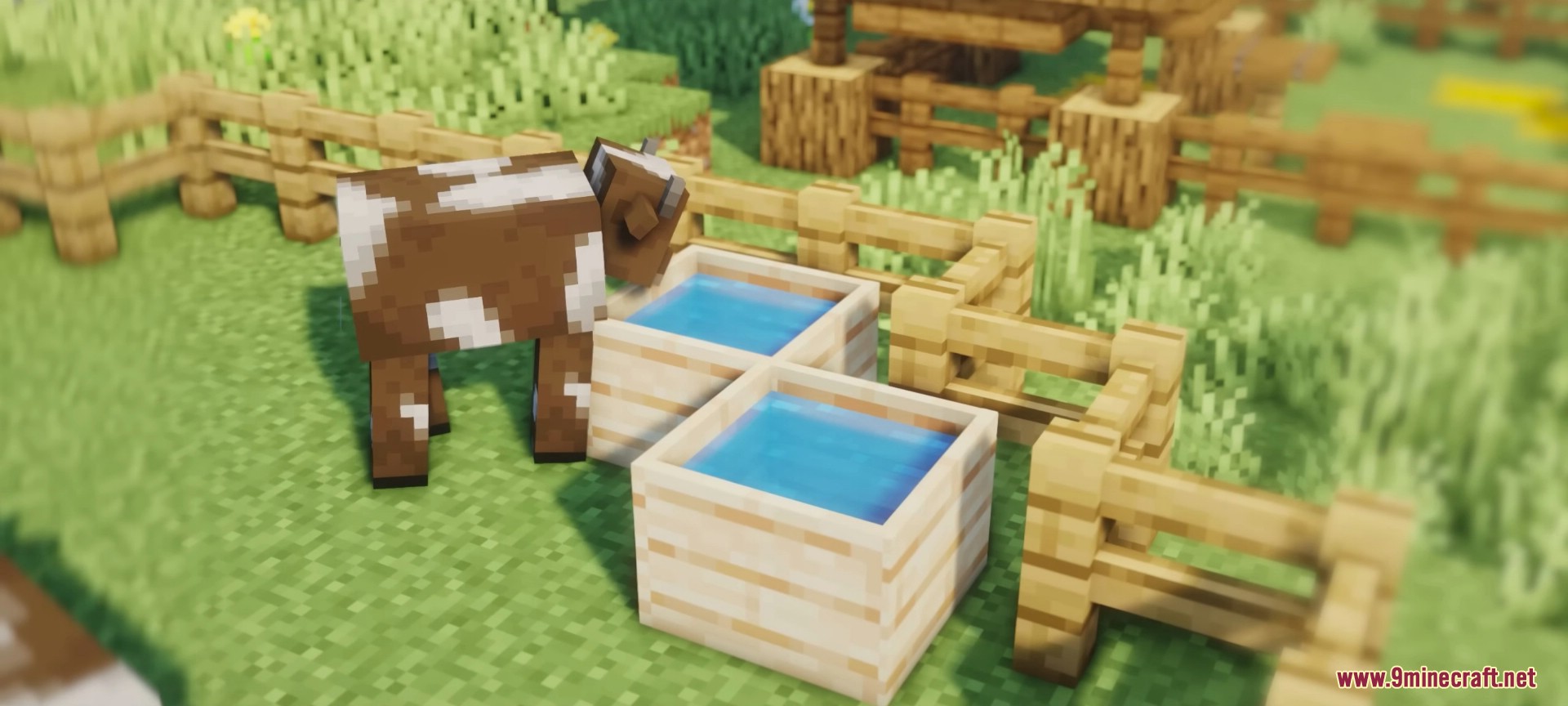
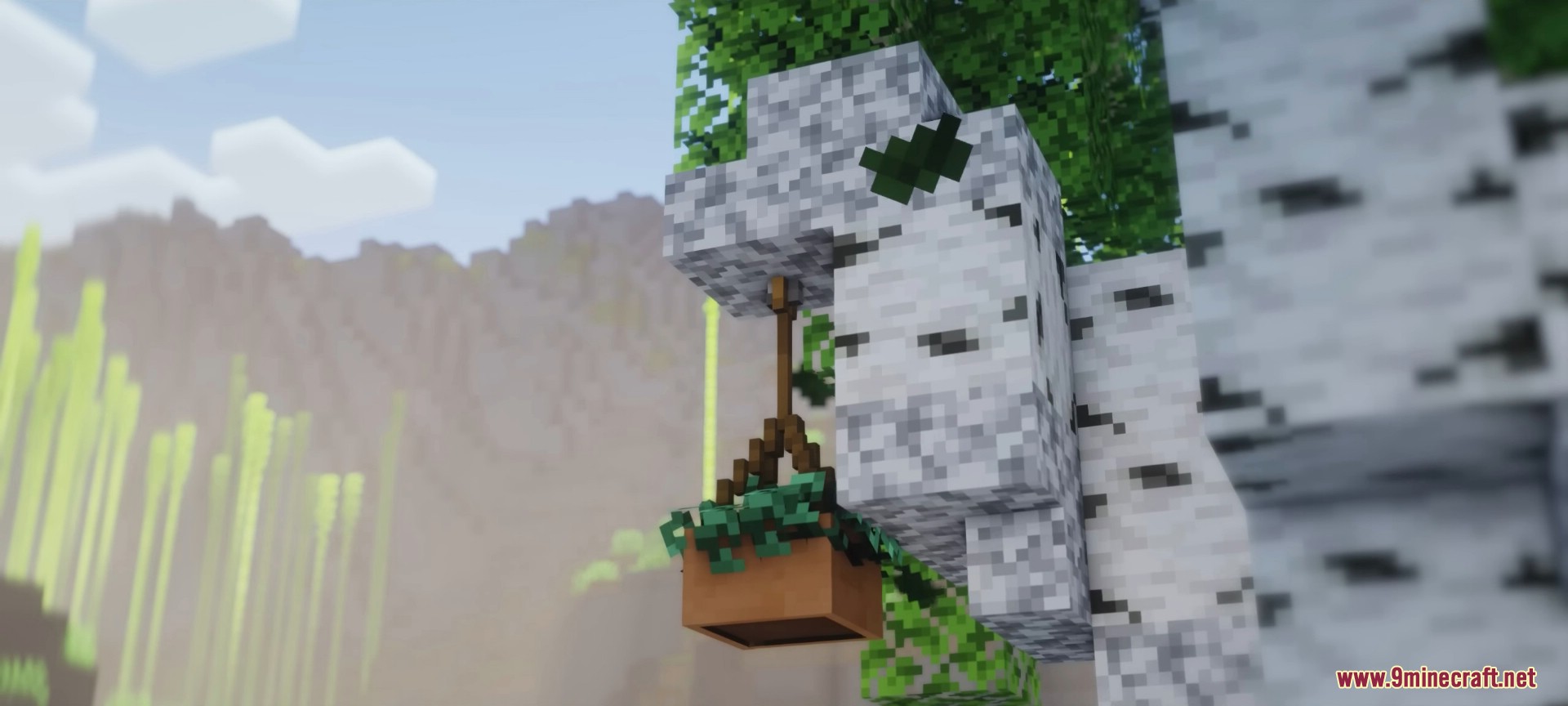
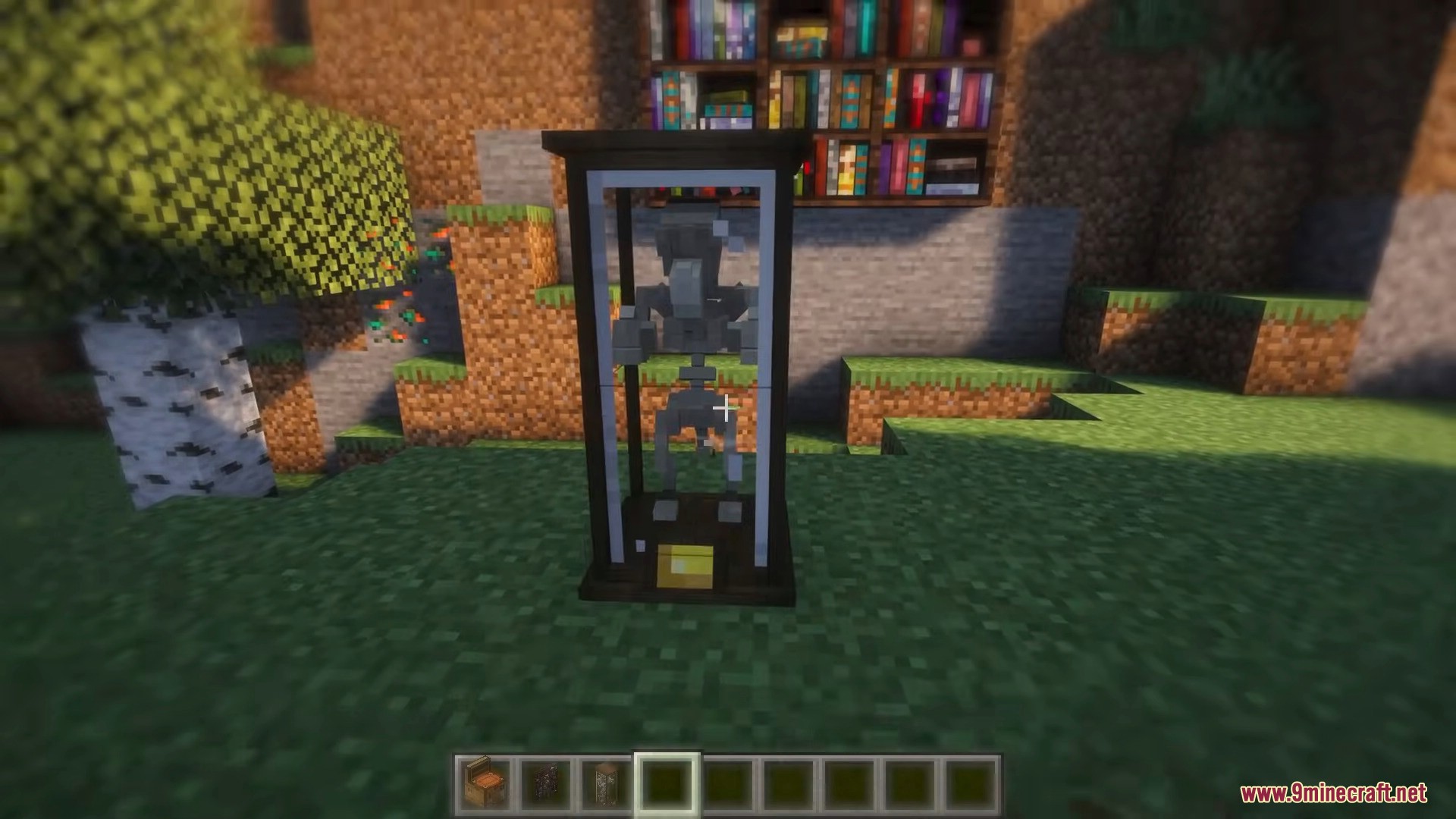
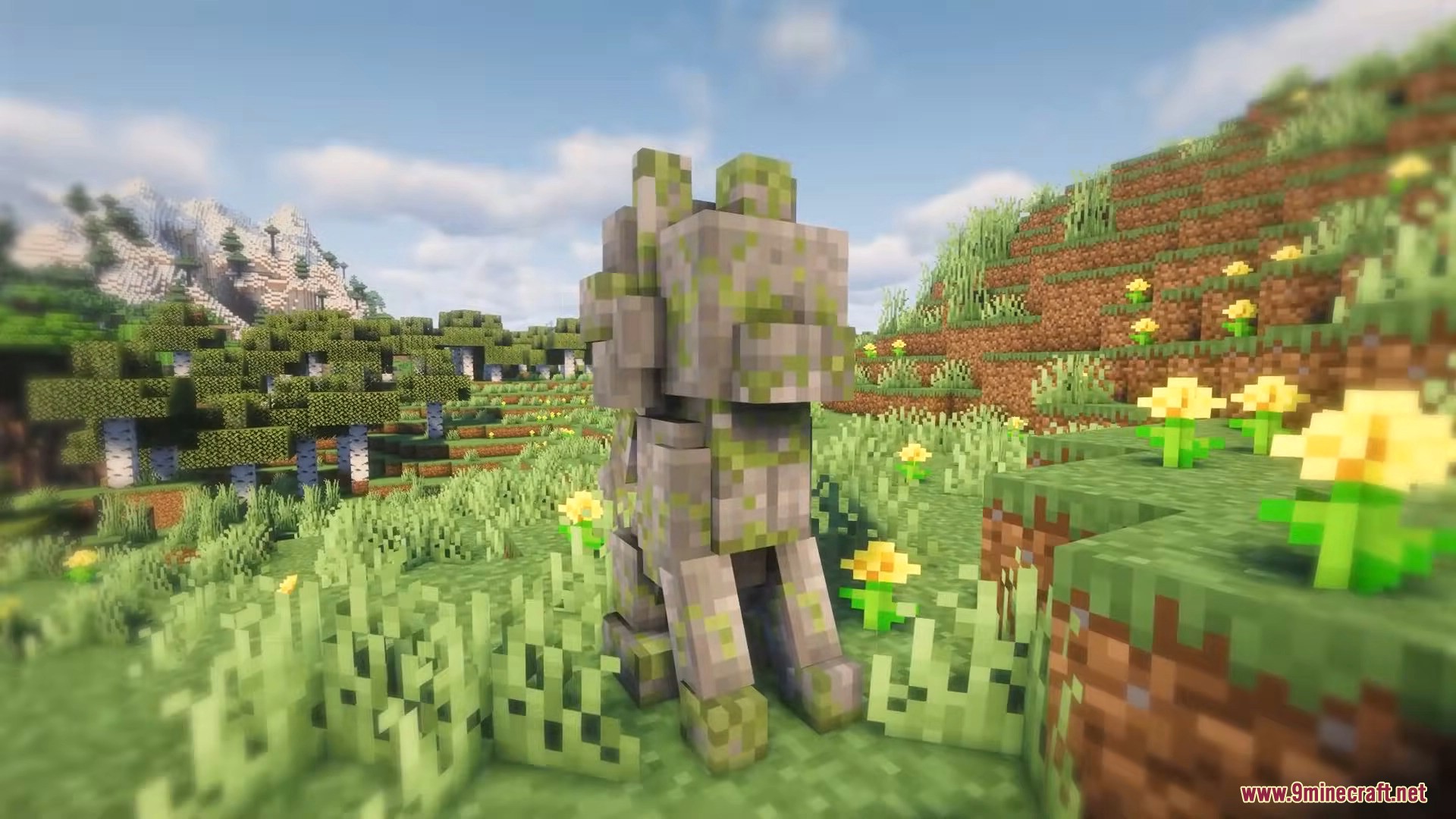
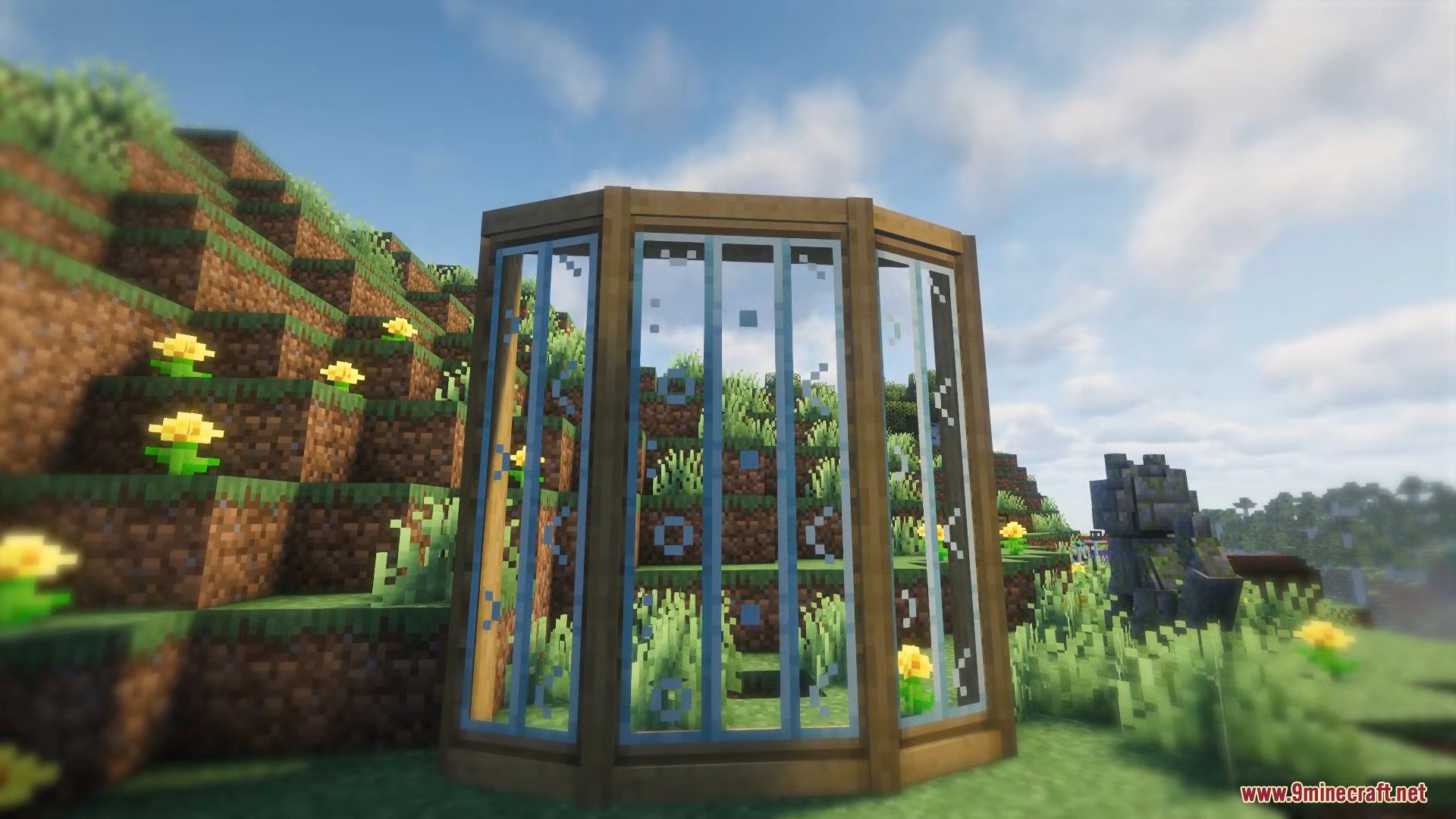
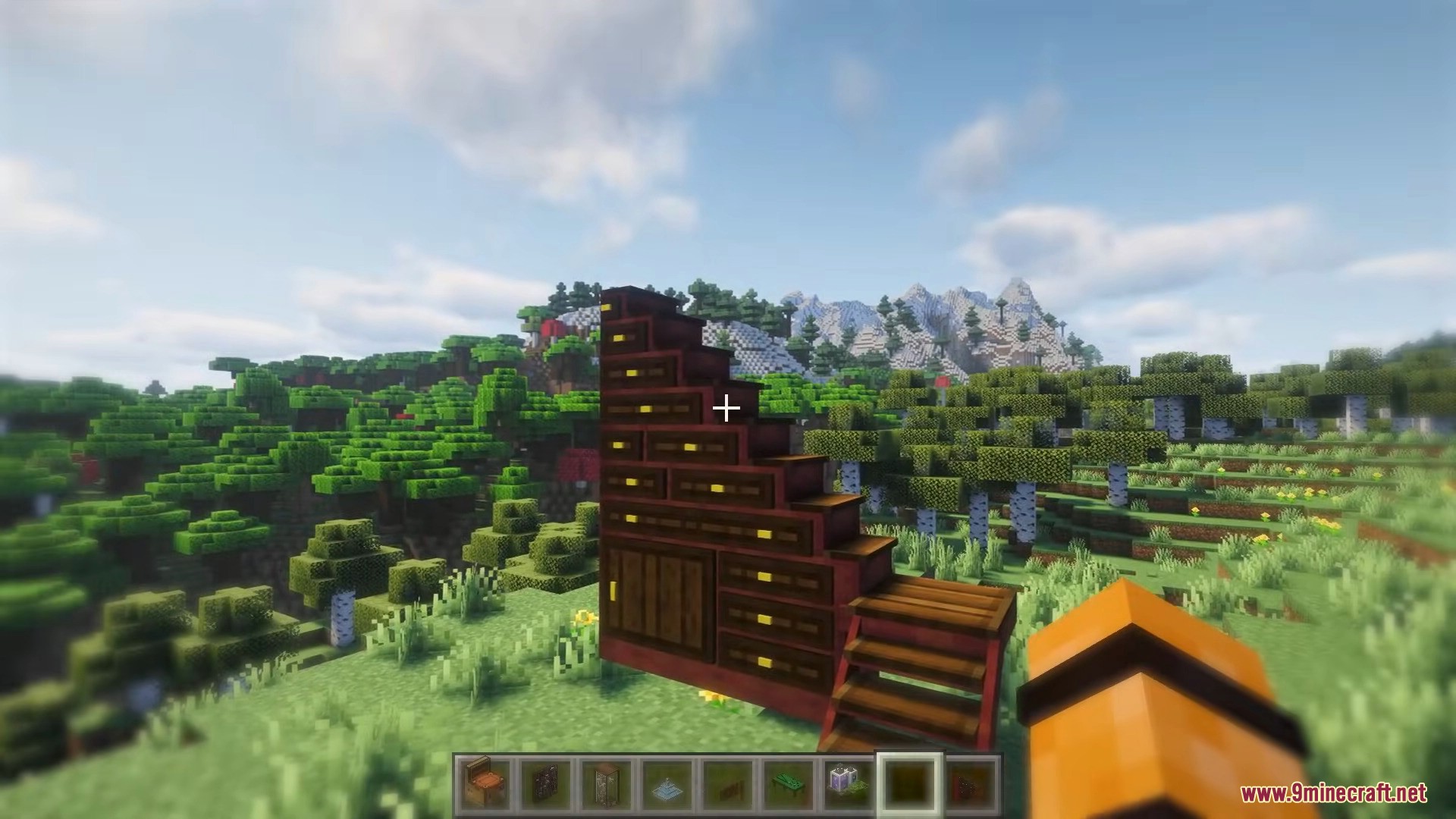
Immersive Furniture Mod (1.21.1, 1.20.1) is a decoration mod that allows players to create and use custom furniture directly inside Minecraft. Instead of installing many different furniture mods, you can design your own objects or download ready-made furniture from the online library. The mod includes a large online library with thousands of community-made furniture pieces that can be downloaded and used instantly in your world.

Features:
- Access a large online furniture library with thousands of creations
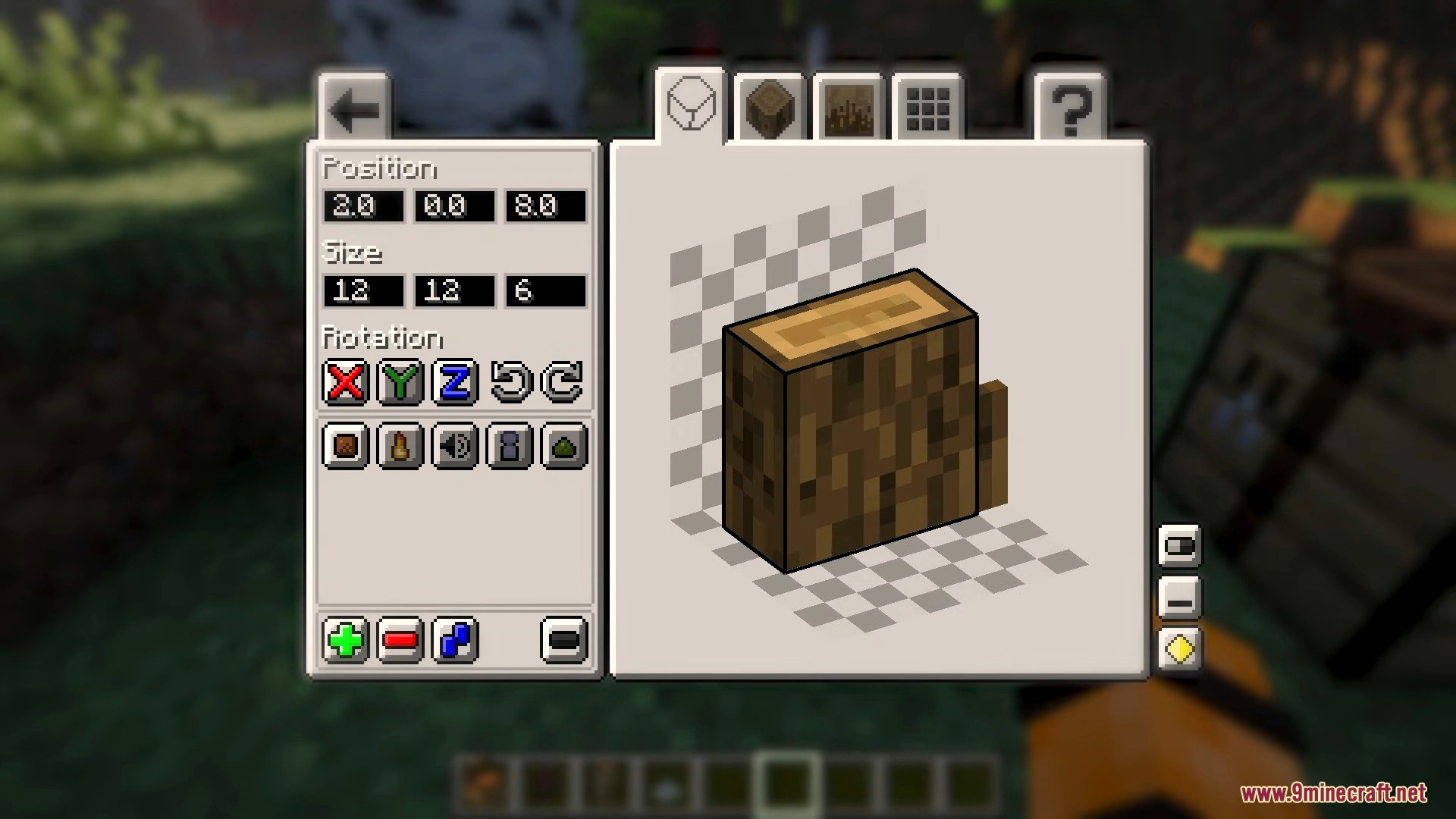
- Create custom furniture using the in-game editor
- Share your furniture designs with other players
- Supports particles, sounds, sitting, and sleeping
- Automatic material-based texturing
- Toggleable states such as open / closed or light on / off
How to use:
To start creating furniture, craft the Artisan’s Workstation. This workstation opens the editor where you can build and customize objects.
- Editor Basics
Left Click– Move elements along a face axisRight Click– Resize elementsShift + Resize– Resize in both directionsCtrl– Move with smaller step sizeAlt– Snap to the closest axisCtrl + Z/Ctrl + Y– Undo / RedoCtrl + C,Ctrl + X,Ctrl + V– Copy, Cut, Paste
- Element Types
- Elements
- Main building blocks of furniture
- Automatically adjust textures based on size
- Support transformations and visual effects
- Particle Emitters
- Spawn particles inside the object
- Modded particles only work if the source mod is installed
- Sound Emitters
- Play ambient sounds or sounds when interacting
- Play Pose
- Define where players sit or lie down
- Sprites
- Advanced elements for special visuals like animations or liquids
- Elements
- Furniture States
- Furniture can have multiple states
- States can change using redstone or right-click interaction
- Different states can show or hide elements
- States may also control lighting effects
- Recommended Usage
- Best for creating small decorative furniture
- Ideal size is around 2×2×2 blocks
- Online Library
- Upload and share your furniture creations
- Download furniture made by other players
- Some items may require specific mods for particles or sounds
Screenshots:





Requires:
How to install:
Click the following link to view details: How to Install Mods for Minecraft Java Edition on PC: A Beginner Guide
Immersive Furniture Mod (1.21.1, 1.20.1) Download Links
For Minecraft 1.20.1, 1.20
Forge version: Download from Server 1 – Download from Server 2
Fabric version: Download from Server 1 – Download from Server 2
For Minecraft 1.21.1, 1.21
NeoForge version: Download from Server 1 – Download from Server 2
Fabric version: Download from Server 1 – Download from Server 2
You May Also Like