
Mim1q’s Derelict Mod (1.21.1, 1.20.1) – Turn Pristine Builds Into Spooky Ruins

 0


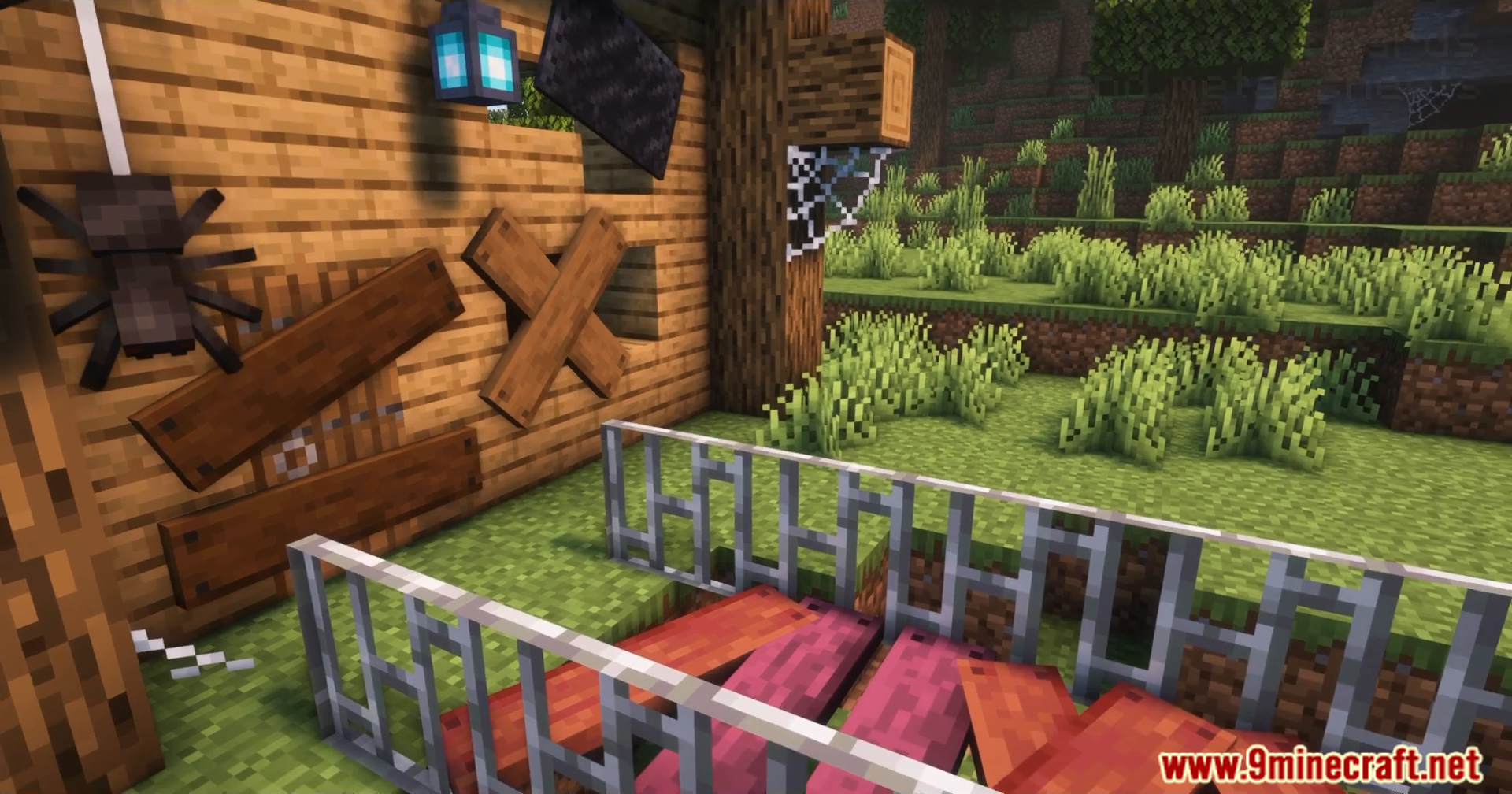
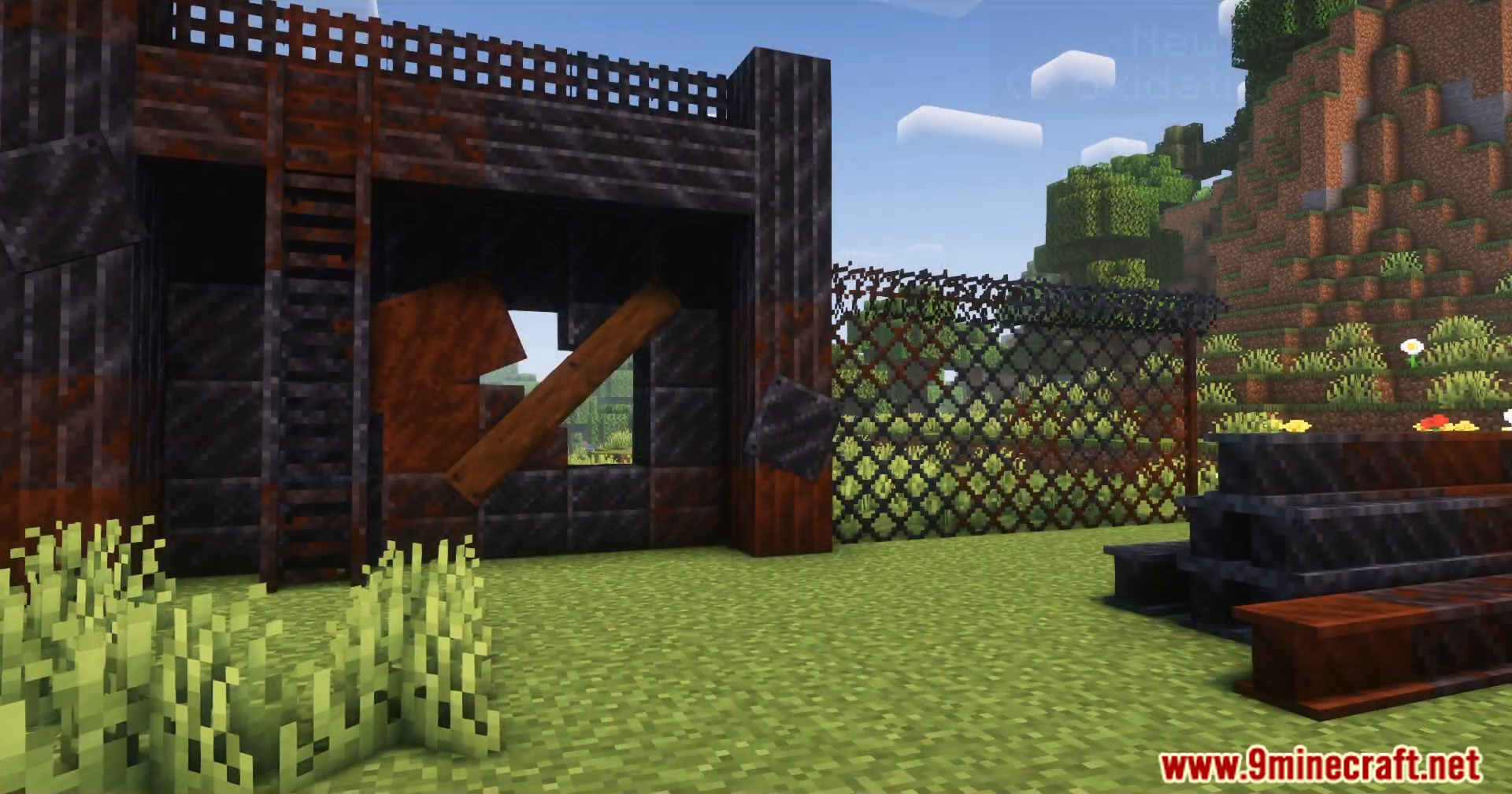
Mim1q’s Derelict Mod adds decorative blocks and special tools to help you build spooky, abandoned places taken over by nature. It includes the Waxing Staff and Aging Staff so you can make blocks look waxed or aged, and turn vanilla light sources into flickering lights. You can also adjust flickering light behavior, waxed block indicators, and in-world or in-GUI tips through two config files. This mod runs on Fabric and needs Fabric API, owo-lib, and Fabric Language Kotlin.
Features:
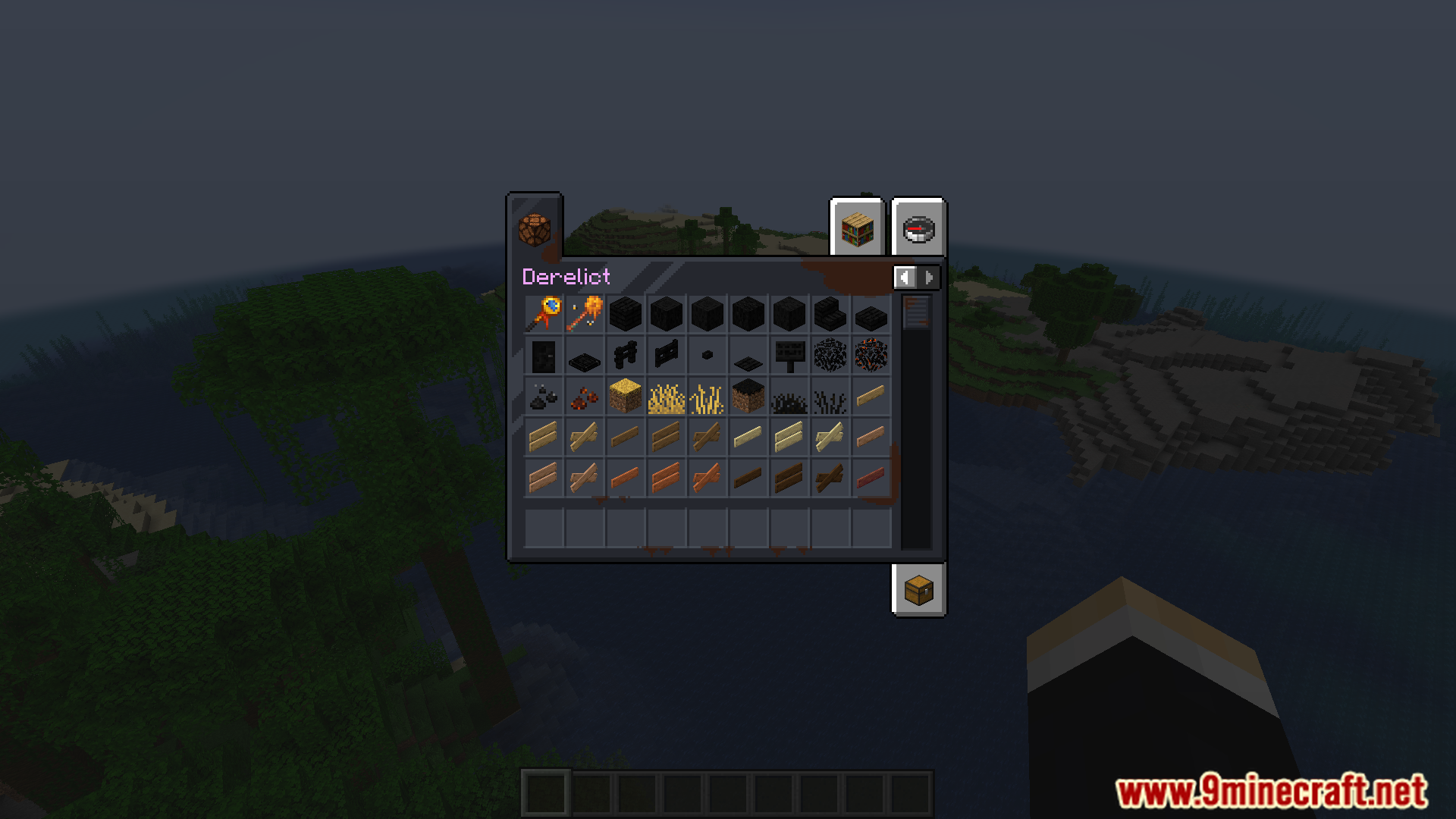
- Adds decorative blocks built for eerie, forgotten, and overgrown structures.
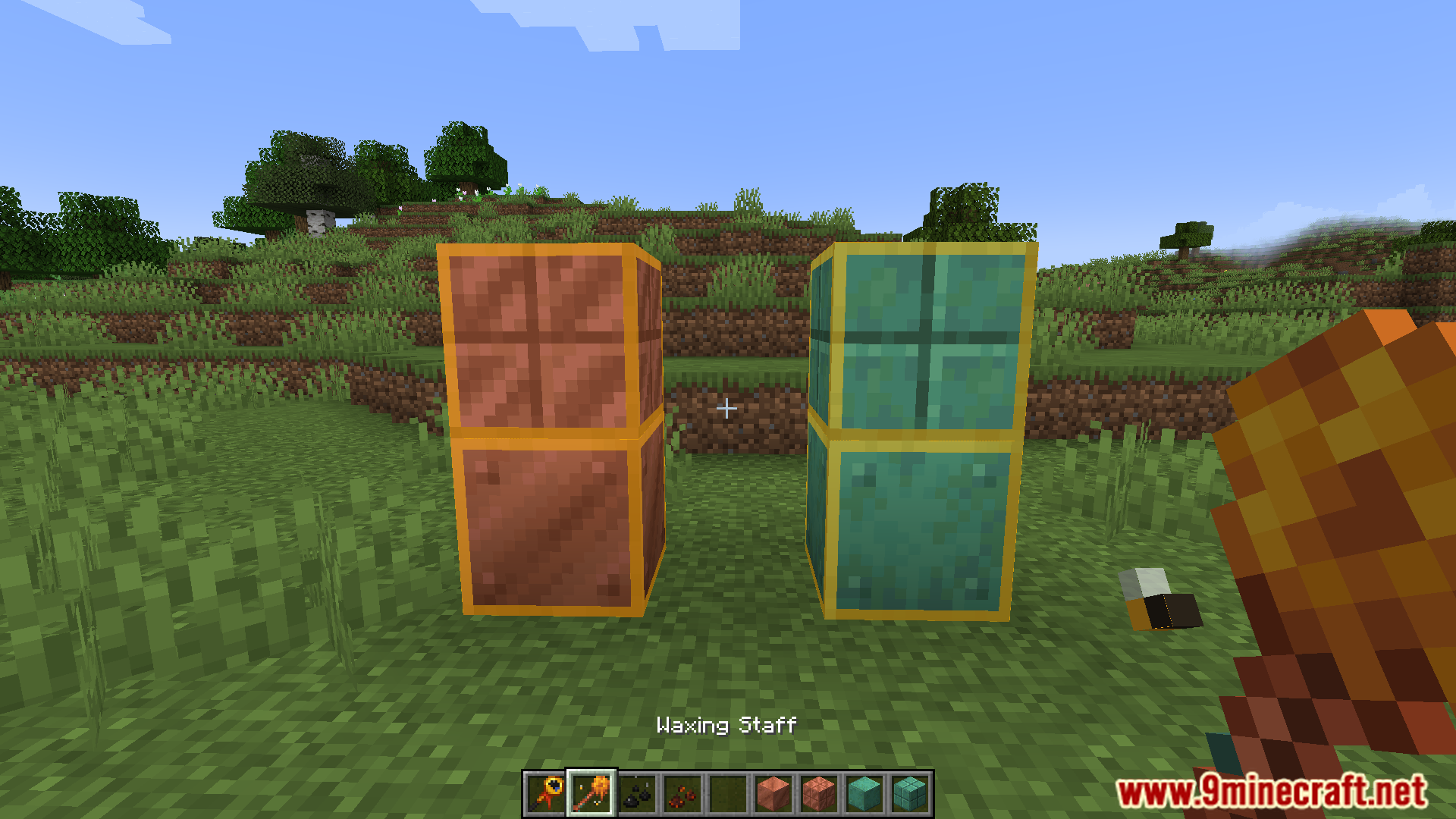
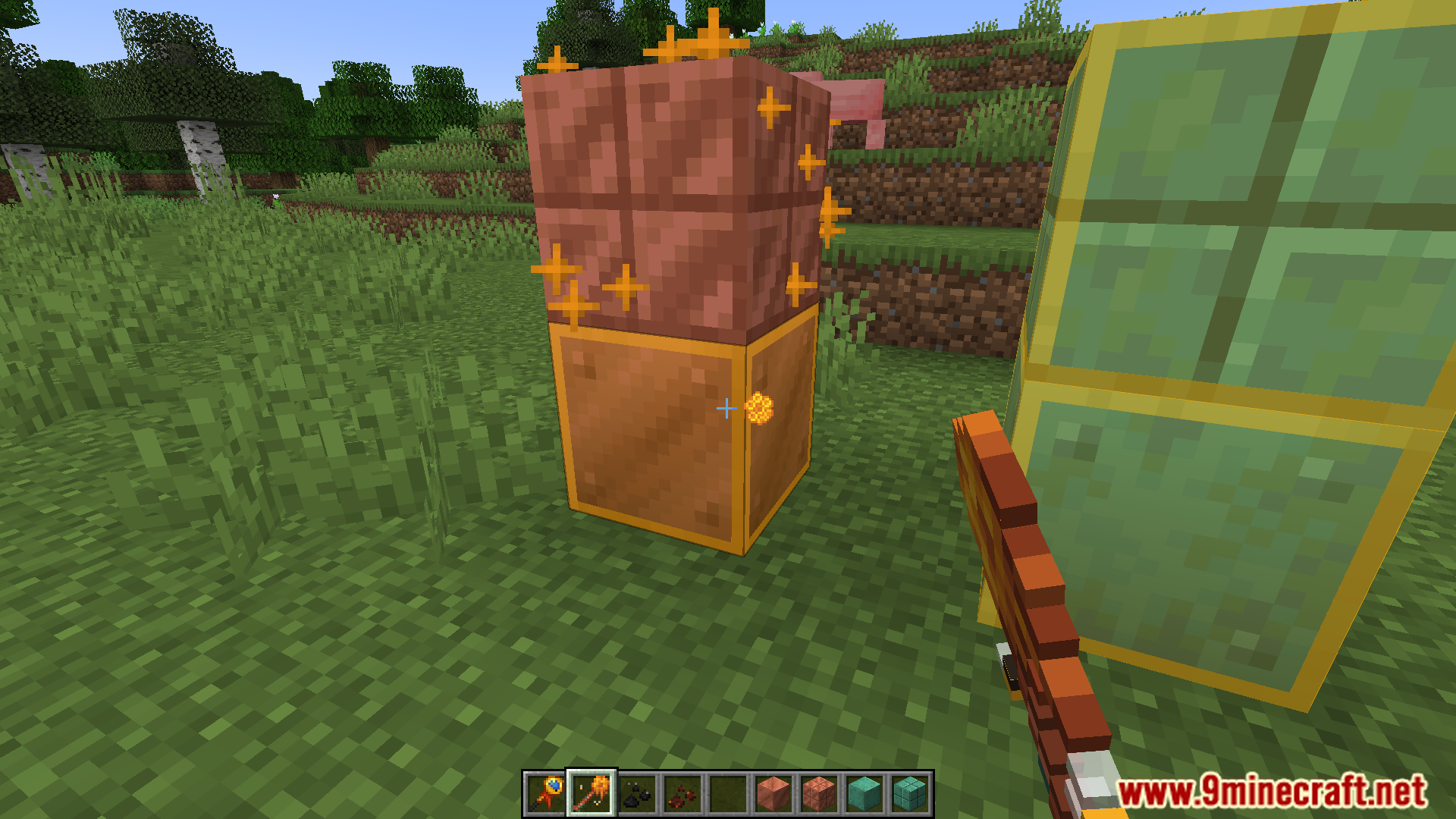
- Includes the Waxing Staff and Aging Staff to turn blocks into waxed or aged versions.
- Turns vanilla light sources (Redstone Lamps, Sea Lanterns, Jack o’Lanterns, Lanterns, and Soul Lanterns) into flickering versions when you use the Aging Staff on them.
- Provides two config files,
derelict.json5andderelict-client.json5, so you can change mod settings to fit your setup. - Lets you set flickering lights to favor performance, looks, or a custom resource pack.
- Lets you change how the waxed block indicator looks, or turn it off completely.
- Changes the in-world and in-GUI tips shown when you hold a Honeycomb, Waxing Staff, or Aging Staff.
Configuration:
This mod provides two config files: derelict.json5 and derelict-client.json5. Every option has an explanation right above its field inside the files. You can adjust:
- Flickering light behavior, picking between better performance, better looks, or a custom resource pack.
- The look of the waxed block indicator, or turn the indicator off.
- The in-world and in-GUI tips shown when holding a Honeycomb, Waxing Staff, or Aging Staff.
How to Use:
- Hold the Aging Staff in your hand.
- Point your crosshair at a vanilla light source (Redstone Lamp, Sea Lantern, Jack o’Lantern, Lantern, or Soul Lantern).
- Use the Aging Staff on the light source to turn it into a flickering version.
- Open
derelict.json5orderelict-client.json5and read the notes above each field if you want to adjust flickering lights, change or disable the waxed block indicator, or edit the tips for the Honeycomb, Waxing Staff, and Aging Staff.
Screenshots:
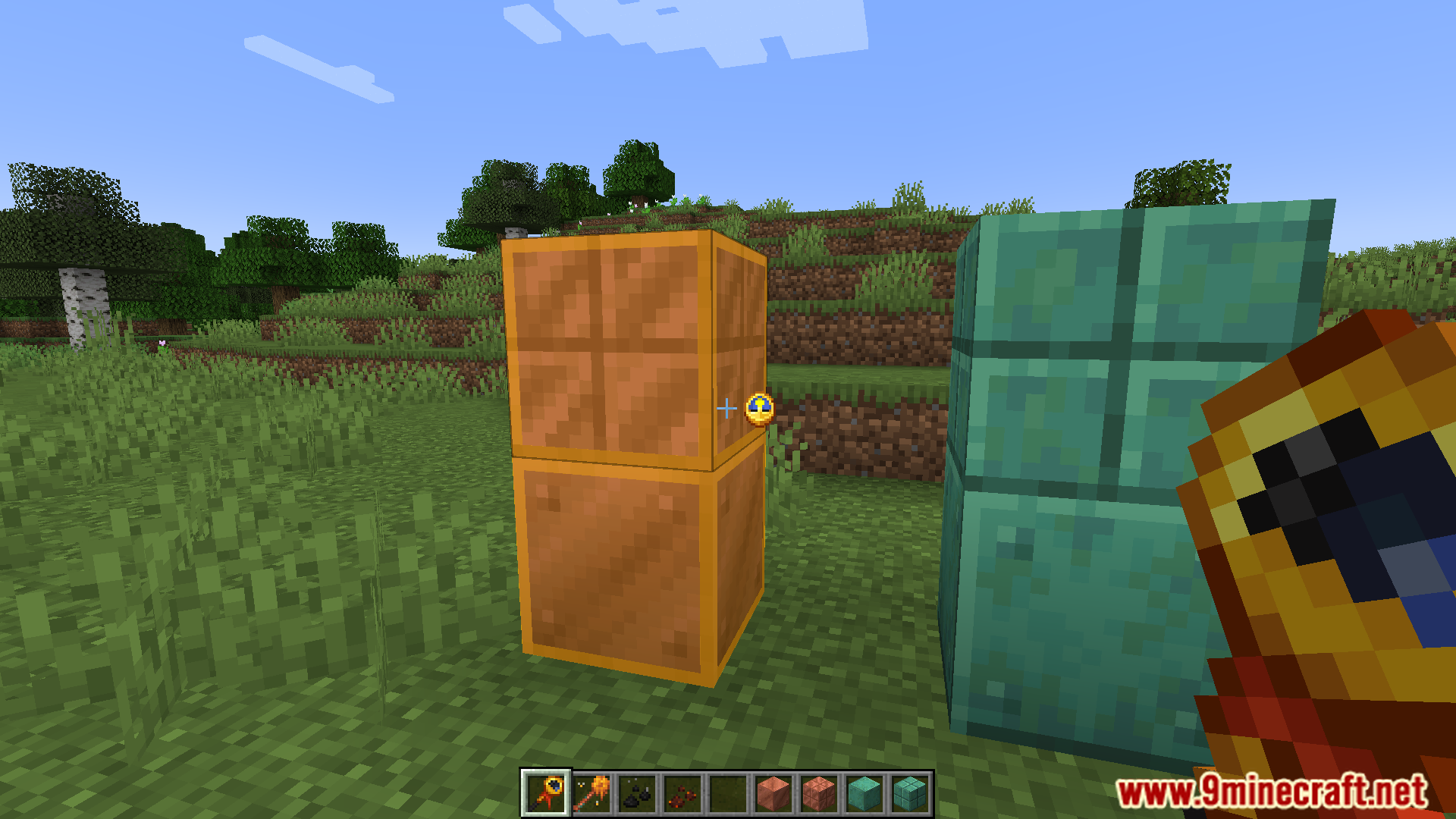
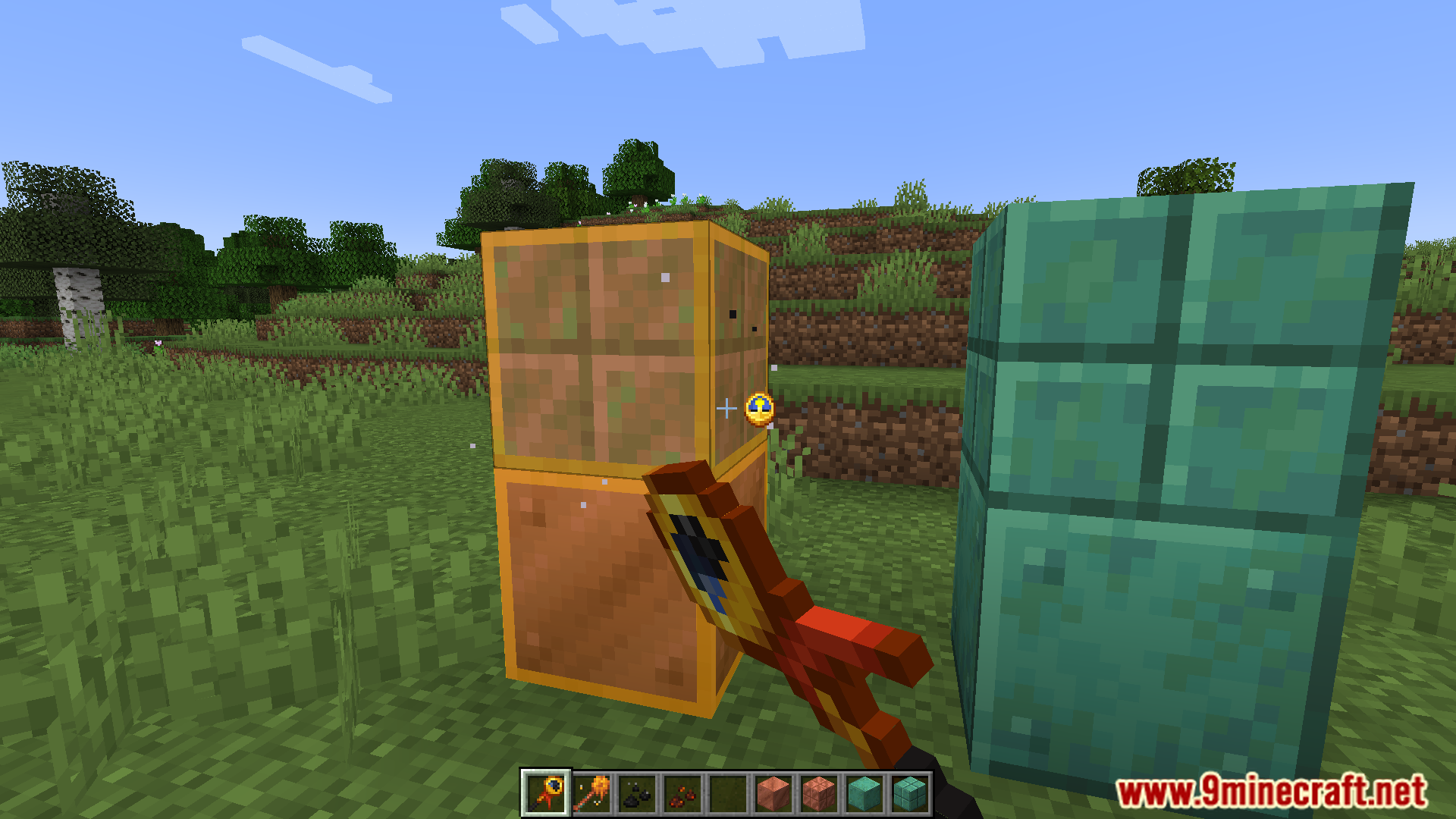
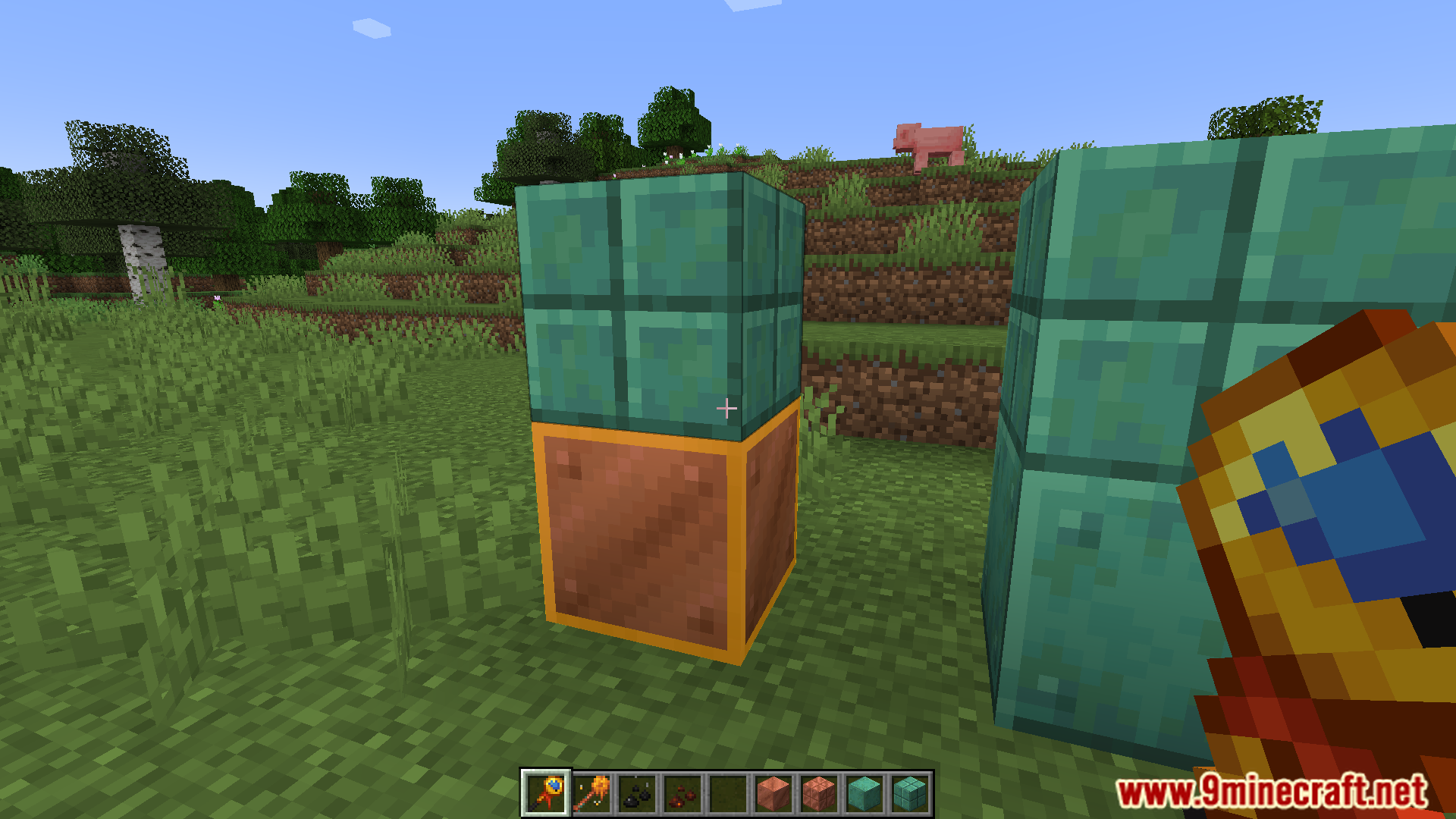
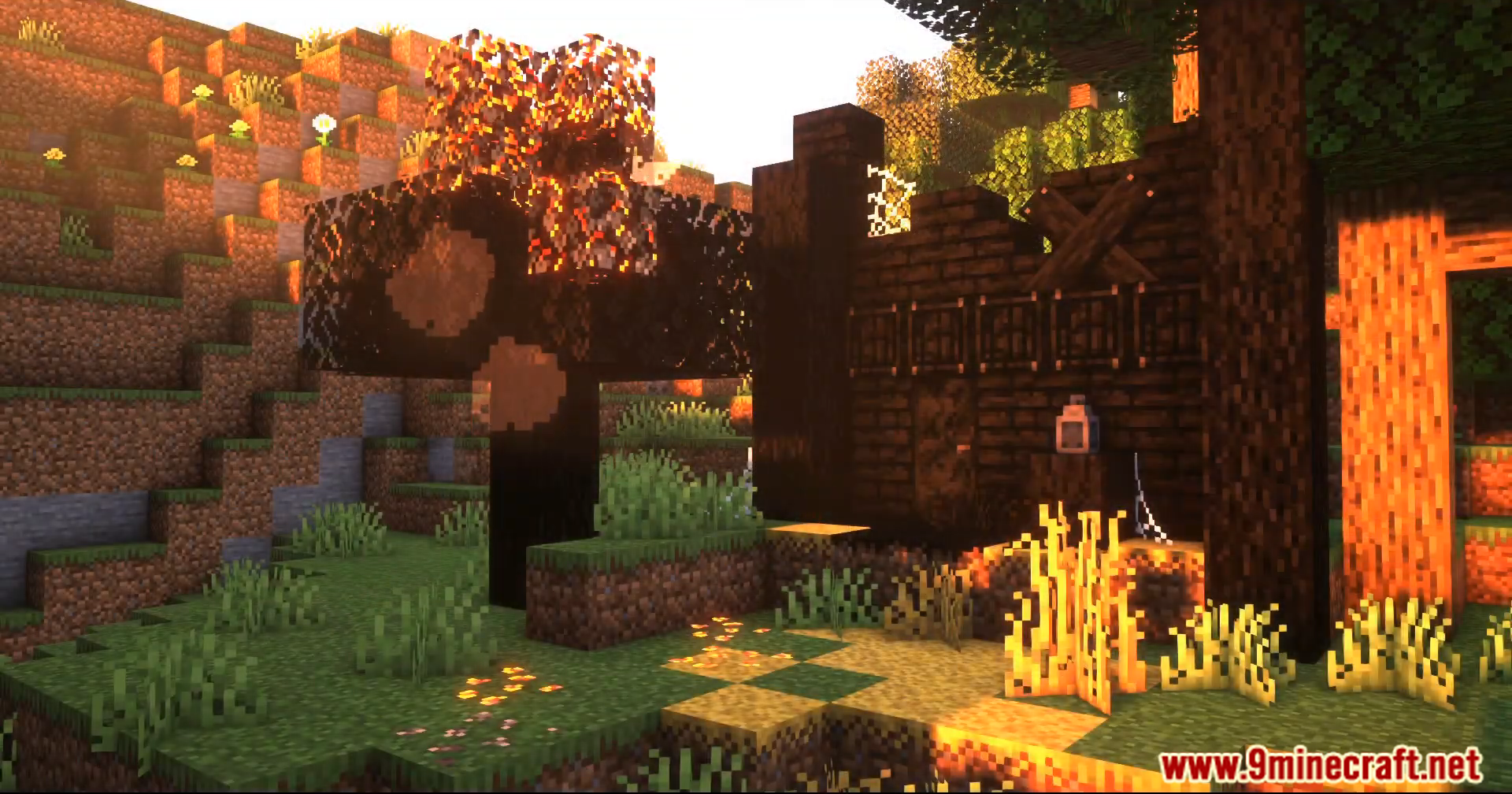
How to Install:
New to Minecraft? Follow our step-by-step guide to install Mods on your PC.View Guide
Requirements:


Mim1q's Derelict Mod Download Links
For Minecraft 1.21.1, 1.21
Fabric version: Download from Server 1 – Download from Server 2
For Minecraft 1.20.1, 1.20
Fabric version: Download from Server 1 – Download from Server 2
You May Also Like
Picked for this page
 Fabric API (26.3, 1.20.1) – Play Hundreds of New Mods
 All Loot Drops Mod (26.3, 1.20.1) – Never Be Afraid Of Missing Items
 XPlus Autofish Mod (26.3, 1.20.1) – Streamline Your Fishing Experience
 Mod Loading Screen Mod (26.3, 1.20.1) – Detailed Mod Loading Progress
 Get Off My Lawn ReServed Mod (26.3, 1.20.1) – Claim Land
 Journey PAC Mod (26.3, 1.20.1) – Chunks Claimed via Open PAC
 Blasting Plus Mod (26.2, 1.20.1) – Faster Smelting
 Head Name Fix Mod (1.21.11, 1.20.1) – Custom Mob Head Name Retaining
 EssentialClient Mod (26.3, 1.20.1) – Many Client Utilities
 0Pack2Reload Mod (1.21.1, 1.20.1) – Stop Wasting Time Reloading Unchanged
 Ramadan Delight Mod (1.21.1, 1.20.1) – Traditional Food And Ramadan Decorations
 Marci132468’s Replay Mod (1.21.11) – Turn Your Gameplay Into a Movie
Most viewed in Mods over the last 7 days
 Ala Industrial Mod (26.3) – Run Electric Power Grids and Automated Factories
 PleasureCraft Mod (26.3, 1.21.1) – Jenny Mod Remake for Fabric
 Jennycraft Mod (26.3, 1.20.1) – Virtual Girlfriend in Minecraft
 Fapcraft Mod (26.3, 1.12.2) – Comprehensive and Detailed Content
 Jenny Mod (Fapcraft) Official Complete Guide – How to use, Tutorial
 BangCraft Mod (1.20.1) – Jenny, Ellie and Elliot
 Fabric Loader (26.3, 1.20.1) – Fabric Installer for All Minecraft Versions
 The Shooting Star Demo Mod (26.3, 1.20.1) – Vaporize Terrain From Orbit
 Meteor Client Mod (26.3, 1.20.1) – Xray, HUD, Fly
 OptiFine HD (26.3, 1.20.1) – Run Faster, FPS Boost, Shaders Support
 Aristois Client Mod (1.21.4, 1.20.1) – World Class Minecraft Utility
 Prestige Client Mod (1.21.11, 1.21.4) – Powerful Ghost Features for Crystal & Sword PvP
More from Mods
 Fabric ORM Jimmer Mod (26.3, 1.20.1) – Prevent Sudden Server Crashes
 Cafe Core Mod (26.2, 1.21.1) – Bypass Anvil Limits and Tame Pets in Seconds
 GTNH’s Forgelin Mod (1.7.10) – Play Kotlin-Powered Mods on Minecraft 1.7.10
 Nodeflow Mod (26.1.2, 1.21.1) – Wire Custom Redstone Logic on Visual Graph
 Winter Client Mod (1.21.11) – Survive Ruthless PvP on Anarchy Servers
 LARP Client Mod (1.21.11) – Dominate Crystal PvP on Anarchy Servers
 Berlin Client Mod (1.21.11) – Hunt Stashes and Win Crystal Fights
 Kaleidoscope Cookery Refabricated Mod (26.3, 1.20.1) – Cook Hearty Meals
 Minecraft MusicBox Mod (1.21.12) – Play Your Favorite Songs While Mining and Building
 MTR Navigation Mod (1.21.1) – Plan Railway Trips and Never Miss a Train Stop
 TheHouse Mod (1.21.11) – Host Casino Tables and Track Every Bet in Real Time
 CinematicInteractions Mod (1.21.1) – Watch Your Hands Work at Every Crafting Table

This post has no comments yet. Be the first — your comment will appear here.