
Immersive Tips Mod (1.21.1, 1.20.1) – Learn Survival Secrets While Loading

 0


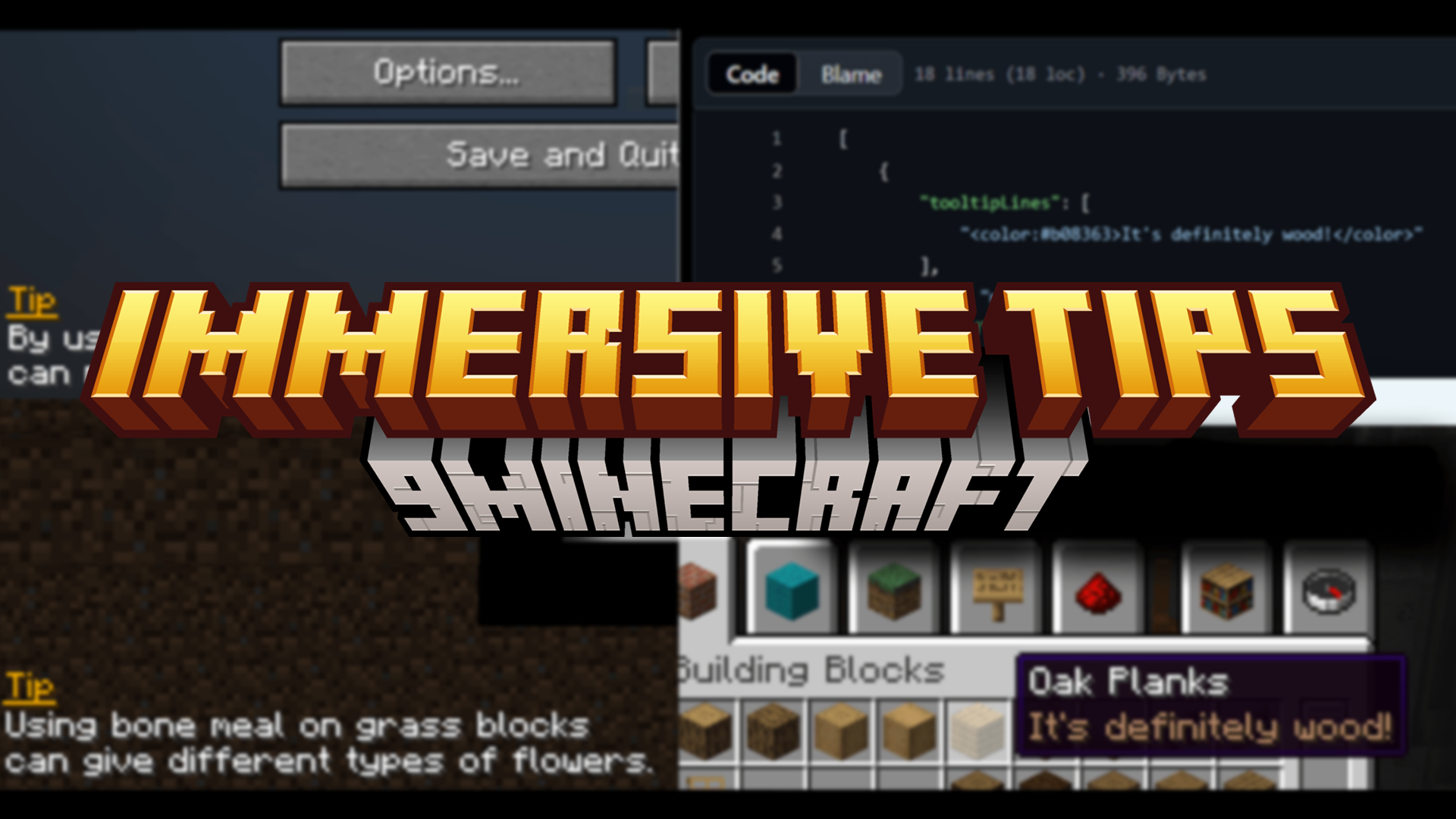
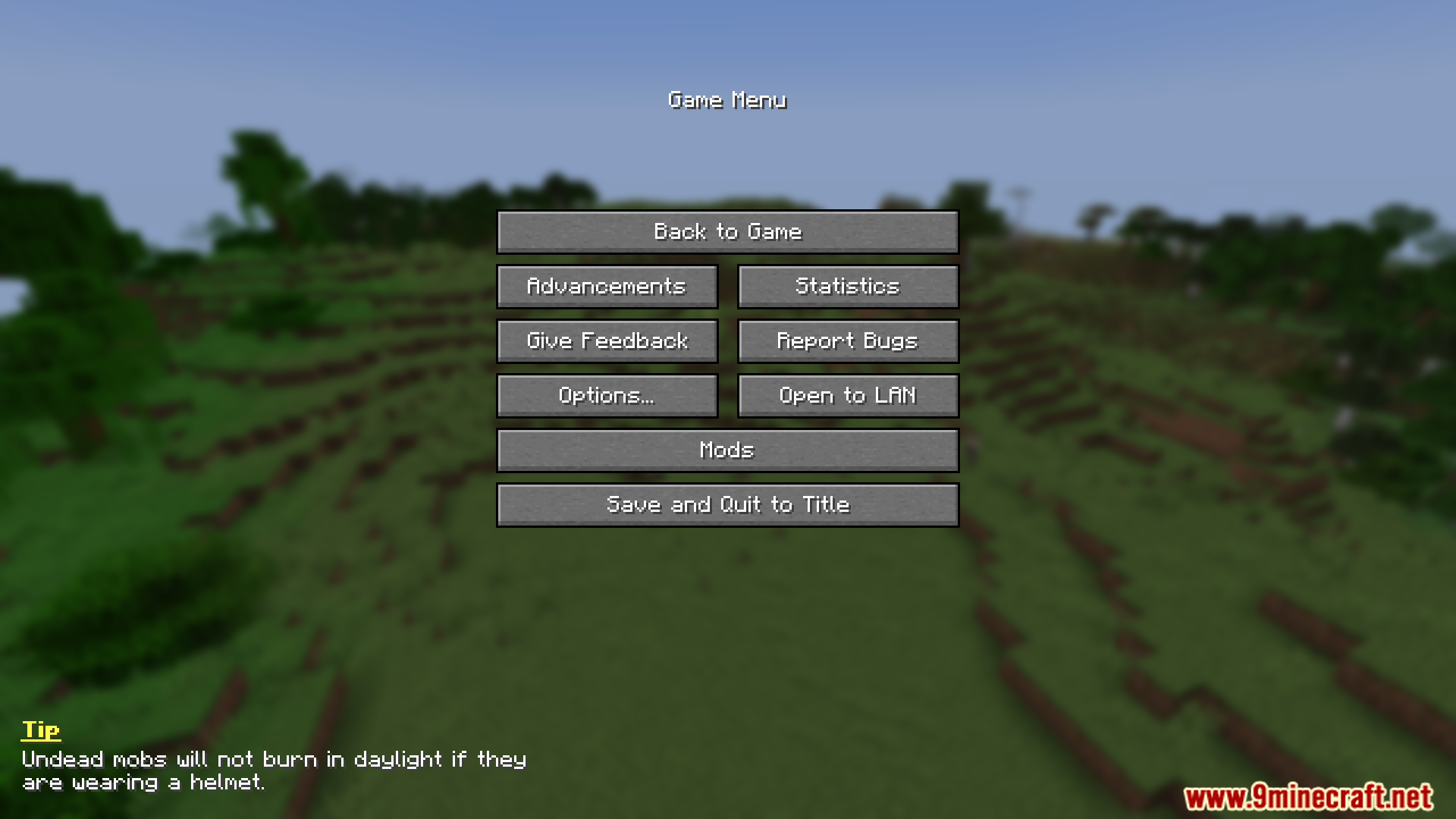
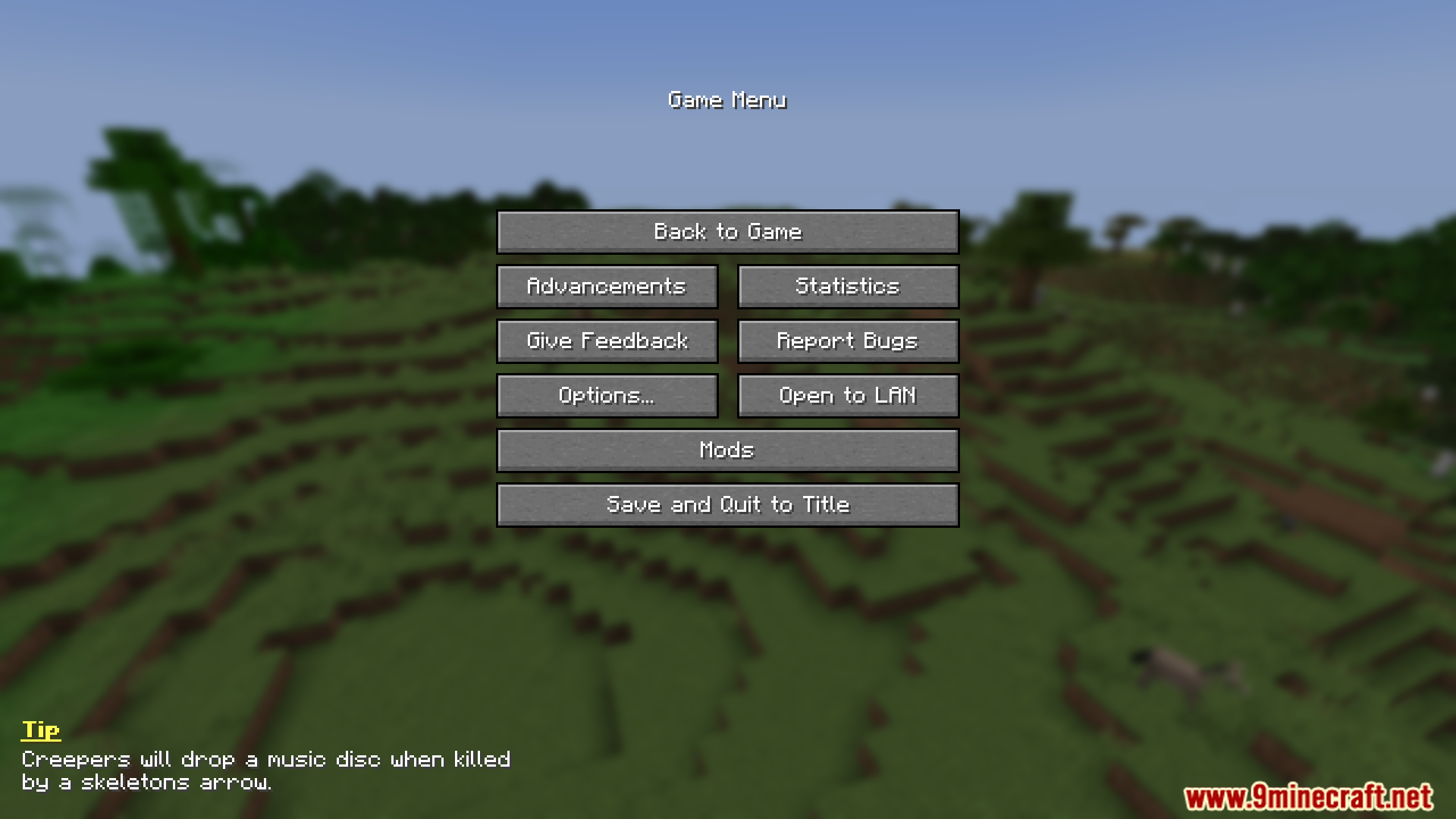
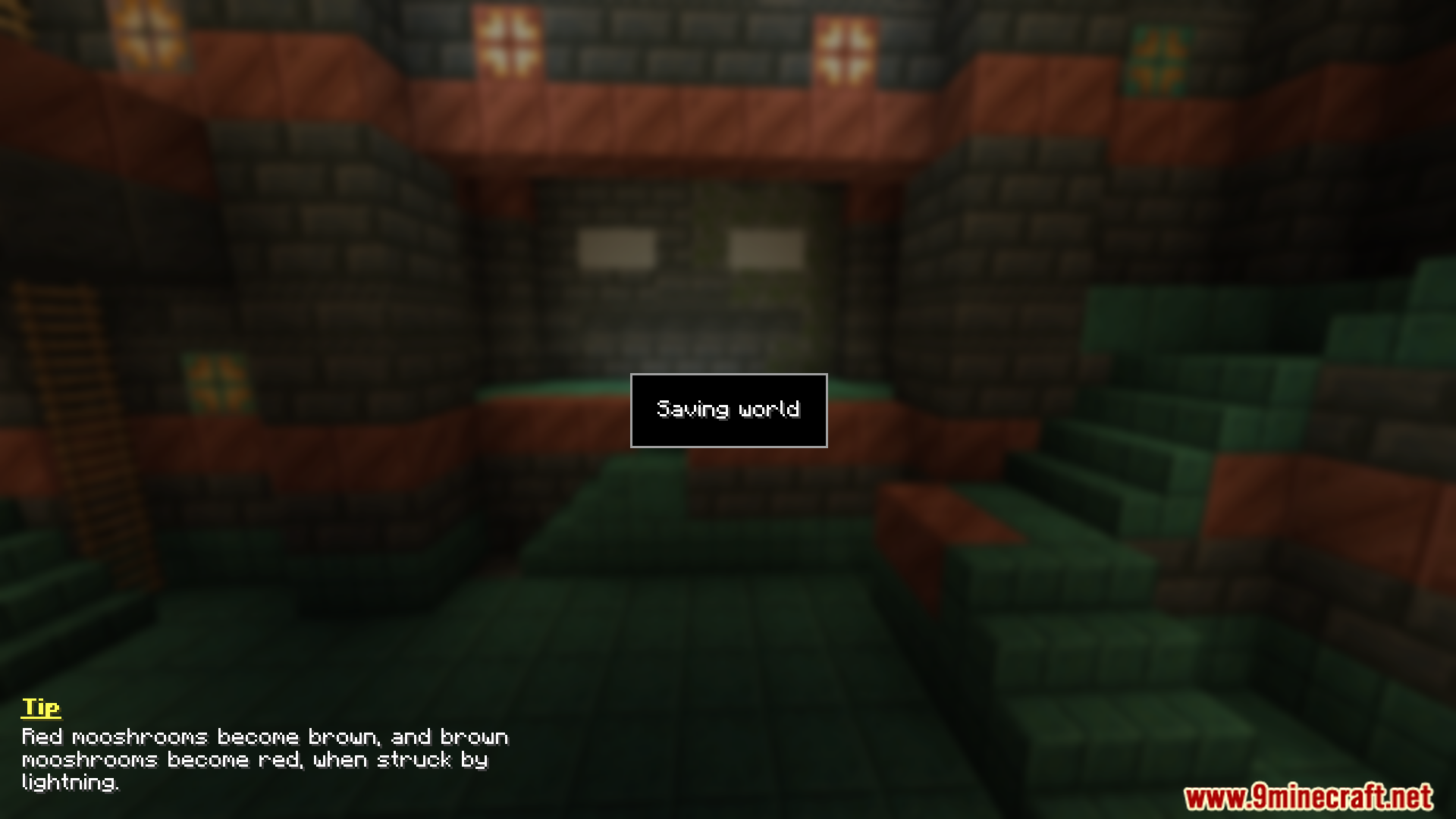
Immersive Tips Mod adds helpful rich-text hints to loading screens, world creation screens, pause menus, and item tooltips. When the game starts up, this mod pulls the latest community tips straight from GitHub, so advice stays fresh without manual updates. It makes Minecraft and modpacks easier for new players with quick reminders and short item notes right where you need them. This mod also replaces the older Tips mod and keeps full support for its legacy format and default tip pool.
Requires:
Features:
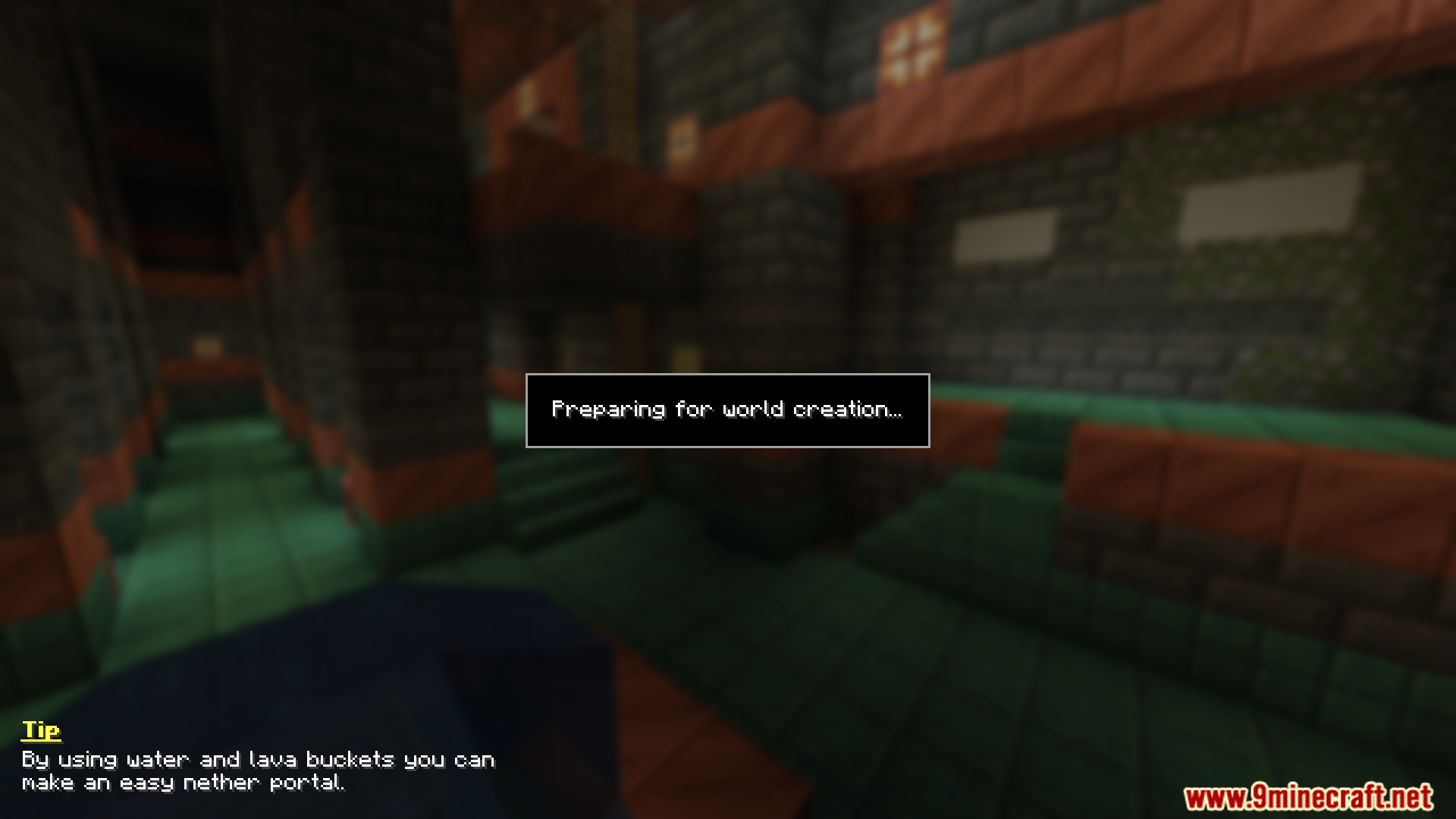
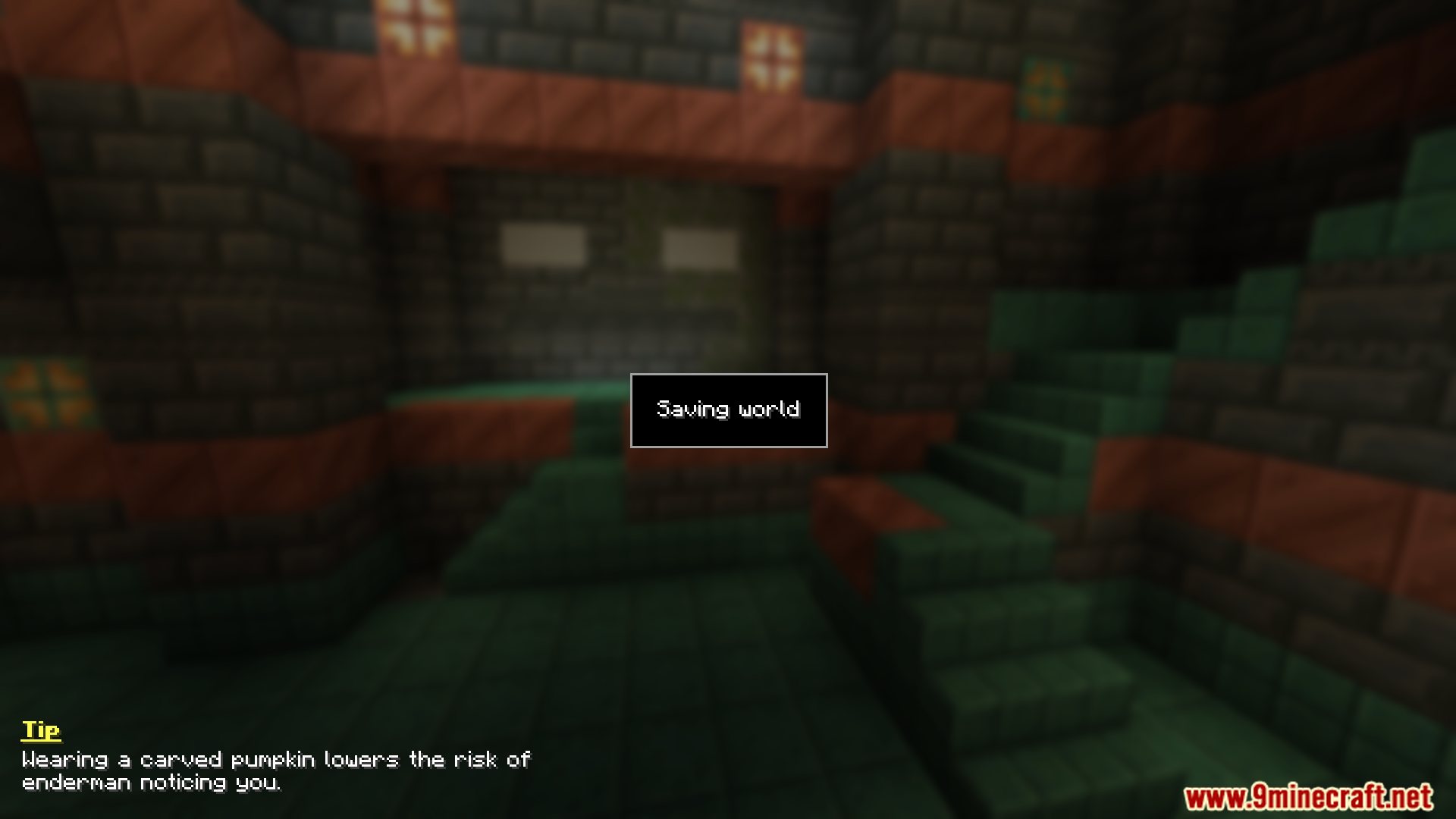
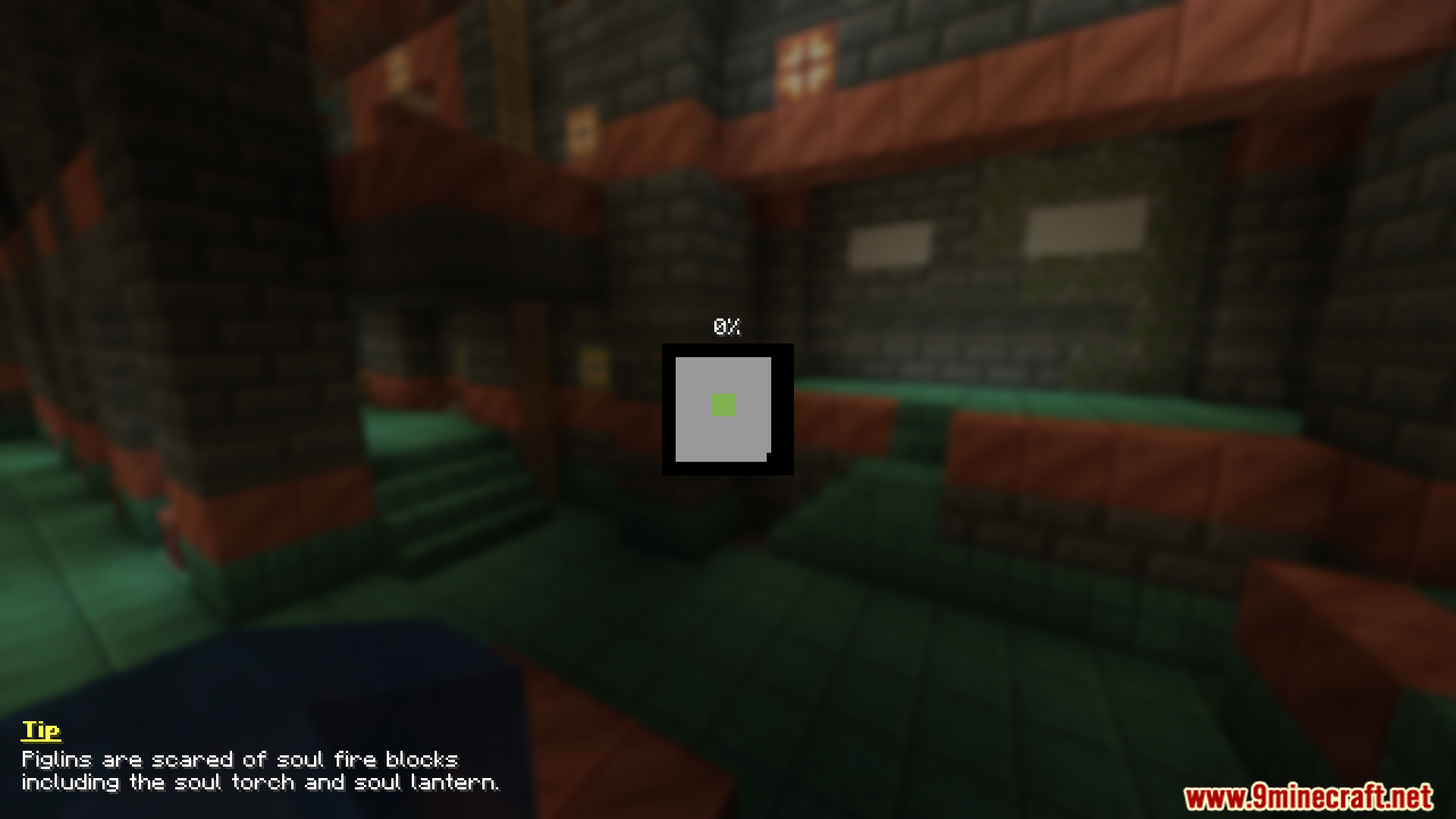
- Adds loading tips that show up on loading screens, world creation screens, and pause menus to give quick gameplay reminders.
- Adds rich-text item tooltips that explain an item whenever you hover over it.
- Pulls both loading tips and item tooltips automatically from GitHub when the game starts, keeping advice up to date without manual mod updates.
- Lets players suggest new tips for any mod through a Discord bot to help guide other players.
- Sends every suggested tip to a review queue where it gets approved, edited, or denied to keep quality high.
- Replaces the older Tips mod while keeping full support for its legacy tip format.
- Includes the default pool of tips from the older mod, and lets you disable that pool whenever you want.
Screenshots:
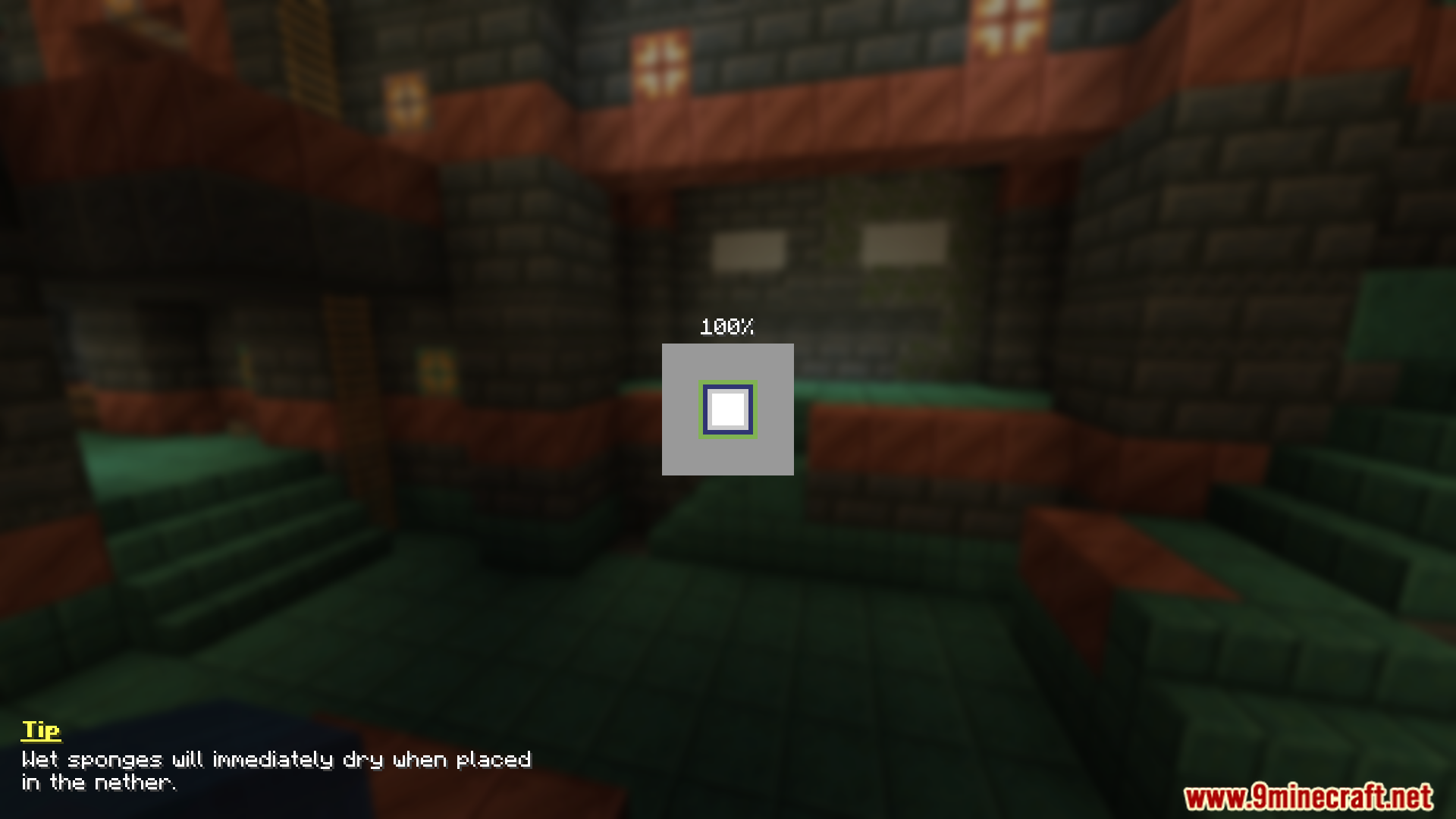
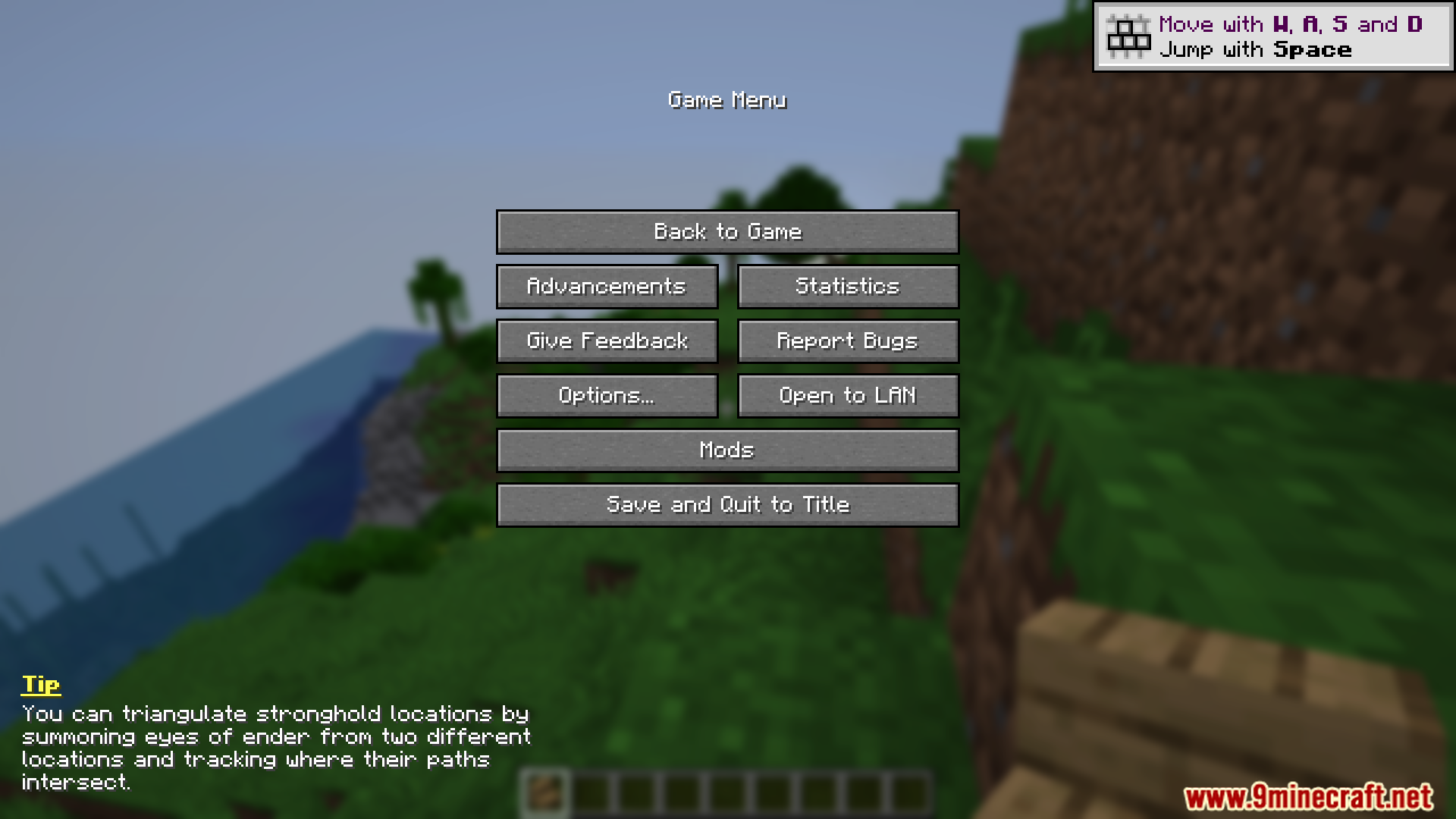
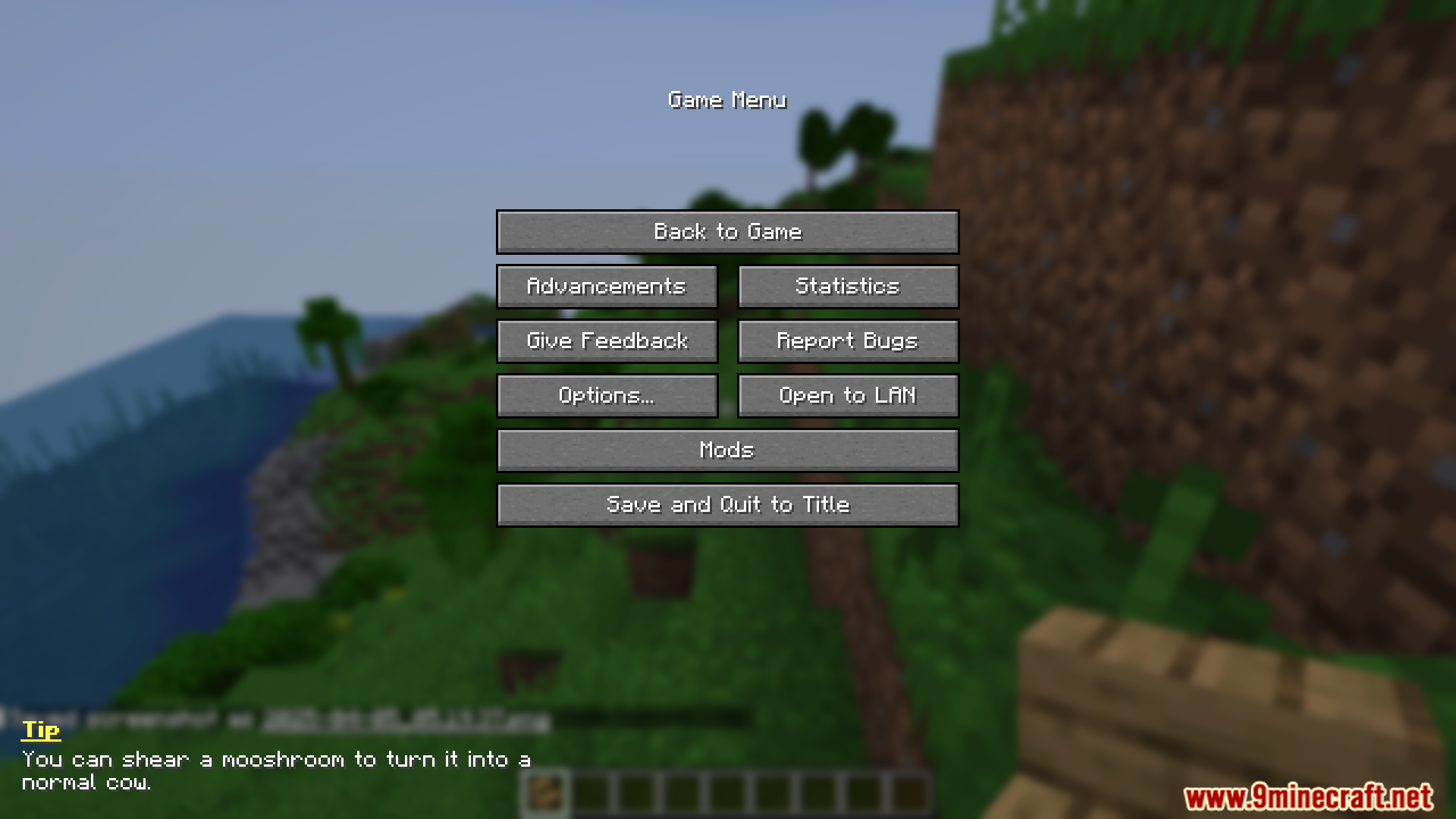
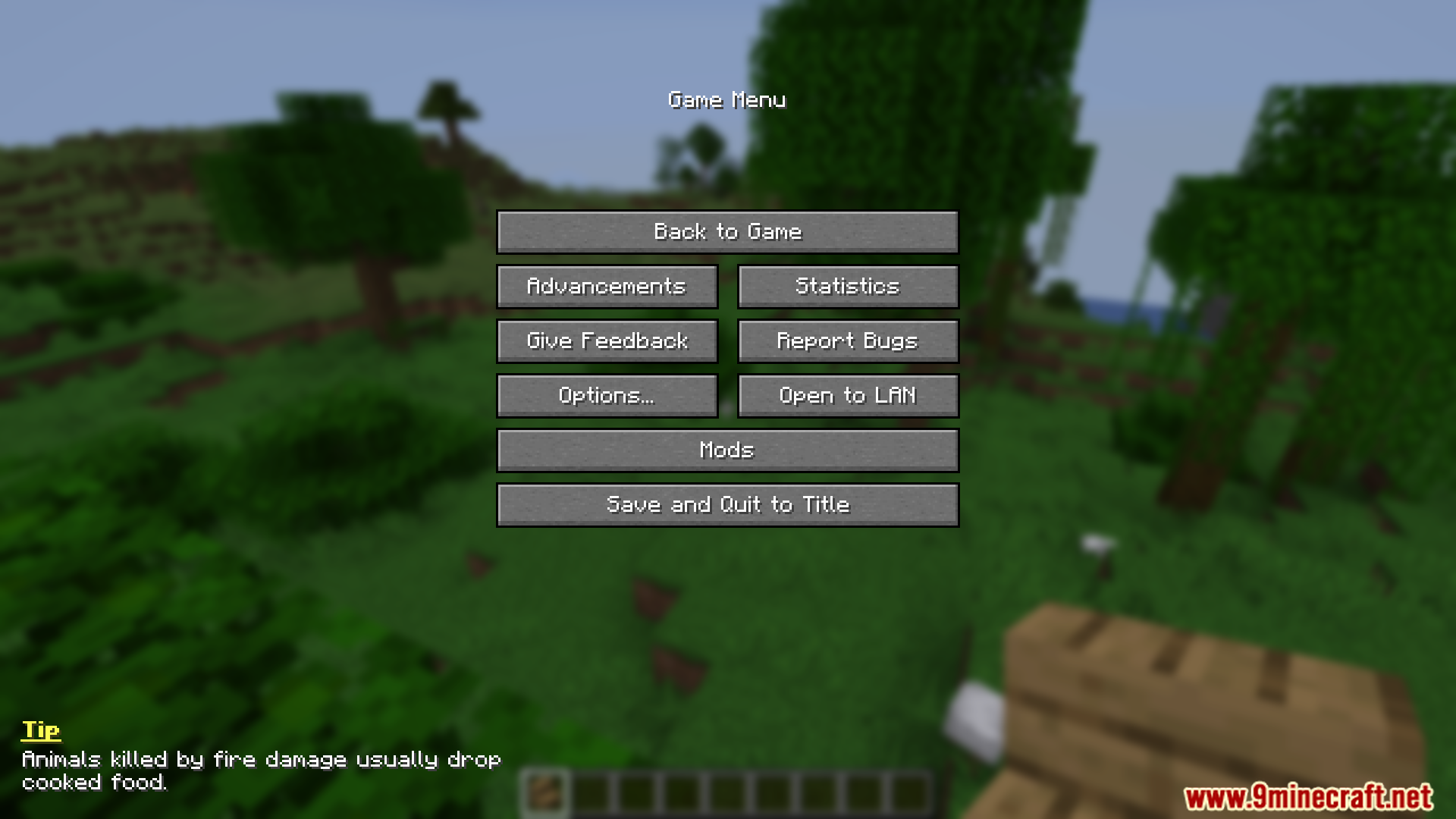
How to Install:
New to Minecraft? Follow our step-by-step guide to install Mods on your PC.View Guide
Requirements:
Immersive Tips Mod Download Links
For Minecraft 1.21.1, 1.21
Fabric version: Download from Server 1 – Download from Server 2
NeoForge version: Download from Server 1 – Download from Server 2
For Minecraft 1.20.1, 1.20
Forge version: Download from Server 1 – Download from Server 2
Fabric version: Download from Server 1 – Download from Server 2
Have you ever financially supported a mod creator (via Patreon, Ko-fi, or donations)?
29 responses · See the full results →
You May Also Like
Picked for this page
 Alien Evolution Mod (1.20.1) – A Palladium-Based Ben 10 Addon Pack
 Just Enough Effect Descriptions Mod (1.21.11, 1.20.1) – Display Information on All Status Effects
 Skin Overrides Mod (26.3, 1.20.1) – Instantly Change Skins and Capes on Screen
 Just Enough Characters Mod (26.3, 1.20.1) – Find Any Item Using Pinyin
 Fire Spread Tweaks Mod (26.3, 1.20.1) – Disables Default Fire Spread
 Simply No Shading Mod (26.2, 1.20.1) – Uniform Brightness Across All Blocks
 Entity View Distance Mod (26.3, 1.20.1) – Control How Far Away You Can See Entities
 Carpet Org Addition Mod (26.3, 1.20.1) – Modular Tweaks For Minecraft
 Raise Sound Limit Simplified Mod (26.3, 1.20.1) – Fix Audio Cutoffs In Minecraft
 Dimensional Sync Fixes Mod (1.21.1, 1.20.1) – Fixes Two Dimension Teleportation Bugs
 Shogi Mod (26.3, 26.1.2) – Run Background Rules For Mods Like Waystones
 Smidgeon O’ Bliss REMASTERED Mod (1.20.6, 1.20.1) – Eat for Buffs, Not Hunger
Most viewed in Mods over the last 7 days
 Ala Industrial Mod (26.3) – Run Electric Power Grids and Automated Factories
 PleasureCraft Mod (26.3, 1.21.1) – Jenny Mod Remake for Fabric
 Jennycraft Mod (26.3, 1.20.1) – Virtual Girlfriend in Minecraft
 Fapcraft Mod (26.3, 1.12.2) – Comprehensive and Detailed Content
 Jenny Mod (Fapcraft) Official Complete Guide – How to use, Tutorial
 BangCraft Mod (1.20.1) – Jenny, Ellie and Elliot
 Fabric Loader (26.3, 1.20.1) – Fabric Installer for All Minecraft Versions
 Meteor Client Mod (26.3, 1.20.1) – Xray, HUD, Fly
 The Shooting Star Demo Mod (26.3, 1.20.1) – Vaporize Terrain From Orbit
 OptiFine HD (26.3, 1.20.1) – Run Faster, FPS Boost, Shaders Support
 Aristois Client Mod (1.21.4, 1.20.1) – World Class Minecraft Utility
 SchnurriTV Mod (1.12.2) – Characters and Features
More from Mods
 No XP Anvils Mod (26.3, 1.20.1) – Repair And Enchant Without XP
 Naruto Shippuden Mod (26.3, 1.16.5) – Immerse Yourself in The World of Ninja
 Araxer’s Bestiary Mod (26.3, 1.20.1) – Build an In-Game Encyclopedia of Every Mob
 Villagers Plus Mod (26.3, 1.20.1) – Expanded Villager Types and Villages
 Ore Excavation 9minecraft Mod (26.3) – Mine Ores and Chop Trees in a Single Swing
 Dirigo Mod (26.1.2, 1.21.1) – Walk Across Nether Lava Seas and Automate Animal
 HandLib Mod (26.3, 1.21.1) – Keep Your Multiplayer World Stable
 Happy Ghasts Boost Mod (26.1.2, 1.20.1) – Fly Across Vast Distances at Top Speed
 LiquidBounce Client Mod (26.3, 1.20.1) – LiquidLauncher, A Free Client
 Create Hand Made Mod (1.21.1) – Craft Create Recipes By Hand in Your Workshop
 Seed Map for Xaero Mod (26.1) – See Rare Biomes and Dungeons Before You Travel
 MCPersist Mod (26.3) – Keep Your World Online for Friends Even After Logging Off

This post has no comments yet. Be the first — your comment will appear here.