


Inventory Tabs Mod (1.21.1, 1.20.1) – Quick Access to Nearby Containers
 933
933
 0
0


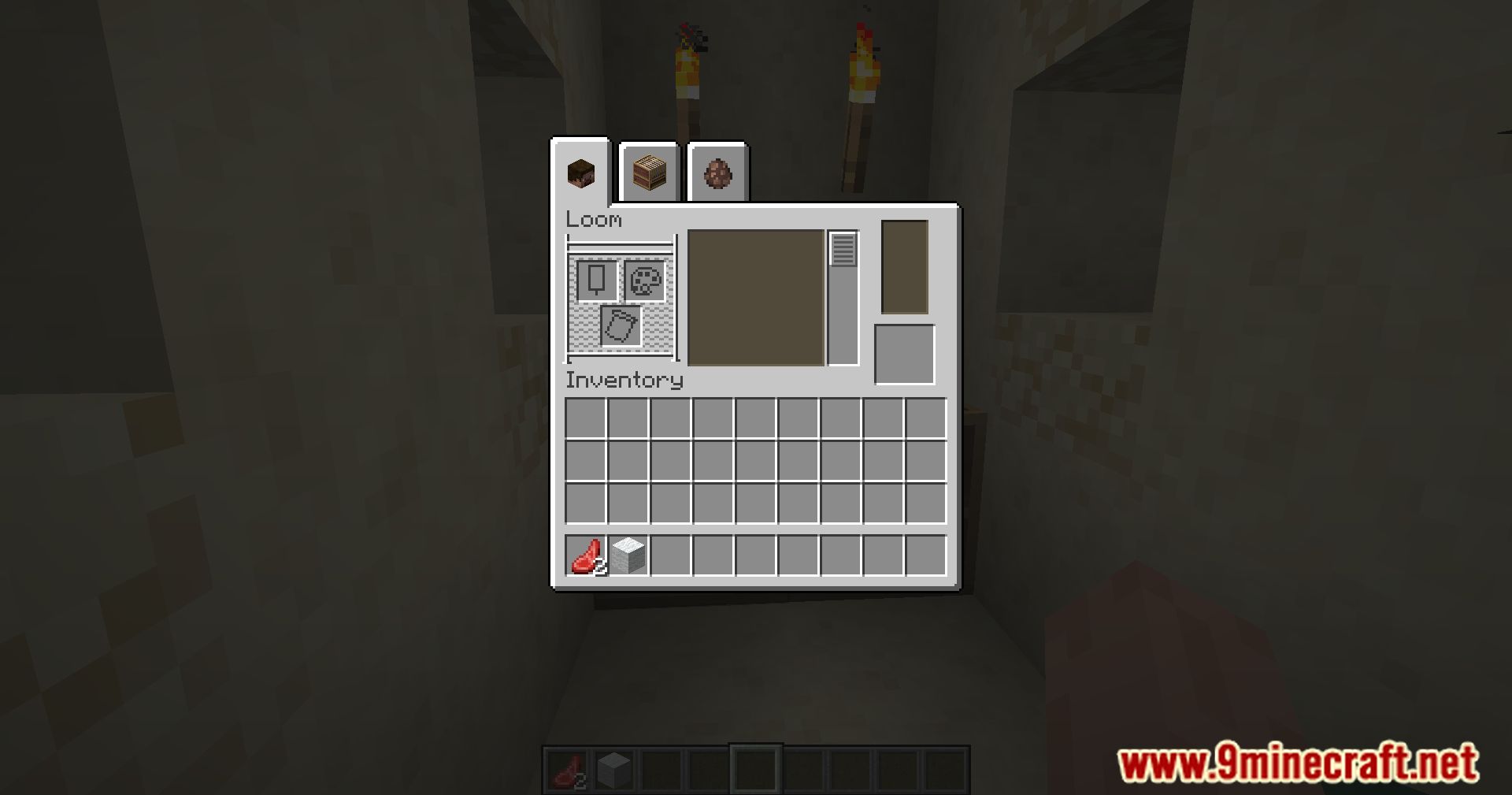
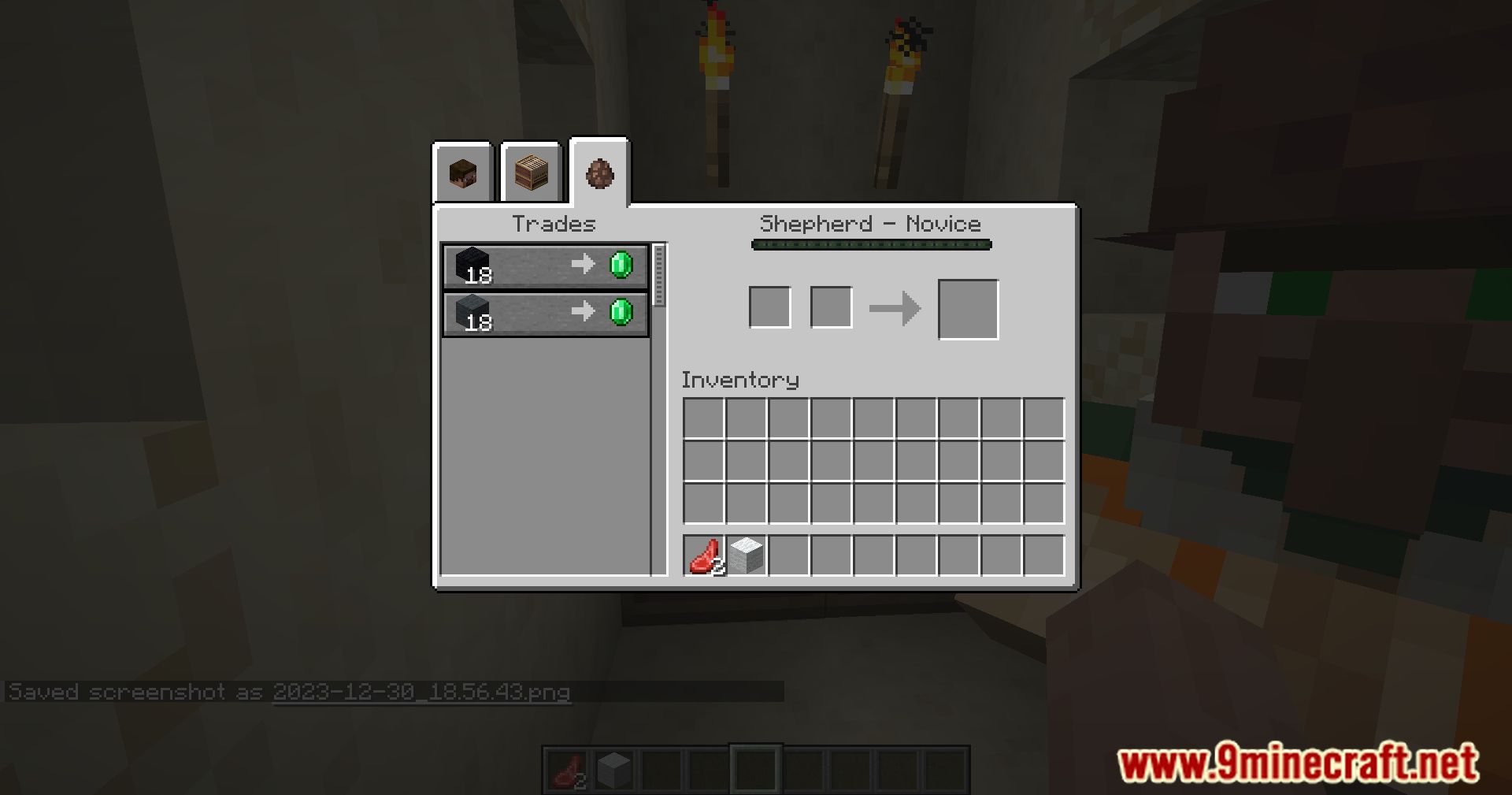
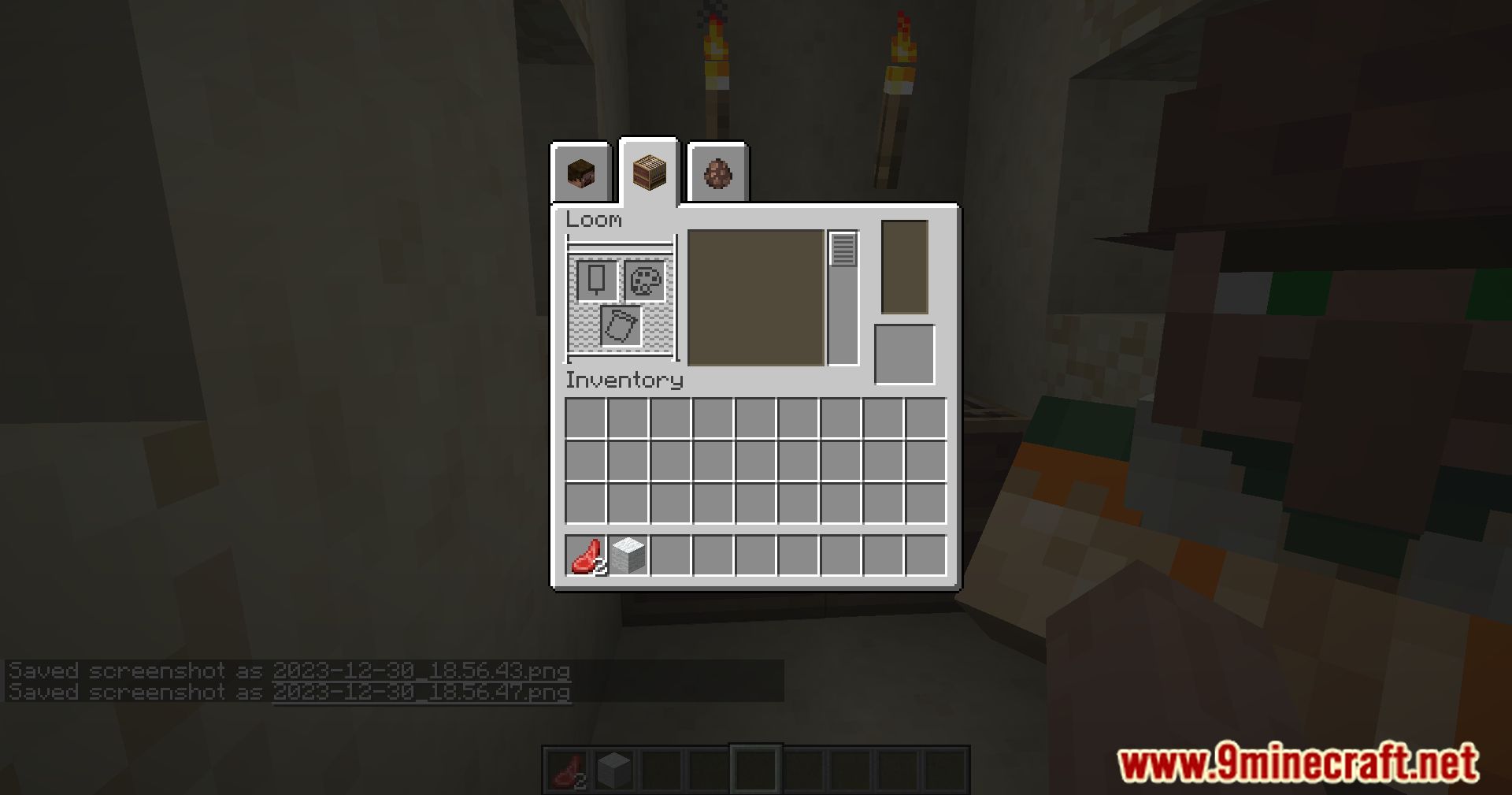
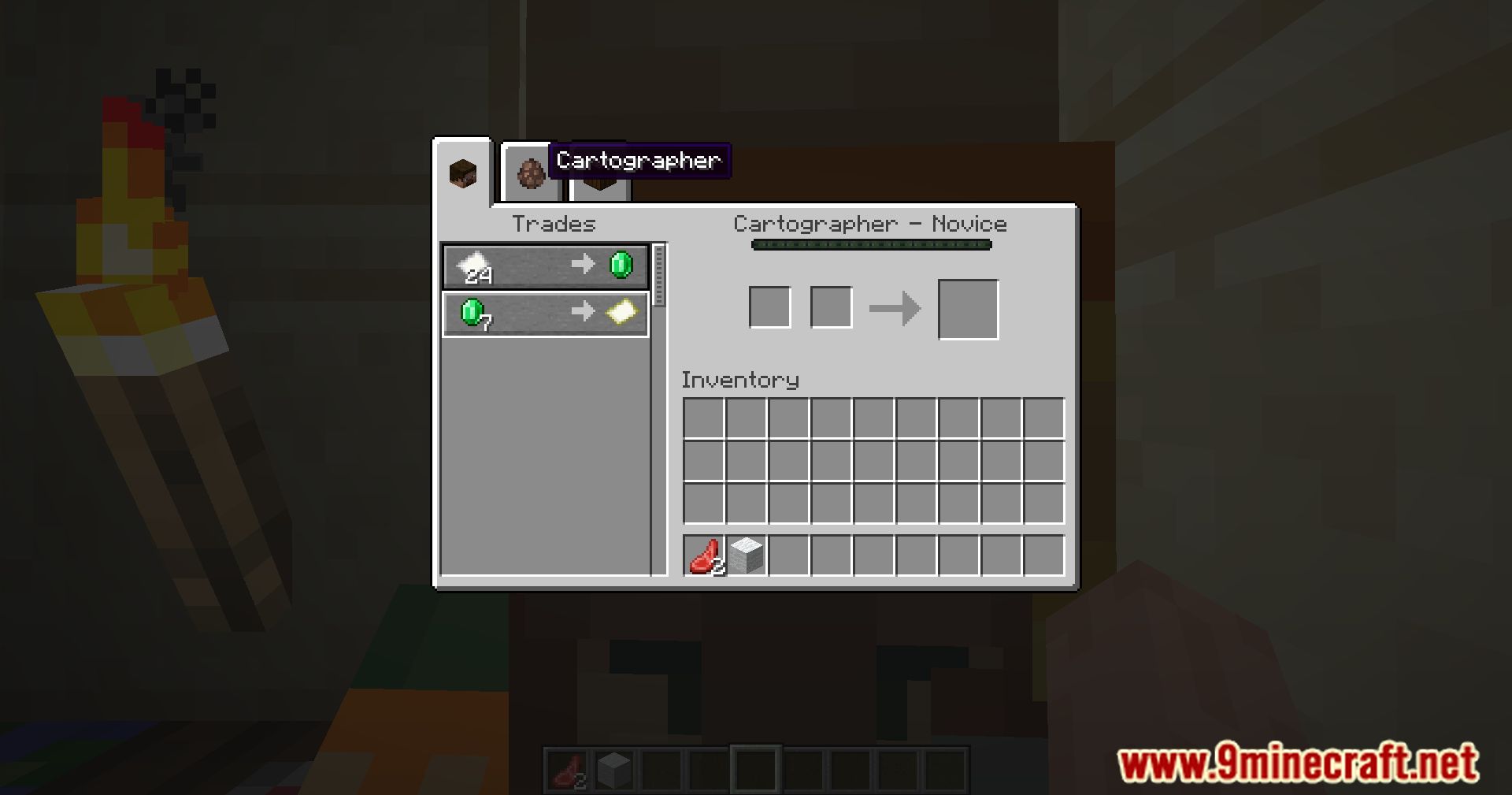
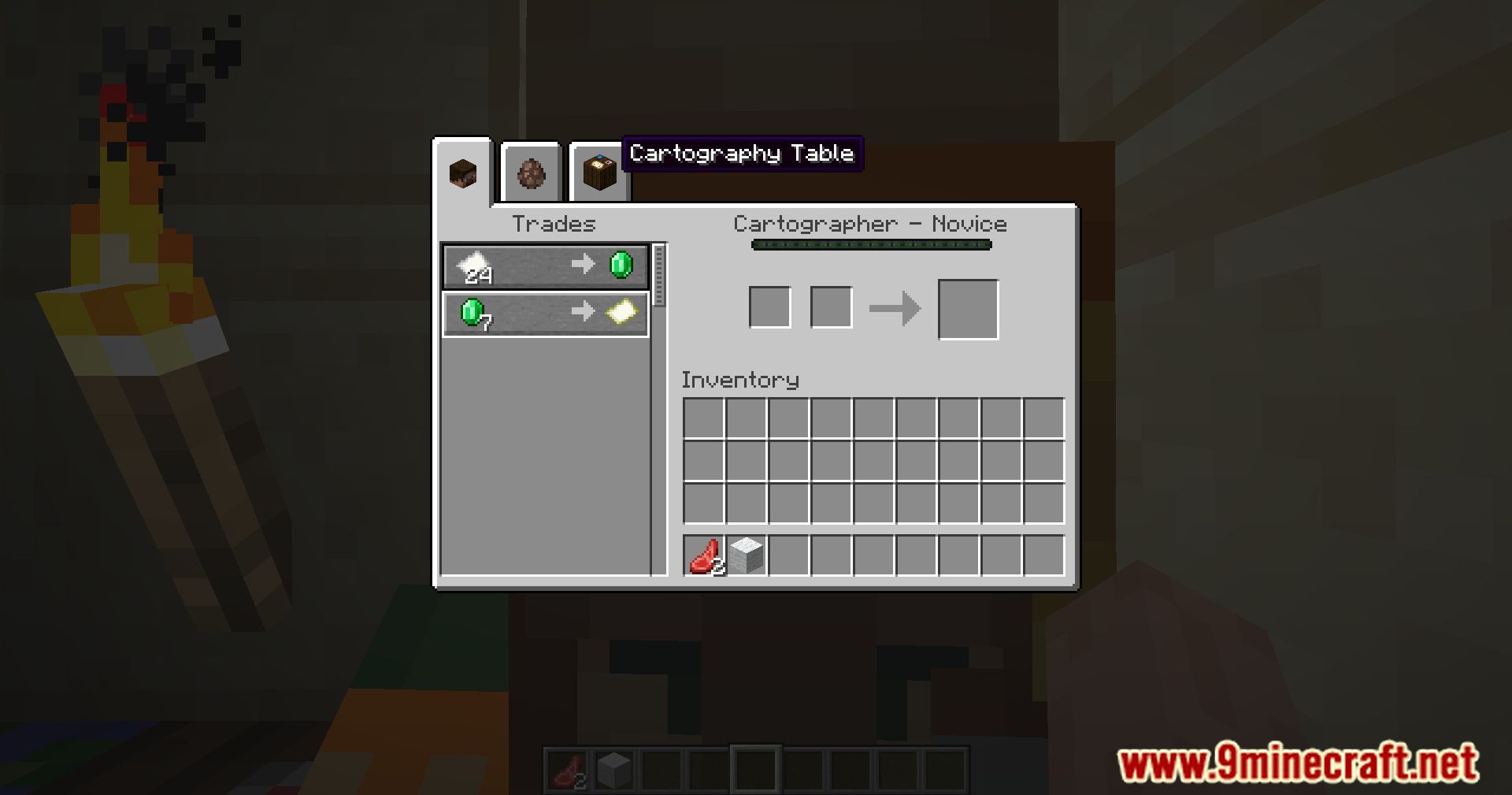
After installing Inventory Tabs Mod, players can access nearby blocks directly from their own inventory, reducing the time spent switching between inventories, and it works even in multiplayer. Tap tab to cycle forward screens, shift+tab to cycle back, or just click around.
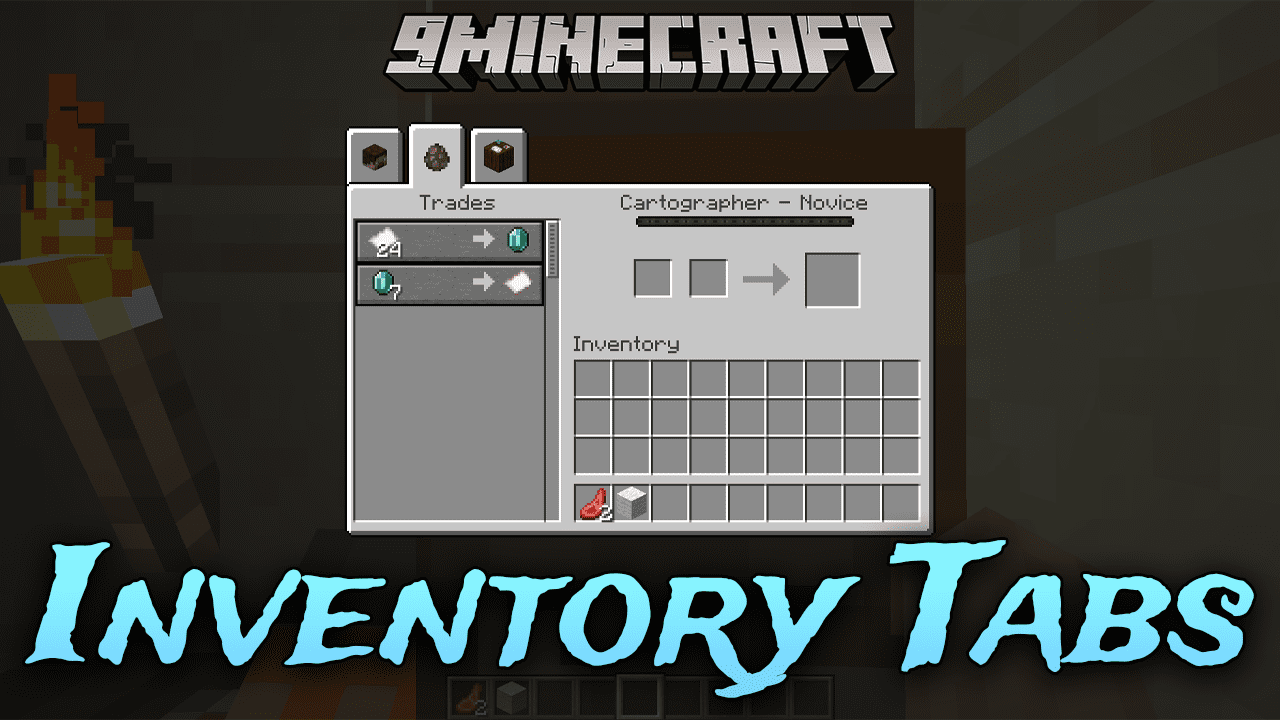
Features:
Inventory & Storage Switching
- Swap between crafting stations, storage, and your inventory without leaving their screens.
- Works out of the box with many modded blocks, with configuration available for edge cases.
- Storage tabs can be labelled using signs, item frames, or (on servers) anvil-renaming for better organisation.
- Stacks held on your cursor carry over to the next screen as long as your inventory is not full.
Shulker Box Symphony & UI Tweaks
- Container screens are realigned to match other screens instead of being offset.
- Designed to fit on-screen alongside UI mods like EMI, even at very high GUI scales.
Anti-Cheat & Fairness Notice
- Inventory Tabs provides no guarantees against server moderation or anti-cheat systems.
- Tabs can offer an unfair advantage and may appear suspicious in multiplayer.
- Enables some actions that are usually impossible for convenience, for example:
- Accessing the full player inventory while riding a horse or chest boat.
- Opening sneak-interact inventories without dismounting from a vehicle.
Modpack Configuration
- Configured via config/inventory_tabs.toml with explanatory comments.
- By default, helpful setup information is logged when loading a world (can be disabled with configLogging).
- If tabs appear on screens they do not fit:
- Blacklist specific screens using [screenOverrides].
- If tabs are created for inappropriate blocks:
- Disable their tab provider via [blockProviderOverrides].
- Override providers for specific blocks or tags to more suitable ones.
- Overrides are also available for entities and items via corresponding sections.
- You can disable default matching logic for certain providers using [registryProviderDefaults] if they generate too many false positives.
- These options are powerful but not crash-proof; always test your configuration.
Mod Architecture
- Each visible tab is a Tab, responsible for rendering, opening behaviour, and removing itself when out of range.
- The Tab Manager acts as the “tab screen”, handling:
- Rendering and ticking tabs.
- Mouse click handling.
- Adding new tabs when they become available.
- Tabs are added via registered Tab Providers:
- Simple providers (e.g. vehicle inventory) add special tabs under specific conditions.
- Registry providers handle assigned sets of blocks, entities, or items and search around the player each tick.
Addons & Integration
- Addons can:
- Add new tab types and tab providers.
- Add advanced matching logic to existing providers.
- Provide custom tab layouts for their screens, including inverted tabs.
- Signal when specific tabs should be marked as open.
- For a practical usage example, see addons such as Portable Crafting.
Screenshots:
How to Install:
New to Minecraft? Follow our step-by-step guide to install Mods on your PC.View Guide
Requirements:

Inventory Tabs Mod Download Links
For Minecraft 1.16.5
Fabric/Quilt version: Download from Server 1 – Download from Server 2
For Minecraft 1.18.1
Fabric/Quilt version: Download from Server 1 – Download from Server 2
For Minecraft 1.18.2
Fabric/Quilt version: Download from Server 1 – Download from Server 2
For Minecraft 1.19.2, 1.19.1, 1.19
Fabric/Quilt version: Download from Server 1 – Download from Server 2
For Minecraft 1.19.3
Fabric/Quilt version: Download from Server 1 – Download from Server 2
For Minecraft 1.19.4
Fabric/Quilt version: Download from Server 1 – Download from Server 2
For Minecraft 1.20.1, 1.20
Forge/Fabric/Quilt version: Download from Server 1 – Download from Server 2
For Minecraft 1.21.1, 1.21
Forge/Fabric/NeoForge/Quilt version: Download from Server 1 – Download from Server 2
You May Also Like










This post has no comments yet. Be the first — your comment will appear here.