Isle of Berk Addons Mod (1.18.2) – Additions and QoL Tweaks

 0
0  2 hours ago
Isle of Berk Addons Mod (1.18.2) is an addon that adds small features and quality-of-life improvements to the Isle of Berk mod.

Features:
- Dragon Whistle (remote dragon control)
- Advanced Spawn System (supports modded biomes)
Dragon Whistle
- Allows you to control dragons from a distance
- Works with three commands:
- Sit
- Follow
- Wander
- Can target:
- All dragons
- A specific dragon species
- Special group (Night Fury + Light Fury + Night Light)
- Range is configurable (default:
64blocks) - Current command, target, and range are shown in tooltip
Controls
Right Click: Execute current commandLeft Click (block): Switch command (sit / follow / wander)Shift + Left Click (near dragon): Change target (all / species / special group)
Notes
- Cannot break blocks while holding the whistle
- On-screen message appears when changing settings
- Very high range may cause lag with many dragons
Advanced Spawn System
- Fixes issue where dragons do not spawn in modded biomes
- Uses a
.jsonconfiguration system - Disabled by default
Enable Advanced Spawns
- Open
iobaddons-common.toml - Set
use_ioba_spawns = true
Important Recommendation
- Disable default Isle of Berk spawns to avoid over-spawning
- Set all spawn lists in
isleofberk-spawns.tomlto empty
Spawn Config Structure
- Each biome entry:
biome: biome ID (e.g.minecraft:plains)spawns: list of dragon spawn entries
- Each spawn entry:
dragonType: dragon ID (e.g.isleofberk:night_fury)spawnWeight: spawn chanceminPackSize: minimum group sizemaxPackSize: maximum group size
Example Spawn Config
- Add dragons to multiple biomes with custom spawn rates and group sizes
[

{

"biome": "minecraft:plains",

"spawns": [

{

"dragonType": "isleofberk:stinger",

"spawnWeight": 4,

"minPackSize": 2,

"maxPackSize": 4

}

]
}

]
Notes
- Do not duplicate biome entries
- All values must follow valid
JSONsyntax - Using both spawn systems may increase spawn rates too much
- Advanced system is mainly needed for modded biomes
Screenshots:

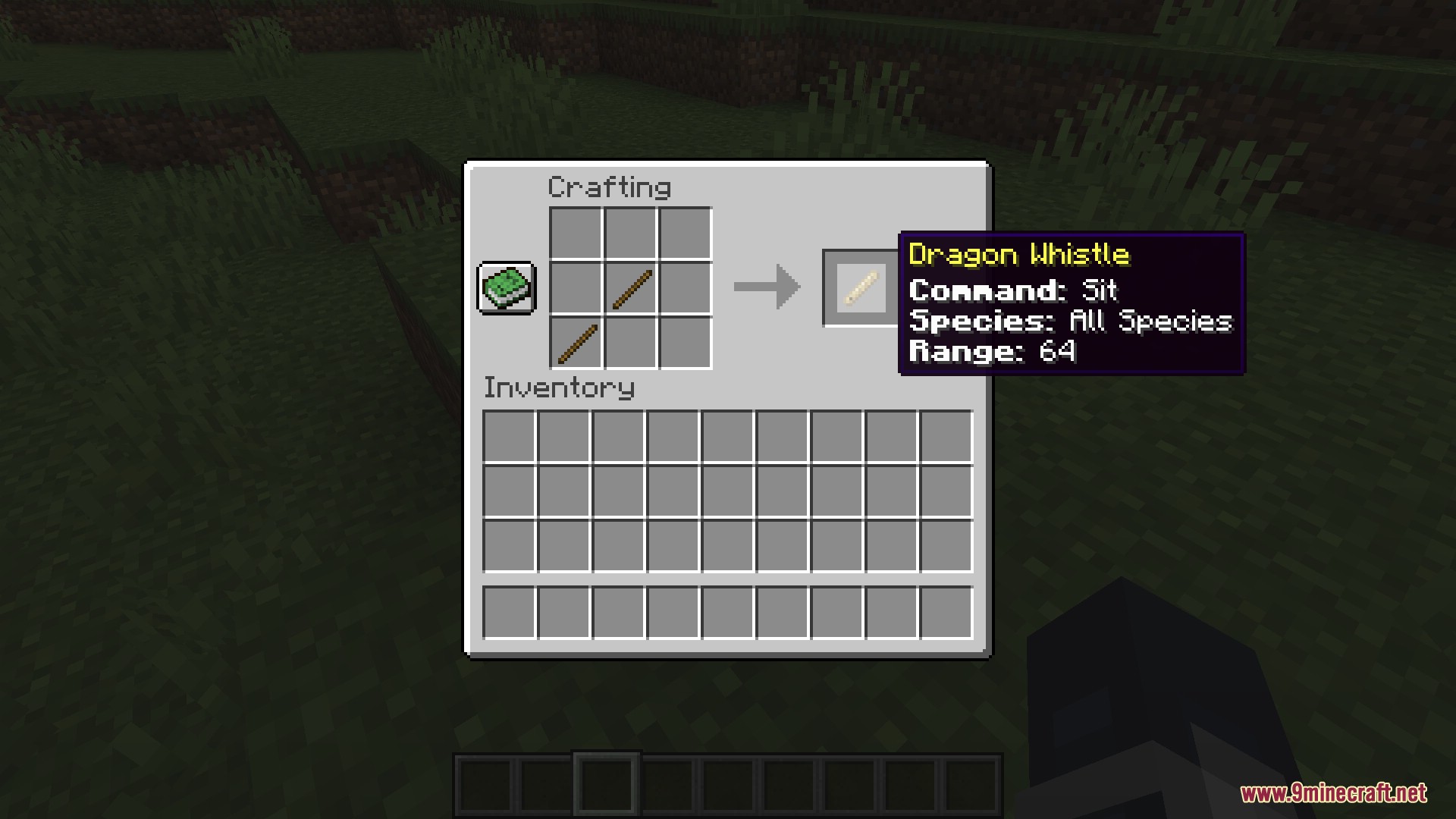
Dragon Whistle: Crafting & Tooltip Info By default, the dragon whistle is crafted using two sticks placed diagonally, and displays info about its current command, species, and range in its tooltip.
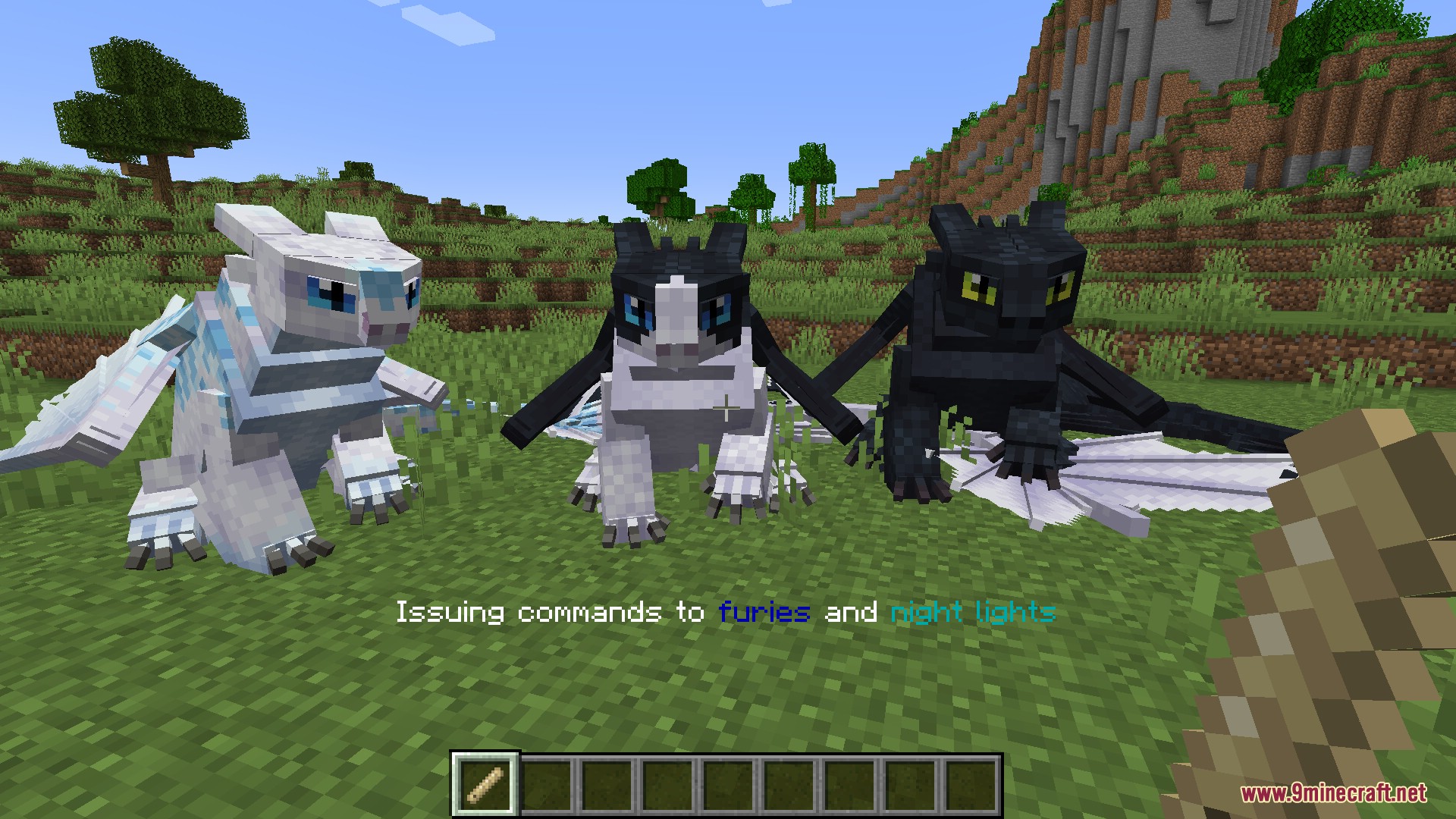
Dragon Whistle: Fury Family Commands In addition to issuing commands only to a particular species, the whistle also has a category for all three members of the fury family- night furies, light furies, and night lights.
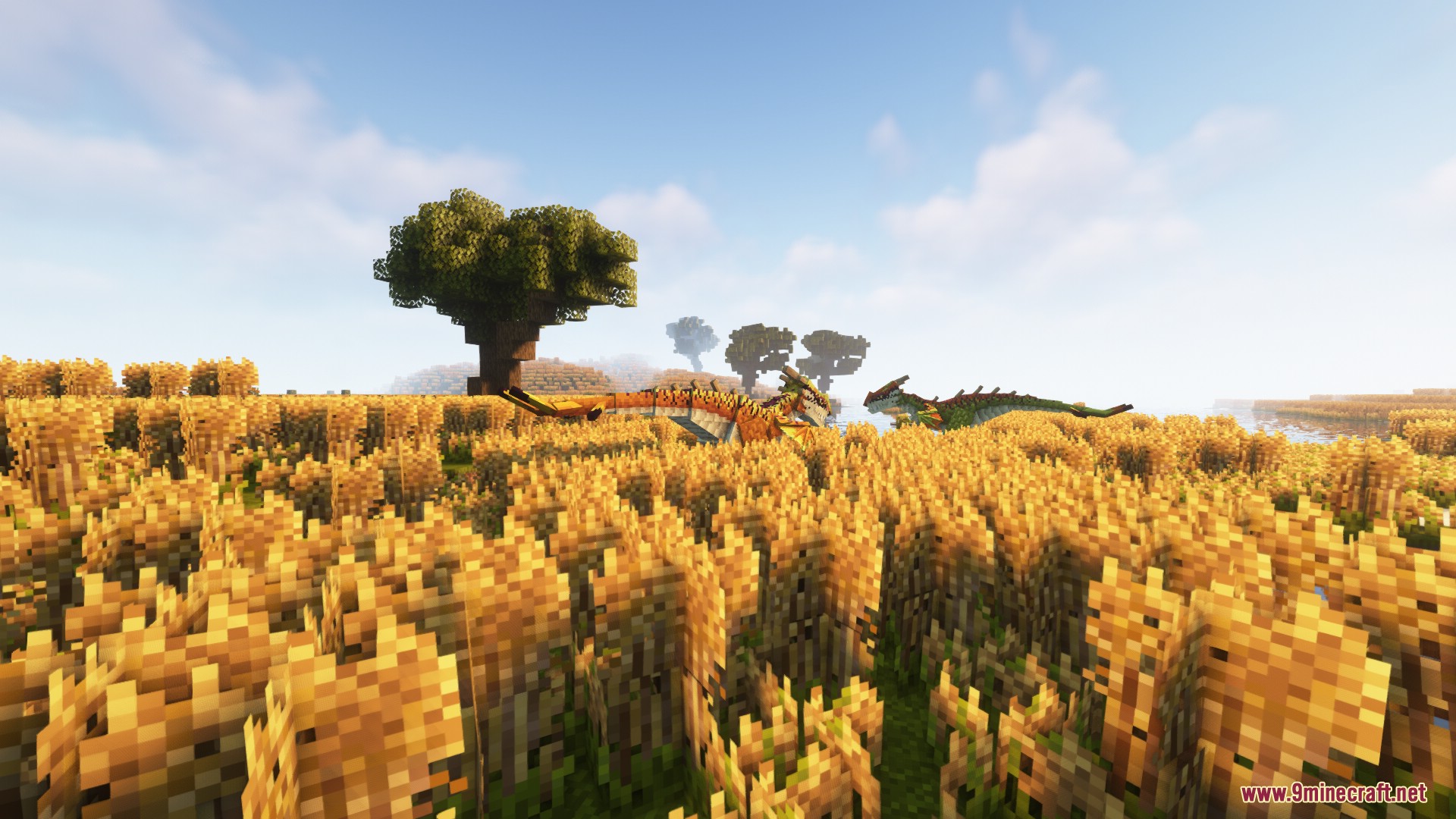
Improved Spawn Flexibility: Stingers on the Prairie A pair of stingers stalks the prairie (from Oh the Biomes You’ll Go) in the light of the sinking sun– just one of many locations they can now be made to spawn.
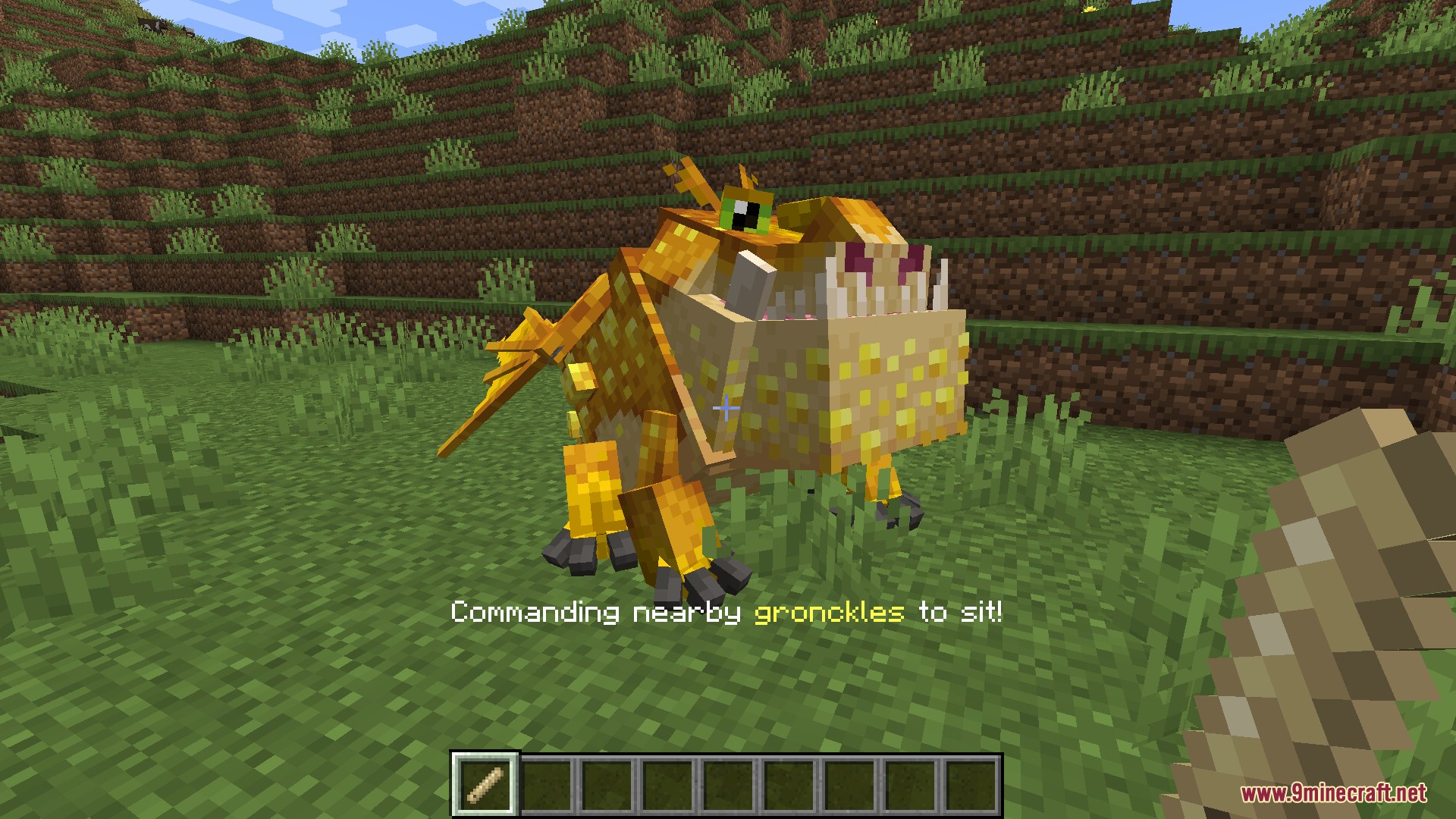
Dragon Whistle: Gronckle Sit Command The dragon whistle is used to issue the sit command to a nearby gronckle.
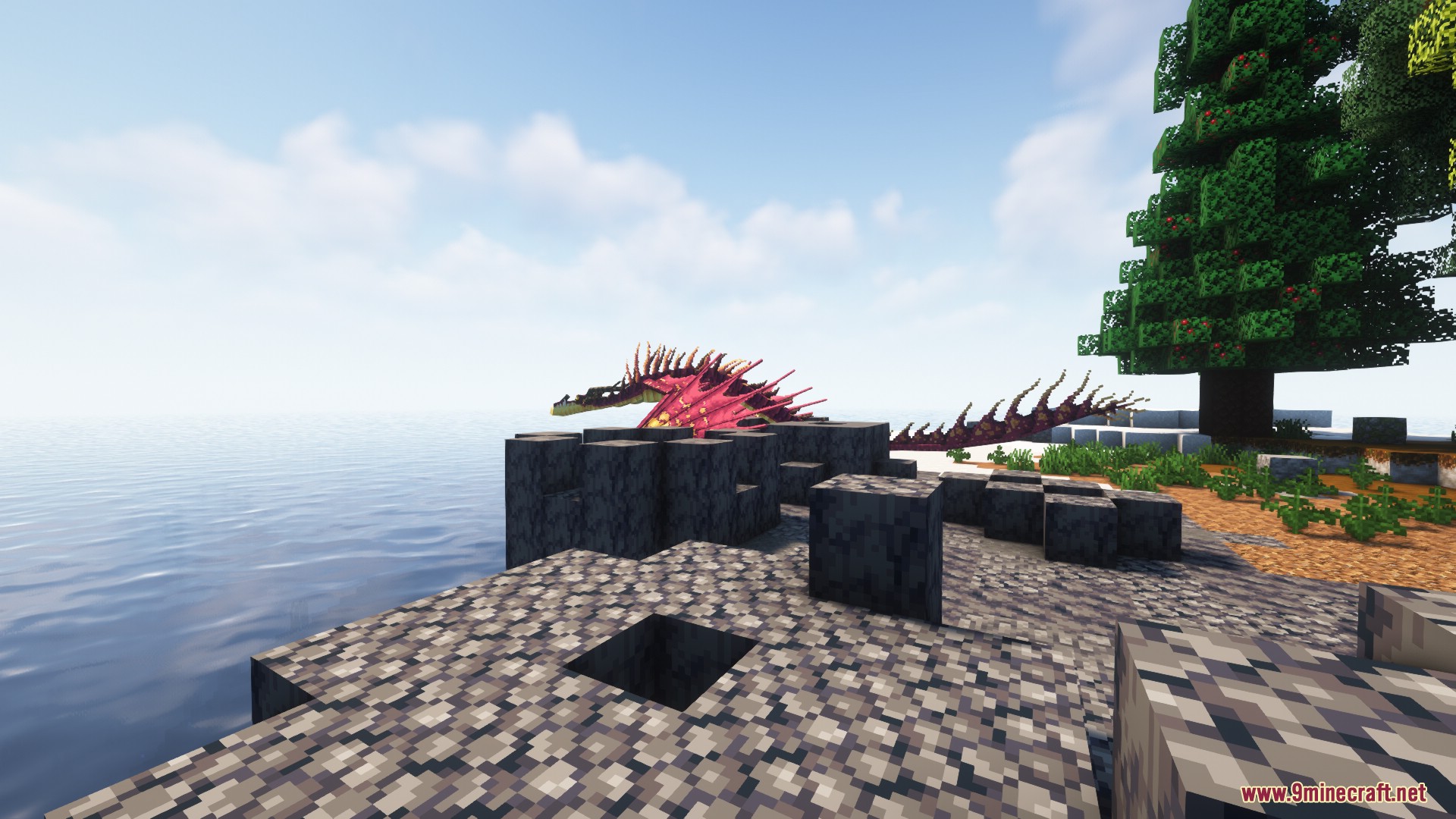
Improved Spawn Flexibility: Barrera Monstrous Nightmare A monstrous nightmare prowls a basalt barrera (from Oh the Biomes You’ll Go) at the edge of the sea– just one of many locations they can now be made to spawn.
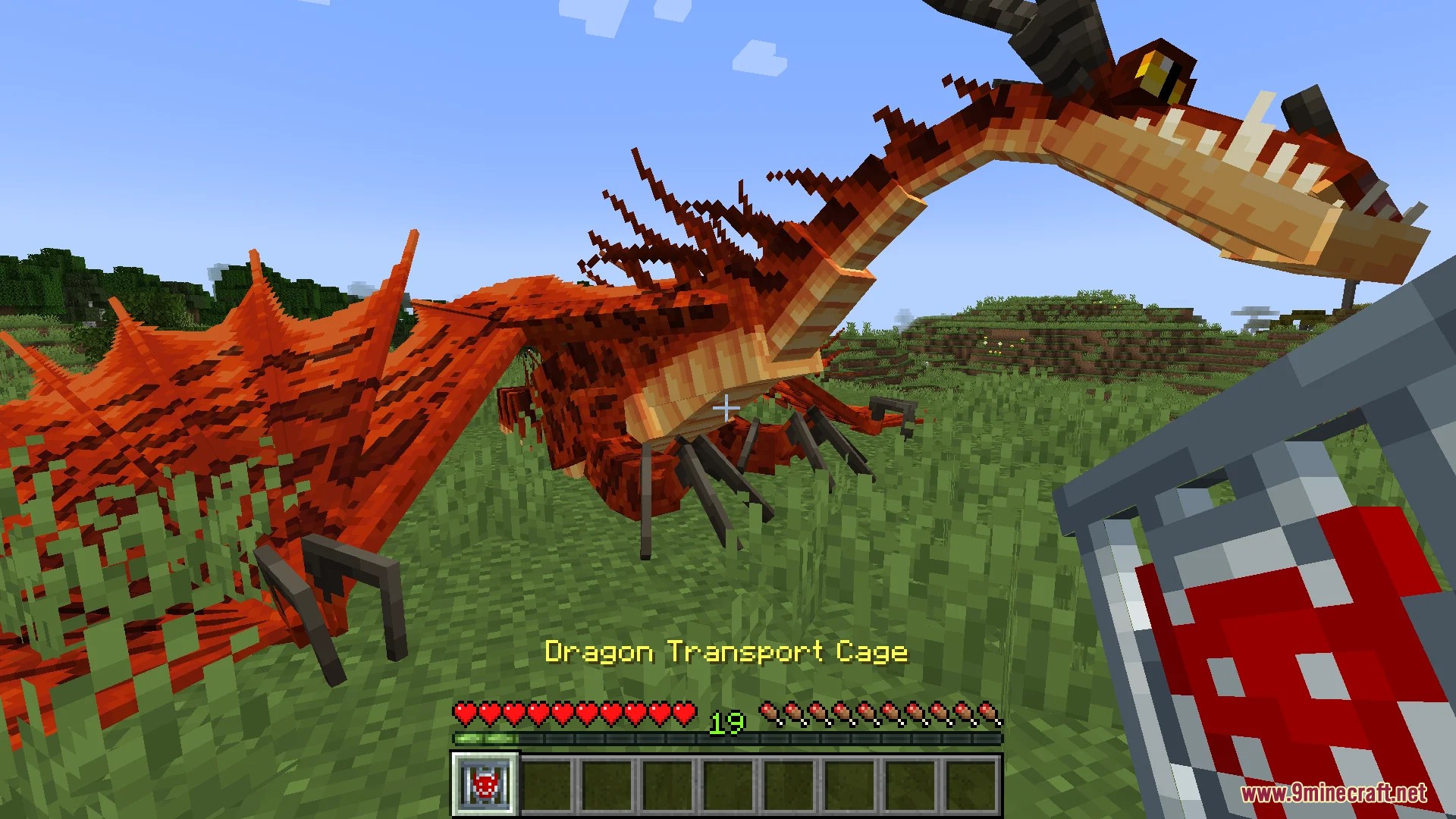
Dragon Transport Cage: Cage Dragon The dragon transport cage can be used to pick up a dragon as an item, allowing them to be carried in a player’s inventory.
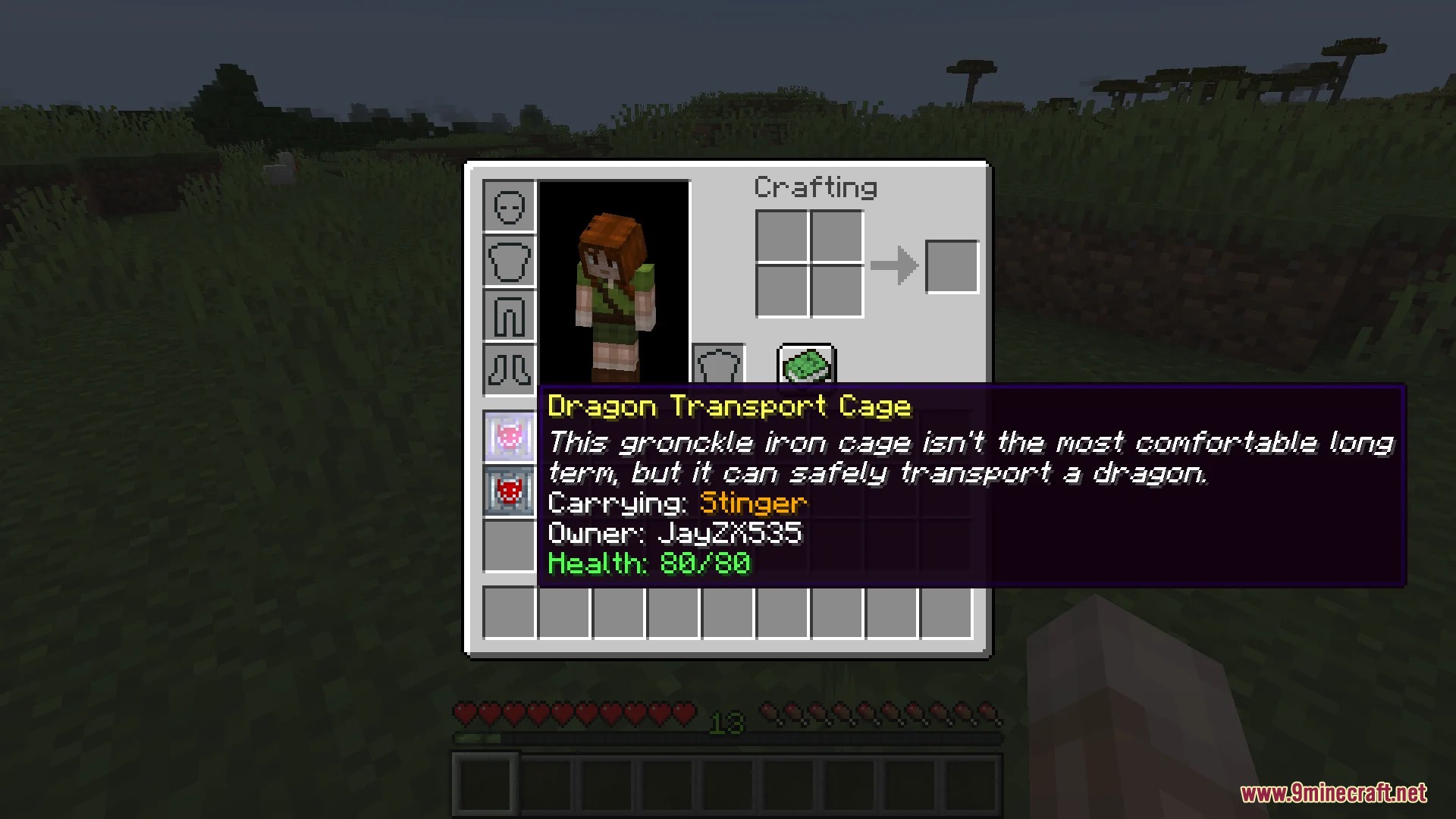
Dragon Transport Cage: Caged Dragon Info If a cage is currently carrying a dragon, it will display the dragon’s species, owner, and health in the tooltip.
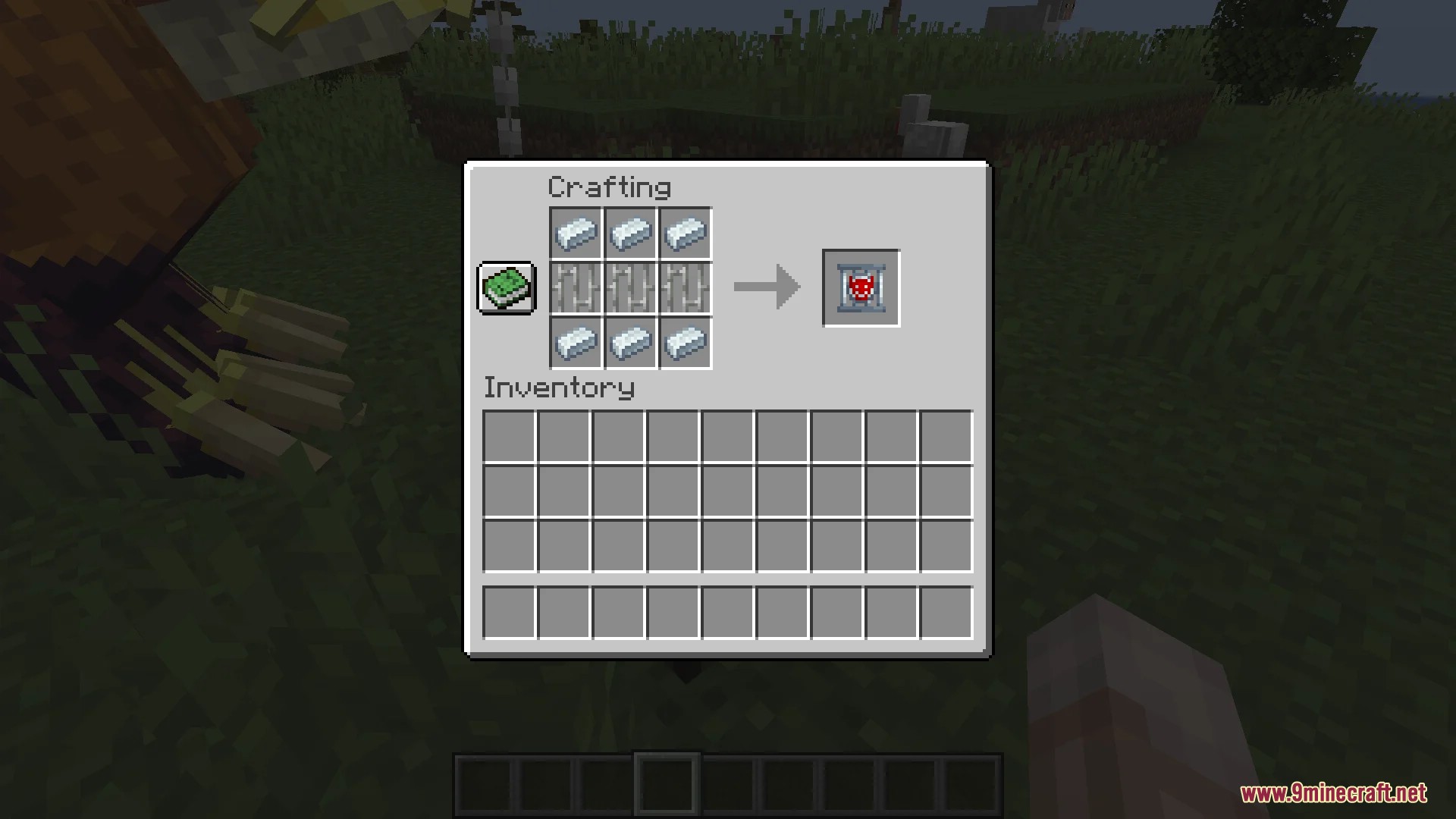
Dragon Transport Cage: Crafting By default, the dragon transport cage is crafted by placing 3 iron bars in a row between two rows of 3 gronckle iron ingots.
Requires:
How to install:
Click the following link to view details: How to Install Mods for Minecraft Java Edition on PC: A Beginner Guide
Isle of Berk Addons Mod (1.18.2) Download Links
For Minecraft 1.18.2
Forge version: Download from Server 1 – Download from Server 2
You May Also Like