🌐 You're reading this article in 日本語. Want to switch?
Or pick the one you like:

Armor Status Modは、装備の正確な耐久値を画面上に表示するシンプルなModです。クリーンで小さなボックスを画面に配置することで、ヘルメットやチェストプレートが壊れるまでにあと何回攻撃を耐えられるかを常に把握できます。これにより、装備が消失する前に修理や交換ができるようになり、過酷な戦闘での生存率が大幅に向上します。Armor Status Mod

主な機能:

  • リアルタイム追跡: 装備中のギアの正確な耐久値を、プレイ中に画面上で直接確認できます。
  • 建築や戦闘の邪魔にならない、小さく洗練されたディスプレイをゲームウィンドウに表示します。
  • ゲームの動作を重くすることなく、スムーズに動作します。
  • 通常のサバイバル、過酷なハードコア、対人戦(PvP)など、あらゆるシーンで完璧に機能します。
  • クライアントサイドのみで動作するため、サーバーに参加した際も自分の装備の耐久値を確認可能です。

スクリーンショット:
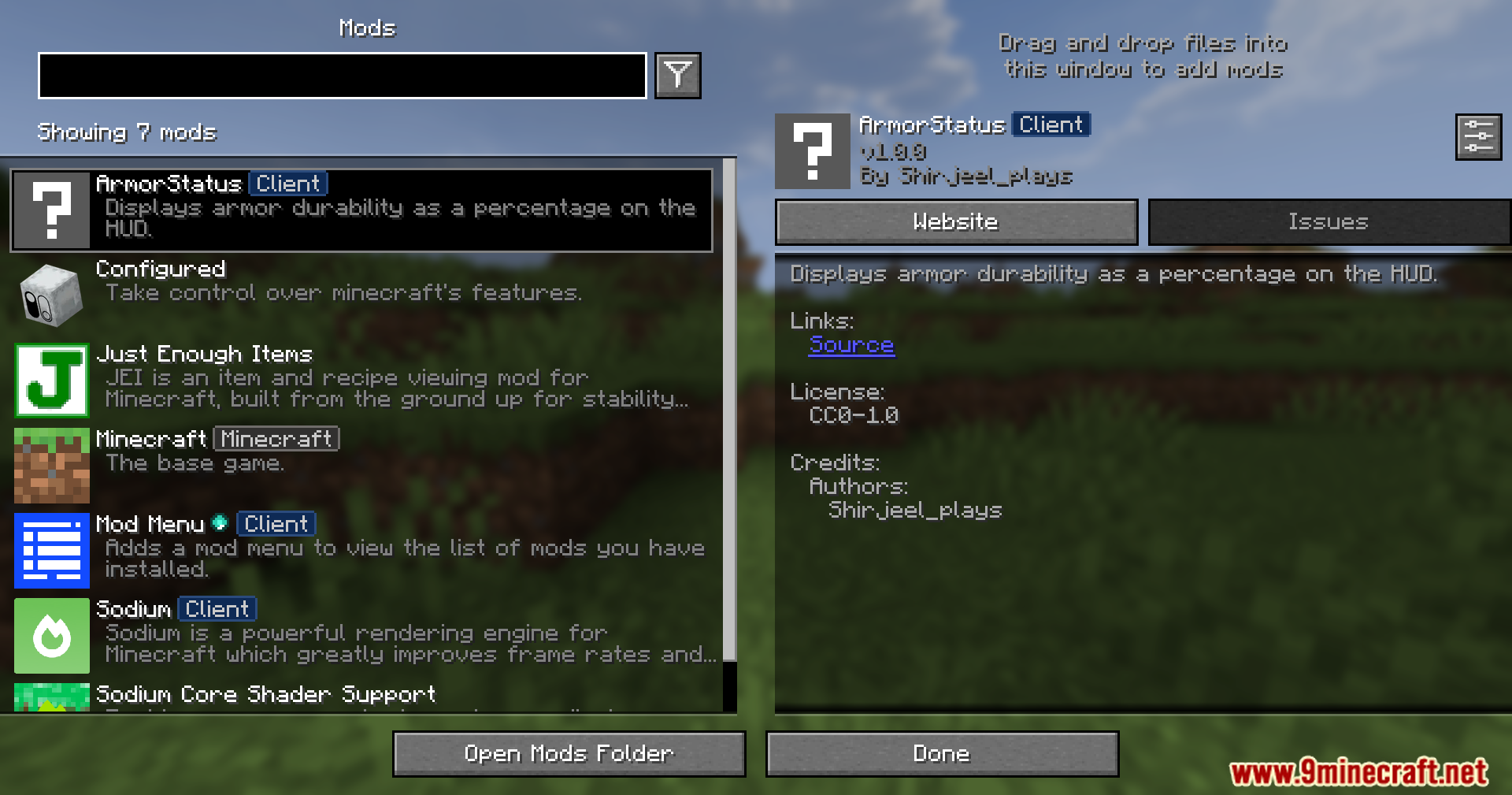
The Minecraft mod menu interface displaying information about the ArmorStatus Client mod
ArmorStatus Client modの情報が表示されているMinecraftのModメニュー画面
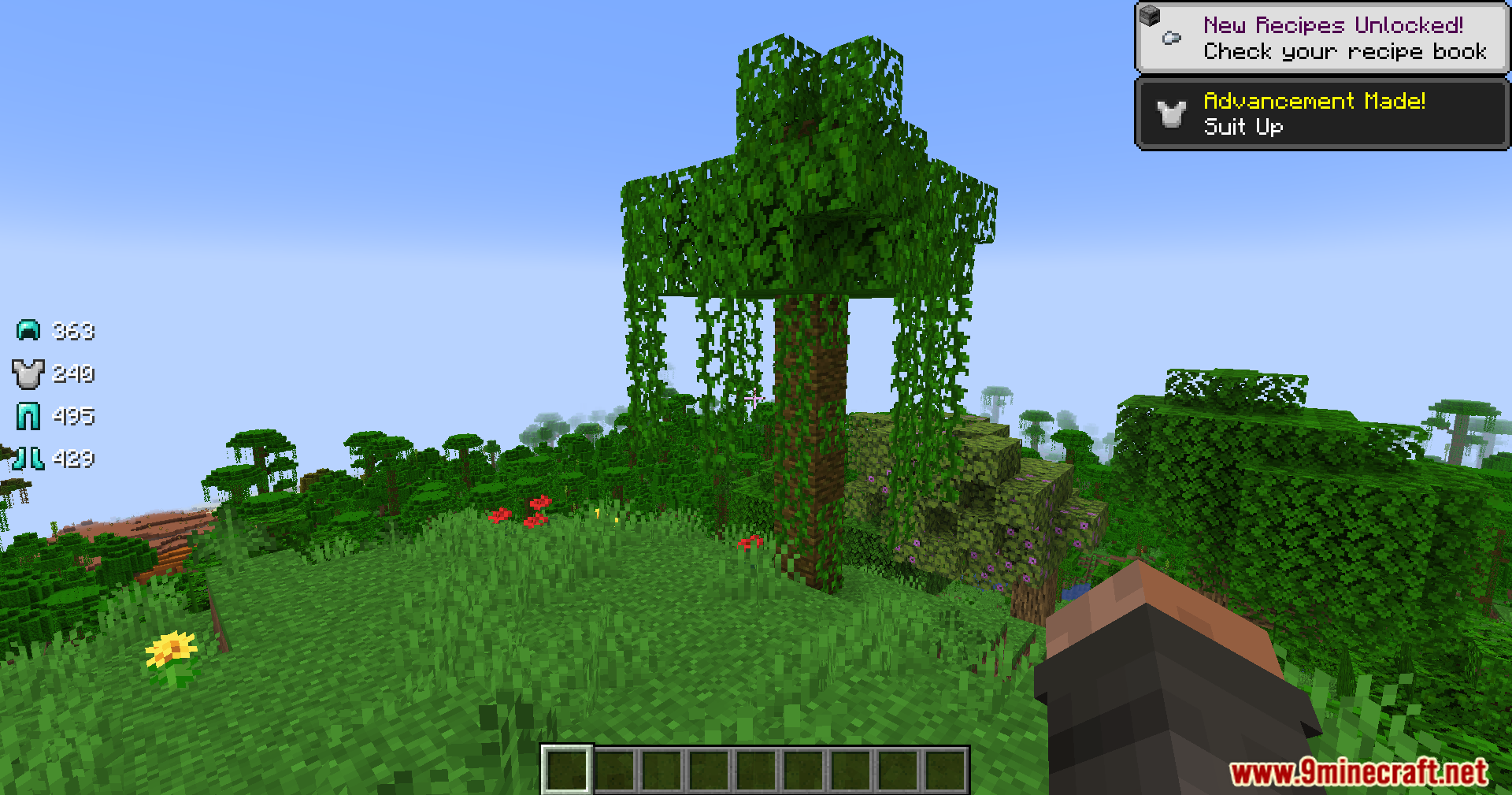
Player exploring a jungle with armor durability icons displayed on the screen
画面に防具の耐久値アイコンを表示しながらジャングルを探索するプレイヤー
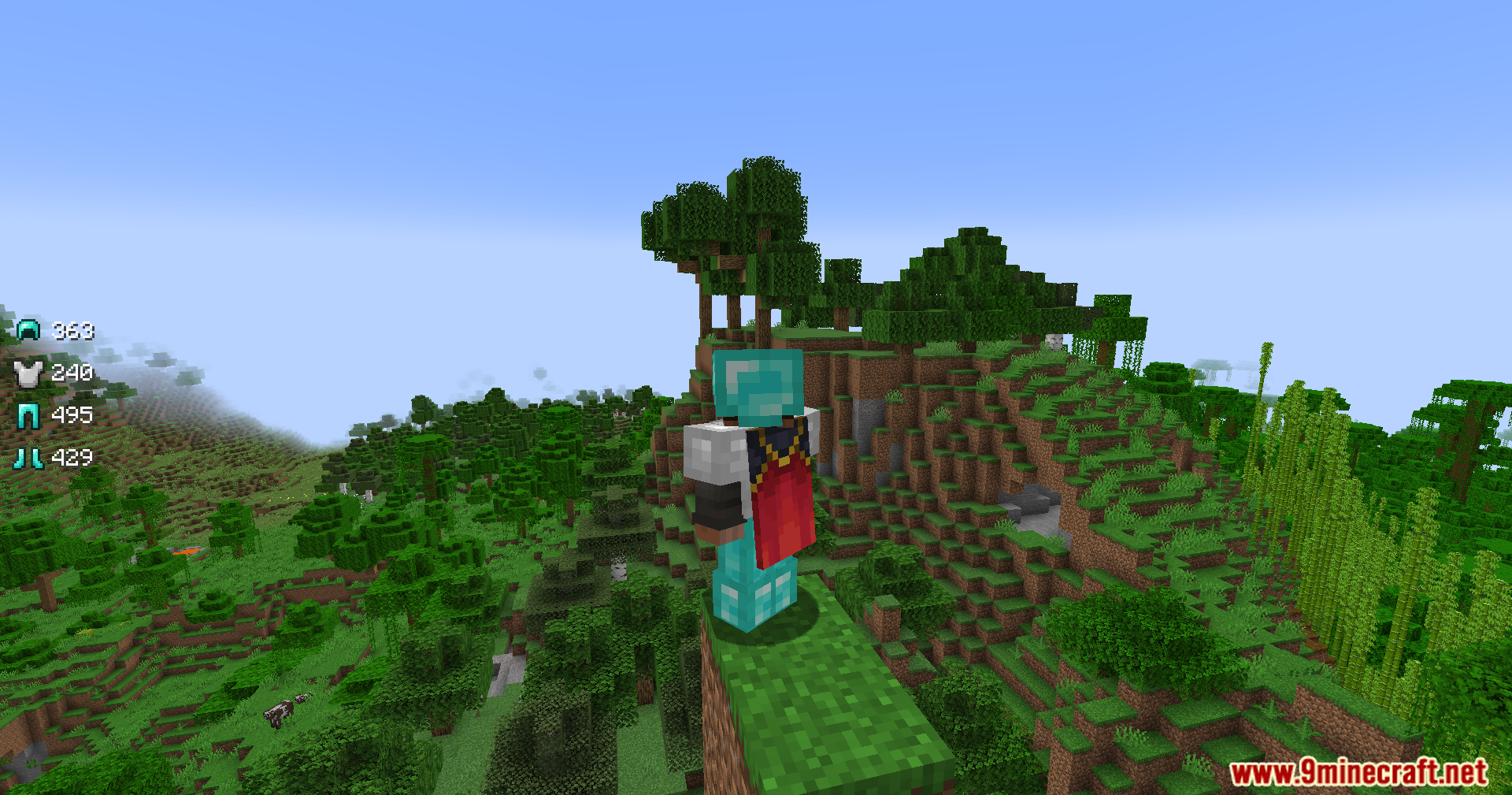
A Minecraft player wearing armor stands on a cliff overlooking a jungle biome
ジャングルバイオームを見下ろす崖の上に立つ、防具を装備したプレイヤー
The Armor Status Mod displays gear durability levels on the game screen interface
ゲーム画面上にギアの耐久レベルを表示するArmor Status Mod
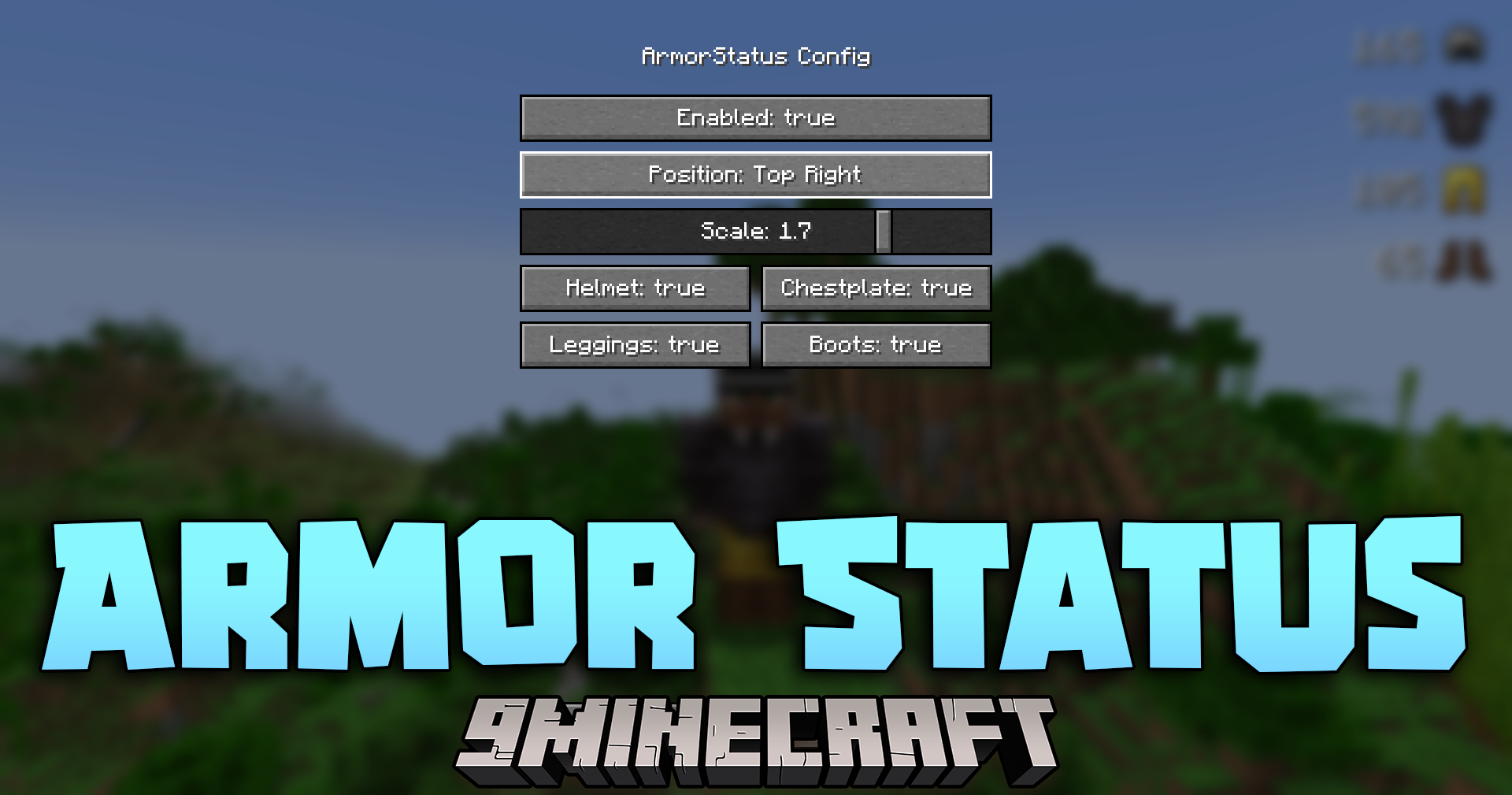
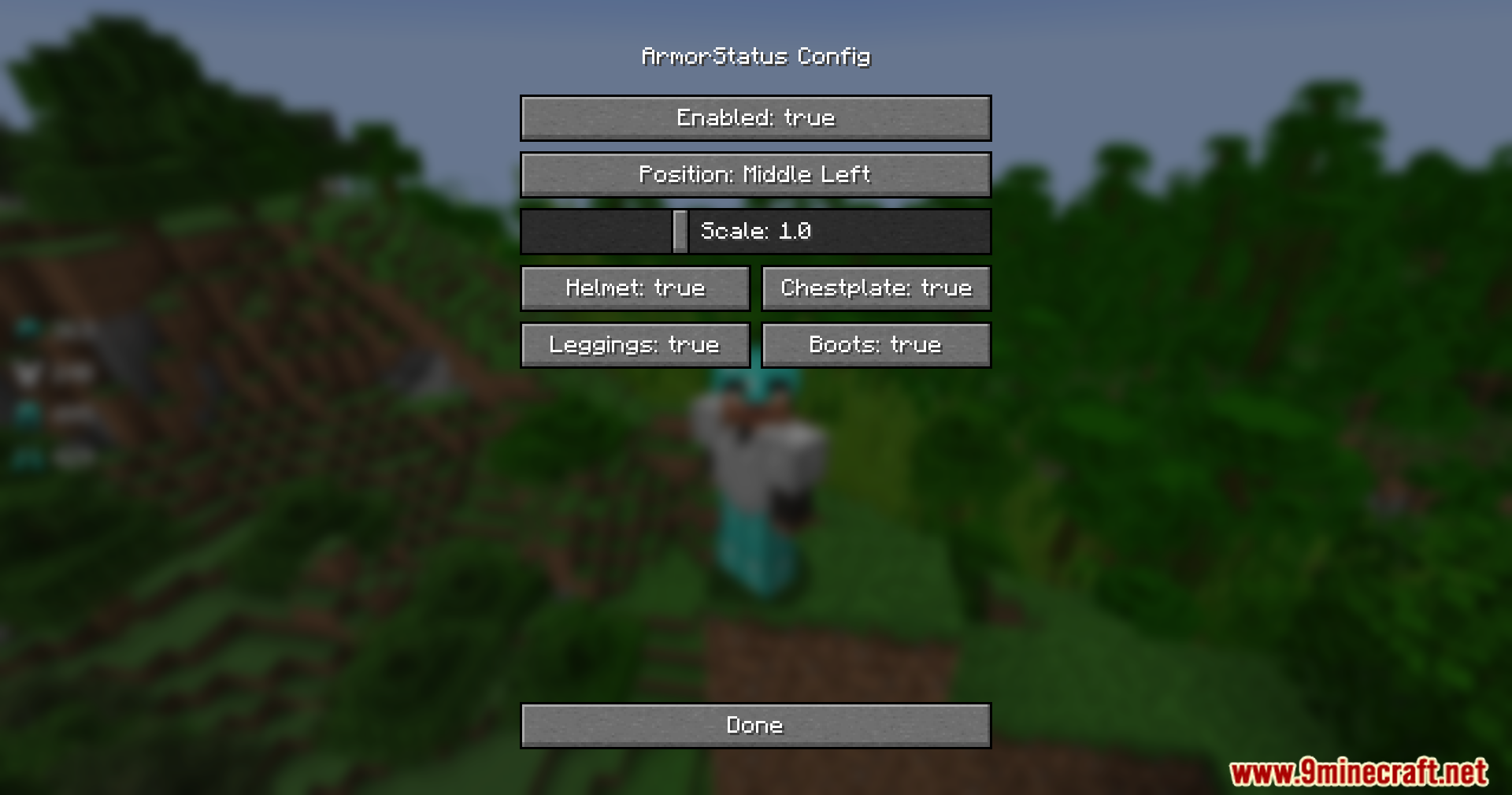
The Armor Status configuration menu showing various display and position settings
表示や位置の各種設定を行えるArmor Statusの設定メニュー
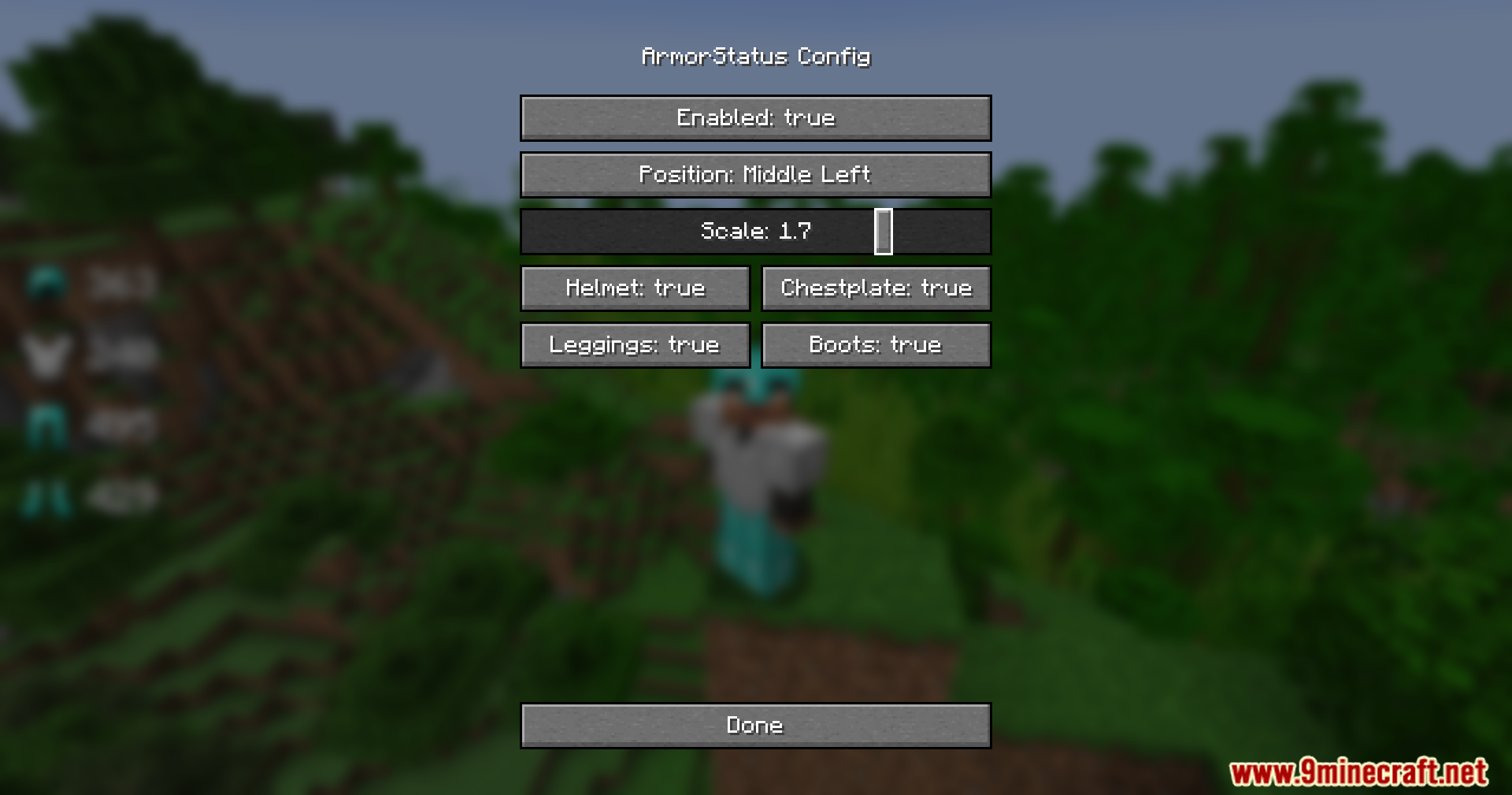
Adjusting the scale slider to increase the size of the armor icons
スケールスライダーを調整して防具アイコンのサイズを大きくしている様子
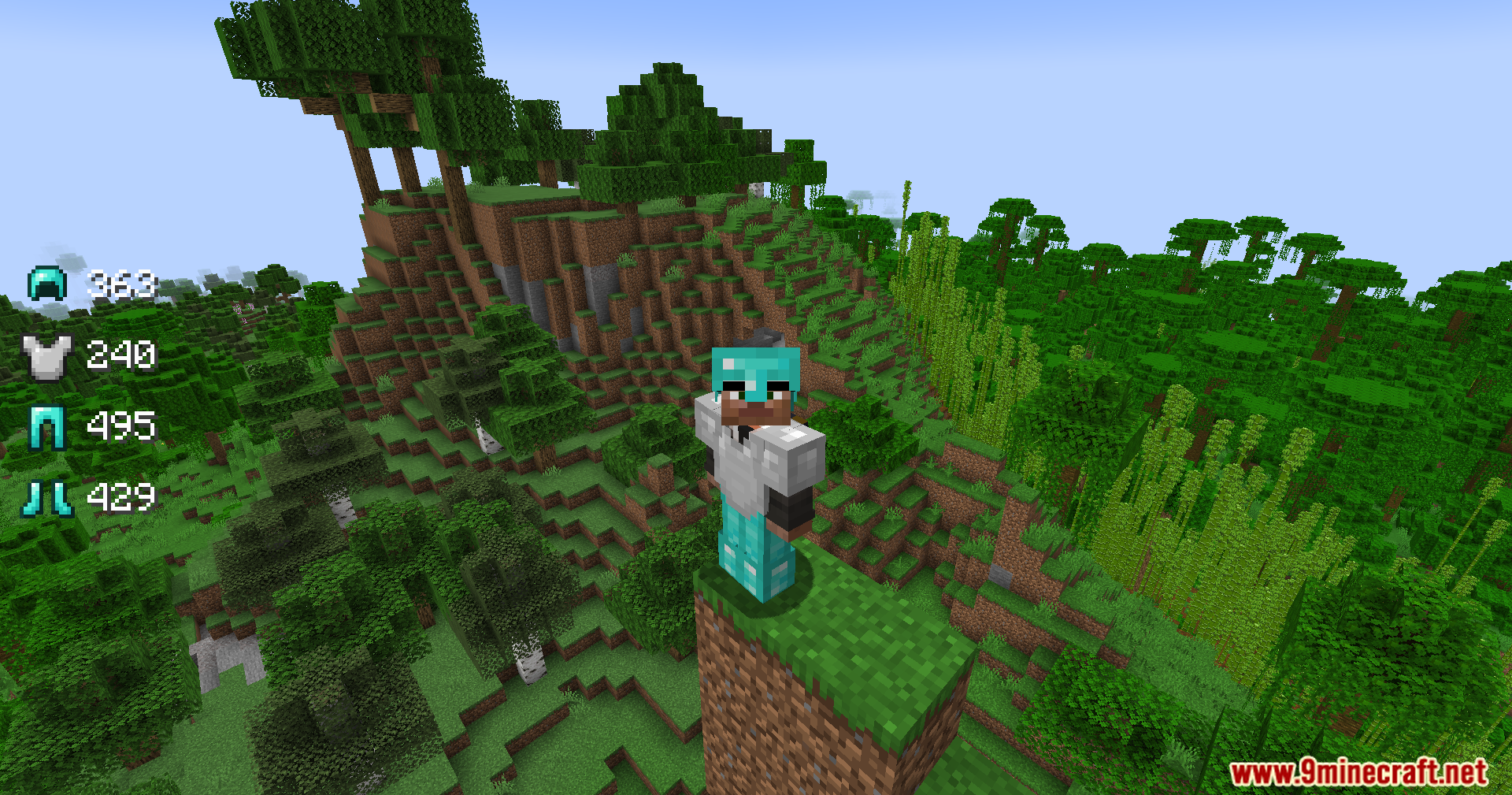
Armor Status Mod showing gear durability for a player in a jungle biome
ジャングルバイオームでプレイヤーの装備耐久値を表示するArmor Status Mod
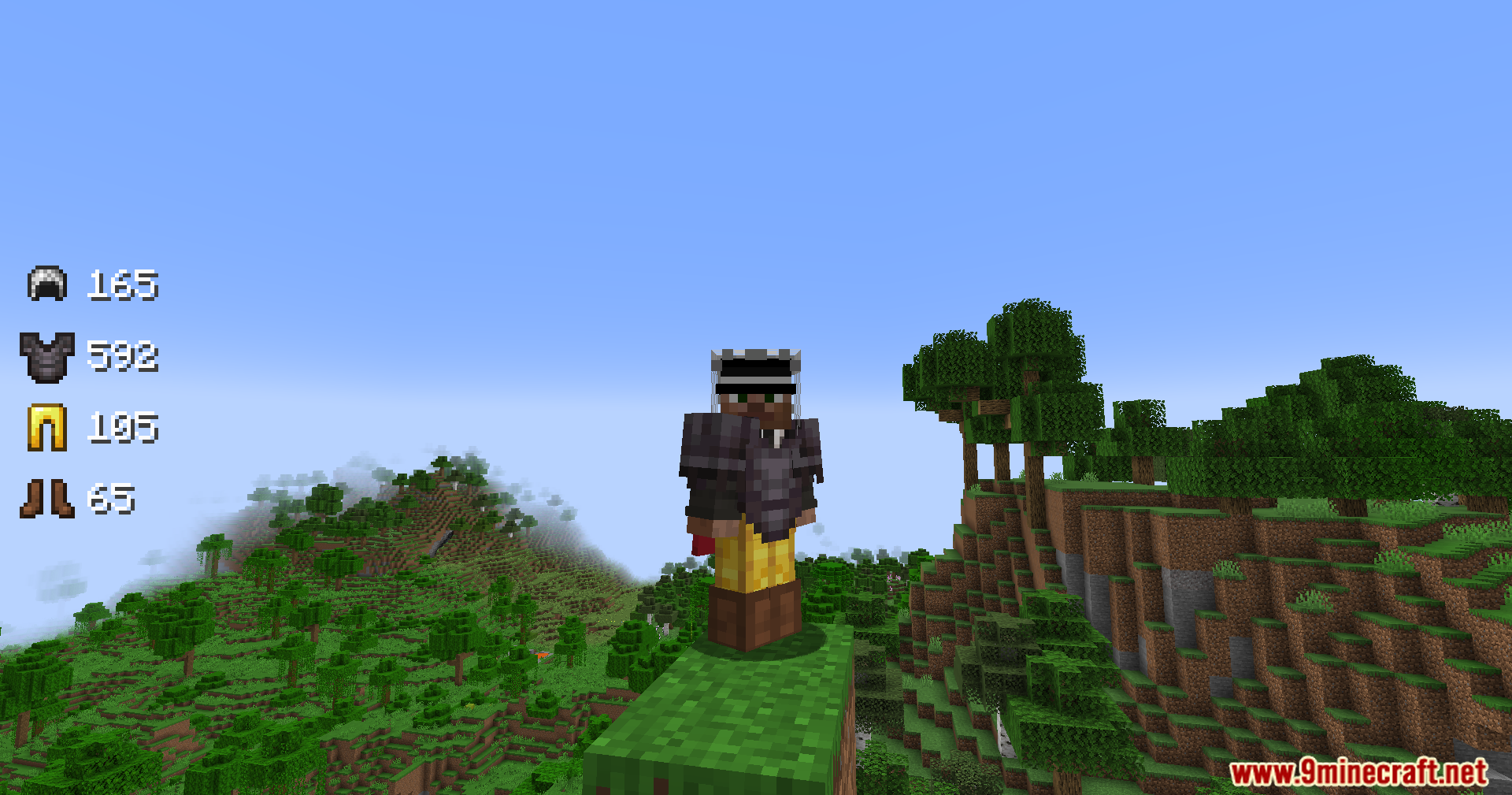
Minecraft character wearing netherite and gold armor with durability status on screen
ネザライトと金の防具を装備し、画面に耐久ステータスを表示しているキャラクター
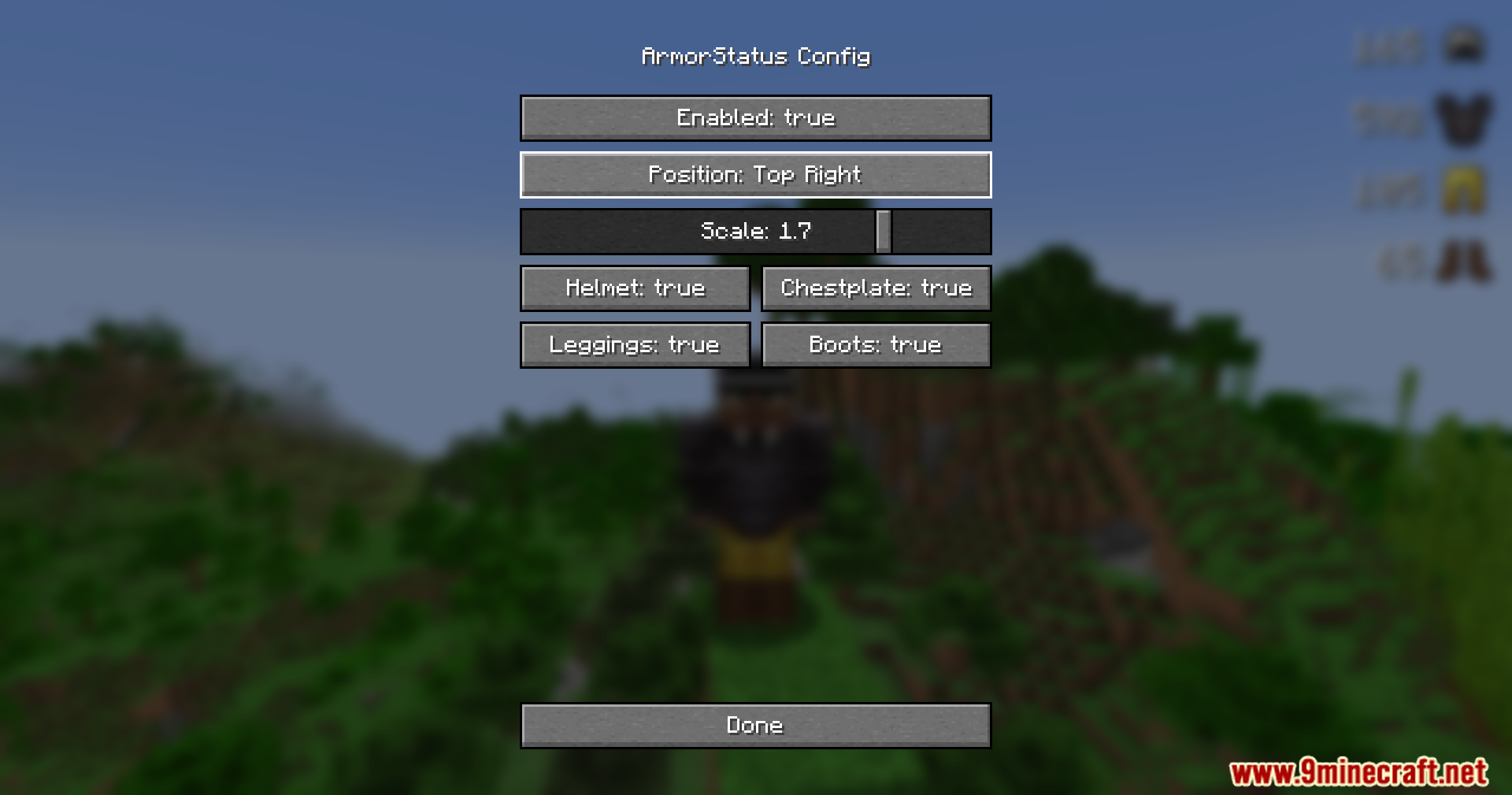
Armor Status Mod configuration menu showing the display position at top right
表示位置を右上に設定しているArmor Status Modの設定メニュー
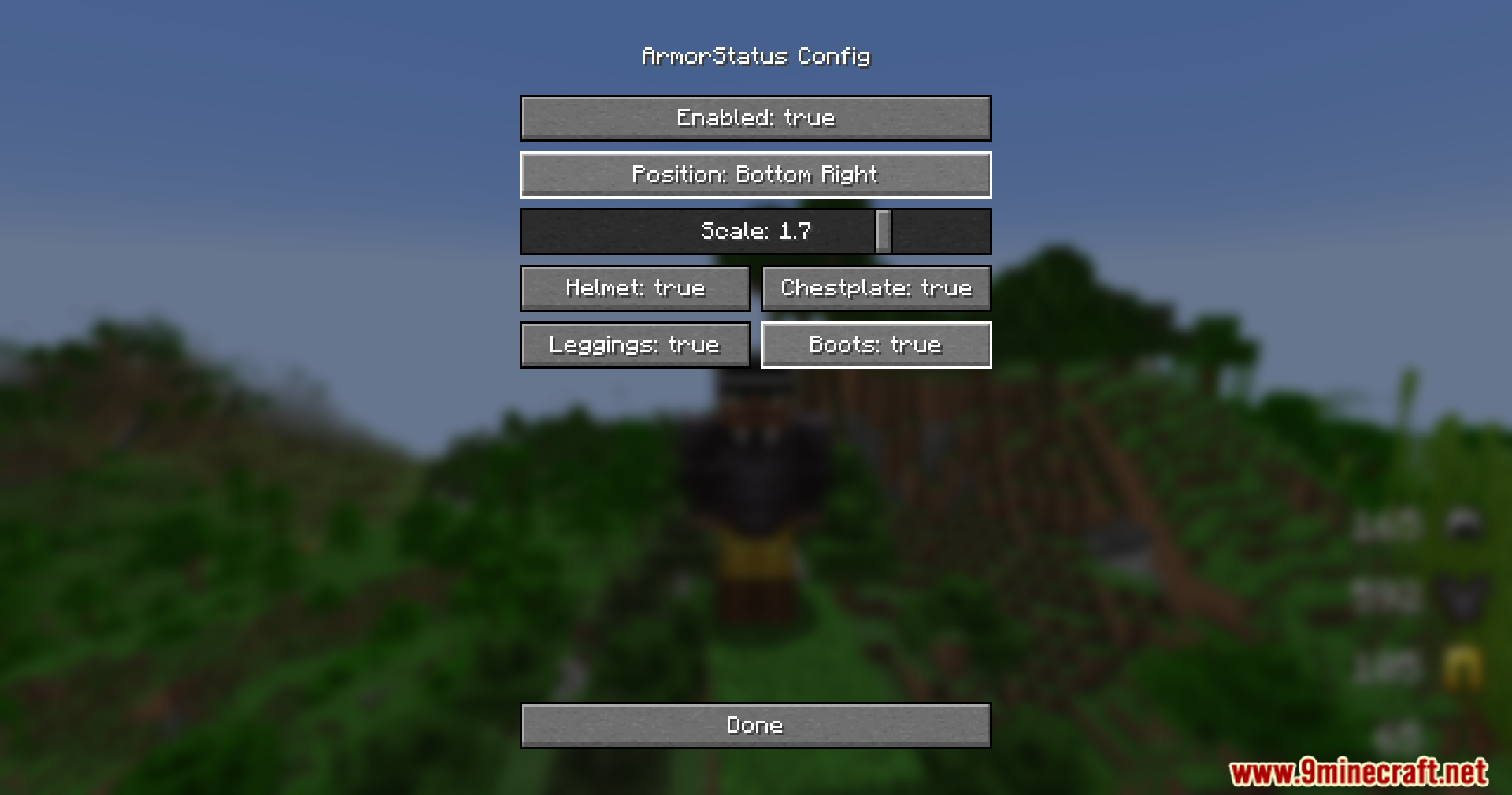
Menu screen for changing the armor durability display to the bottom right
防具の耐久値表示を右下に変更するためのメニュー画面
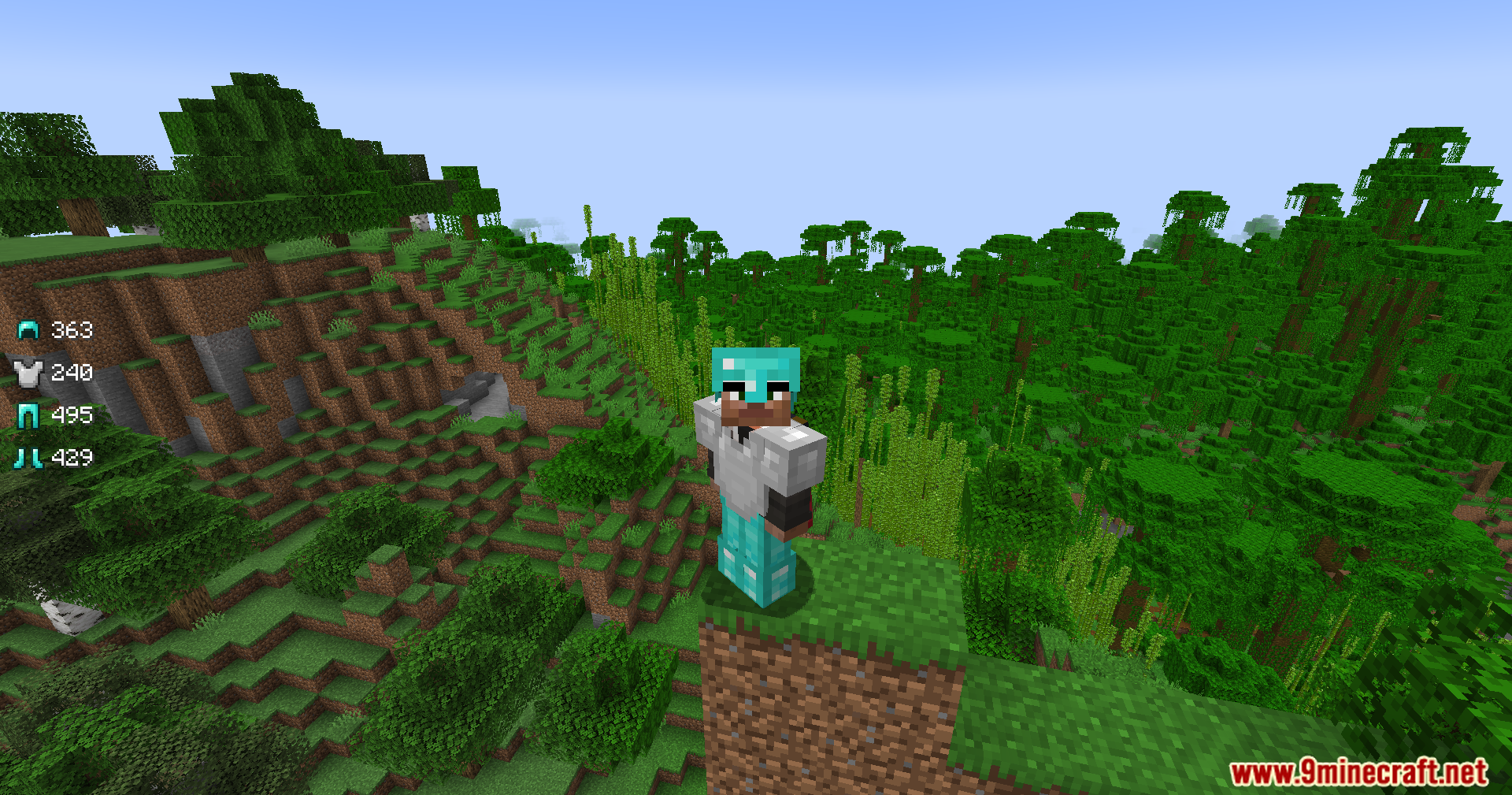
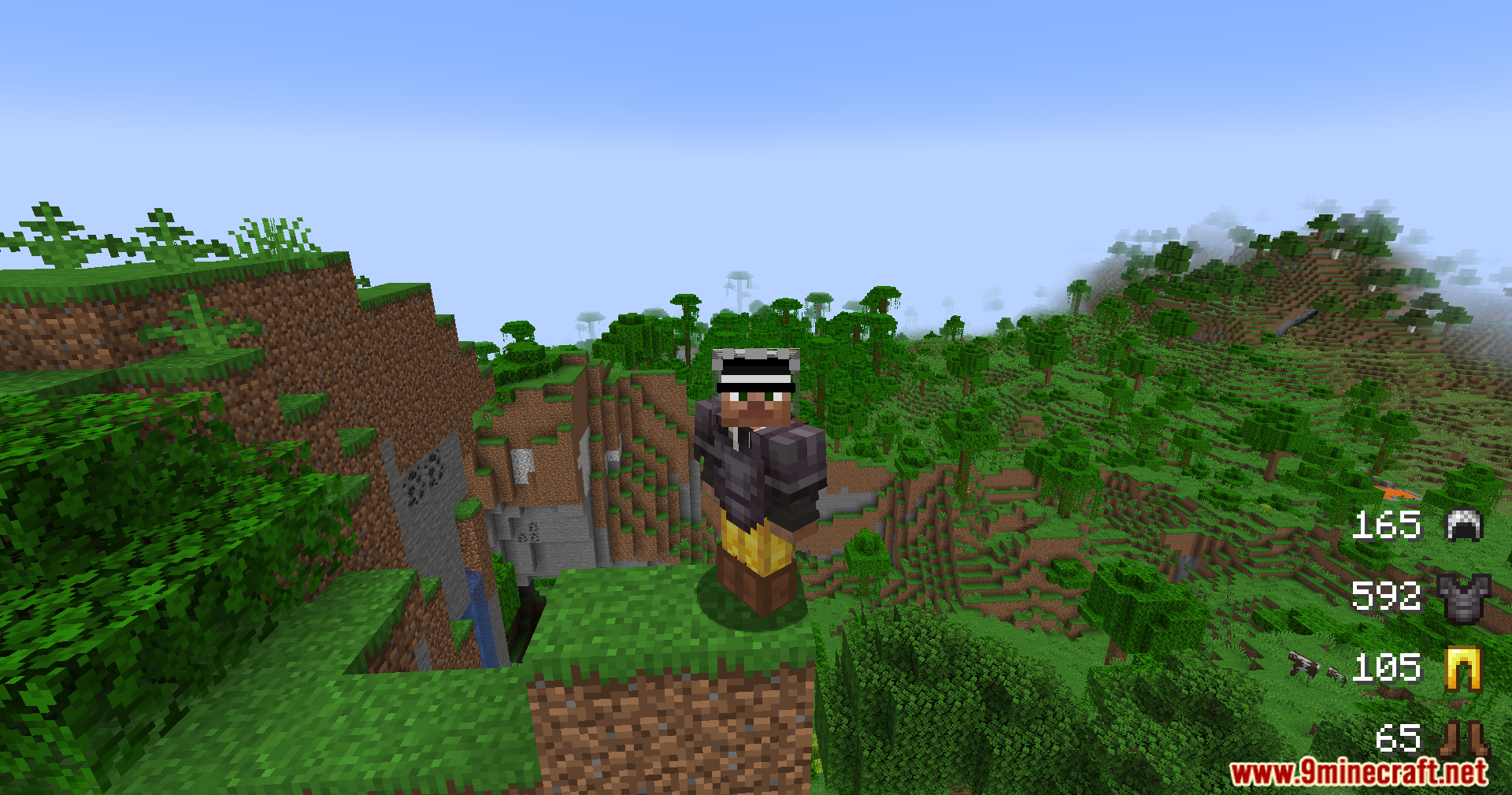
A player wearing armor stands on a dirt pillar overlooking a vast jungle
広大なジャングルを見渡す土の柱の上に立つプレイヤー
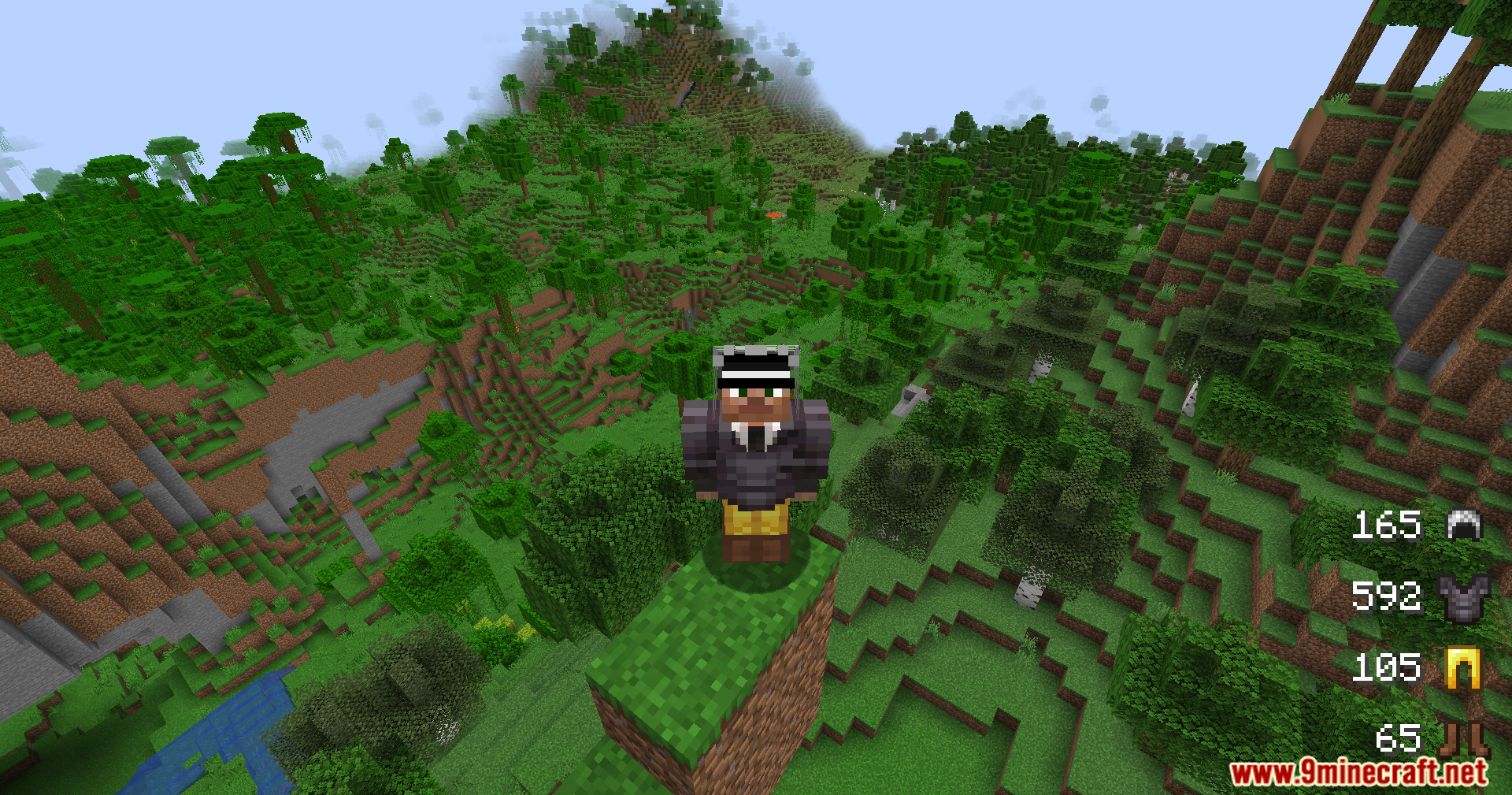
Armor durability status displayed on screen while player stands on a dirt pillar
土の柱の上に立っている間も画面に表示される防具の耐久ステータス

Armor Status Mod ダウンロードリンク

For Minecraft 1.21.11, 1.21.10, 1.21.9

Fabric 84 KB May 31, 2026

Click to rate this post!
[Total: 1 Average: 5]