


KubeLoader Mod (1.21.1, 1.20.1) – Load Custom Scripts and Game Assets
 0
0
 0
0

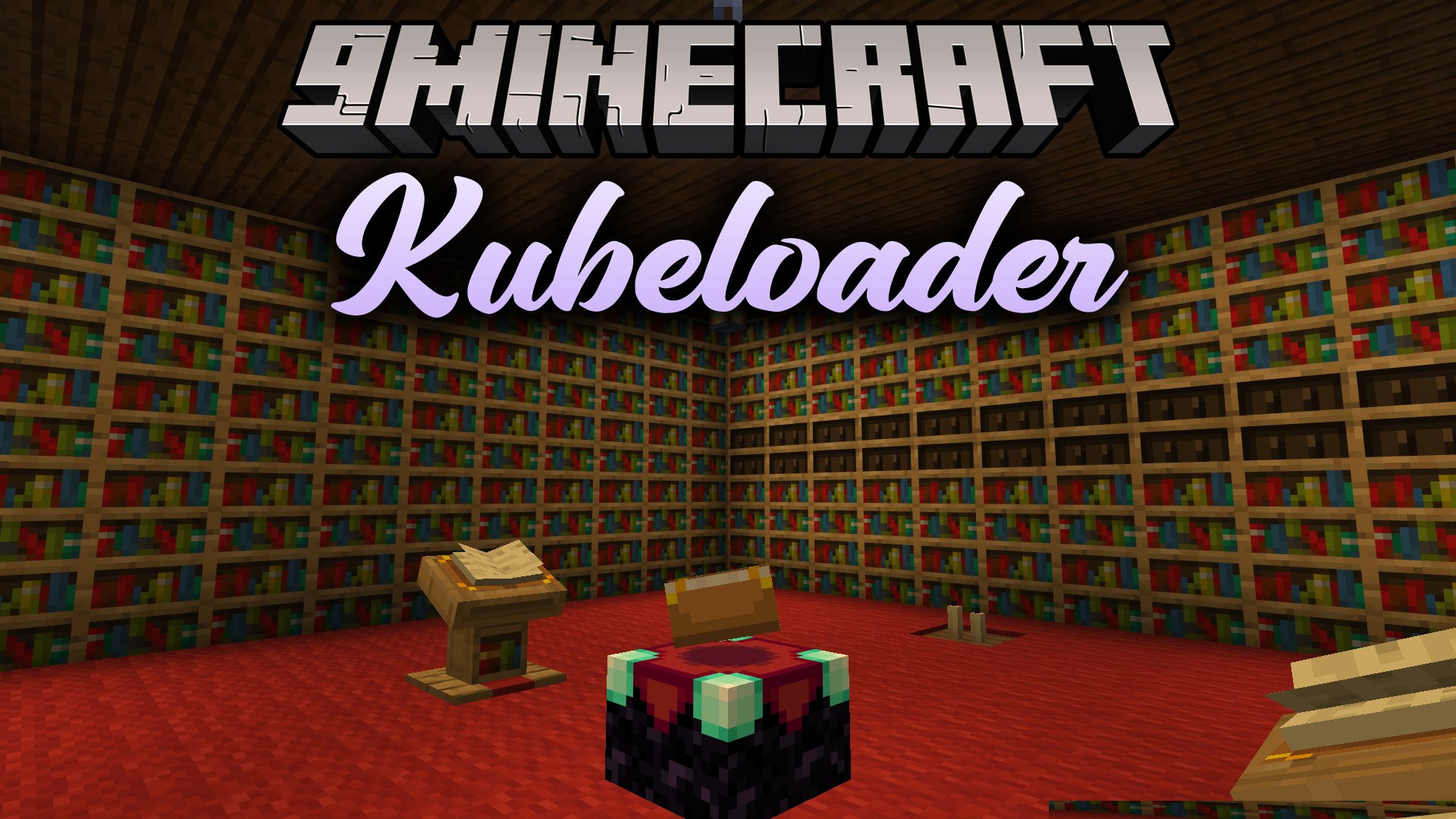
KubeLoader Mod extends KubeJS with a system that loads scripts, assets, and data files directly from content packages or mod files. It helps creators bundle game scripts into clean packages instead of leaving loose code files across different folders. The mod automatically organizes dependencies and loads your custom pack files without extra setup headaches. Players can drop these content packages straight into the game to get custom recipes, mechanics, and visual resources all at once.
Features:
- Bundles scripts, custom textures, and data pack files into one single package.
- Loads content packages directly from regular folders, ZIP archives, or compiled JAR files.
- Organizes script dependencies automatically to make sure packs load in the correct order.
- Keeps namespaces separate so different packs do not overwrite each other.
- Adds extra game events to give scripts deeper control over game actions and mechanics.
- Lets creators export their custom script packages as JAR files ready to share.
- Includes special in-game commands to check and inspect active packages.
Commands:
/kl pack: Manages and checks active content packs./kl mod: Shows information about loaded mod script packages.
How to Use:
- Place your content pack files or folders into the game directory.
- Launch the game to let the mod load all scripts, assets, and data files together.
- Type
/kl packin the chat to verify that your packages are active.
How to Install:
New to Minecraft? Follow our step-by-step guide to install Mods on your PC.View Guide
Requirements:


KubeLoader Mod Download Links
For Minecraft 1.21.1, 1.21
For Minecraft 1.20.1, 1.20
Click to rate this post!
[Total: 0 Average: 0]
You May Also Like





This post has no comments yet. Be the first — your comment will appear here.