
Lapis Reserve Mod (1.21.1, 1.20.1) – Keep Lapis in Every Table

 0


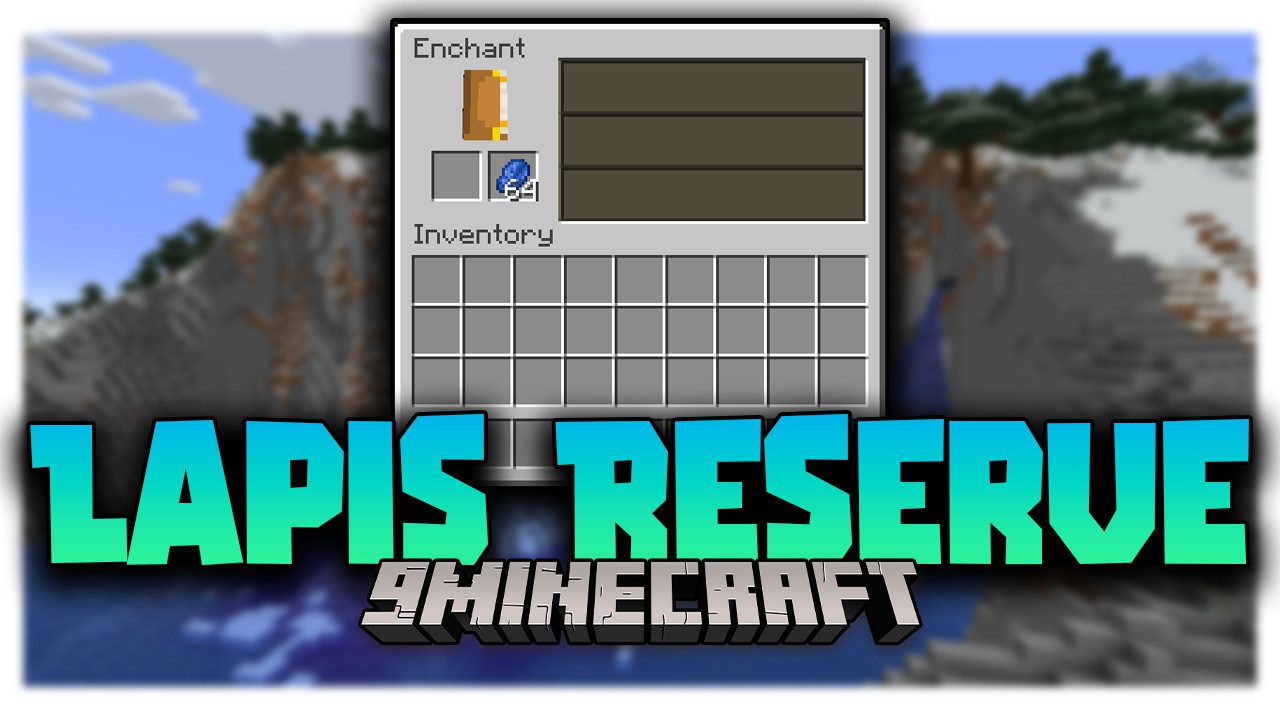
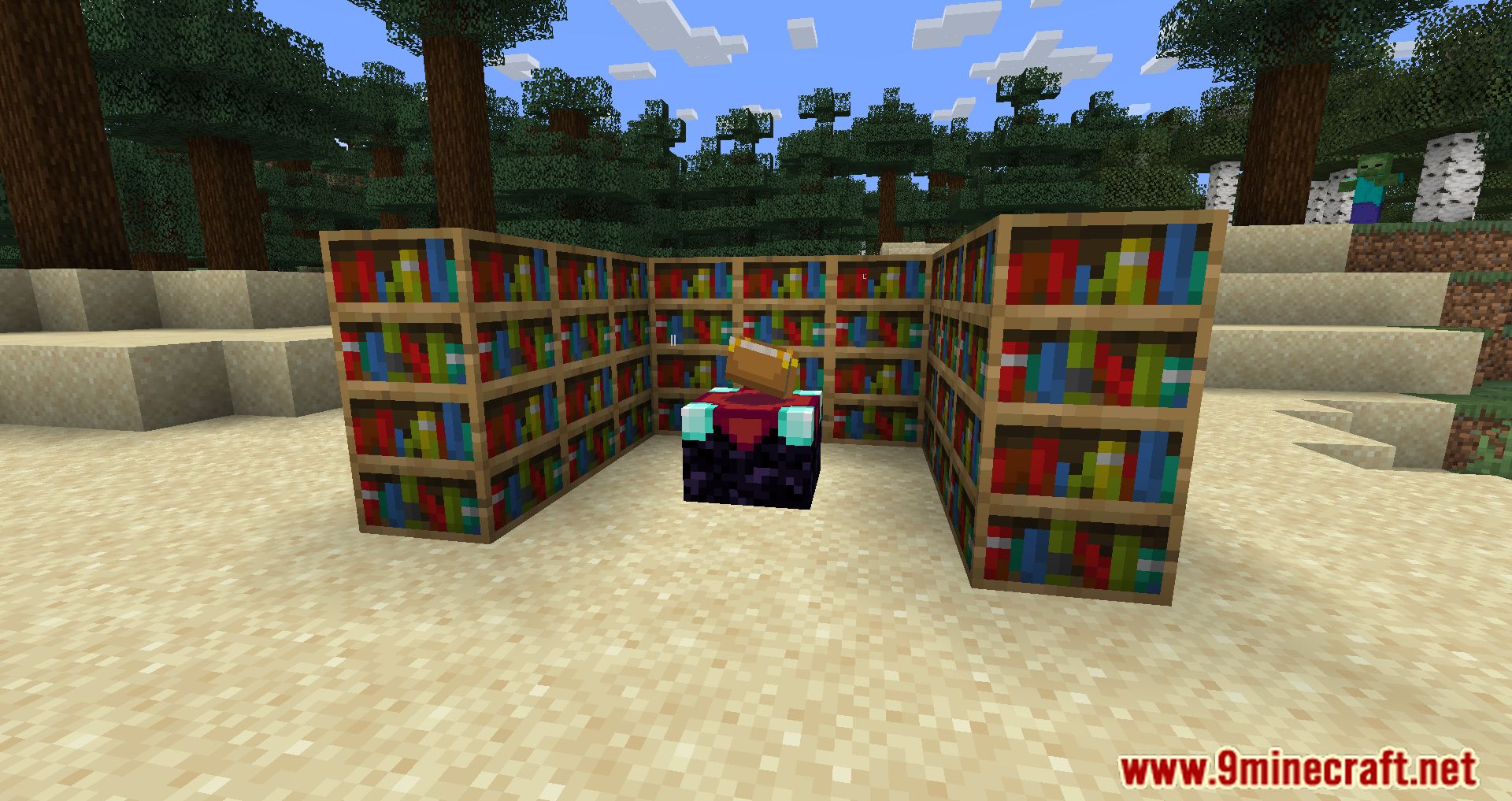
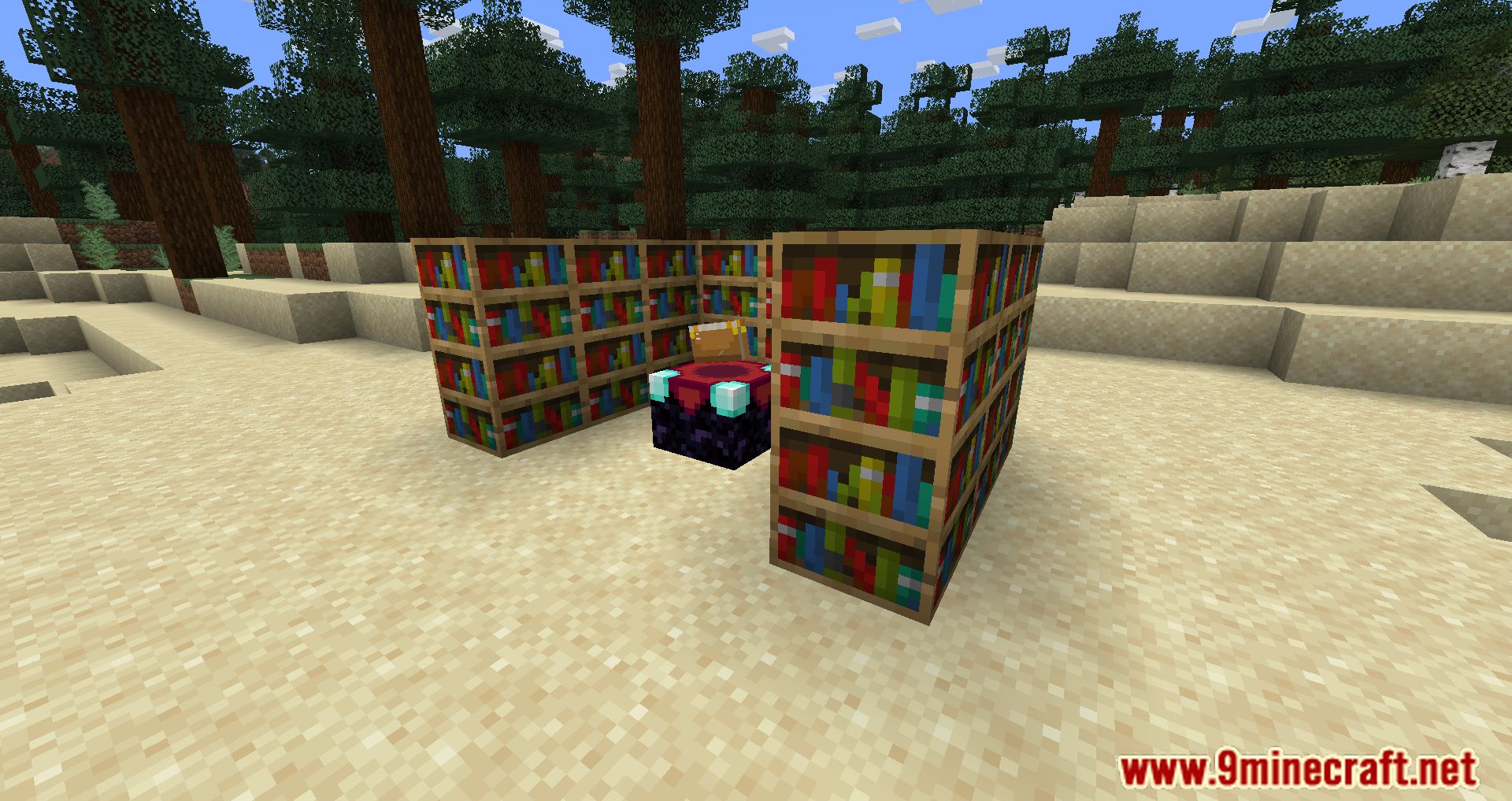
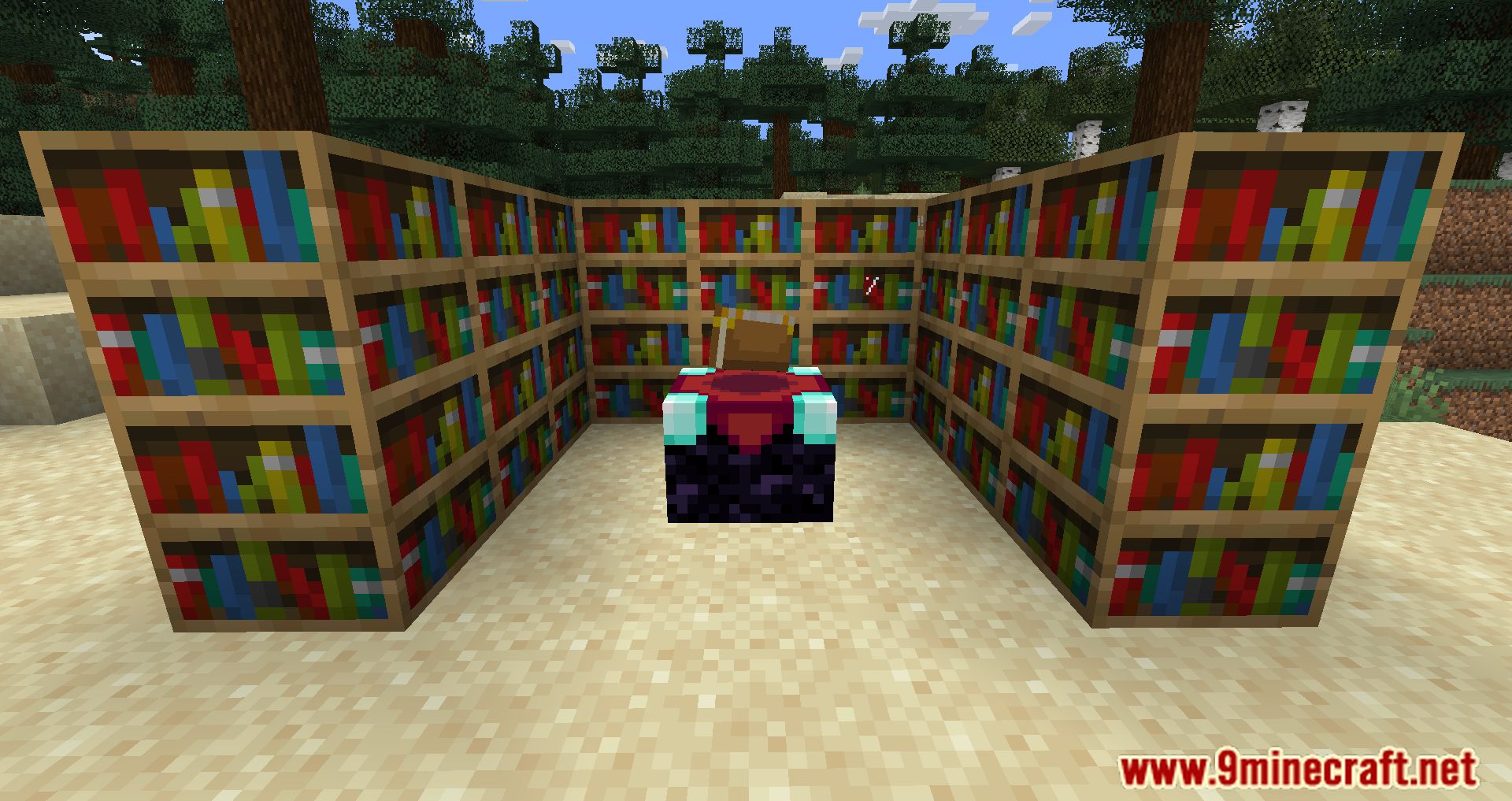
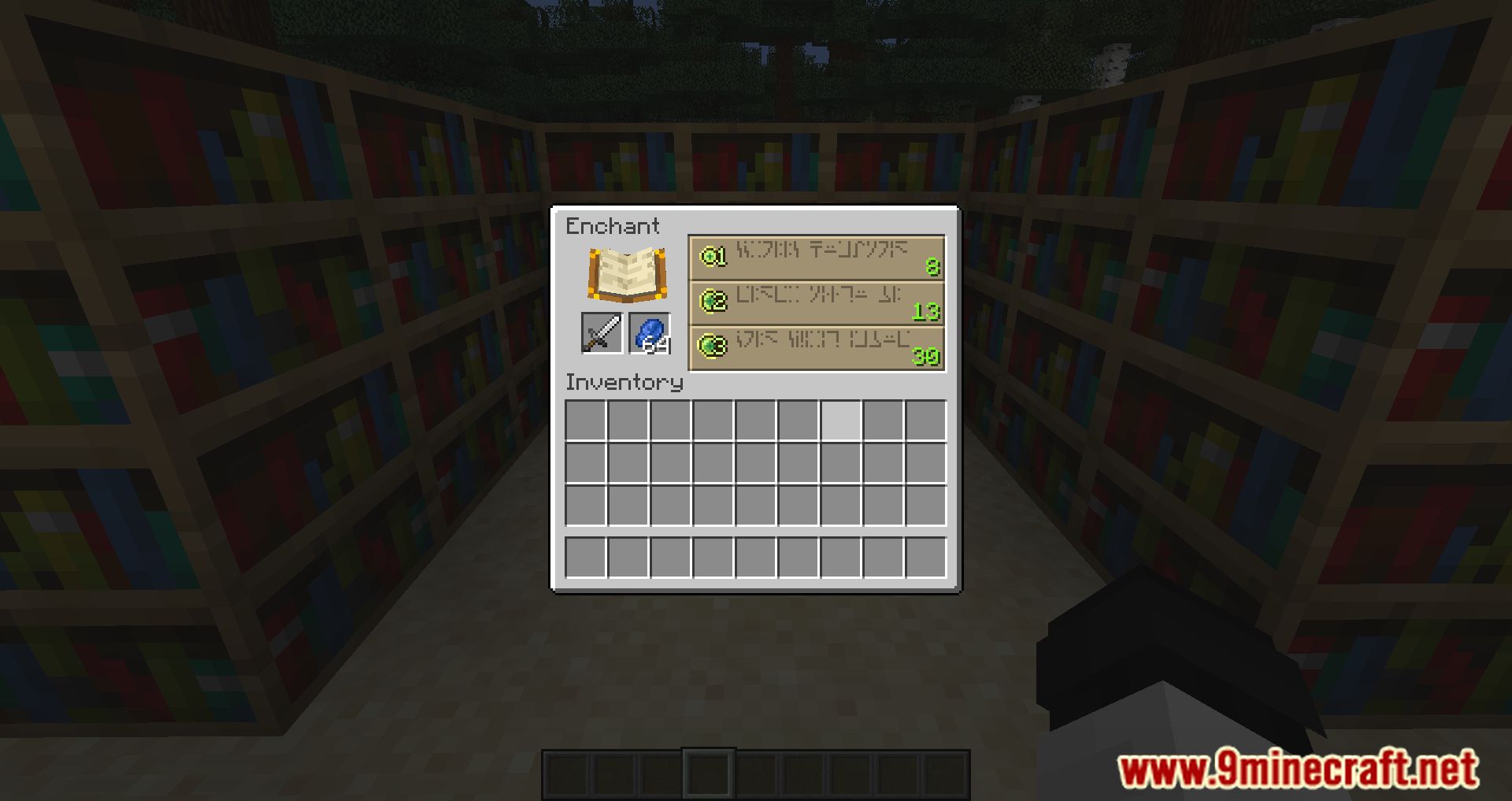
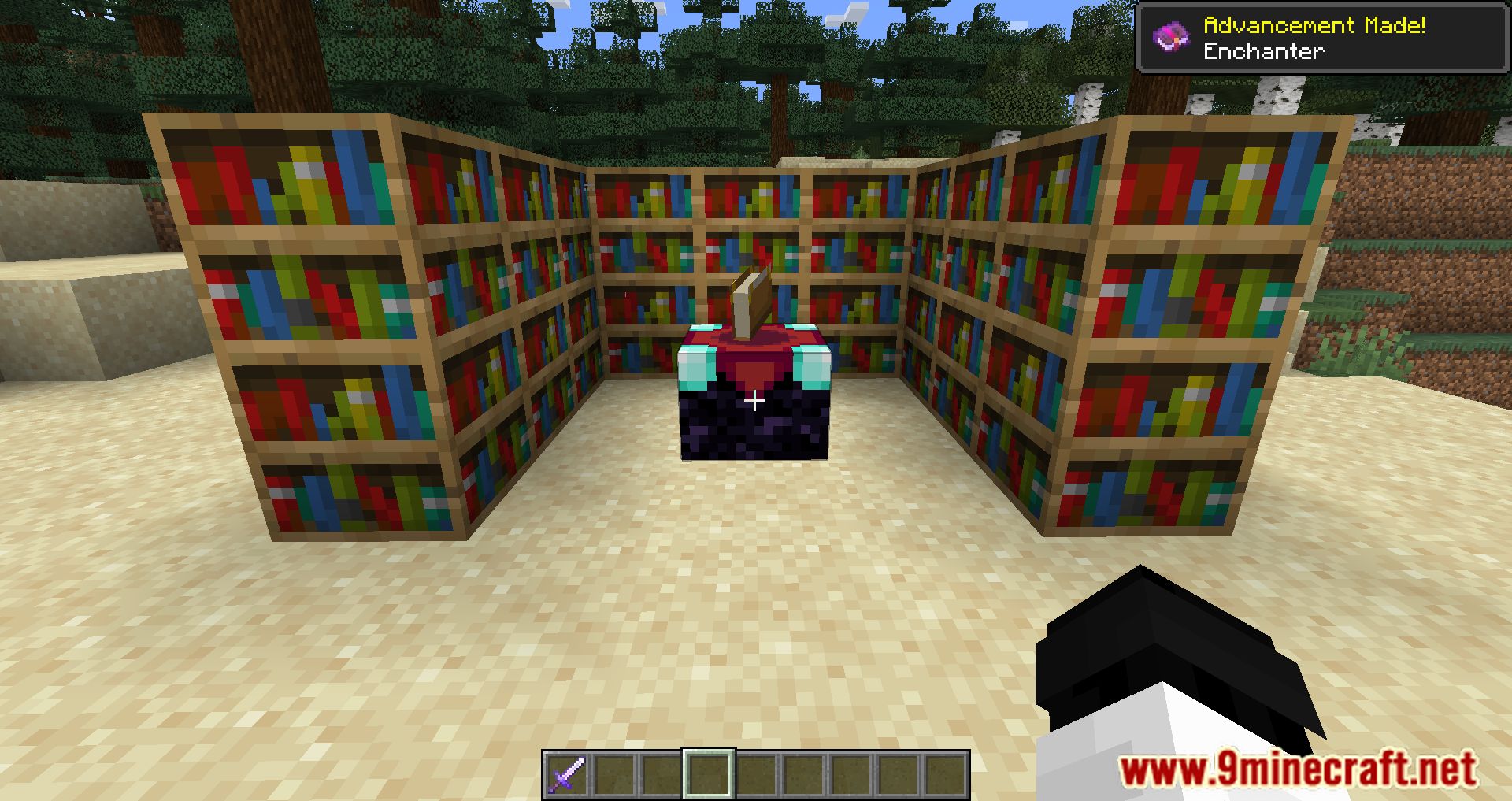
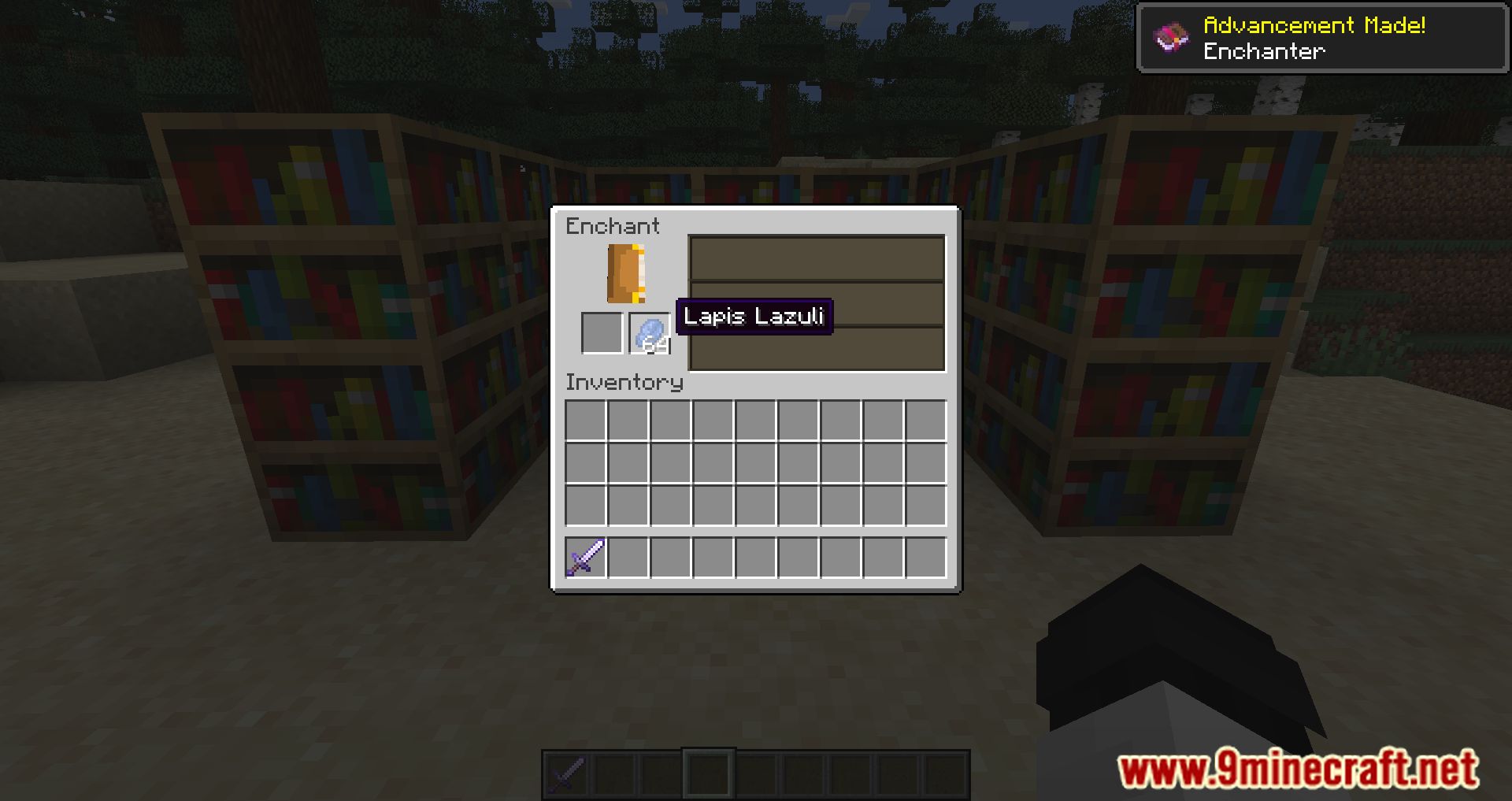
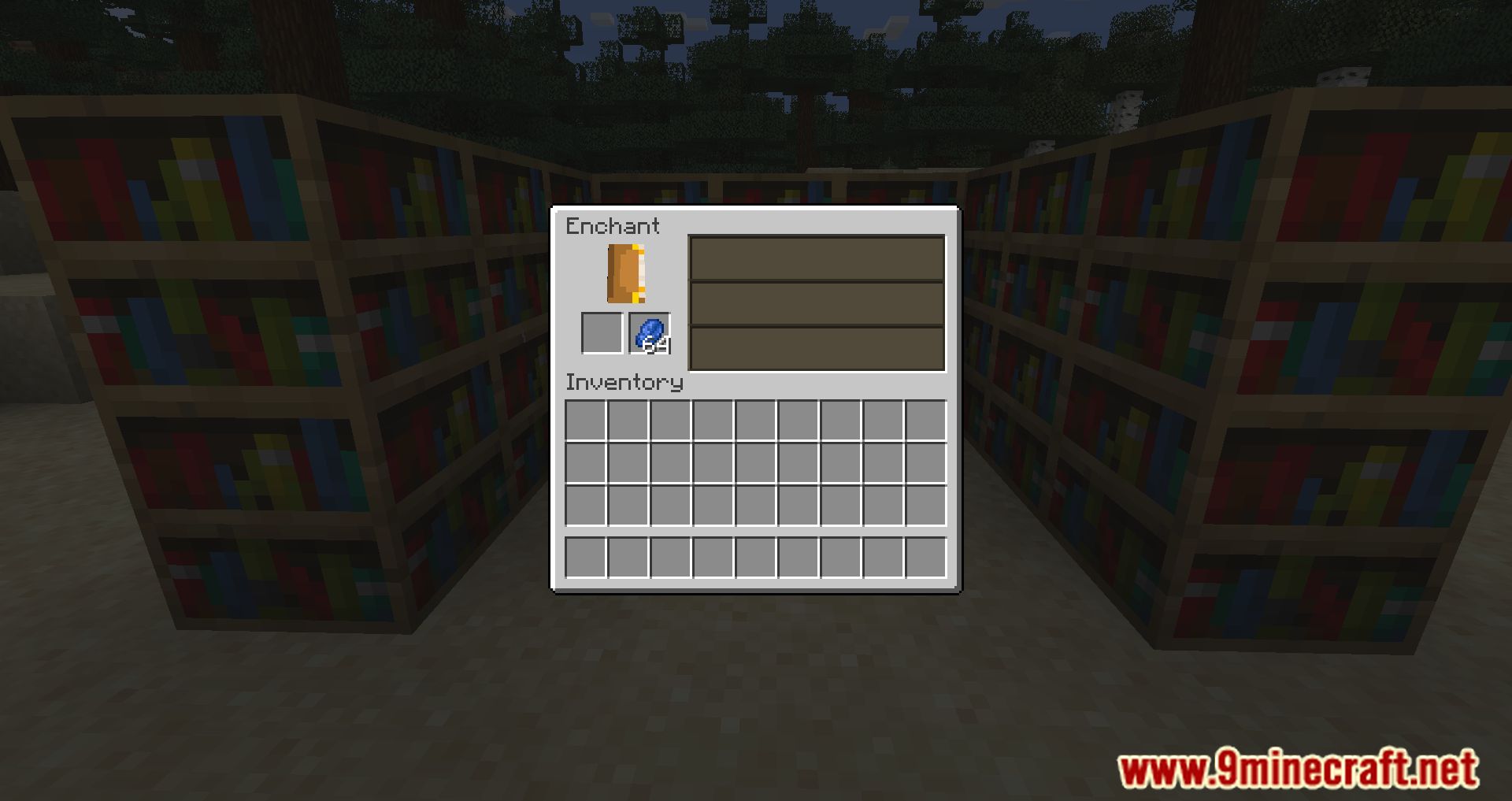
Lapis Reserve Mod stops lapis lazuli from dropping out of the enchanting table when you close the menu. It holds your lapis safely inside the table so you can walk away to grab extra gear or books without losing your setup. This simple fix saves time whenever you enchant multiple items across different sessions.
Features:
- Lapis Retention: Keeps lapis lazuli stored inside the enchanting table interface instead of dropping it onto the floor when you leave.
- Shared Supply: Connects different enchanting tables together so they draw from the same reserve of stored lapis.
- Lets you step away from the table to grab books, armor, or weapons from nearby chests without having to insert your lapis again.
Screenshots:
How to Install:
New to Minecraft? Follow our step-by-step guide to install Mods on your PC.View Guide
Lapis Reserve Mod Download Links
For Minecraft 1.21.1, 1.21
Fabric/Quilt version: Download from Server 1 – Download from Server 2
For Minecraft 1.20.6
Forge version: Download from Server 1 – Download from Server 2
Fabric/Quilt version: Download from Server 1 – Download from Server 2
For All Versions From Minecraft 1.18.2 to Minecraft 1.20.4
Forge version: Download from Server 1 – Download from Server 2
Fabric/Quilt version: Download from Server 1 – Download from Server 2
For All Versions From Minecraft 1.18.2 to Minecraft 1.20.2
Forge version: Download from Server 1 – Download from Server 2
Fabric/Quilt version: Download from Server 1 – Download from Server 2
For All Versions From Minecraft 1.17.1 to Minecraft 1.20.1
Fabric/Quilt version: Download from Server 1 – Download from Server 2
For All Versions From Minecraft 1.17.1 to Minecraft 1.19.3
Fabric/Quilt version: Download from Server 1 – Download from Server 2
For All Versions From Minecraft 1.17.1 to Minecraft 1.19.2
Fabric/Quilt version: Download from Server 1
For All Versions From Minecraft 1.14.4 to Minecraft 1.16.5
Fabric version: Download from Server 1
For Minecraft 1.12.2
LiteLoader version: Download from Server 1
You May Also Like
Picked for this page
 Custom Skin Loader Mod (26.3, 1.20.1) – Wear Any Skin You Can Find
 NetherEx Mod (1.21.4, 1.21.1) – The Nether Is Now Your Home
 Lighting Wand Mod (26.1.2, 1.20.1) – Showing Light Sources
 Smaller Nether Portals Mod (26.3, 1.20.1) – 1×2, 1×3, 2×2… Portals
 Mounted Pearl Mod (1.21.1, 1.20.1) – Stay Mounted When You Use Ender Pearls
 Realistic Cobwebs Mod 1.14, 1.12.2 for Minecraft (26.1.2, 1.20.1)
 Project Red Mod (1.21.1, 1.20.1) – Run Redstone Up Your Walls
 GPU Tape Mod (26.2, 1.20.1) – Boosts Game Rendering Performance
 Move Boats Mod (26.3, 1.20.1) – Easily Pick Up, Carry Boats Anywhere
 NaN Health Fixer Mod (1.21.1, 1.20.1) – Entity Wellness Assurance
 AutoRelog Mod (1.21.11, 1.20.1) – Automatically Reconnects to Servers
 Infinity On Crossbows Mod (26.3, 1.21.1) – Allows Infinity Enchantment On Crossbows
Most viewed in Mods over the last 7 days
 Ala Industrial Mod (26.3) – Run Electric Power Grids and Automated Factories
 PleasureCraft Mod (26.3, 1.21.1) – Jenny Mod Remake for Fabric
 Jennycraft Mod (26.3, 1.20.1) – Virtual Girlfriend in Minecraft
 Fapcraft Mod (26.3, 1.12.2) – Comprehensive and Detailed Content
 Jenny Mod (Fapcraft) Official Complete Guide – How to use, Tutorial
 BangCraft Mod (1.20.1) – Jenny, Ellie and Elliot
 Fabric Loader (26.3, 1.20.1) – Fabric Installer for All Minecraft Versions
 The Shooting Star Demo Mod (26.3, 1.20.1) – Vaporize Terrain From Orbit
 Meteor Client Mod (26.3, 1.20.1) – Xray, HUD, Fly
 OptiFine HD (26.3, 1.20.1) – Run Faster, FPS Boost, Shaders Support
 Aristois Client Mod (1.21.4, 1.20.1) – World Class Minecraft Utility
 Prestige Client Mod (1.21.11, 1.21.4) – Powerful Ghost Features for Crystal & Sword PvP
More from Mods
 Ipla Mod (26.3, 1.20.1) – Showcase Your Favorite Items
 MesdagPortLib Mod (1.20.1) – Run Modern Minecraft Mechanics on Older Versions
 Hellion’s API Mod (1.21.11, 1.21.1) – Play Hellion Series Addons Without Crashes
 Terrestria Mod (26.3, 1.20.1) – Highly Detailed Biomes
 Tre’s Tack Library Mod (1.20.1) – Outfit Your Horses with Fully Detailed Tack
 YDM’s coreX Library Mod (1.20.1) – Loot RPG Gear with Random Names
 Gunpowder Recipe Mod (26.3, 1.20.1) – Gunpowder is Craftable
 Villager Timetable Mod (26.3, 1.20.1) – Master Villager Schedules
 Artemis Laboratory Blocks Mod (26.3, 1.20.1) – Lab Blocks And Dynamic Decorations
 Fabric ORM Jimmer Mod (26.3, 1.20.1) – Prevent Sudden Server Crashes
 Cafe Core Mod (26.2, 1.21.1) – Bypass Anvil Limits and Tame Pets in Seconds
 GTNH’s Forgelin Mod (1.7.10) – Play Kotlin-Powered Mods on Minecraft 1.7.10

This post has no comments yet. Be the first — your comment will appear here.