
Last Death Location Data Pack (26.1.2, 1.20.1) – Recover Lost Items

 0


Last Death Location Data Pack lets you track and view your recent death locations in Minecraft Java Edition. It records coordinates and dimensions for each demise, helping you find lost items easily without needing a recovery compass.
Features:
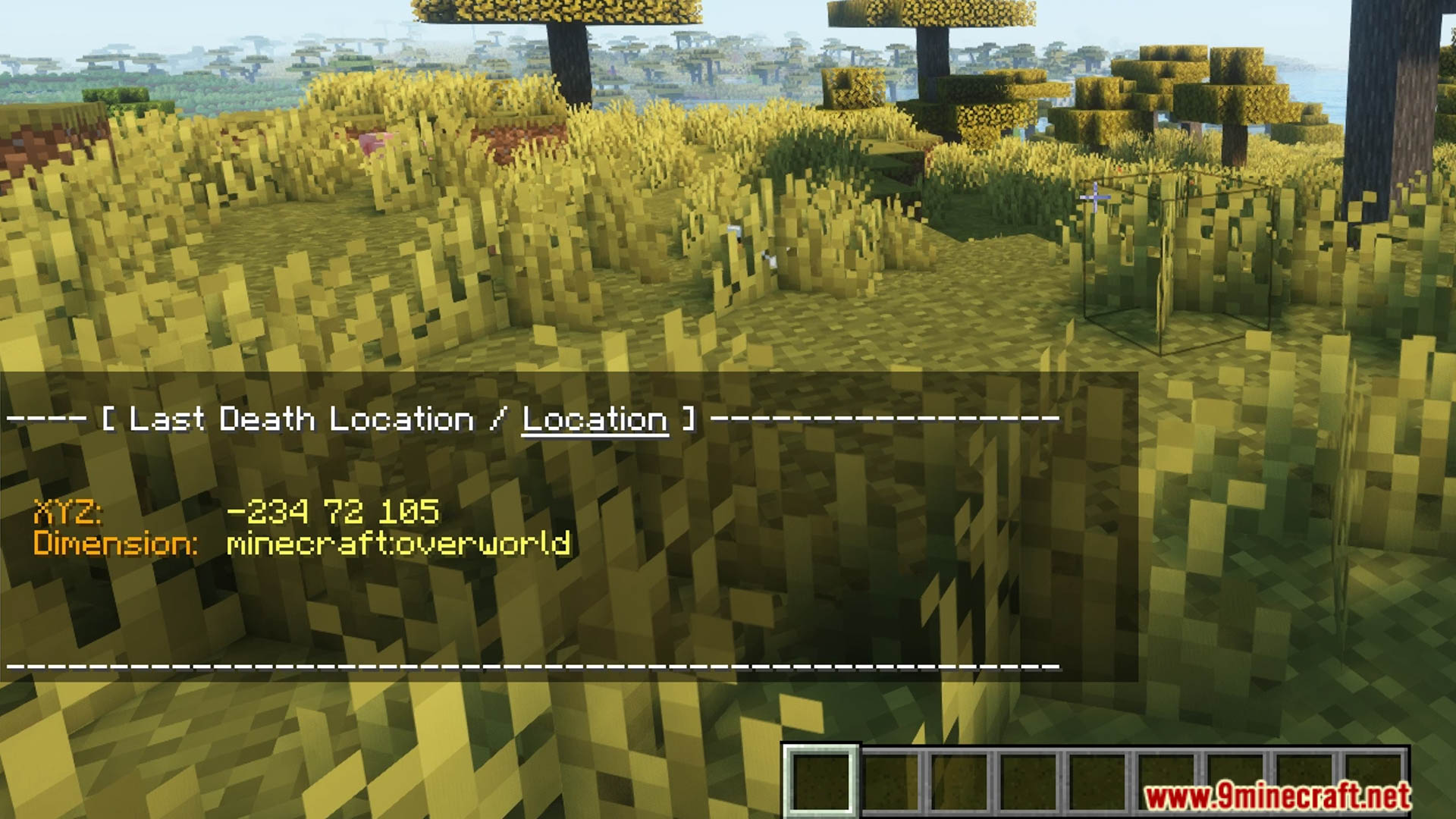
- Displays your last death location, including coordinates and the specific dimension, including non-vanilla dimensions.
- Maintains a history of the 16 most recent death locations, with each entry marked by its corresponding in-game day.
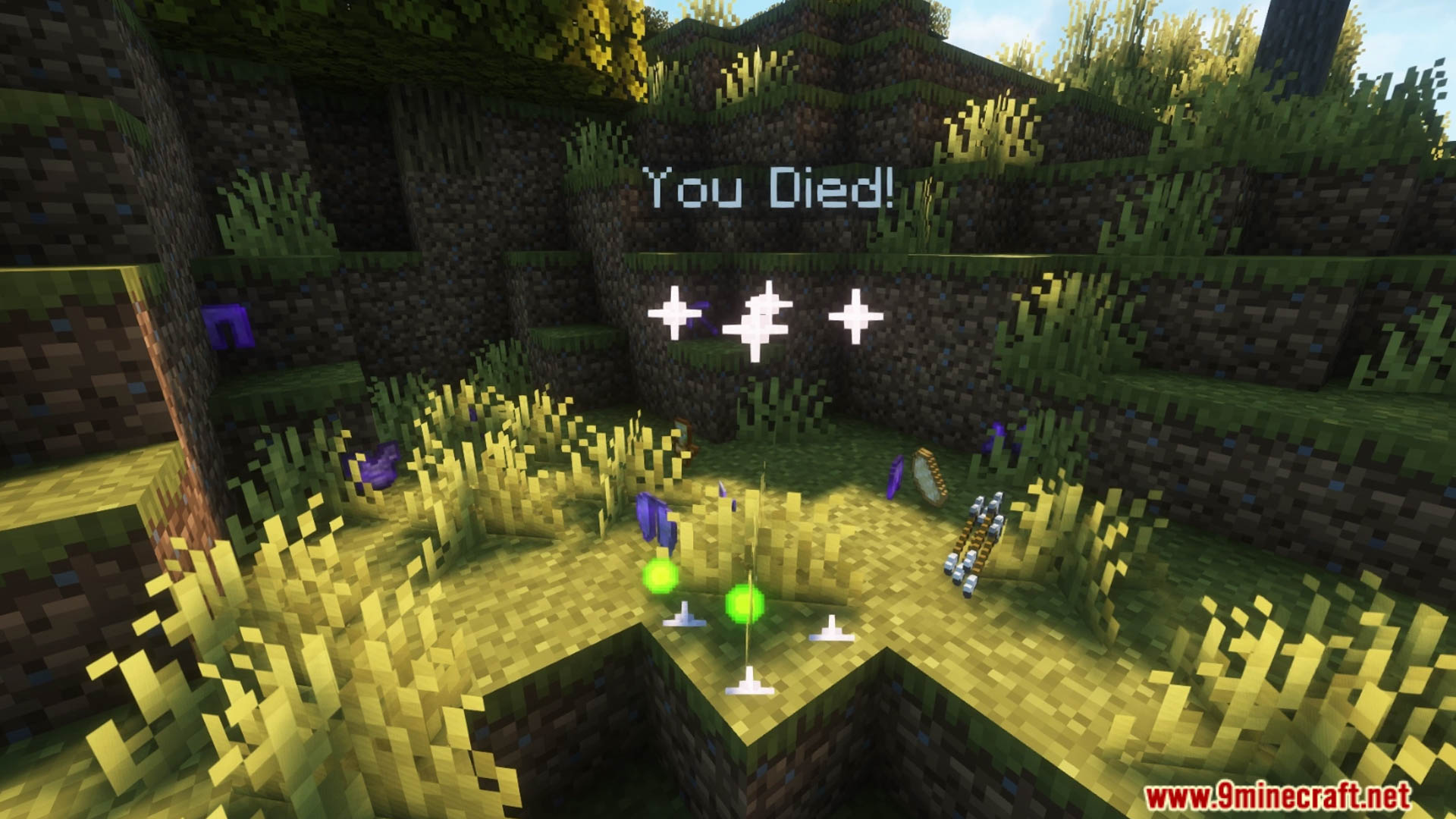
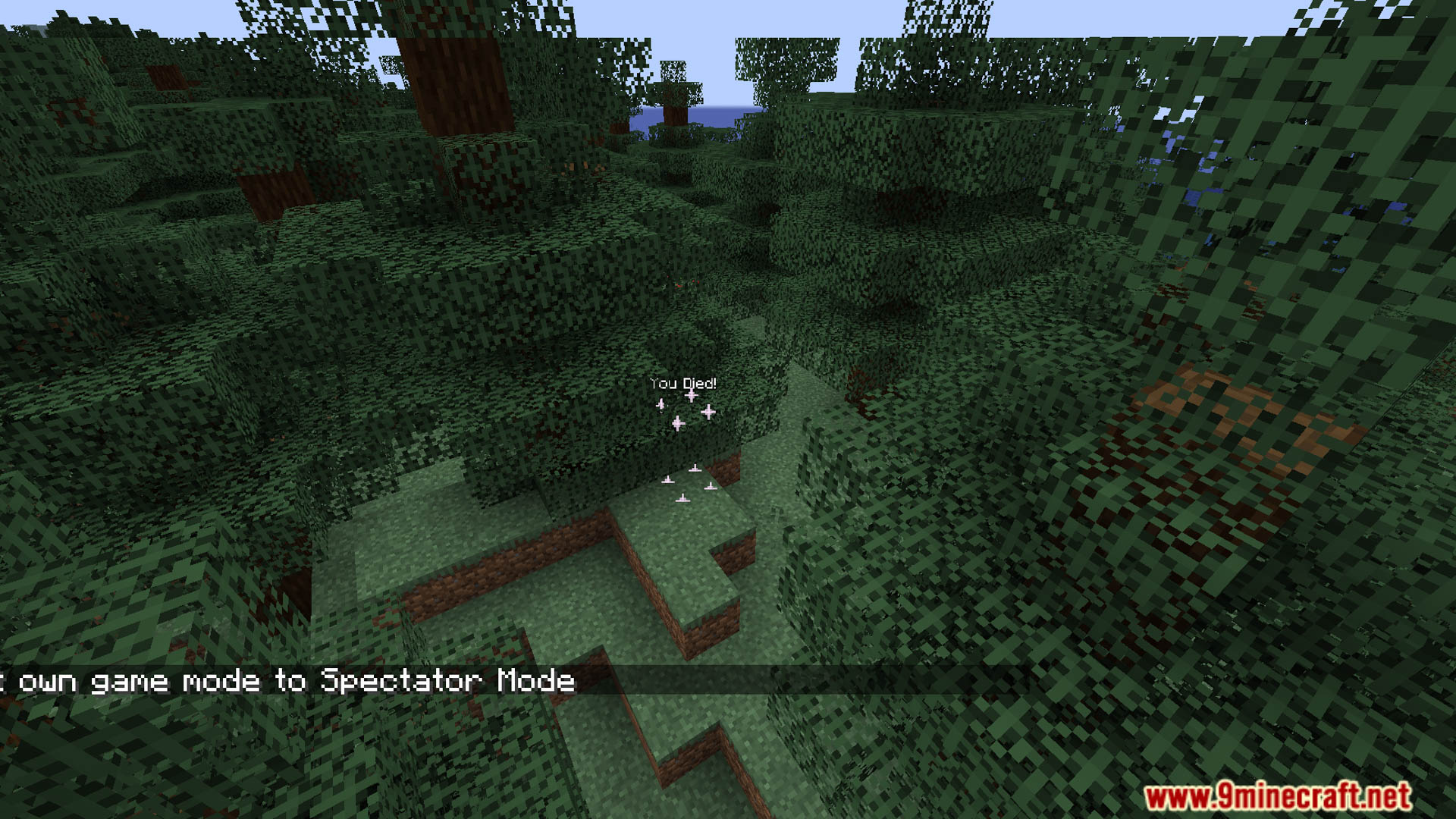
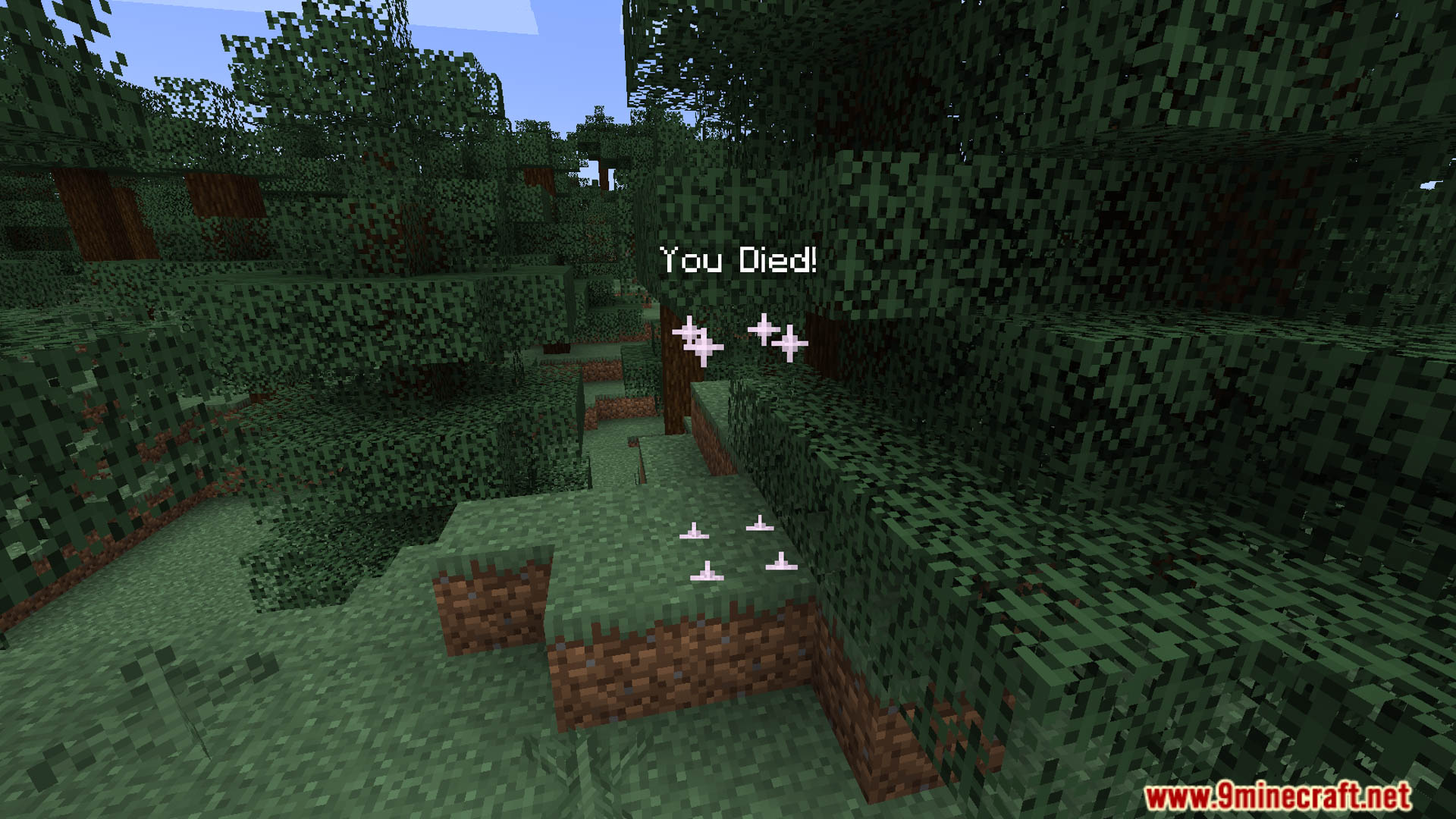
- Creates a death marker at the exact position where you die.
- Provides a teleport command for recent death locations that can be copied directly into the chat.
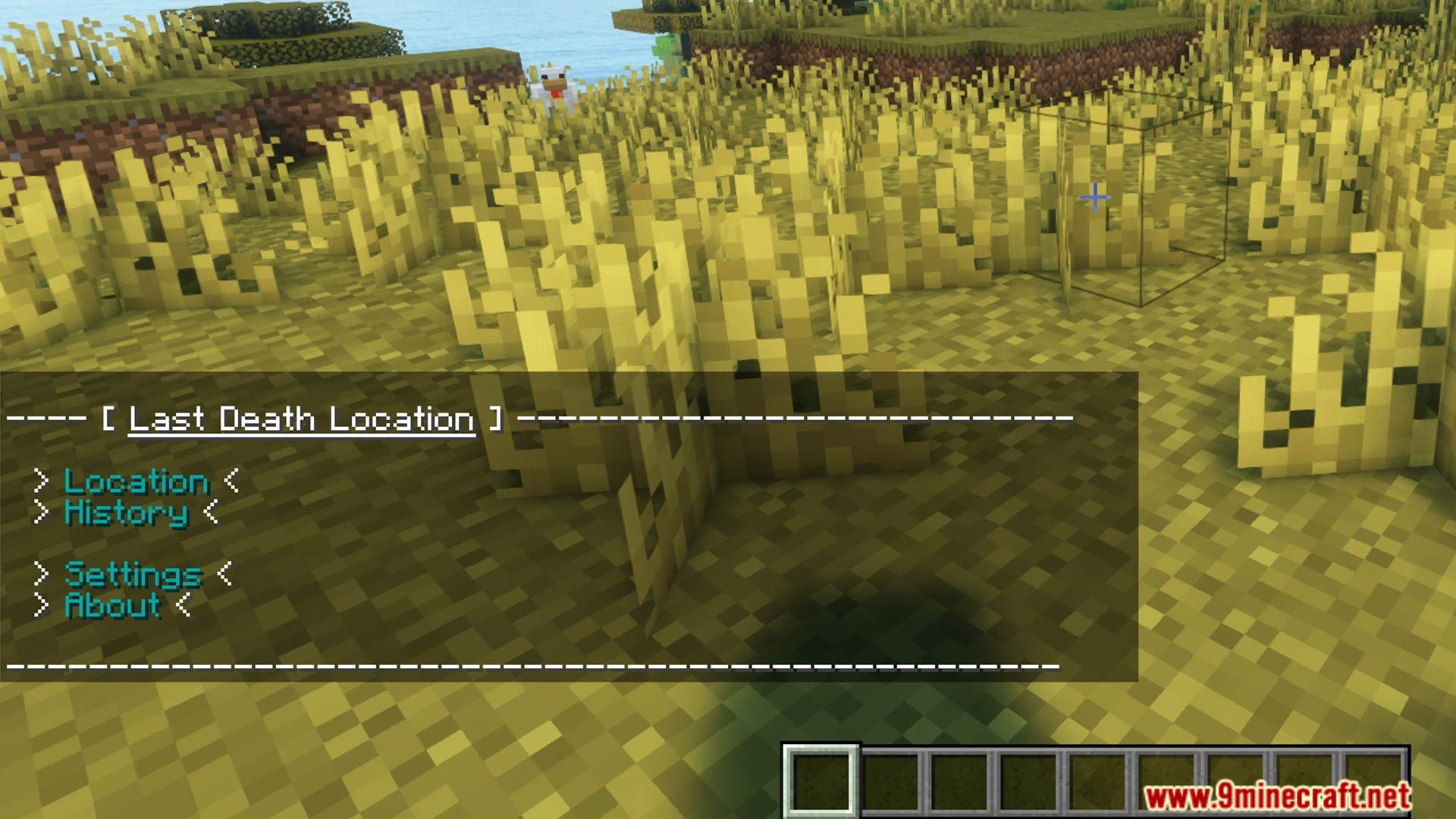
- Offers customizable settings menus to adjust the pack to your preferences.
Commands:
/trigger -deathlocation: Displays your most recent death location./trigger -deathhistory: Displays the saved death history./trigger -deathsettings: Opens the settings menu./trigger -deathmenu: Opens the main data pack menu./function ldl:_clear_histories: Clears the death history for all players./function ldl:_reset_settings: Resets settings for all players back to default values./function ldl:_remove_cuboids: Removes all currently loaded death markers./function ldl:_uninstall: Removes all scoreboards, data storage, and loaded entities associated with the data pack.
How to Use:
- Install the data pack into your Minecraft Java Edition world.
- Die in the game to generate your first recorded death location and marker.
- Use the trigger commands in chat to view your death history, coordinates, or open the settings menu.
Screenshots:
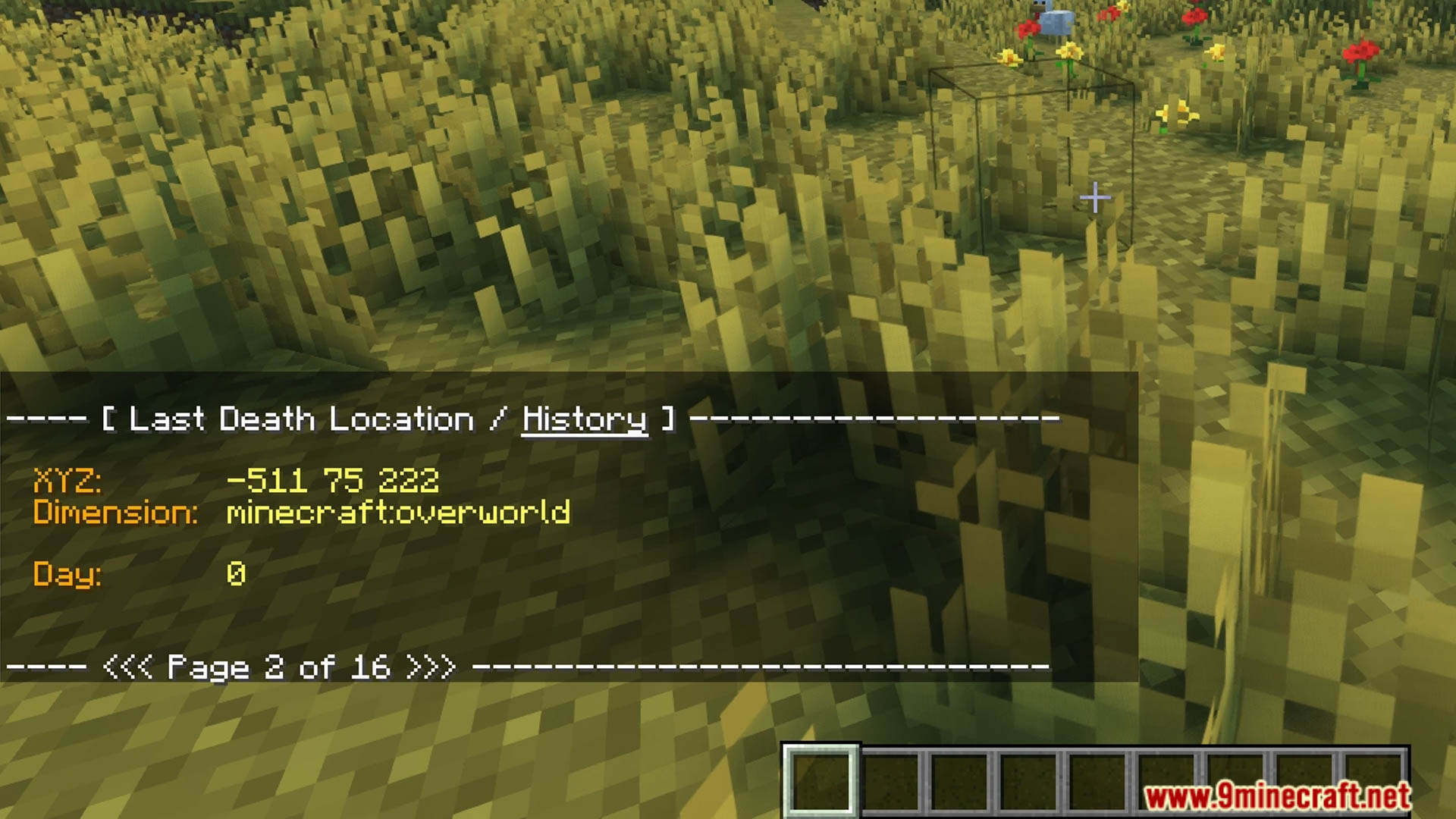
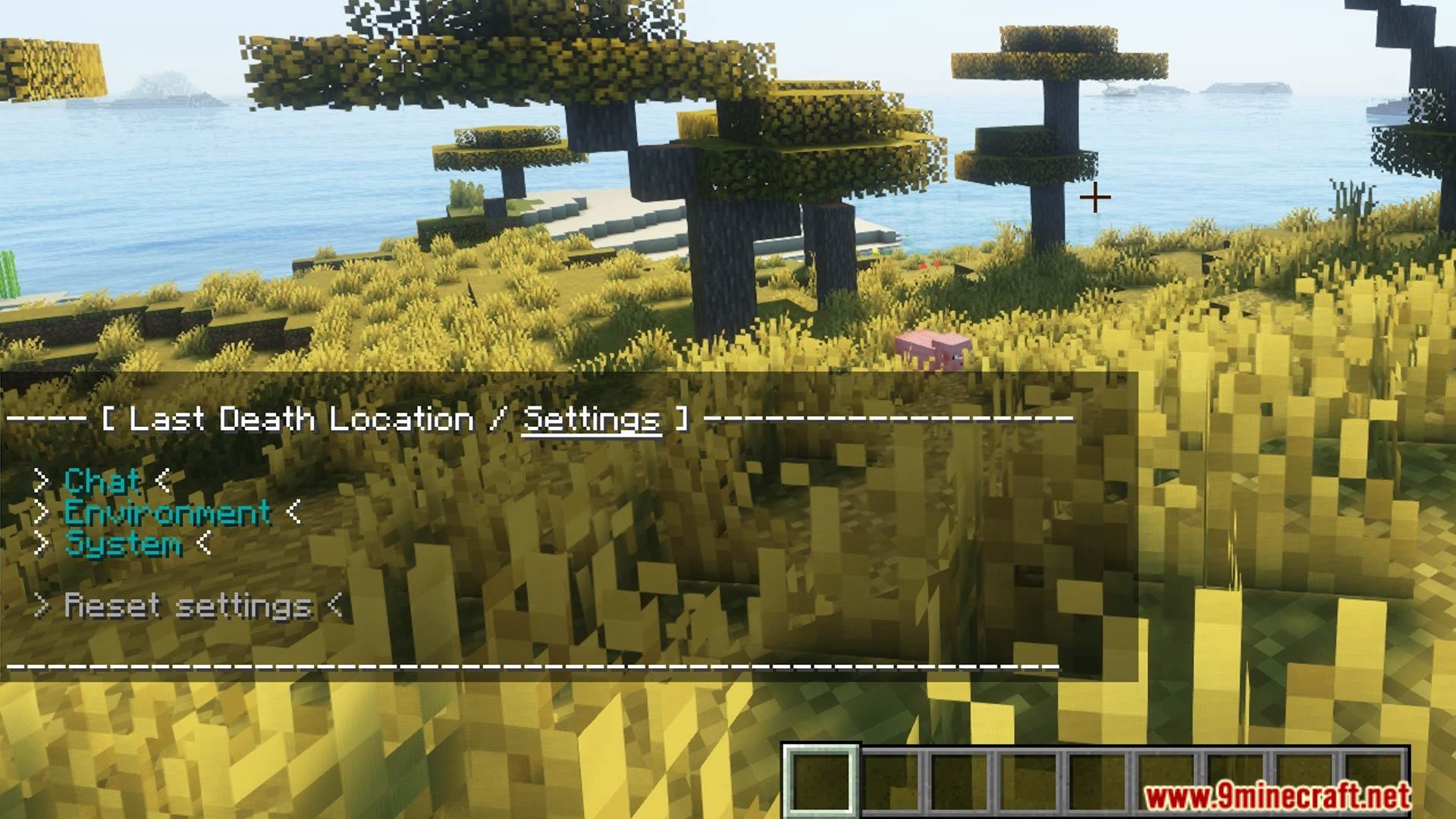
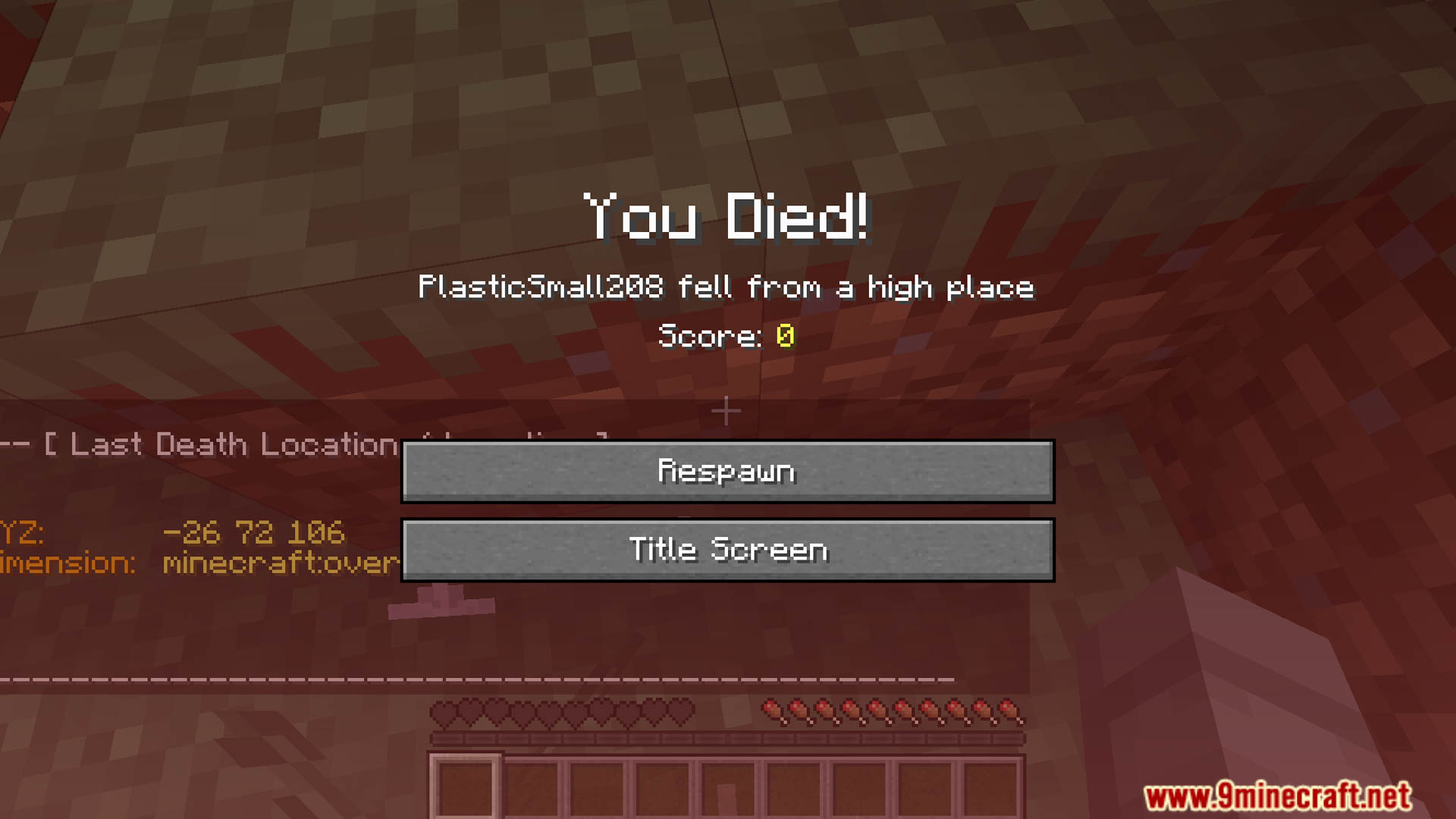
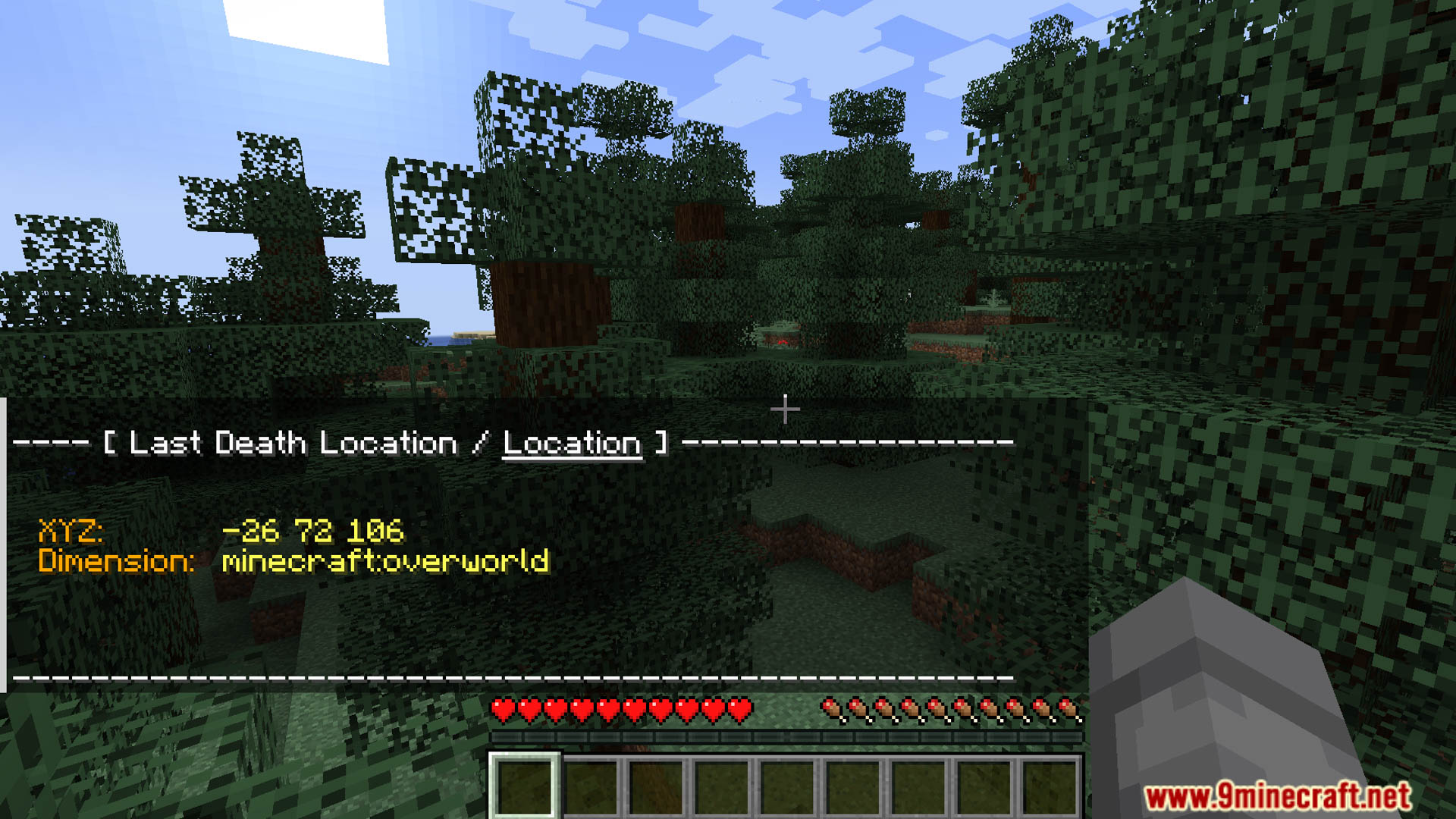
How to Install:
New to Minecraft? Follow our step-by-step guide to install Data Packs on your PC.View Guide
Last Death Location Data Pack Download Links
For Minecraft 26.1.2, 26.1.1, 26.1
For Minecraft 1.21.11
For Minecraft 1.21.10, 1.21.9
For Minecraft 1.21.8, 1.21.7, 1.21.6
For Minecraft 1.21.5
For Minecraft 1.21.4
For Minecraft 1.21.3, 1.21.2
For Minecraft 1.21.1, 1.21
For Minecraft 1.20.6
For Minecraft 1.20.4
For Minecraft 1.20.2
For Minecraft 1.20.1, 1.20
For Minecraft 1.19.4
For Minecraft
1.19.3,
1.19.2,
1.19.1
All Versions Covered
1.19.3
1.19.2
1.19.1
1.19
All Versions Covered
1.19.3
1.19.2
1.19.1
1.19
Click to rate this post!
[Total: 0 Average: 0]
QUICK MINECRAFT SURVEY · ONE TAP
Commands & Datapacks
If you lose your items to a game bug or glitch in Survival, do you use /give to replace them?
0 responses · See the full results →
You May Also Like
Picked for this page
 Vanilla Refresh Data Pack (26.2, 1.20.1) – 30+ Quality Of Life Features
 SATB Data Pack (26.1.2, 1.20.1) – Visualize Your Vital Stats
 TNT Timer Data Pack (26.3, 1.20.1) – Precision Demolition
 Continents Data Pack (26.3, 1.20.1) – Reshape The World
 Cauldron Concrete Powder Data Pack (26.3, 1.20.1) – Simplify Your Concrete Crafting
 Vanilla Paxels Data Pack (26.3, 1.21.1) – Crafting the Ultimate Tool Combination
 Bubblellaneous Data Pack (26.2, 1.21.1) – Diverse Additions for Your World
 Ore Vein Miner Data Pack (26.3, 1.20.1) – Fast Automatic Vein Mining
 Nightosphere Data Pack (26.3, 1.20.1) – Improved Underground Design
 6 Stairs Data Pack (26.3, 1.20.1) – Craft More Stairs Efficiently
 Skippy Pearls Data Pack (26.3, 1.20.1) – Bounce Your Way Across Water
 Amethyst Cutting Data Pack (26.2, 1.20.1) – Easy Amethyst Collecting
Most viewed in Data Packs over the last 7 days
 True Ending 9minecraft Data Pack (26.3) – Fight a Multi-Phase Ender Dragon
 Unlimited Enchantments Data Pack (26.3, 1.21.1) – Break the Level Cap
 Simply One Block Data Pack (26.3, 1.21.11) – Mine One Infinite Block
 TreeCapitator Data Pack (26.1.2, 1.20.1) – An Easy Way To Clear A Forest
 RPG Enchantments Data Pack (26.3, 1.21.11) – Trade Raw Power for Specialized
 Weird and Powerful Weapons Data Pack (26.3, 1.21.11) – Wield Bizarre Gear
 Display Hearts DH Data Pack (1.21.11, 1.21.1) – Track Teammate Health
 Hearths 9minecraft Data Pack (26.3) – Raid Giant Spires for Nether Loot
 Orbital Strike Cannon Data Pack (26.3, 1.21.11) – Call Down Massive Explosions
 Armor Upgrades Data Pack (26.3, 1.21.11) – New Paths To Power Beyond Netherite
 Enchant Everything Data Pack (26.3, 1.20.1) – Forge Overpowered Gear
 FloatingIslands Data Pack (1.16.2) – Build Bridges and Survive Above the Void
More from Data Packs
 Lankasters Nether Data Pack (1.20.1) – Survive Vast Caverns and Taller Fiery
 Speed Happy Ghast Data Pack (26.2, 1.21.11) – Faster Flying Ghasts Terrorize
 Enchantology Data Pack (26.3, 1.21.1) – Loot Rare Books to Unlock 50 New
 Ominous Mansions Woodland Mansion Update Data Pack (26.3, 1.21.11)
 Unusual End X Tensura Compatibility Data Pack (1.19.2)
 Bastion Remnant Treasure Reset Data Pack (1.21.11, 1.20.1)
 Supereme Back Data Pack (1.21.11, 1.20.1) – Teleport Straight to Your Items
 World Generator Ocean Only Water World Data Pack (1.21.11, 1.21.1)
 Drowned Drop Tridents Data Pack (1.21.5) – Find Rare Tridents
 Duplicatable Pottery Sherds Data Pack (26.3, 1.20.1) – Multiply Rare Sherds
 Higher Nether Max Build Height Data Pack (1.20.1) – Build Sky-High Bases Above
 Per Player Starter Bundle Shulker Data Pack (26.3, 1.20.1)

This post has no comments yet. Be the first — your comment will appear here.