


Latite Client (26.31, 26.23) – Better than Onix Client?


Latite Client is a legitimate DLL modification for Minecraft Windows 10 / 11 Edition (Bedrock), focused on customization, visual enhancements, and utility features without direct cheating, offering a clean and modern interface with built-in search and filters, more than 30 built-in mods, a powerful plugin system based on JavaScript / TypeScript, and highly customizable UI elements that allow players to adjust colors, layouts, module positions, and overall appearance to match their personal preferences.
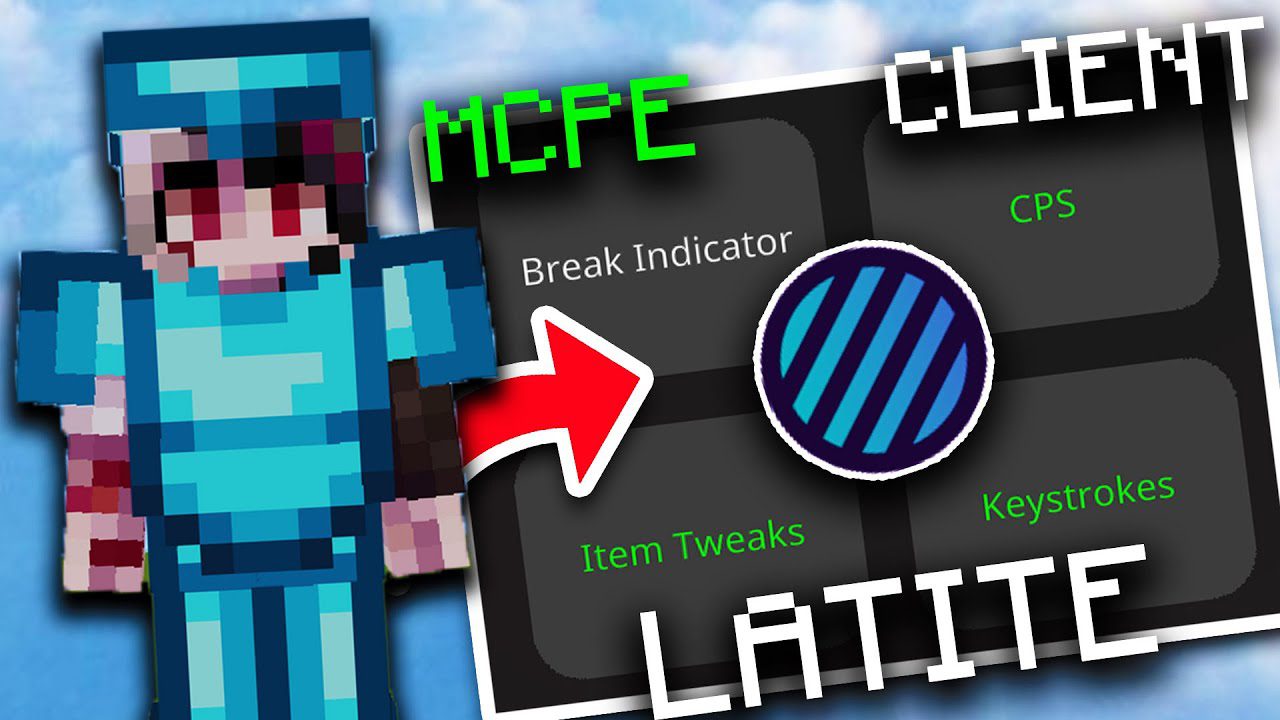
Features:
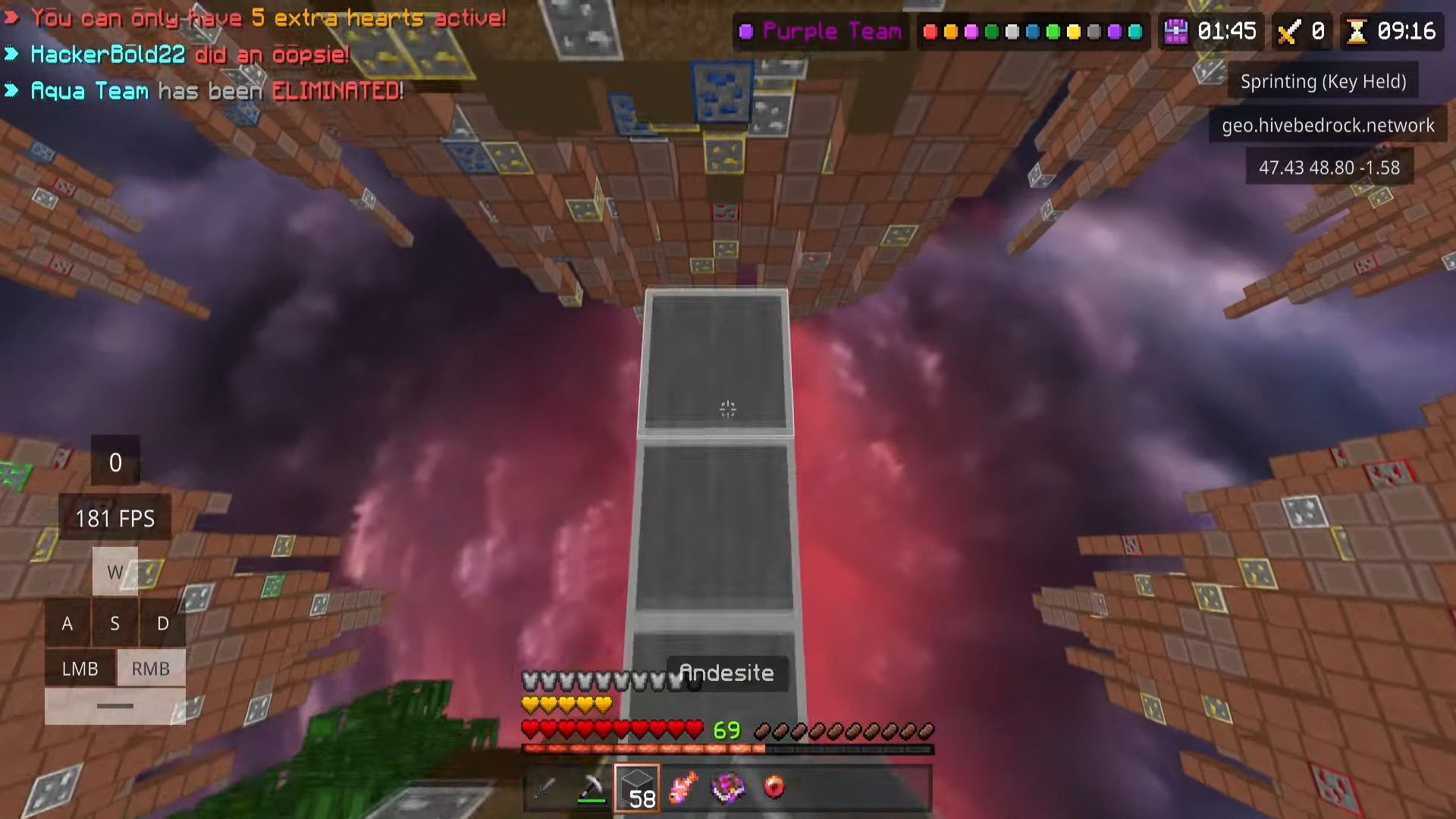
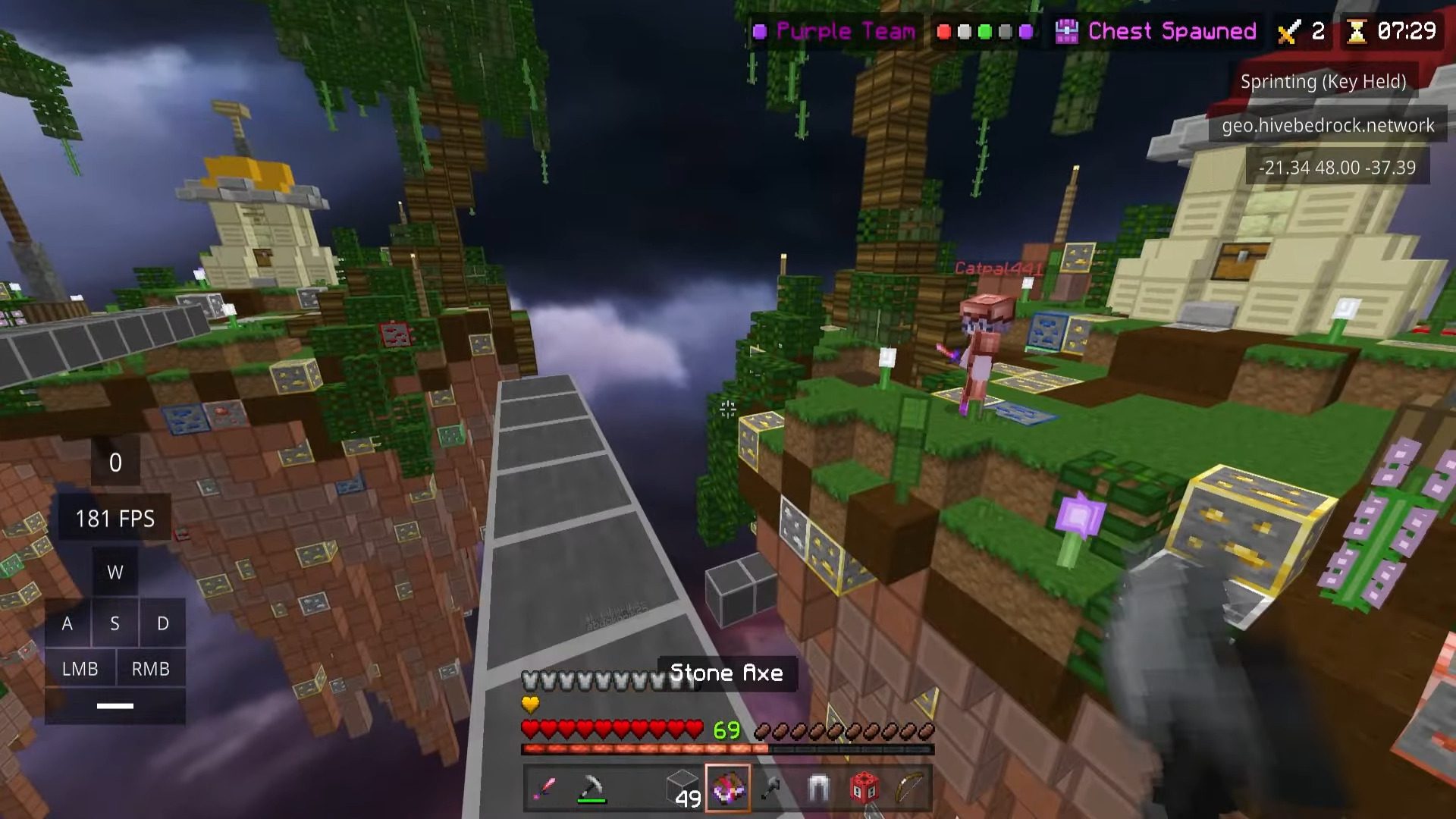
- Visual & HUD
- Keystrokes, CPS Counter, FPS Counter
- Motion Blur, FullBright, Zoom
- Armor HUD, Coordinates, Bossbar, Scoreboard
- Utility
- Toggle Sprint / Sneak
- Freelook
- Auto GG
- Text & Command Hotkeys
- Combat Support (legit-style)
- Bow Indicator
- Hitboxes
- Combo Counter
- Reach Display
System Requirements
- Windows 10 / 11
- 64-bit OS, x64 processor
- Official purchased Minecraft Bedrock
- Developer Mode enabled
Installation Methods
- Method 1 – Latite Injector
- Download and run Latite Injector
- Launch Minecraft
- Inject automatically
- Method 2 – External Injector
- Download Latite DLL
- Use Fate Injector or MCBE DLL Injector
- Inject into
Minecraft.Windows.exe
How to Use:
- Press
Mto open the Mod Menu - Click Mod Settings to manage modules
- Use Edit HUD to move and resize elements
Server Safety
- Designed to be safe on most servers
- Automatically blocks restricted modules on:
- Hive: Freelook, NoHurtCam
- Galaxite: Freelook, Toggle Sprint
- NetherGames: Toggle Sprint, Bow Indicator
- Always check server rules before using modules
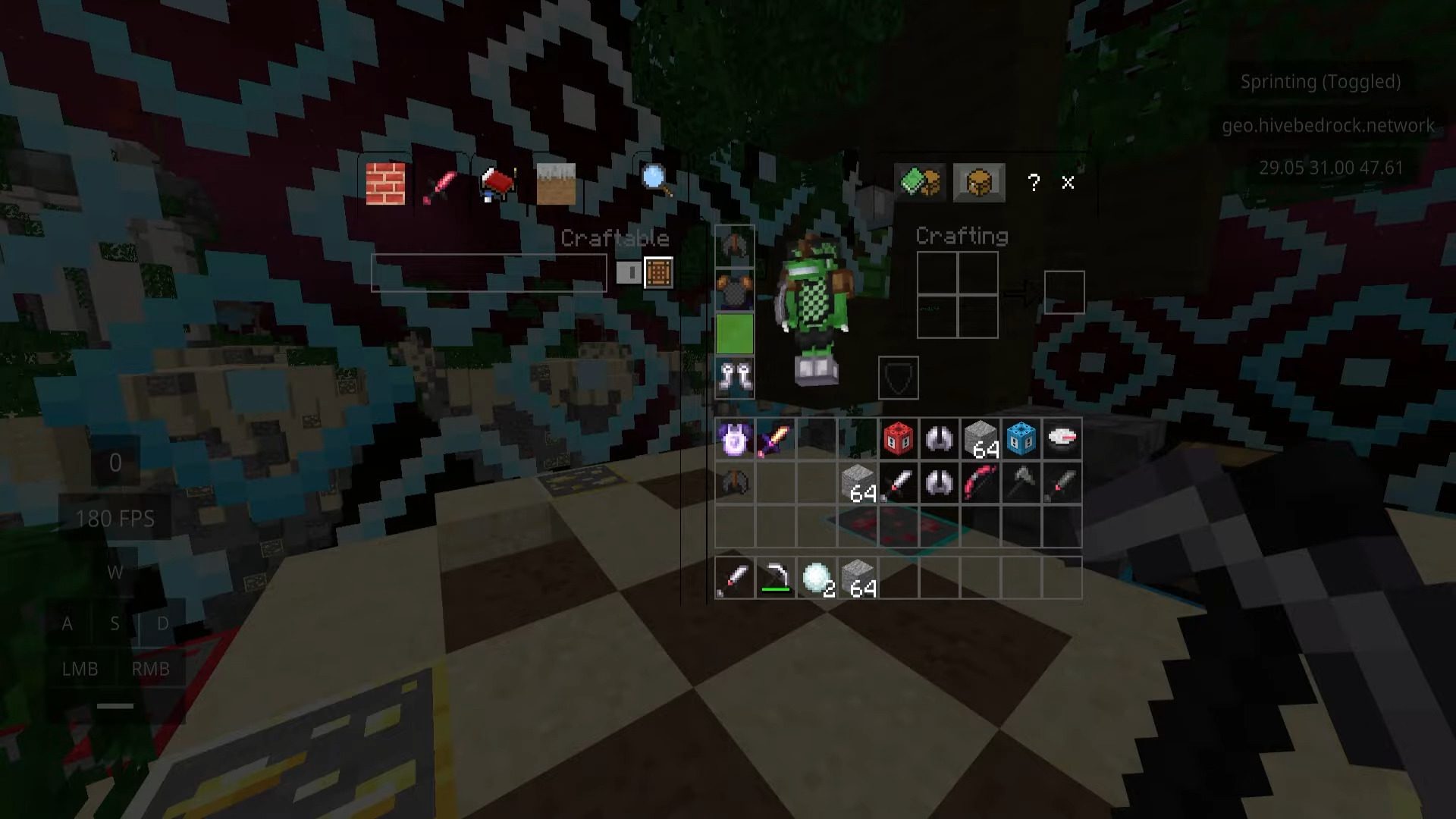
Screenshots:
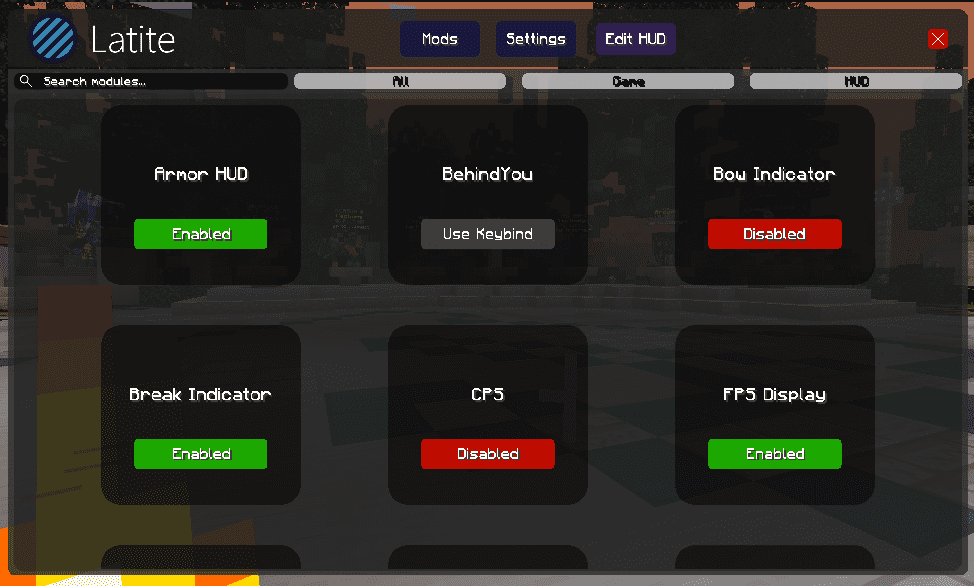
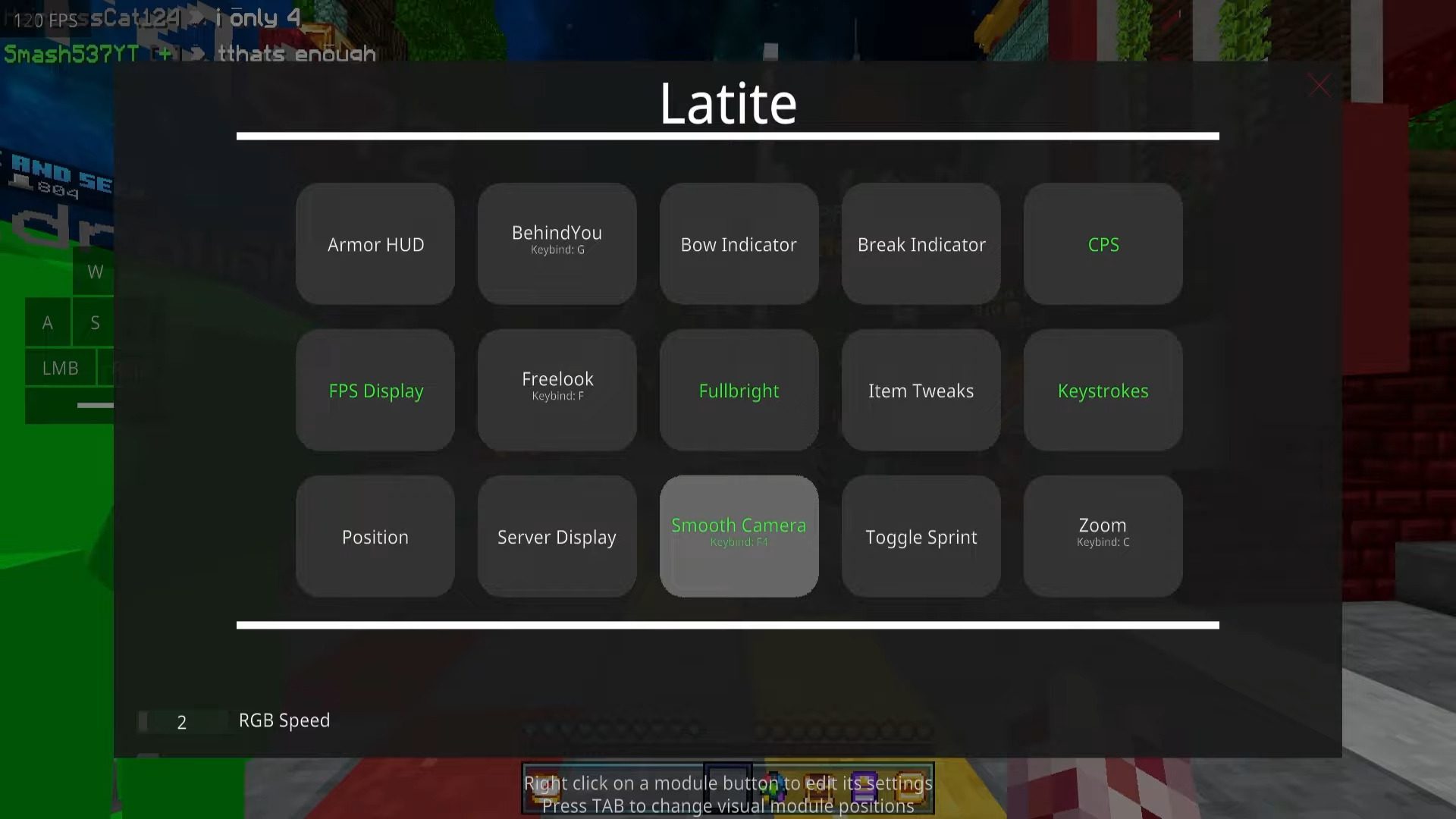
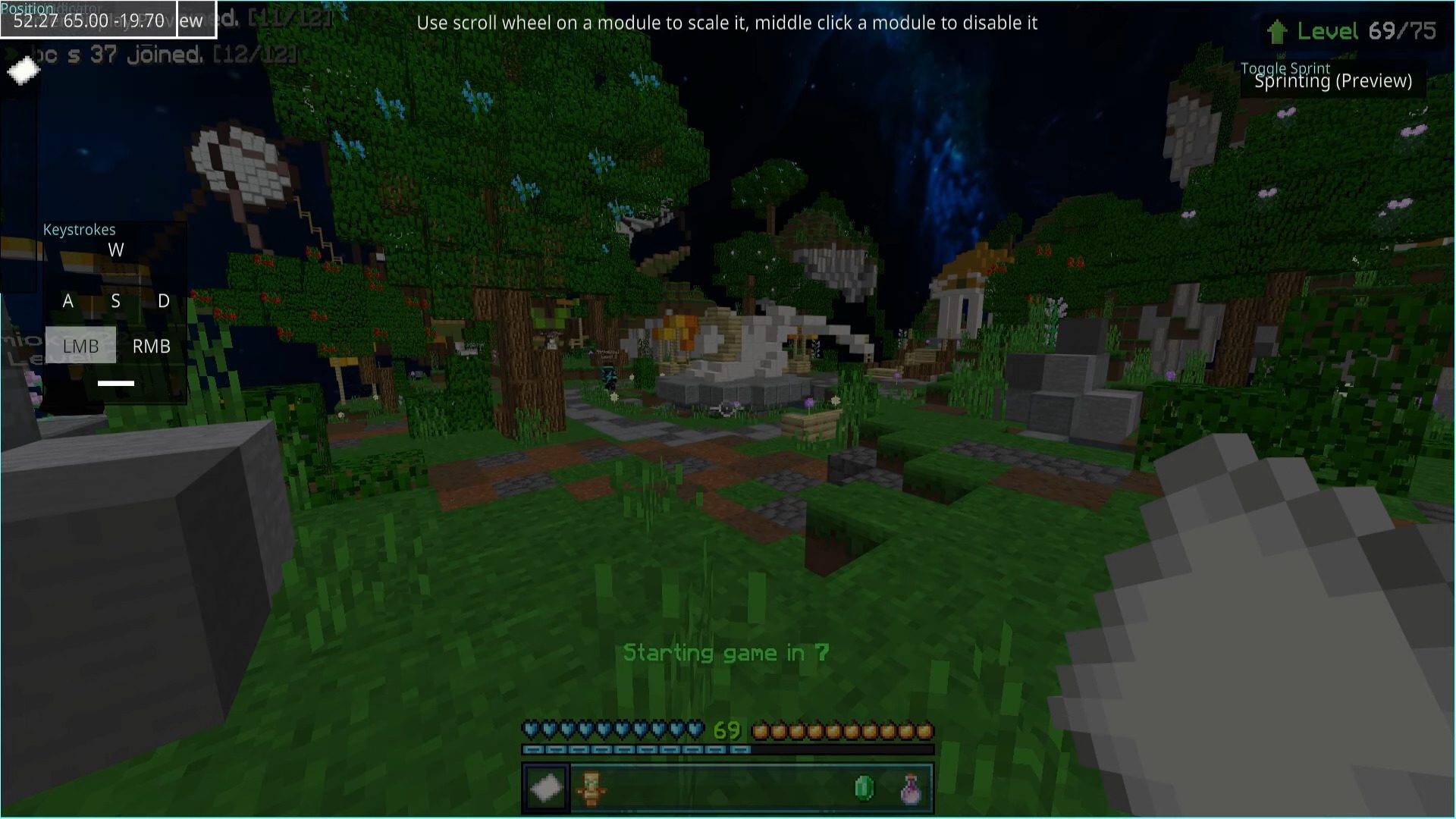
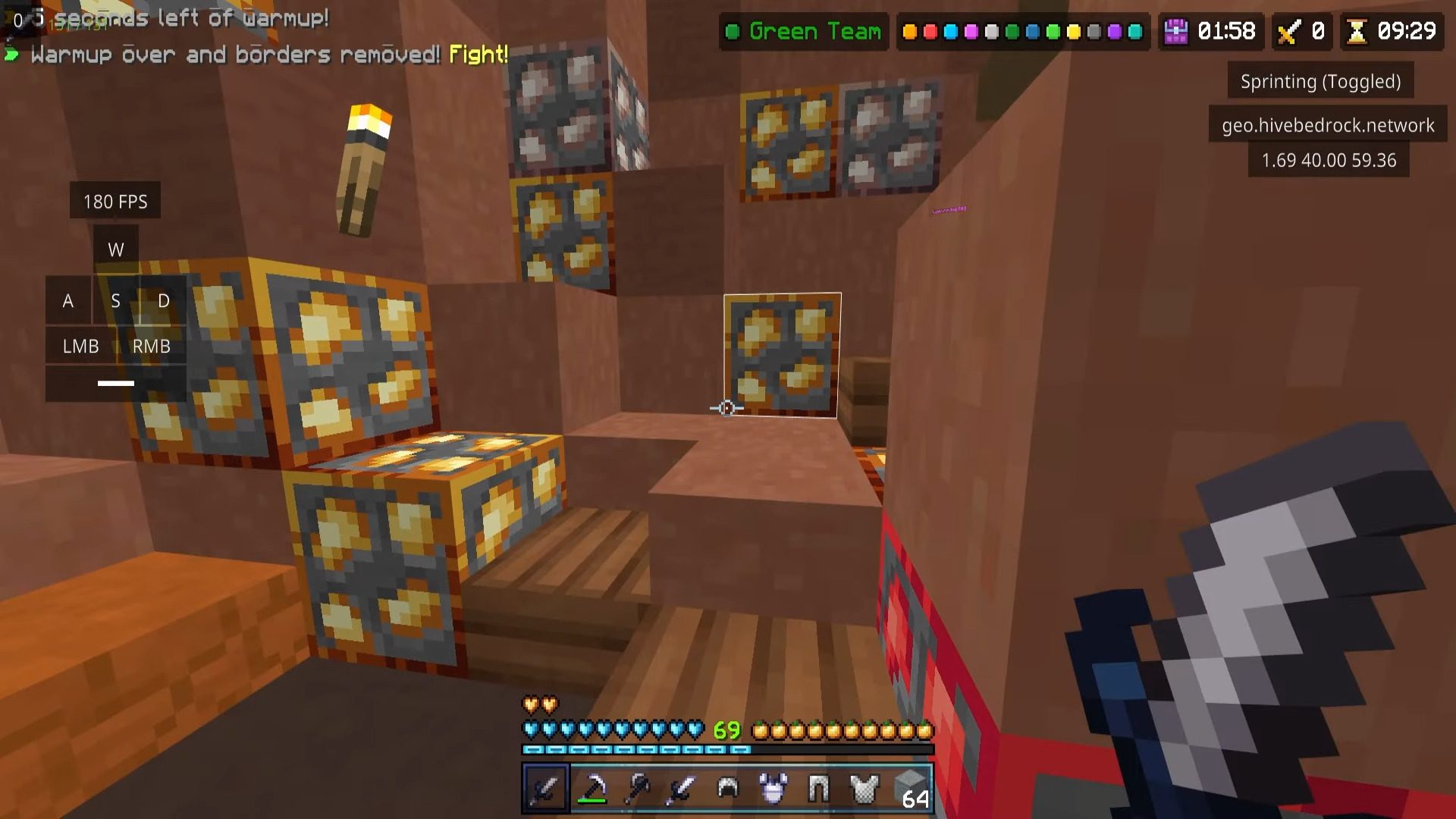
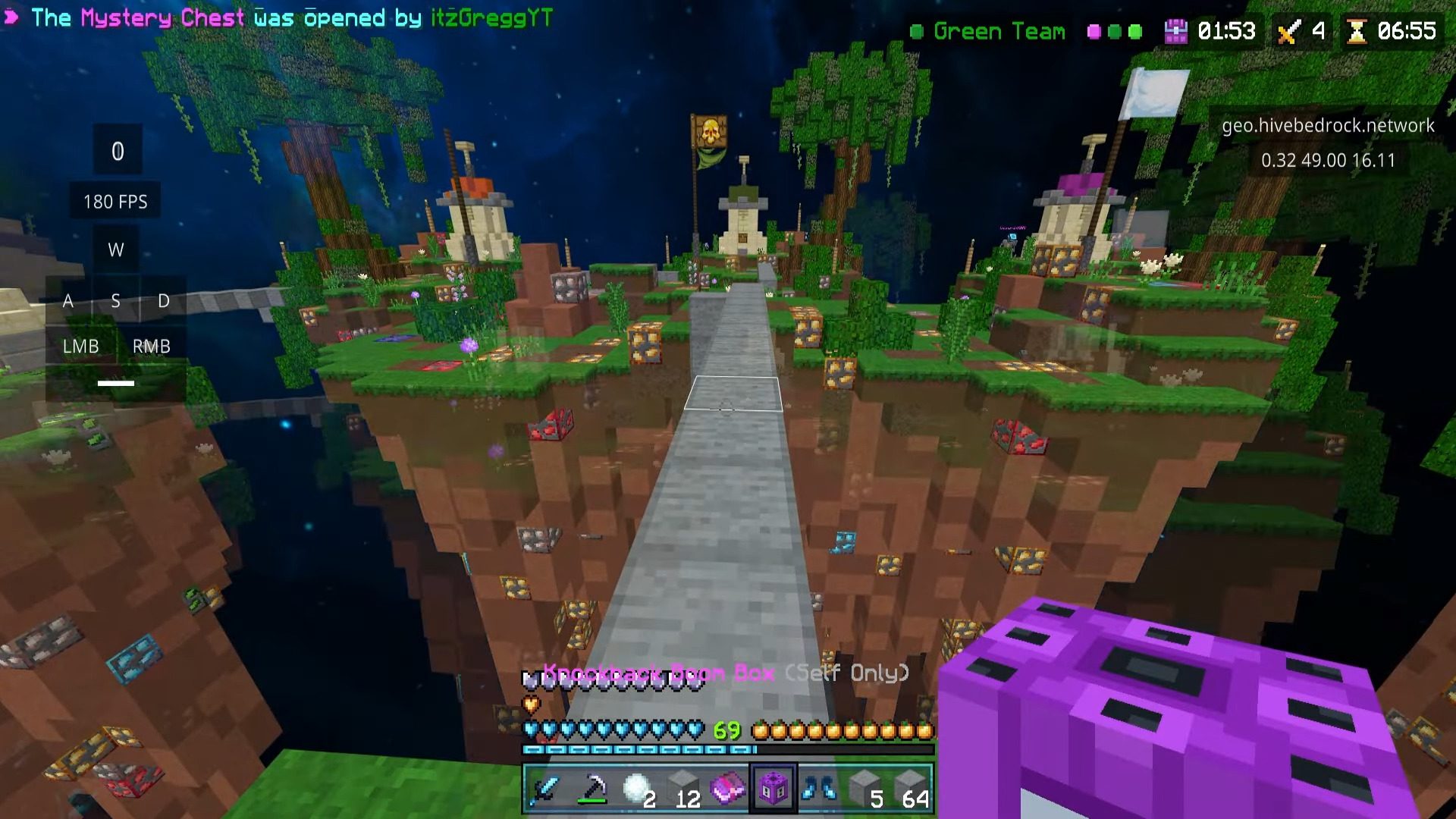
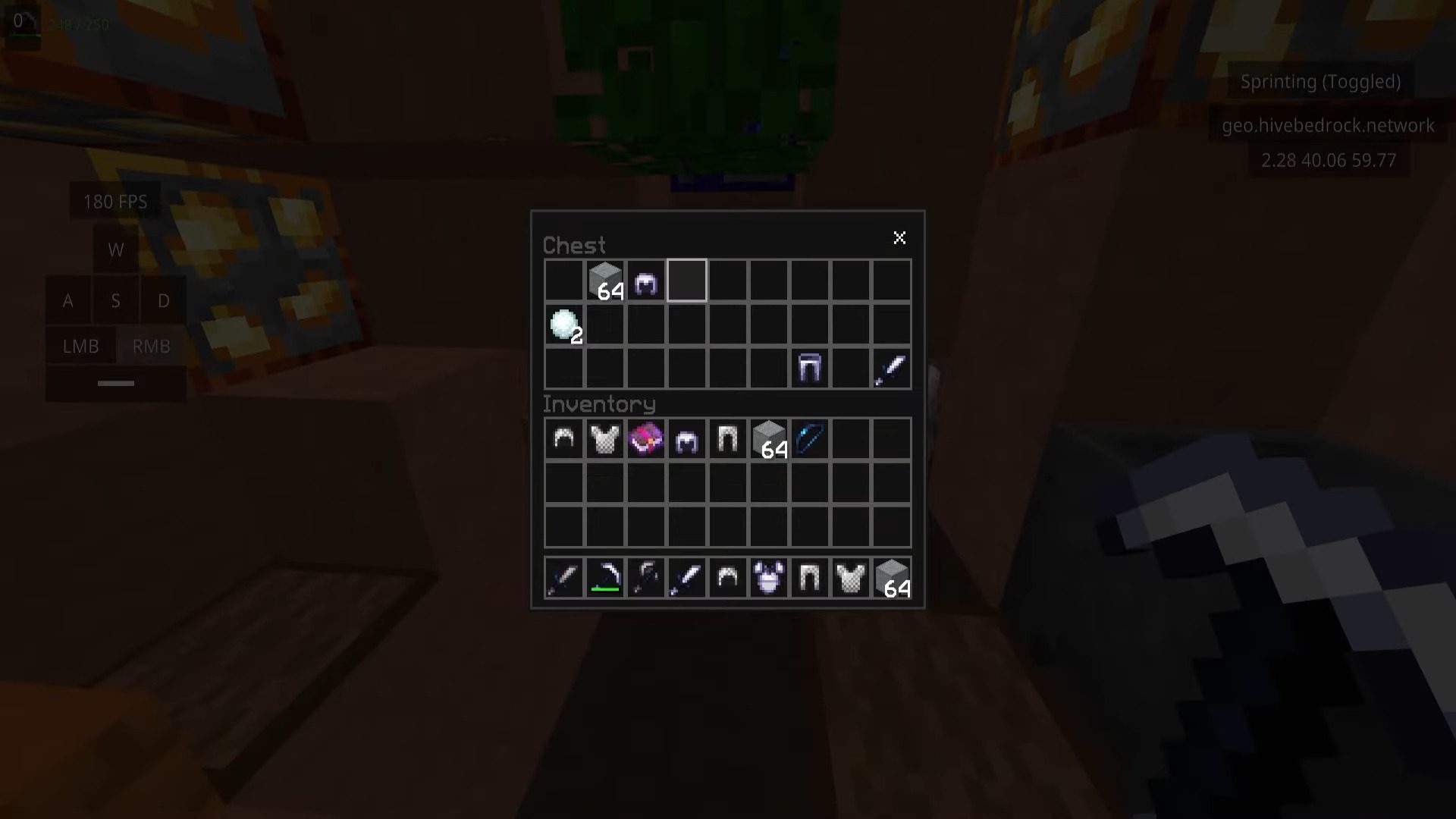
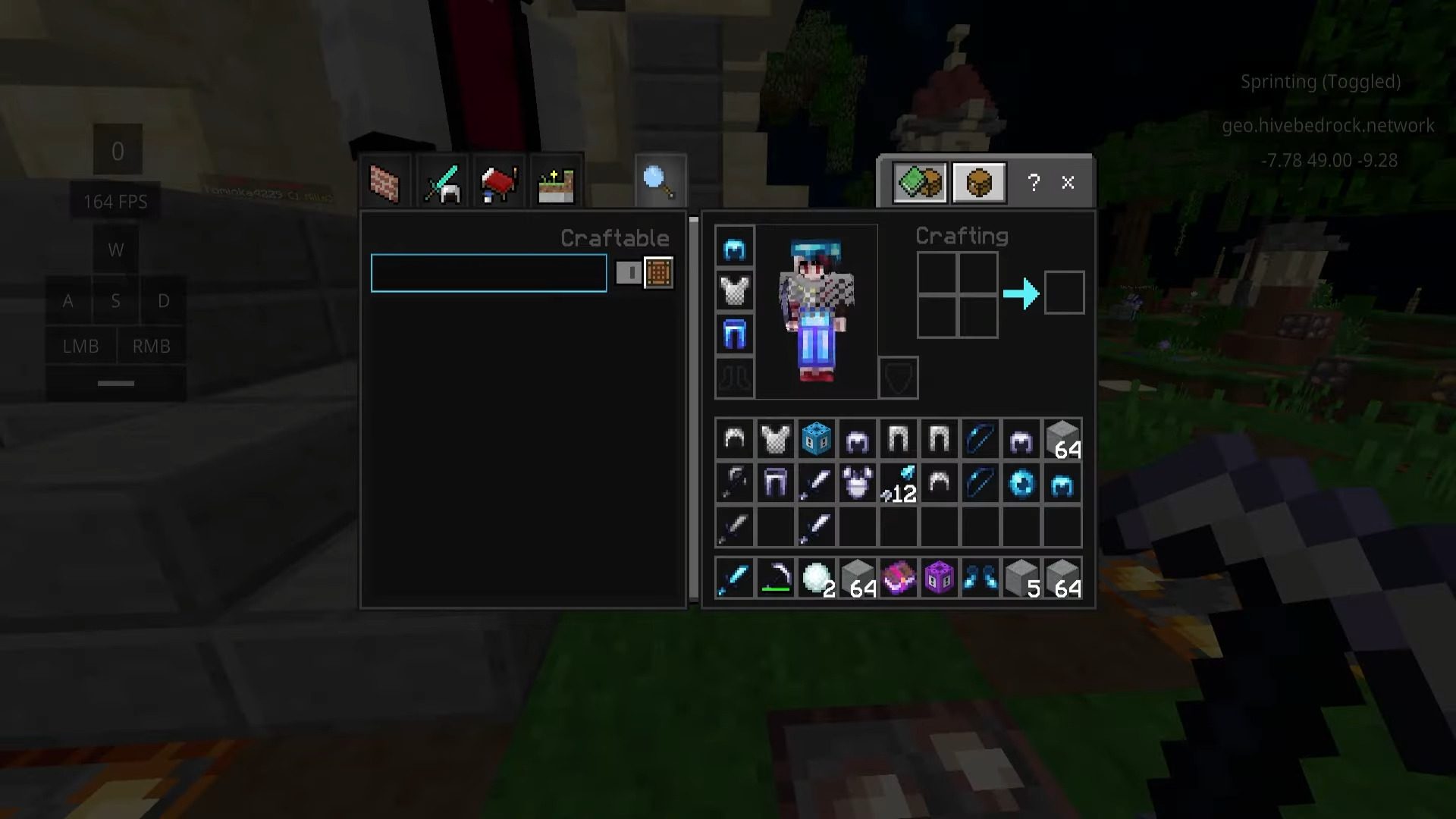
Latite Client Download Links
For Minecraft PE/Bedrock 26.x, 1.21
Latite Client Official Website
Download Fate Injector
Dll (Unzip file): Download from Server 1 – Download from Server 2
Click to rate this post!
[Total: 58 Average: 3.8]

1 Comment
 What do you think?
Your opinion means a lot - we'd love to hear from you.
What do you think?
Your opinion means a lot - we'd love to hear from you.
You May Also Like







.maneiro