


Linguify Clearview Mod (26.2, 1.21.11) – Translate Foreign Chat and Item
 0
0
 0
0

Linguify Clearview Mod brings real-time text and tooltip translation directly into your Minecraft client. It helps you understand NPC dialogue, item descriptions, and chat messages on multiplayer servers without switching windows. The mod preserves color codes so your rare items keep their original look, and it even includes voice narration for spoken dialogue.
Features:
- Interactive Chat: Adds a clickable button next to incoming messages to convert server chat into your native tongue instantly.
- Color Code Retention: Keeps original item rarities and formatting intact by preserving in-game color tags during translation.
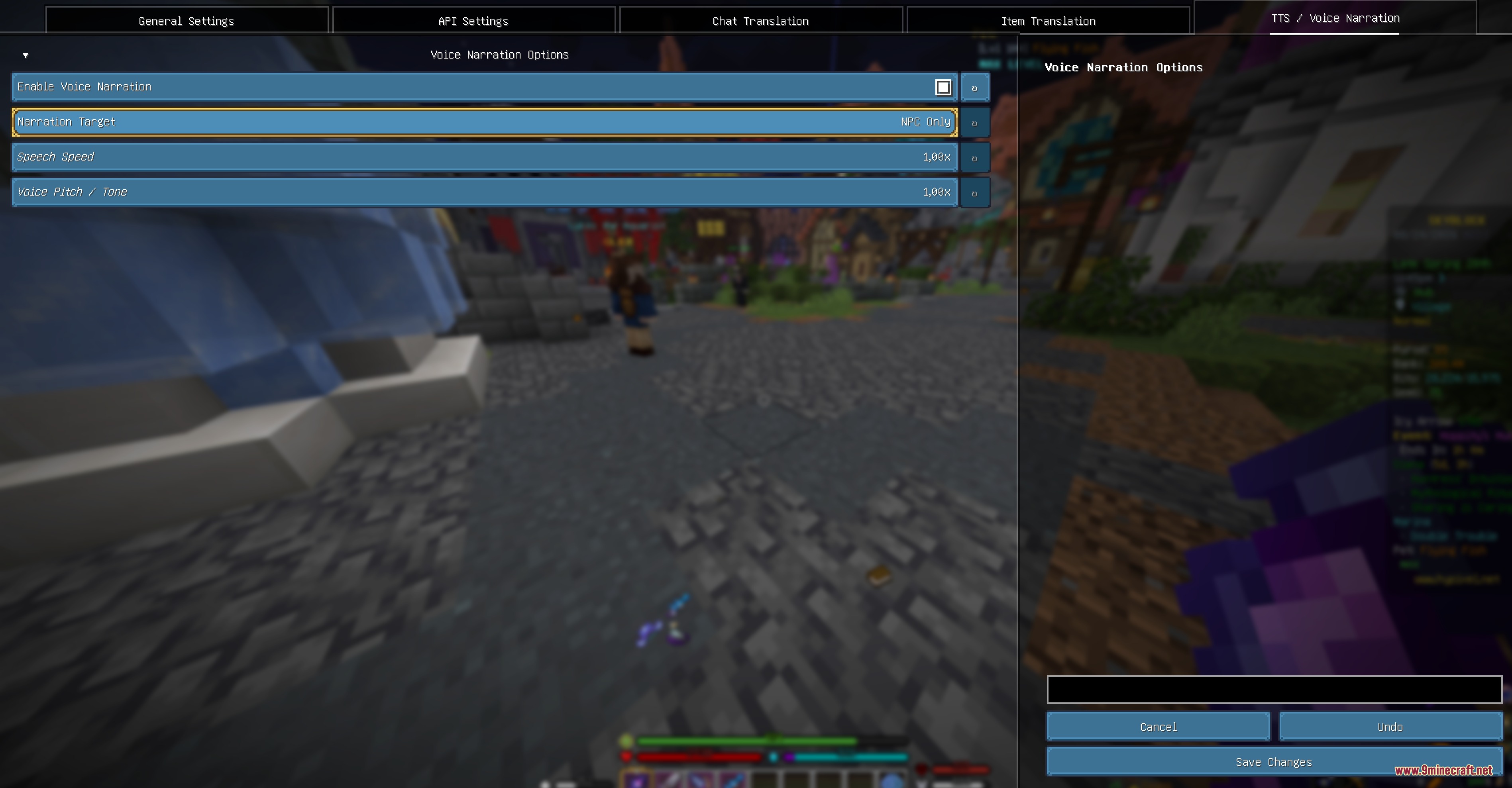
- Voice Narration: Reads translated NPC text aloud using high-quality speech synthesis with custom pitch and speed settings.
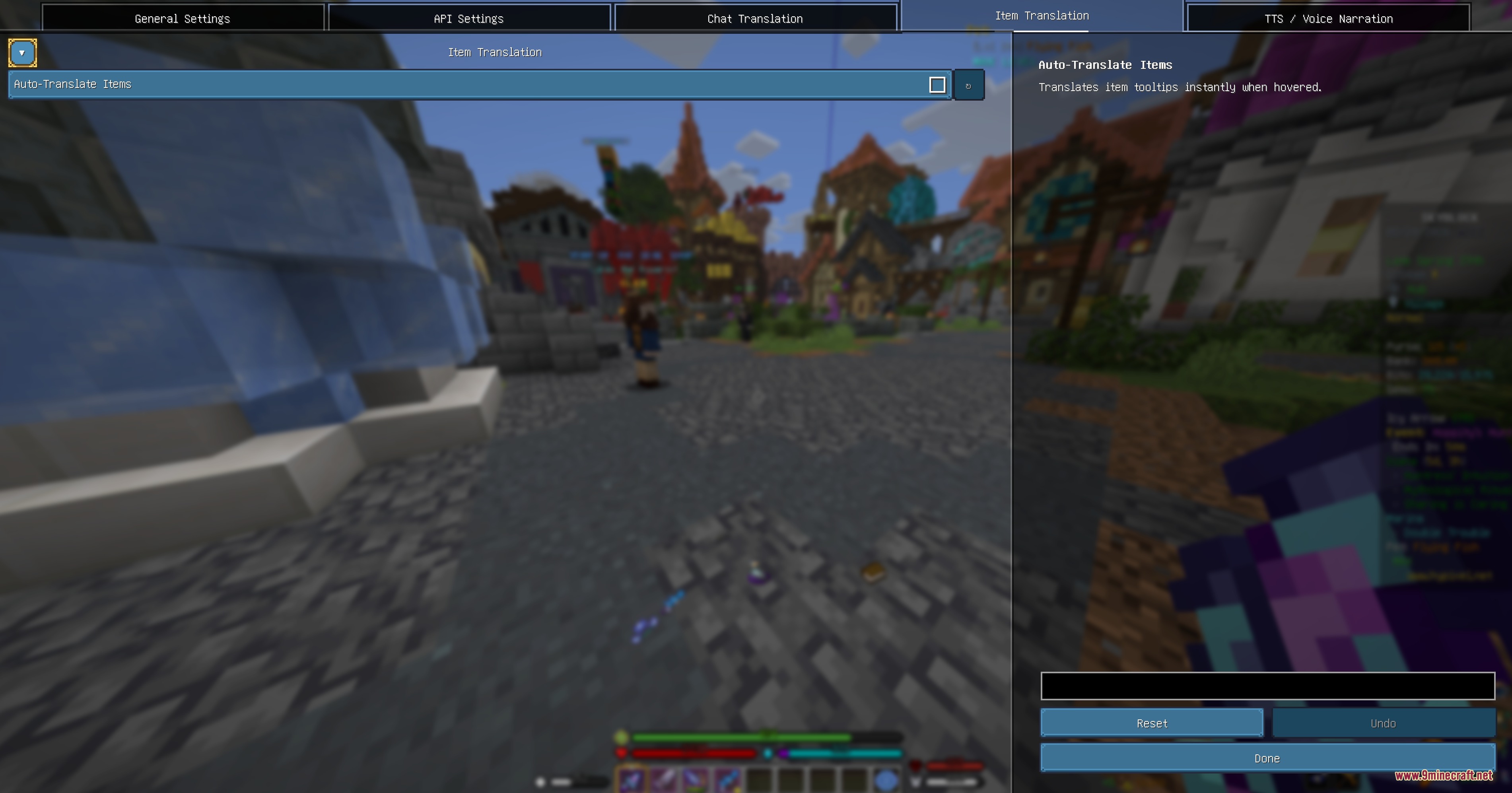
- Hover over items and press customizable hotkeys to translate item lore using Google Translate or AI models.
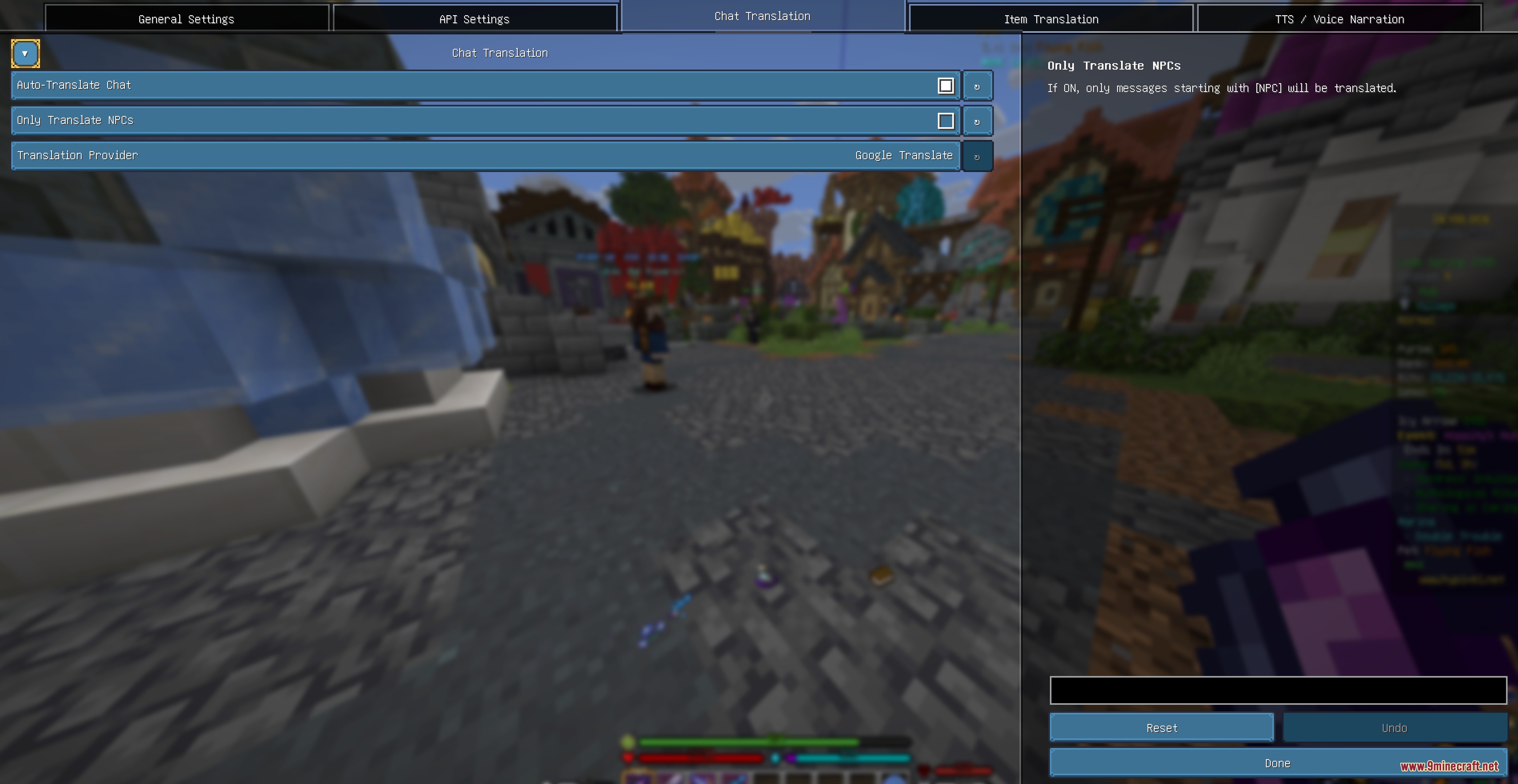
- Includes an auto-translate option to convert incoming dialogue without requiring manual clicks.
- Lets you filter chat translations to affect only NPC text while leaving standard player messages alone.
- Clicking language tags lets you swap back to the original text at any moment.
- Maintains clickable chat actions such as auction house links and menu buttons.
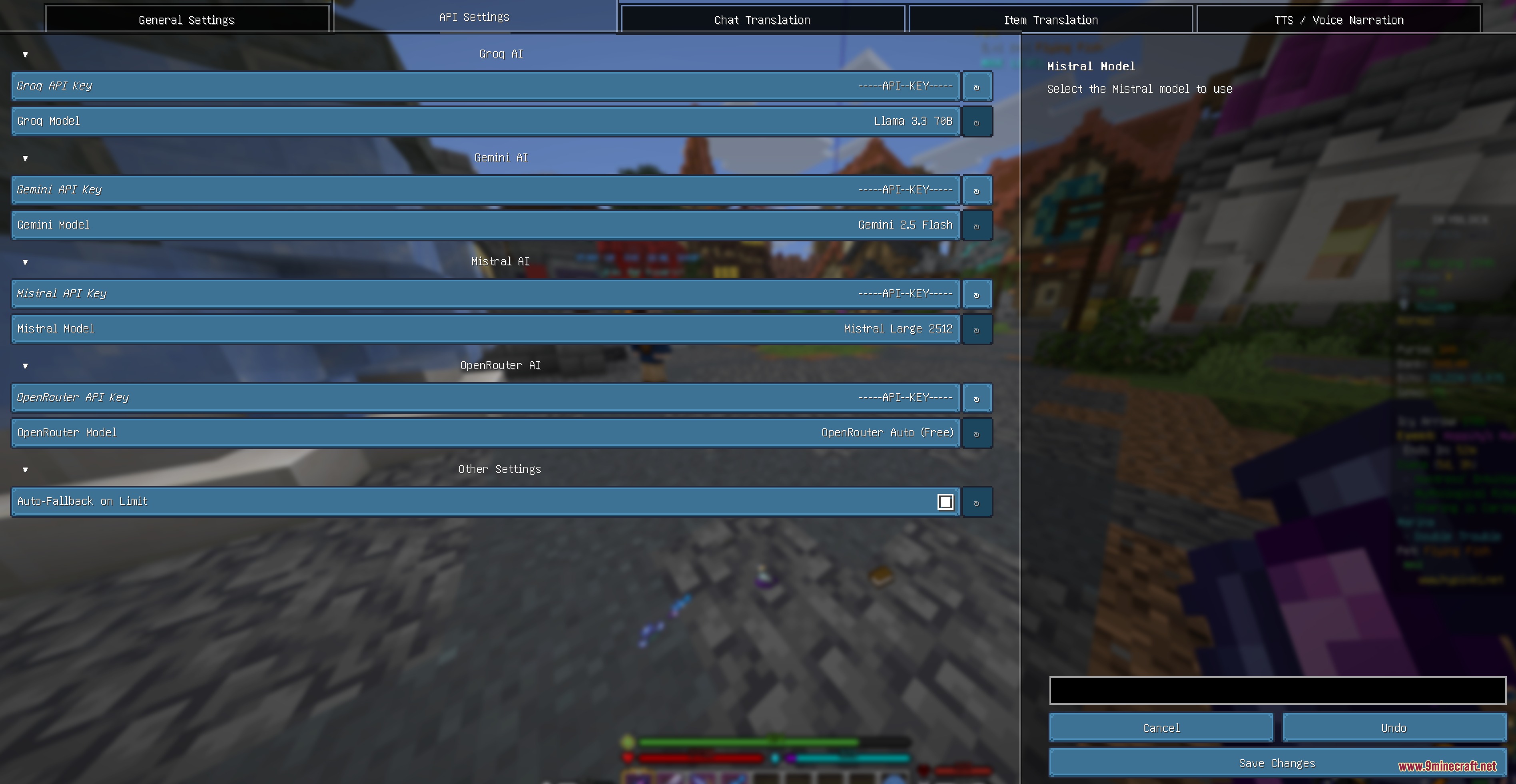
- Automatically falls back to secondary models if an online translation provider meets rate limits.
- Includes complete interface and translation support for seventeen major world languages.
Commands:
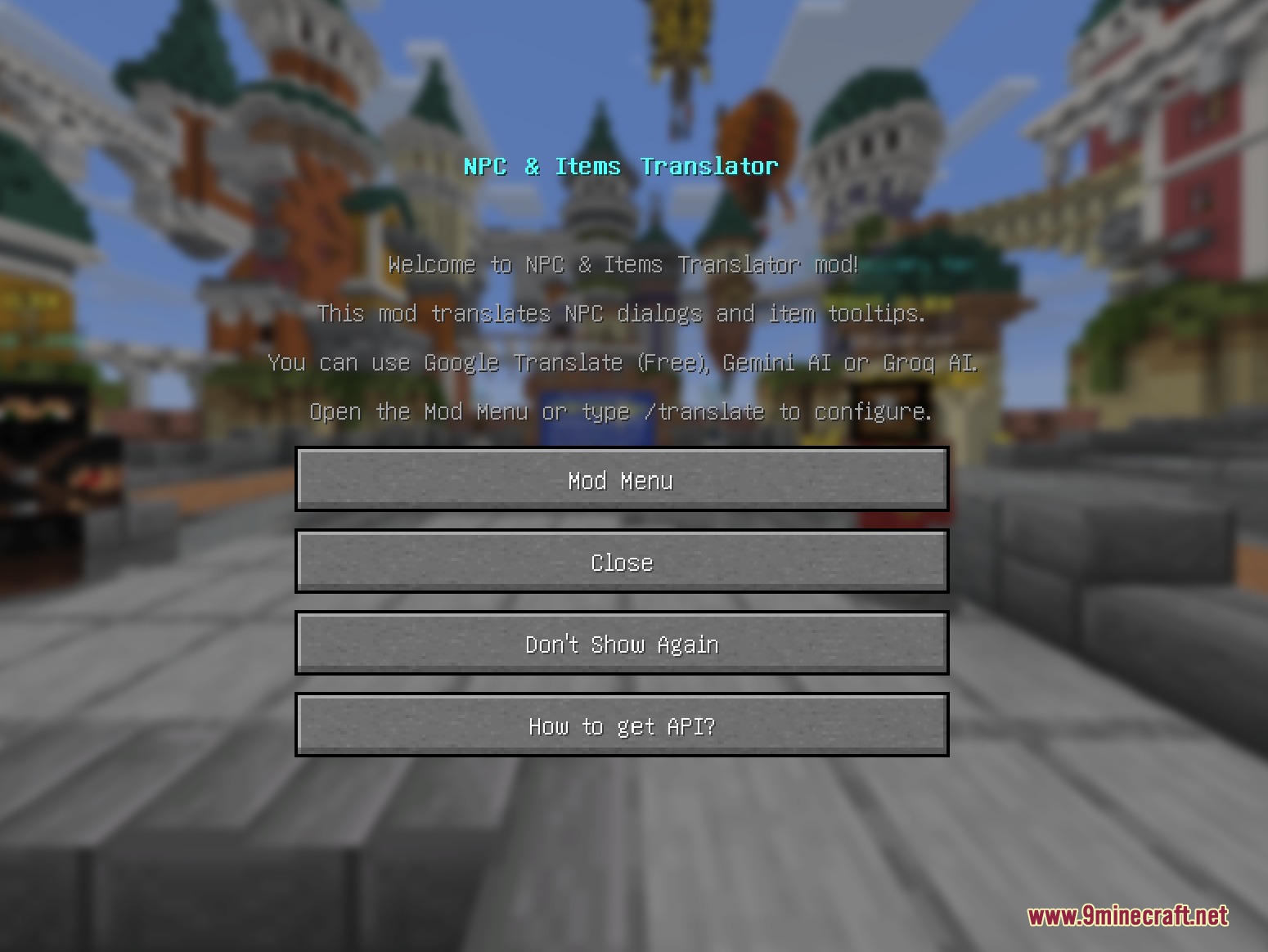
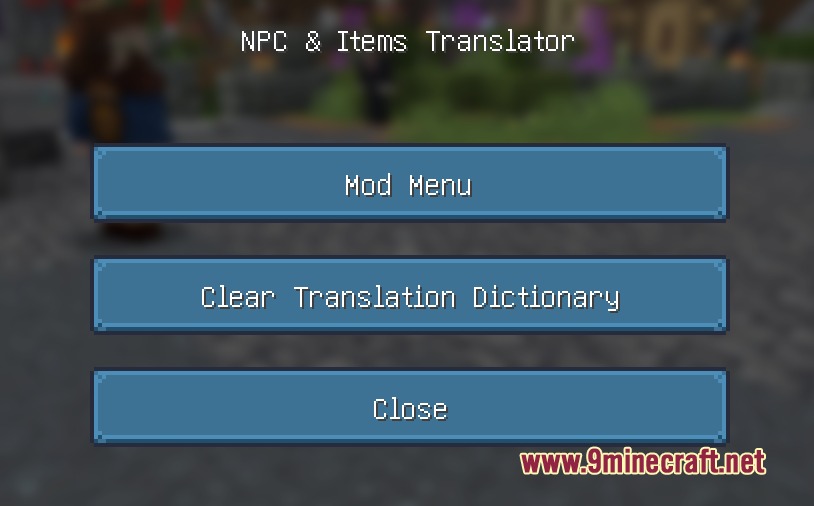
/translate: Opens the translation configuration menu to adjust engines and options./translate DeleteDict: Clears the saved translation cache and dictionary history.
How to Use:
- Press Z in-game or enter
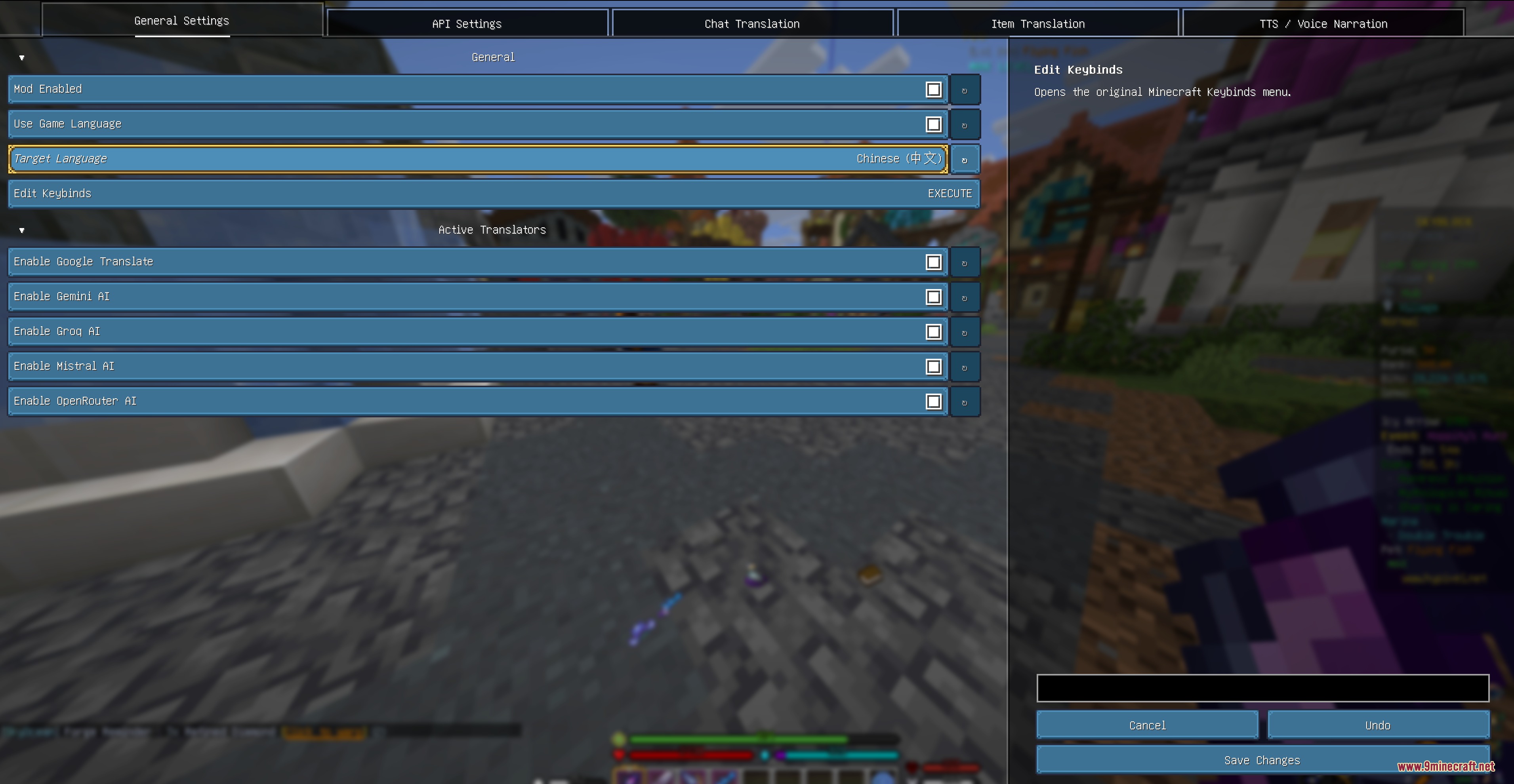
/translateto choose your target language and translation engine. - Click the [Translate] tag next to any NPC chat line to read it in your chosen language.
- Open your inventory, hover over any item, and press G to translate its tooltip with Google Translate.
- Press X or C while hovering over an item to translate using connected AI engines.
- Press V or tap the same translation key a second time to revert item text back to original.
Screenshots:
How to Install:
New to Minecraft? Follow our step-by-step guide to install Mods on your PC.View Guide
Requirements:


Linguify Clearview Mod Download Links
For Minecraft 26.2
For Minecraft 26.1.2, 26.1.1, 26.1
For Minecraft 1.21.11
Click to rate this post!
[Total: 0 Average: 0]
You May Also Like












This post has no comments yet. Be the first — your comment will appear here.