
Mace Pvp Overlay Model – Brings Slim Combat Models for Clearer Vision
 1
 0


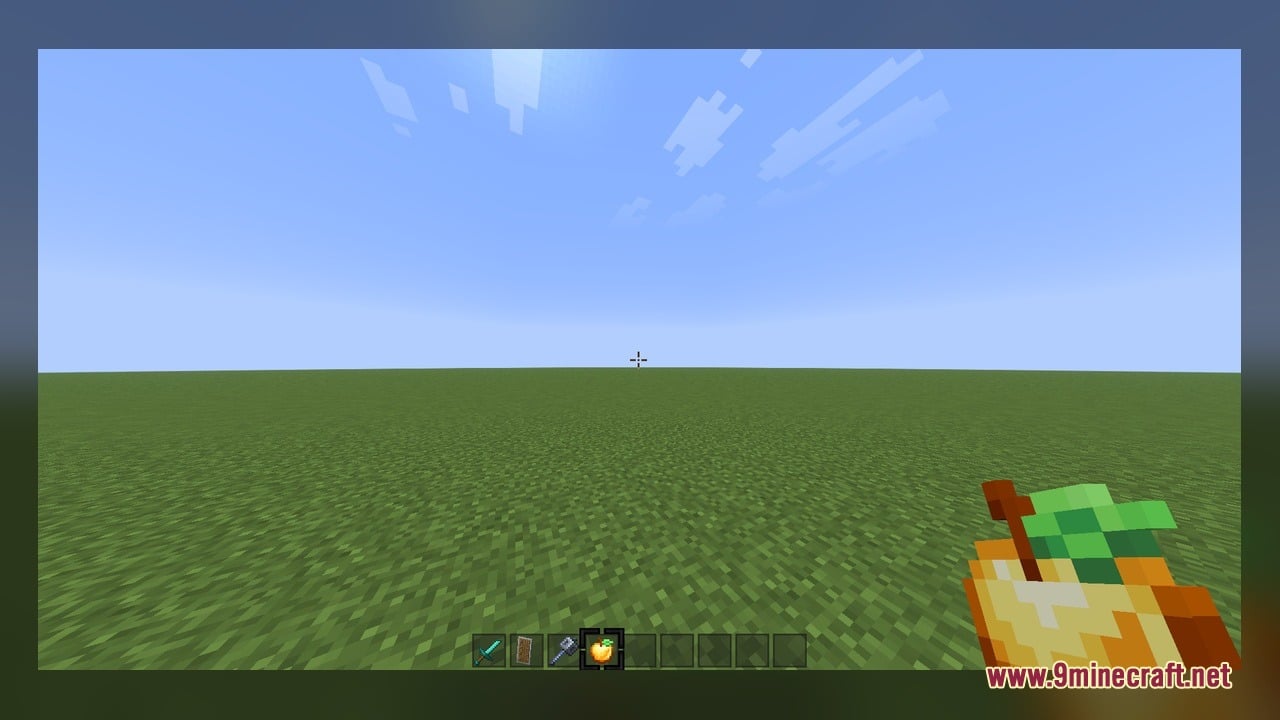
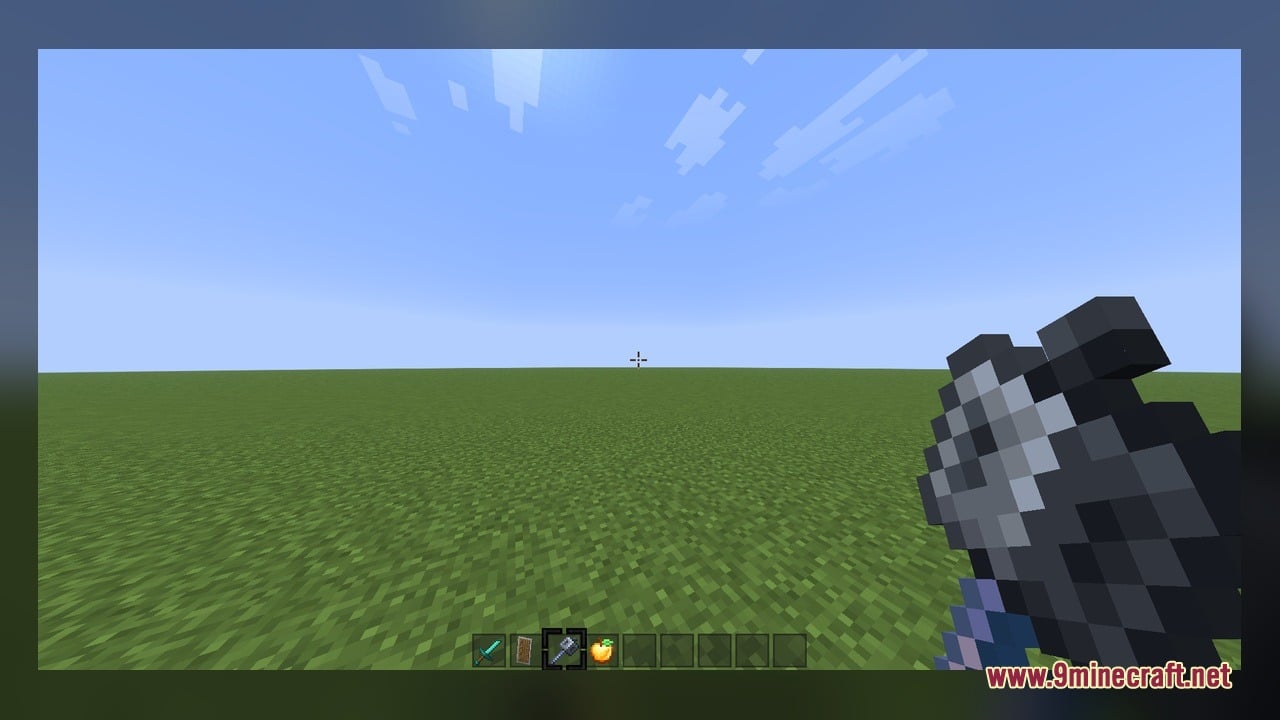
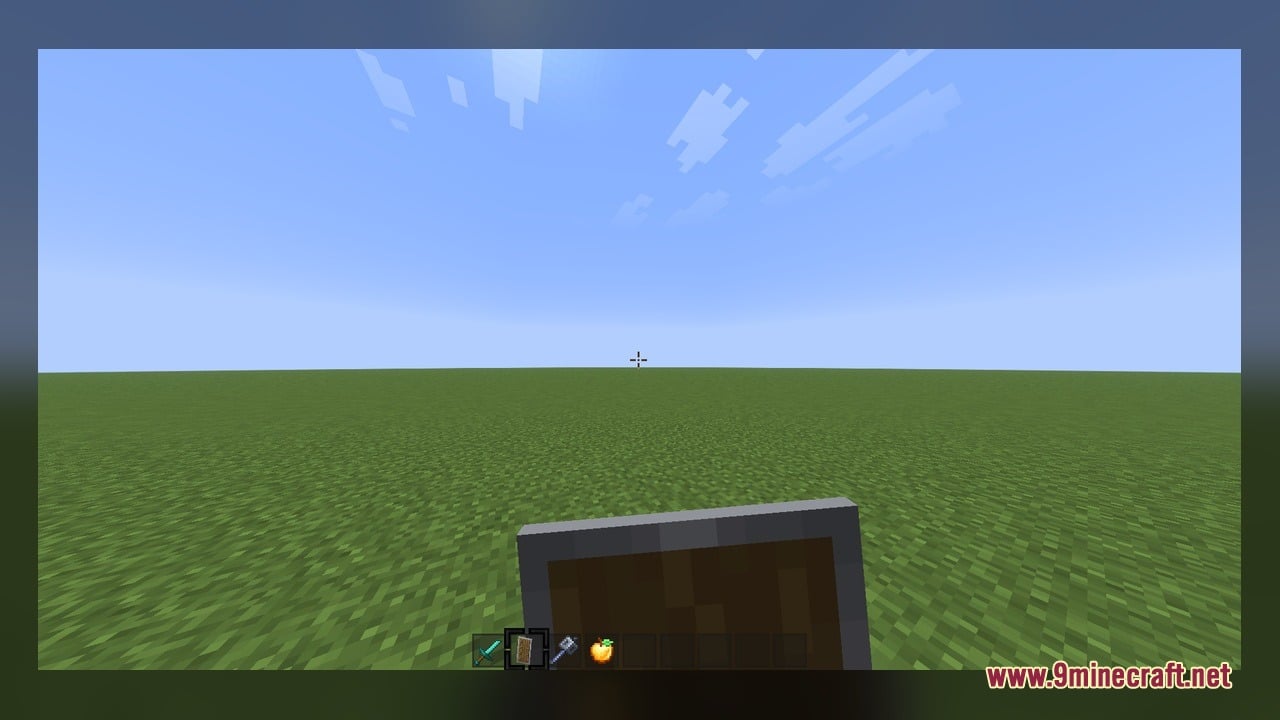
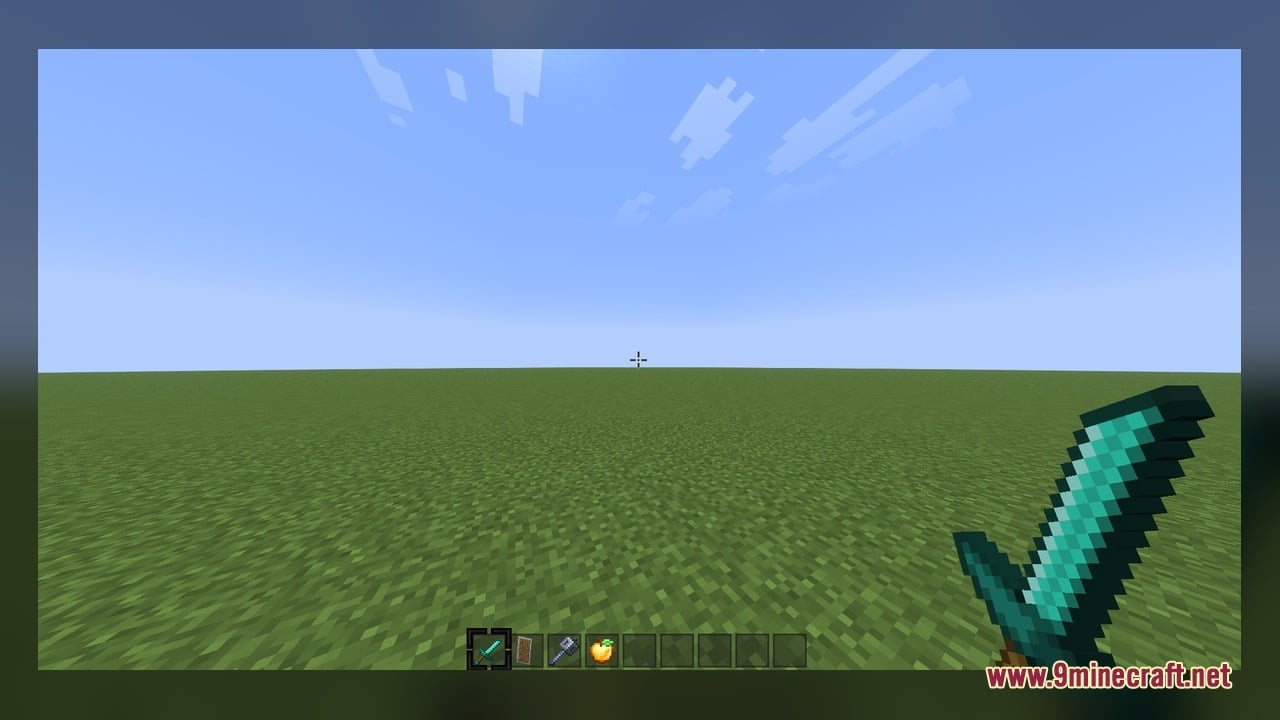
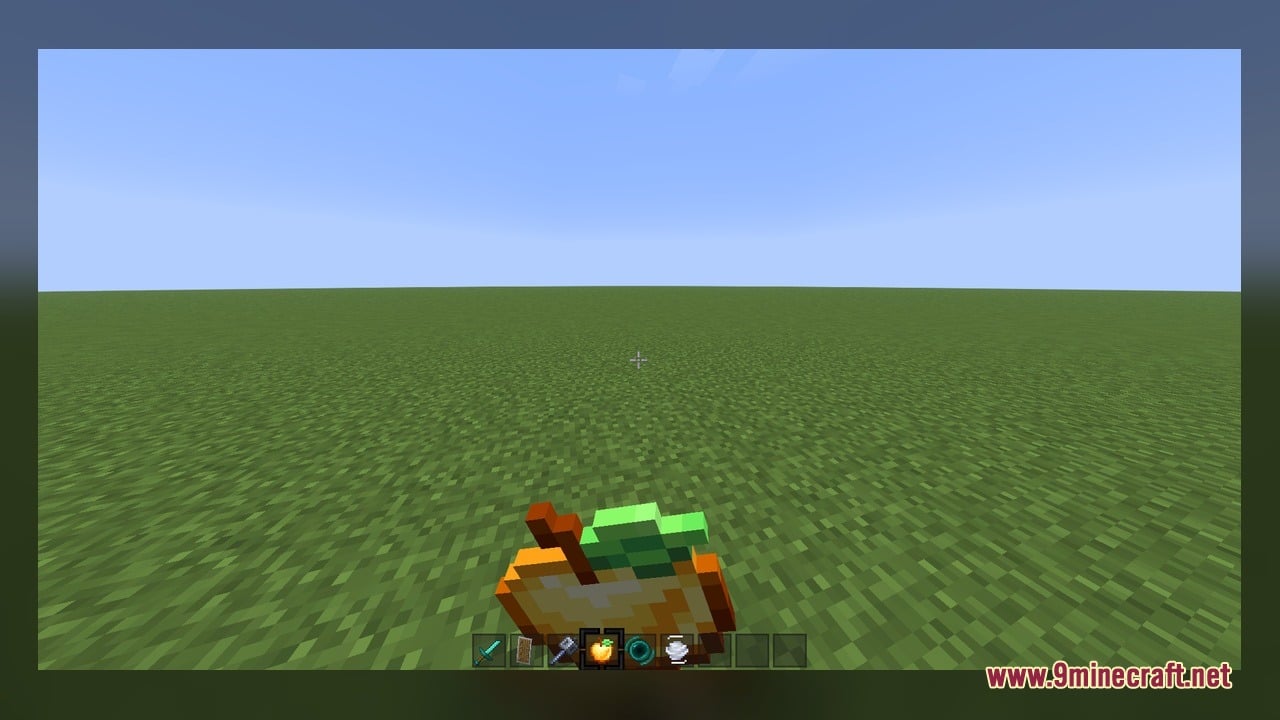
Mace Pvp Overlay Model shrinks bulky items and trims blocks to give you a clearer view during fast combat. Heavy held weapons and large blocks often cover too much of the screen during fights. This pack replaces standard visuals with smaller 3D models and animated textures so you can spot opponents quickly. It adjusts key combat tools, utility items, and redstone blocks without changing the core game mechanics. You get a clean screen layout that helps you react faster during critical matches.
Features:
- Cleaner Screen View: Shrinks bulky hand models and blocks to keep your field of view open during intense fights.
- Custom 3D Models: Replaces 15 different blocks and items with compact 3D shapes built for combat clarity.
- Animated Textures: Features moving textures across select items to give clear visual cues in the heat of battle.
- Utility Tools: Trims down handheld models for shears, flint and steel, fishing rods, hoes, and shovels so they take up less space.
- Redstone and Defense Blocks: Redesigns dispensers, droppers, observers, and note blocks with low-profile looks in both horizontal and vertical layouts.
- Displays a cast fishing rod model whenever you throw your bobber toward an enemy.
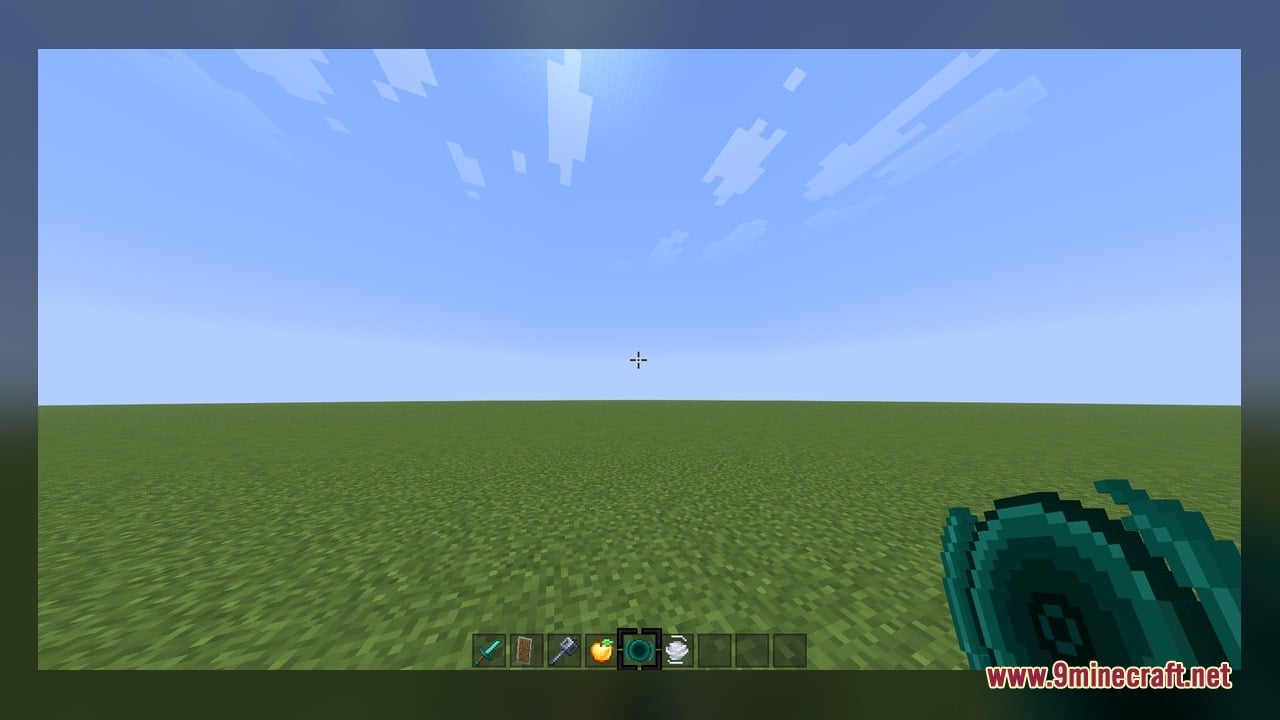
- Shows updated looks for end crystals and in-hand spyglasses so crystal PvP setups stay visible.
- Packs 646 texture files that cover all included blocks, tools, and animation frames.
- Works on any game setup with animated texture features active.
How to Use:
- Place the pack into your resource packs folder and activate it in the resource packs menu on a game version that runs animated textures.
- Hold a spyglass or flint and steel in your main hand to see the trimmed in-hand model clear up your view.
- Cast a fishing rod toward a target to watch the custom
fishing_rod_castmodel change in real time. - Place dispensers, droppers, or observers vertically and horizontally to observe their slimmed block profiles and active texture states.
- Set down an end crystal or hold tools like shears and hoes to check the animated textures and smaller screen footprint.
Requirements:
- A Minecraft version that supports animated textures
Screenshots:
Mace Pvp Overlay Model Download Links
Click to rate this post!
[Total: 0 Average: 0]
You May Also Like
Picked for this page
 Dragon Woman Galath Jenny Mod Model
 Adventure Backpack Model
 Modded Mizuno – Adds Charming Rustic 3D Animations to Utility Blocks
 Sonic Pets Model – Unleashes Iconic Shoulder Companions
 Cpvp-yxusuf05mai-anime-sky Model – Transforms Crystal PvP with Anime Skies
 Creaky Doors Model – Adds Realistic 3D Hinges to Wooden Doors
 Ultimate Redstone Model – Brings Animated 3D Parts to Redstone Machines
 2b2t Anarchy Texure Model – Brings 3D Redstone Models and Low Fire
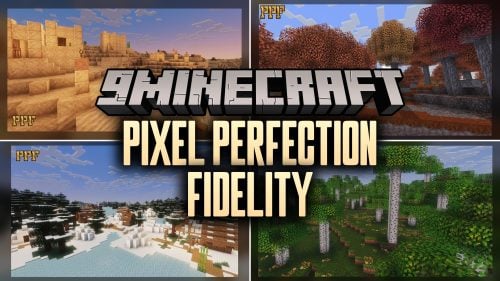 Pixel Perfection Fidelity Model – Brings Cozy Medieval 3D Models to Blocks
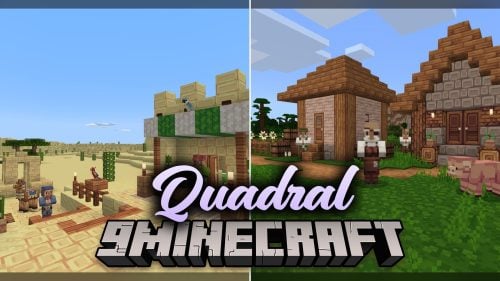 Quadral Model – Brings Vivid Colors and 31 Custom 3D Models to Vanilla
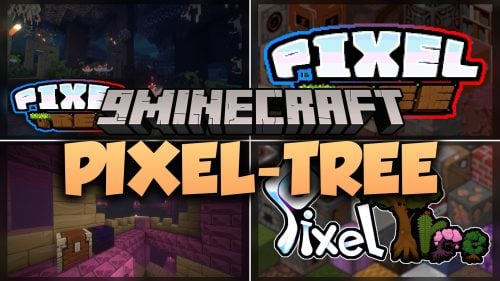 Pixel-Tree Model – Transforms Everyday Vanilla Blocks with Detailed 3D Shapes
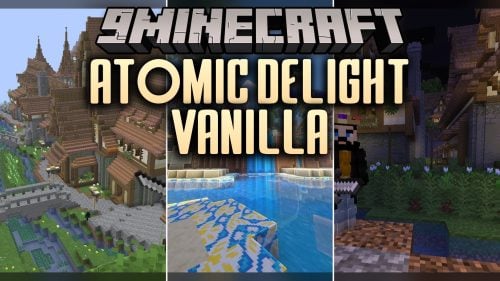 Atomic Delight Vanilla Model – Brings 3D Depth to Vanilla Blocks
Most viewed in Models over the last 7 days
 Jenny Mod Skin Pack Mega Collection – 310+ Characters
 The Most Complete Collection of Jenny Mod Resources – Models, Animations, Structures,…
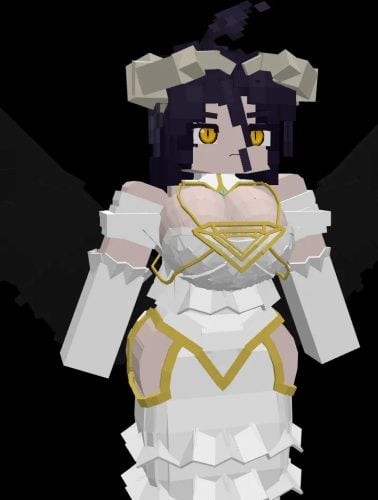 Albedo Rework Jenny Mod Model
 Power Model – Custom Girl for PleasureCraft Mod
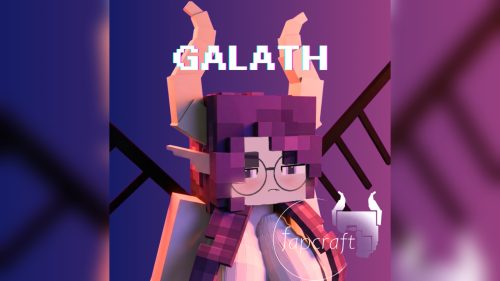 Galath Rework Model – Custom Girl for PleasureCraft Mod
 750 Models Addon for Yes Steve Model Mod
 100+ Custom Animations For Jenny Mod
 Ram Model – Custom Girl for PleasureCraft Mod
 Femboy Ellie Rework Jenny Mod Model
 Ellie Rework Jenny Mod Model
 Alex Model – Custom Girl for PleasureCraft Mod
 Steve (Jenny & Zoey) Pack Jenny Mod Model
More from Models
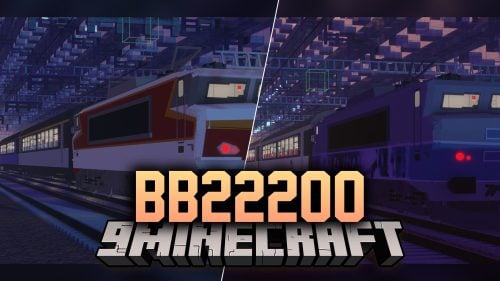 BB22200 Model – Adds Classic French Electric Locomotives to Rail Networks
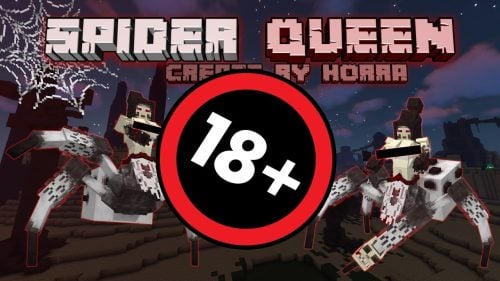 Spider Queen Boss Model – Unleashes Terrifying Boss Encounter
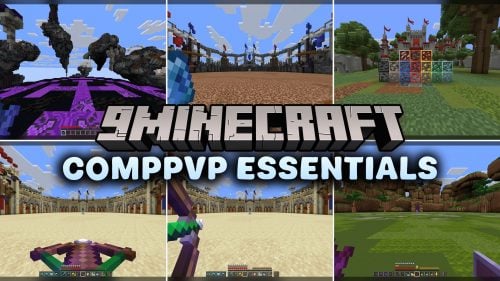 CompPvP Essentials Model – Adds Sharp Animated 3D Utility Blocks
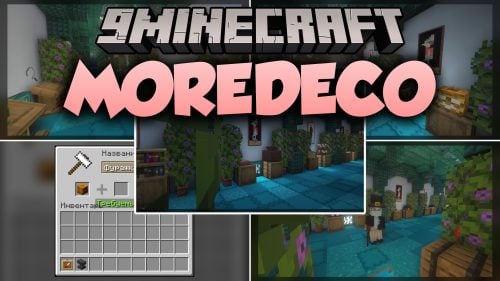 MoreDeco Model – Adds Animated Clutter and Cozy Decorations to Rooms
 Huh 8x Model – Brings Clean Low-Res Shapes to Competitive Bedwars Matches
 First Class Trains Model – Brings Authentic Hong Kong Commuter Rail
 Nogs Beaver Model – Adds Destructive Wood-Eating Beaver
 JR East E131 Series Model – Brings Japanese Commuter Trains to Railways
 DLR B90 Model – Brings Modern Light Rail Trains to City Networks
 MTR Yutong Retexture Model – Brings Modern Transit Buses to City Streets
 Kur And Rot Model – Unleashes Two-Tier Boss Battle
 Actually 3D Enchantment Mace Model – Brings Animated Stacking Weapon Layers

This post has no comments yet. Be the first — your comment will appear here.