


Meccha Crafteleon Mod (26.2, 1.21.1) – Play Hide and Seek By Blending

 0
0 

🌐 Good news — we've translated this article into other languages!
Or pick the one you like:
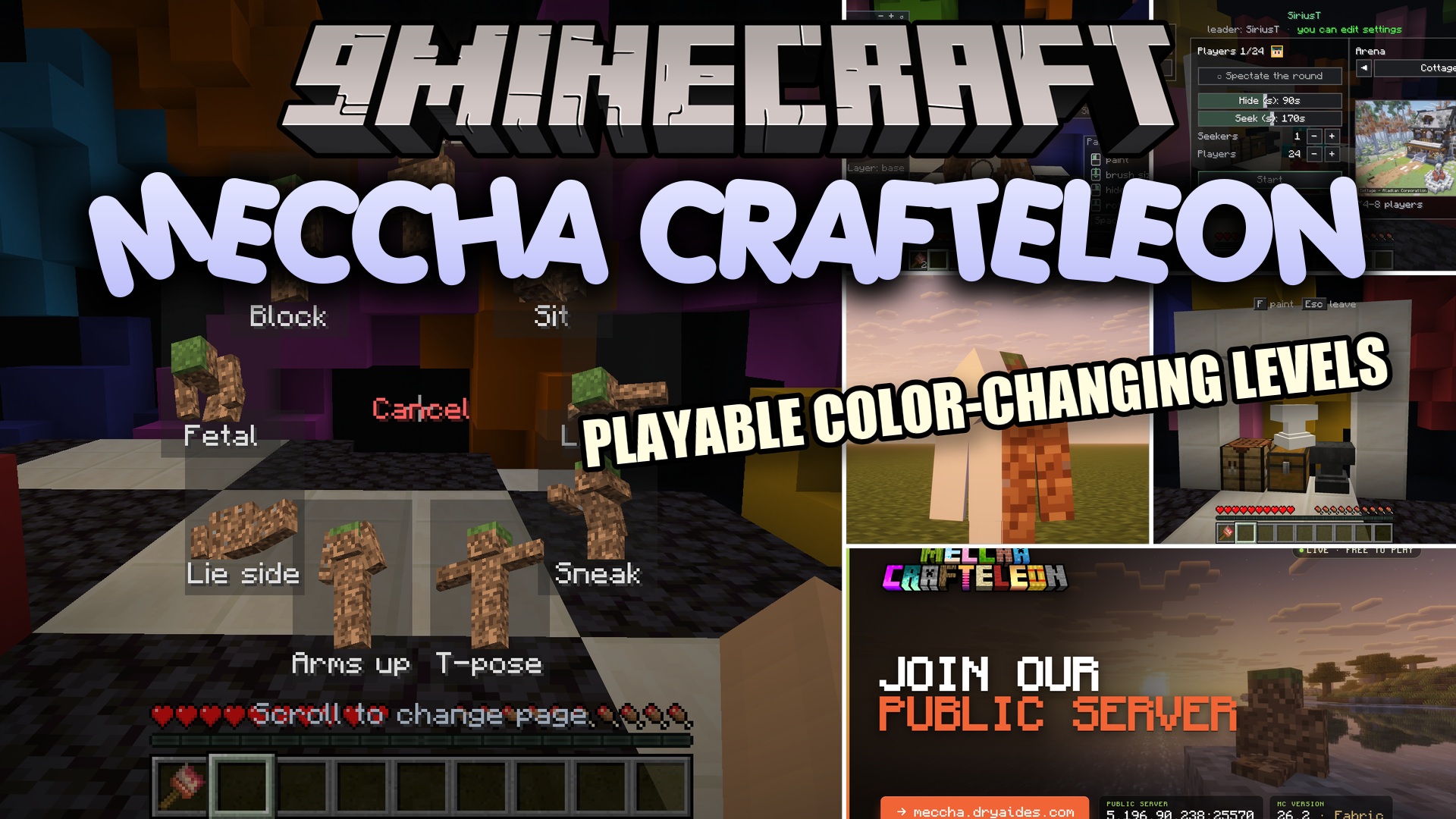
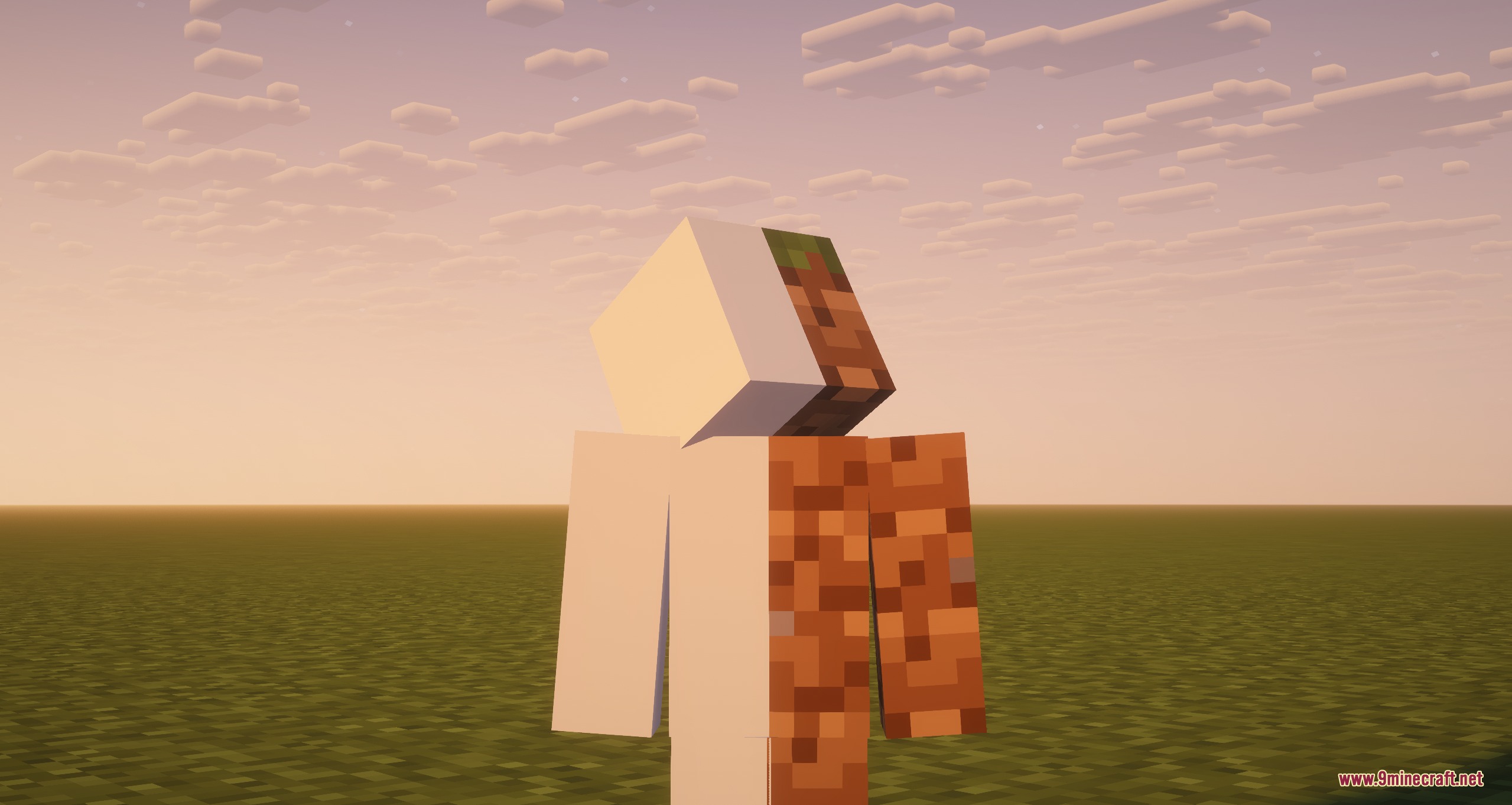
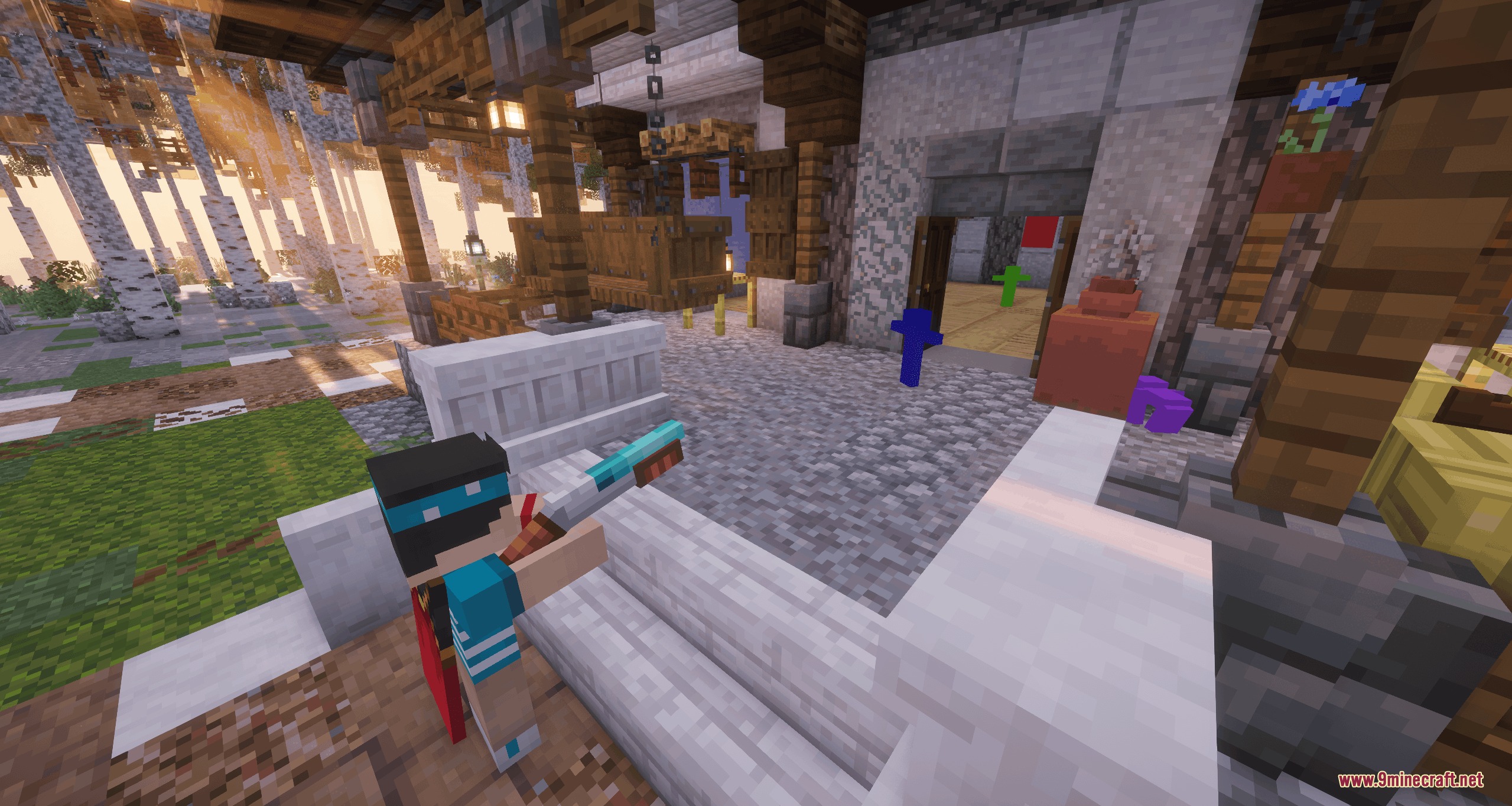
Meccha Crafteleon Mod brings a fun new way to play hide and seek with your friends. It lets you paint your character to look exactly like the blocks around you. You can freeze in place and blend into the background so well that other players walk right past you. The mod gives you special armor that you can craft in your normal survival world. It turns your game into a giant room where you try to hide right in front of everyone.
Features:
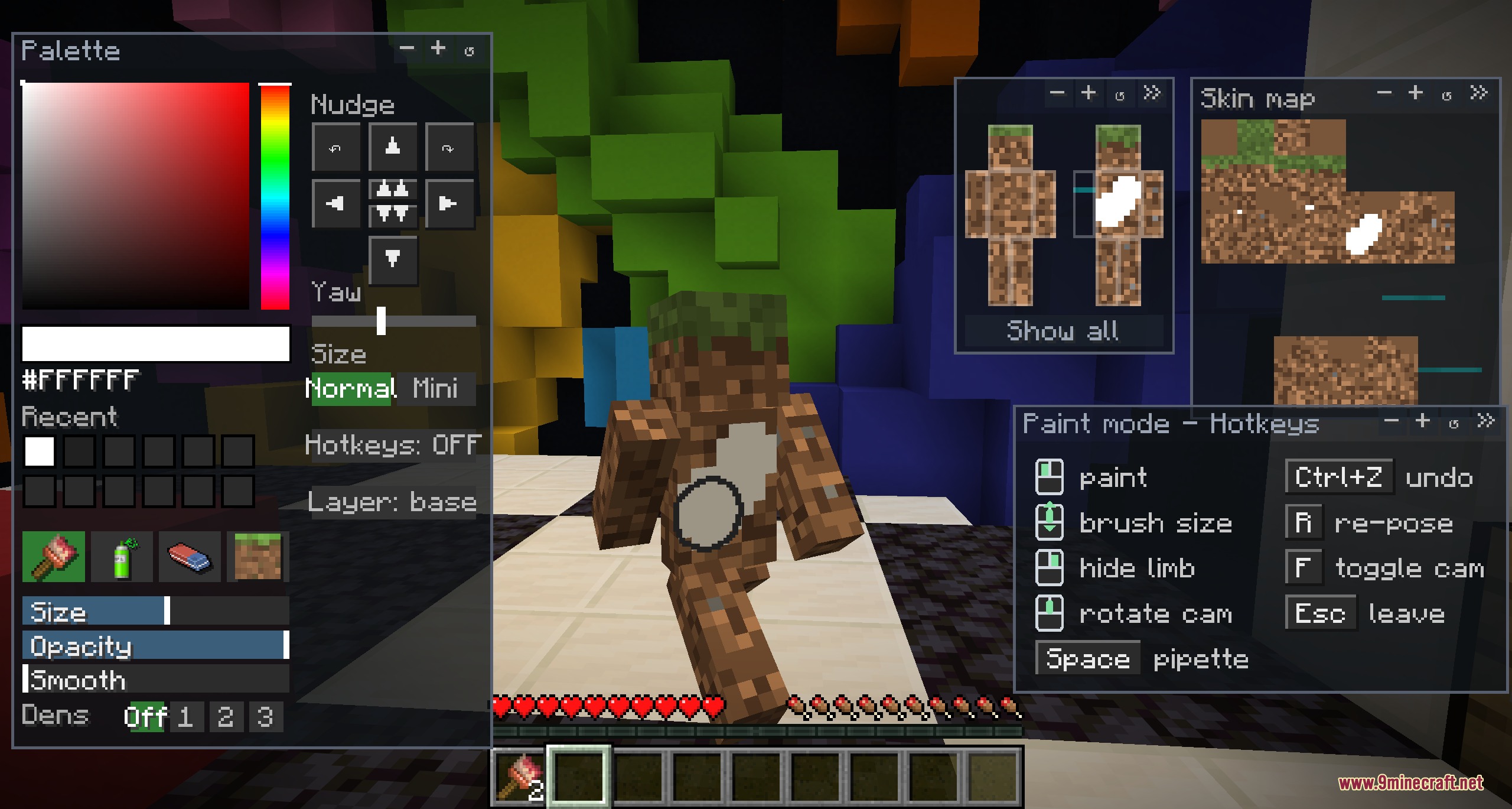
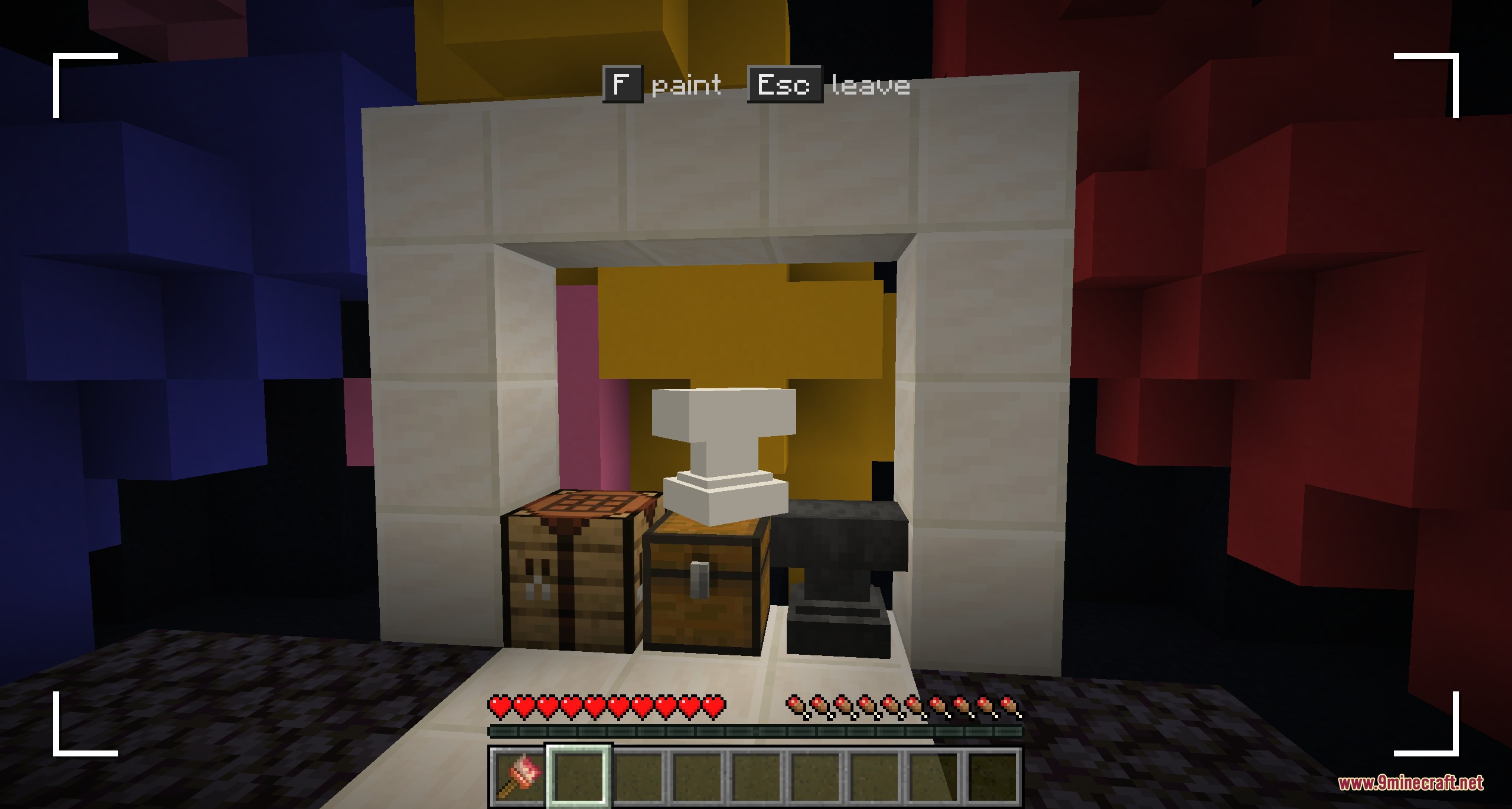
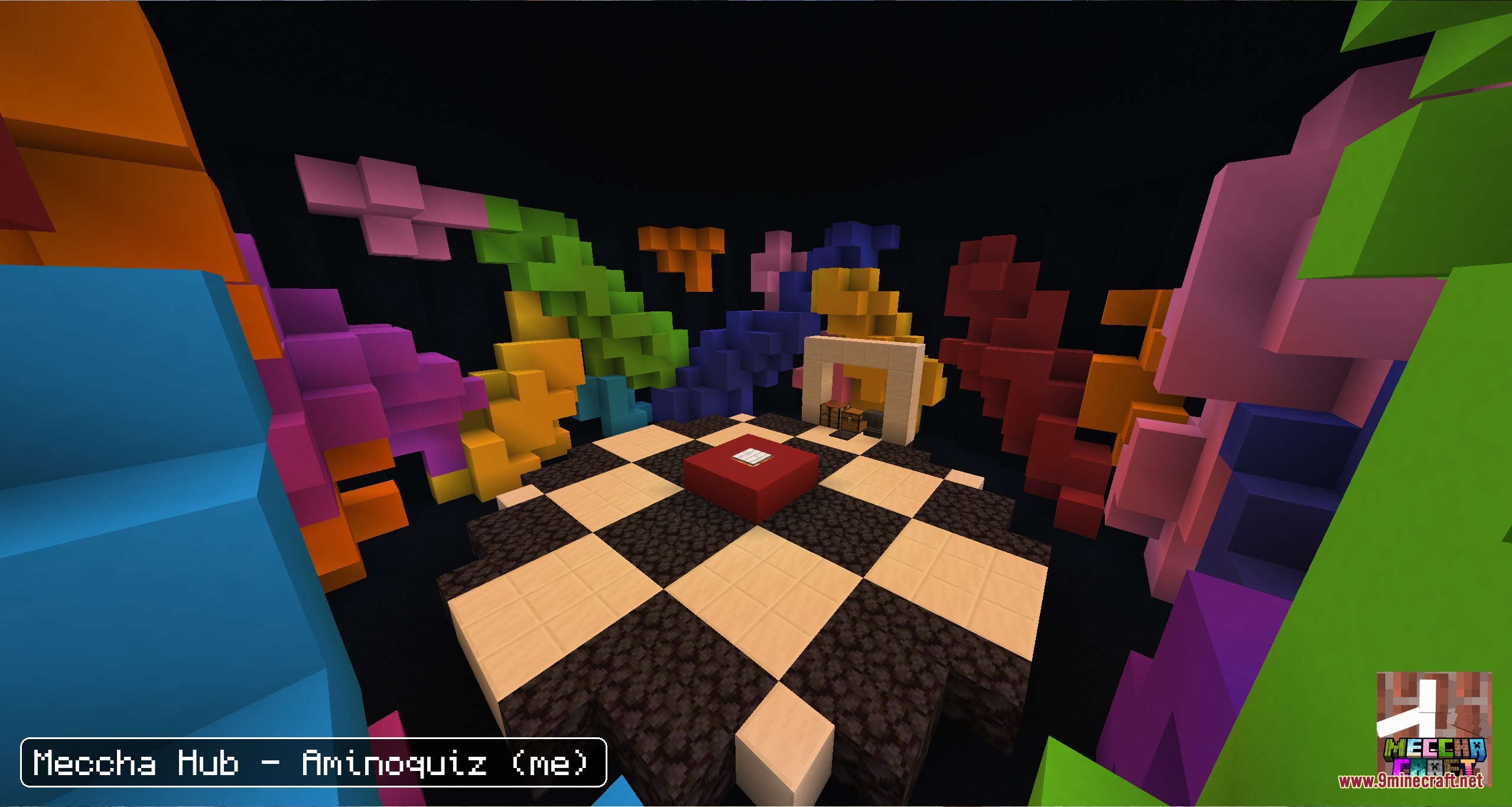
- Paint Yourself: Color your body pixel by pixel to match any block or wall in the room.
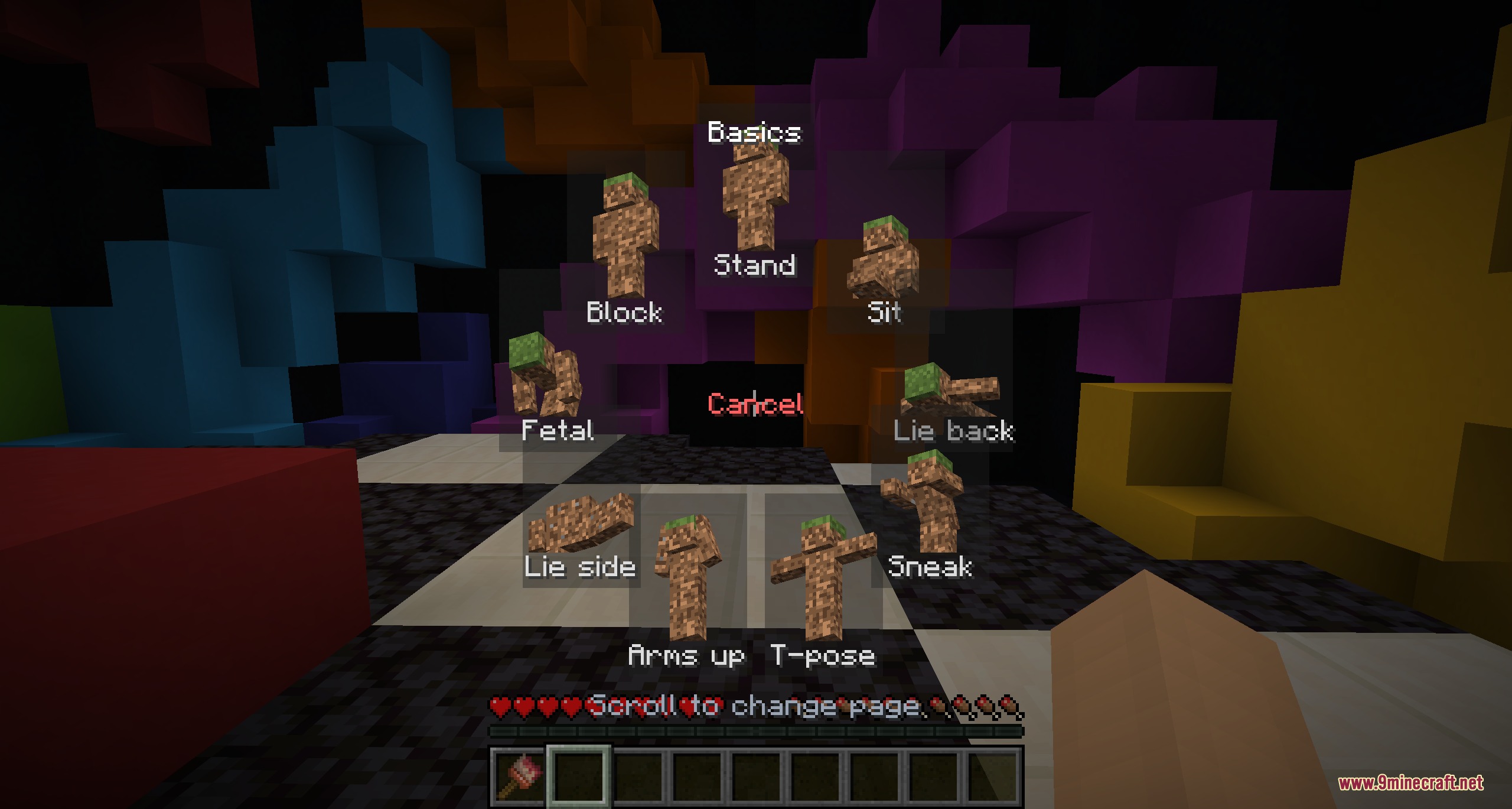
- Strike a Pose: Pick from over 20 different poses to make yourself look like part of the map.
- Become Props: Turn into everyday items like an anvil to trick the seekers.
- Craft special Chameleon Armor in your survival world and wash it clean with a bucket of water.
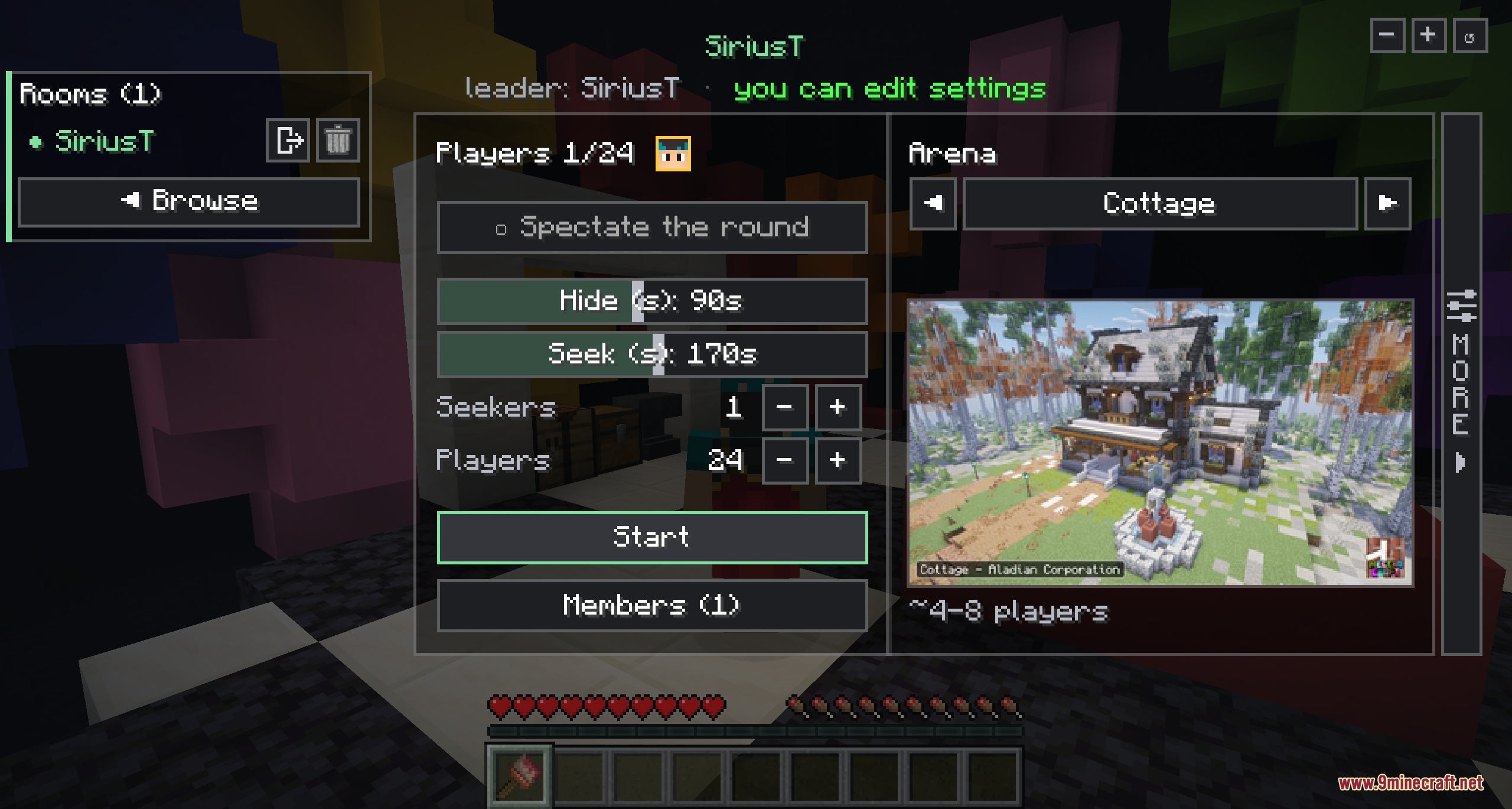
- Set up custom game rooms with lots of settings and live map previews.
- Climb up walls to find the perfect hiding spot near the ceiling.
- Whistle to tease the seekers if you feel brave while hiding.
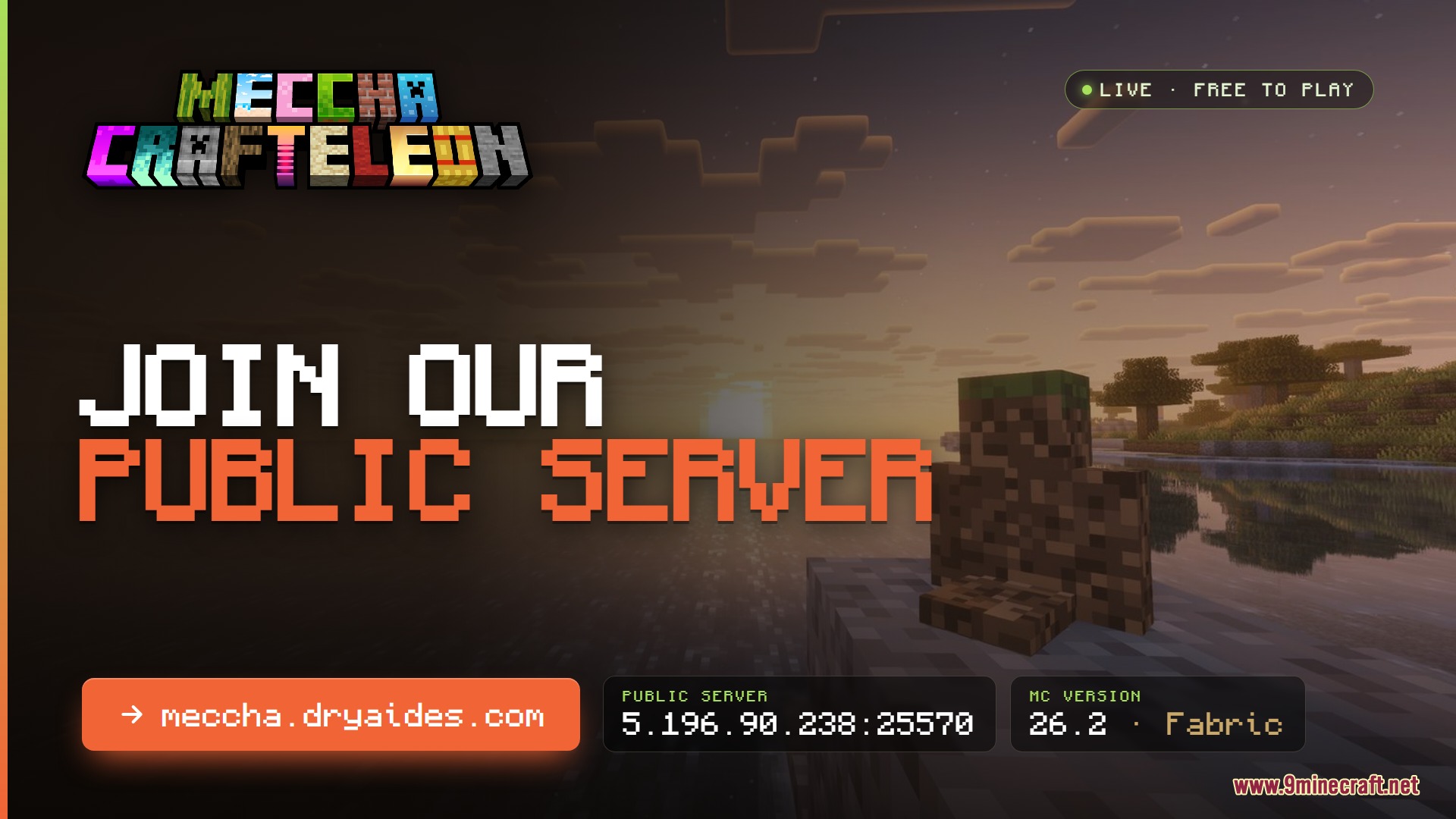
- Play on custom maps with more than 20 different arenas built for this game mode.
Commands:
/meccha: opens the main game menu.
How to Use:
- Craft and put on the Chameleon Armor in your game.
- Press F to open the painting screen and color your body.
- Hold R to open the wheel and pick a pose.
- Hold Sneak and press Space to climb up walls.
- Press G to blow a whistle and give the seeker a hint.
- Press Esc to leave the current menu.
Screenshots:
How to Install:
New to Minecraft? Follow our step-by-step guide to install Mods on your PC.View Guide



Meccha Crafteleon Mod Download Links
For Minecraft 26.2
For Minecraft 26.1.2, 26.1.1, 26.1
For Minecraft 1.21.11
For Minecraft 1.21.1, 1.21
Click to rate this post!
[Total: 0 Average: 0]
You May Also Like





This post has no comments yet. Be the first — your comment will appear here.