


Mike Dongles Mod (1.12.2, 1.11.2) – Make Farming Your Main Job
 627
627
 0
0

🌐 Read this article in your language! Choose your preferred language below.
Or pick the one you like:
Mike Dongles Mod adds a collection of useful tools and items to make farming and other tasks easier in Minecraft. You can harvest crops instantly by right-clicking them, speed up their growth with a special watering can, and even plant seeds in a large area at once. This mod also includes unique items for clearing land, managing your inventory, and even some fun sound effects.

Features:
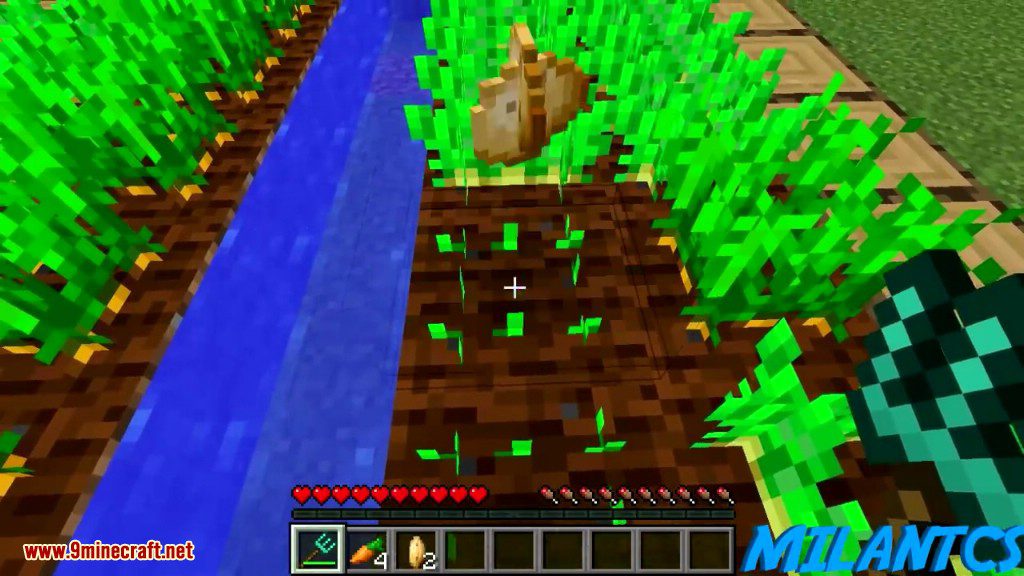
- Right-click any fully grown vanilla crop to harvest it, and it will automatically replant.
- Use Crop Dongles to harvest plants with a better chance of getting extra drops.
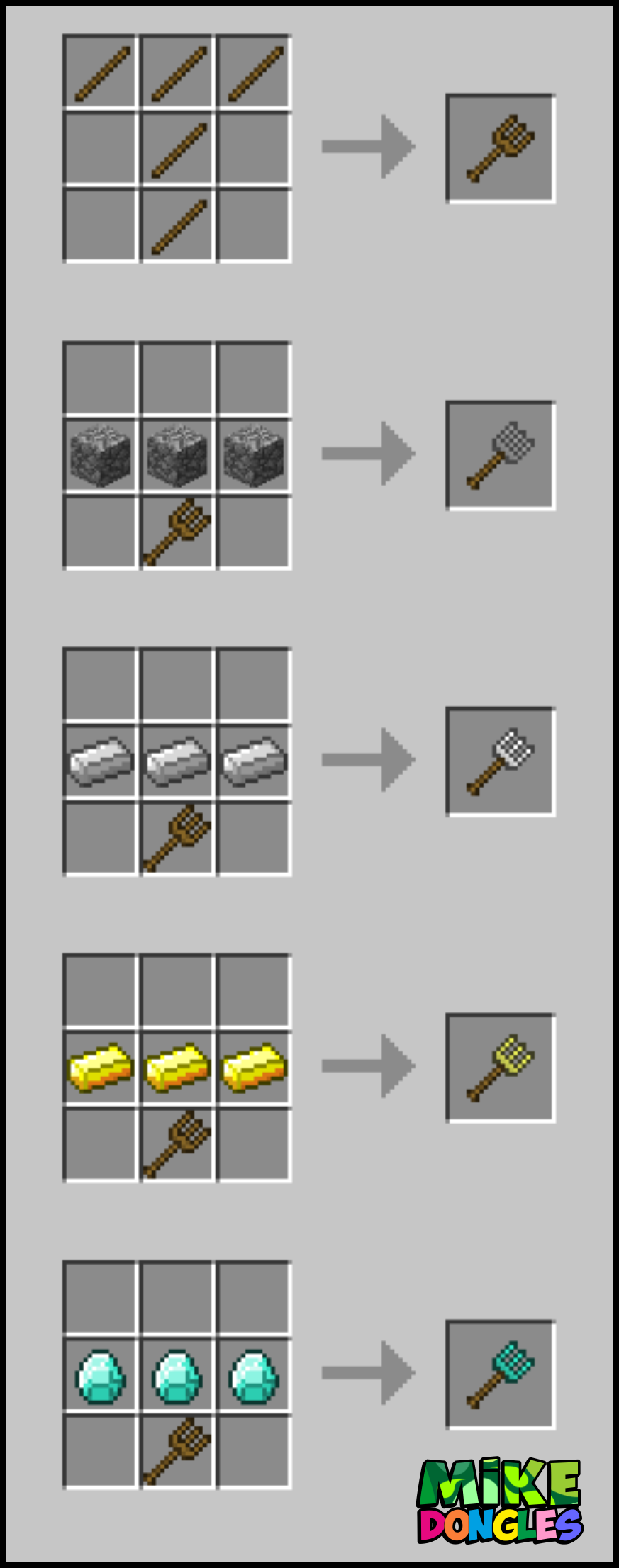
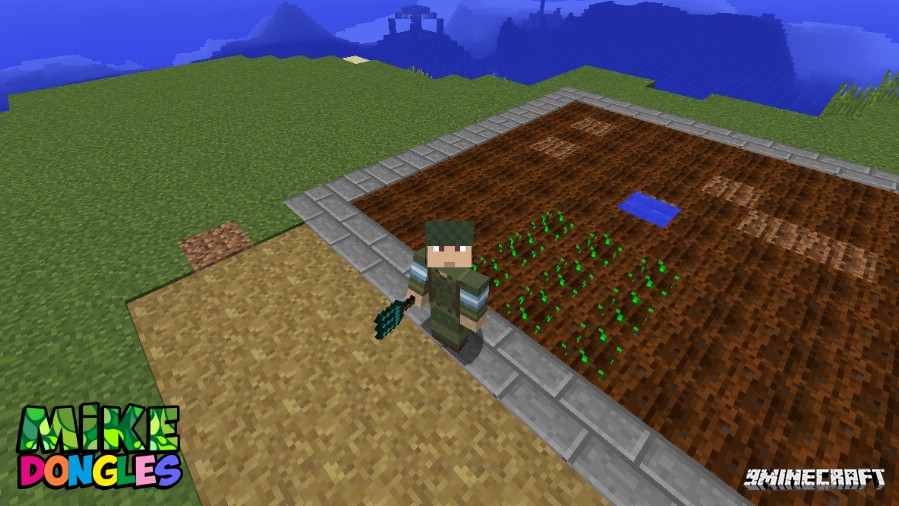
- Plant seeds, potatoes, or carrots in a 3×3 area with a single click using a Crop Dongle.
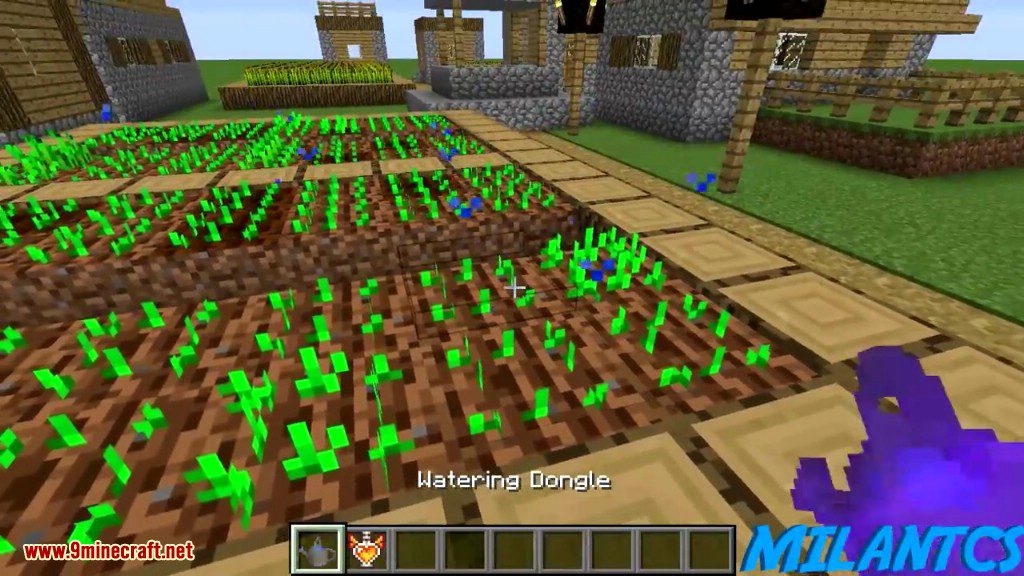
- Speed up the growth of crops, cactus, and sugarcanes with the Watering Dongle.
- Use a Sponge Dongle to absorb water in a 5-block radius around where it’s placed.
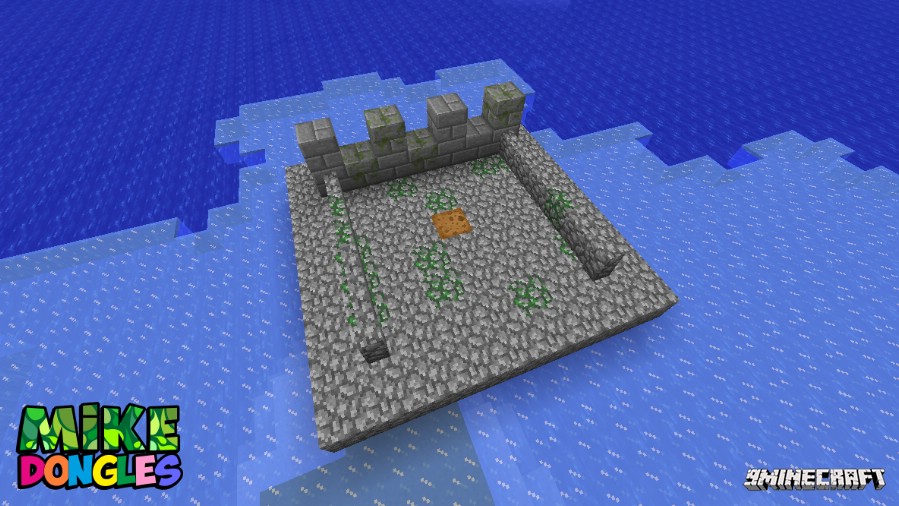
- Turn cobblestone and stone bricks into their mossy versions by placing a Wet Sponge nearby.
- Craft compressed blocks from mob drops like rotten flesh, gunpowder, and bones to save space.
- Use the Pickappa, a stone pickaxe with very high durability that can delete cobblestone.
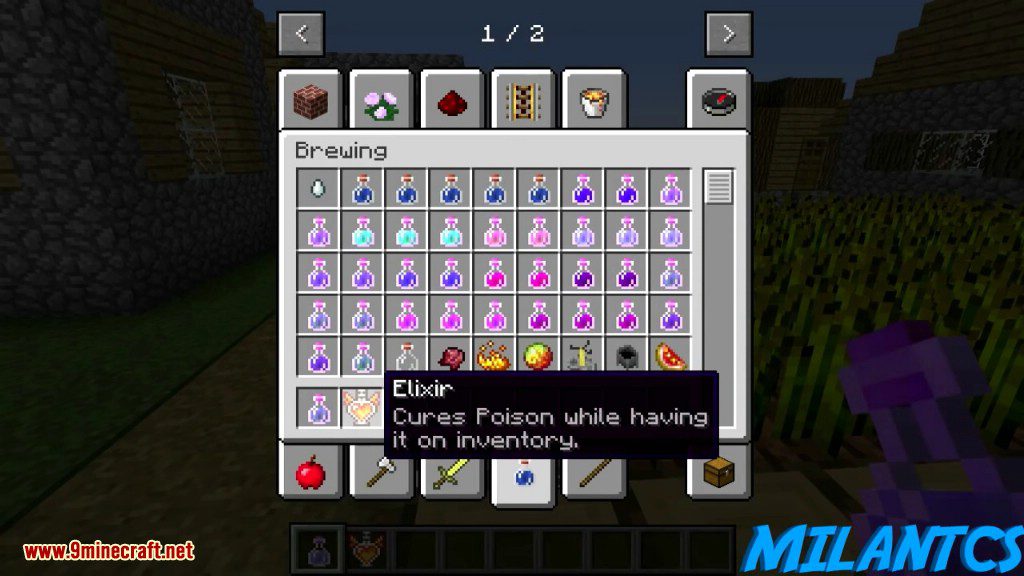
- Get an Elixir that automatically cures poison when it’s in your inventory.
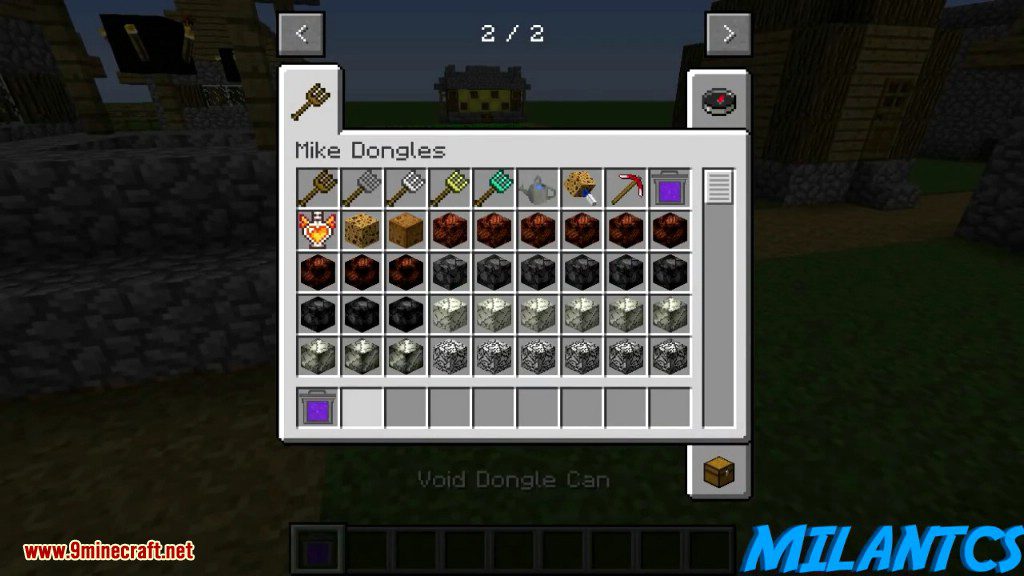
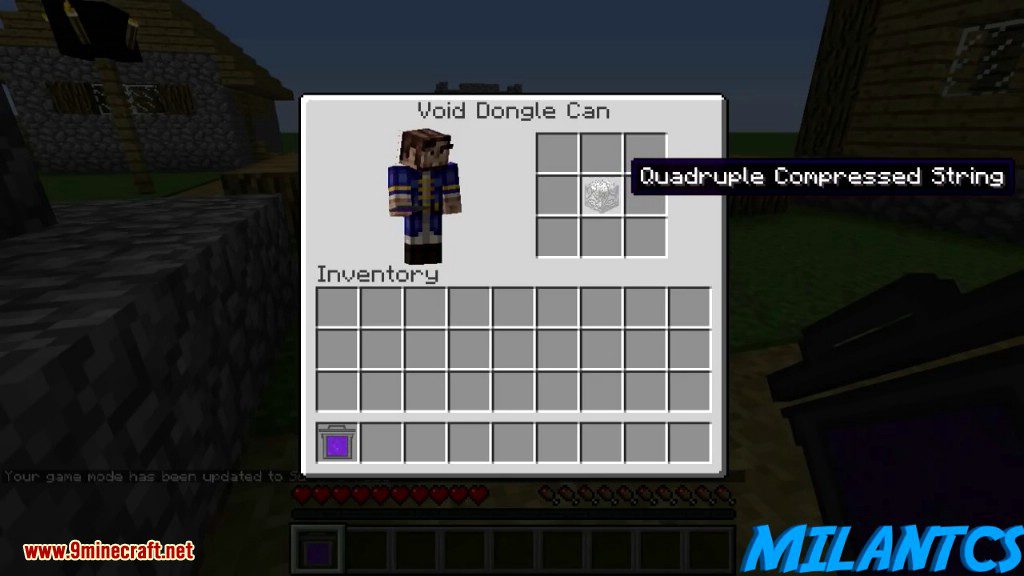
- Use the Void Dongle Can to delete unwanted items from its 9-slot inventory.
- Clear a large 51x25x51 area of dirt instantly with the Dirt Dongle.
- Set a custom list of items that every player starts with in a new world.
- Play fun sounds in-game with the MLG Horn and Sad Trombone items.
How to Use:
- To harvest a crop, simply right-click it with an empty hand. It will drop its items and replant itself.
- Use a Crop Dongle to harvest crops for a chance at extra loot. Better materials like iron or diamond give a higher chance.
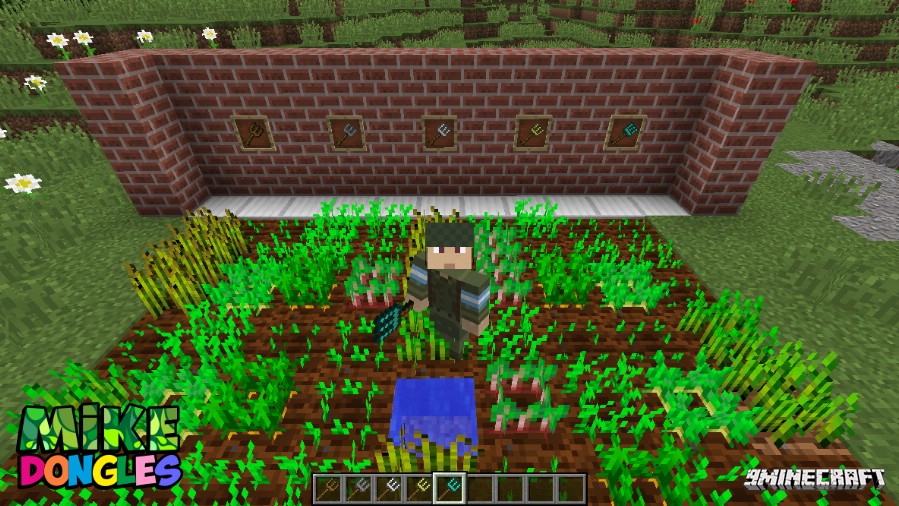
- To plant seeds in a 3×3 grid, hold a Crop Dongle with the seeds in the inventory slot to its right. Sneak and right-click on farmland.
- The Crop Dongles also work as shovels. You can use them to break dirt or sneak and right-click on grass to create a path.
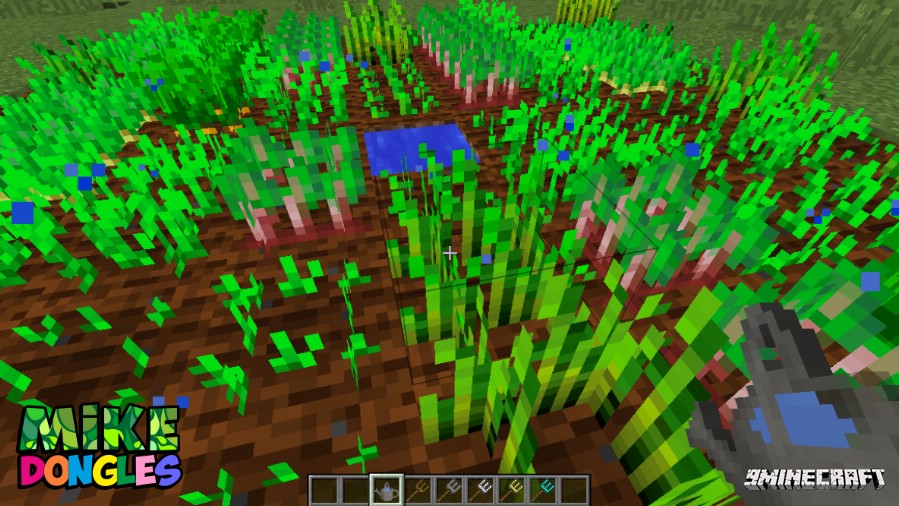
- Use the Watering Dongle on your plants to make them grow faster.
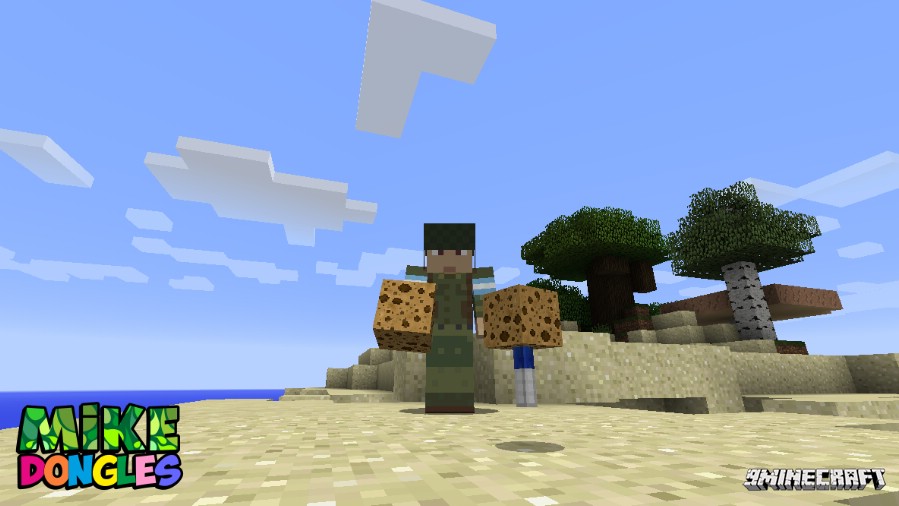
- Place a Sponge Dongle on the ground to soak up nearby water.
Crafting Recipes:
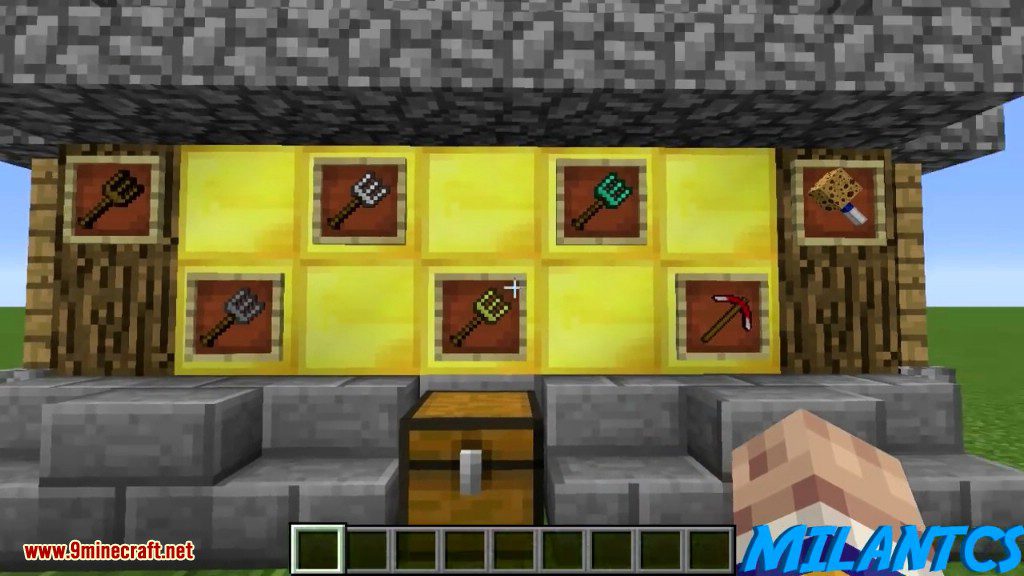
Crop Dongles Recipes
Screenshots:
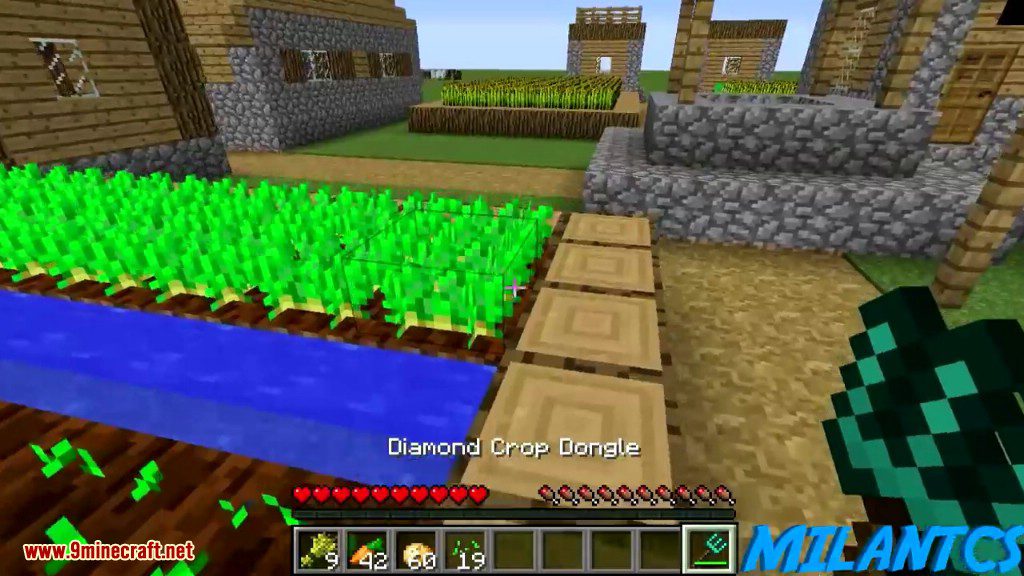
A look at the Crop Dongles
Watering Dongle
Sponge Dongle
Crop Dongles Features
Wet Spongle
How to Install:
New to Minecraft? Follow our step-by-step guide to install Mods on your PC.View Guide
Mike Dongles Mod Download Links
For Minecraft 1.10.2, 1.9.4
For Minecraft 1.11
For Minecraft 1.11.2
For Minecraft 1.12.2
Click to rate this post!
[Total: 0 Average: 0]
You May Also Like














This post has no comments yet. Be the first — your comment will appear here.