


Mob Plaques Mod (26.2, 1.20.1) – Neat, Tiny Attribute Displays for Mobs

 0
0 

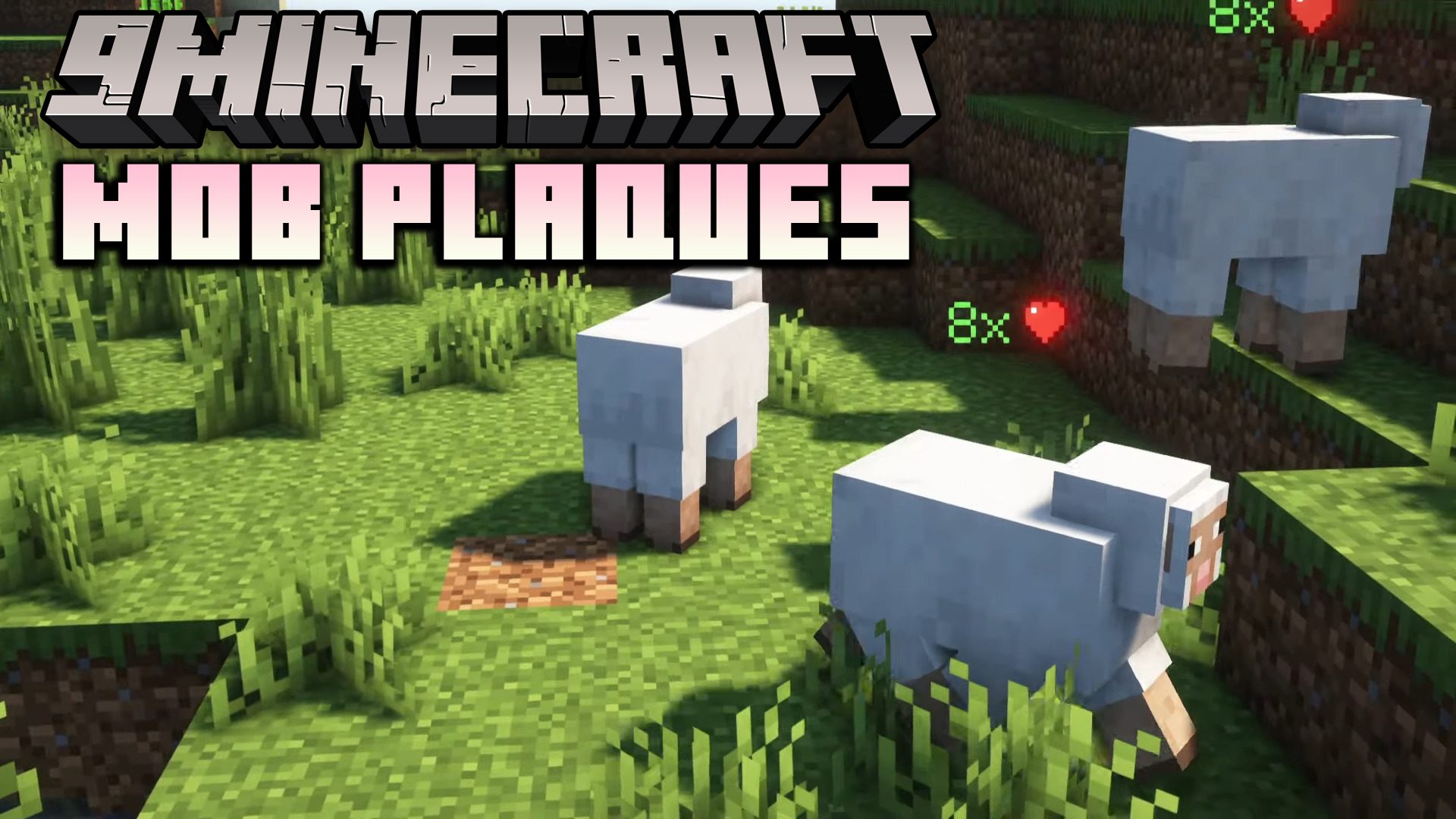
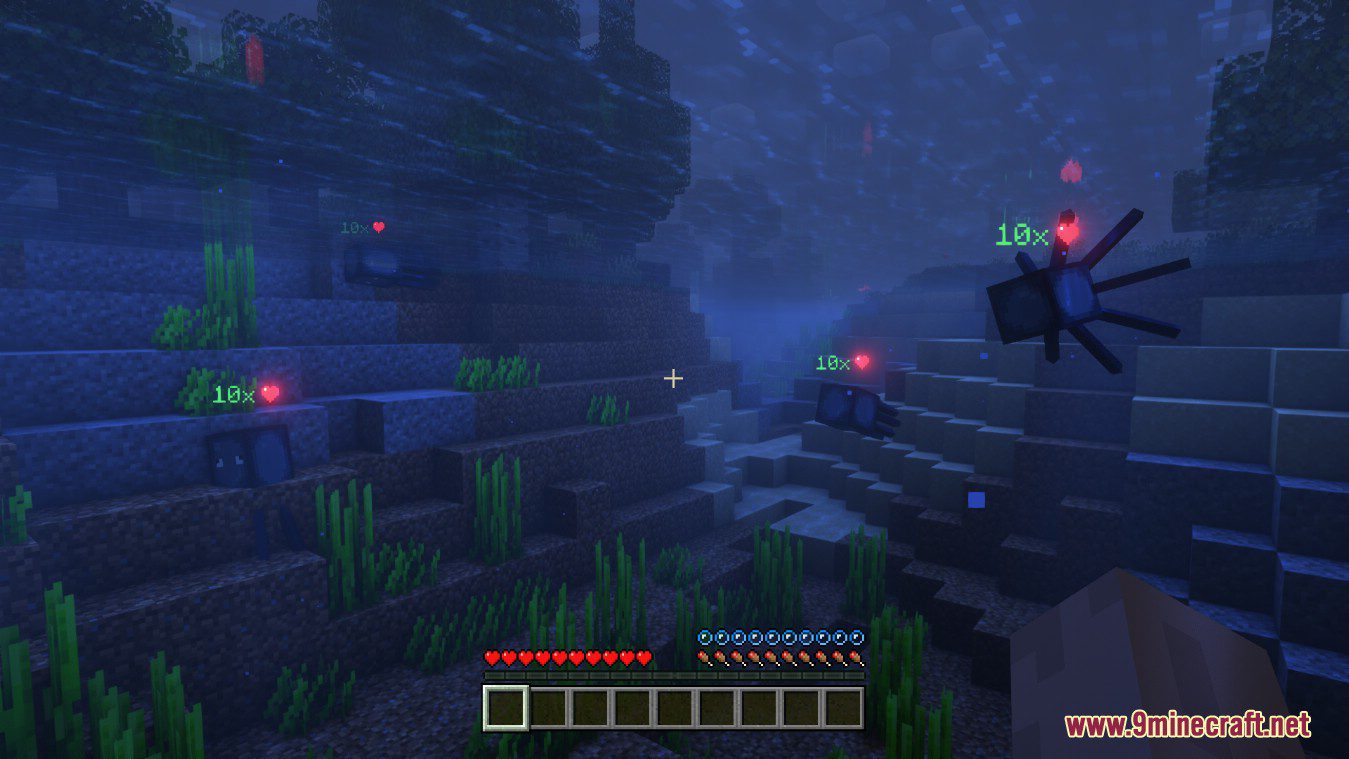
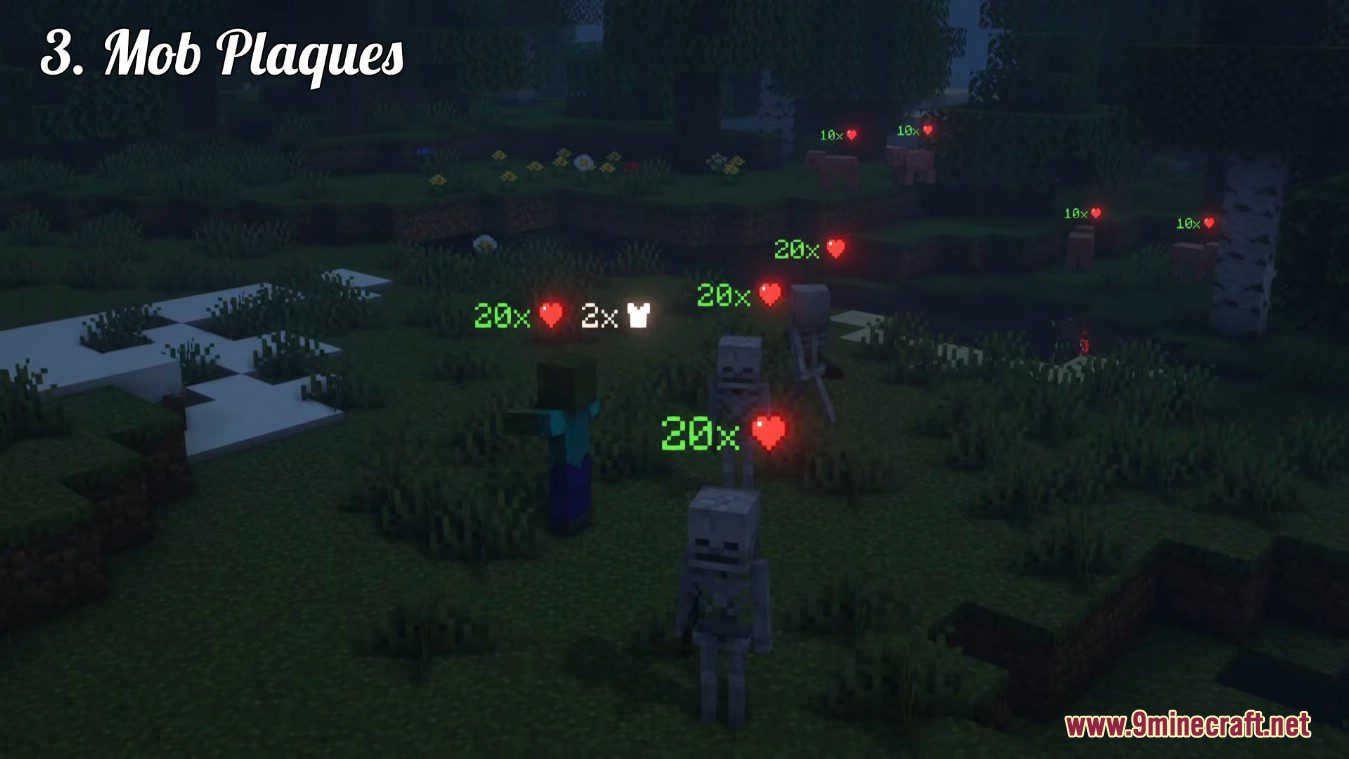
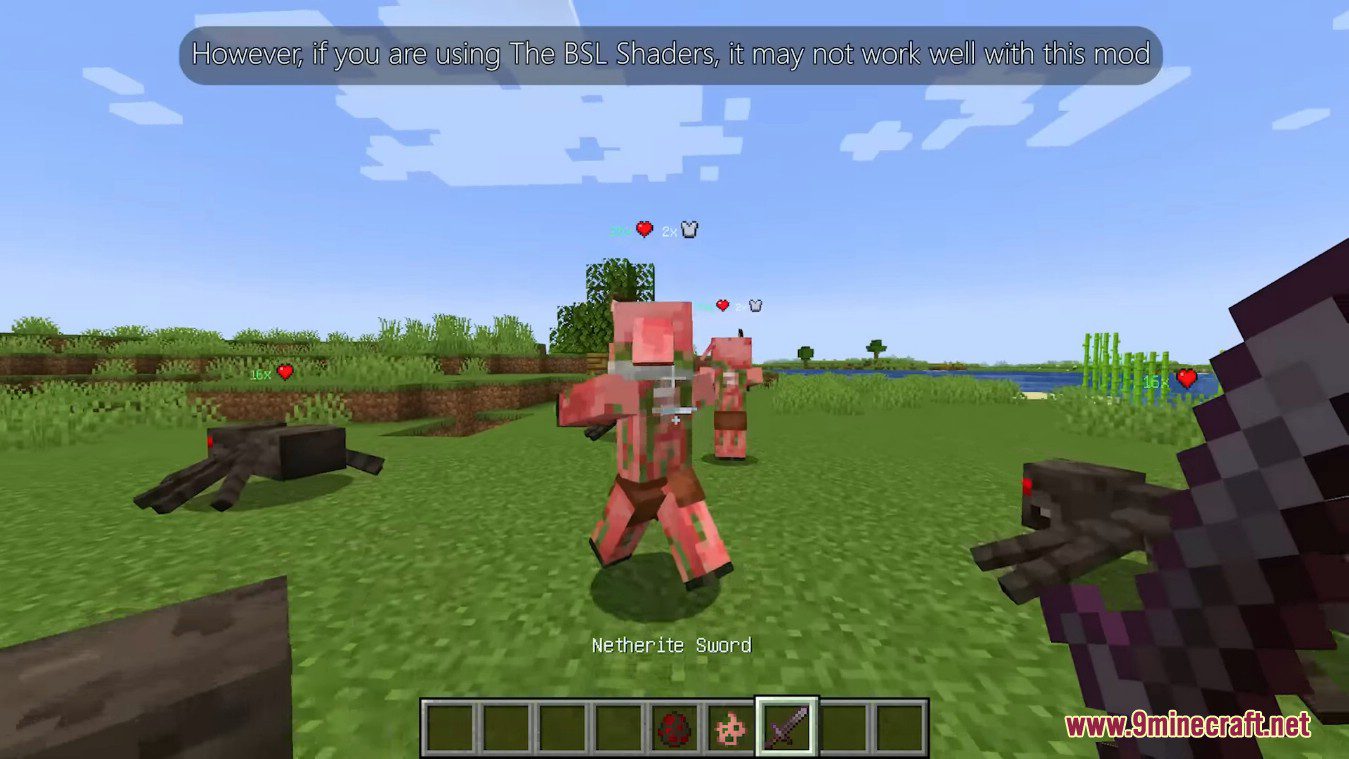
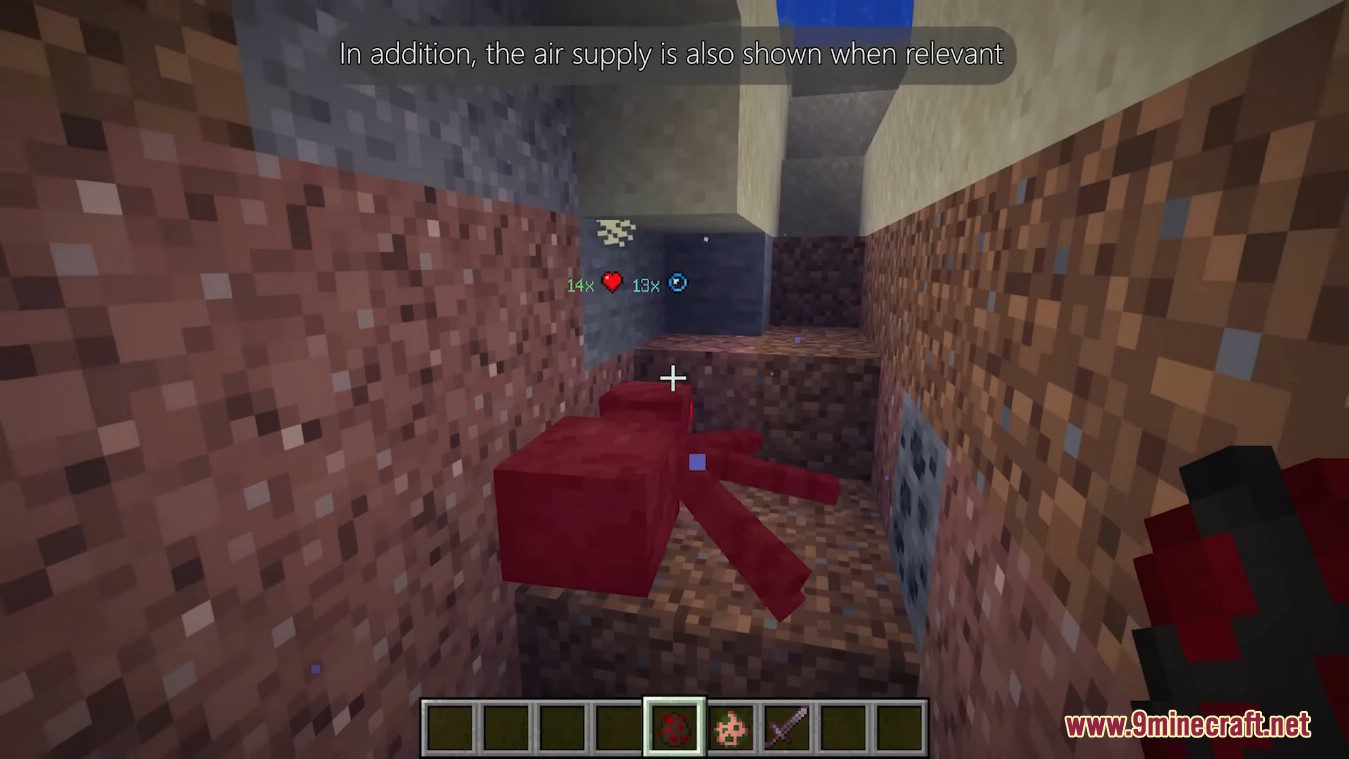
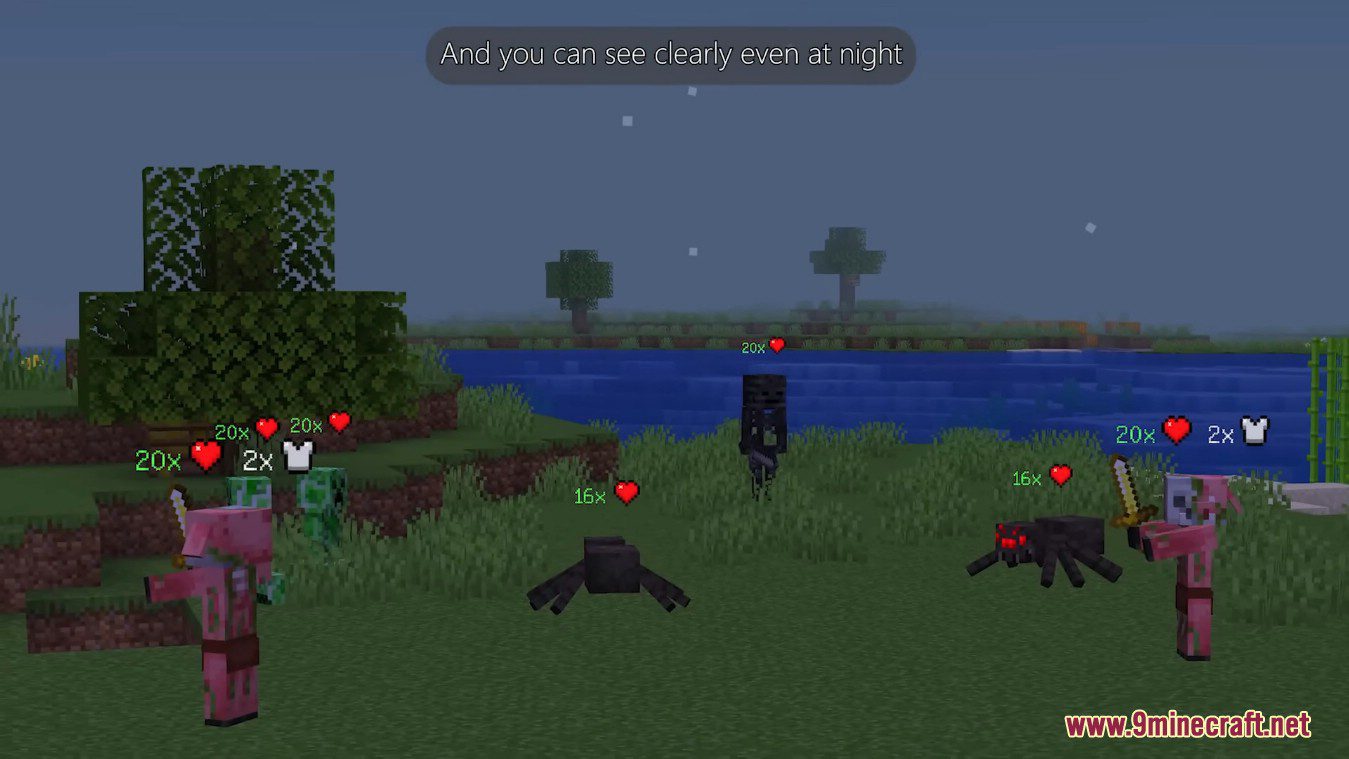
Mob Plaques Mod adds very tiny displays above a mob’s name tag to show it’s current health. Armor points, armor toughness points and air supply are also shown when relevant. However, if you are using The BSL Shaders, it may not work well with this mod. In addition, the air supply is also shown when relevant. The mod has a bunch of config options to customize the plaques as you wish.
Screenshots:
See the health of all mobs around you
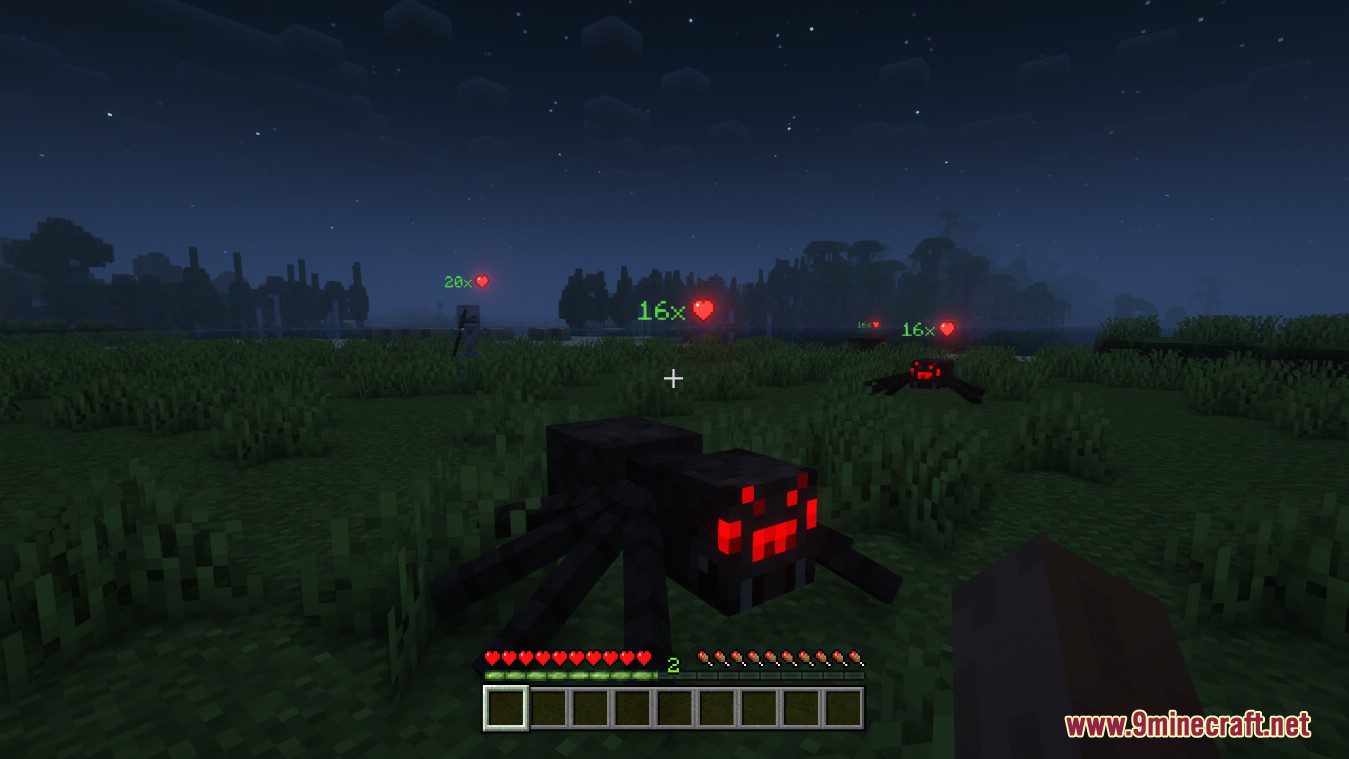
Also shows other stats such as armor points
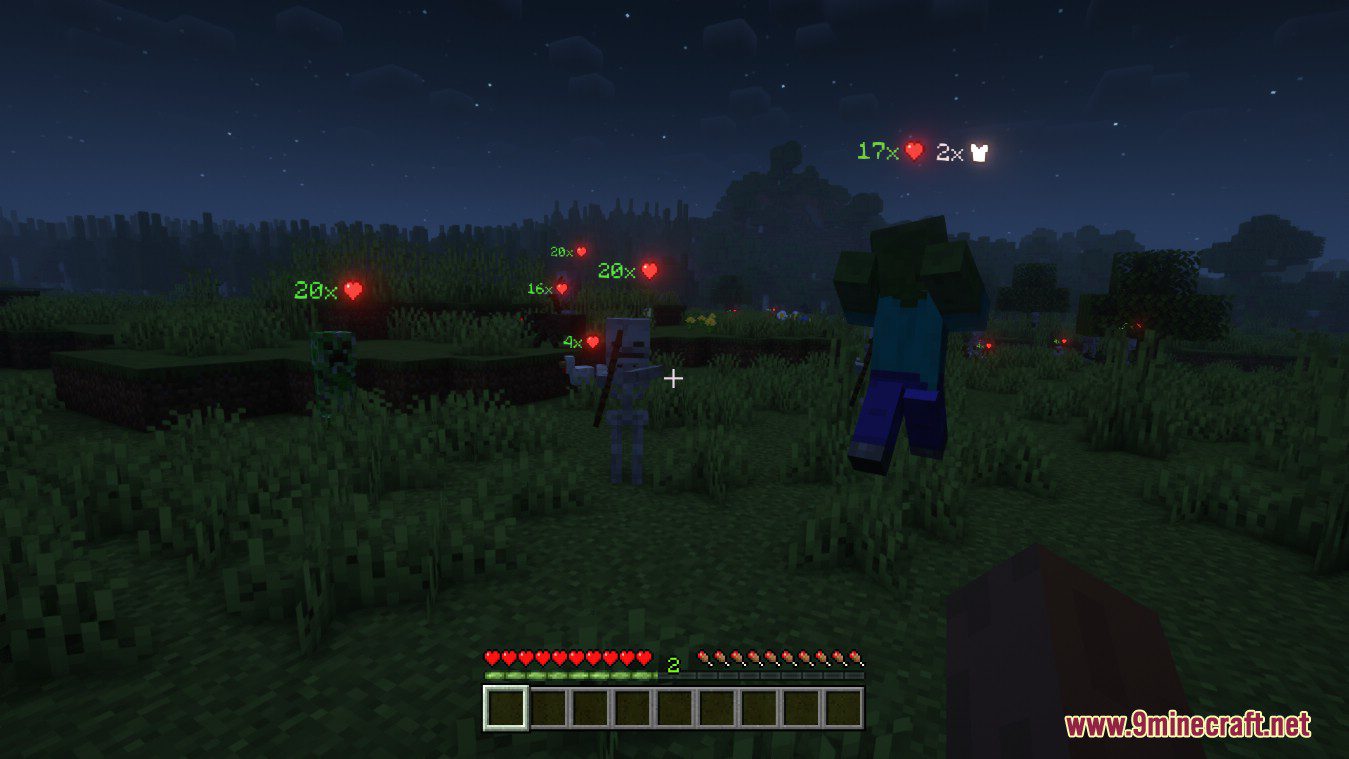
Text color adapts; positions nicely above or below name tag
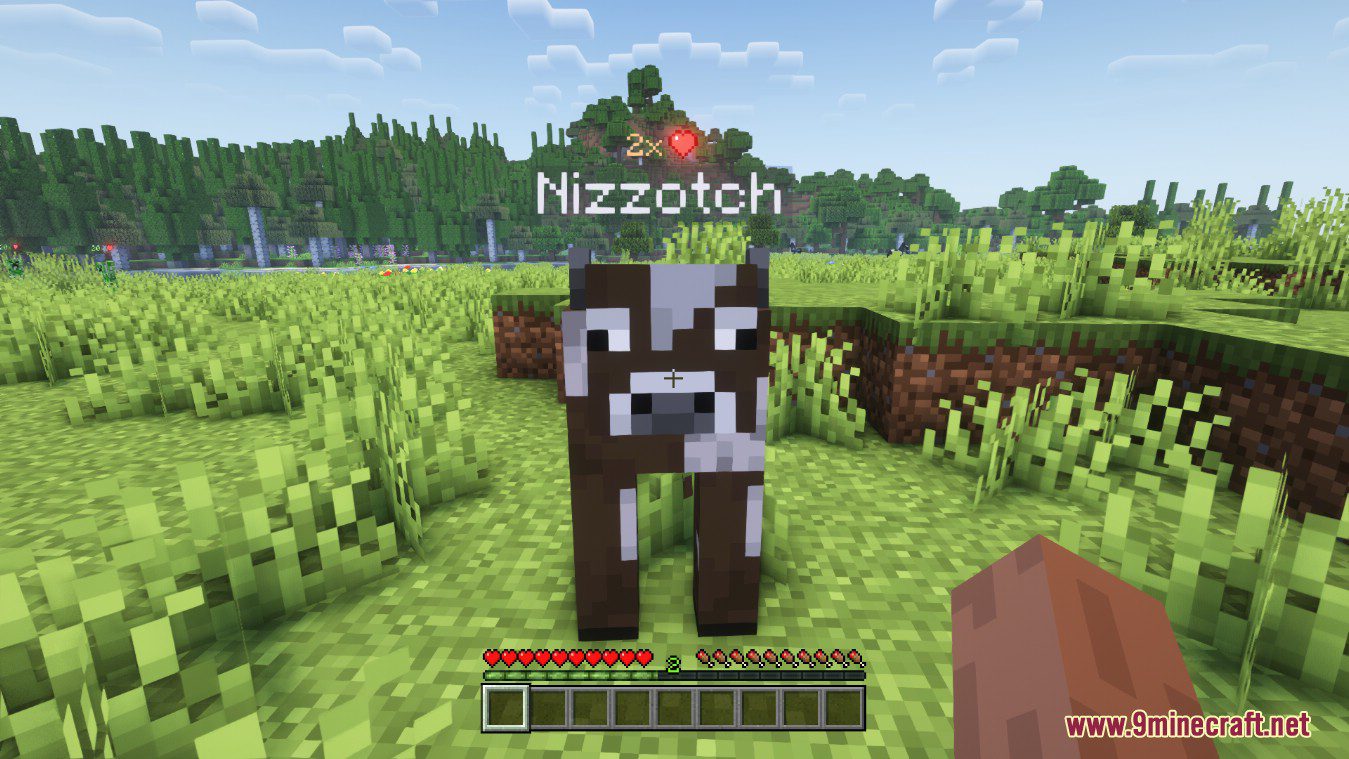
Bigger plaques for mobs further away
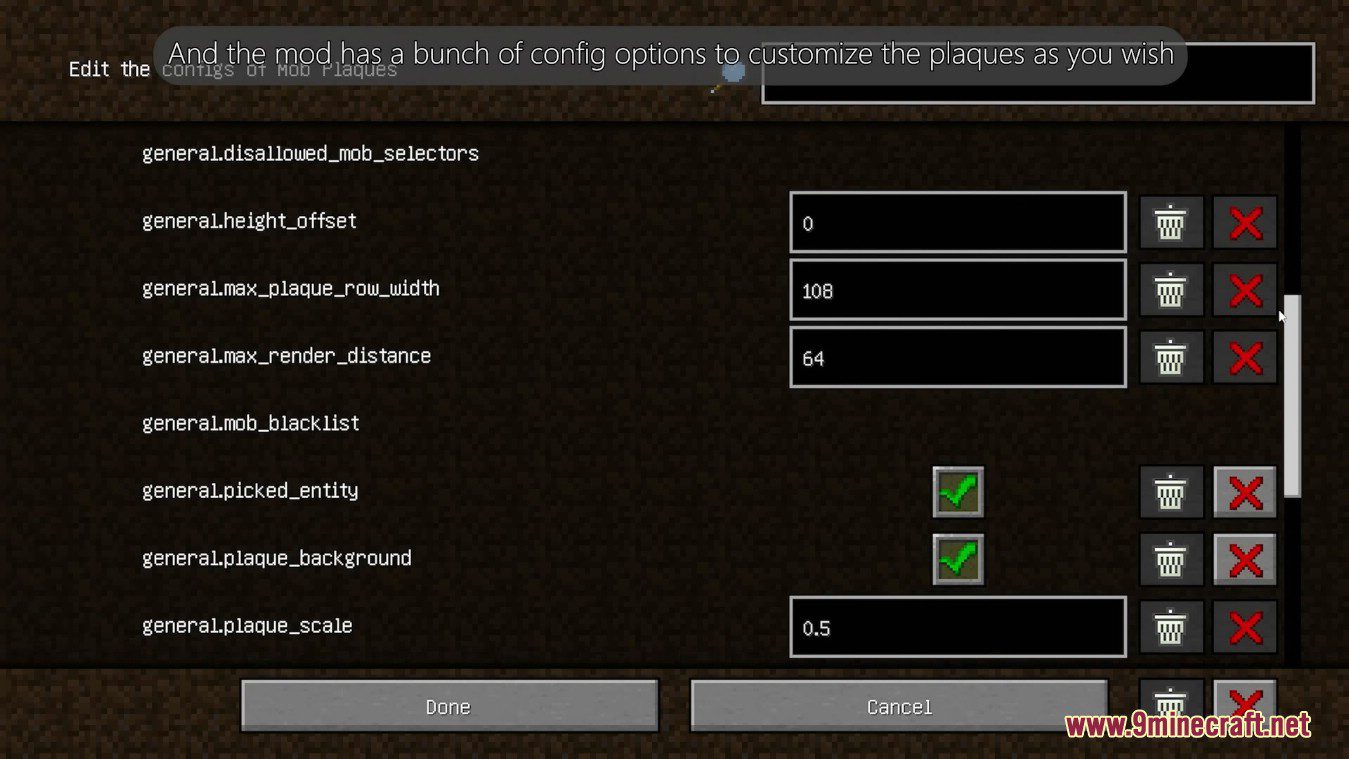
Configs:
Client and Common configs are found in /.minecraft/config/, named as <modId>-client.toml and <modId>-common.toml, respectively.
Server configs though are applied per world, therefore you’ll find those in /.minecraft/saves/<world>/serverconfig/<modId>-server.toml for local singeplayer worlds, and in /<world>/serverconfig/<modId>-server.toml for you Minecraft server. Changes made to a server config only apply to that one world. Setting default values in server configs for all newly created worlds is possible by copying the modified server config to /.minecraft/defaultconfigs/.
In a local singleplayer world you can quickly find config files by running the /config showfile <modid> command and by choosing CLIENT, COMMON or SERVER. Then click the file name (ending with .toml) that appears in chat to open the file in a text editor. After saving the file, the config will automatically reload in-game after a couple of seconds, so no game restart required.
On some mod loaders editing configs is also supported in-game via the Mods menu option. On some Minecraft versions you can also install my Config Menus for Forge mod for editing configs directly in-game.
How to Install:
New to Minecraft? Follow our step-by-step guide to install Mods on your PC.View Guide
Requirements:





Mob Plaques Mod Download Links
For Minecraft 26.2
For Minecraft 26.1.2, 26.1.1, 26.1
For Minecraft 1.21.11
For Minecraft 1.21.10, 1.21.9
For Minecraft 1.21.8, 1.21.7, 1.21.6
For Minecraft 1.21.5
For Minecraft 1.21.4
For Minecraft 1.21.3, 1.21.2
For Minecraft 1.21.1, 1.21
For Minecraft 1.20.4
For Minecraft 1.20.1, 1.20
For Minecraft 1.19.4
For Minecraft 1.19.3
For Minecraft 1.19.2
You May Also Like





This post has no comments yet. Be the first — your comment will appear here.